
Chip-Tools
Mercedes cables for the AVDI: CB003, CB004, CB005/CB026 and CB006 with full pinout
Strumenti
Interface Classic
Hardware / Connections
Medium
⏱ 15-30 min
7 steps
A round-up of the Abrites cables for Mercedes-Benz that let you hook the AVDI up outside the standard OBDII socket: 38-pin socket, 14-pin Sprinter socket, ESL/ELV steering lock and instrument cluster on the bench. You need them when the module has to be reached directly, without going through on-board diagnostics.

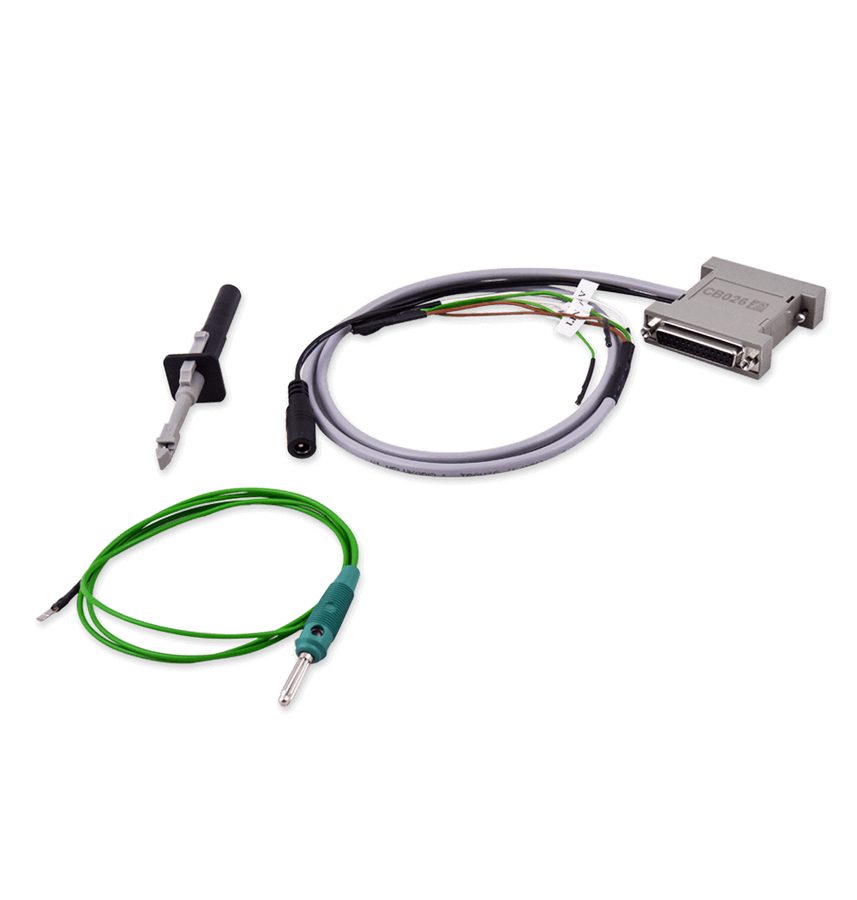
⚠ WarningThe CB005 is no longer sold: it has been replaced by the CB026 (FBS4/FBS3 ELV connection cable). Always check you have the right cable before powering the module up, because swapping +12V and GND on the DB25 pins can destroy the ESL or the cluster.
Procedure
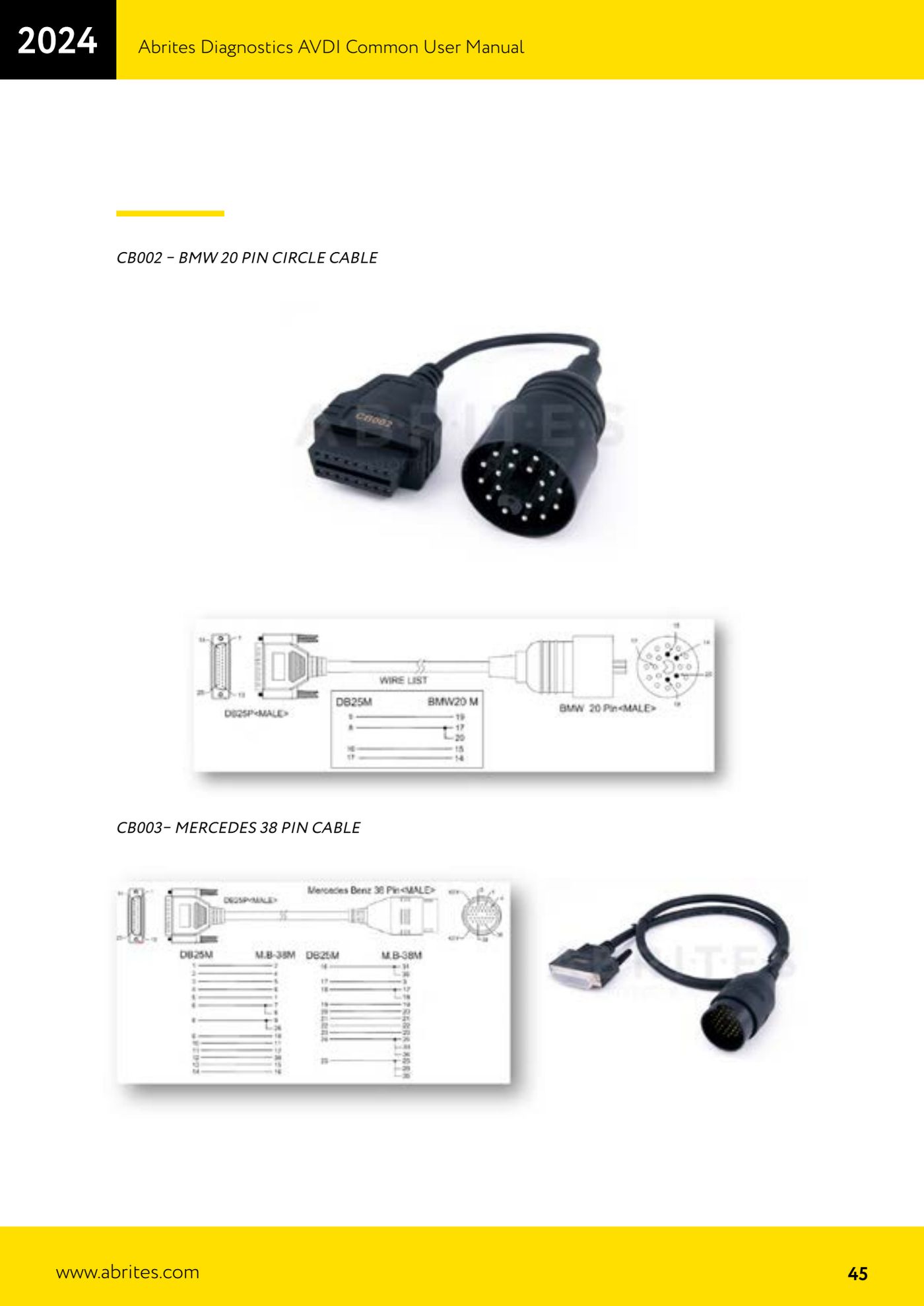
- Identify the vehicle diagnostic socket: if it is the round 38-pin type (older models), use the CB003 - MERCEDES 38 PIN CABLE between AVDI and vehicle.
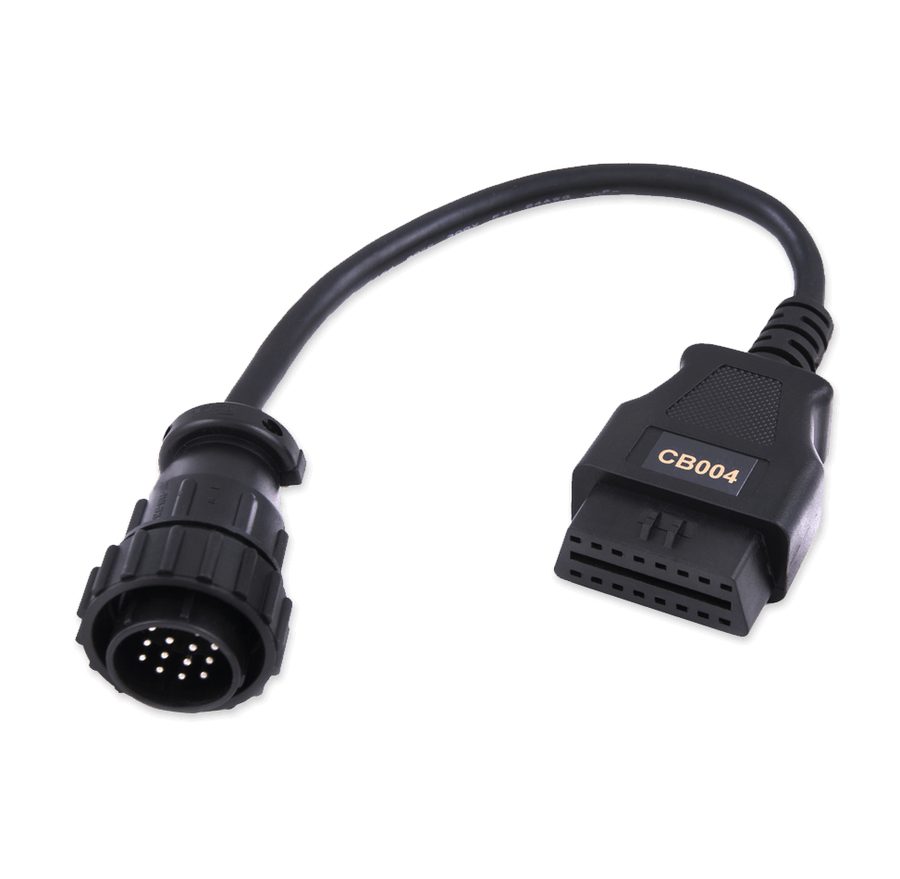
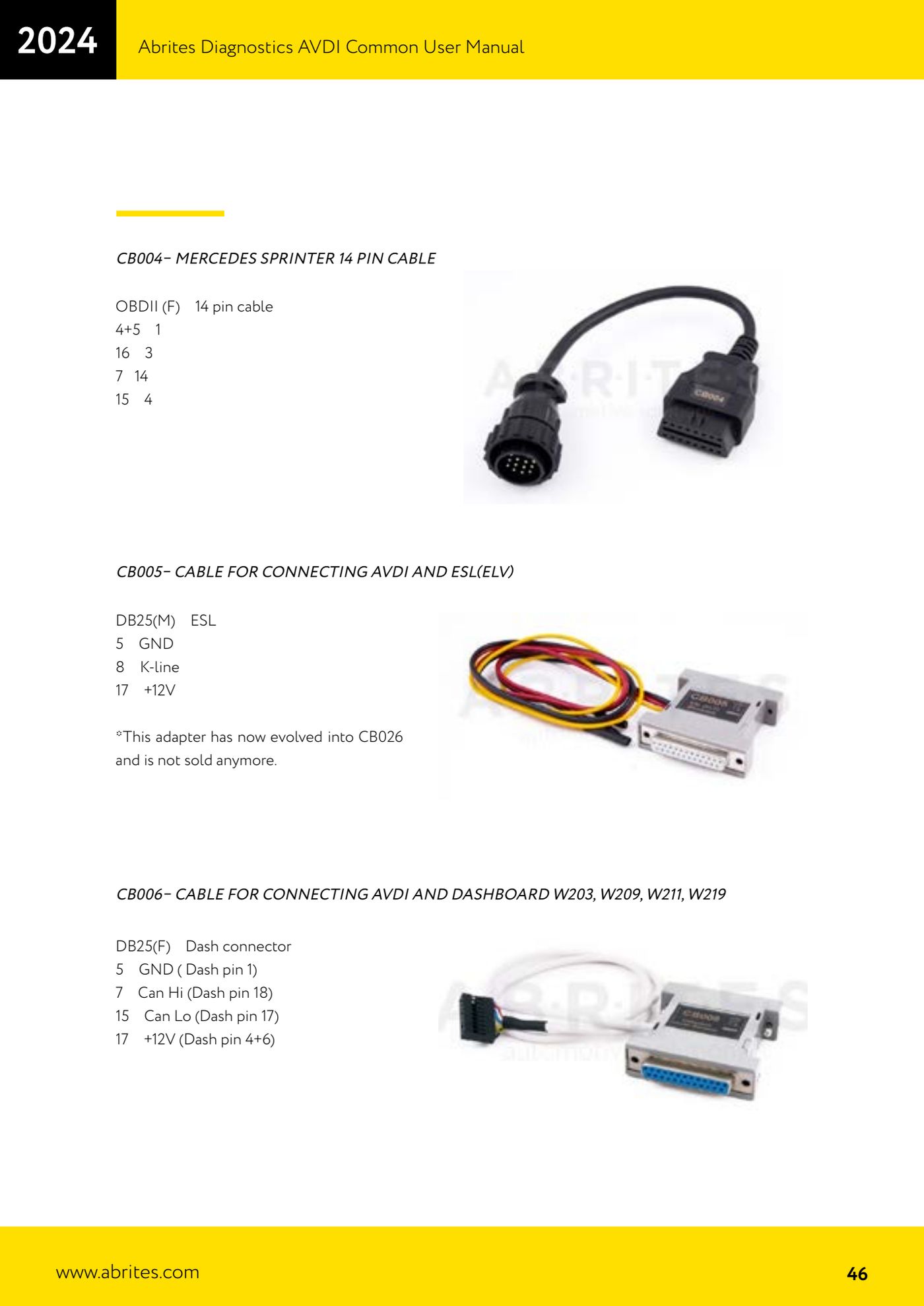
- On Mercedes Sprinter with the 14-pin socket use the CB004: the cable takes OBDII (F) to the 14-pin connector as follows: pins 4+5 -> 1, pin 16 -> 3, pin 7 -> 14, pin 15 -> 4.
- To work directly on the ESL/ELV steering lock on the bench use the CB005 (now CB026): on the DB25 (M) side the wiring is pin 5 -> GND, pin 8 -> K-line, pin 17 -> +12V.
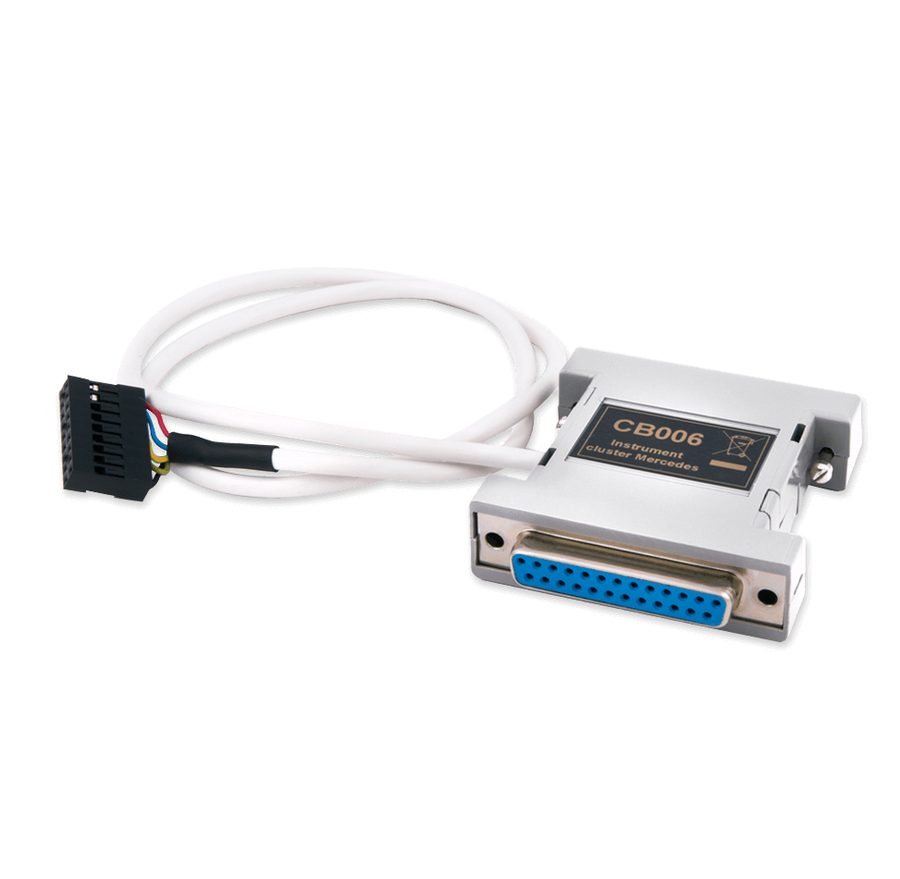
- To connect the AVDI directly to the instrument cluster of the W203, W209, W211 and W219 use the CB006: on the DB25 (F) side the wiring is pin 5 -> GND (cluster pin 1), pin 7 -> CAN Hi (cluster pin 18), pin 15 -> CAN Lo (cluster pin 17), pin 17 -> +12V (cluster pins 4+6).
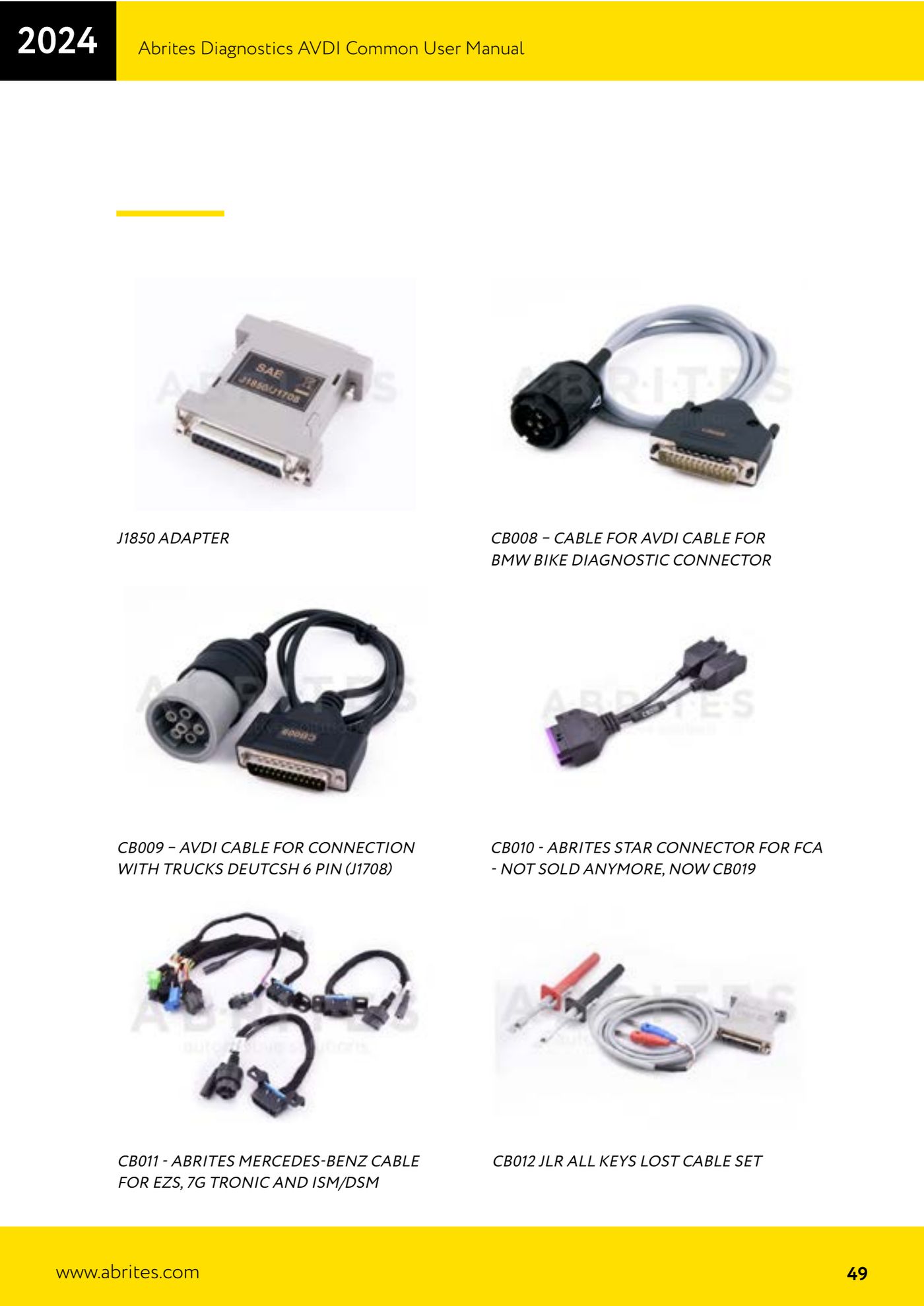
- For EZS, 7G Tronic gearboxes and ISM/DSM modules on the bench use the CB011 - Abrites Mercedes-Benz cable, which already carries the connections dedicated to those modules.
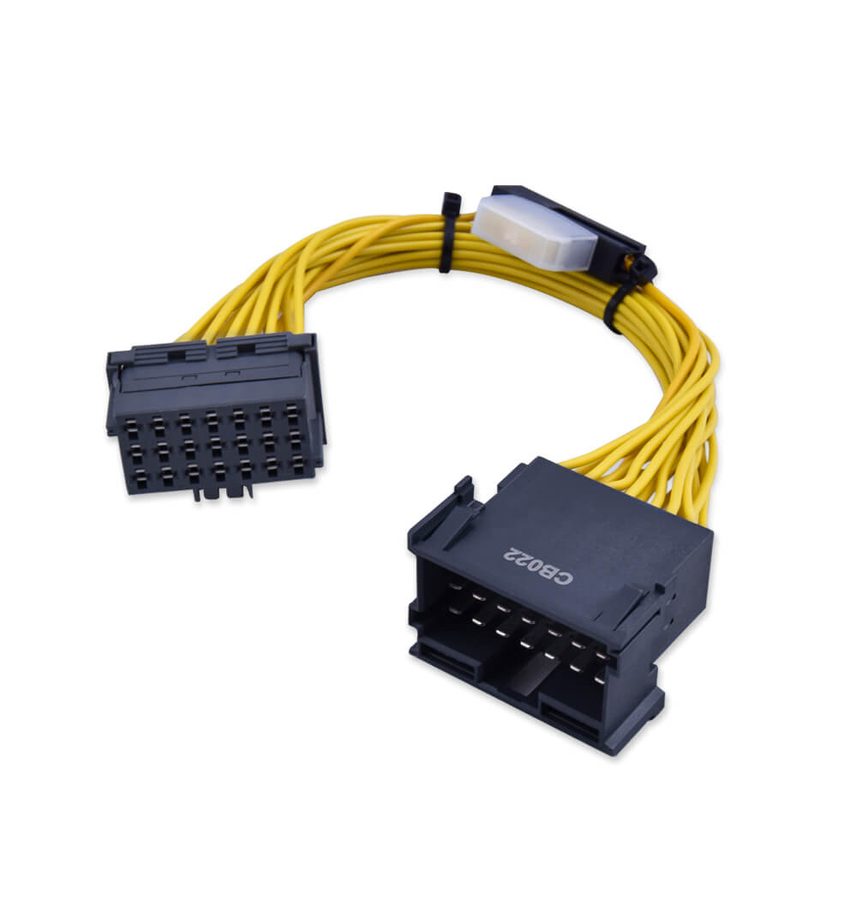
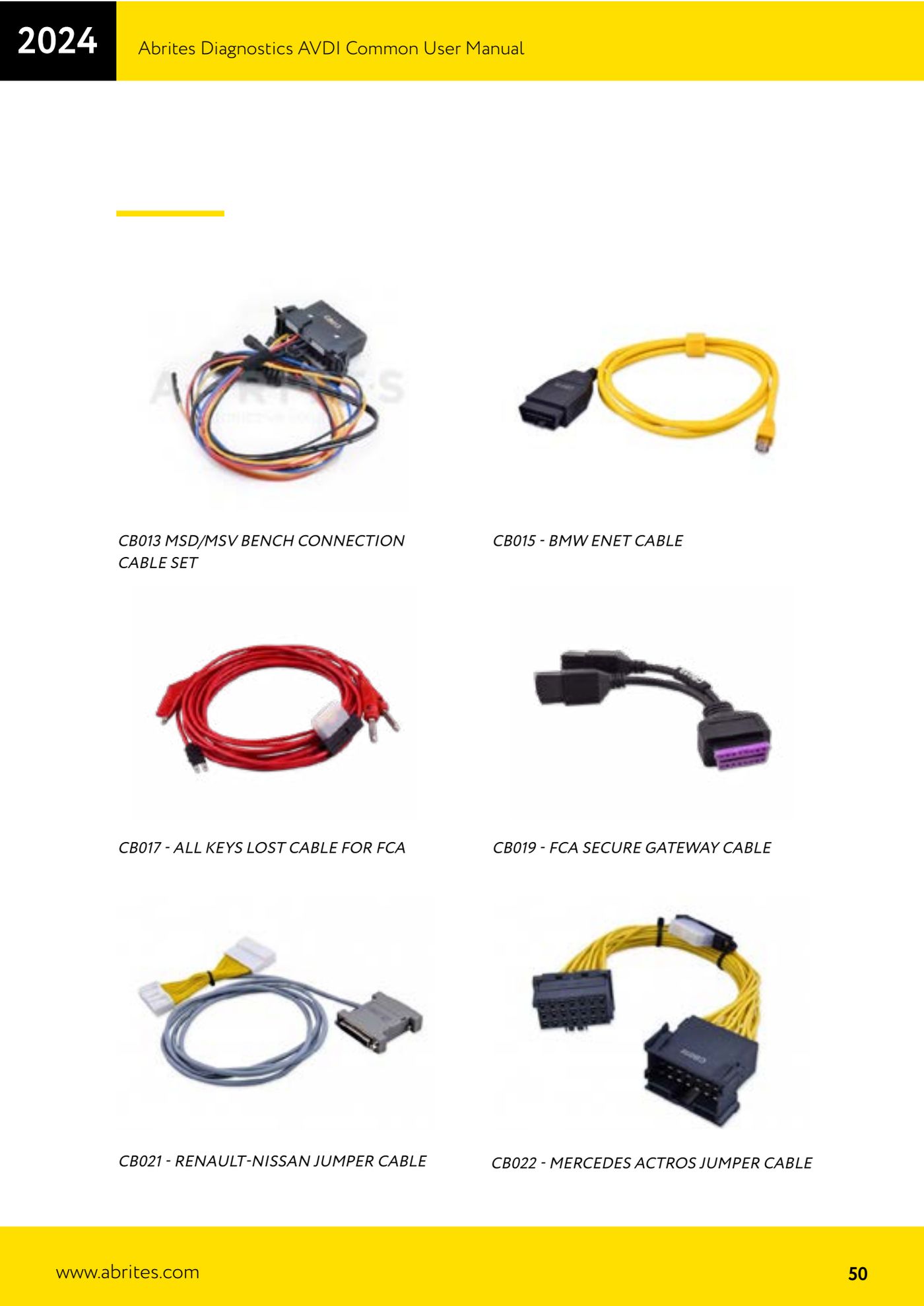
- On Mercedes Actros, when you need to bypass the communication line, use the CB022 - Mercedes Actros jumper cable.
- Only power the module up after checking with a multimeter that the DB25 +12V pin matches the module supply pin, then start the Abrites software and open the function you need.
Reference screenshots
Source: Manuale AVDI - manuale comune, parte 2 di 2, sezione cavi CB003-CB006, CB011, CB022 (p.45-50) · ⏱ estimated time 15-30 min
← All Abrites guides Hardware catalogue
More guides Strumenti
- ABPROG ZN030: what's in the set, hooking it up to the AVDI and starting the Classic software
- Reading and writing SPI, I2C and Microwire EEPROMs with ABPROG and the ZN031/ZN035 adapter
- Erasing and reprogramming M35080VP / M35080V6 incremental EEPROMs with ABPROG
- Wiring an SPI EEPROM straight to the ABPROG DB25 without the ZN031 adapter
- Mercedes-Benz IR keys: reading the SSID, erasing and programming the NEC with ZN032 / ZN033
- Renewing used keys (HITAG/PCF) with the ZN046 adapter and ABPROG
- Solder points on key PCBs for the ZN046 and list of keys supported for renewal
- Reading the EWS3 dump on BMW E46/E39/E53 and others with the ZN055 adapter
- Reading the EEPROM on BMW F-Series FEM/BDC without desoldering, using the ZN057 extension
- Reading and writing NEC V850ES MCUs with the ZN078 adapter and ABPROG
- ABPROG DB25 pinout: building your own ZN046, ZN058, ZN078 and ZN086 adapters
- Reading the immobiliser from a Renault X95 BCM (and Audi BCM) with ABPROG and direct wiring