
Chip-Tools
Erasing and reprogramming M35080VP / M35080V6 incremental EEPROMs with ABPROG
Strumenti
Interface Classic
Flashing / Programming
Medium
⏱ 10-20 min
8 steps
M35080-family memories carry an incremental counter that can't be rewritten like a normal EEPROM: they have to be erased with the dedicated function first and reprogrammed afterwards. ABPROG handles the job with the "Erase Incr." and "Prog Incr." commands.


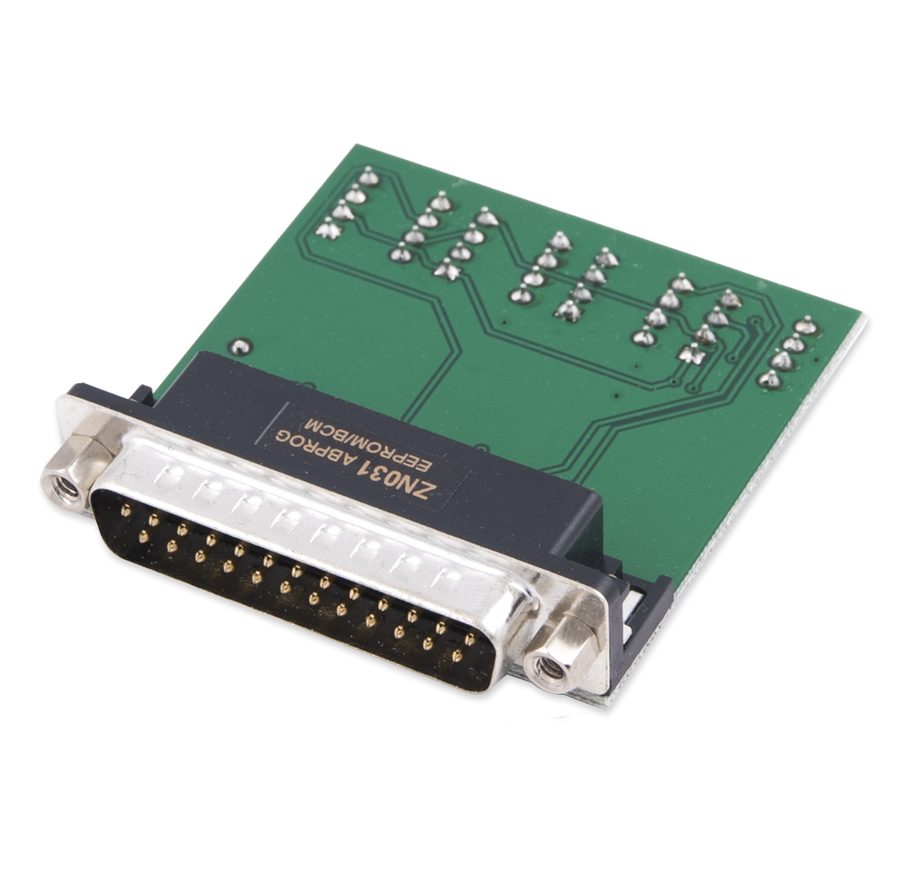
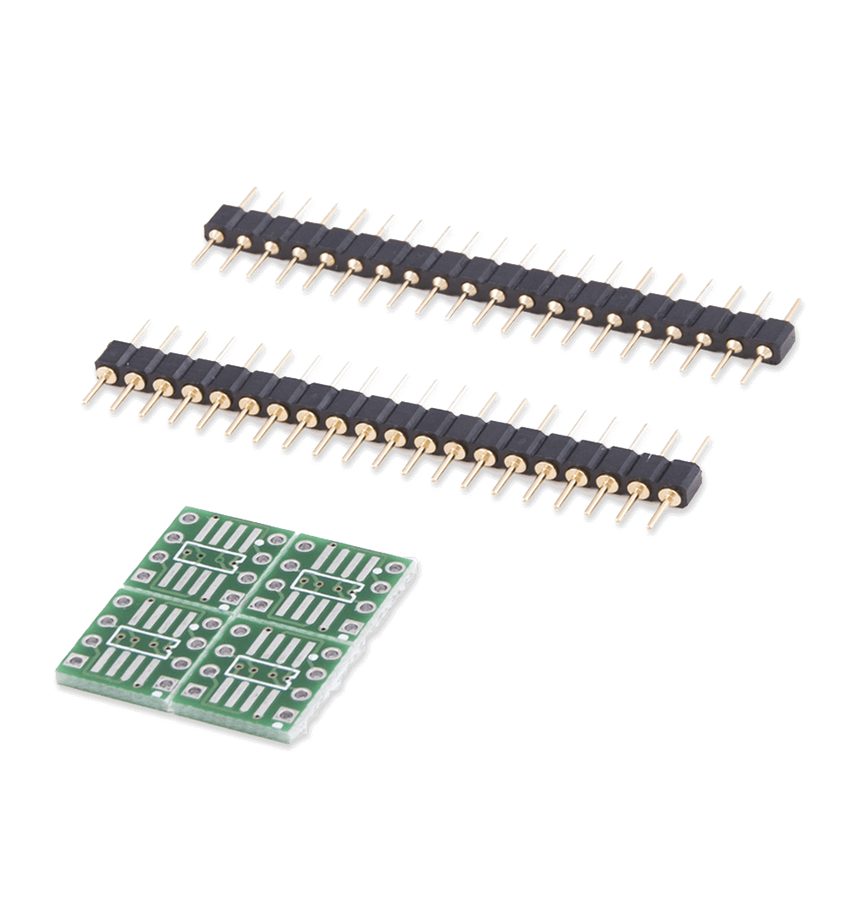
⚠ WarningErasing an M35080VP/M35080V6 can take up to 90 seconds: do not unplug the adapter, close the software or cut power during the operation, or the memory will be left in an undefined state.
Procedure
- Connect the ZN031 (or the ZN035 socket if the memory is desoldered) to the ZN045 and the ZN045 to the AVDI.
- Start "ABProg" > "Classic" and select "EEPROM", then the M35080VP / M35080V6 memory type.
- Do a full read first and save the original dump to the PC: that's your backup.
- Press the "Erase Incr." button to start erasing the incremental memory.
- Wait for it to finish without interrupting: on M35080VP/M35080V6 the erase can take up to 90 seconds.
- Once the erase is complete press "Load" and load the file you want to write.
- Press "Prog Incr." to program the new data into the incremental memory.
- Read the memory back and compare the content with the file you loaded before refitting the module.
Reference screenshots
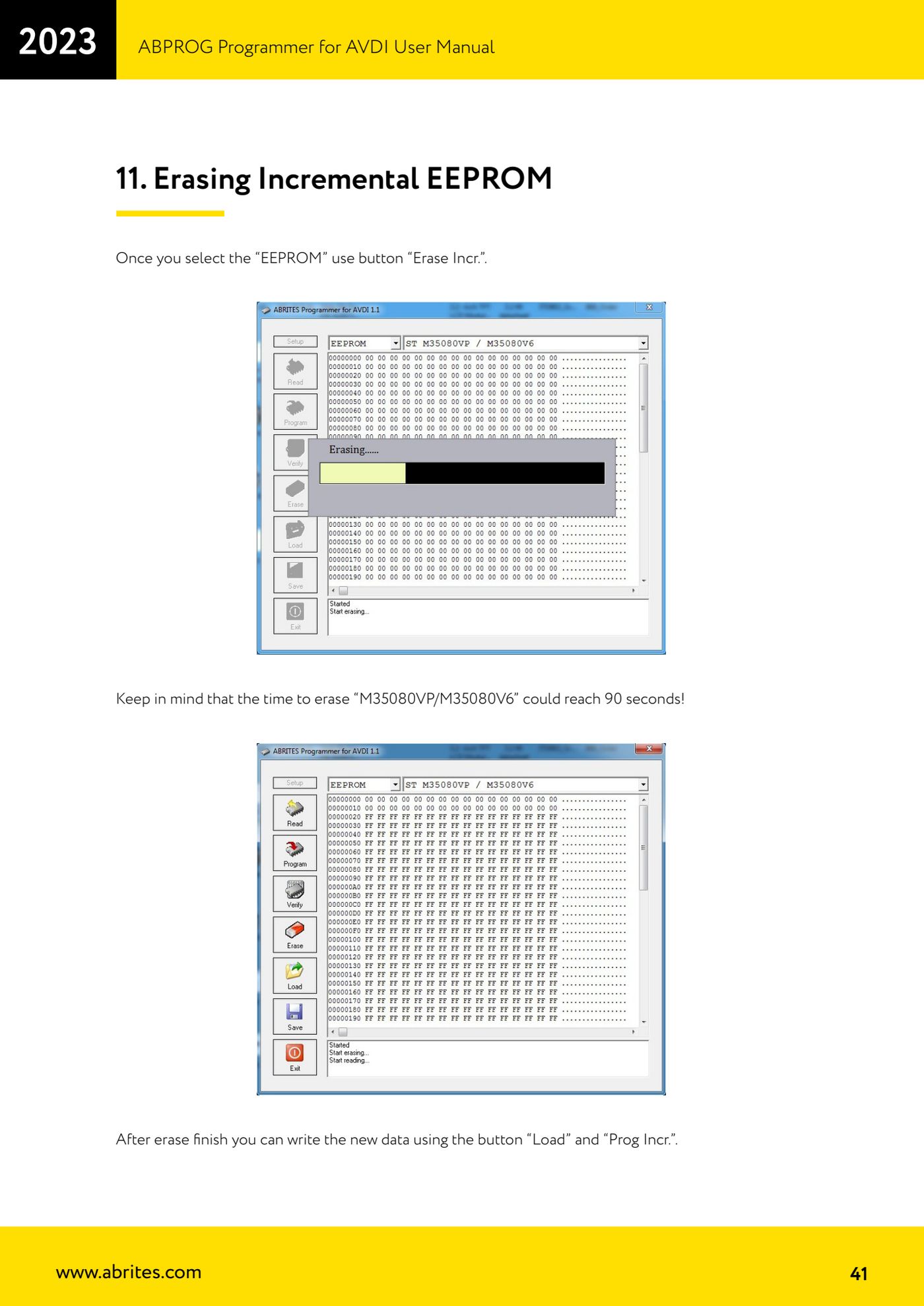
Source: Manuale ABPROG (programmatore), cap. 11 "Erasing Incremental EEPROM" (p.41) · ⏱ estimated time 10-20 min
← All Abrites guides Hardware catalogue
More guides Strumenti
- ABPROG ZN030: what's in the set, hooking it up to the AVDI and starting the Classic software
- Reading and writing SPI, I2C and Microwire EEPROMs with ABPROG and the ZN031/ZN035 adapter
- Wiring an SPI EEPROM straight to the ABPROG DB25 without the ZN031 adapter
- Mercedes-Benz IR keys: reading the SSID, erasing and programming the NEC with ZN032 / ZN033
- Renewing used keys (HITAG/PCF) with the ZN046 adapter and ABPROG
- Solder points on key PCBs for the ZN046 and list of keys supported for renewal
- Reading the EWS3 dump on BMW E46/E39/E53 and others with the ZN055 adapter
- Reading the EEPROM on BMW F-Series FEM/BDC without desoldering, using the ZN057 extension
- Reading and writing NEC V850ES MCUs with the ZN078 adapter and ABPROG
- ABPROG DB25 pinout: building your own ZN046, ZN058, ZN078 and ZN086 adapters
- Reading the immobiliser from a Renault X95 BCM (and Audi BCM) with ABPROG and direct wiring
- Mercedes: reading hashes from the EZS over infrared and reading the password from version 57 NECs