
Chip-Tools
Reading and writing NEC V850ES MCUs with the ZN078 adapter and ABPROG
Strumenti
Interface Classic
Flashing / Programming
Advanced
⏱ 30-60 min
9 steps
The ZN078 is the updated version of the old ZN034 flat cable and is used for jobs needing separate RX/TX lines: reading, erasing and writing unlocked V850ES MCUs and direct connection to other modules' PCBs. It's included in the base ZN030 package.


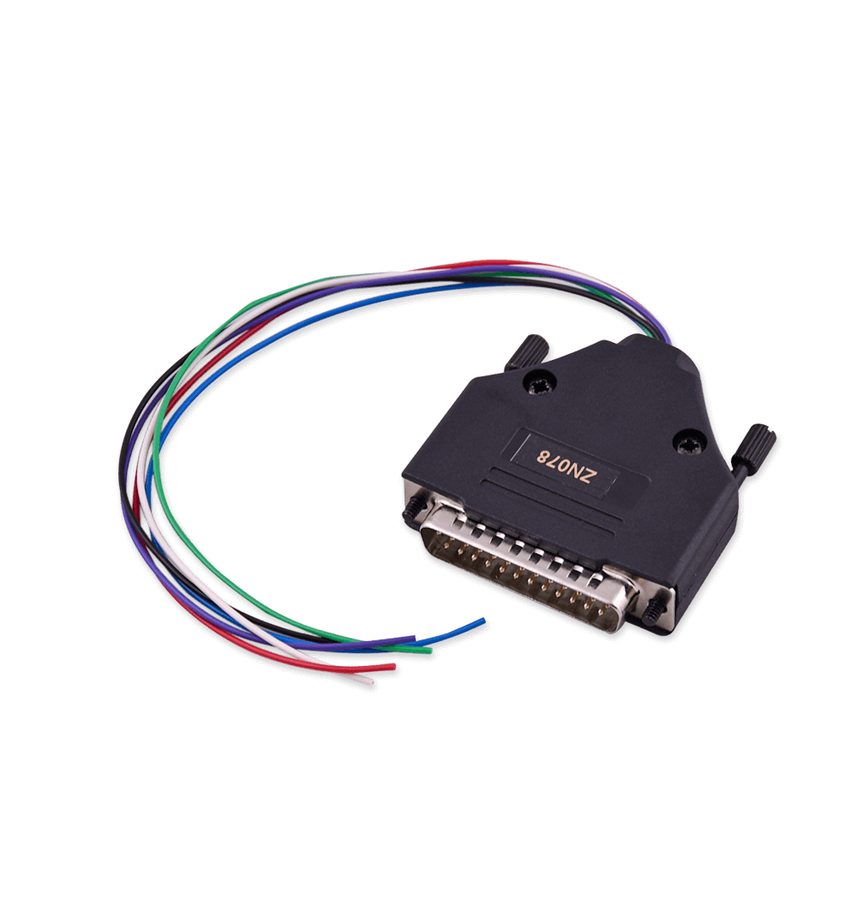
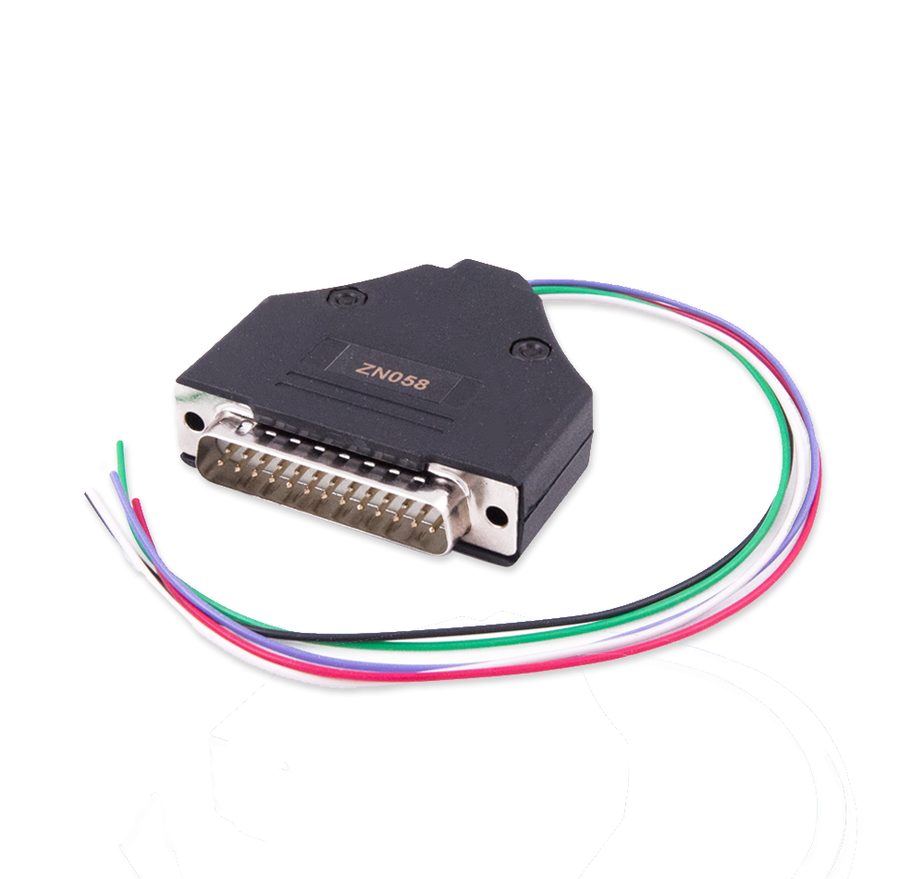
⚠ WarningThe red wire carries +5V: before connecting it make sure the point on the board really is the MCU supply, and don't power the module from a second source while the ABPROG is connected.
Procedure
- Locate the V850ES MCU communication points on the board: RX, TX, FLMD0, GND, +5V and Reset.
- Solder the ZN078 wires respecting the colours stated on the DB25 connector: purple wire RX, blue wire TX, white wire FLMD0, black wire GND, red wire +5V, green wire Reset.
- If you're building the harness on a male DB25, use the ZN078 pinout: PIN 5 RX (purple), PIN 6 TX (blue), PIN 13 FLMD0 (white), PIN 14 GND (black), PIN 20 +5V (red), PIN 25 Reset (green).
- Connect the ZN078 to the female DB-25 on the ZN045 and the ZN045 to the DB-15 on the AVDI.
- Start the ABPROG software and select "MCU", then the entry matching the V850ES MCU.
- Run the read and save the dump: it's the mandatory backup before any write.
- If needed run the erase, then load the file to be written and start the programming.
- Read back and compare the content to confirm the write before refitting the module.
- Note: many functions for these adapters live in the Upgraded version of the ABProg software.
Reference screenshots
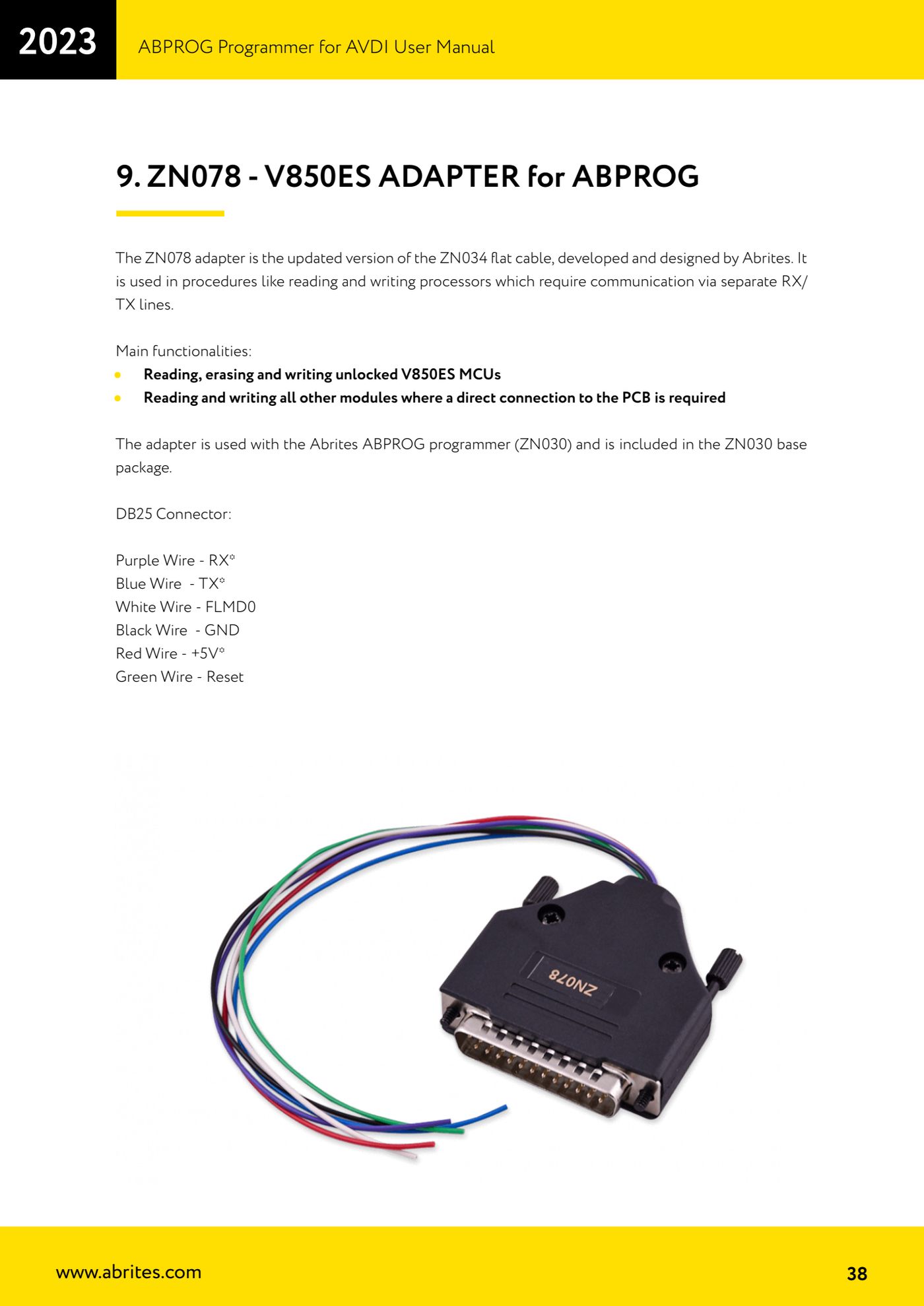
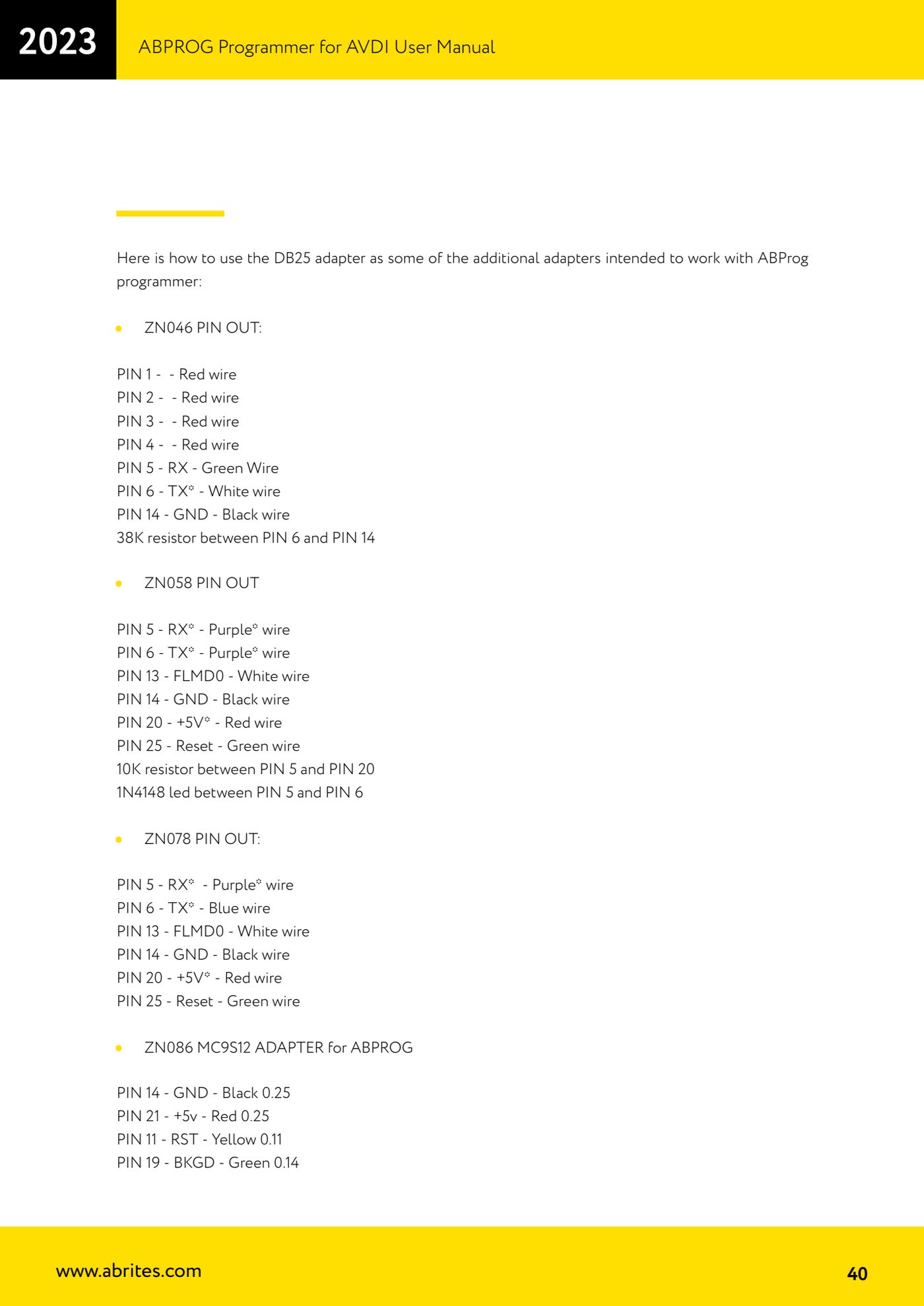
Source: Manuale ABPROG (programmatore), cap. 9 "ZN078 - V850ES ADAPTER" e cap. 10 (p.38, 40) · ⏱ estimated time 30-60 min
← All Abrites guides Hardware catalogue
More guides Strumenti
- ABPROG ZN030: what's in the set, hooking it up to the AVDI and starting the Classic software
- Reading and writing SPI, I2C and Microwire EEPROMs with ABPROG and the ZN031/ZN035 adapter
- Erasing and reprogramming M35080VP / M35080V6 incremental EEPROMs with ABPROG
- Wiring an SPI EEPROM straight to the ABPROG DB25 without the ZN031 adapter
- Mercedes-Benz IR keys: reading the SSID, erasing and programming the NEC with ZN032 / ZN033
- Renewing used keys (HITAG/PCF) with the ZN046 adapter and ABPROG
- Solder points on key PCBs for the ZN046 and list of keys supported for renewal
- Reading the EWS3 dump on BMW E46/E39/E53 and others with the ZN055 adapter
- Reading the EEPROM on BMW F-Series FEM/BDC without desoldering, using the ZN057 extension
- ABPROG DB25 pinout: building your own ZN046, ZN058, ZN078 and ZN086 adapters
- Reading the immobiliser from a Renault X95 BCM (and Audi BCM) with ABPROG and direct wiring
- Mercedes: reading hashes from the EZS over infrared and reading the password from version 57 NECs