
Chip-Tools
"Interface not connected" error: diagnosing an AVDI that is not detected
Strumenti
Interface Classic
Hardware / Connections
Medium
⏱ 20-40 min
7 steps
The message "Connection Error: Interface not connected" means the interface is not being detected. Before you send the AVDI in for repair there are a few checks to run in a set order.
Required licences
- —
Hardware / cables

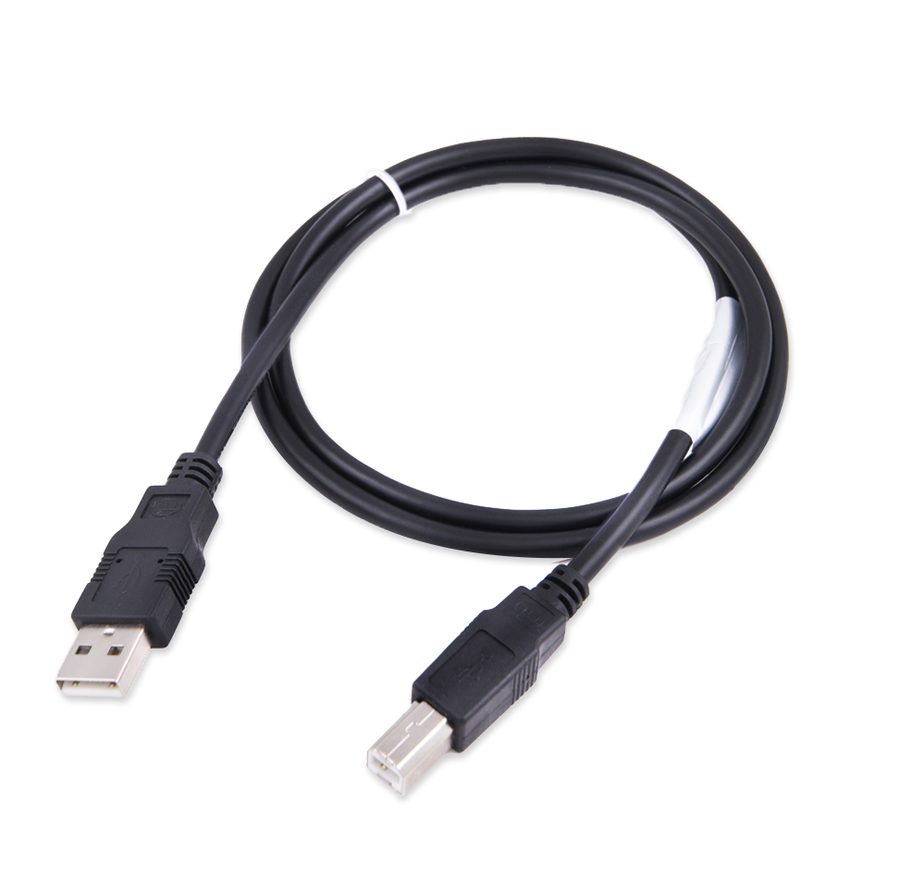
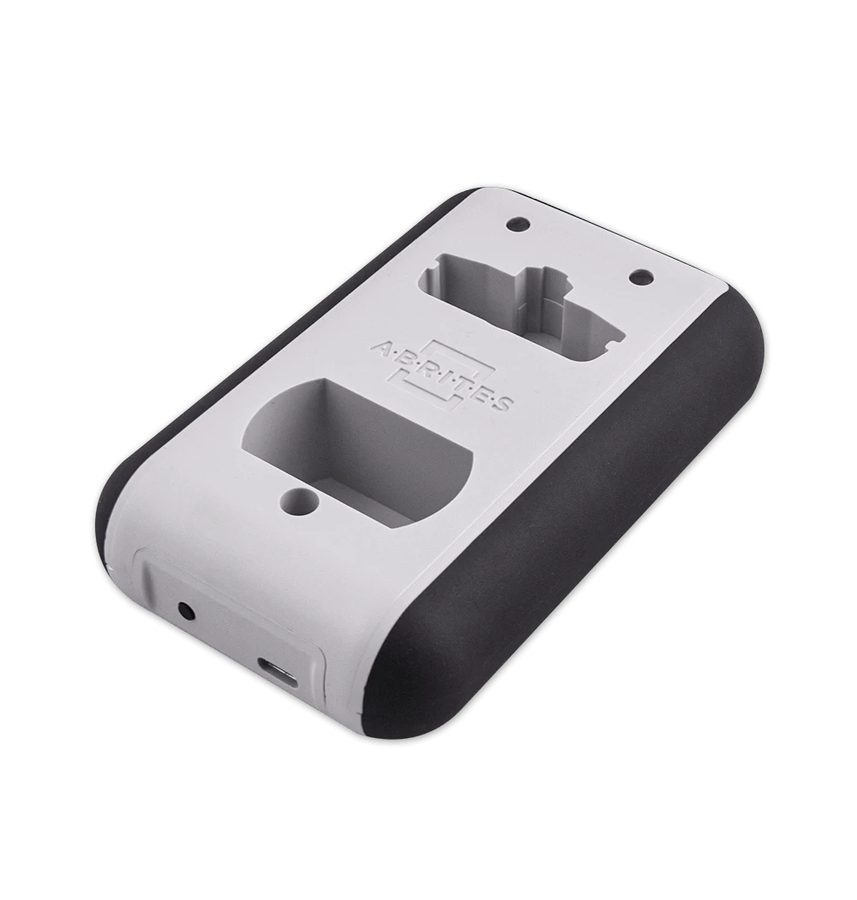
⚠ WarningIf the interface is still not detected after every step, the AVDI needs repair: contact support@abrites.com. If you switch the antivirus off for the test, remember to switch it back on straight afterwards.
Procedure
- Check that the software is installed correctly and that the LED on the AVDI interface lights up when you plug it in.
- Remove all Abrites software from the PC and reinstall it using only the most recent links you were given.
- Install the latest FTDI (Virtual COM Port) drivers from http://www.ftdichip.com/Drivers/VCP.htm: under "Windows" you will find a setup executable to download and install on the PC.
- Temporarily disable all antivirus programs and try the connection again.
- Try another Abrites-supplied USB cable if you have one: the PROTAG uses the same USB cable as the AVDI interface, so you can use that one for the test.
- Try the interface on a different PC, to find out whether the problem is the computer or the hardware.
- If none of these steps solves it, the interface needs repair: write to support@abrites.com describing the tests you have already carried out.
Reference screenshots
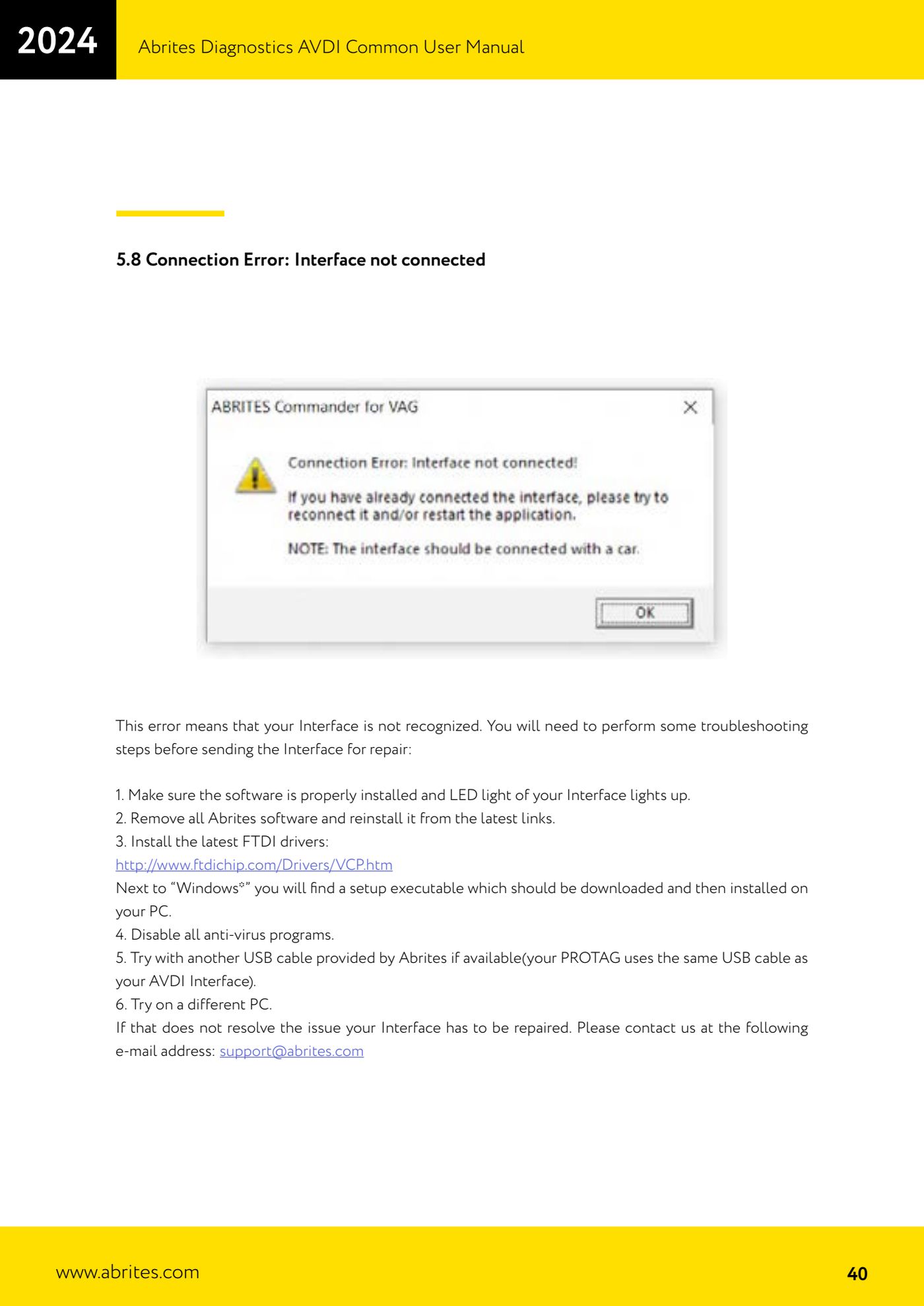
Source: Manuale AVDI - manuale comune, parte 1 di 2, cap. 5.8 (p.40) · ⏱ estimated time 20-40 min
← All Abrites guides Hardware catalogue
More guides Strumenti
- ABPROG ZN030: what's in the set, hooking it up to the AVDI and starting the Classic software
- Reading and writing SPI, I2C and Microwire EEPROMs with ABPROG and the ZN031/ZN035 adapter
- Erasing and reprogramming M35080VP / M35080V6 incremental EEPROMs with ABPROG
- Wiring an SPI EEPROM straight to the ABPROG DB25 without the ZN031 adapter
- Mercedes-Benz IR keys: reading the SSID, erasing and programming the NEC with ZN032 / ZN033
- Renewing used keys (HITAG/PCF) with the ZN046 adapter and ABPROG
- Solder points on key PCBs for the ZN046 and list of keys supported for renewal
- Reading the EWS3 dump on BMW E46/E39/E53 and others with the ZN055 adapter
- Reading the EEPROM on BMW F-Series FEM/BDC without desoldering, using the ZN057 extension
- Reading and writing NEC V850ES MCUs with the ZN078 adapter and ABPROG
- ABPROG DB25 pinout: building your own ZN046, ZN058, ZN078 and ZN086 adapters
- Reading the immobiliser from a Renault X95 BCM (and Audi BCM) with ABPROG and direct wiring