
Chip-Tools
Renault/Nissan ESL adaptation with "Renew" and use of the EM002, EM010 and EM011 emulators (full pinouts)
Renault/Dacia
Interface New
Keys / Immo
Advanced
⏱ 30-60 min
12 steps
Adapting the Renault/Nissan electric steering lock (ESL) through the "Renew" function, or replacing it with the plug&play Abrites emulators. Useful when the ESL has failed or has come off another vehicle.

⚠ WarningThe ESL cannot be renewed over OBDII: you have to open it and erase the 24C04 EEPROM before starting the adaptation. On 2008/2009-on models the PIN code is needed as well.
Procedure
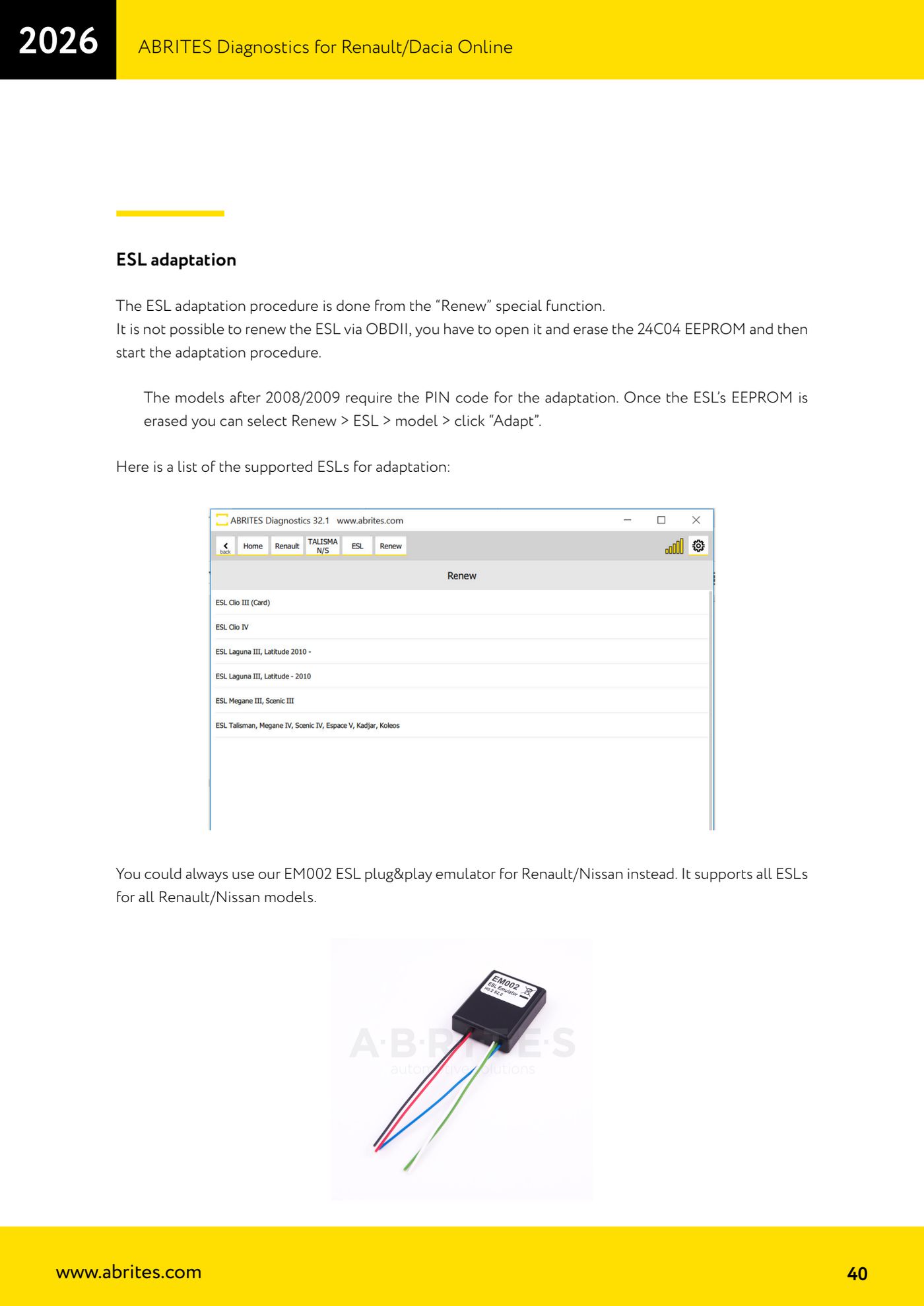
- Check whether the ESL you have in your hand is in the list of ESLs supported for adaptation shown by the software.
- Remove and open the ESL, find the 24C04 EEPROM and erase it: without this step the adaptation will not run, because renewing over OBDII is not possible.
- If the vehicle is from 2008/2009 or later, read and note the car's PIN code: you will need it for the adaptation.
- Refit the ESL, plug the AVDI into the OBDII and open the Renault/Dacia Online software.
- Go to "Renew" > "ESL" > select the model, then click "Adapt" and follow the on-screen instructions.
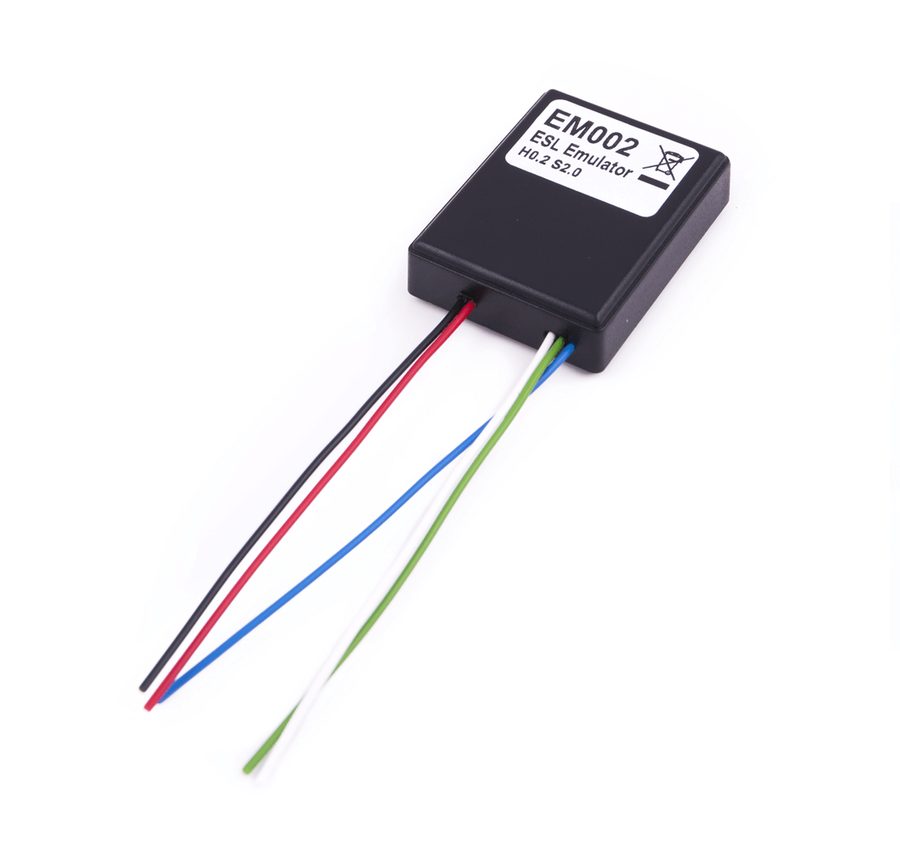
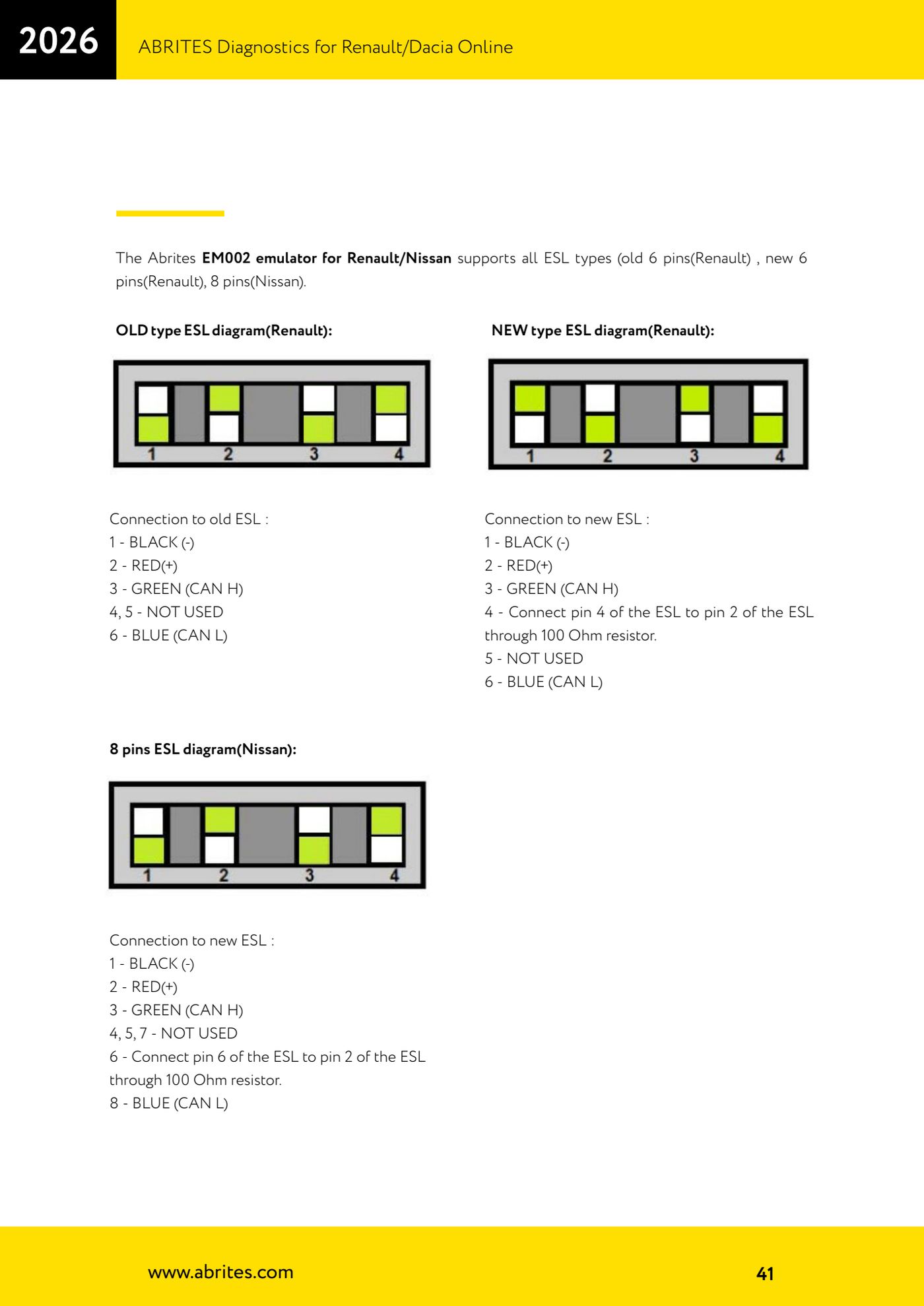
- AS AN ALTERNATIVE use the EM002 emulator for Renault/Nissan, which supports every ESL on all Renault/Nissan models in the three variants: old type 6 pin (Renault), new type 6 pin (Renault) and 8 pin (Nissan).
- Old type ESL wiring (Renault, 6 pin): 1 = BLACK (-), 2 = RED (+), 3 = GREEN (CAN H), 4 and 5 not used, 6 = BLUE (CAN L).
- New type ESL wiring (Renault, 6 pin): 1 = BLACK (-), 2 = RED (+), 3 = GREEN (CAN H), 6 = BLUE (CAN L); also link ESL pin 4 to ESL pin 2 through a 100 Ohm resistor.
- Nissan 8 pin ESL wiring: 1 = BLACK (-), 2 = RED (+), 3 = GREEN (CAN H), 8 = BLUE (CAN L); pins 4, 5 and 7 not used; link ESL pin 6 to ESL pin 2 through a 100 Ohm resistor.
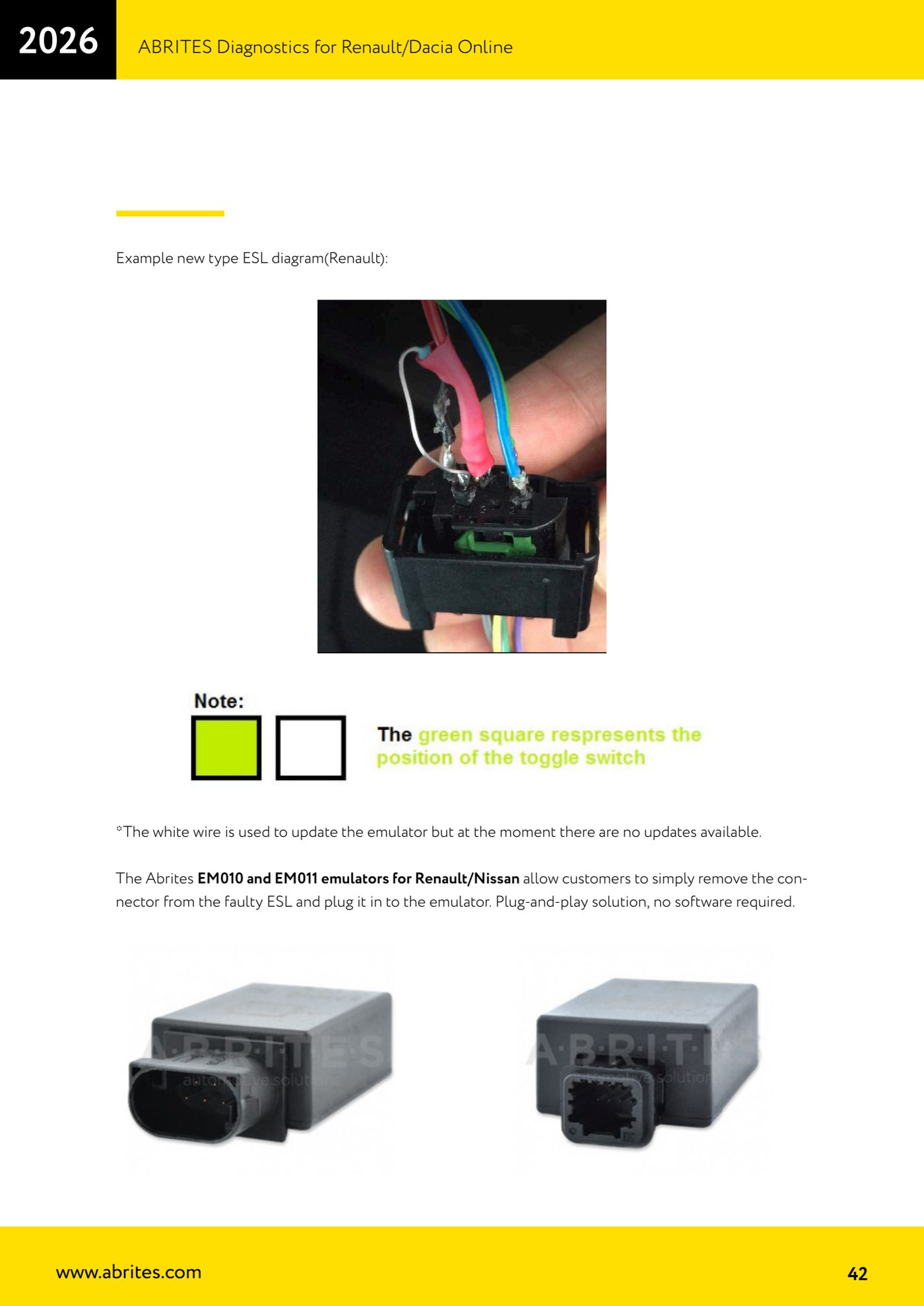
- The emulator's white wire is only for updating it: there are no updates available at present, so leave it disconnected.
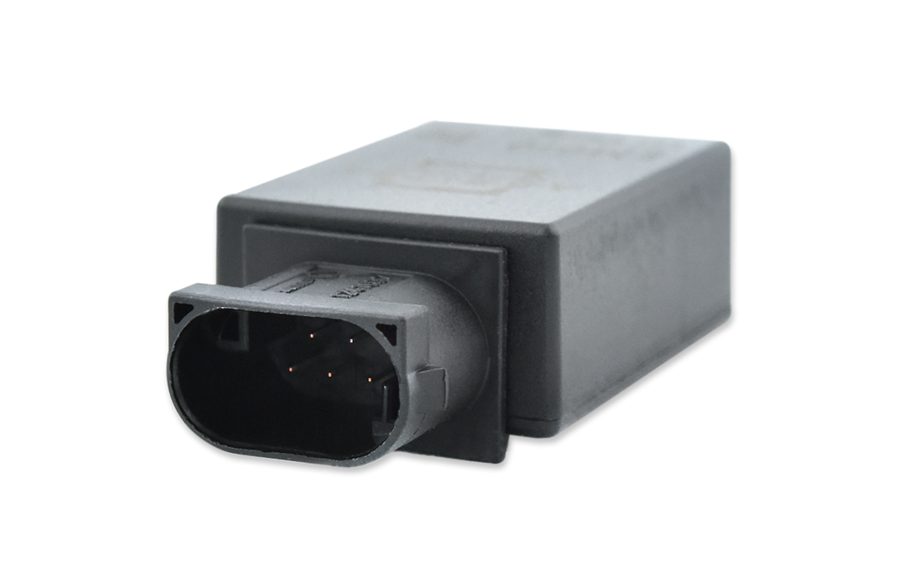
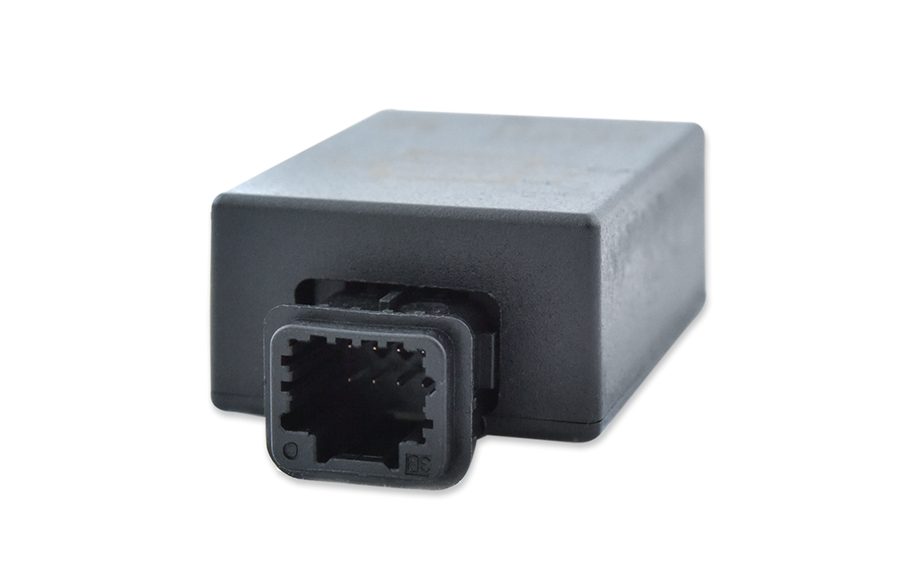
- If you would rather have a solution with no software involved, use the EM010 and EM011 emulators: just pull the connector off the failed ESL and plug it into the emulator, it is plug-and-play.
- Test operation: starting, steering column release and no ESL-related DTCs.
Reference screenshots
Source: Manuale Renault/Dacia Online, cap. 7 - ESL adaptation (p.40-42) · ⏱ estimated time 30-60 min
← All Abrites guides Hardware catalogue
More guides Renault/Dacia
- Renault/Dacia: module scan, ECU identification and DTC read/clear with AVDI
- Renault/Dacia: live data (list and graph) and actuator tests
- Renault/Dacia: PIN reading and key/card learning - common procedure
- Renault X95 (Megane III, Scenic III, Fluence): learning virgin cards and already-working cards
- Renault X95 from 2011 with updated immobiliser software: cards via ABPROG
- Renault Clio IV: programming ABRITES key cards with PROTAG
- Renault: immobiliser PIN calculation from the key code and Clio PIN from EEPROM dump
- Renault/Dacia: editing dumps with "Dump Tool" and writing the VIN with "Change ID"
- Renault/Dacia: cluster mileage calibration and disabling the ABS synchronisation
- Renault: reading/writing configuration data, flash and IMMO erase on the supported engine ECUs
- Bosch EDC15C3 and EDC15C13 Renault: DB9 Female pinout for bench work
- Renault SID301, SIRIUS 32 and SIM32: DB9 Female pinout and ECU data for bench work