
Chip-Tools
Troubleshooting MODI and ProTag V2 connection problems (Bluetooth, LED, power)
Strumenti
Interface Classic
Hardware / Connections
Basic
⏱ 10-20 min
12 steps
The sequence of checks to run when the phone cannot find or pair with the MODI or the ProTag V2, or when the MODI plugged into the OBDII port shows no sign of life. These are the checks to do before opening a support ticket.
Required licences
- —
Hardware / cables
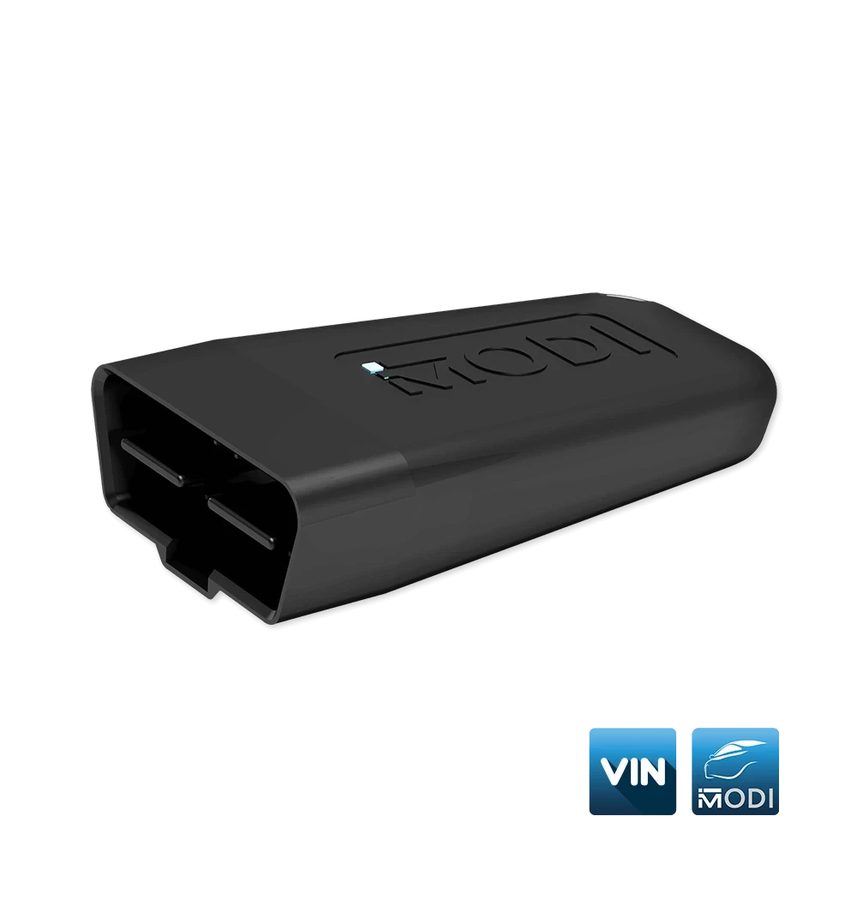 MODI (ESP32 v04)
 ProTag V2 (ZN003)
- cavo USB-C
- smartphone/tablet
⚠ WarningIf the MODI plugged into the OBDII port does not light the LED even when tried on another vehicle, do not persist and do not open the device: contact support at support@abrites.com.
Procedure
- MODI - Check the power LED: with the device plugged into the OBDII port the LED must flash. If it does not flash, try the device on another vehicle; if the problem remains, email support@abrites.com.
- MODI - On some vehicles the OBDII port is only live with the ignition on: turn the ignition to ON and try again.
- Phone - Turn Bluetooth off and back on, then try pairing again.
- App - Close and reopen the last application used (MODI Mobile Diagnostics or VinReader App).
- App - If you were using one app and want to switch to the other, fully close the first before opening the second: the two applications cannot use the device at the same time.
- Phone - Restart the phone or tablet: a simple restart often solves connectivity problems.
- Network - Check that you have a stable internet connection or switch to Wi-Fi.
- Bluetooth - If you have many Bluetooth devices connected, unpair the other devices before reconnecting the MODI or the ProTag.
- ProTag V2 - Check the battery level and, if needed, charge the device from the USB-C port before use.
- ProTag V2 - Press the button to switch the device on: Bluetooth is enabled automatically at power-on. If the ProTag has been left unused it may have switched itself off (auto power-off): press the button again to switch it back on.
- ProTag V2 - Check that Bluetooth is enabled in the phone settings, then close and reopen the Key Inspector application.
- ProTag V2 - To switch the device off manually, press and hold the button for a few seconds.
Reference screenshots
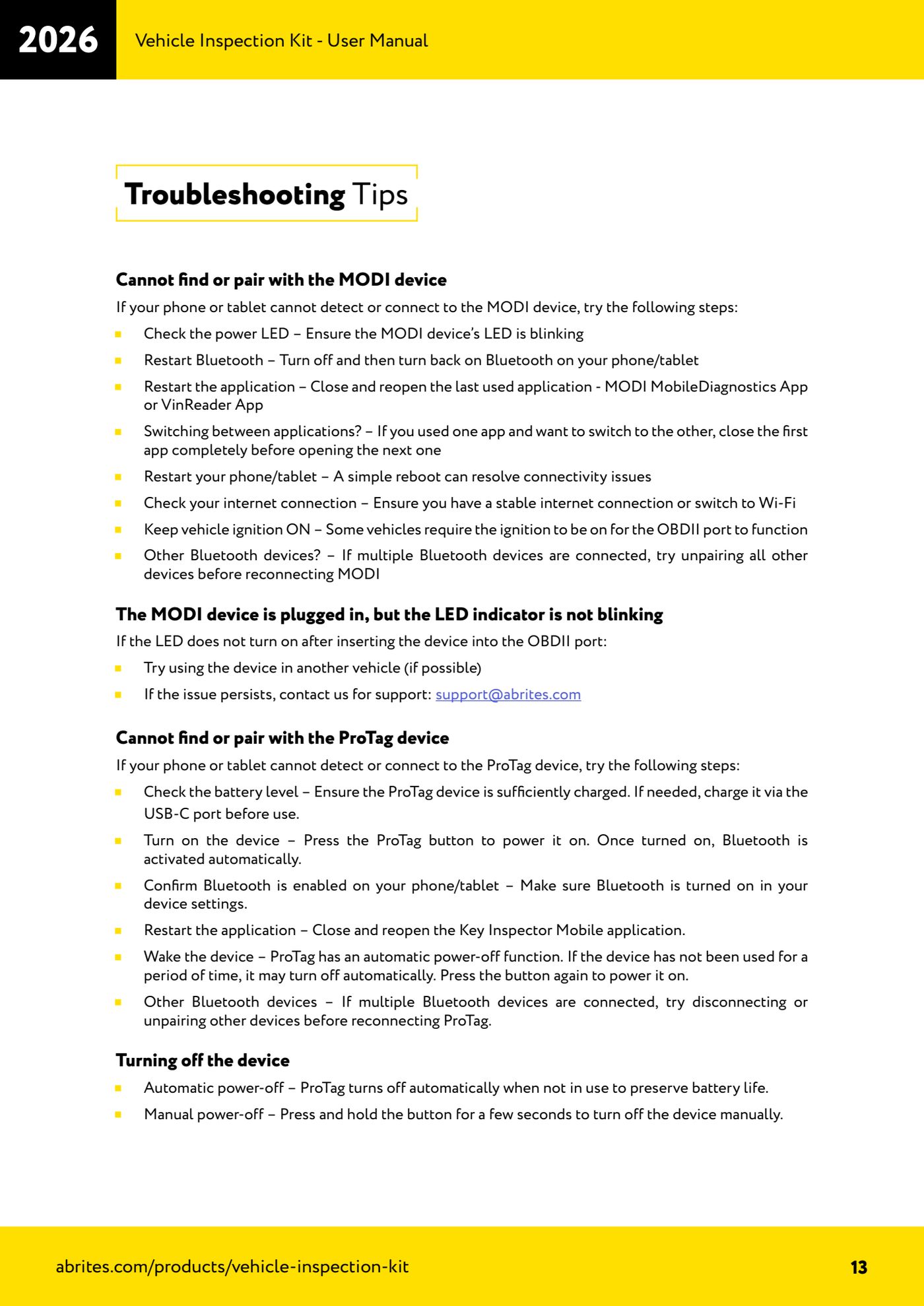
Source: Manuale Vehicle Inspection Kit, Troubleshooting Tips (p.13) · ⏱ estimated time 10-20 min
← All Abrites guides Hardware catalogue
More guides Strumenti
- ABPROG ZN030: what's in the set, hooking it up to the AVDI and starting the Classic software
- Reading and writing SPI, I2C and Microwire EEPROMs with ABPROG and the ZN031/ZN035 adapter
- Erasing and reprogramming M35080VP / M35080V6 incremental EEPROMs with ABPROG
- Wiring an SPI EEPROM straight to the ABPROG DB25 without the ZN031 adapter
- Mercedes-Benz IR keys: reading the SSID, erasing and programming the NEC with ZN032 / ZN033
- Renewing used keys (HITAG/PCF) with the ZN046 adapter and ABPROG
- Solder points on key PCBs for the ZN046 and list of keys supported for renewal
- Reading the EWS3 dump on BMW E46/E39/E53 and others with the ZN055 adapter
- Reading the EEPROM on BMW F-Series FEM/BDC without desoldering, using the ZN057 extension
- Reading and writing NEC V850ES MCUs with the ZN078 adapter and ABPROG
- ABPROG DB25 pinout: building your own ZN046, ZN058, ZN078 and ZN086 adapters
- Reading the immobiliser from a Renault X95 BCM (and Audi BCM) with ABPROG and direct wiring