
Chip-Tools
Mileage calibration on vehicles with VSM: 95256 EEPROM of the VSM with ABProg + navigation unit with ZN085 RH850
PSA
Interface New
Odometer
Advanced
⏱ 2-3 hours
11 steps
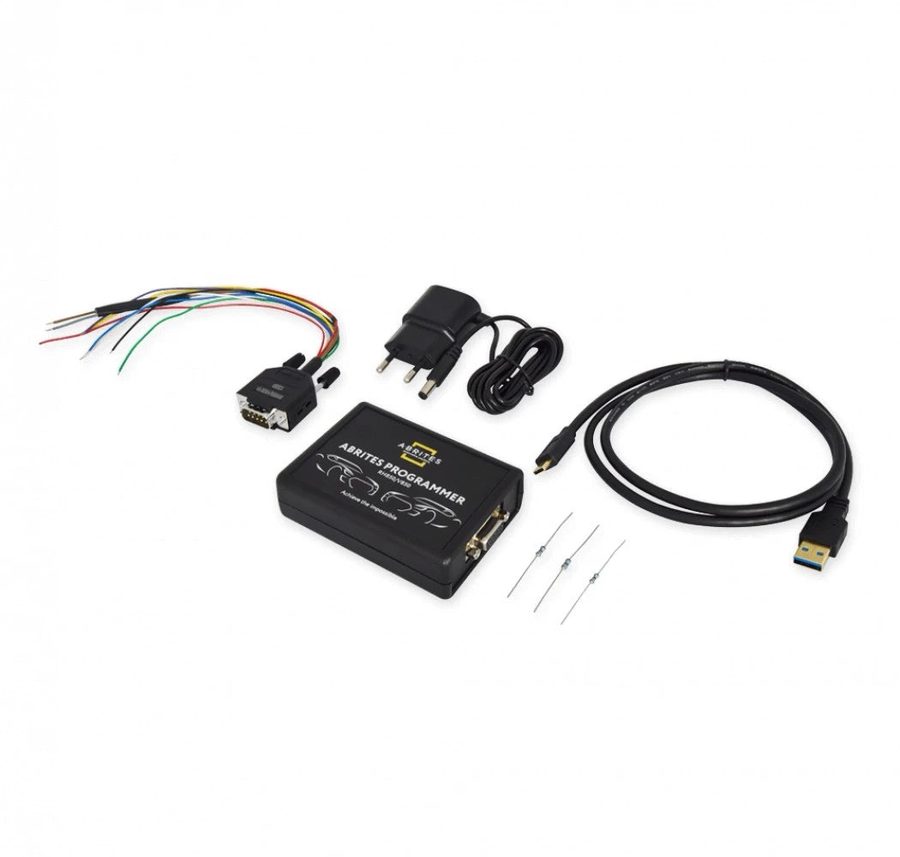
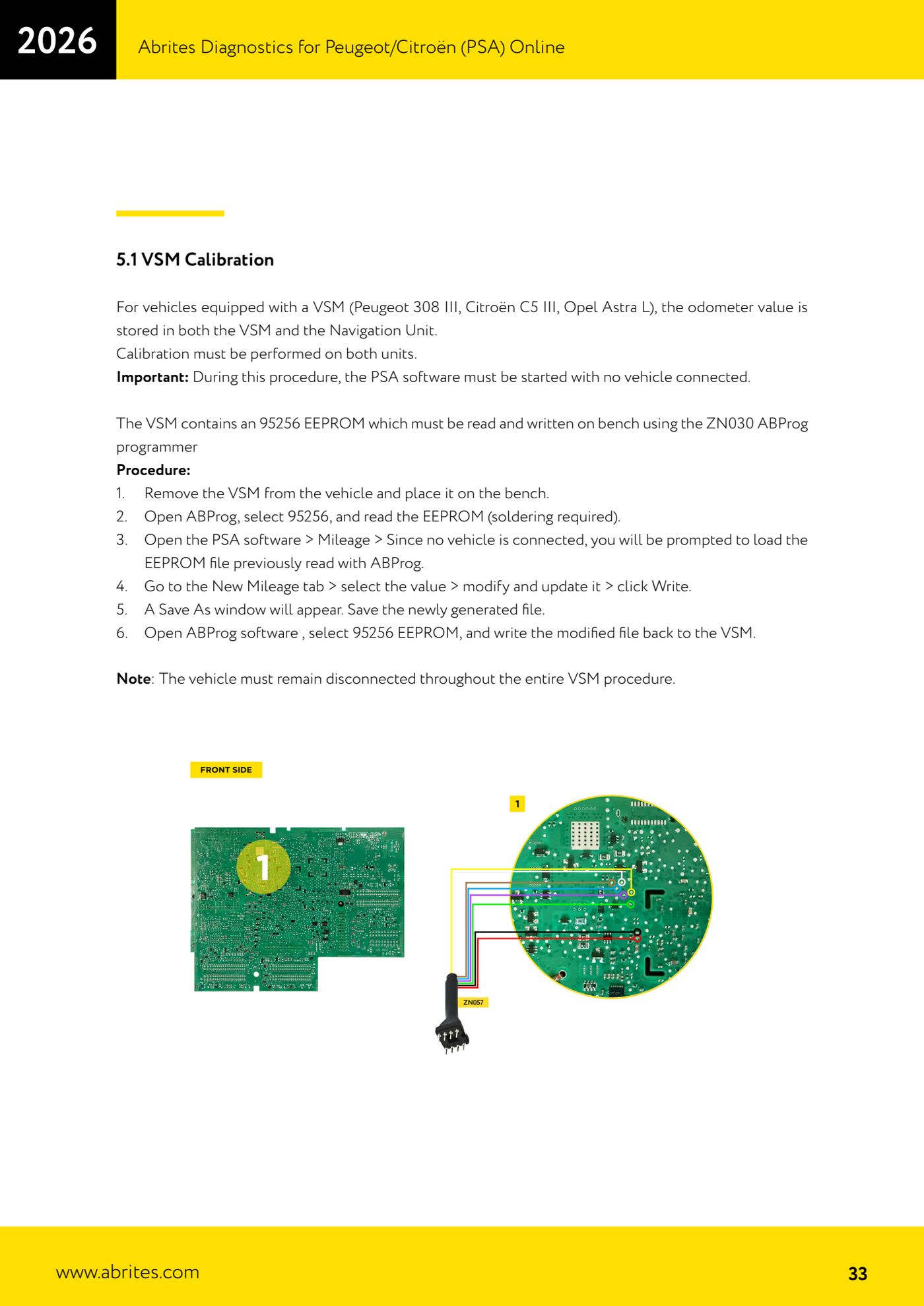
On vehicles with VSM (Peugeot 308 III, Citroën C5 III, Opel Astra L) the mileage is stored both in the VSM and in the navigation unit: both have to be calibrated on the bench, otherwise the figure will not line up. The VSM is read and written with ZN030 ABProg, the navigation unit with the ZN085 RH850 programmer.


⚠ WarningThroughout the whole VSM procedure the PSA software must be started WITHOUT a vehicle connected, and the vehicle must stay disconnected. Both units have to be calibrated on the bench before being refitted: once reinstalled, the system synchronises the values and the dashboard will show the higher of the two mileage figures.
Procedure
- Remove the VSM from the vehicle and take it to the bench. The vehicle must stay disconnected for the whole VSM procedure.
- Open the ABProg software, select the 95256 EEPROM and read the content of the VSM (soldering is required). Save the file you have read.
- Launch the PSA software with no vehicle connected and go into the "Mileage" menu: finding no vehicle, the software asks you to load the EEPROM file read with ABProg. Load it.
- Go to the "New Mileage" tab, select the value, change it and update it, then press "Write".
- The "Save As" window appears: save the new file generated by the software.
- Go back to ABProg, select the 95256 EEPROM and write the modified file to the VSM.
- Move on to the navigation unit: remove it from the vehicle and take it to the bench.
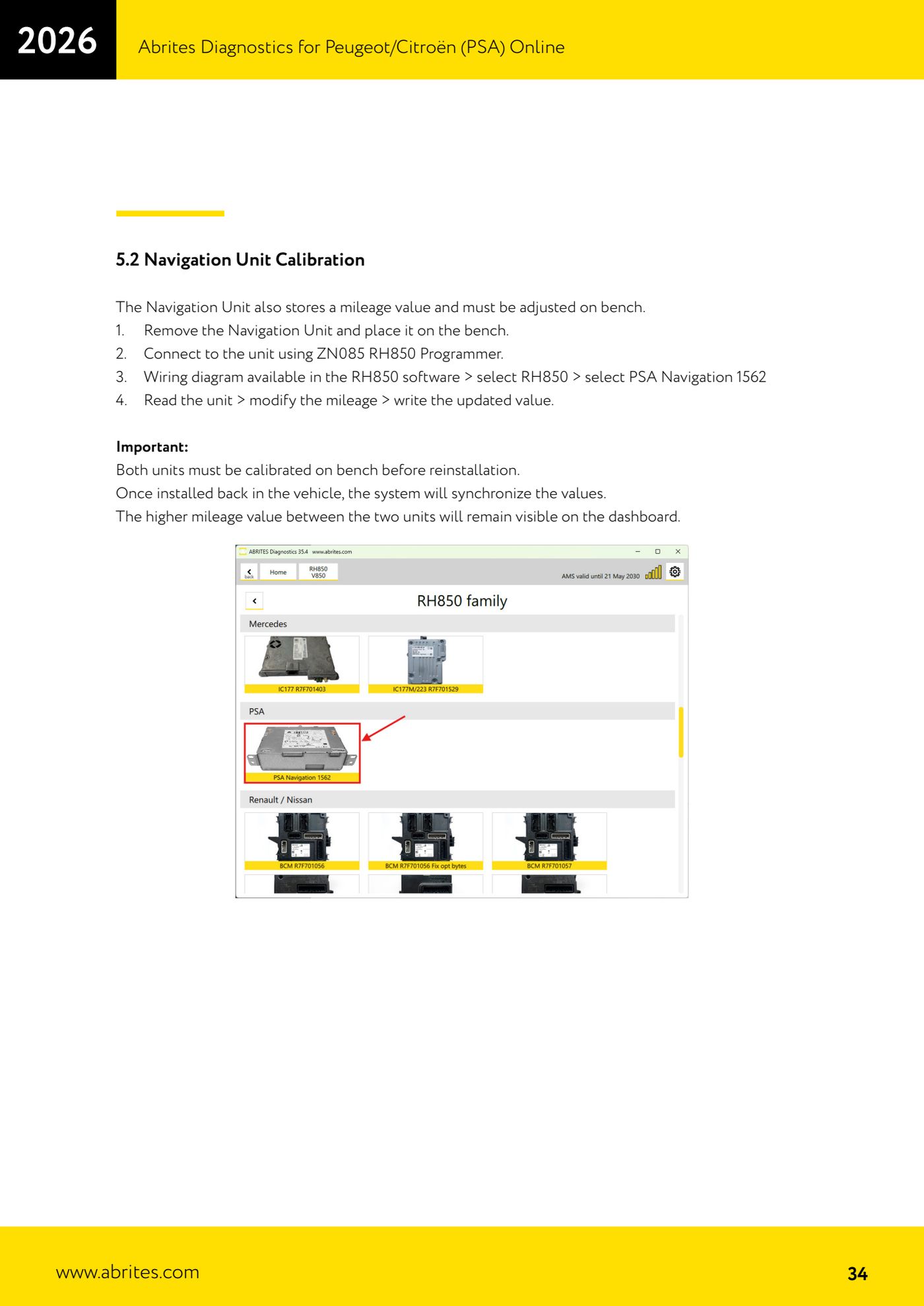
- Connect the navigation unit to the ZN085 RH850 programmer. The wiring diagram is in the RH850 software: select RH850 and then "PSA Navigation 1562".
- Read the unit, change the mileage value and write the updated figure.
- Refit both units to the vehicle only once both have been calibrated: on the car the system synchronises the values and will show the higher of the two.
- With the ignition on, check that the displayed value is the one you expect.
Reference screenshots
Source: Manuale PSA Online, cap. 5.1 e 5.2 (p.33-34) · ⏱ estimated time 2-3 hours
← All Abrites guides Hardware catalogue
More guides PSA
- Standard Peugeot/Citroën diagnostics: unit scan, DTCs, identification and live data
- Reading the PIN (Read security code) and key programming on Peugeot/Citroën
- Engine Control Unit: reading/writing Configuration Data and ECU flash, IMMO OFF and after sales preparation (EDC, SID)
- Read/Update ConfData: backing up and restoring the configuration data of the BSI and instrument cluster
- BSI exchange: replacing the BSI with a used unit (JCI and Valeo CAN) and identifying the hardware version
- Continental BSI 2015+: reading the PIN, EEPROM read/write, BSI exchange and Set PIN
- Mileage correction on Continental BSI 2015+ using the "CAN" Calibration function
- Cluster Calibration: mileage calibration on the BSI and instrument cluster (with Disable dashboard synchronisation)
- Service Zero Reset: resetting the service/oil change indicator on Peugeot/Citroën
- Dump Tool: reading, saving and clearing crash data from airbag control units
- Vehicle identification, module scan and DTC handling (Peugeot / Citroën / DS)
- Reading live parameters and running actuator tests on PSA control units