
Chip-Tools
BSI exchange: replacing the BSI with a used unit (JCI and Valeo CAN) and identifying the hardware version
PSA
Interface Classic
Coding / Adaptations
Advanced
⏱ 45-90 min
8 steps
The BSI (Built-in System Interface) controls most of the way the car behaves and is a module that fails often. The "BSI exchange" special function reads the entire content of one BSI and transfers it to another, letting the workshop adapt a salvage BSI instead of buying a new one from the dealer.
Required licences
- —
Hardware / cables

⚠ WarningIt is essential to use a replacement BSI of the SAME hardware type as the original. Valeo units can be told apart by sight (the old one is thick, the new one is slim), whereas both JCI versions are slim and must be identified by reading the HW version on the label: V5.01 is found on vehicles from 2008 onwards, V2.00 is typical of vehicles from 2004 to 2008.
Procedure
- Identify the type of BSI fitted: JCI or Valeo CAN. If it is a Valeo, you can tell at a glance — the old version is thick, the new one is slim.
- If it is a JCI, the casing is no help because both versions are slim: read the label on the module and note the hardware version. V5.01 = vehicles from 2008 onwards; V2.00 = vehicles from 2004 to 2008.
- Source a replacement BSI of the same hardware type: that is the essential condition for the exchange to work.
- Connect the AVDI to the OBD-II socket with an external power supply hooked up and diagnostic communication confirmed.
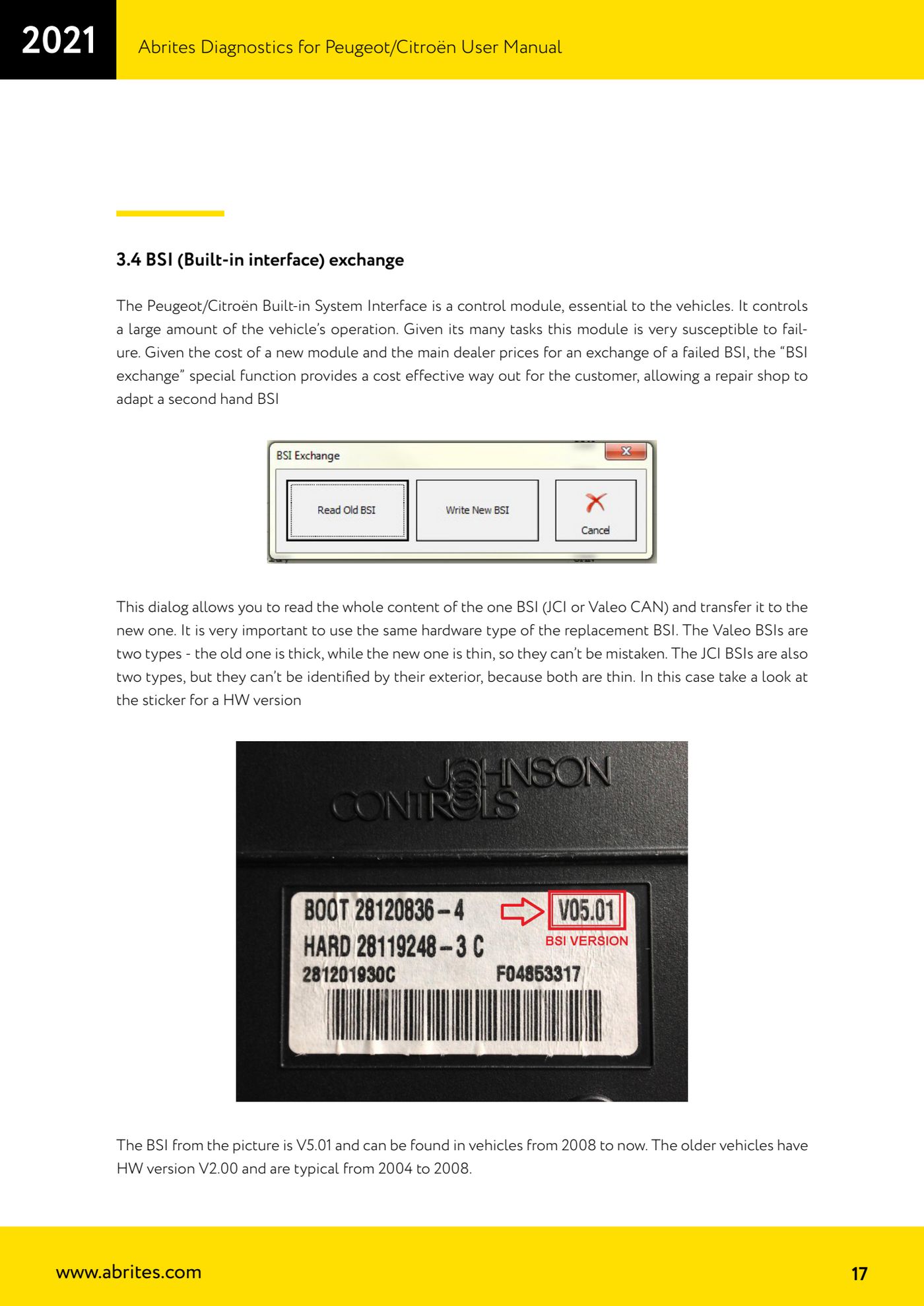
- Open the "Special functions" tab and select the "BSI exchange" function: the window lets you read the whole content of the BSI and transfer it to the other unit.
- Read the entire content of the original BSI and save it to file before removing anything.
- Fit the replacement BSI and transfer the content read from the original unit into it.
- Once the transfer is complete, check starting and key operation, then read/clear any stored DTCs.
Reference screenshots
Source: Manuale Peugeot/Citroën (interfaccia classica), cap. 3.4 (p.17) · ⏱ estimated time 45-90 min
← All Abrites guides Hardware catalogue
More guides PSA
- Standard Peugeot/Citroën diagnostics: unit scan, DTCs, identification and live data
- Reading the PIN (Read security code) and key programming on Peugeot/Citroën
- Engine Control Unit: reading/writing Configuration Data and ECU flash, IMMO OFF and after sales preparation (EDC, SID)
- Read/Update ConfData: backing up and restoring the configuration data of the BSI and instrument cluster
- Continental BSI 2015+: reading the PIN, EEPROM read/write, BSI exchange and Set PIN
- Mileage correction on Continental BSI 2015+ using the "CAN" Calibration function
- Cluster Calibration: mileage calibration on the BSI and instrument cluster (with Disable dashboard synchronisation)
- Service Zero Reset: resetting the service/oil change indicator on Peugeot/Citroën
- Dump Tool: reading, saving and clearing crash data from airbag control units
- Vehicle identification, module scan and DTC handling (Peugeot / Citroën / DS)
- Reading live parameters and running actuator tests on PSA control units
- Reading keys and programming PSA keys with PIN reading from the BSI (guided wizard)