
Chip-Tools
CAN instrument cluster on TP2.0 (up to 2007): mileage, immo data and key programming
VAG
Interface Classic
Keys / Immo
Medium
⏱ 30-60 min
10 steps
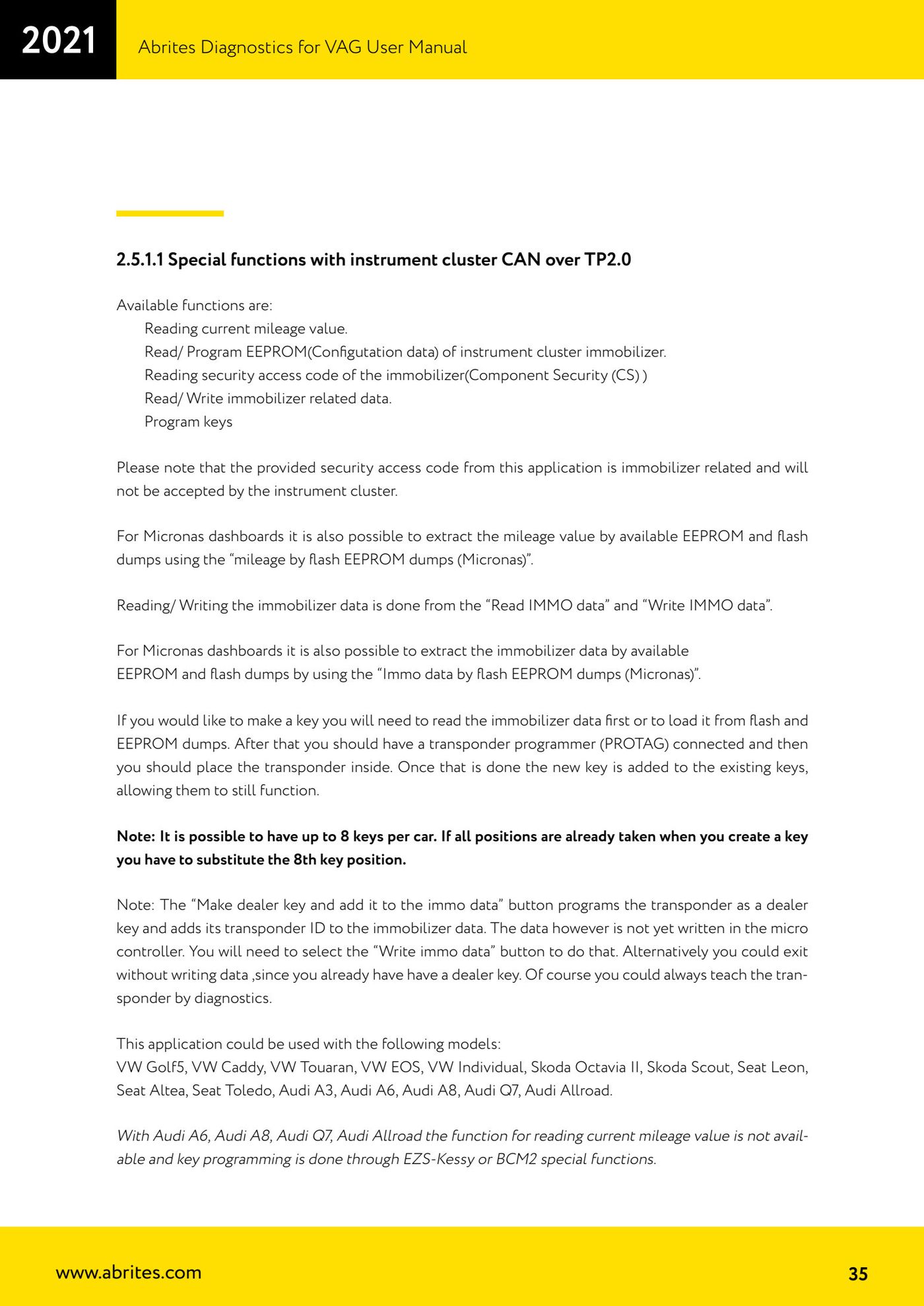
Functions for VDO/MM/Visteon clusters up to 2007 that talk KWP2000 over TP2.0: mileage read, EEPROM read/write (configuration data) of the immobiliser, security code read (Component Security), immo data read/write and key programming. Applies to VW Golf 5, VW Caddy, VW Touran, VW EOS, VW Individual, Skoda Octavia II, Skoda Scout, Seat Leon, Seat Altea, Seat Toledo, Audi A3, Audi A6, Audi A8, Audi Q7, Audi Allroad.


⚠ WarningOn some Audi A3 and A8 clusters access to the special functions is locked (you spot it because readings return nonsense values, usually because poor-quality diagnostic tools were used on the car in the past): to restore normal behaviour you have to pull the cluster fuse for a minute (on the Audi A8, for example, fuse number 5). Watch the units of measurement too: the software calculates mileage in metric units, so keep that in mind when using a dump tool or when the software asks you for the value shown on the cluster.
Procedure
- Open "CAN Instrument" and check that the cluster is detected as a TP2.0 type.
- For mileage: use the current mileage read. On Micronas clusters you can alternatively pull the value out of dumps you already have with "mileage by flash EEPROM dumps (Micronas)".
- For the immobiliser EEPROM (configuration data) use the cluster's EEPROM read and write functions.
- For the immobiliser security code use the Component Security (CS) read. Remember that the code you get belongs to the immobiliser and will not be accepted by the instrument cluster.
- For immo data use "Read IMMO data" and "Write IMMO data". On Micronas you can extract them from dumps with "Immo data by flash EEPROM dumps (Micronas)".
- To make a key: first read the immo data (or load it from the flash + EEPROM dumps), connect the transponder programmer (PROTAG) and put the transponder in the slot.
- Press "Make dealer key and add it to the immo data": the transponder is programmed as a dealer key and its ID is added to the immo data. The new key is added to the existing ones, which keep working.
- To make the change permanent press "Write immo data" (the data is not written into the microcontroller yet). Alternatively you can exit without writing, since you already have a dealer key, and teach the transponder by diagnostics.
- Bear in mind the limit of 8 keys per car: if all the slots are taken you have to overwrite the eighth one.
- On Audi A6, Audi A8, Audi Q7 and Audi Allroad the mileage read is not available and key programming is done through the EZS-Kessy or BCM2 special functions.
Reference screenshots
Source: Manuale VAG (Offline), cap. 2.5.1.1 (p.35-36) · ⏱ estimated time 30-60 min
← All Abrites guides Hardware catalogue
More guides VAG
- General diagnostics and fault code (DTC) read/clear
- Basic settings — factory reset (throttle body, steering, clutch)
- Adaptations — customer-requested changes
- Long coding — enabling hidden features
- MMI Functions — enable/disable infotainment features
- Wireless CarPlay / Android Auto
- Video in motion
- BCM2 unlock with the ZN080 set (solder-free)
- Reading CS on bench (PCR2.1, Simos 8.x/1x.xx, DCM6.2, TCU AL551/DL501/DQxxx)
- DSG mileage recalibration
- Service Intervals
- ECU programming with .frf files