
Chip-Tools
DSG mileage recalibration
VAG
Interface New
Service
Medium
⏱ 10 min
3 steps
Lets you read the mileage information held in the DSG TCU. The OBD function is limited: for a proper mileage calibration use Special Functions → Read CS on Bench → TCU AL551/DL501/DQxxx.
Required licences
- Licenza VAG
Hardware / cables


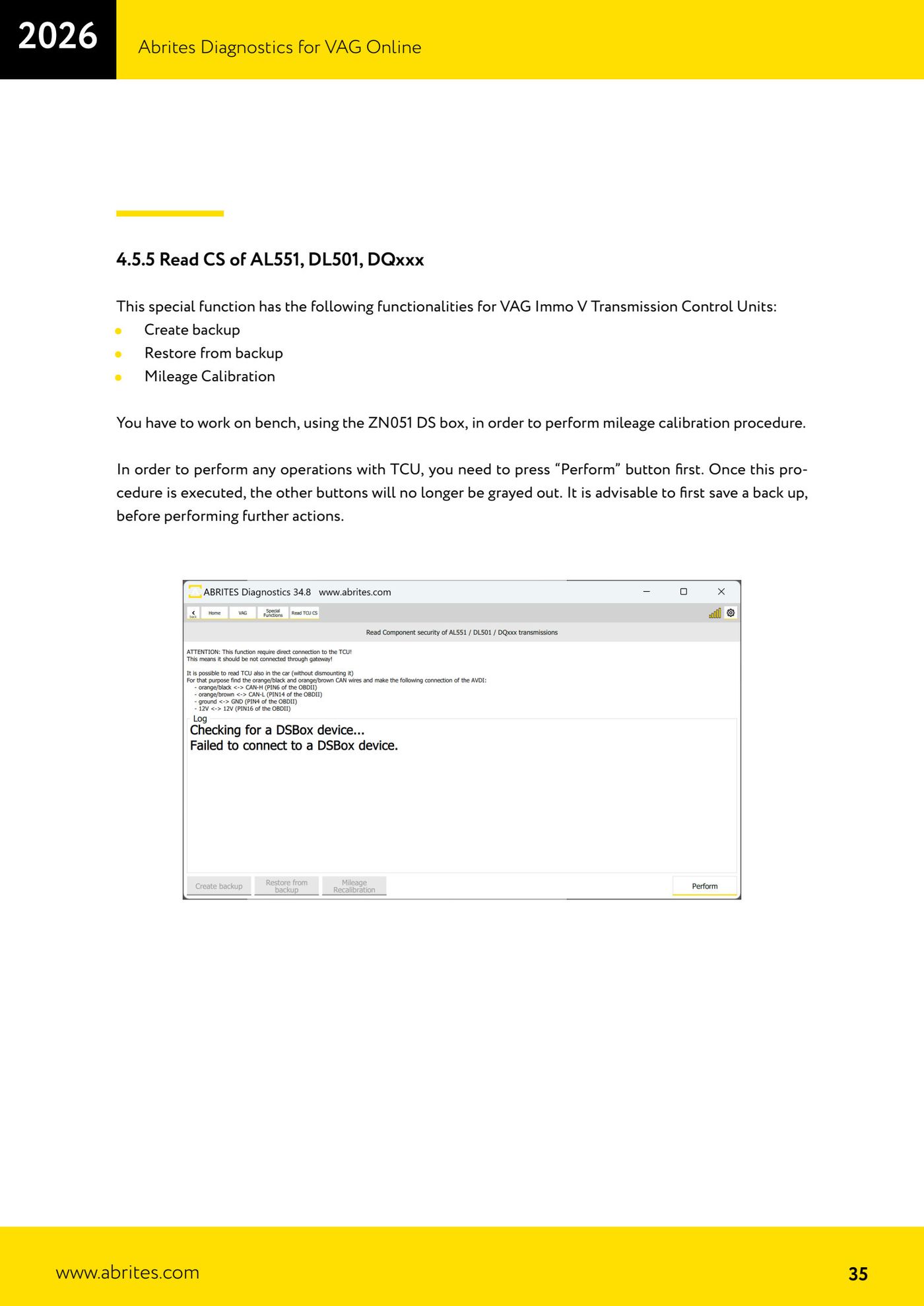
⚠ WarningFor actual mileage calibration you have to work on bench with the ZN051 DS Box (see the Reading CS on bench procedure).
Procedure
- Open VAG Online → "Special Functions" → "DSG Mileage Recalibration" to read the mileage data.
- To calibrate: go to "Read CS on Bench" → TCU AL551/DL501/DQxxx section and work on bench.
- Save a backup before changing any values.
Reference screenshots
Source: Manuale VAG Online, cap. 4.7 (p.37) · ⏱ estimated time 10 min
← All Abrites guides Hardware catalogue
More guides VAG
- General diagnostics and fault code (DTC) read/clear
- Basic settings — factory reset (throttle body, steering, clutch)
- Adaptations — customer-requested changes
- Long coding — enabling hidden features
- MMI Functions — enable/disable infotainment features
- Wireless CarPlay / Android Auto
- Video in motion
- BCM2 unlock with the ZN080 set (solder-free)
- Reading CS on bench (PCR2.1, Simos 8.x/1x.xx, DCM6.2, TCU AL551/DL501/DQxxx)
- Service Intervals
- ECU programming with .frf files
- Dump Tool — extracting immo data from a dump