
Chip-Tools
Reading CS on bench (PCR2.1, Simos 8.x/1x.xx, DCM6.2, TCU AL551/DL501/DQxxx)
VAG
Interface New
Keys / Immo
Advanced
⏱ ~5 min per unit
5 steps
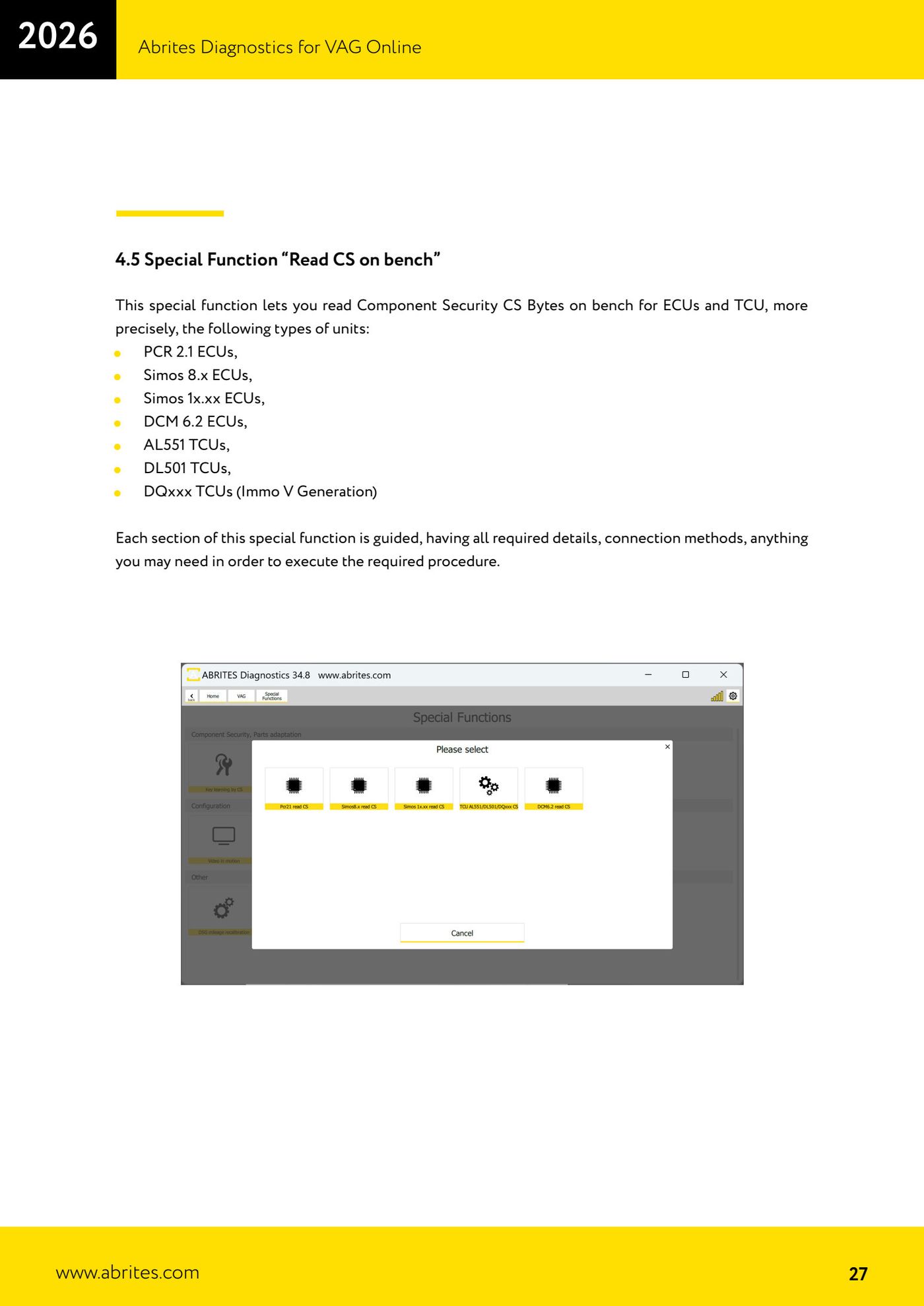
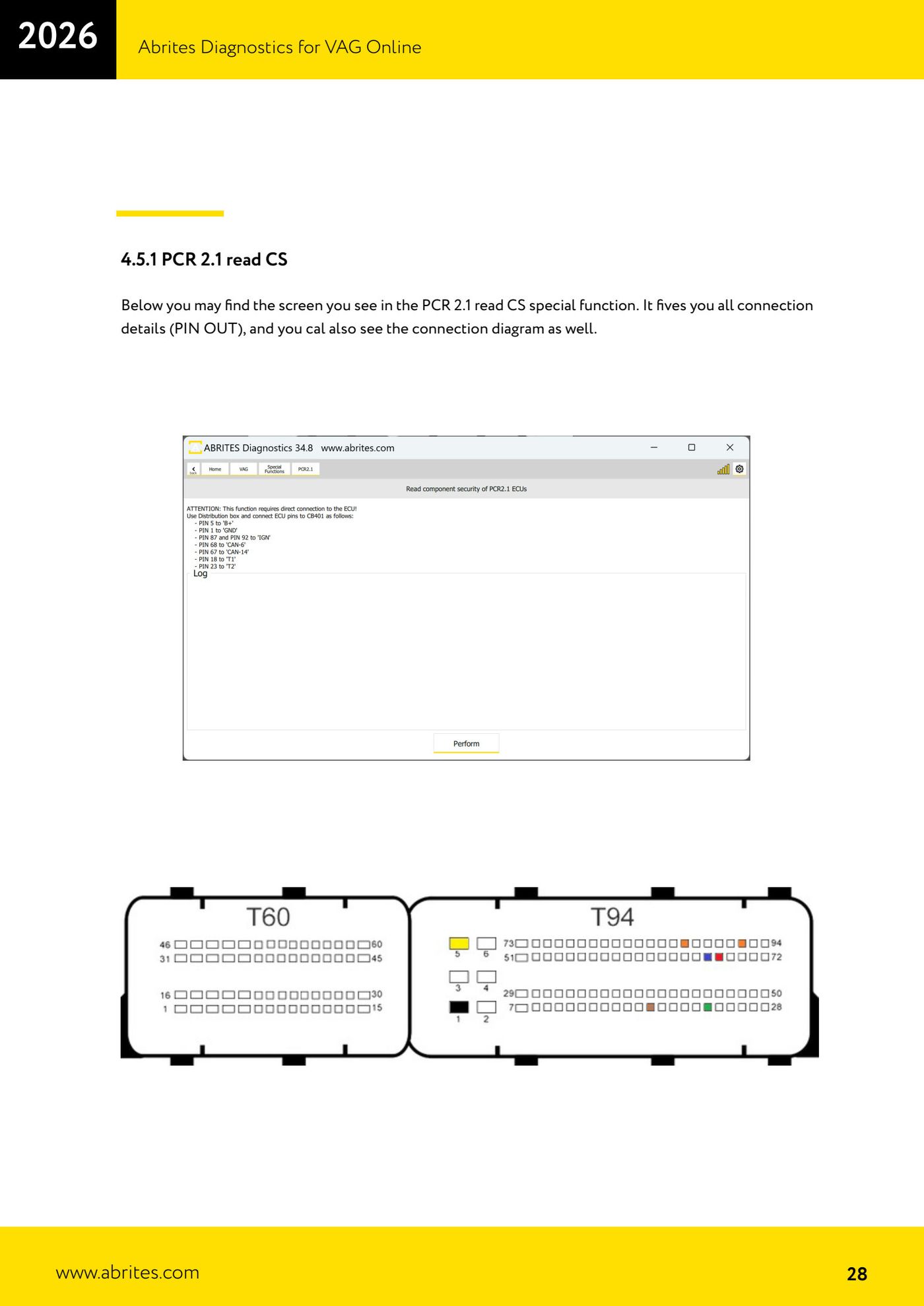
Reads the Component Security (CS) bytes on bench for ECUs and TCUs: PCR2.1, Simos 8.x, Simos 1x.xx (10.22/10.24/12.x/16.11/18.x), DCM6.2 and the AL551/DL501/DQxxx TCUs. Needed for ECU replacement and all-keys-lost jobs. Every section is guided with a PIN OUT chart and a wiring diagram.
Required licences
- Licenza VAG (funzioni CS)
Hardware / cables
 AVDI
AVDI ZN051 DS Box (v2.4 per DCM6.2)
- Cavi dedicati (CB401/CB403/CB032/CB403…)
- Alimentazione banco
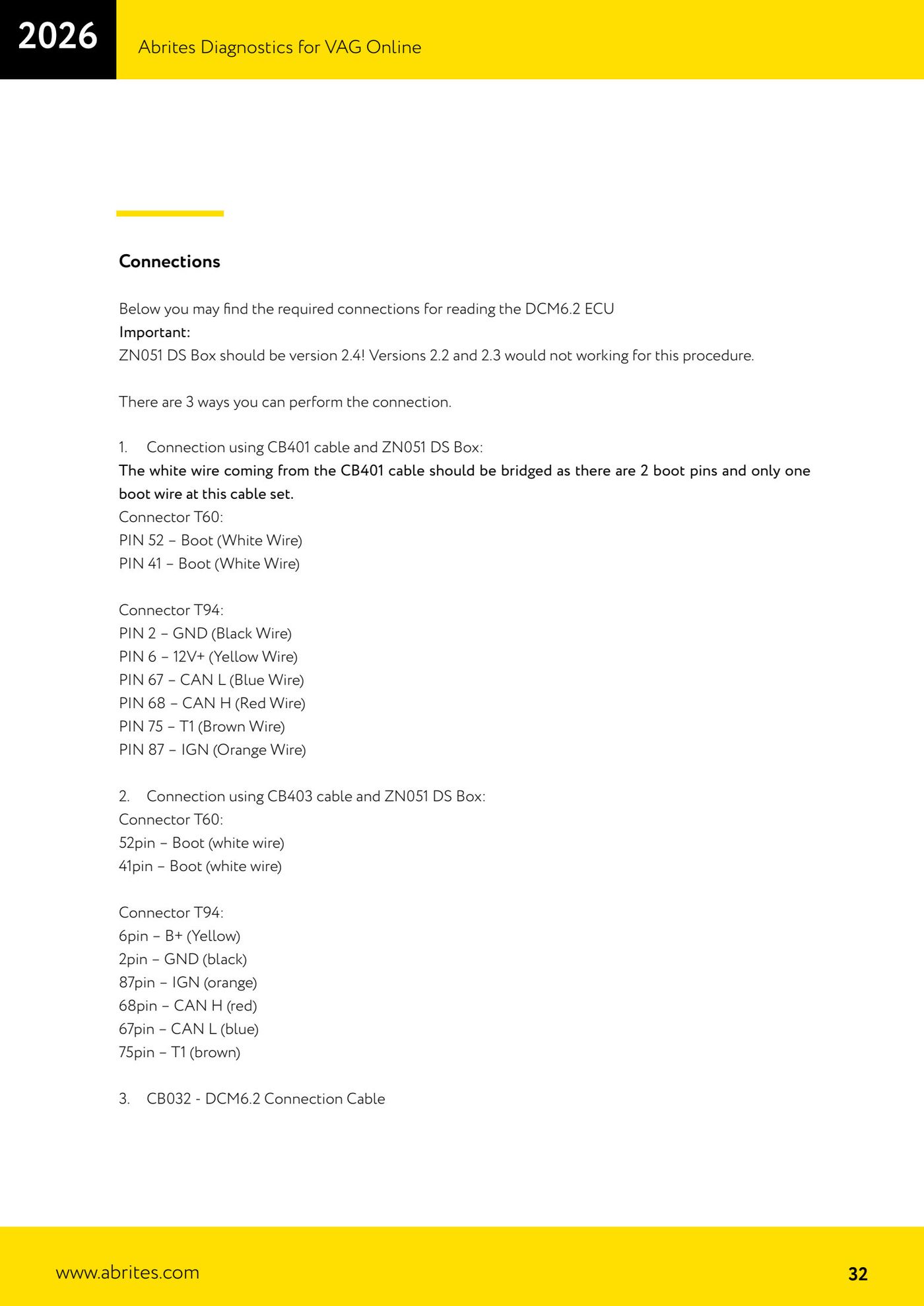
⚠ WarningFor DCM6.2 the ZN051 DS Box must be version 2.4: versions 2.2 and 2.3 will not work. On the CB401 cable the white wire (Boot) must be jumpered to the two boot pins (T60 pin 52 and 41).
Procedure
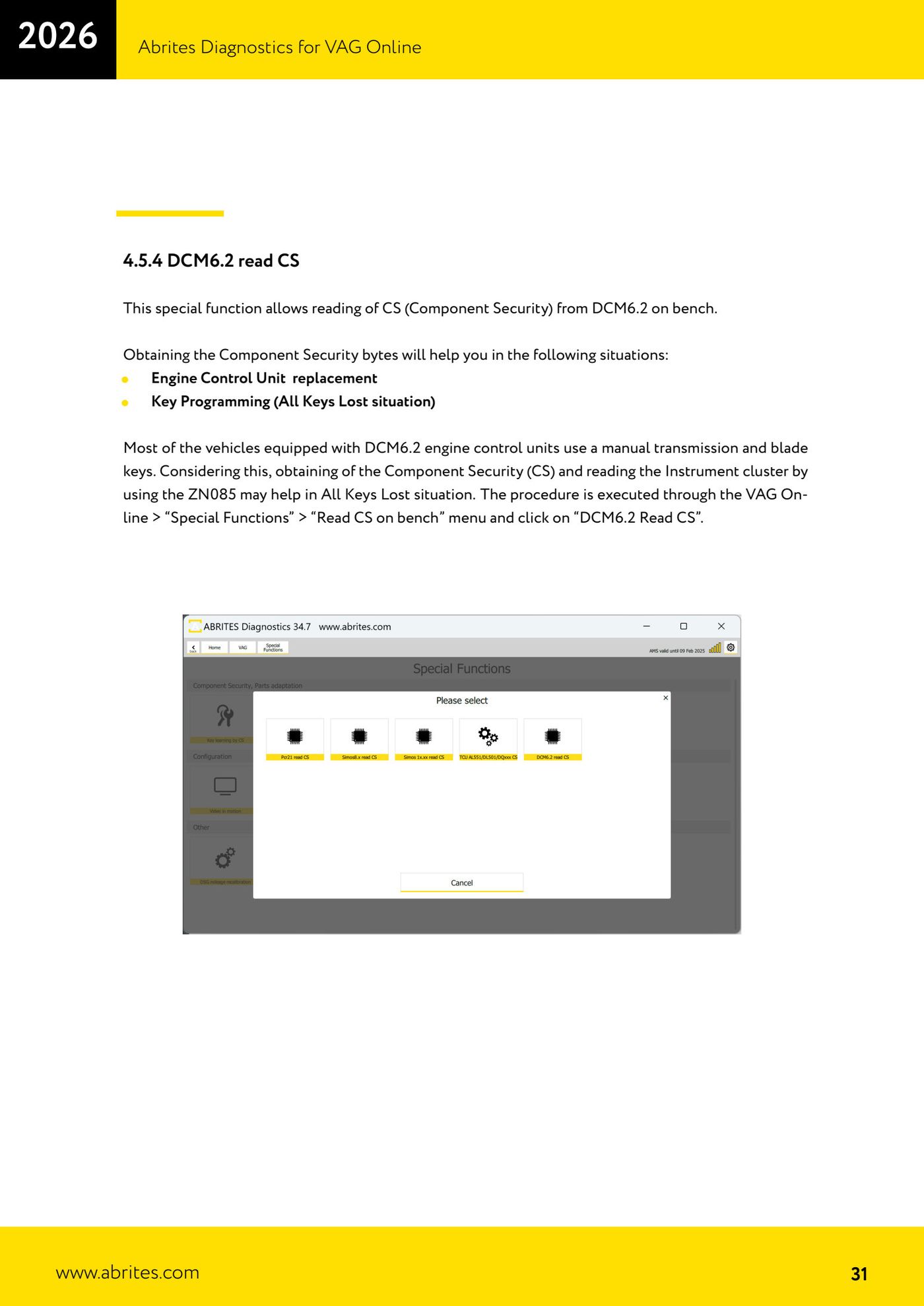
- Open VAG Online → "Special Functions" → "Read CS on bench".
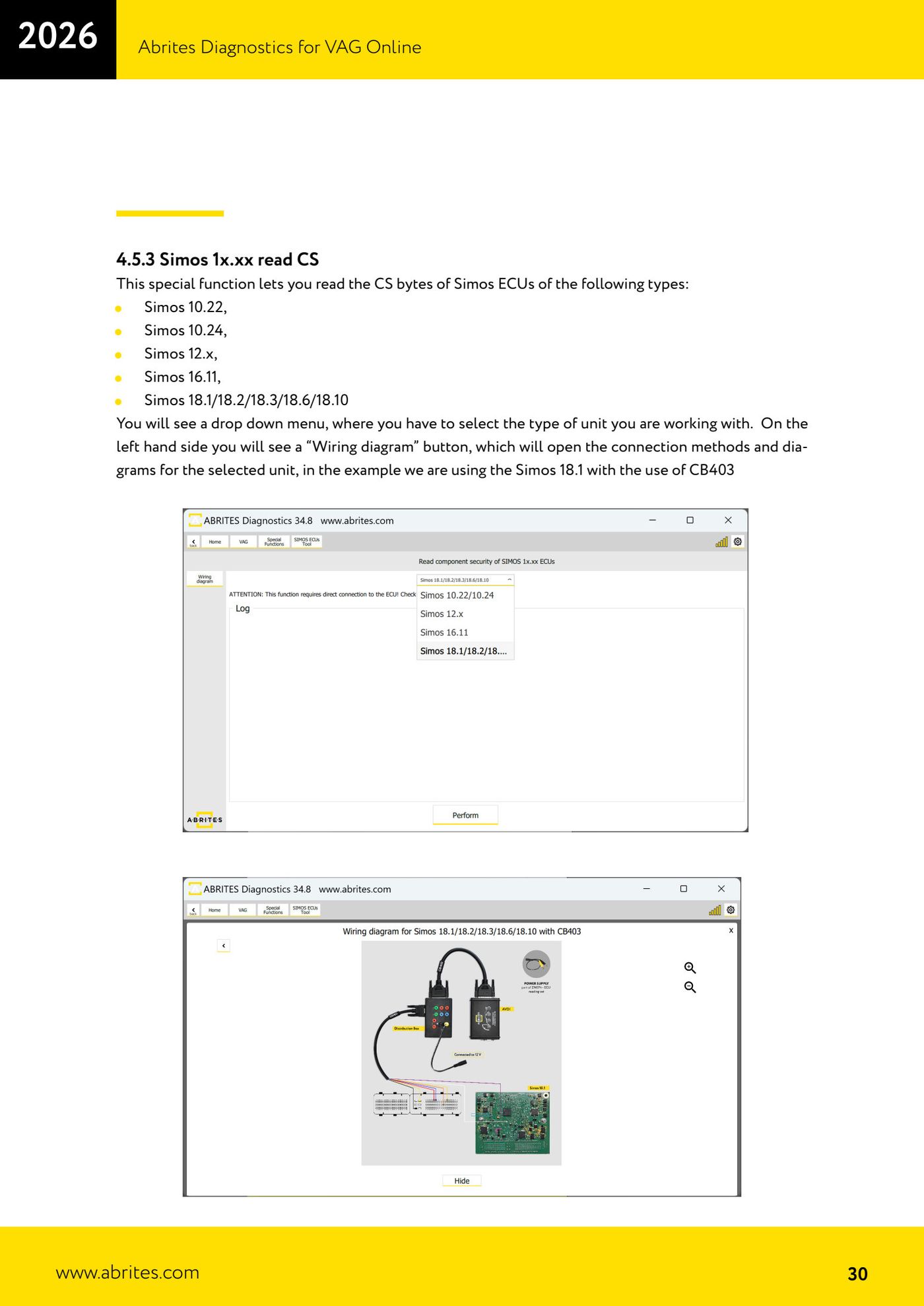
- Select the unit type (for Simos 1x.xx use the drop-down menu; you can open "Wiring diagram" for the schematic).
- Wire up the bench connection following the PIN OUT shown (use the cable/DS Box specified for that unit).
- Press "Perform": the read takes up to about 5 minutes and displays the CS when it finishes.
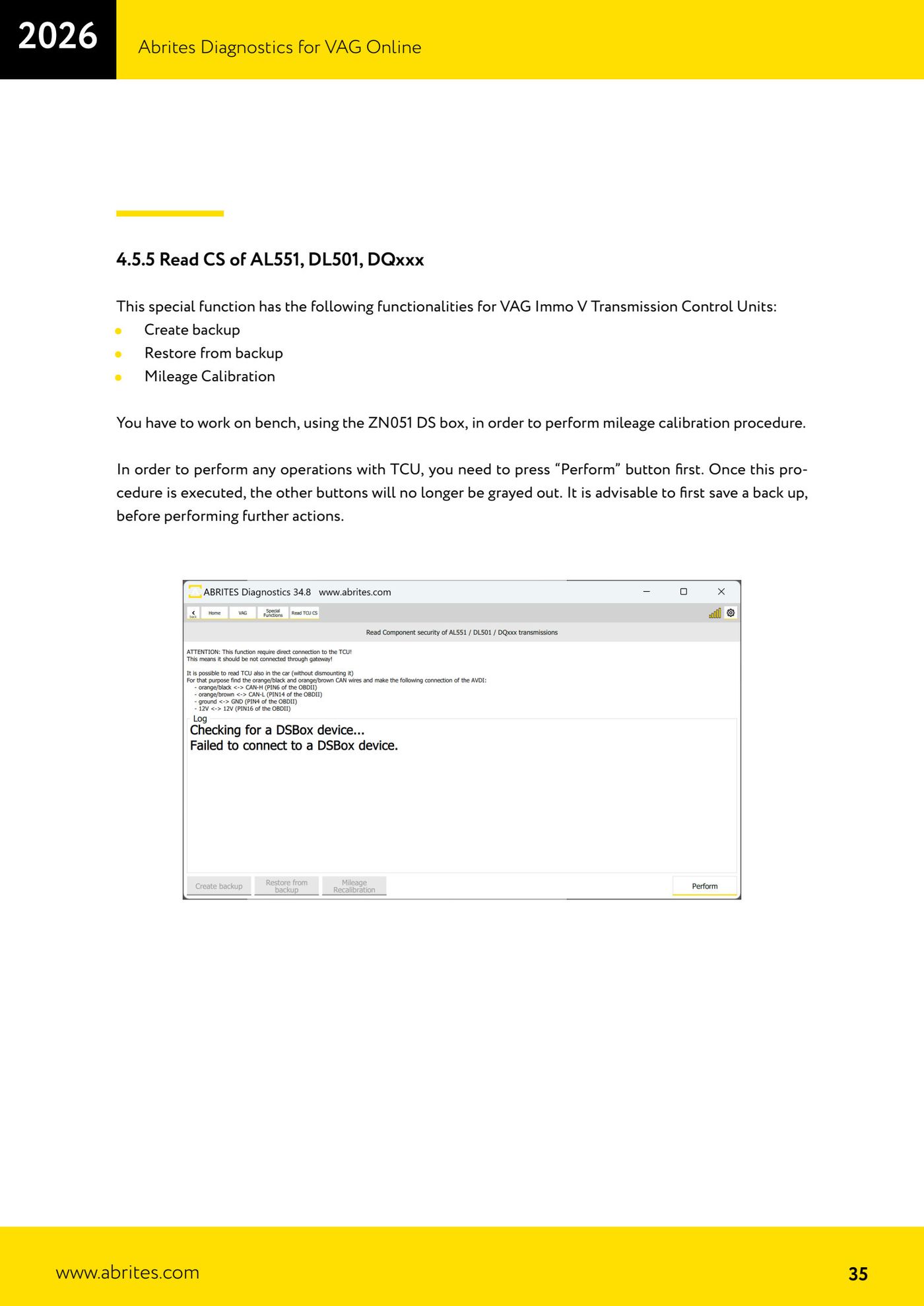
- For the AL551/DL501/DQxxx TCU units you can also create a backup, restore it and run mileage calibration (press "Perform" first to enable the buttons; always save a backup).
Reference screenshots
Source: Manuale VAG Online, cap. 4.5–4.5.5 (p.27–35) · ⏱ estimated time ~5 min per unit
← All Abrites guides Hardware catalogue
More guides VAG
- General diagnostics and fault code (DTC) read/clear
- Basic settings — factory reset (throttle body, steering, clutch)
- Adaptations — customer-requested changes
- Long coding — enabling hidden features
- MMI Functions — enable/disable infotainment features
- Wireless CarPlay / Android Auto
- Video in motion
- BCM2 unlock with the ZN080 set (solder-free)
- DSG mileage recalibration
- Service Intervals
- ECU programming with .frf files
- Dump Tool — extracting immo data from a dump