
Chip-Tools
Reading VAG units with the ZN085: CS, CP, VIN, Power Class, MAC, mileage and key data for cluster replacement
Strumenti
Interface Classic
Keys / Immo
Advanced
⏱ varies
10 steps
Reading a VAG unit with the ZN085 gets you the Component Security (CS) and Component Protection (CP) bytes, VIN, Power Class, MAC, mileage and the key information. The saved file is what you need for cluster exchange, retrofit and key programming through the VAG Online software.
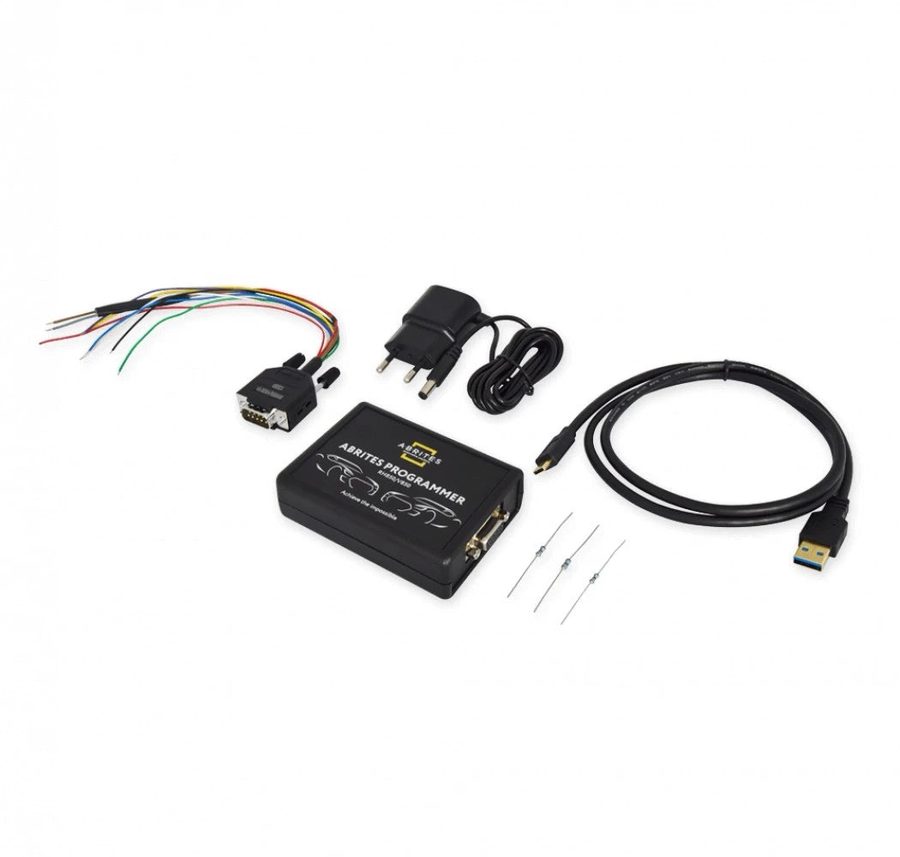
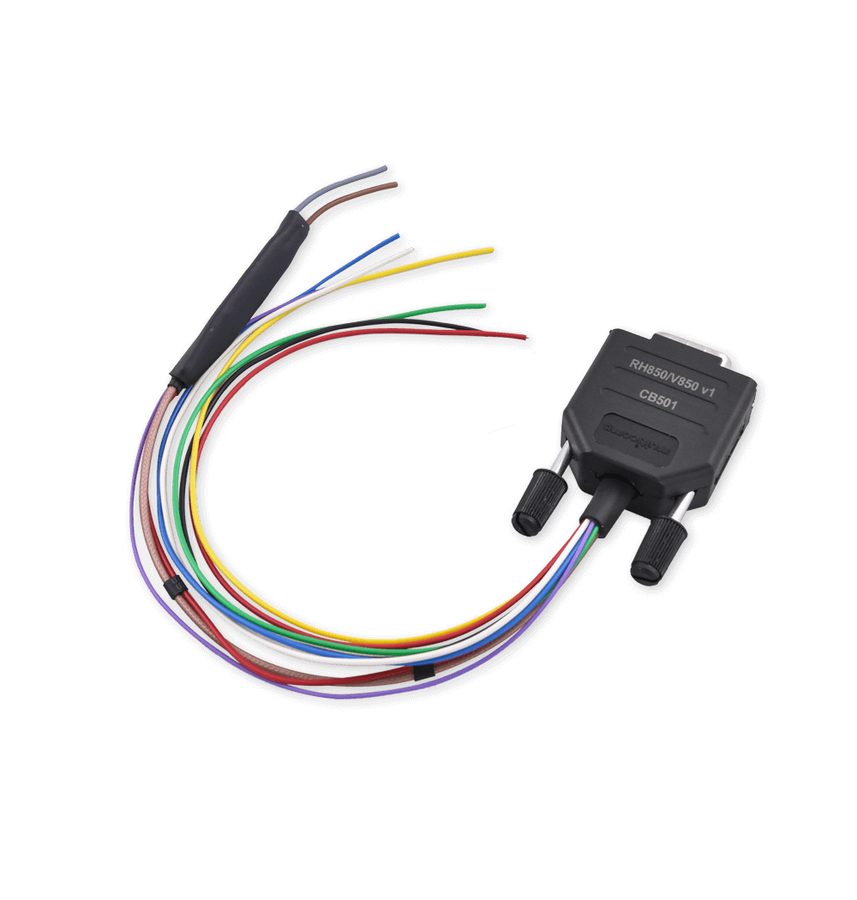


⚠ WarningNever power up a VAG instrument cluster while it is still stripped out, and above all while the fan is not running. Only power the cluster up once it is fully reassembled, otherwise the cluster stores a "Control Module Faulty" DTC that cannot be cleared by any means. Mileage recalibration, key programming and cluster replacement on VAG vehicles with RH850 and V850 processors require the VN021 licence.
Procedure
- Check the cluster part number with "Check by Part Number" in the programmer software to confirm the unit is supported.
- Remove the cluster from the vehicle, open the software, select the MCU type (RH850 or V850) and the matching VAG unit.
- Press "Wiring", wire up the CB501 to the diagram (desoldering the capacitors where required) and check the connections with a multimeter.
- Press "Read MCU" and wait for the read to complete.
- Once the read is done the software shows the unit's readable and updatable data: Component Security (CS) bytes, Component Protection (CP) bytes, VIN, Power Class, MAC, mileage and key information.
- Save it all to a file: it is both the mandatory backup and the file that lets you carry out the cluster exchange and the retrofit.
- To change the mileage, enter the correct value in the dedicated window and press the update button ("update").
- If you're doing a cluster exchange or a retrofit, bear in mind the procedure also calls for key programming (key learning).
- For key programming, save the IMMO data .json file in this software, then load it into the VAG Online software and run the key programming procedure from there.
- Put the capacitors back, fully reassemble the cluster and only then power it up and install it in the vehicle.
Reference screenshots
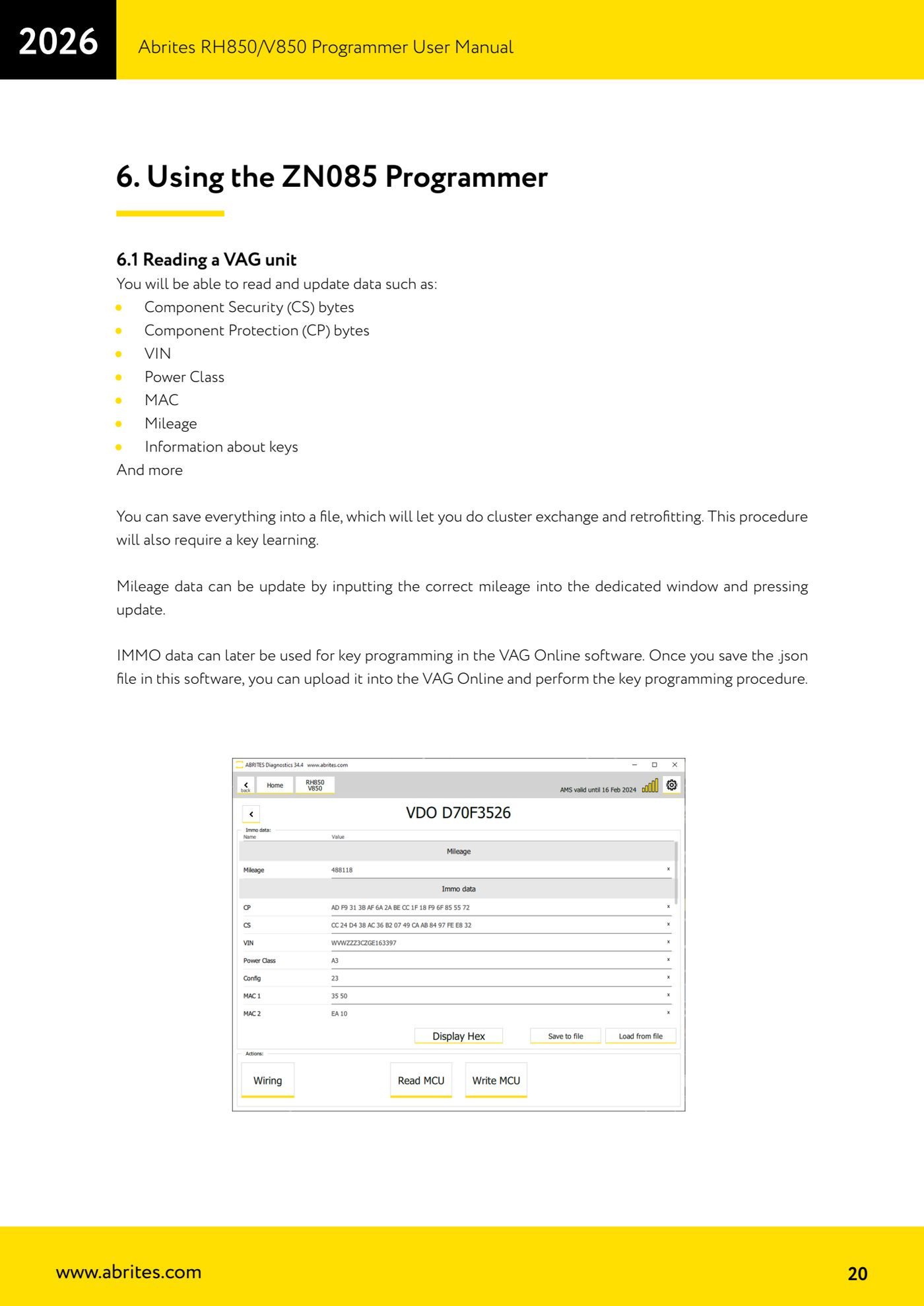
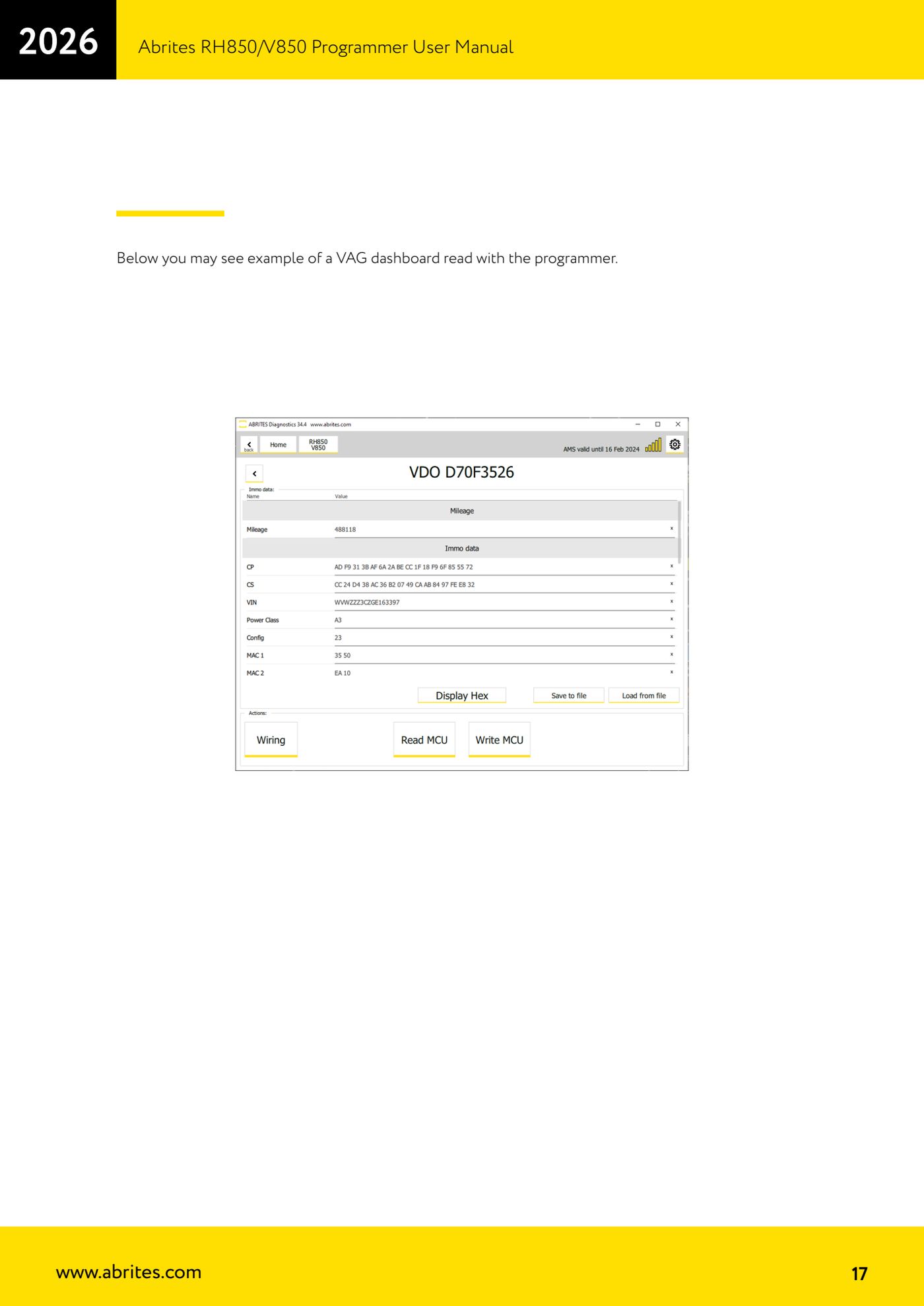
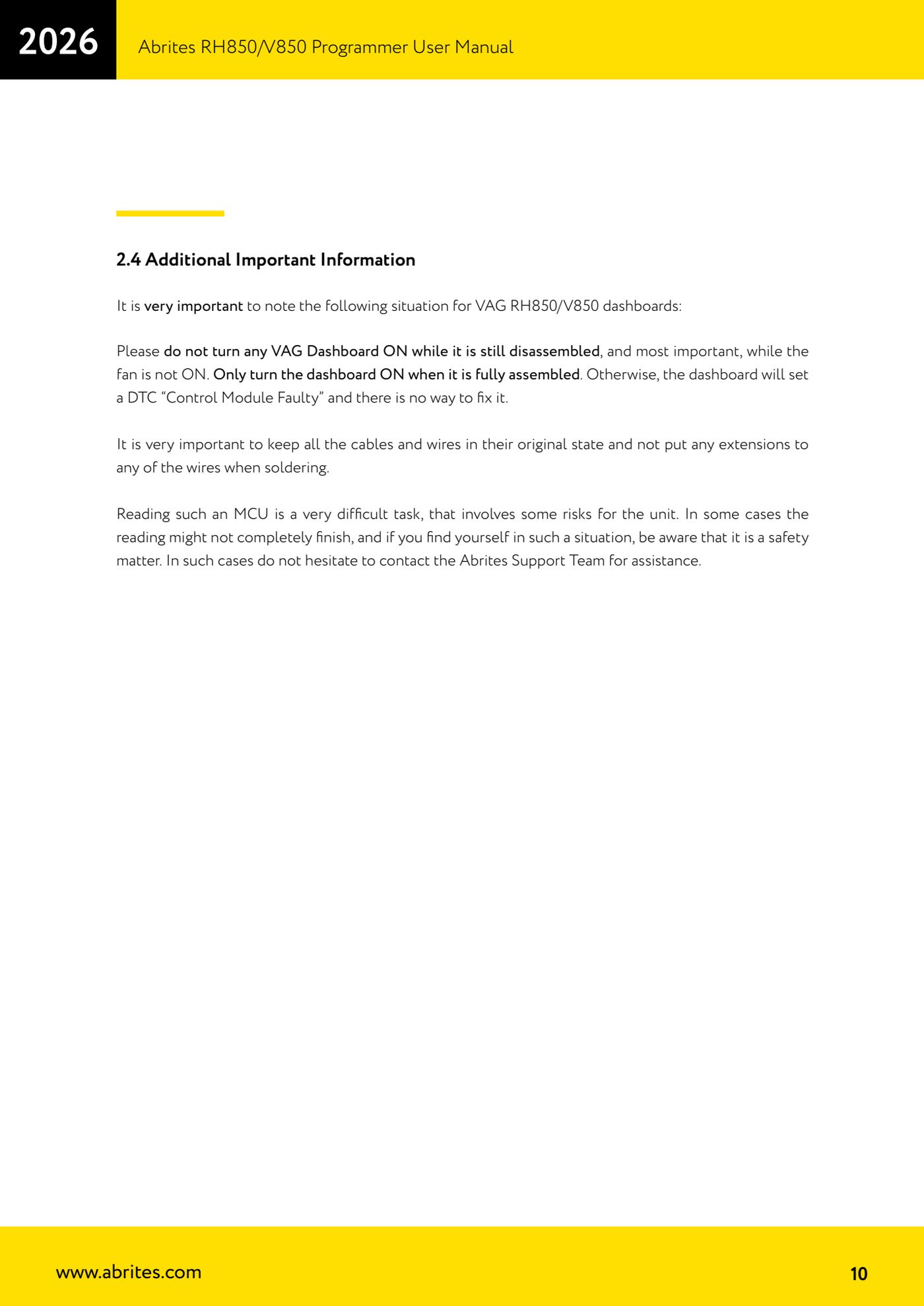
Source: Manuale Programmatore RH850/V850, cap. 2.4 e 6.1 (p.10, p.17, p.20) · ⏱ estimated time varies
← All Abrites guides Hardware catalogue
More guides Strumenti
- ABPROG ZN030: what's in the set, hooking it up to the AVDI and starting the Classic software
- Reading and writing SPI, I2C and Microwire EEPROMs with ABPROG and the ZN031/ZN035 adapter
- Erasing and reprogramming M35080VP / M35080V6 incremental EEPROMs with ABPROG
- Wiring an SPI EEPROM straight to the ABPROG DB25 without the ZN031 adapter
- Mercedes-Benz IR keys: reading the SSID, erasing and programming the NEC with ZN032 / ZN033
- Renewing used keys (HITAG/PCF) with the ZN046 adapter and ABPROG
- Solder points on key PCBs for the ZN046 and list of keys supported for renewal
- Reading the EWS3 dump on BMW E46/E39/E53 and others with the ZN055 adapter
- Reading the EEPROM on BMW F-Series FEM/BDC without desoldering, using the ZN057 extension
- Reading and writing NEC V850ES MCUs with the ZN078 adapter and ABPROG
- ABPROG DB25 pinout: building your own ZN046, ZN058, ZN078 and ZN086 adapters
- Reading the immobiliser from a Renault X95 BCM (and Audi BCM) with ABPROG and direct wiring