
Chip-Tools
Bench reading of a TCU: ZN079 or ZN151 DS Box set with CB401/CB403 and the ZF 8HP pinout (BMW, Audi, Porsche)
Strumenti
Interface Classic
Hardware / Connections
Medium
⏱ 30-60 min
7 steps
How to set the bench up to read a transmission control unit (TCU) with the ECU Programming Tool: you use the ZN151 DS Box with the CB401/CB403 cables, or, for Bosch ZF 8HP TCUs, the ZN079 connected straight to the AVDI without the ZN151. Includes the ZF 8HP connector pinout.
Required licences
- —
Hardware / cables
 AVDI
AVDI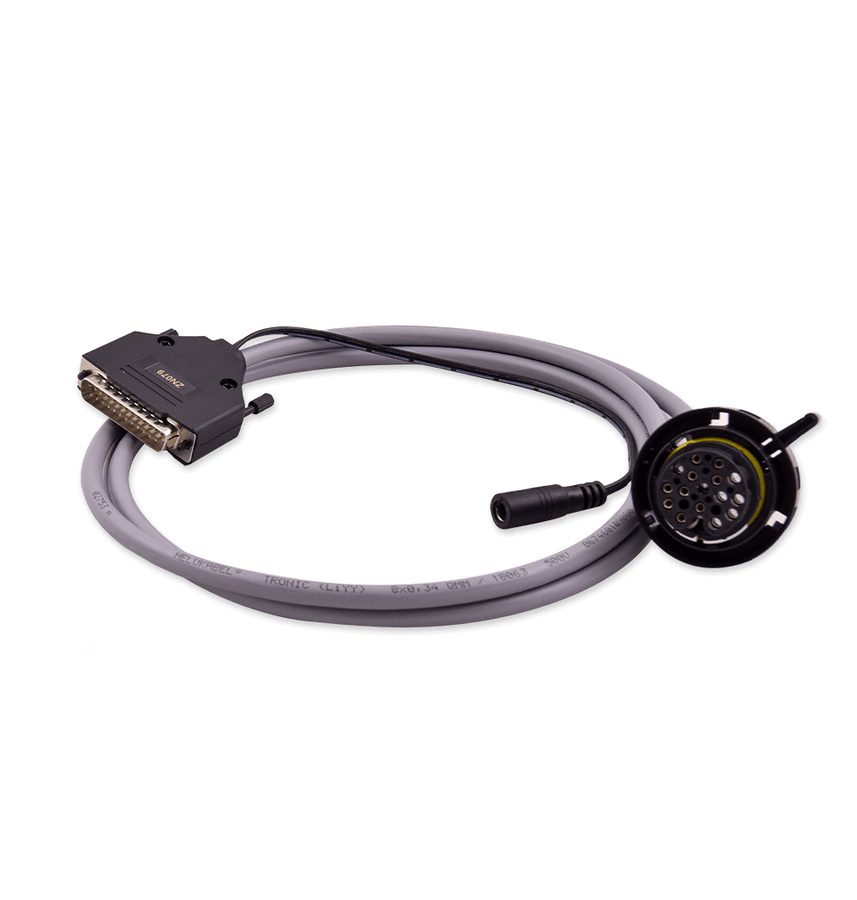 ZN079
ZN079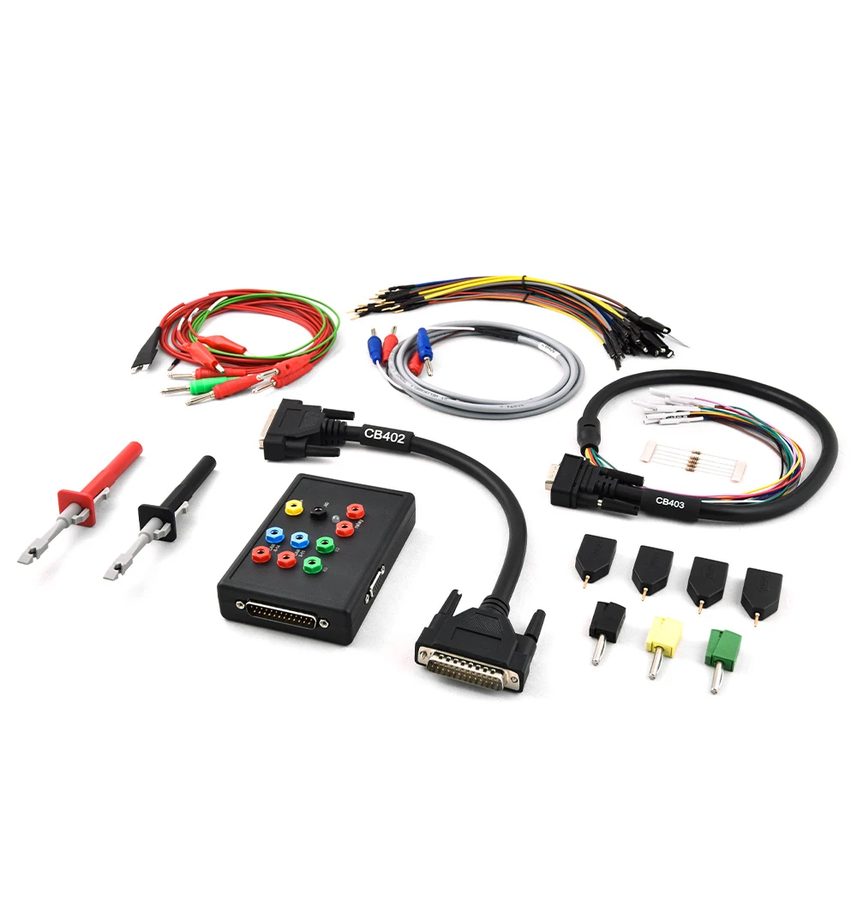 ZN151 DS Box
- CB401
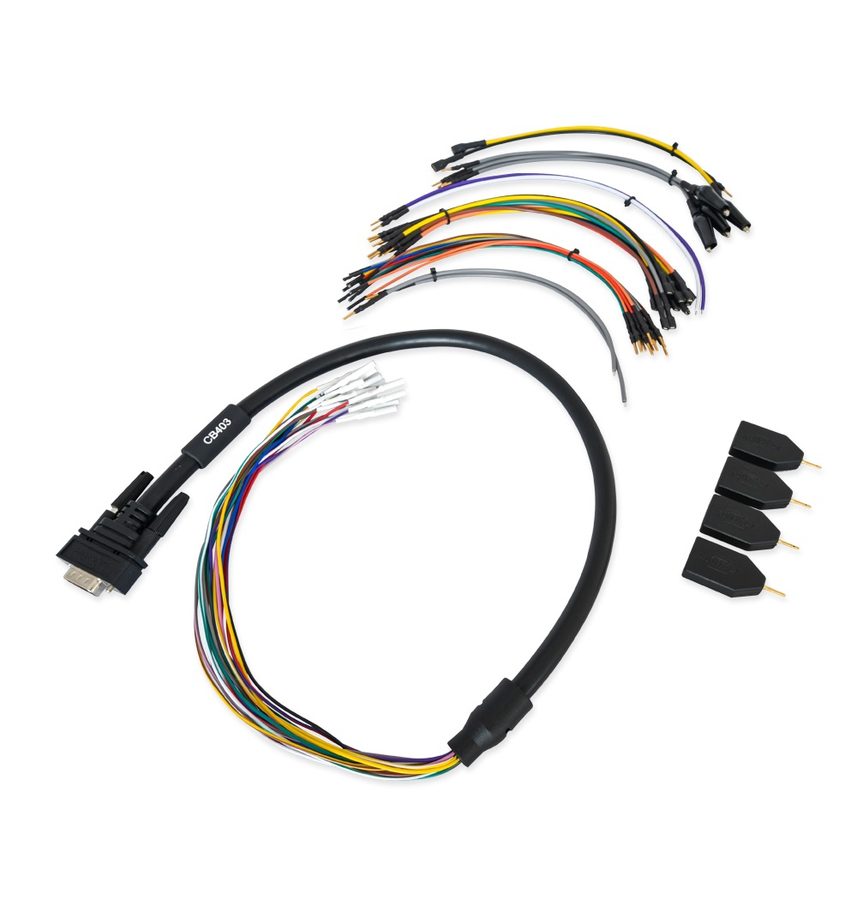 CB403
CB403- alimentatore 12V
⚠ WarningWith the ZN079 the connection sequence is mandatory: connect the ZN079 to the TCU first, then the power supply, then connect the already-powered set to the AVDI, and only at the very end start the ECU Programming Tool. Get that order wrong and the software may not work as expected.
Procedure
- Choose your set: for a generic TCU use the ZN151 DS Box together with the CB401 or CB403 cable; for Bosch ZF 8HP TCUs you can use the ZN079 connected straight to the AVDI, without the ZN151.
- If you are using the ZN079, follow the sequence: ZN079 onto the TCU, then the power adapter, then the already-live set onto the AVDI, and start the ECU Programming Tool last.
- For the ZF 8HP bear in mind the connector exists in three versions: only the position of the CAN wires changes, while the power wires are always on the same pins.
- If you do not know which of the three versions you have in front of you, try the CAN positions one after the other until the unit responds: that is the procedure the manual gives.
- The ZN079 works with all three ZF 8HP connector types and finds the correct CAN wire position by itself, so with that cable you skip the manual search.
- If the CB401 probes are loose on the TCU pins, switch to the CB403: it has larger sockets that seat properly on the pins of these units.
- Apply power, start the ECU Programming Tool and always begin with a full read saved to file before any writing.
Reference screenshots
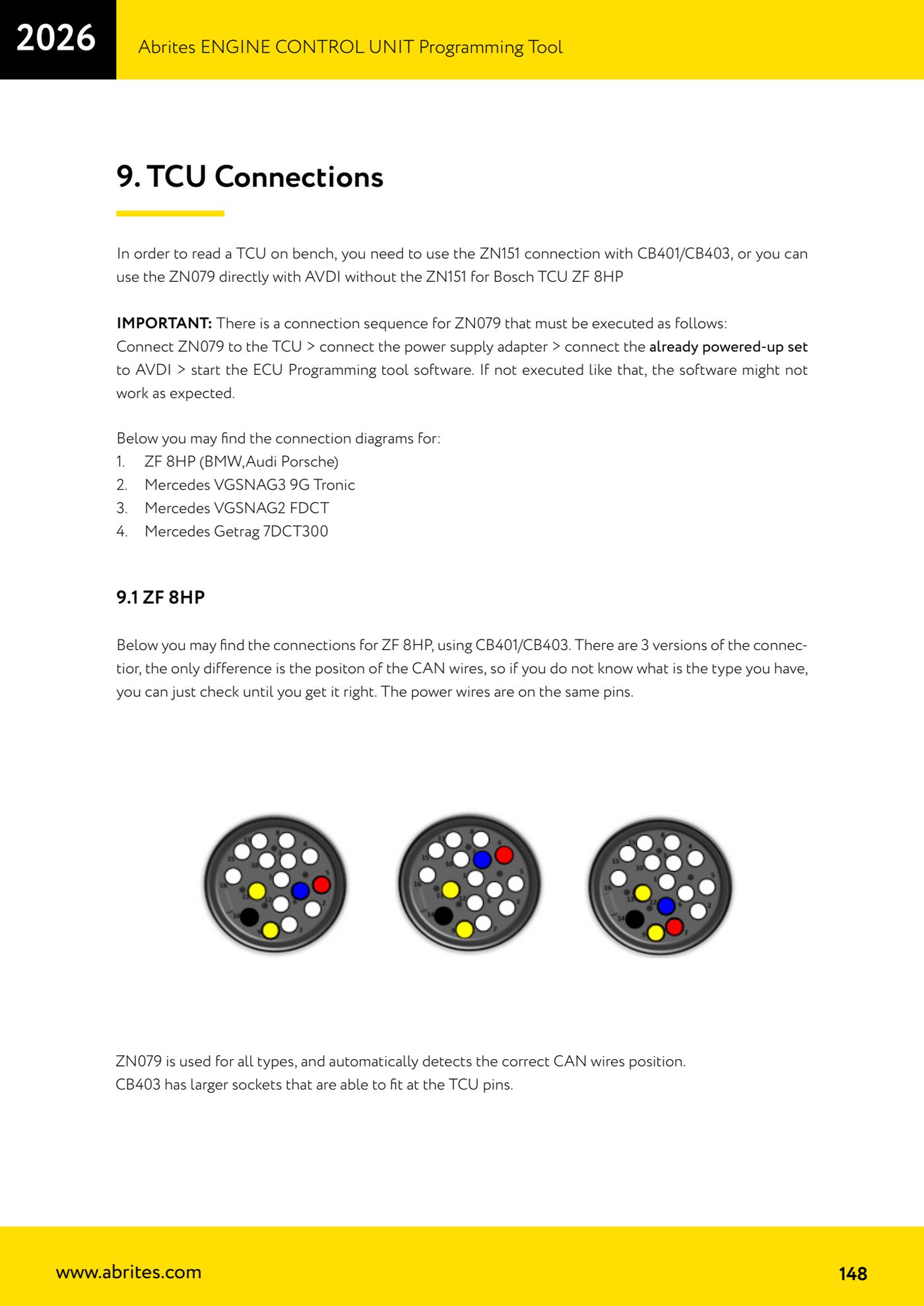
Source: Manuale ECU Programming Tool, parte 3 di 3, cap. 9 e 9.1 - TCU Connections / ZF 8HP (p.148) · ⏱ estimated time 30-60 min
← All Abrites guides Hardware catalogue
More guides Strumenti
- ABPROG ZN030: what's in the set, hooking it up to the AVDI and starting the Classic software
- Reading and writing SPI, I2C and Microwire EEPROMs with ABPROG and the ZN031/ZN035 adapter
- Erasing and reprogramming M35080VP / M35080V6 incremental EEPROMs with ABPROG
- Wiring an SPI EEPROM straight to the ABPROG DB25 without the ZN031 adapter
- Mercedes-Benz IR keys: reading the SSID, erasing and programming the NEC with ZN032 / ZN033
- Renewing used keys (HITAG/PCF) with the ZN046 adapter and ABPROG
- Solder points on key PCBs for the ZN046 and list of keys supported for renewal
- Reading the EWS3 dump on BMW E46/E39/E53 and others with the ZN055 adapter
- Reading the EEPROM on BMW F-Series FEM/BDC without desoldering, using the ZN057 extension
- Reading and writing NEC V850ES MCUs with the ZN078 adapter and ABPROG
- ABPROG DB25 pinout: building your own ZN046, ZN058, ZN078 and ZN086 adapters
- Reading the immobiliser from a Renault X95 BCM (and Audi BCM) with ABPROG and direct wiring