
Chip-Tools
Starting Renault/Dacia Online diagnostics: AVDI connection, vehicle selection and module scan
Renault/Dacia
Interface New
Diagnostics
Basic
⏱ 10-20 min
10 steps
This is the starting procedure for any job with the Renault/Dacia Online software: you plug the AVDI into the OBDII port, pick make and model, the software identifies the vehicle and shows the list of modules you then work on (DTCs, live values, actuator tests). It covers Renault/Dacia vehicles from 1999 to today.
Required licences
- —
Hardware / cables

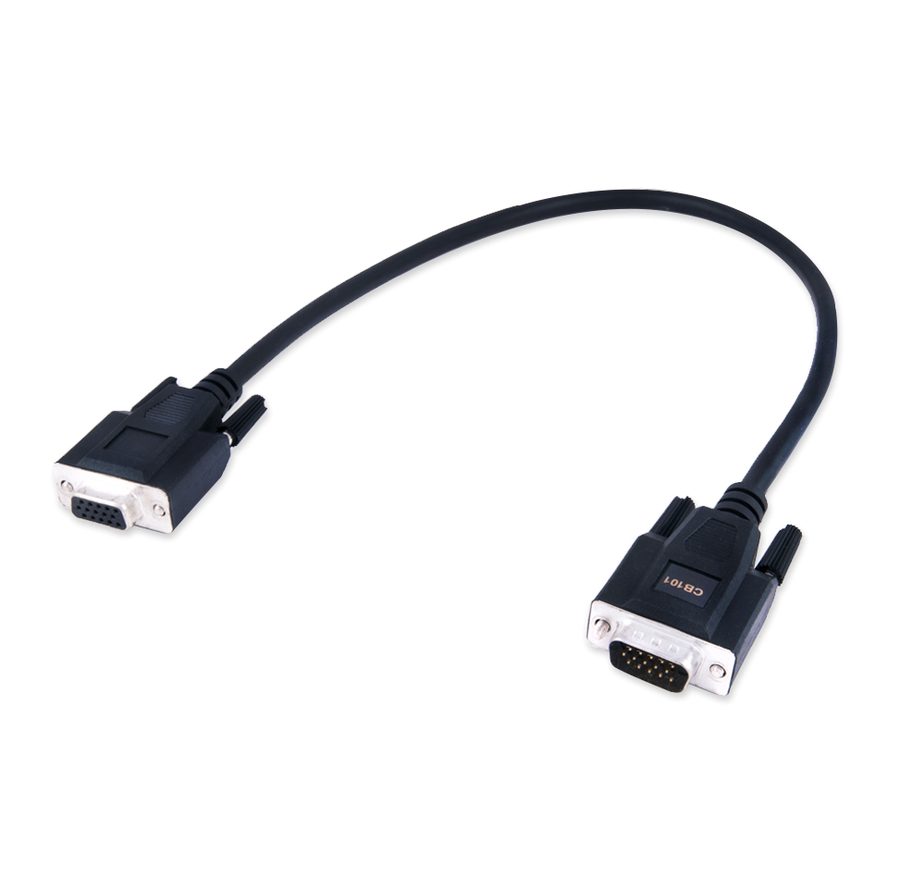
⚠ WarningThe Renault/Dacia Online software only works with the PC connected to the internet: you need a stable connection (Wi-Fi or 3G/4G tethering) and port 8443 must be open at the provider, otherwise the software will not work properly. You also need AMS active and Windows 7 64 bit SP1 or later.
Procedure
- Check the PC requirements: Windows 7 64 bit SP1 or later, at least 1024 MB of RAM and 64 GB free on disk, AMS active and a stable internet connection.
- Make sure your provider leaves port 8443 open: without it the Online version cannot talk to the Abrites server.
- Plug the AVDI into the vehicle's OBDII port with the CB101 or CB106 cable and turn the ignition on.
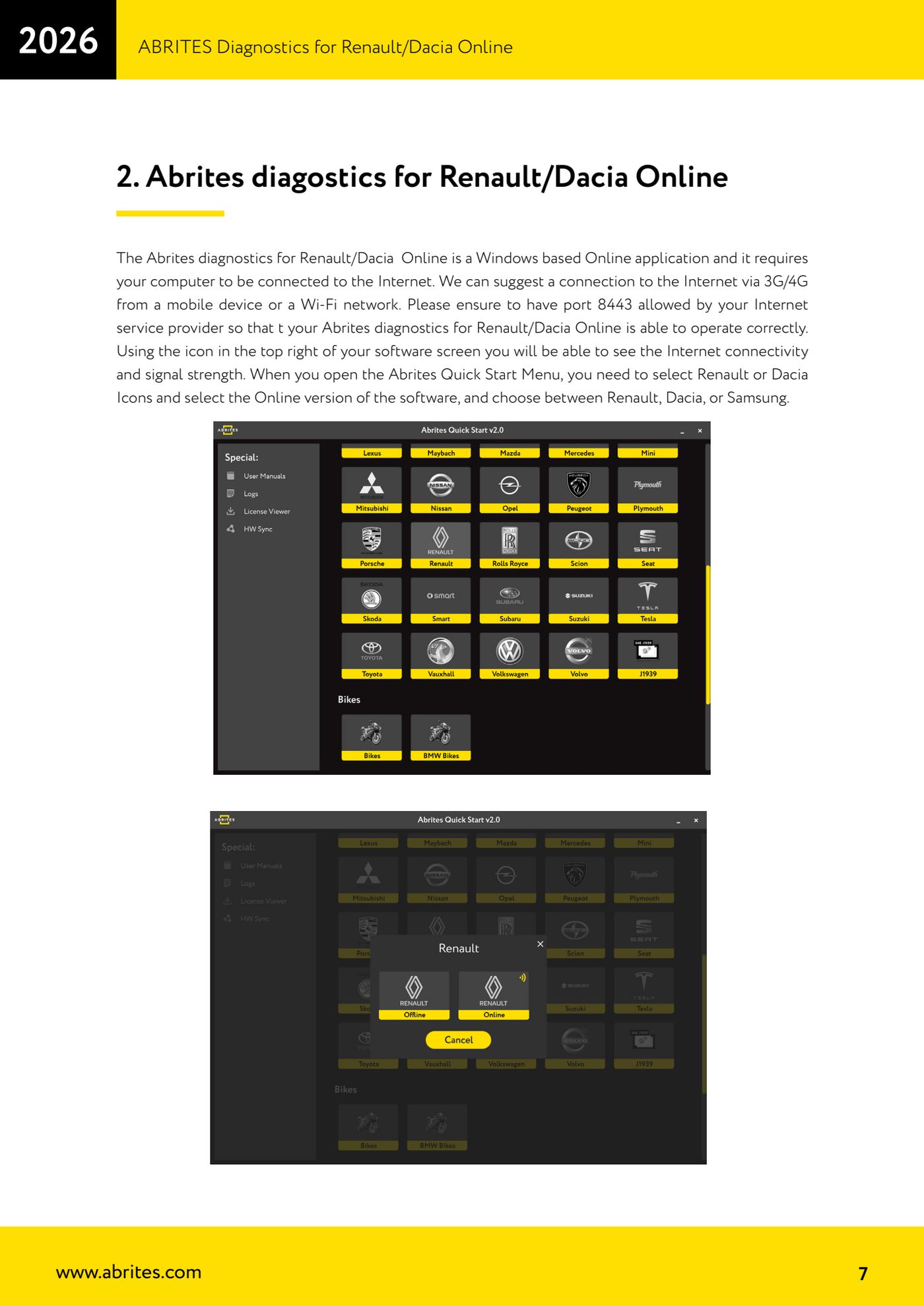
- Open the Abrites Quick Start Menu and select the Renault or Dacia icon, then choose the Online version of the software; on the next screen pick Renault, Dacia or Samsung.
- Check the icon at the top right of the software screen: it shows internet connectivity and signal strength. If there is no signal, sort the connection out before going any further.
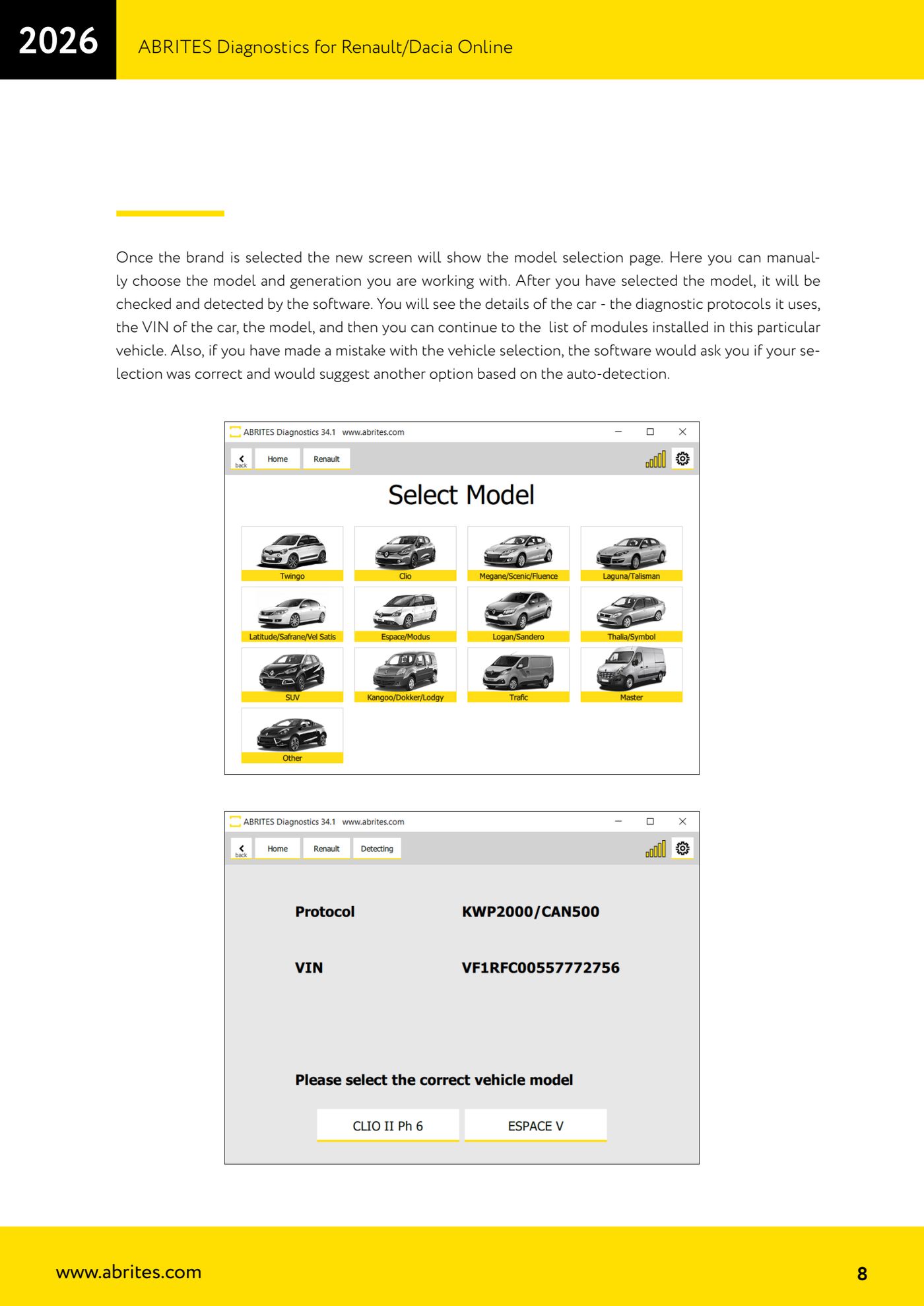
- On the model selection page pick manually the model and generation you are working on; the software checks your choice and detects the vehicle.
- Read the data the software shows: diagnostic protocols in use, VIN, model. If you picked wrong, the software tells you and offers the alternative based on auto-detection: accept the correct one.
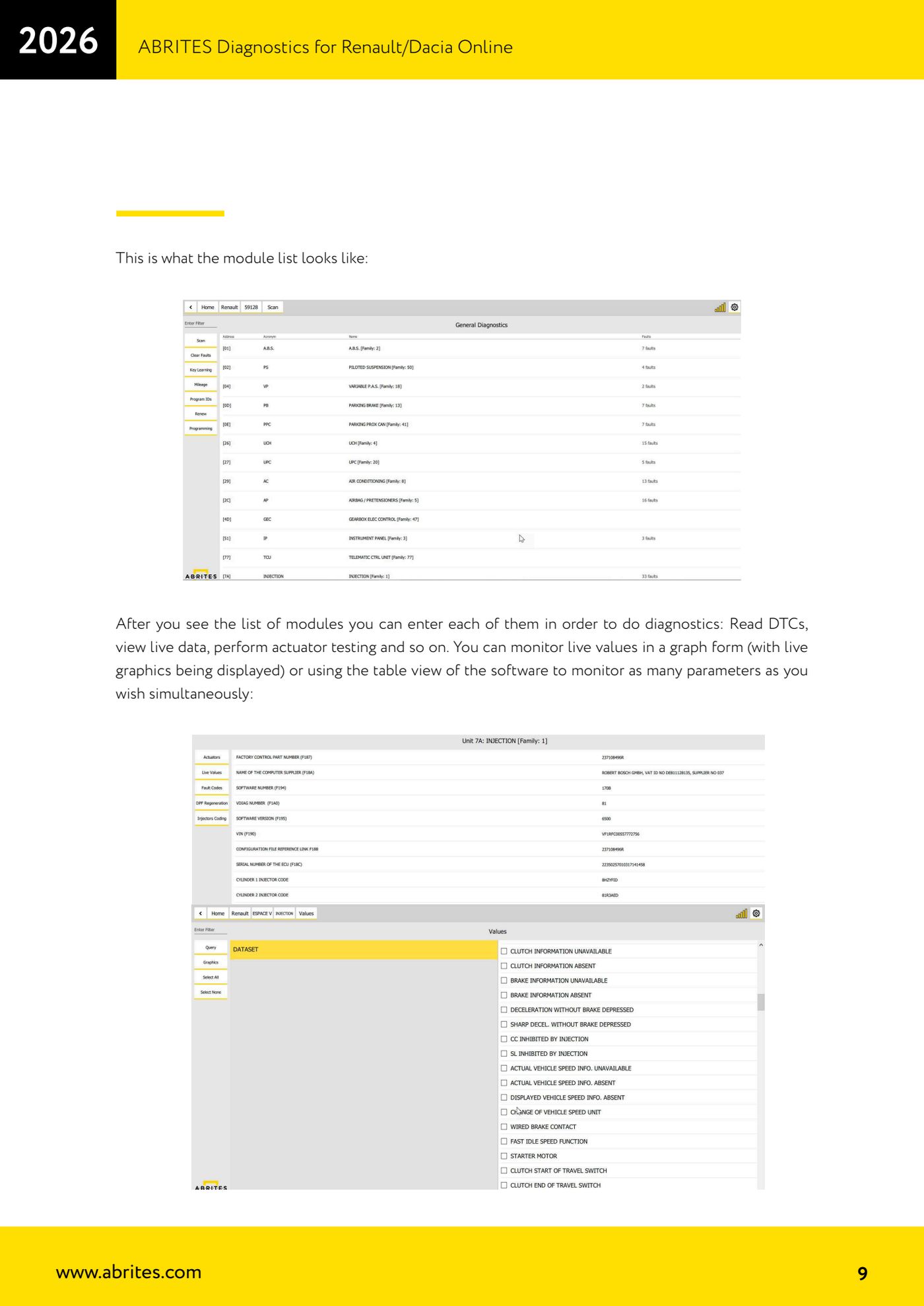
- Move on to the list of modules fitted to that specific vehicle.
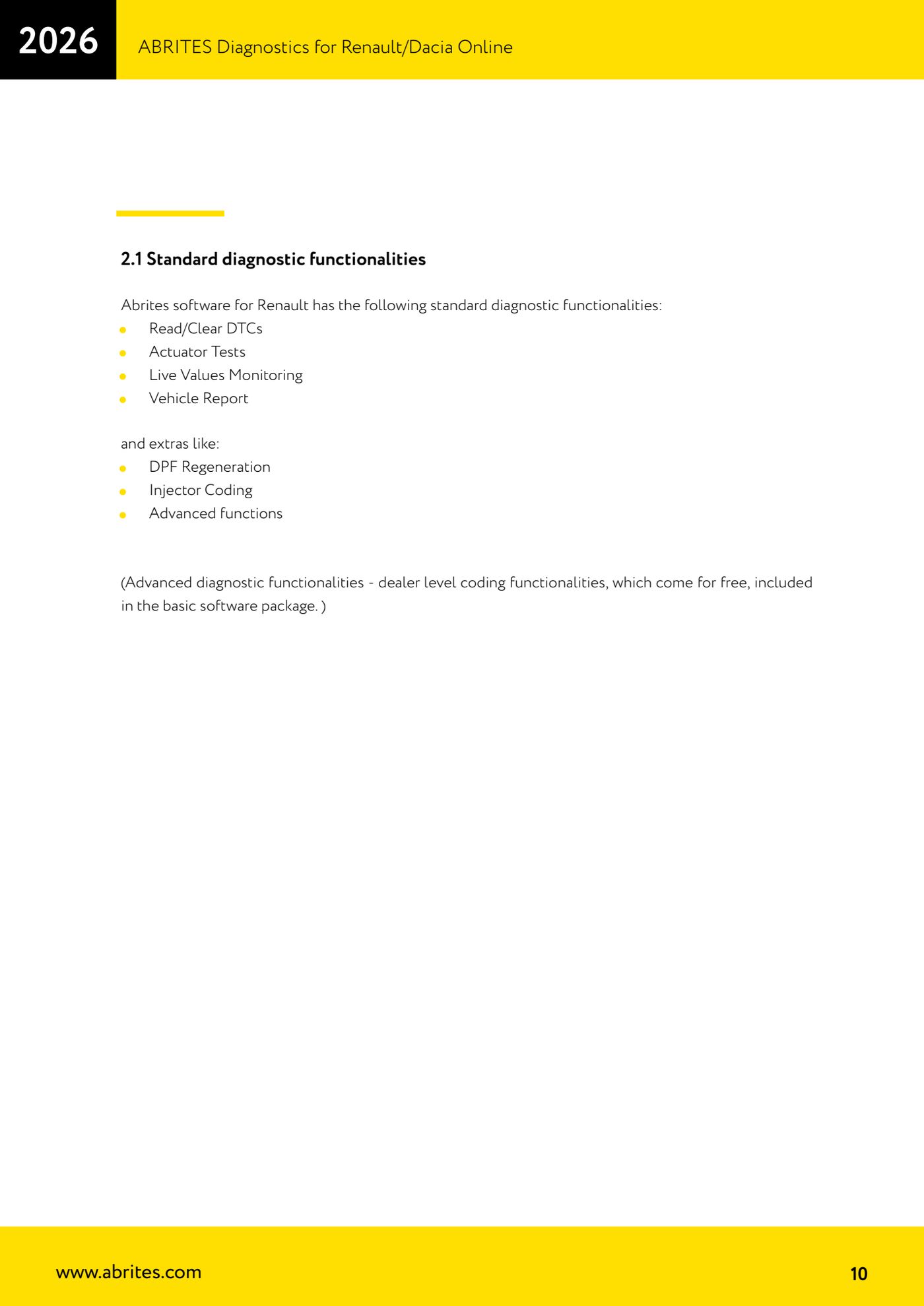
- Enter each module to run diagnostics: read and clear DTCs ("Read/Clear DTCs"), run actuator tests ("Actuator Tests"), check live values ("Live Values Monitoring") and generate the vehicle report ("Vehicle Report").
- For live values choose graph view if you want to follow the trend over time, or table view to monitor all the parameters you need at the same time.
Reference screenshots
Source: Manuale Renault/Dacia Online, cap. 1-2.1 (p.7-11) · ⏱ estimated time 10-20 min
← All Abrites guides Hardware catalogue
More guides Renault/Dacia
- Renault/Dacia: module scan, ECU identification and DTC read/clear with AVDI
- Renault/Dacia: live data (list and graph) and actuator tests
- Renault/Dacia: PIN reading and key/card learning - common procedure
- Renault X95 (Megane III, Scenic III, Fluence): learning virgin cards and already-working cards
- Renault X95 from 2011 with updated immobiliser software: cards via ABPROG
- Renault Clio IV: programming ABRITES key cards with PROTAG
- Renault: immobiliser PIN calculation from the key code and Clio PIN from EEPROM dump
- Renault/Dacia: editing dumps with "Dump Tool" and writing the VIN with "Change ID"
- Renault/Dacia: cluster mileage calibration and disabling the ABS synchronisation
- Renault: reading/writing configuration data, flash and IMMO erase on the supported engine ECUs
- Bosch EDC15C3 and EDC15C13 Renault: DB9 Female pinout for bench work
- Renault SID301, SIRIUS 32 and SIM32: DB9 Female pinout and ECU data for bench work