
Chip-Tools
ZN181 CAN Gateway Set: keys and FBS3 module adaptation on Mercedes-Benz trucks on the bench
Strumenti
Interface Classic
Keys / Immo
Advanced
⏱ varies
7 steps
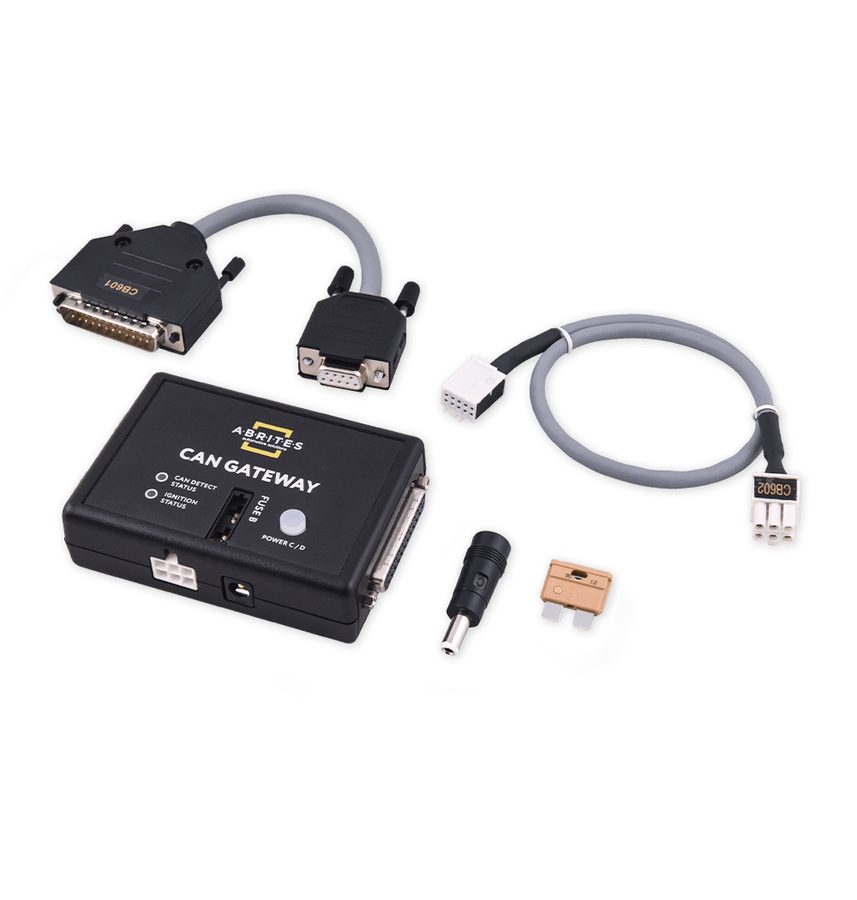
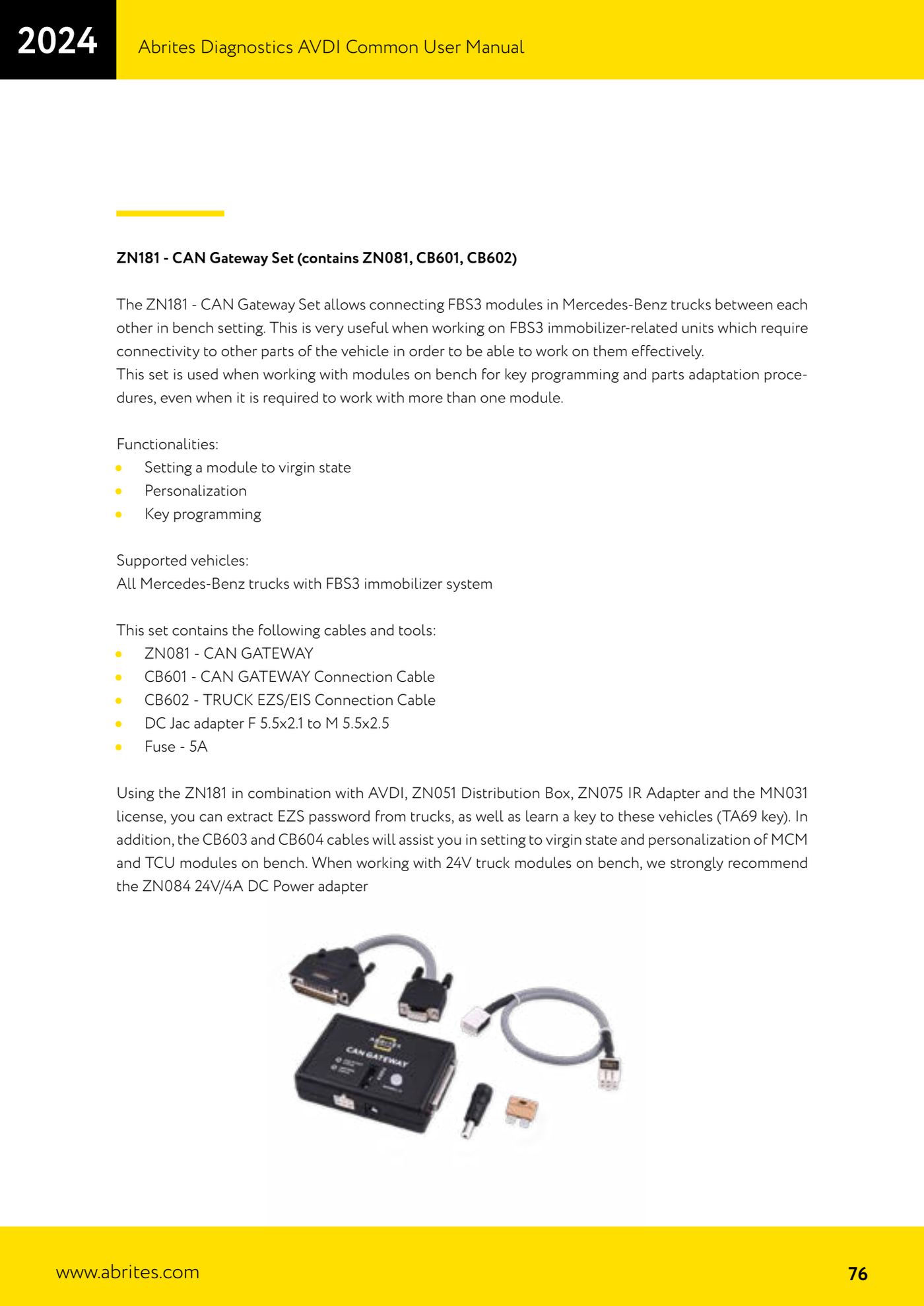
The ZN181 set links Mercedes-Benz truck FBS3 modules together on the bench, which is what you need when an immobilizer-linked unit has to talk to the other vehicle modules before it can be worked on. It covers virginizing, personalization and key programming on all Mercedes-Benz trucks with the FBS3 immobilizer system.


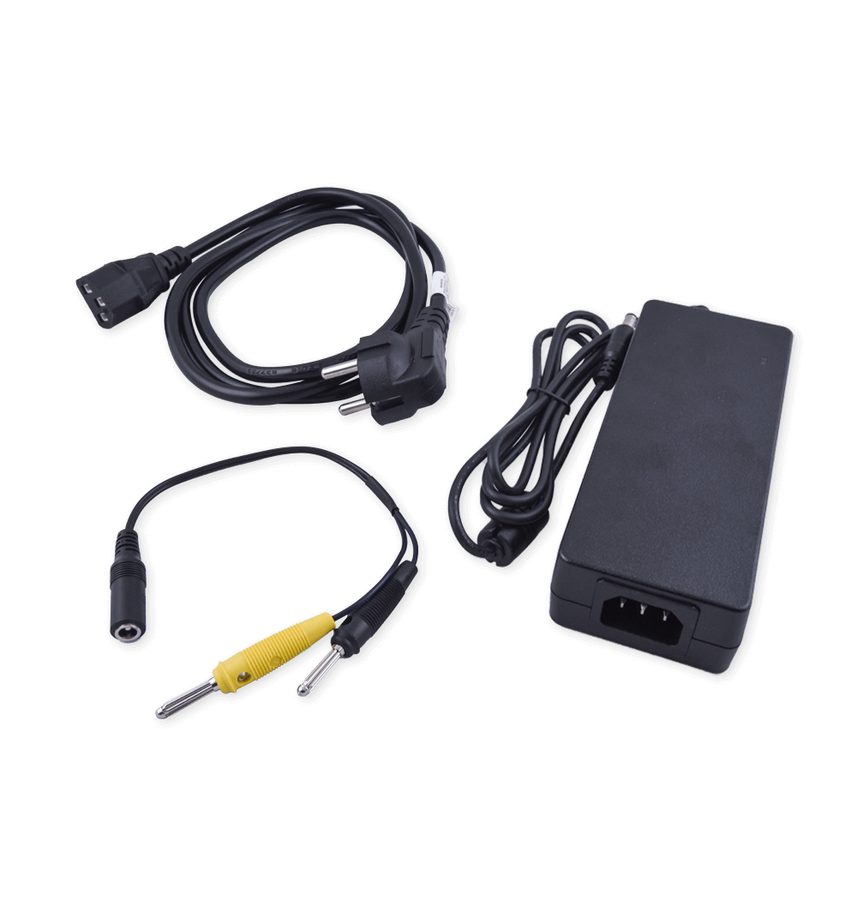
⚠ WarningWhen working on 24V truck modules on the bench, the ZN084 - 24V/4A DC power adapter is strongly recommended. The set includes a 5A fuse: do not bypass it.
Procedure
- Check the contents of the ZN181 set: ZN081 - CAN Gateway, CB601 - CAN Gateway connection cable, CB602 - Truck EZS/EIS connection cable, DC jack adapter 5.5x2.1 female to 5.5x2.5 male and a 5A fuse.
- Set up the bench: power the modules with the ZN084 24V/4A and connect the ZN081 CAN Gateway with the CB601.
- Connect the truck EZS/EIS with the CB602 to the CAN Gateway, so the module sees the other components as if it were in the vehicle.
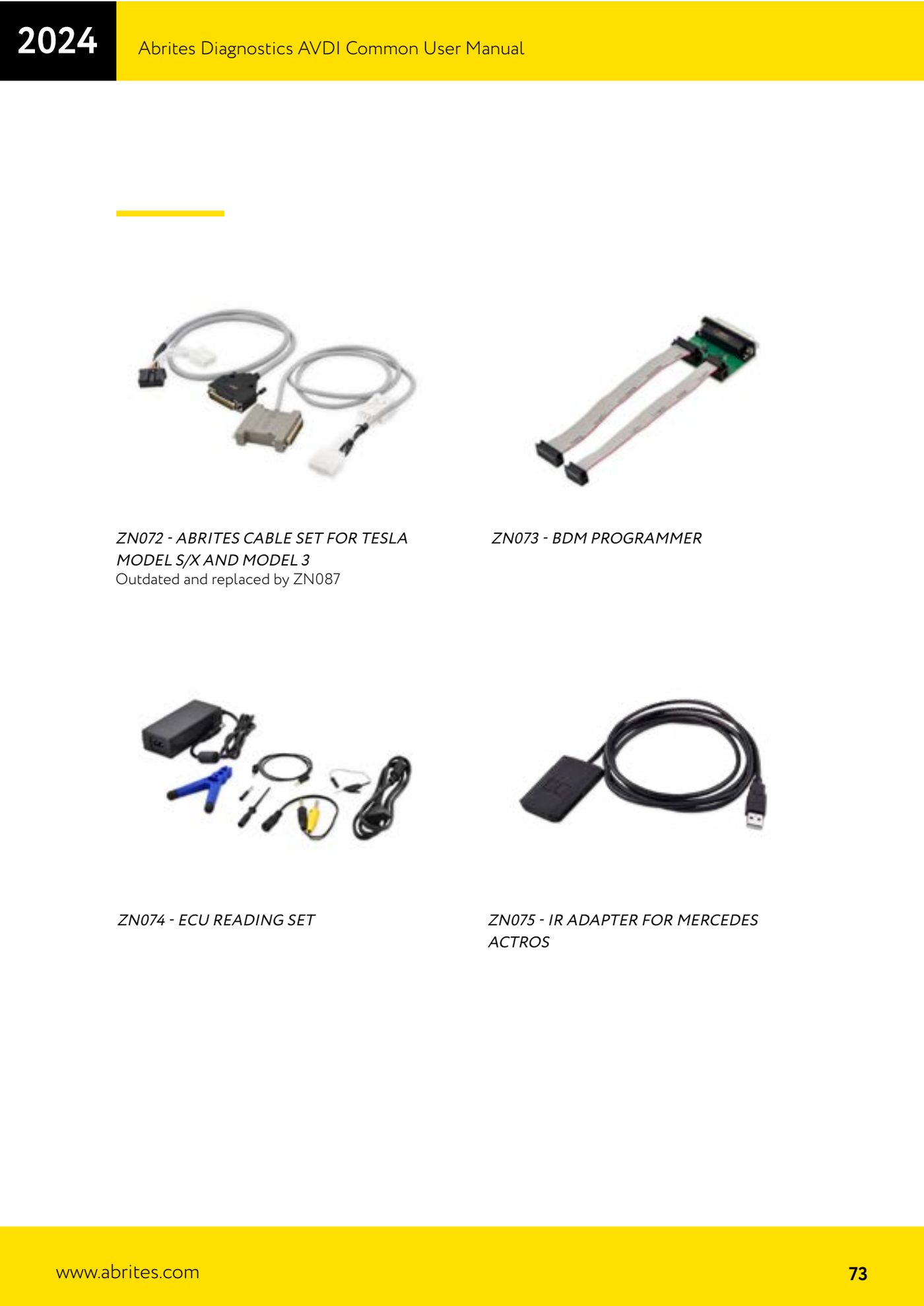
- To extract the password from the truck EZS, combine AVDI, ZN181, ZN051 Distribution Box, ZN075 infrared adapter and the MN031 license.
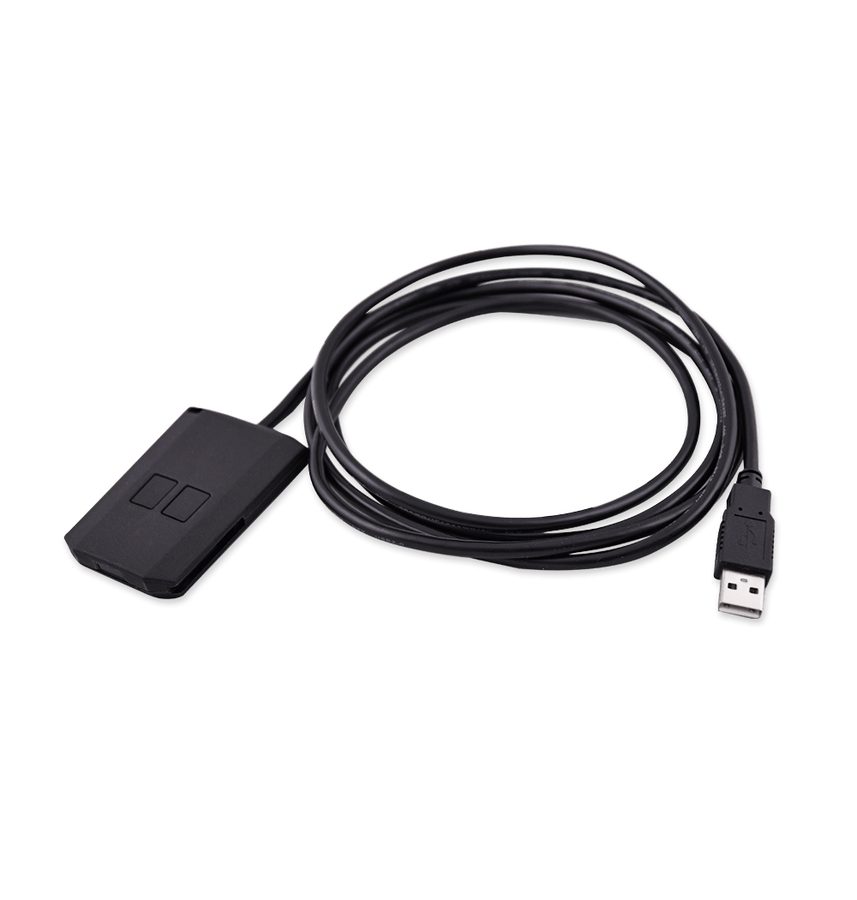
- Program the key using the TA69 - Abrites infra-red key for Mercedes-Benz trucks, with the ZN075 IR adapter for the infrared communication.
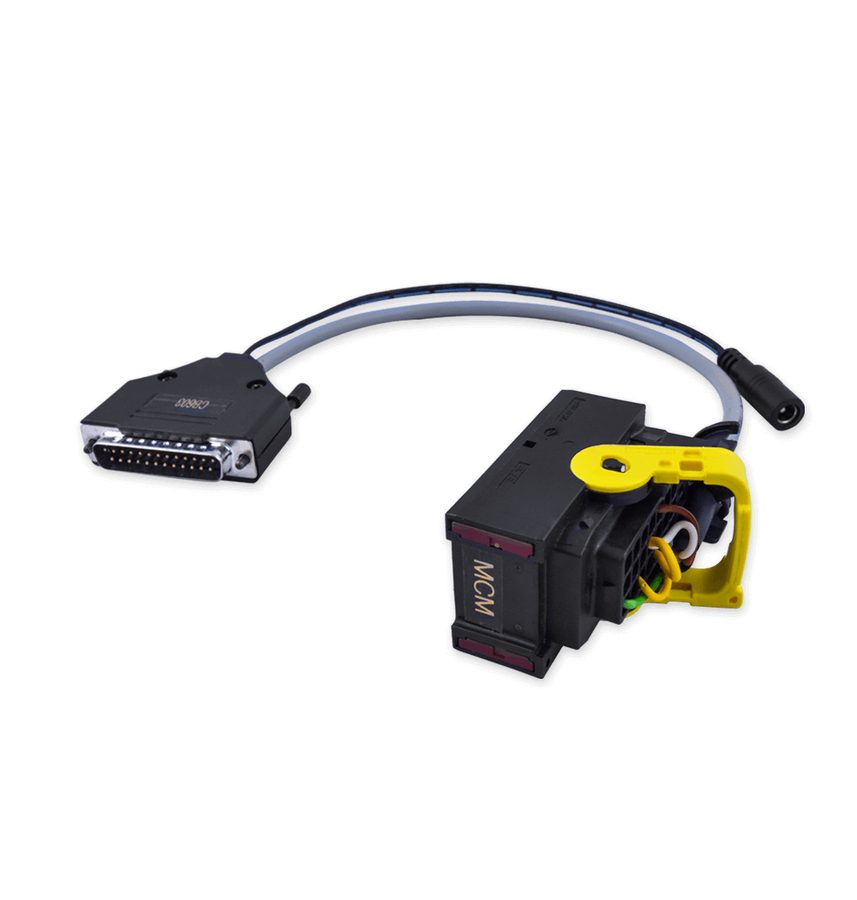
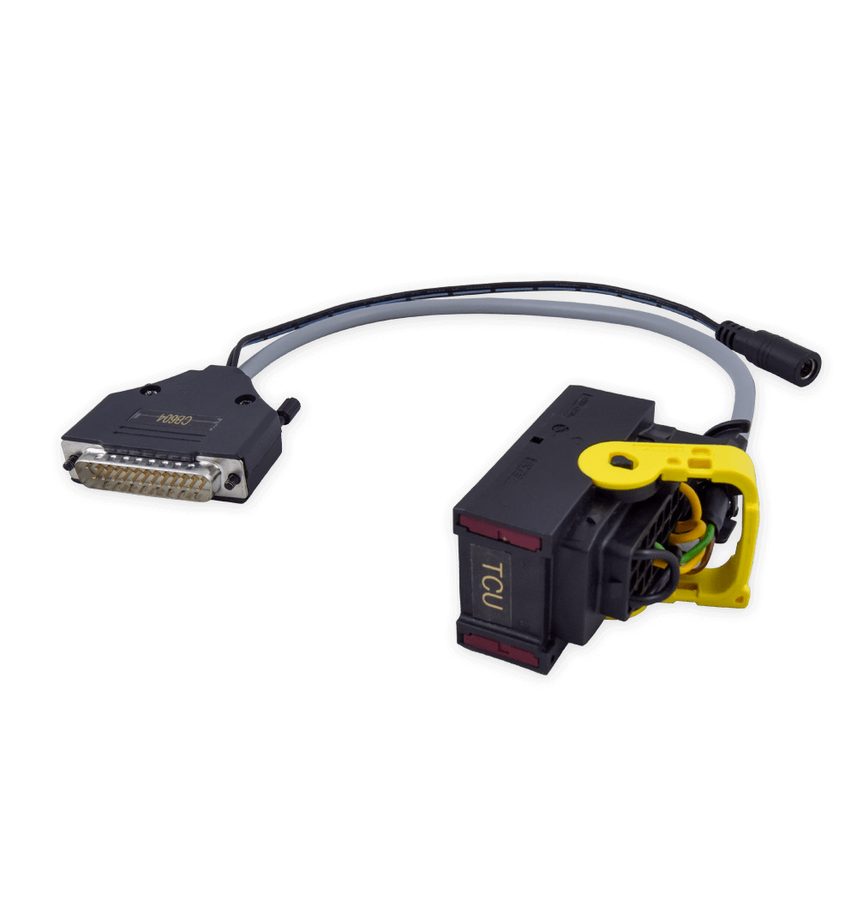
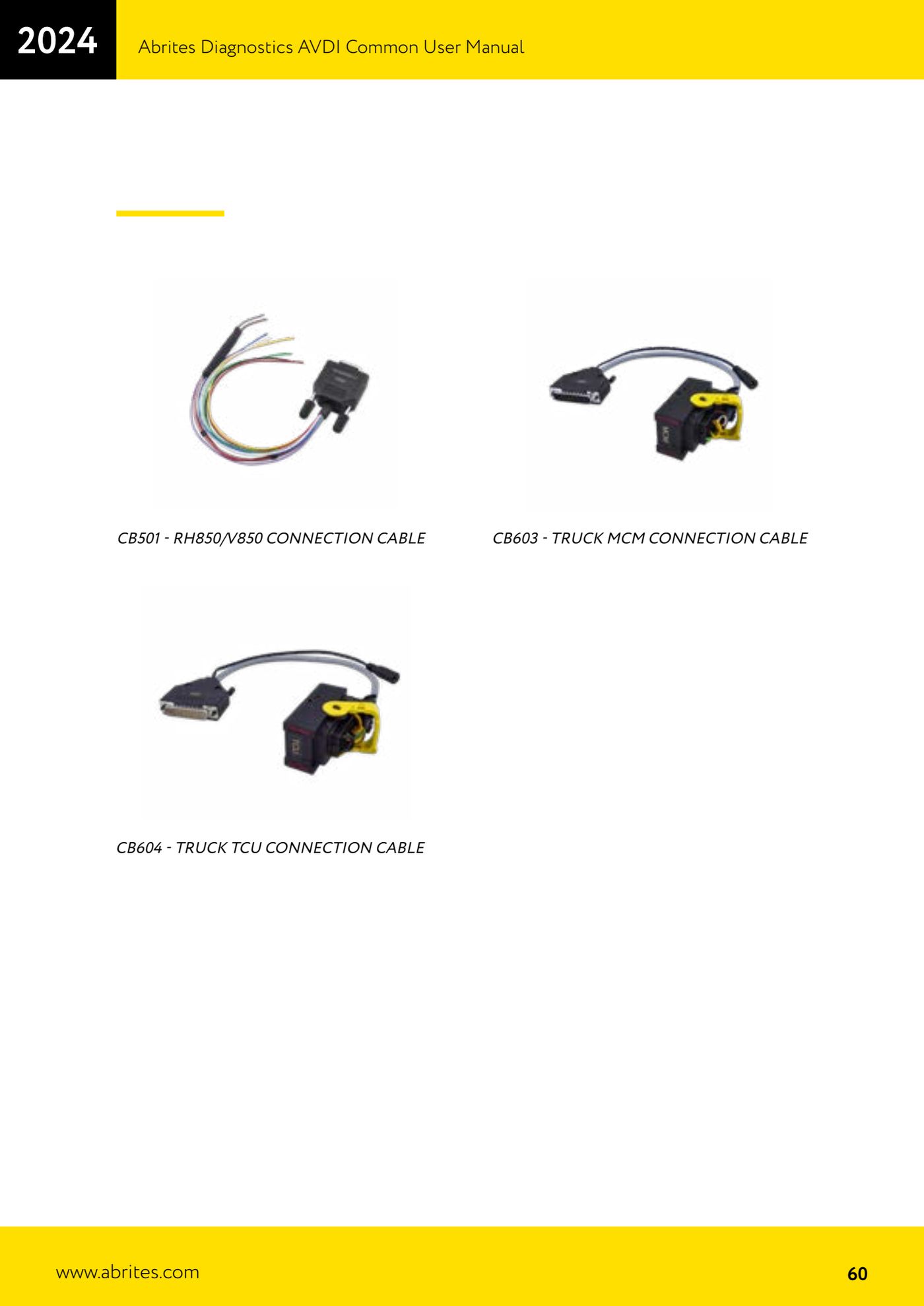
- To virginize and personalize MCM and TCU modules on the bench use the dedicated cables: CB603 - Truck MCM connection cable and CB604 - Truck TCU connection cable.
- From the Abrites software carry out, in this order, the change to virgin state, the personalization and finally the key programming, checking the result each time before moving on to the next step.
Reference screenshots
Source: Manuale AVDI - manuale comune, parte 2 di 2, cap. ZN181 CAN Gateway Set (p.76) e cavi CB603/CB604 (p.60) · ⏱ estimated time varies
← All Abrites guides Hardware catalogue
More guides Strumenti
- ABPROG ZN030: what's in the set, hooking it up to the AVDI and starting the Classic software
- Reading and writing SPI, I2C and Microwire EEPROMs with ABPROG and the ZN031/ZN035 adapter
- Erasing and reprogramming M35080VP / M35080V6 incremental EEPROMs with ABPROG
- Wiring an SPI EEPROM straight to the ABPROG DB25 without the ZN031 adapter
- Mercedes-Benz IR keys: reading the SSID, erasing and programming the NEC with ZN032 / ZN033
- Renewing used keys (HITAG/PCF) with the ZN046 adapter and ABPROG
- Solder points on key PCBs for the ZN046 and list of keys supported for renewal
- Reading the EWS3 dump on BMW E46/E39/E53 and others with the ZN055 adapter
- Reading the EEPROM on BMW F-Series FEM/BDC without desoldering, using the ZN057 extension
- Reading and writing NEC V850ES MCUs with the ZN078 adapter and ABPROG
- ABPROG DB25 pinout: building your own ZN046, ZN058, ZN078 and ZN086 adapters
- Reading the immobiliser from a Renault X95 BCM (and Audi BCM) with ABPROG and direct wiring