
Chip-Tools
Using the RH850/V850 software: checking the part number, selecting the MCU, reading the MCU and backing up
Strumenti
Interface Classic
Flashing / Programming
Medium
⏱ 20-40 min
10 steps
Before stripping anything down it pays to check in the software whether the unit is supported, then follow the standard path: MCU type - unit - "Wiring" - "Read MCU". This guide covers the software's basic workflow and saving the backup.
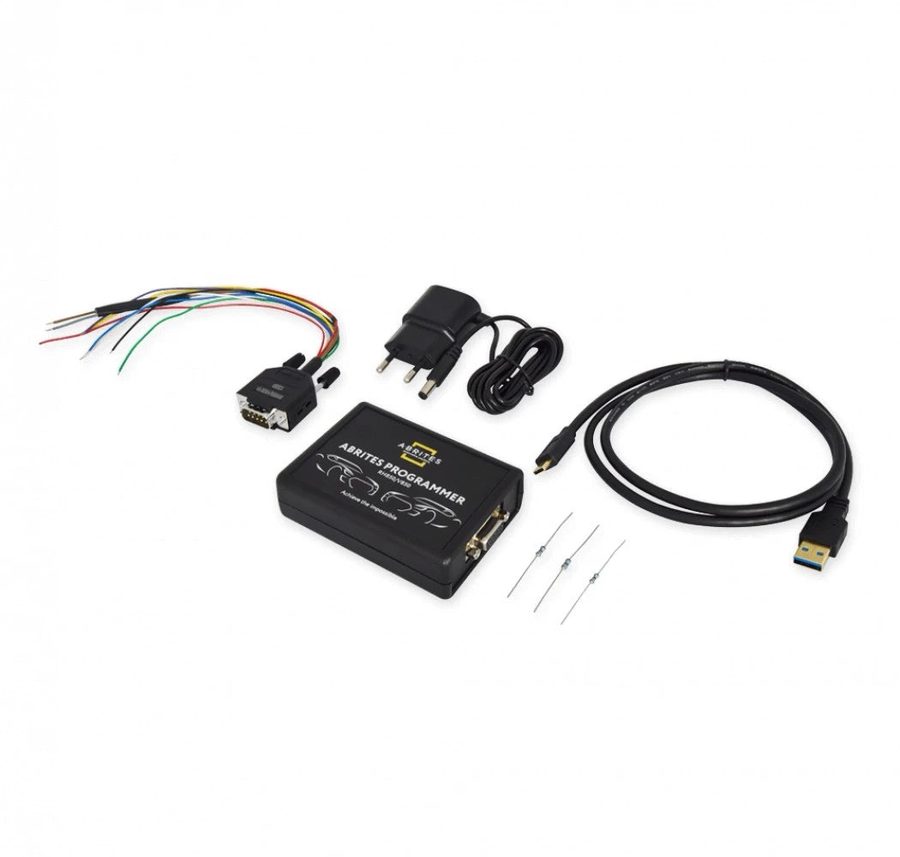

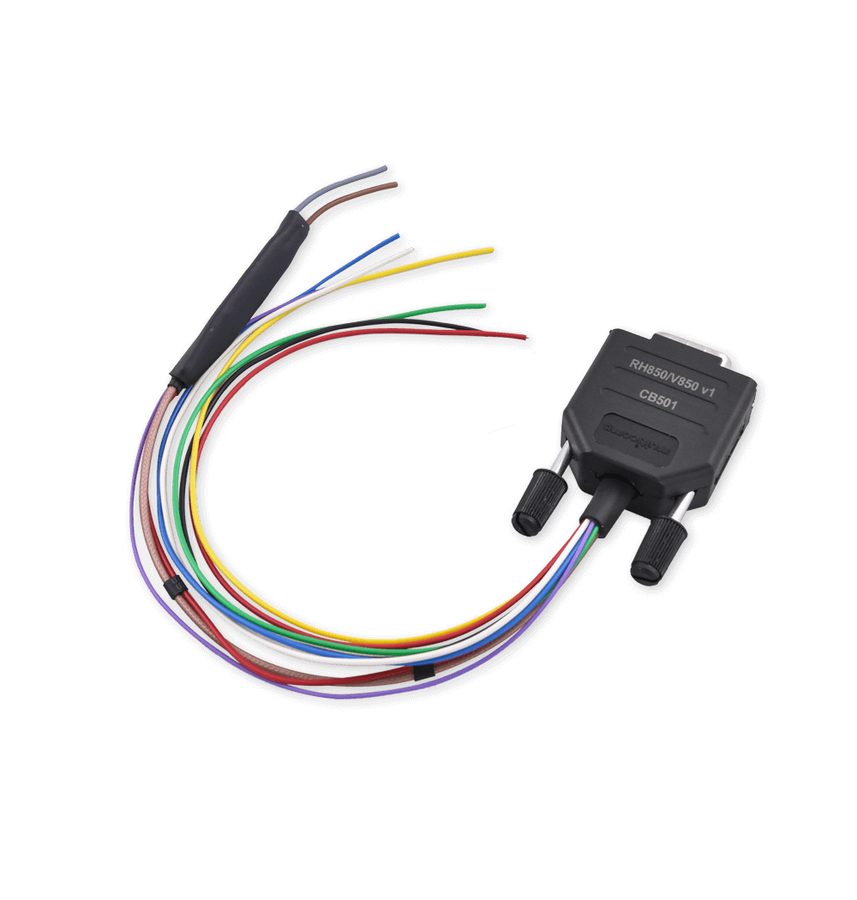
⚠ WarningYou are strongly advised to always save a backup before making any changes to the data. Reading these MCUs is a very demanding operation that carries risk to the unit: in some cases the read may not complete. If that happens it is a security matter, so don't force it and contact Abrites support.
Procedure
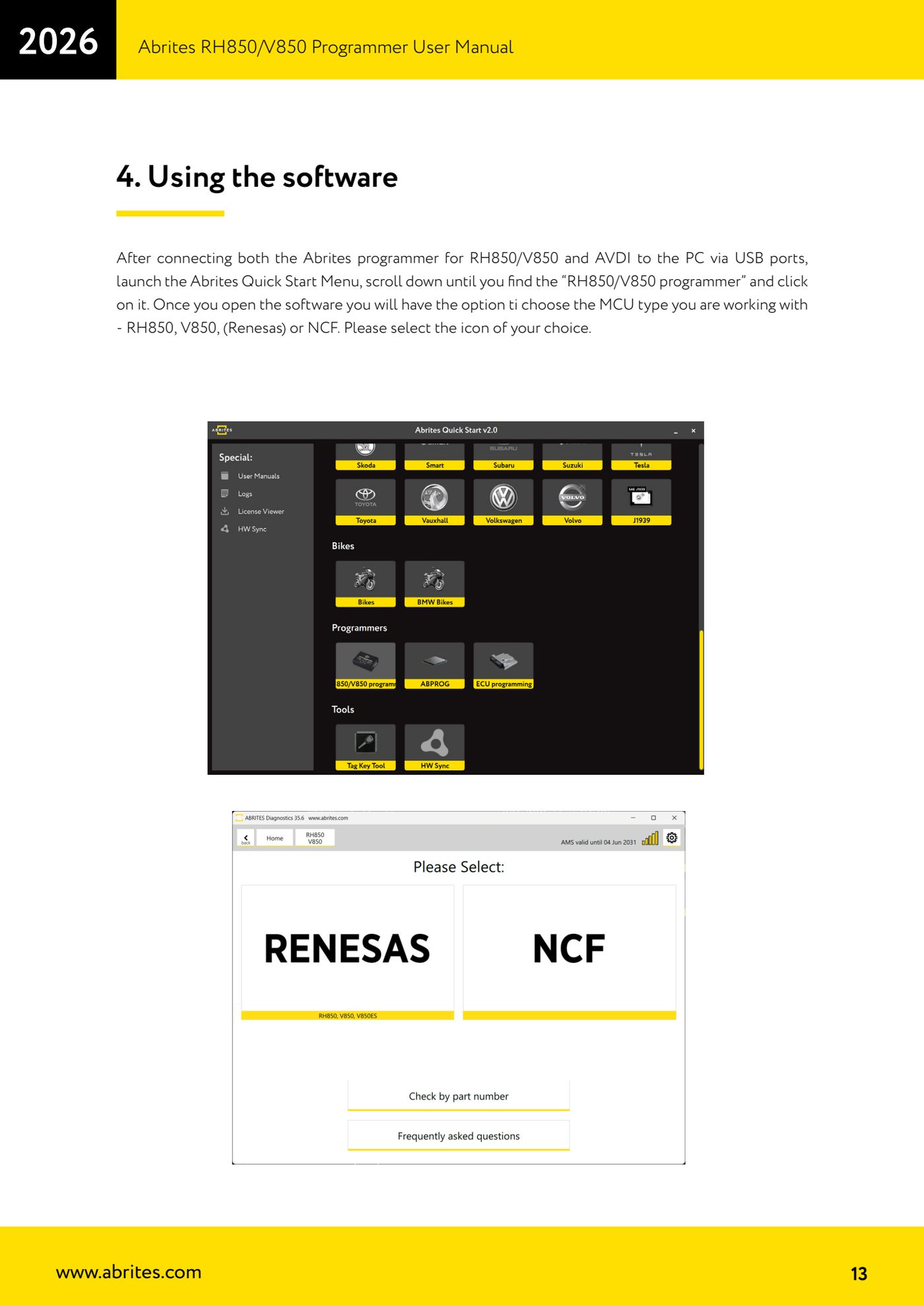
- Connect both the Abrites RH850/V850 programmer and the AVDI to the PC via USB ports, then start the Abrites Quick Start Menu and open "RH850/V850 programmer".
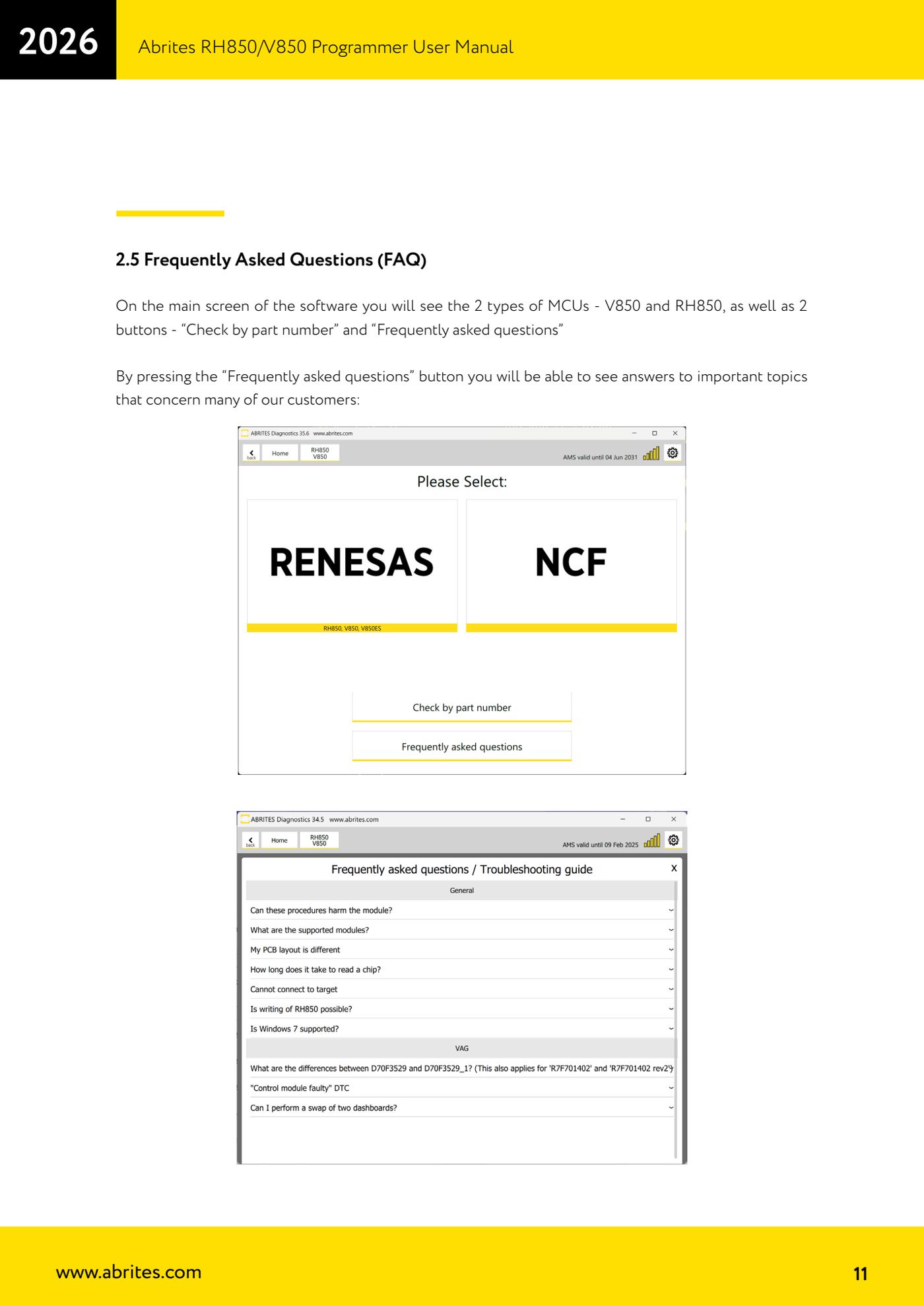
- On the main screen you'll find the two MCU types (V850 and RH850) and the "Check by Part Number" and "Frequently asked questions" buttons.
- Press "Check by Part Number", type in the cluster or module part number and read the result: this tells you up front whether the unit is supported for reading, for writing or for NCF (the list is dynamic and is updated constantly).
- If you're unsure about the procedure, press "Frequently asked questions" to read the answers on the most important topics before you start.
- Go back to the main screen and select the icon for the MCU type you're working on: RH850, V850 (Renesas) or NCF.
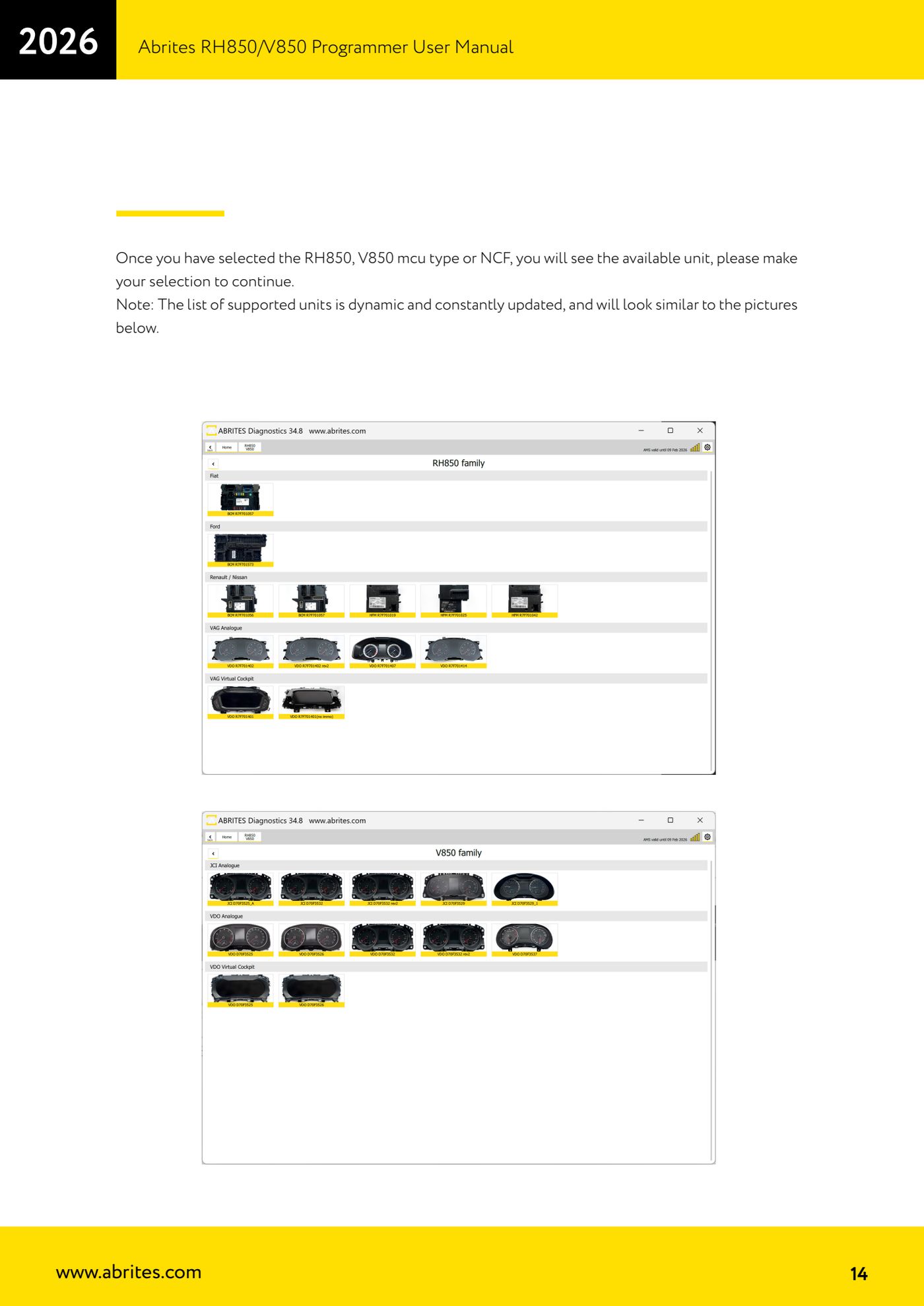
- From the list of available units select the correct one to continue.
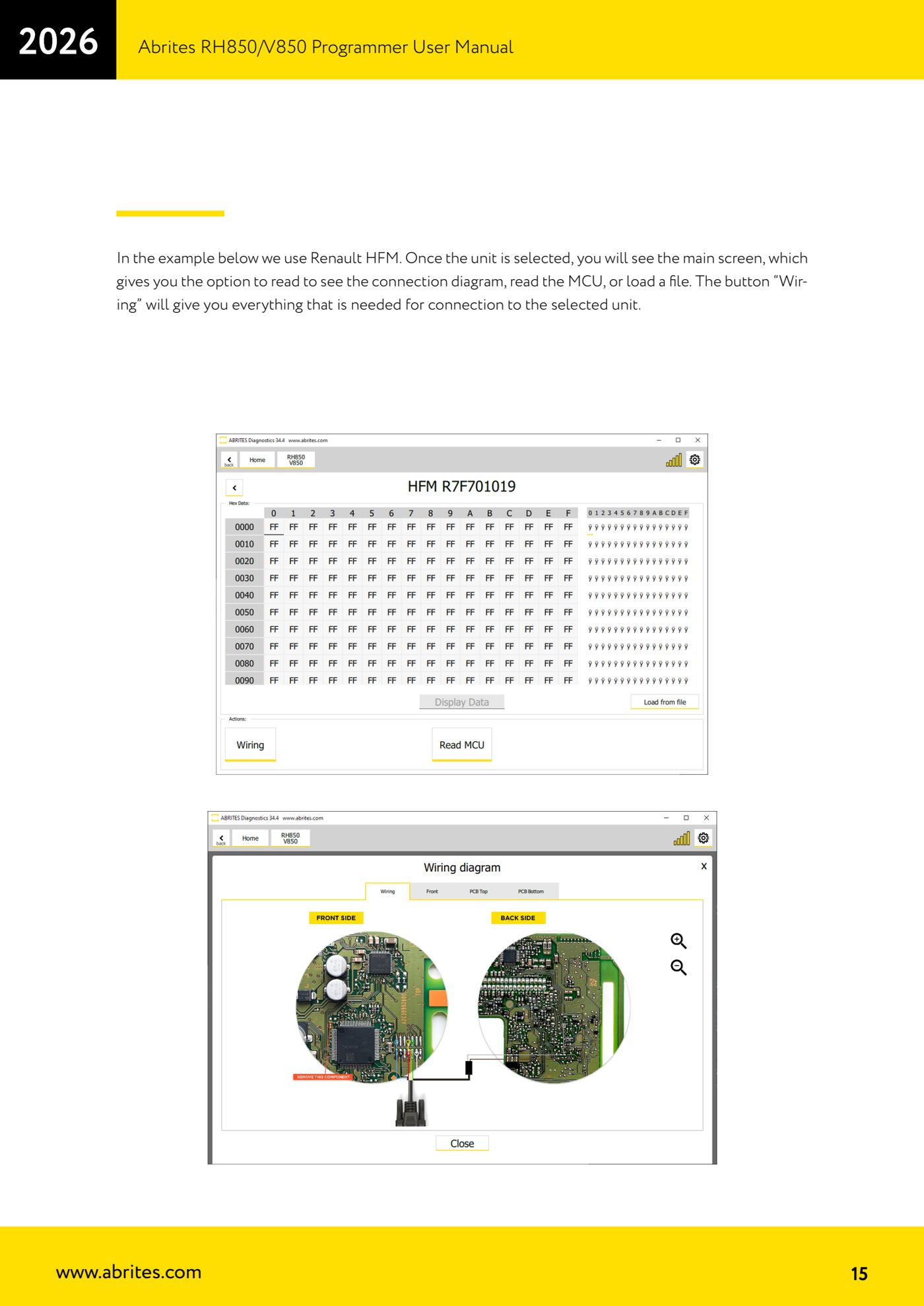
- On the unit's main screen you have the options to view the connection diagram, read the MCU or load a file. Press "Wiring" to get everything you need for the hook-up and make up the wiring.
- Once the connections are ready, press "Read MCU" to read the unit.
- When the read completes the software shows the available information (it varies by unit: a Renault HFM, for example, shows different data from a VAG cluster).
- Save the backup file of the read straight away before touching any data; you can reload it later with the file load function.
Reference screenshots
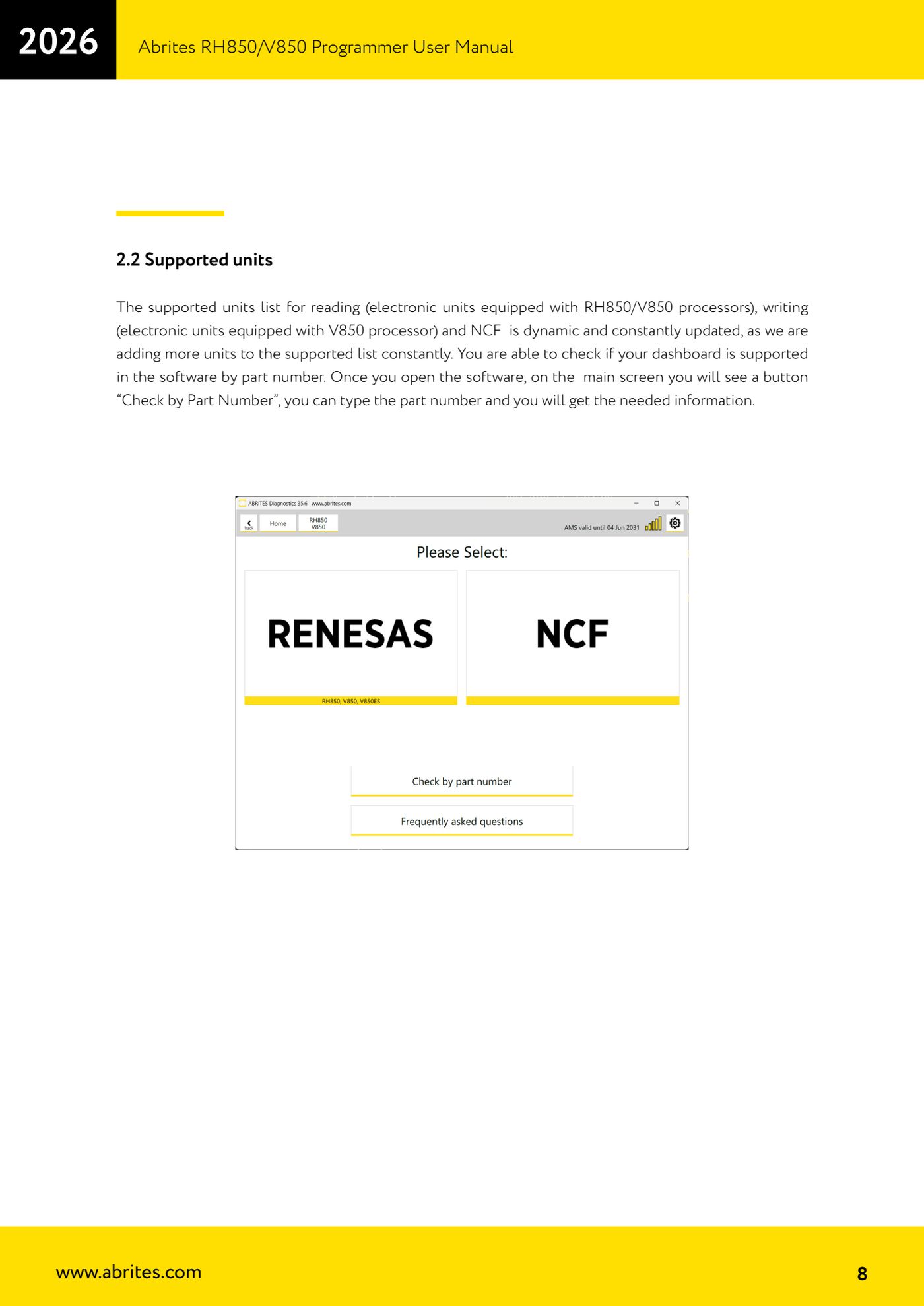
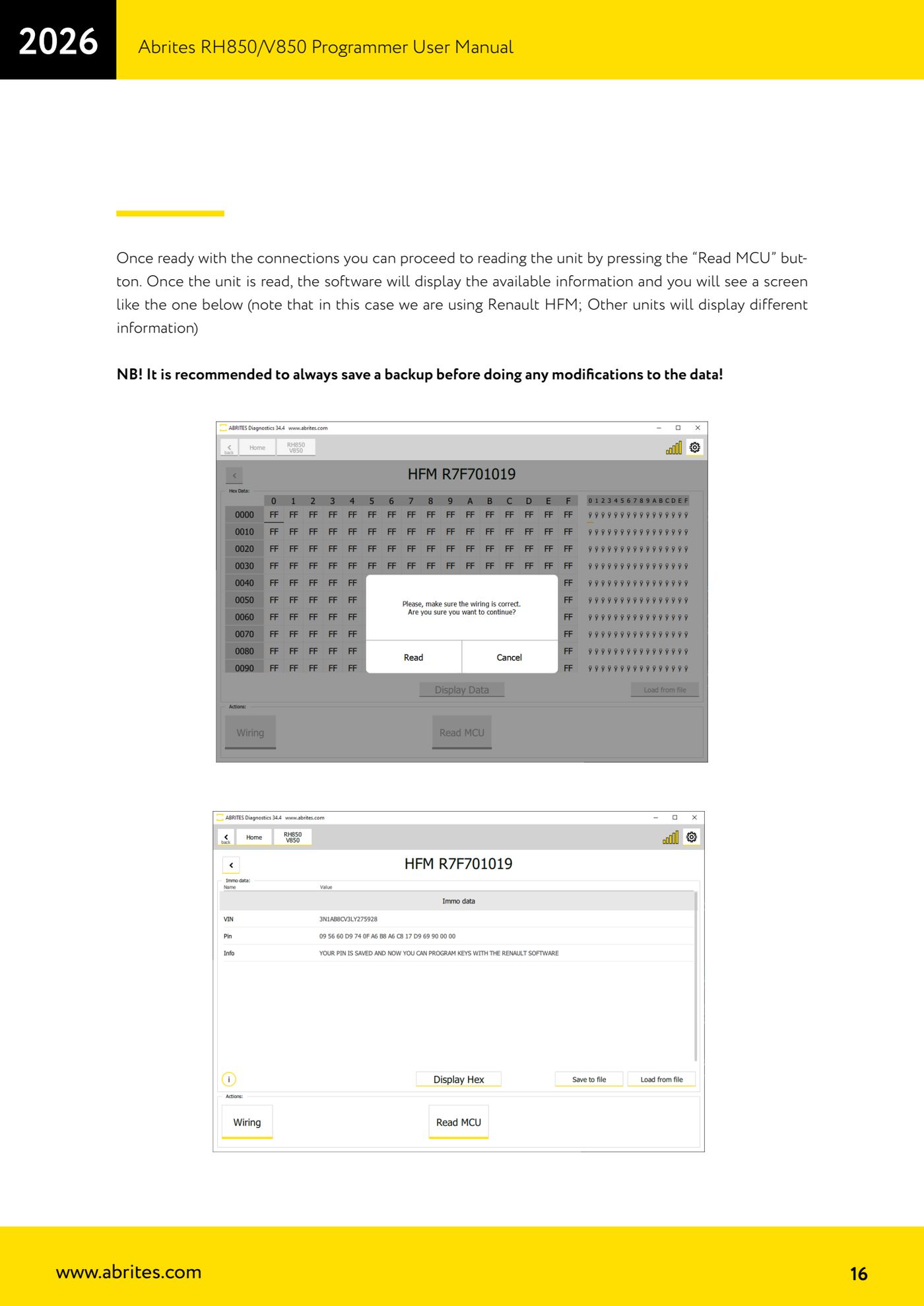
Source: Manuale Programmatore RH850/V850, cap. 2.2, 2.5 e 4 (p.8, p.11, p.13-16) · ⏱ estimated time 20-40 min
← All Abrites guides Hardware catalogue
More guides Strumenti
- ABPROG ZN030: what's in the set, hooking it up to the AVDI and starting the Classic software
- Reading and writing SPI, I2C and Microwire EEPROMs with ABPROG and the ZN031/ZN035 adapter
- Erasing and reprogramming M35080VP / M35080V6 incremental EEPROMs with ABPROG
- Wiring an SPI EEPROM straight to the ABPROG DB25 without the ZN031 adapter
- Mercedes-Benz IR keys: reading the SSID, erasing and programming the NEC with ZN032 / ZN033
- Renewing used keys (HITAG/PCF) with the ZN046 adapter and ABPROG
- Solder points on key PCBs for the ZN046 and list of keys supported for renewal
- Reading the EWS3 dump on BMW E46/E39/E53 and others with the ZN055 adapter
- Reading the EEPROM on BMW F-Series FEM/BDC without desoldering, using the ZN057 extension
- Reading and writing NEC V850ES MCUs with the ZN078 adapter and ABPROG
- ABPROG DB25 pinout: building your own ZN046, ZN058, ZN078 and ZN086 adapters
- Reading the immobiliser from a Renault X95 BCM (and Audi BCM) with ABPROG and direct wiring