
Chip-Tools
Reading and writing Renesas V850 MCUs with the ZN058 (V850E2) and ZN078 (V850ES) adapters
Strumenti
Interface Classic
Flashing / Programming
Advanced
⏱ 30-60 min
8 steps
The ZN058 and ZN078 adapters read, erase and write Renesas V850 microcontrollers directly on the module's board. The ZN058 is for single-wire V850E2 devices (RX+TX on the same line), the ZN078 (which replaces the old ZN034 flat cable) is for processors with separate RX/TX lines, such as unlocked V850ES.
Required licences
- —
Hardware / cables
 AVDI
AVDI ZN045 programmatore ABPROG
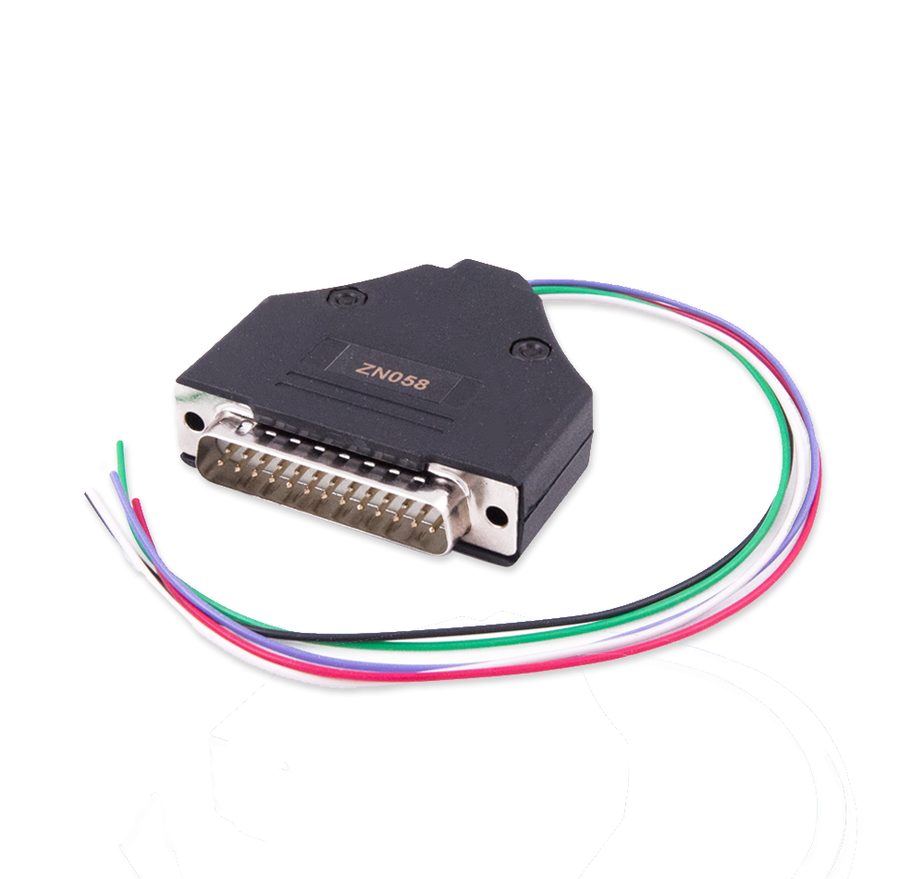 ZN058 adattatore V850E2
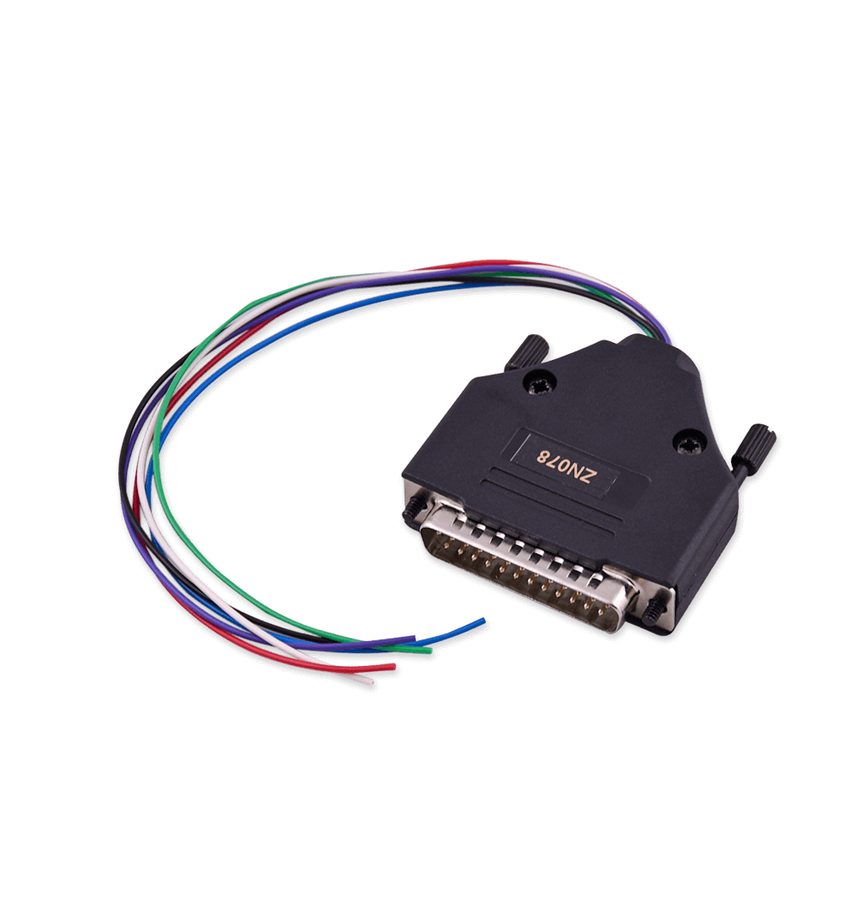 ZN078 adattatore V850ES
- DB25 Male connector
- stazione saldante
⚠ WarningBoth the ZN058 and the ZN078 are adapters to be used exclusively with the ABPROG ZN030 programmer: they are not stand-alone products. The wires have to be soldered to specific points on the board and the two variants need different wiring (single line versus separate RX/TX), so pick the right adapter for the processor in front of you.
Procedure
- Identify the processor on the module: if it's a single-wire V850E2 (RX and TX shared) use the ZN058; if it needs separate RX and TX lines, such as unlocked V850ES, use the ZN078.
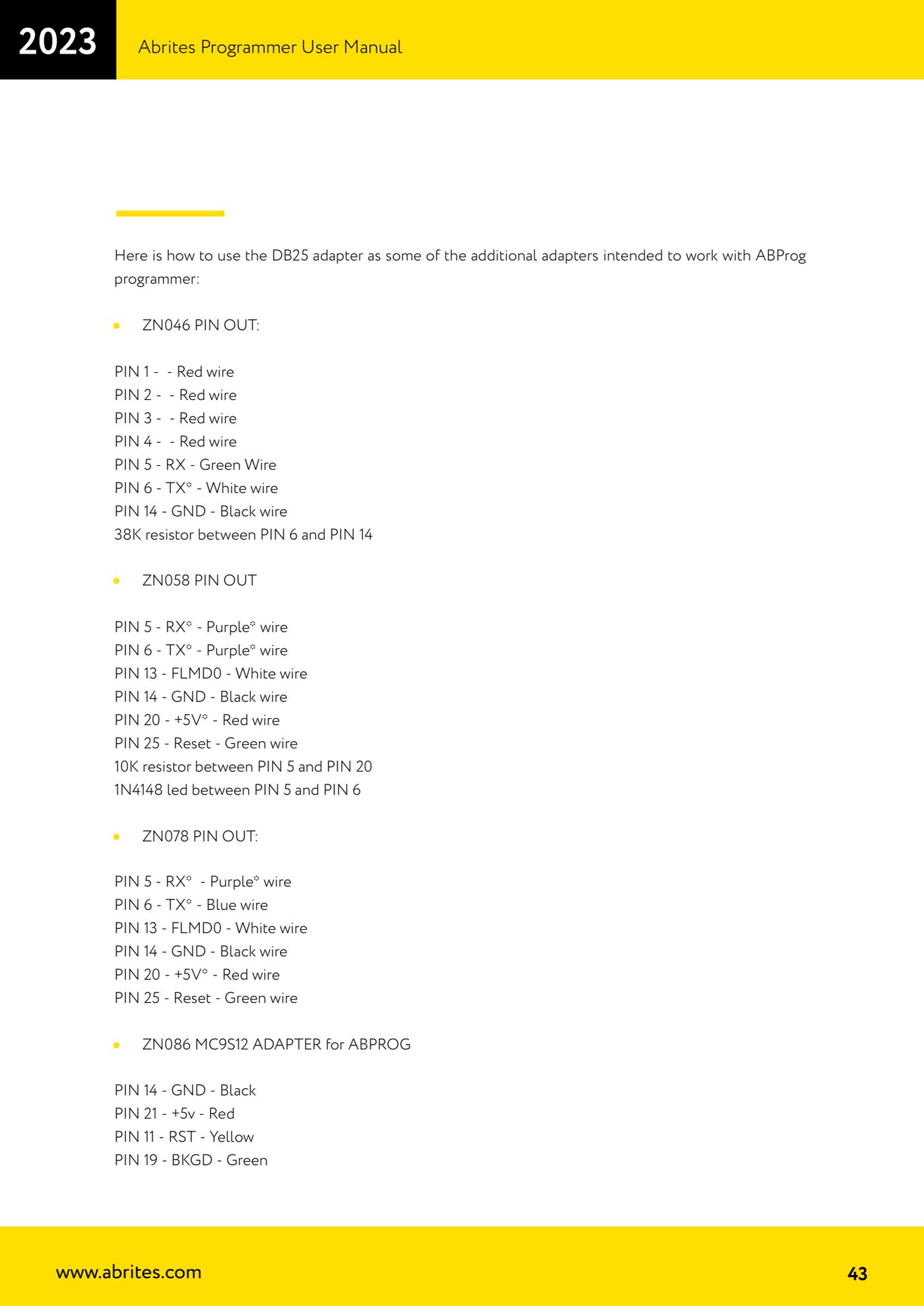
- Solder the adapter wires to the designated points on the board. For the ZN058 the DB25-side pinout is: PIN 5 - RX (purple wire), PIN 6 - TX (purple wire), PIN 13 - FLMD0 (white wire), PIN 14 - GND (black wire), PIN 20 - +5V (red wire), PIN 25 - Reset (green wire), with a 10K resistor between PIN 5 and PIN 20 and a 1N4148 diode between PIN 5 and PIN 6.
- For the ZN078 the DB25-side pinout is: PIN 5 - RX (purple wire), PIN 6 - TX (blue wire), PIN 13 - FLMD0 (white wire), PIN 14 - GND (black wire), PIN 20 - +5V (red wire), PIN 25 - Reset (green wire).
- Connect the adapter to the female DB25 on the ZN045, the ZN045 to the AVDI and the AVDI to the PC.
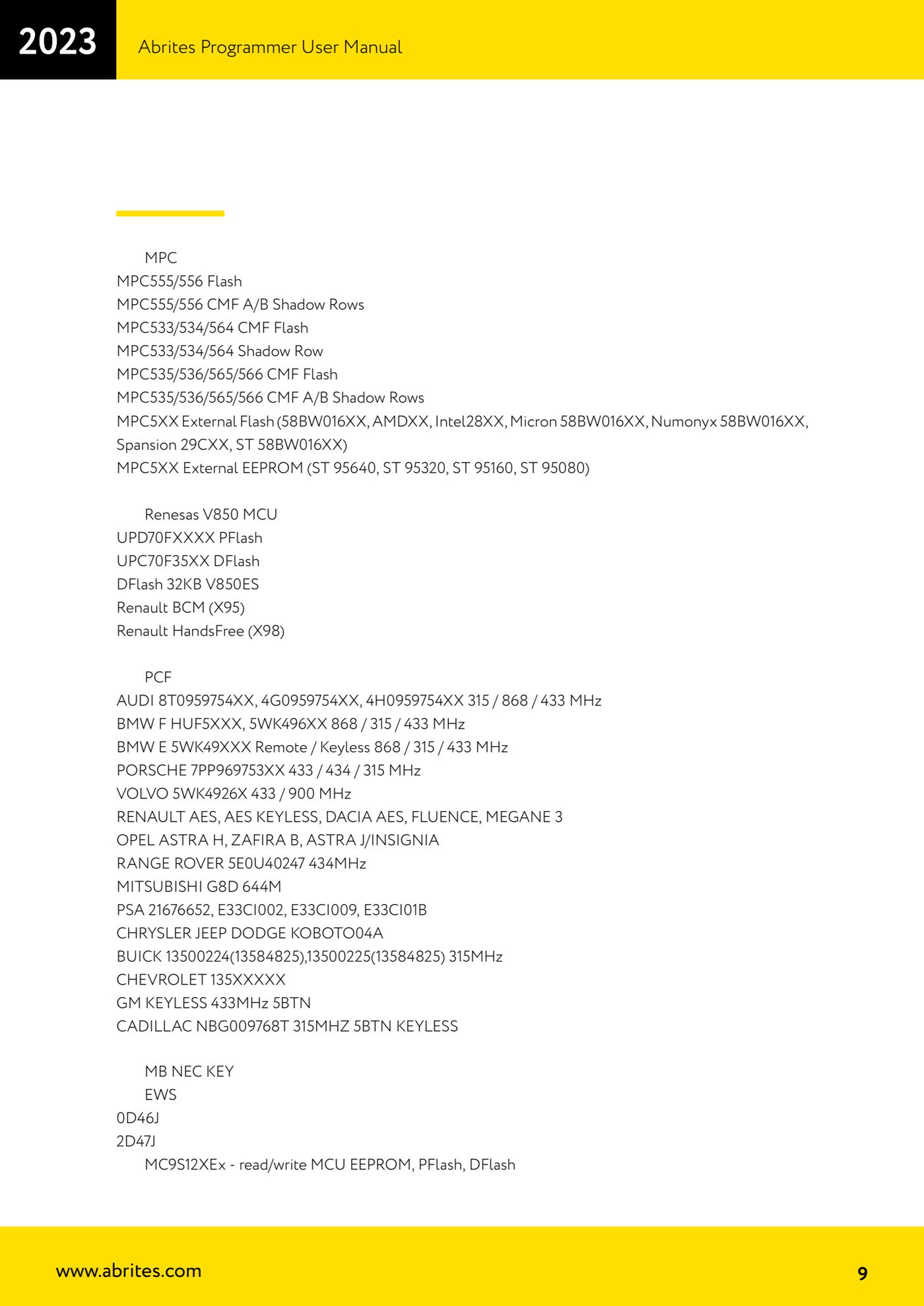
- Start "ABProg" > "Upgraded" and press "Select": under the Renesas V850 MCU section you'll find UPD70FXXXX PFlash, UPC70F35XX DFlash, DFlash 32KB V850ES, Renault BCM (X95) and Renault HandsFree (X98).
- Press "Read" to read the memory and "Save" to save the original dump to the PC straight away.
- To rewrite, load the file with "Load", erase if needed with "Erase", then program with "Program" and check the result with "Verify".
- The ZN078 is also used for every other module where a direct connection to points on the PCB is required, not just for V850ES.
Reference screenshots
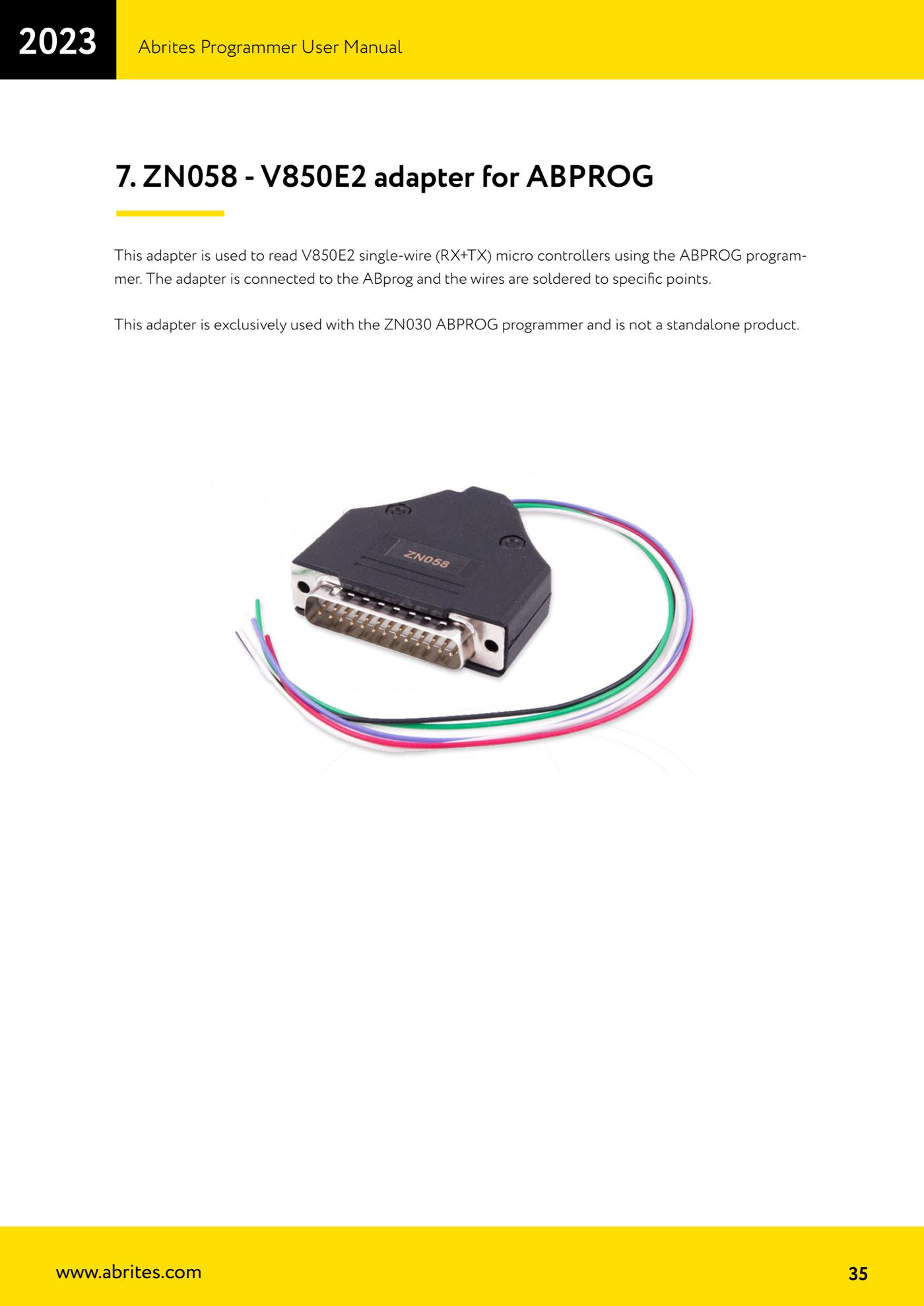
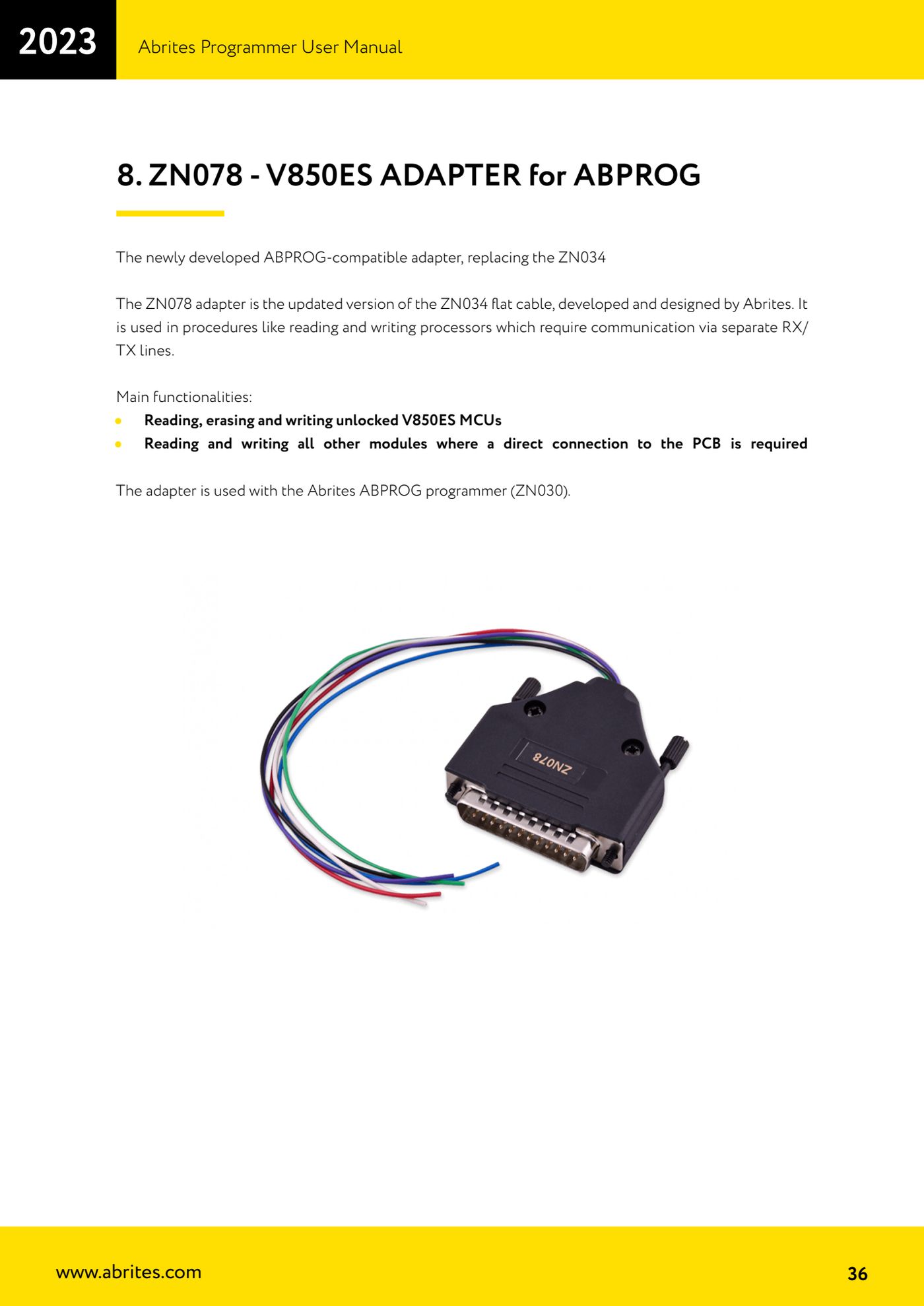
Source: Manuale Abrites Programmer, cap. 7-8 e cap. 11 pinout (p.35-36, p.43) · ⏱ estimated time 30-60 min
← All Abrites guides Hardware catalogue
More guides Strumenti
- ABPROG ZN030: what's in the set, hooking it up to the AVDI and starting the Classic software
- Reading and writing SPI, I2C and Microwire EEPROMs with ABPROG and the ZN031/ZN035 adapter
- Erasing and reprogramming M35080VP / M35080V6 incremental EEPROMs with ABPROG
- Wiring an SPI EEPROM straight to the ABPROG DB25 without the ZN031 adapter
- Mercedes-Benz IR keys: reading the SSID, erasing and programming the NEC with ZN032 / ZN033
- Renewing used keys (HITAG/PCF) with the ZN046 adapter and ABPROG
- Solder points on key PCBs for the ZN046 and list of keys supported for renewal
- Reading the EWS3 dump on BMW E46/E39/E53 and others with the ZN055 adapter
- Reading the EEPROM on BMW F-Series FEM/BDC without desoldering, using the ZN057 extension
- Reading and writing NEC V850ES MCUs with the ZN078 adapter and ABPROG
- ABPROG DB25 pinout: building your own ZN046, ZN058, ZN078 and ZN086 adapters
- Reading the immobiliser from a Renault X95 BCM (and Audi BCM) with ABPROG and direct wiring