
Chip-Tools
Reading and writing ECUs and TCUs on the bench with the Distribution Box (without opening the unit)
Strumenti
Interface Classic
Flashing / Programming
Medium
⏱ 30-60 min
10 steps
"Bench" mode reads and writes ECUs and TCUs with a direct connection to the unit's pins through the Abrites Distribution Box, without having to open it or solder anything. It's the method most used today by anyone doing ECU replacement, tuning and key programming, particularly on Bosch EDC17 Tricore units.

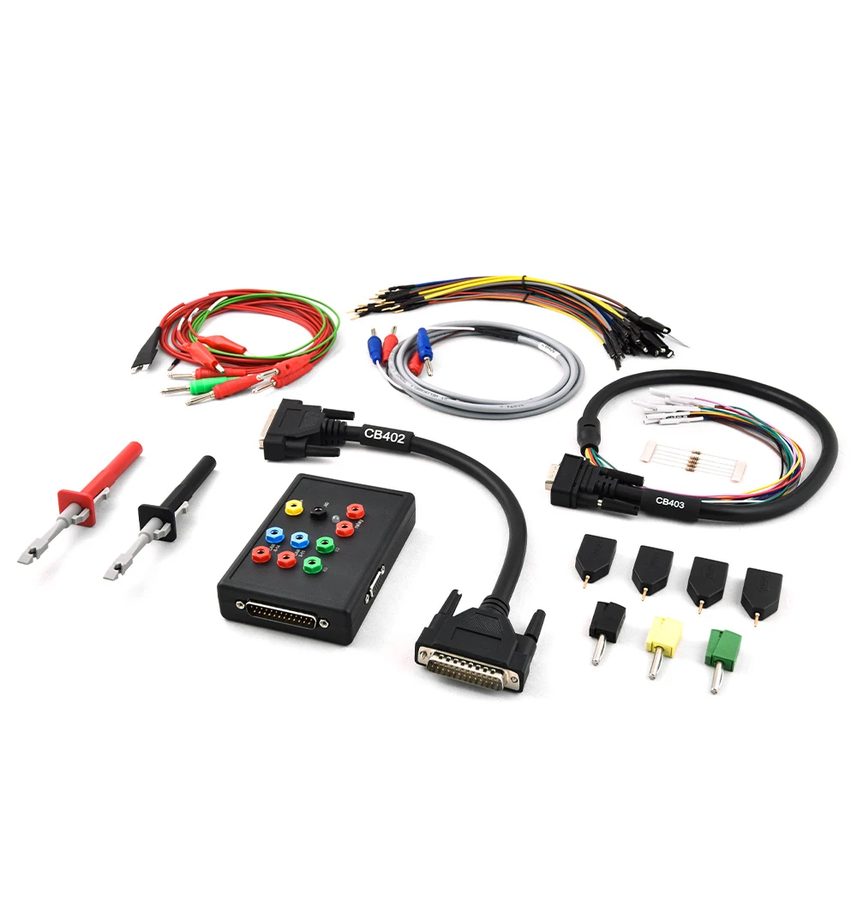

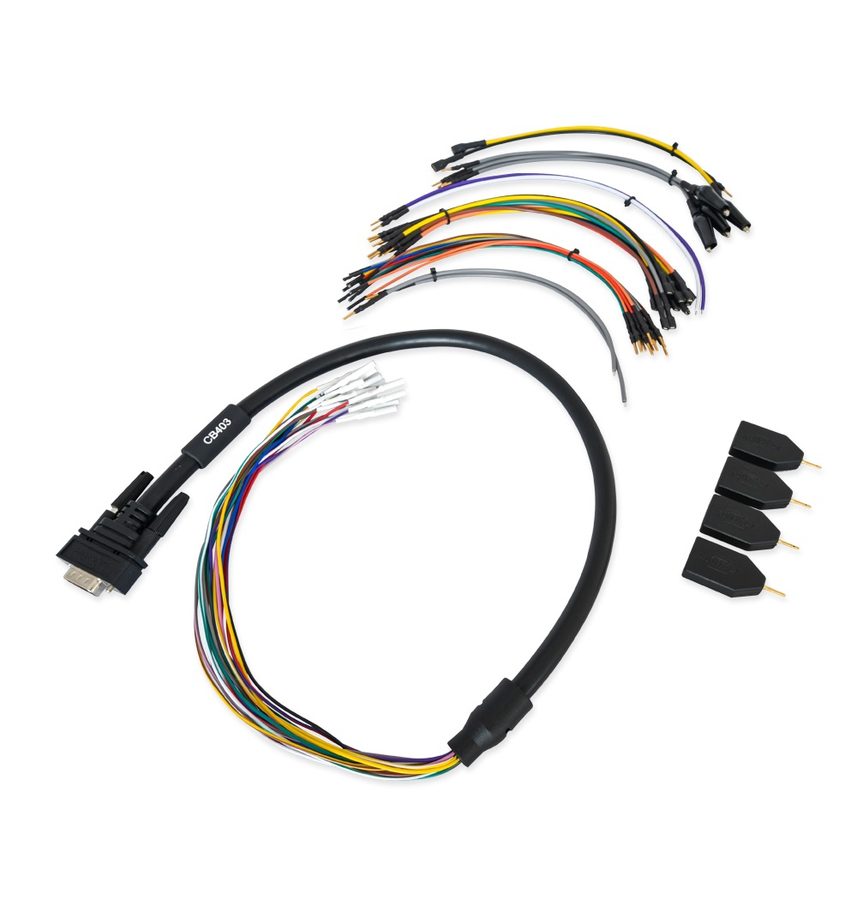
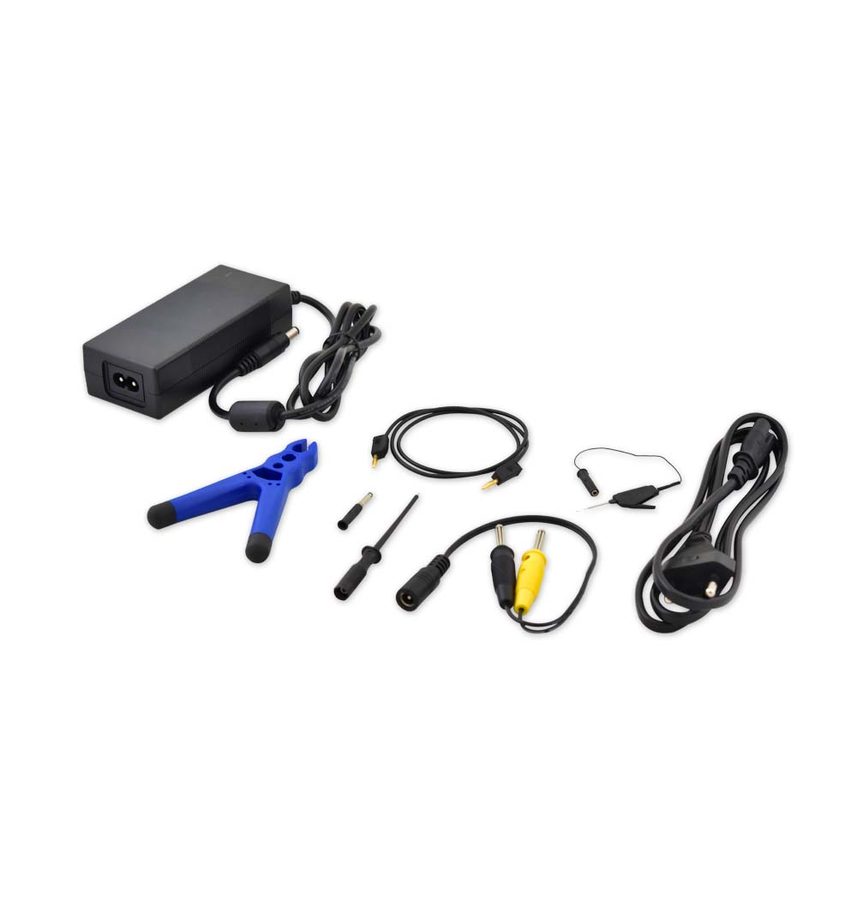
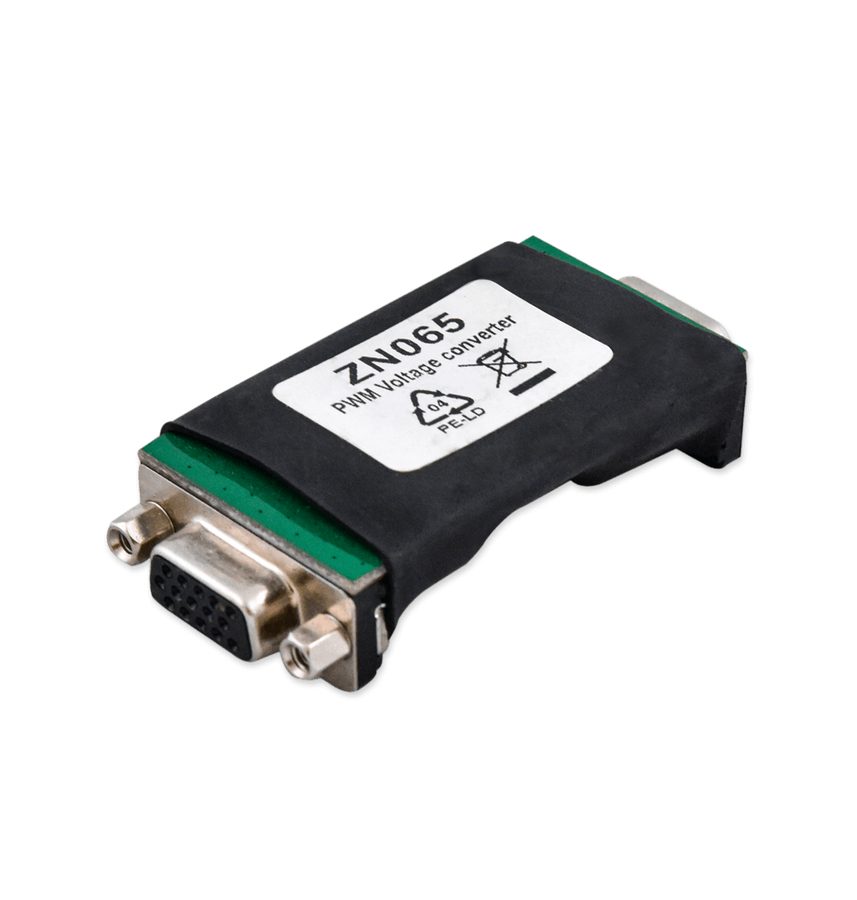
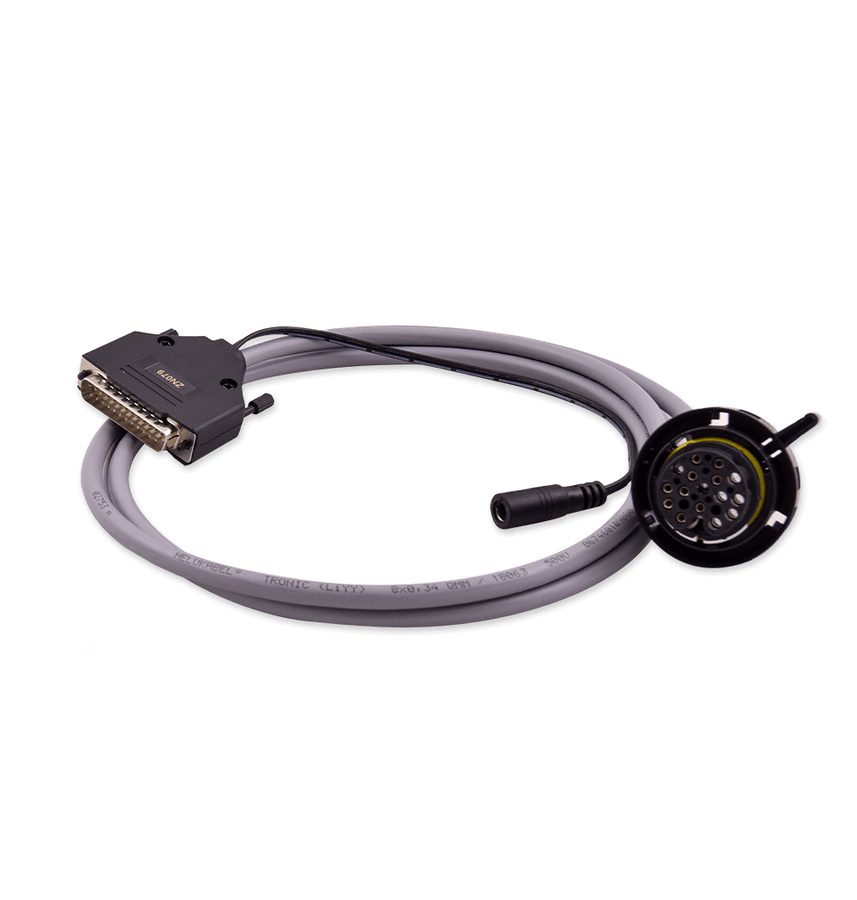
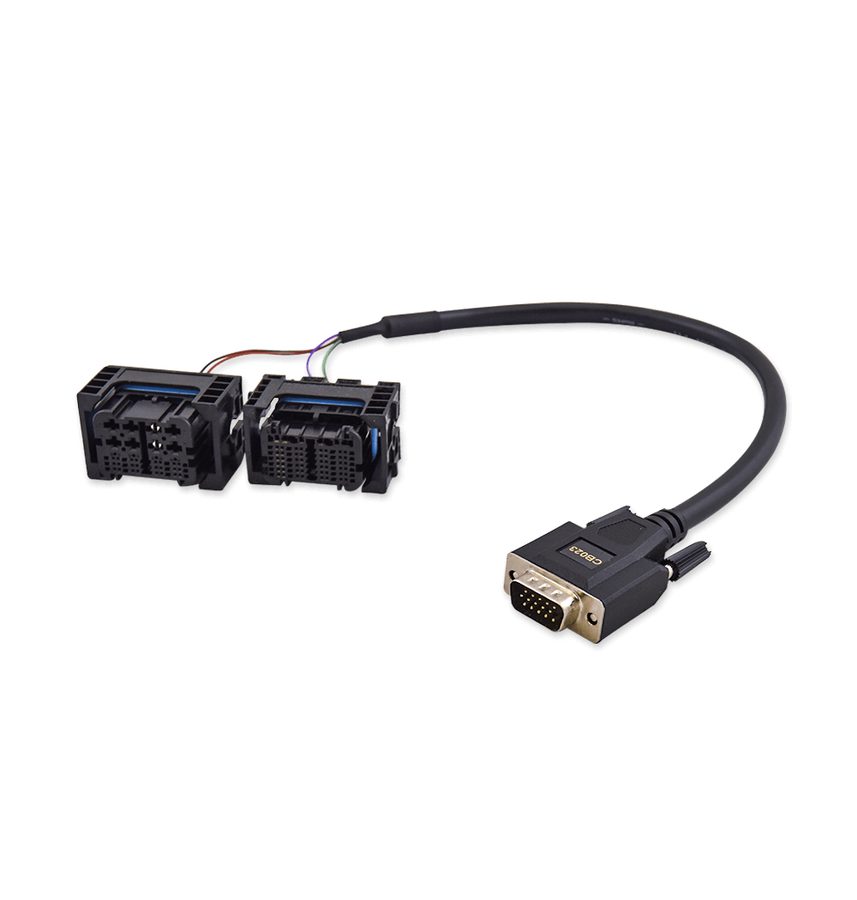
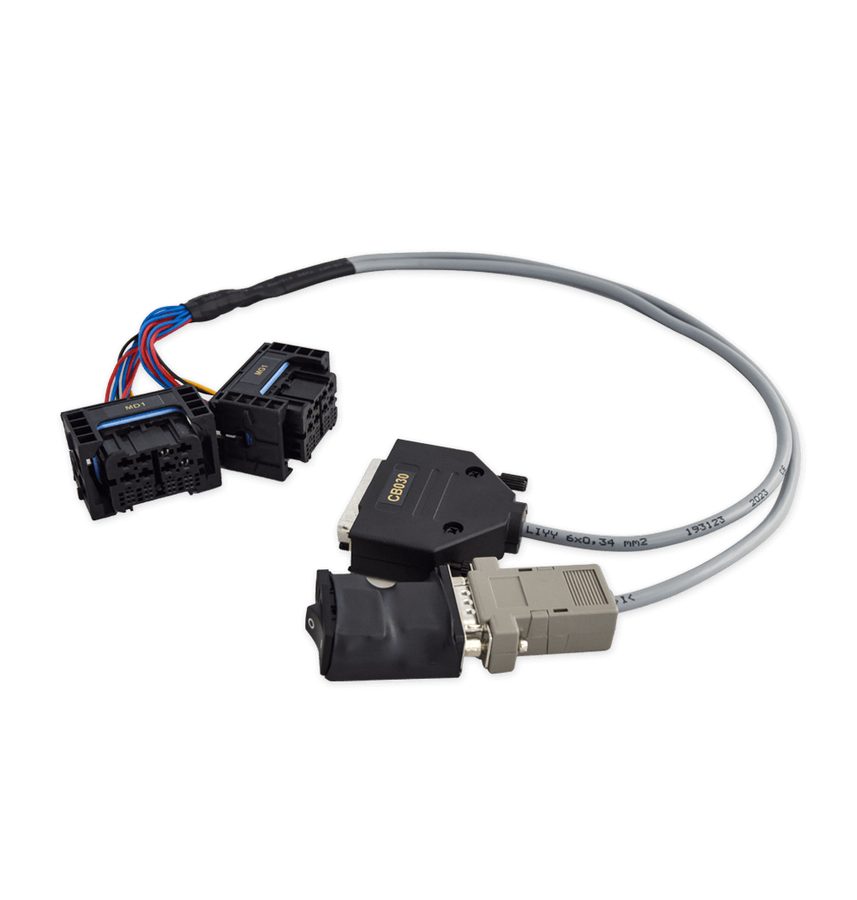
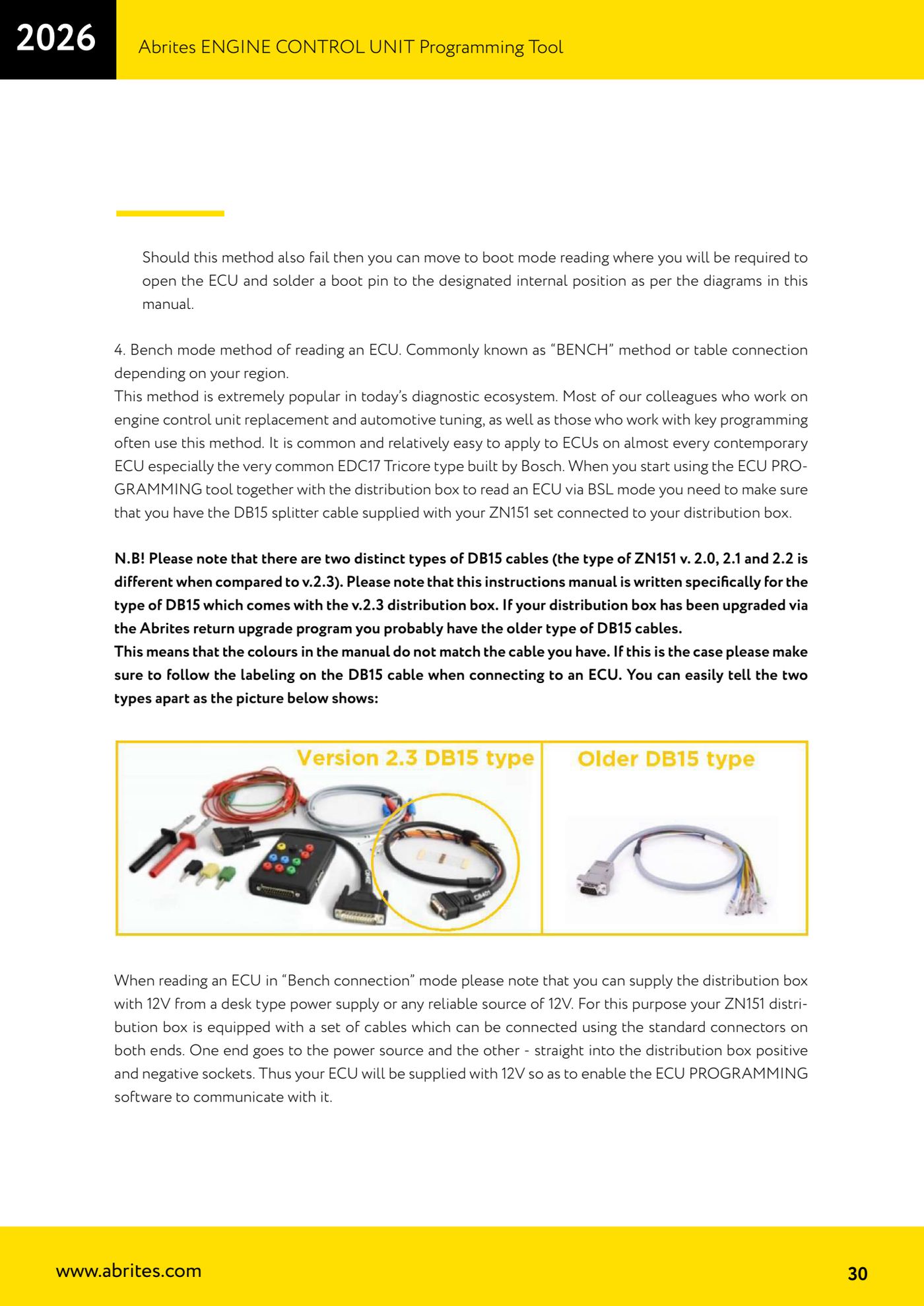
⚠ WarningSome ECUs will only read on the bench with a Distribution Box version 2.3 plus the ZN065 adapter, or with a Distribution Box version 2.4, because they need the PWMs fed at 5V instead of the usual 3.3V. Always power the box with external 12V: the 5V supplied by the AVDI is not enough. Always connect GND first.
Procedure
- Set up the hardware chain: AVDI connected to the PC, ZN151 connected to the AVDI via the CB402, 12V supply ready (ZN074 or bench power supply).
- With the DB15 cable disconnected from power, wire the ECU using the manual's pinouts and the CB401 or CB403 cable, starting from GND and then all the other wires.
- Connect the DB15 to the Distribution Box and only at this point feed the box with external 12V.
- Start the ECU Programming Tool, choose "Bench" and select the type of unit you want to work on.
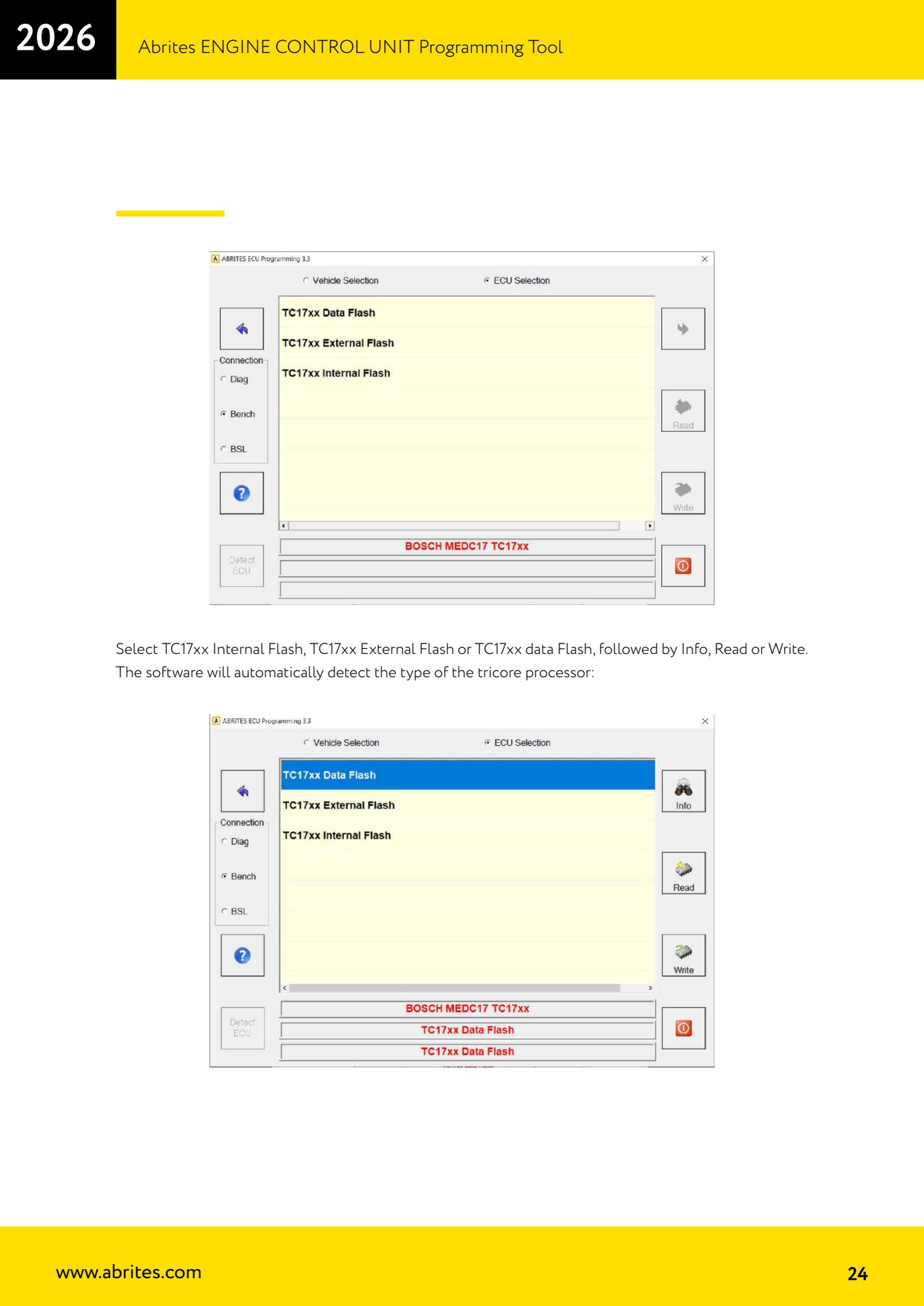
- For Bosch MEDC17 units select "TC17xx Internal Flash", "TC17xx External Flash" or "TC17xx data Flash": the software detects the Tricore processor type automatically.
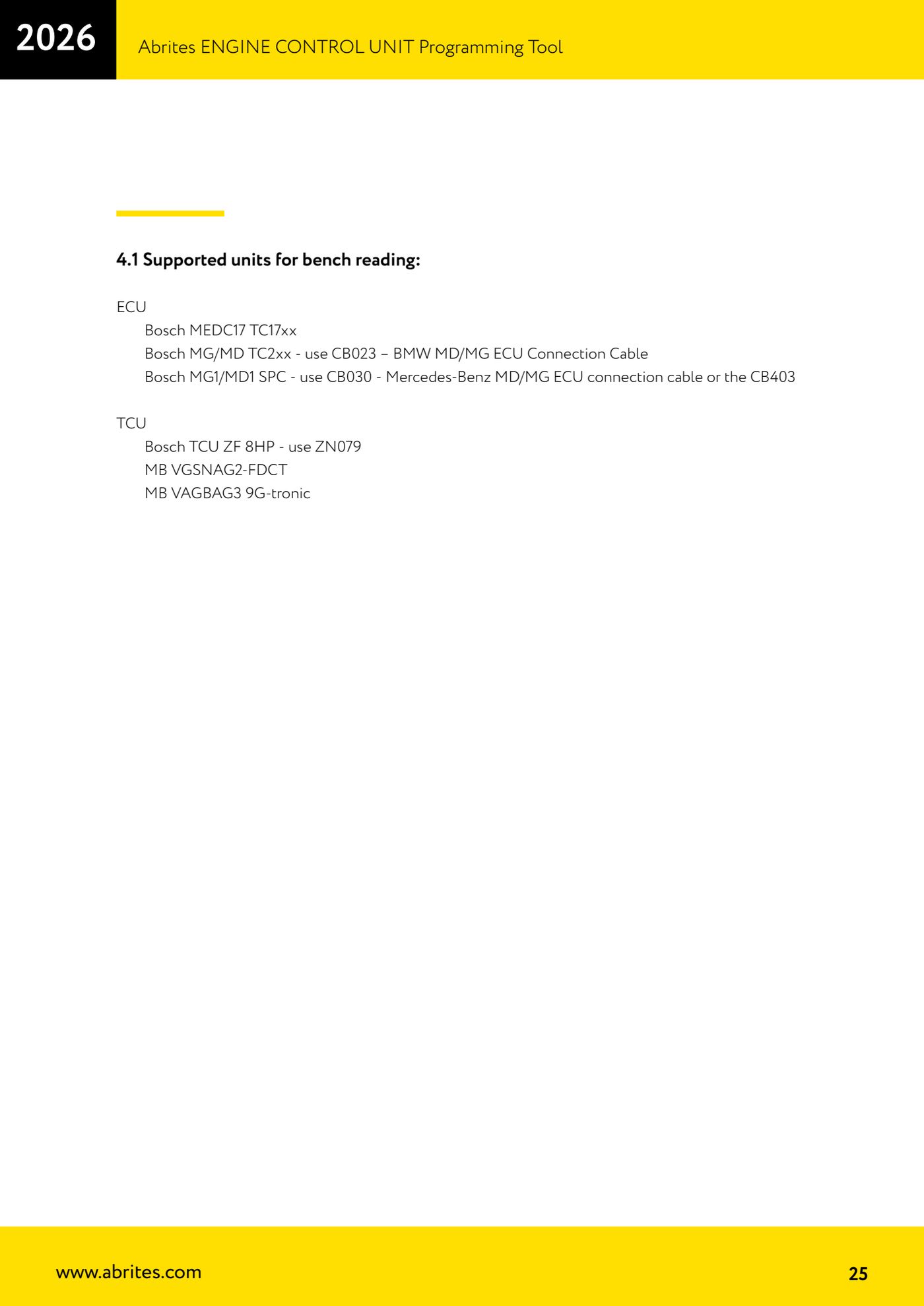
- For the other units supported on the bench use the correct cable: Bosch MG/MD TC2xx with the CB023 (BMW MD/MG ECU Connection Cable); Bosch MG1/MD1 SPC with the CB030 (Mercedes-Benz MD/MG) or with the CB403; Bosch ZF 8HP TCU units with the ZN079; MB VGSNAG2-FDCT and VGSNAG3 9G-tronic are supported as well.
- Press "Info" to check communication and the type of unit detected.
- Press "Read" to read internal/external Program Flash and Data Flash and save the files to the PC as a backup.
- Press "Write" to write the files to the target unit, typically when you're replacing one ECU with another.
- If the read fails on the bench too, the only route left is "BSL" mode (boot mode), which means opening the ECU and soldering the boot pin.
Reference screenshots
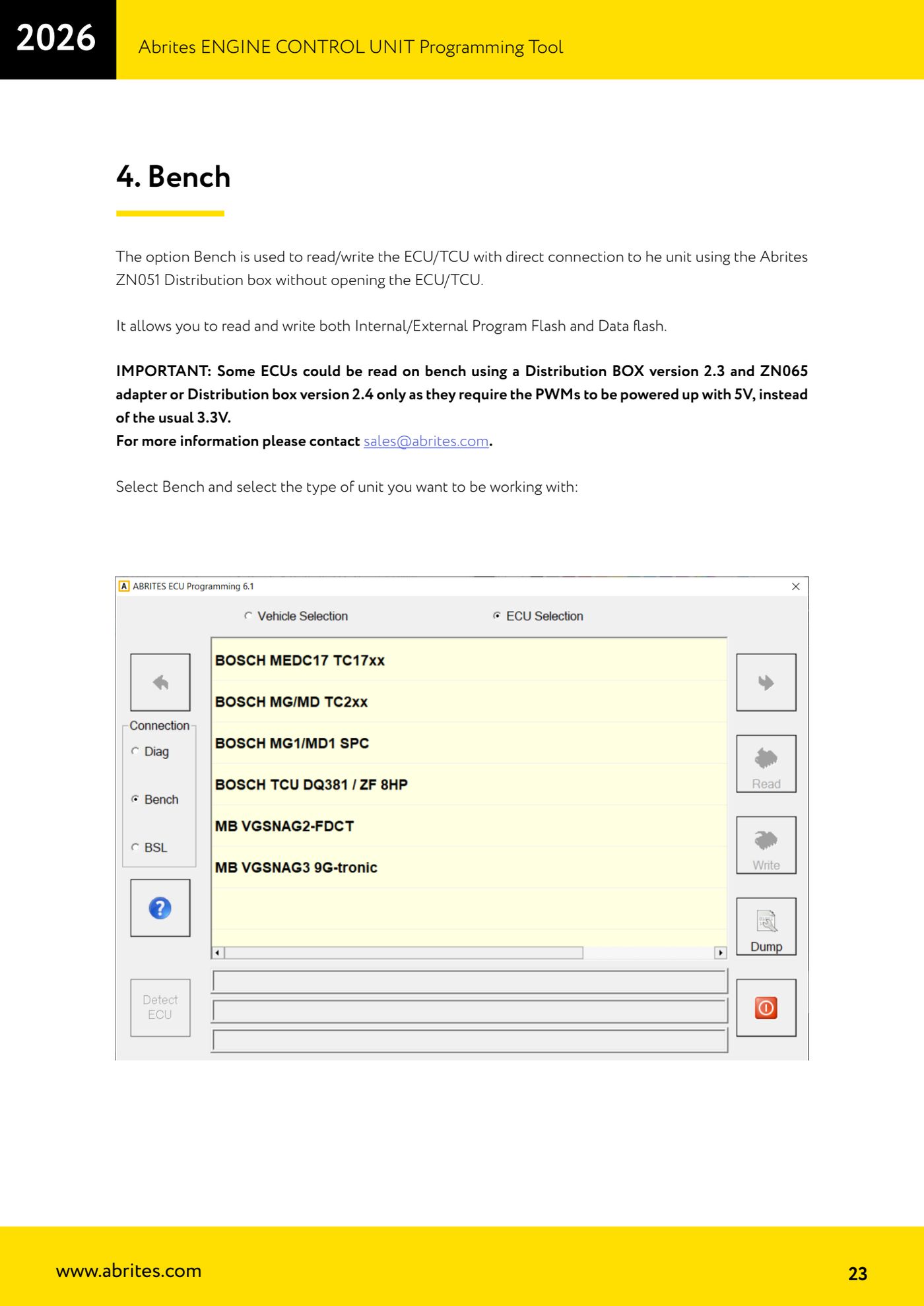
Source: Manuale ECU Programming Tool, parte 1 di 3, cap. 4 e 6 (p.23-25, 29-31) · ⏱ estimated time 30-60 min
← All Abrites guides Hardware catalogue
More guides Strumenti
- ABPROG ZN030: what's in the set, hooking it up to the AVDI and starting the Classic software
- Reading and writing SPI, I2C and Microwire EEPROMs with ABPROG and the ZN031/ZN035 adapter
- Erasing and reprogramming M35080VP / M35080V6 incremental EEPROMs with ABPROG
- Wiring an SPI EEPROM straight to the ABPROG DB25 without the ZN031 adapter
- Mercedes-Benz IR keys: reading the SSID, erasing and programming the NEC with ZN032 / ZN033
- Renewing used keys (HITAG/PCF) with the ZN046 adapter and ABPROG
- Solder points on key PCBs for the ZN046 and list of keys supported for renewal
- Reading the EWS3 dump on BMW E46/E39/E53 and others with the ZN055 adapter
- Reading the EEPROM on BMW F-Series FEM/BDC without desoldering, using the ZN057 extension
- Reading and writing NEC V850ES MCUs with the ZN078 adapter and ABPROG
- ABPROG DB25 pinout: building your own ZN046, ZN058, ZN078 and ZN086 adapters
- Reading the immobiliser from a Renault X95 BCM (and Audi BCM) with ABPROG and direct wiring