
Chip-Tools
Mercedes truck immobiliser bench: EZS/EIS + MCM + TCU connected together with the CAN Gateway
Strumenti
Interface Classic
Keys / Immo
Advanced
⏱ varies
9 steps
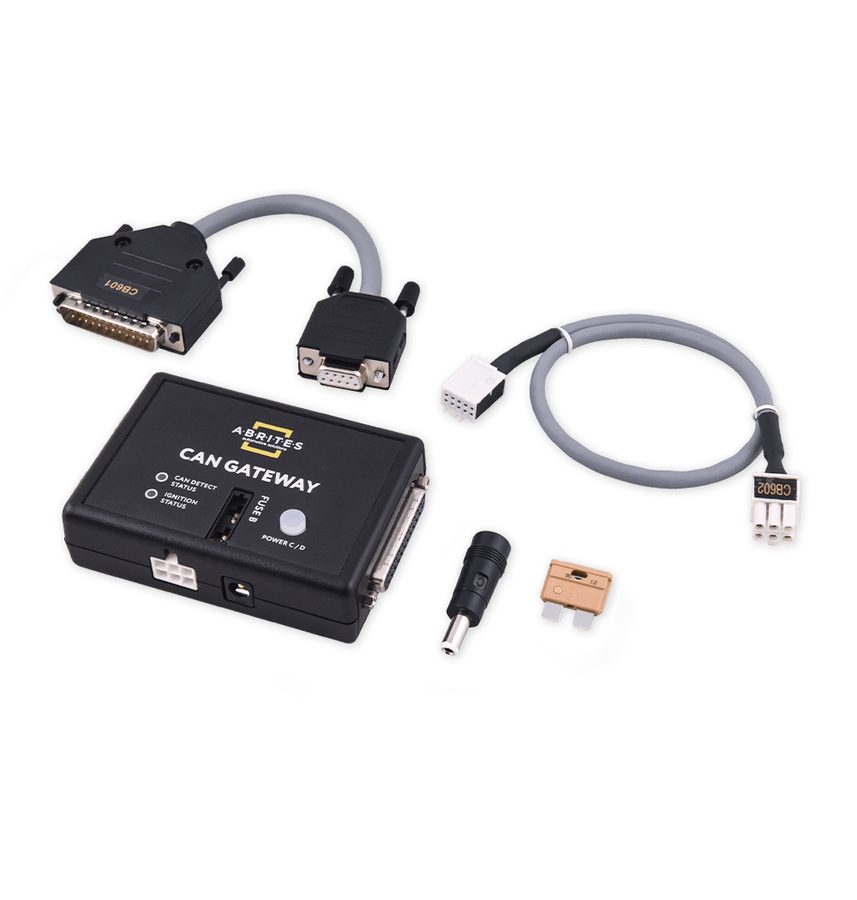
This is exactly why the ZN081 exists: putting all the immobiliser-related parts of a Mercedes truck on the same bench, even though they communicate on CAN at different speeds, so you can run diagnostics and advanced procedures without the vehicle. It is used for module replacement, coding, virginising, personalisation, activation and key programming.

⚠ WarningYou need the MN031 licence with the Abrites Diagnostics for Mercedes Trucks software: that is the combination the manual specifies for these operations. The gateway must be powered correctly (5A fuse + 24V supply for the modules that require it) before starting any write operation.
Procedure
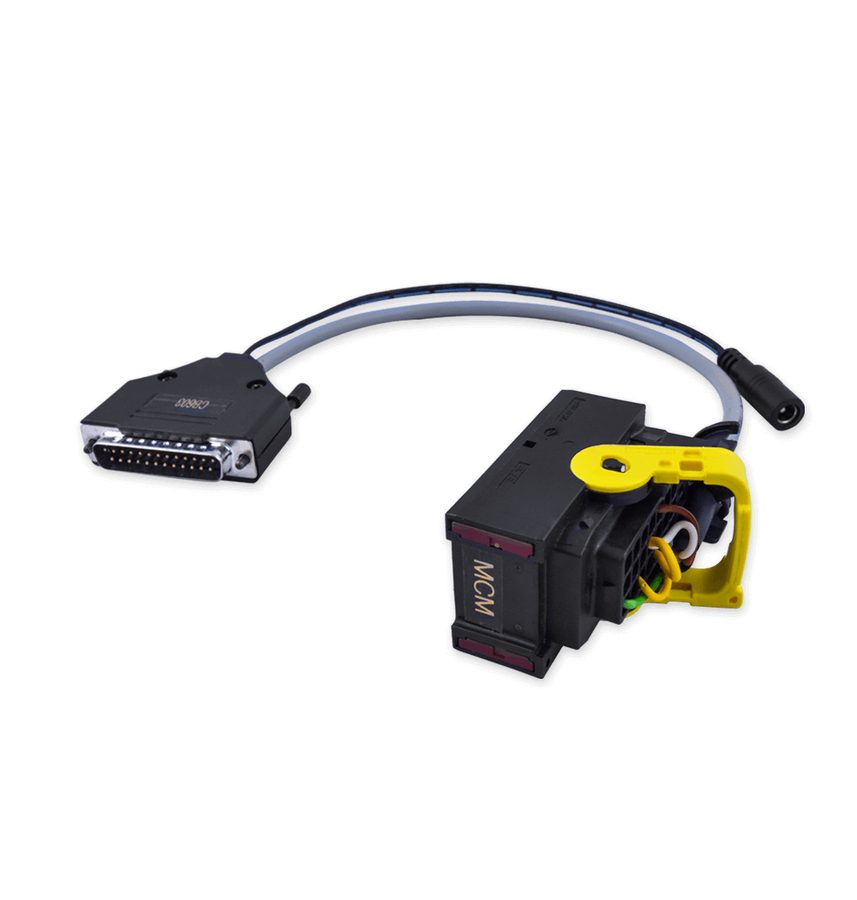
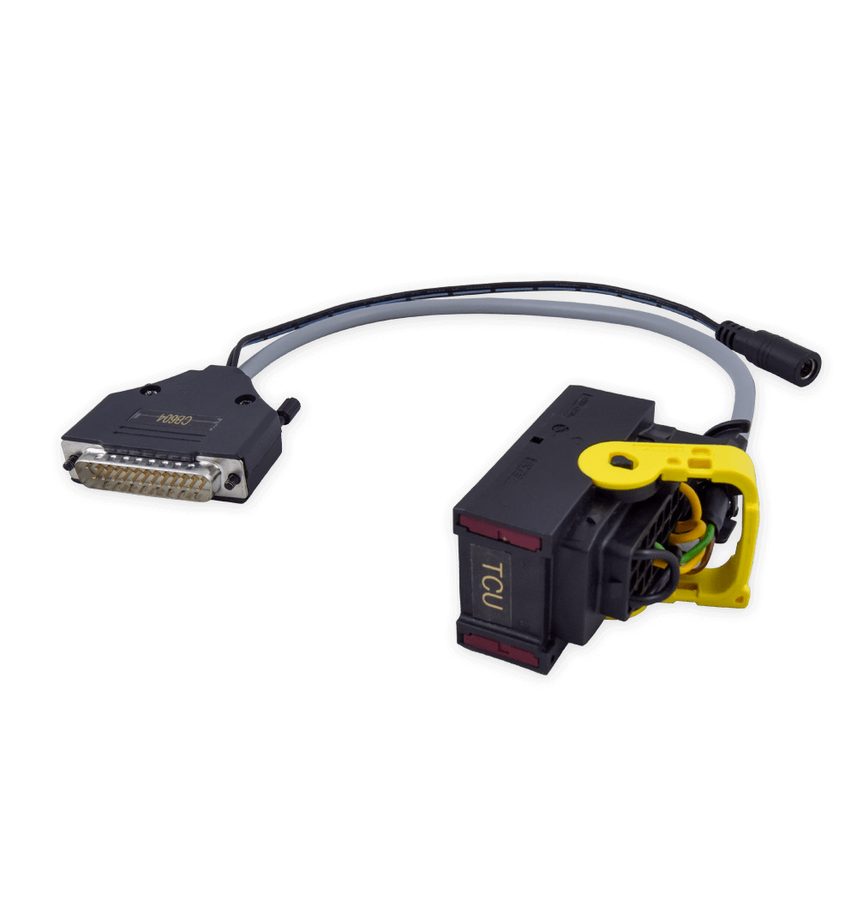
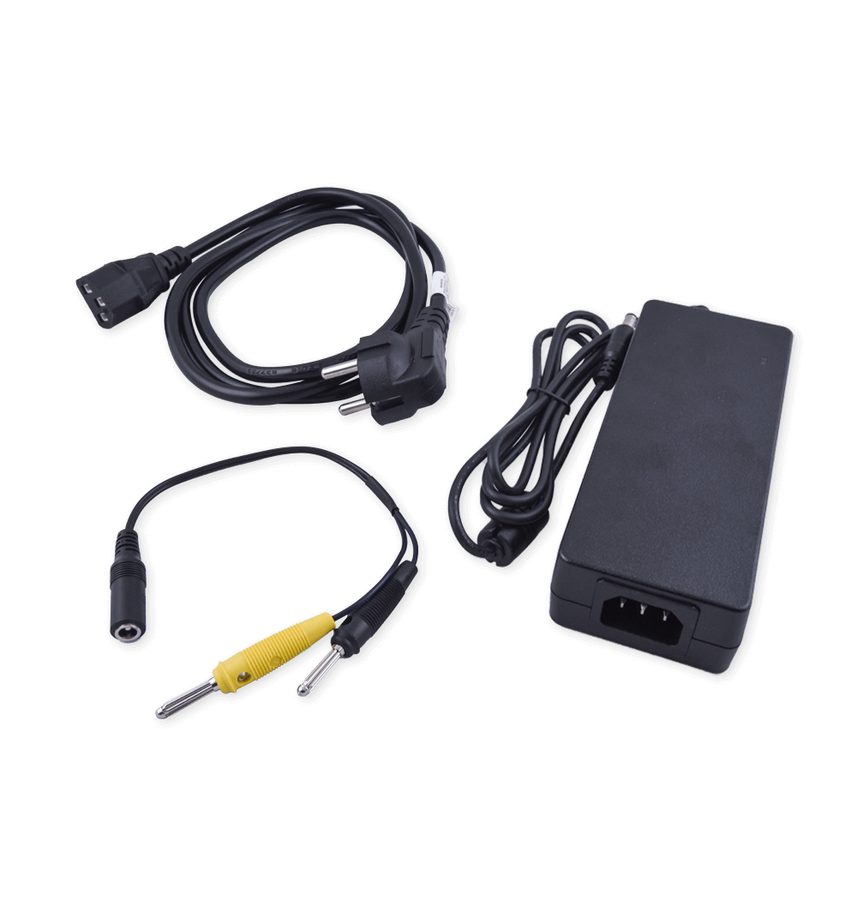
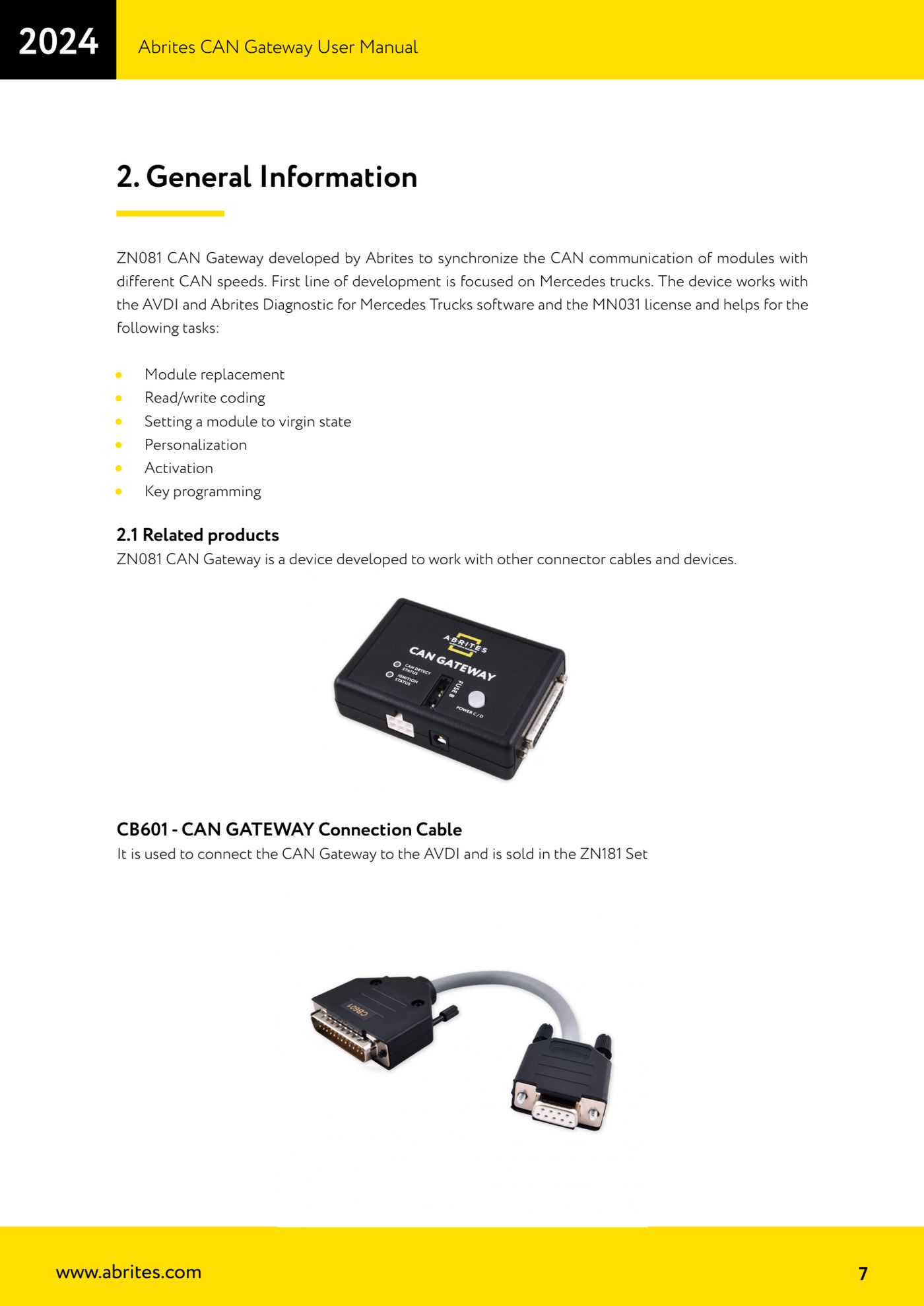
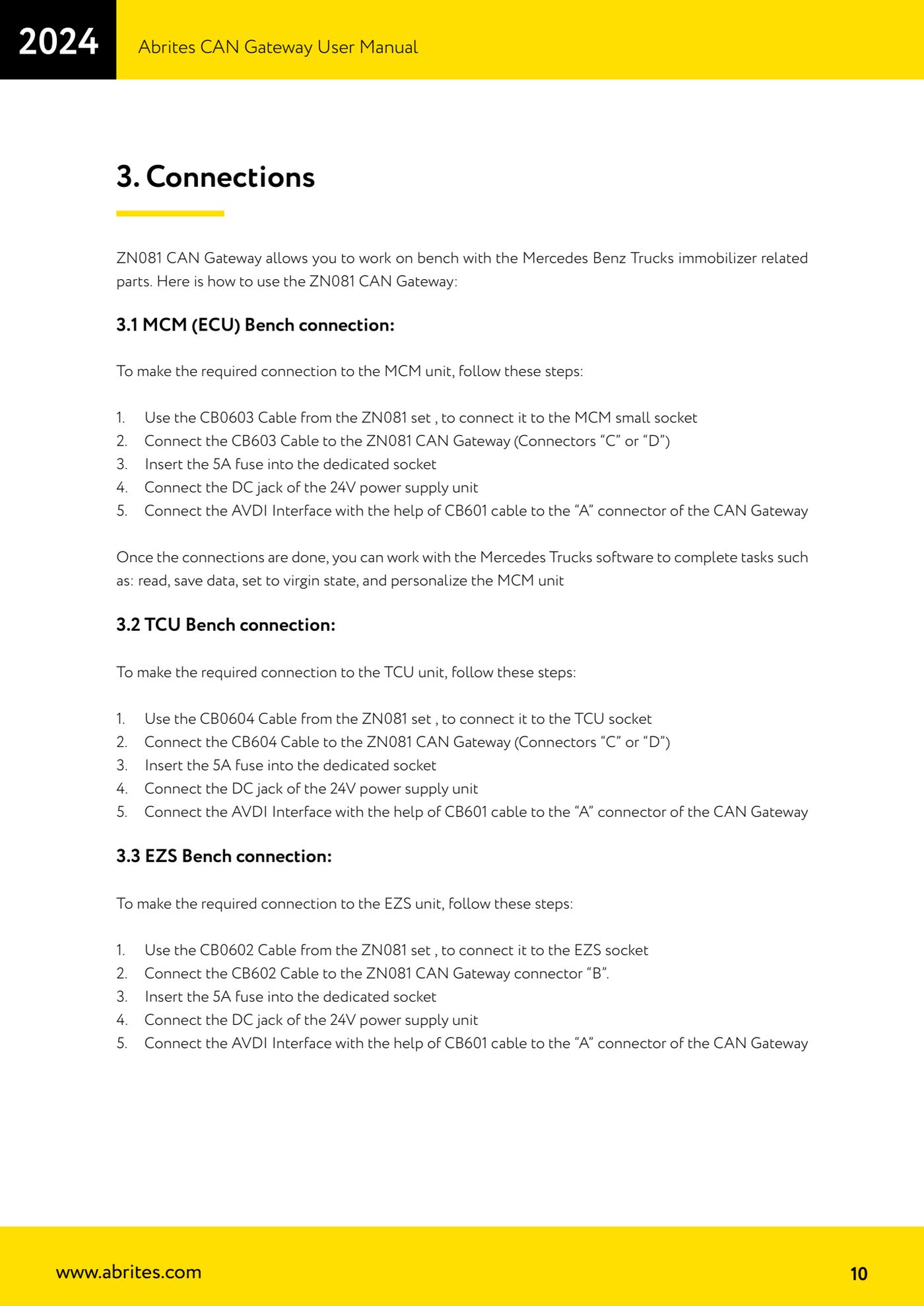
- Prepare the set: ZN081 CAN Gateway, CB601 to the AVDI, CB602 for the EZS/EIS, CB603 for the MCM, CB604 for the TCU, ZN084 24V/4A power supply and 5A fuse.
- Connect the EZS/EIS with the CB602 cable to connector "B" of the gateway.
- Connect the MCM with the CB603 cable and/or the TCU with the CB604 cable to connectors "C" and "D" of the gateway (one module per connector).
- Fit the 5A fuse in the dedicated holder on the ZN081.
- Connect the DC jack of the 24V/4A power supply and power up the bench.
- Connect the AVDI to connector "A" of the gateway with the CB601 cable and start the Abrites Diagnostics for Mercedes Trucks software.
- With the modules connected, the gateway synchronises the CAN communications running at different speeds: from here work through the software functions (diagnostic scan, coding read/write, module replacement, virginising, personalisation, activation, key programming).
- Before virginising or personalising a module, read and save the unit's data: reading and saving is the first step specified for the MCM and it holds as a rule for the whole bench.
- If you run into technical difficulties during the procedure, contact Abrites support at support@abrites.com.
Reference screenshots
Source: Manuale Abrites CAN Gateway, cap. 1-3 (p.6-10) · ⏱ estimated time varies
← All Abrites guides Hardware catalogue
More guides Strumenti
- ABPROG ZN030: what's in the set, hooking it up to the AVDI and starting the Classic software
- Reading and writing SPI, I2C and Microwire EEPROMs with ABPROG and the ZN031/ZN035 adapter
- Erasing and reprogramming M35080VP / M35080V6 incremental EEPROMs with ABPROG
- Wiring an SPI EEPROM straight to the ABPROG DB25 without the ZN031 adapter
- Mercedes-Benz IR keys: reading the SSID, erasing and programming the NEC with ZN032 / ZN033
- Renewing used keys (HITAG/PCF) with the ZN046 adapter and ABPROG
- Solder points on key PCBs for the ZN046 and list of keys supported for renewal
- Reading the EWS3 dump on BMW E46/E39/E53 and others with the ZN055 adapter
- Reading the EEPROM on BMW F-Series FEM/BDC without desoldering, using the ZN057 extension
- Reading and writing NEC V850ES MCUs with the ZN078 adapter and ABPROG
- ABPROG DB25 pinout: building your own ZN046, ZN058, ZN078 and ZN086 adapters
- Reading the immobiliser from a Renault X95 BCM (and Audi BCM) with ABPROG and direct wiring