
Chip-Tools
CB023 and CB030 cables for Bosch MD1/MG1 ECUs on the bench (BMW and Mercedes-Benz)
Strumenti
Interface Classic
Hardware / Connections
Medium
⏱ 20-30 min
7 steps
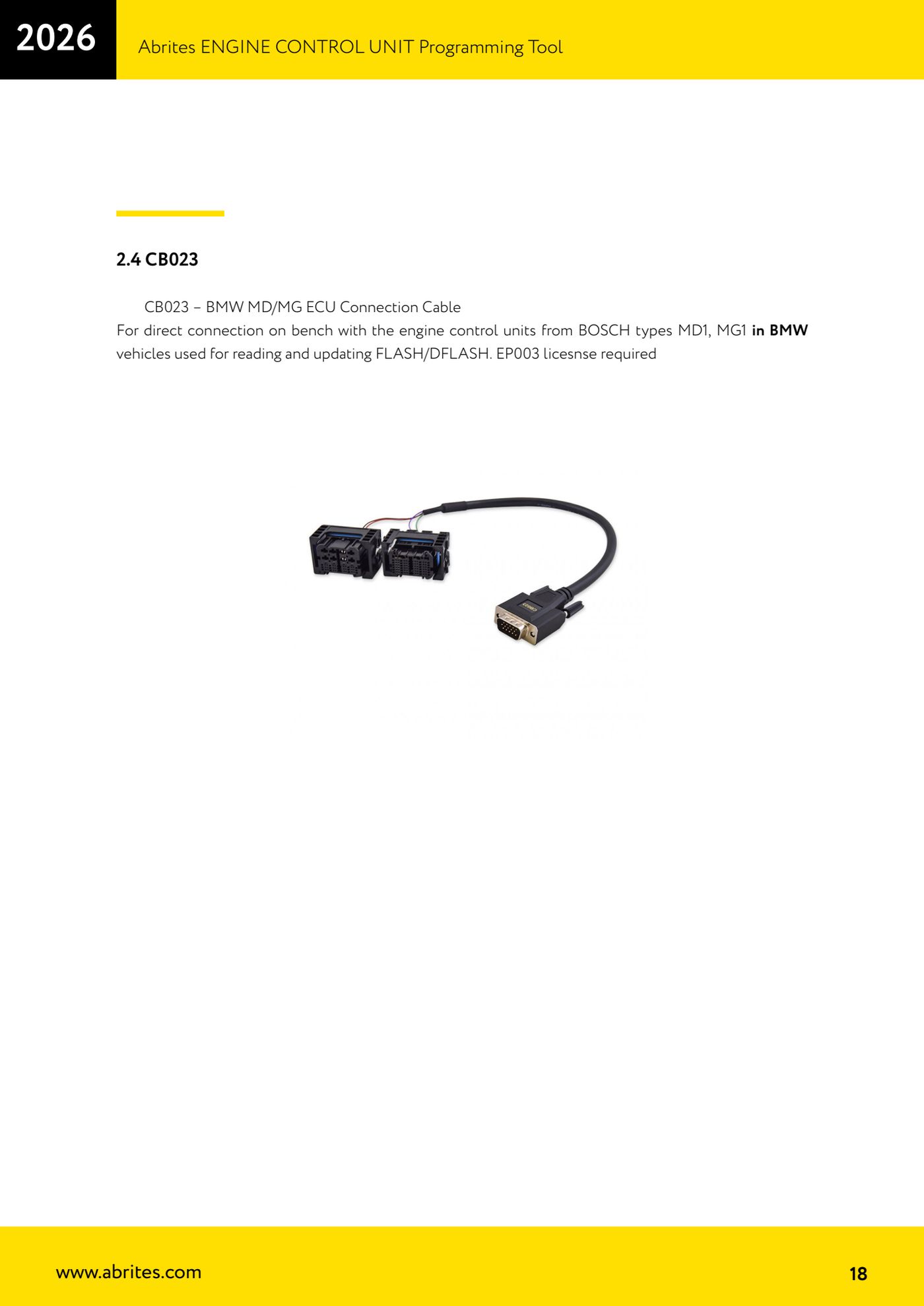
CB023 and CB030 are the cables for direct bench connection to Bosch MD1 and MG1 engine ECUs: the CB023 is for BMW MD1/MG1 units, the CB030 for Mercedes-Benz ones (MRD1/MRG1). They're used to read and update FLASH and DFLASH with the ECU Programming Tool.

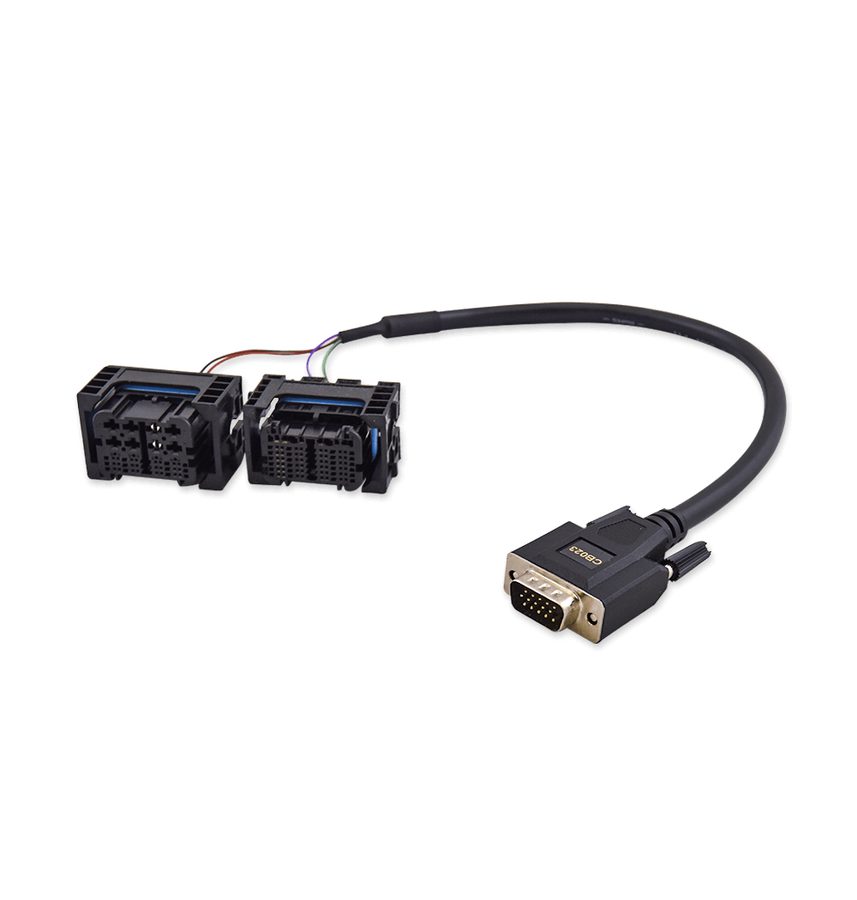
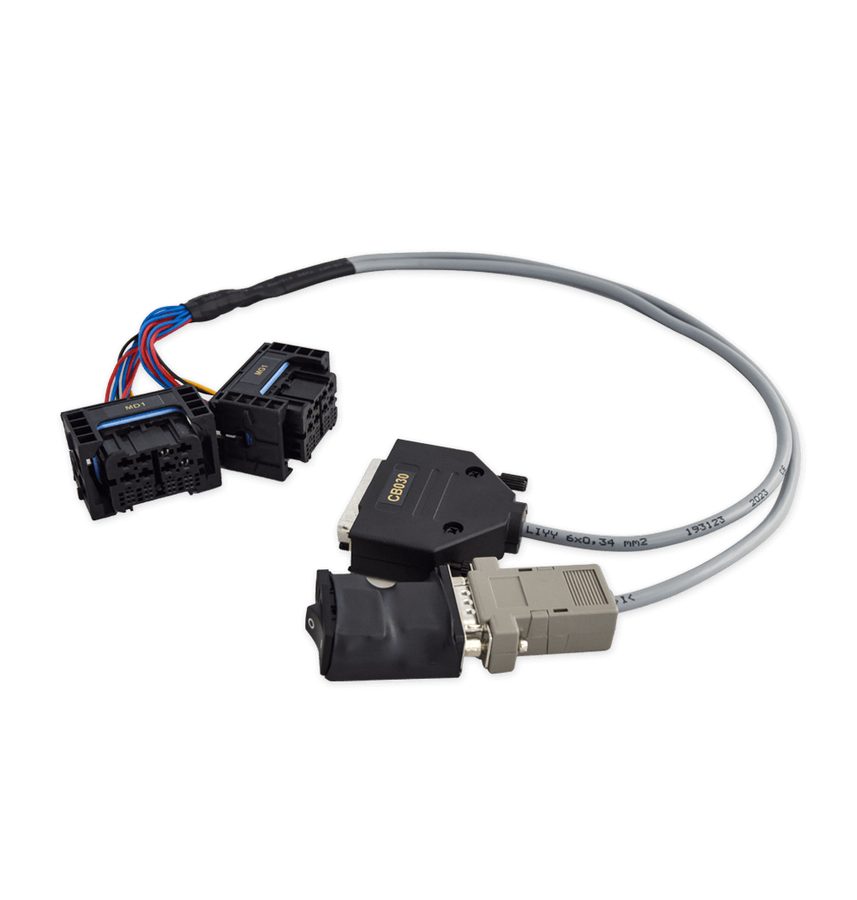
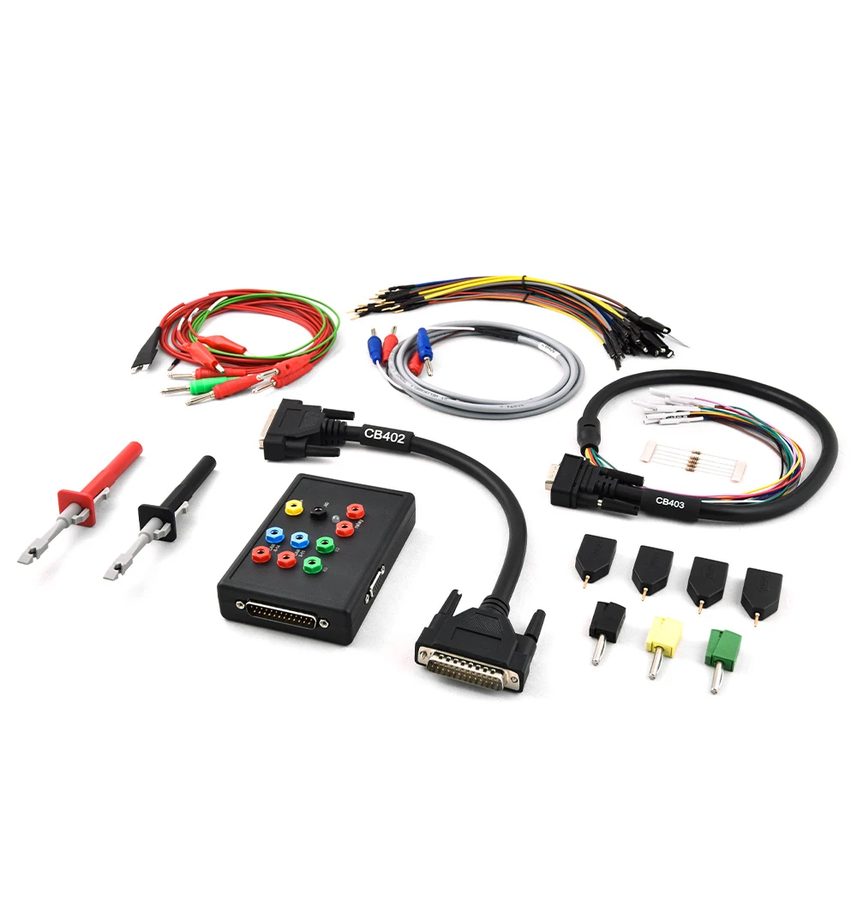
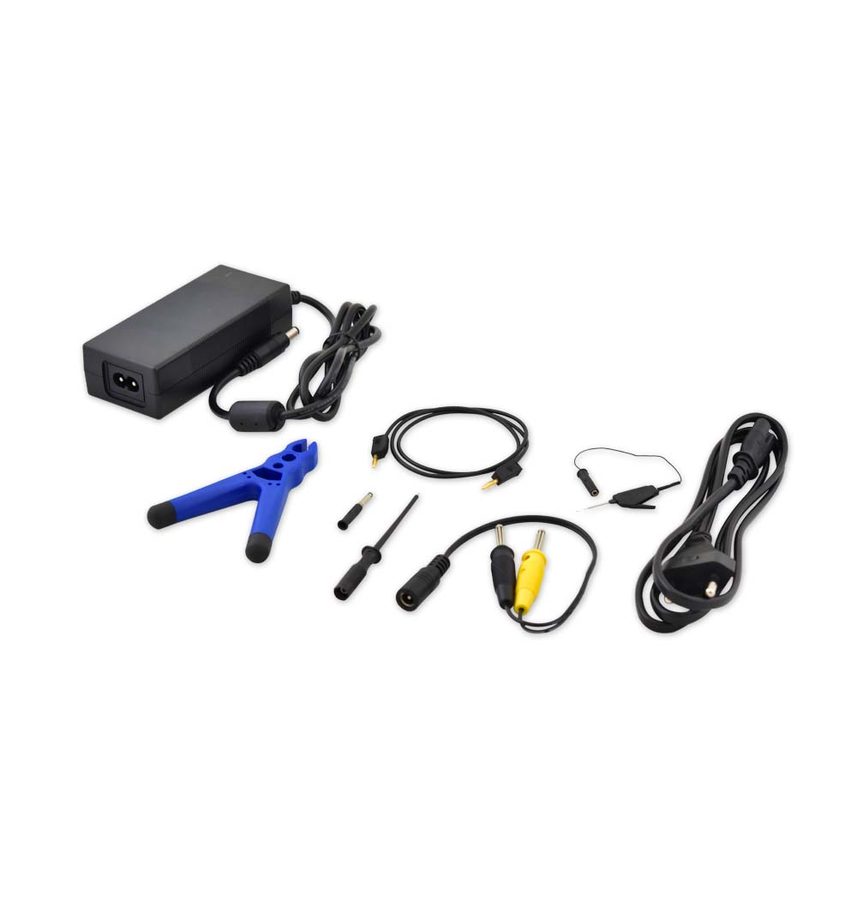
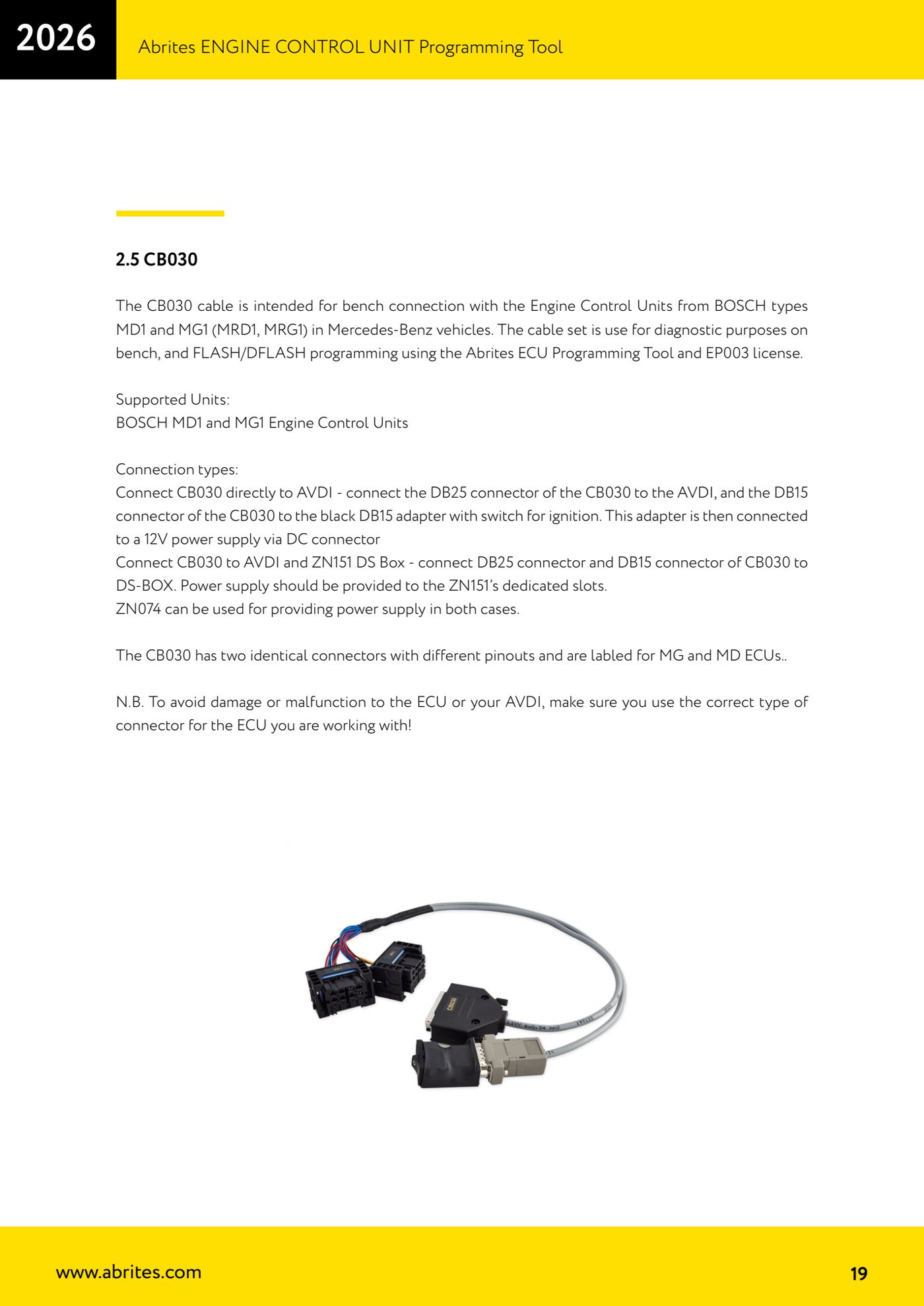
⚠ WarningThe CB030 has two identical connectors with different pinouts, labelled for MG ECU and for MD ECU: to avoid damage or malfunction to the ECU or the AVDI, make sure you use the correct connector for the type of unit you're working on. The EP003 licence is required.
Procedure
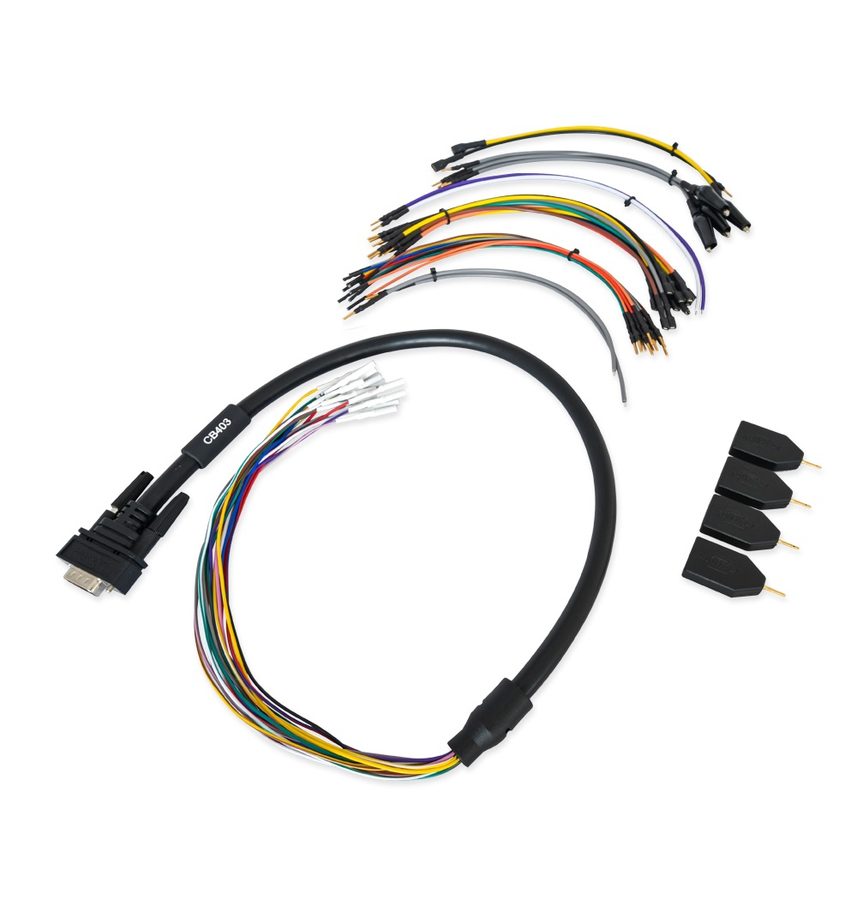
- Identify the ECU: if it's a Bosch MD1 or MG1 on a BMW use the CB023 (BMW MD/MG ECU Connection Cable); if it's a Bosch MD1/MG1 (MRD1/MRG1) on a Mercedes-Benz use the CB030, or alternatively the CB403.
- Check that you have the EP003 licence active: it is mandatory for both the CB023 and the CB030.
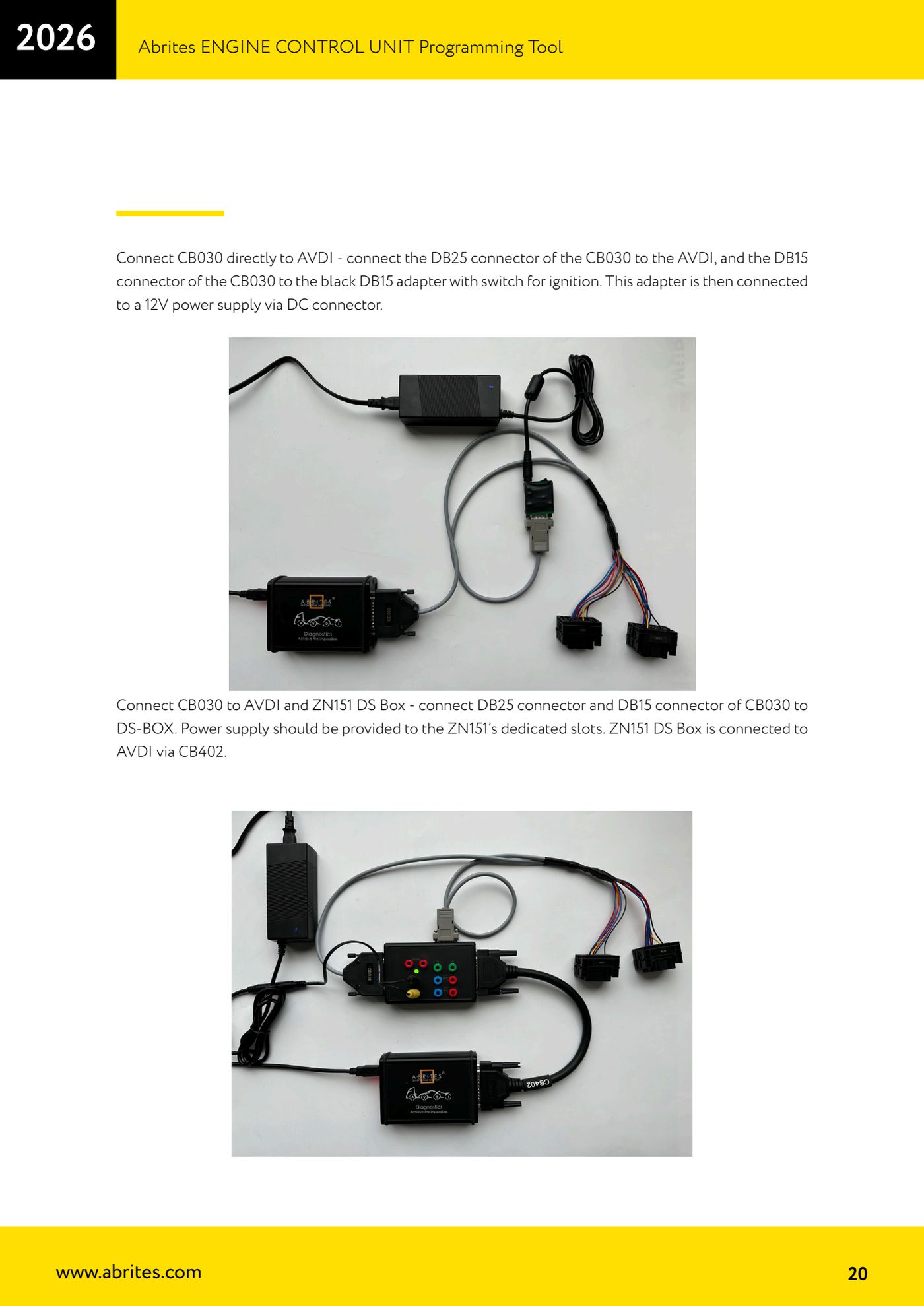
- First way to connect the CB030 (without the DS Box): connect the CB030's DB25 connector to the AVDI and the CB030's DB15 connector to the black DB15 adapter with the ignition switch; that adapter is then fed with 12V through the DC connector.
- Second way to connect the CB030 (with the DS Box): connect the CB030's DB25 and DB15 to the ZN151 DS Box, which is in turn connected to the AVDI via the CB402; power is fed to the ZN151's dedicated sockets.
- Either way you can use the ZN074 to supply the power.
- Before plugging the connector into the ECU, check the MG or MD label printed on the cable and compare it against the designation of the ECU on your bench.
- Start the ECU Programming Tool, choose "Bench", select the unit type (Bosch MG/MD TC2xx with the CB023, or Bosch MG1/MD1 SPC with the CB030/CB403) and go ahead with "Info", "Read" or "Write" on the memory you want.
Reference screenshots
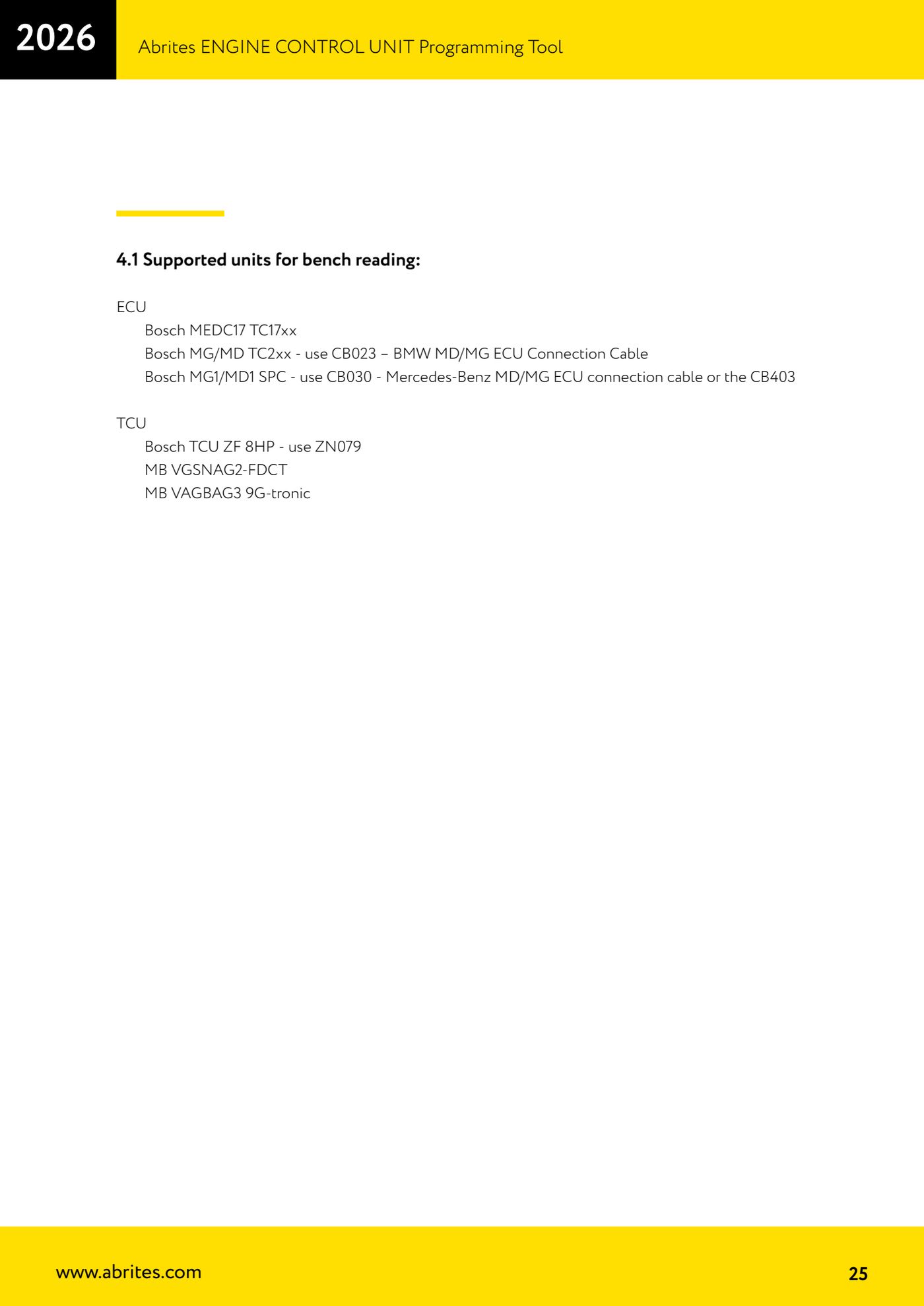
Source: Manuale ECU Programming Tool, parte 1 di 3, cap. 2.4-2.5 e 4.1 (p.18-20, 25) · ⏱ estimated time 20-30 min
← All Abrites guides Hardware catalogue
More guides Strumenti
- ABPROG ZN030: what's in the set, hooking it up to the AVDI and starting the Classic software
- Reading and writing SPI, I2C and Microwire EEPROMs with ABPROG and the ZN031/ZN035 adapter
- Erasing and reprogramming M35080VP / M35080V6 incremental EEPROMs with ABPROG
- Wiring an SPI EEPROM straight to the ABPROG DB25 without the ZN031 adapter
- Mercedes-Benz IR keys: reading the SSID, erasing and programming the NEC with ZN032 / ZN033
- Renewing used keys (HITAG/PCF) with the ZN046 adapter and ABPROG
- Solder points on key PCBs for the ZN046 and list of keys supported for renewal
- Reading the EWS3 dump on BMW E46/E39/E53 and others with the ZN055 adapter
- Reading the EEPROM on BMW F-Series FEM/BDC without desoldering, using the ZN057 extension
- Reading and writing NEC V850ES MCUs with the ZN078 adapter and ABPROG
- ABPROG DB25 pinout: building your own ZN046, ZN058, ZN078 and ZN086 adapters
- Reading the immobiliser from a Renault X95 BCM (and Audi BCM) with ABPROG and direct wiring