
Chip-Tools
Bench connection to the RH850/V850 unit: "Wiring" diagrams, soldering the CB501 and multimeter checks
Strumenti
Interface Classic
Hardware / Connections
Advanced
⏱ 30-60 min
10 steps
Every supported unit has its own connection diagram inside the programmer software. This guide covers how to open the diagram with the "Wiring" button, how to solder the CB501 cable to the PCB and what to check before reading the MCU.
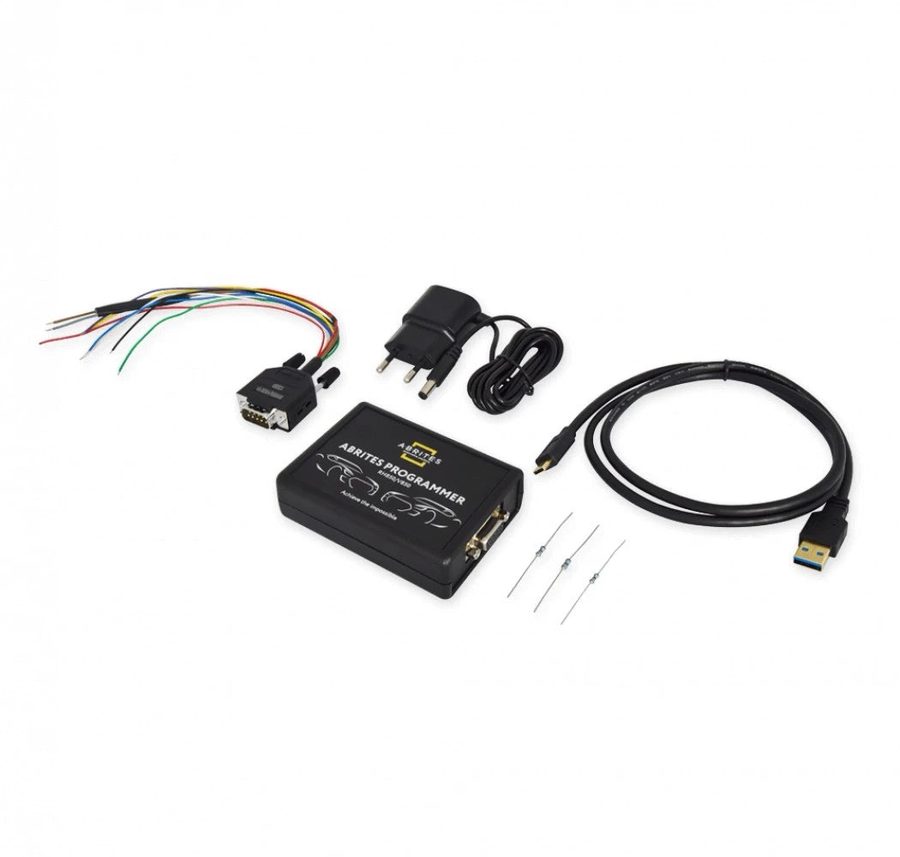
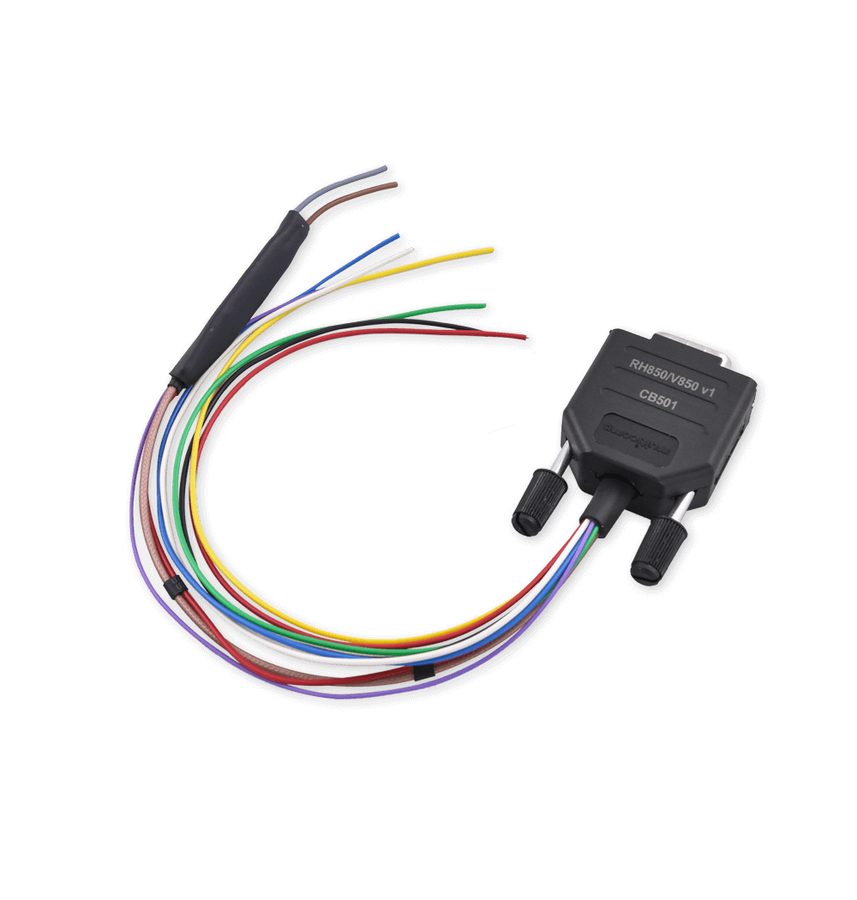

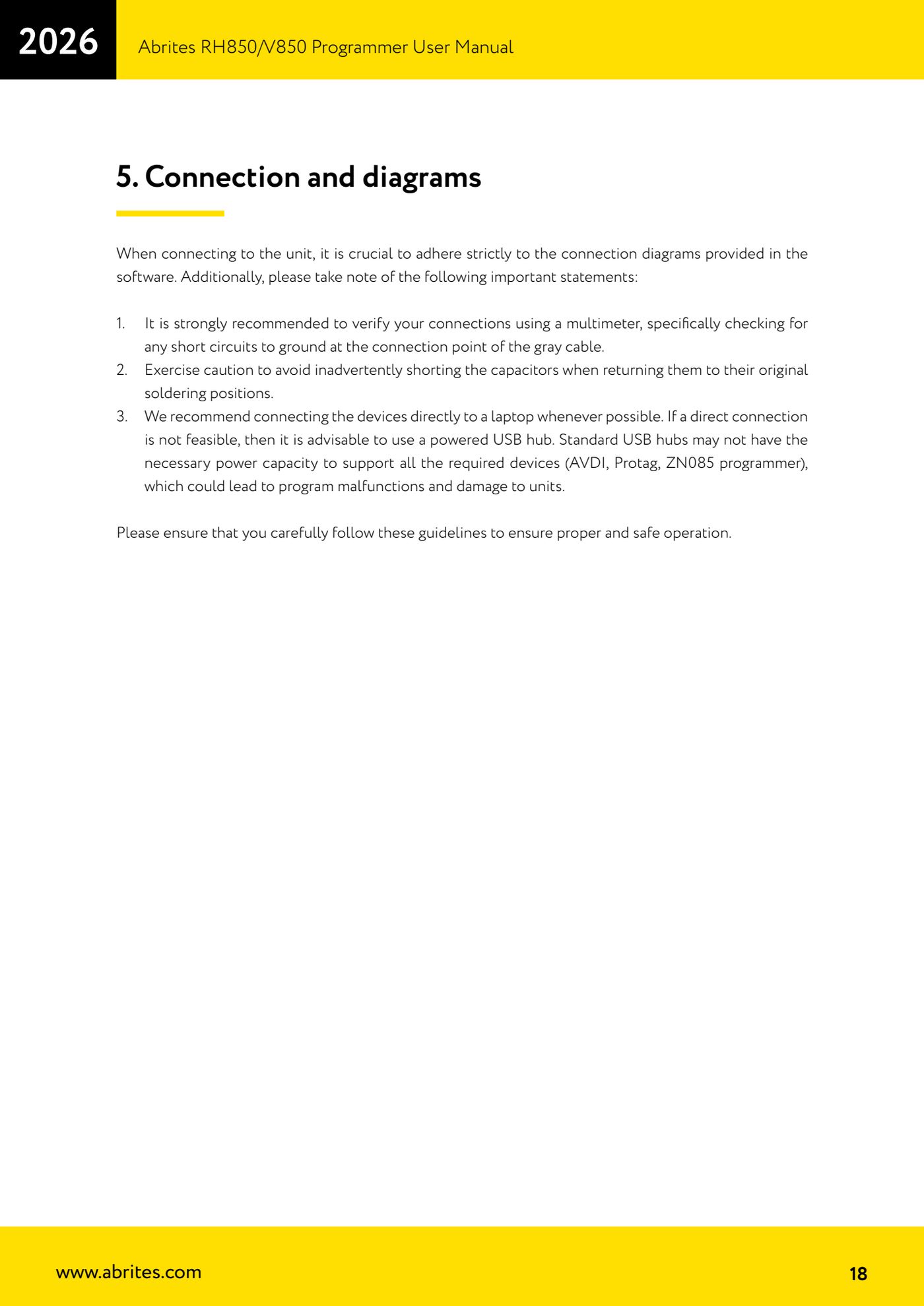
⚠ WarningWhen connecting to the unit it is essential to stick rigidly to the diagrams the software provides. Always check the connections with a multimeter, paying particular attention to any short to ground at the grey wire's connection point. Take care not to short the capacitors when you put them back in their original solder positions. Keep cables and wires in their original state: do not add extensions to any wire while soldering.
Procedure
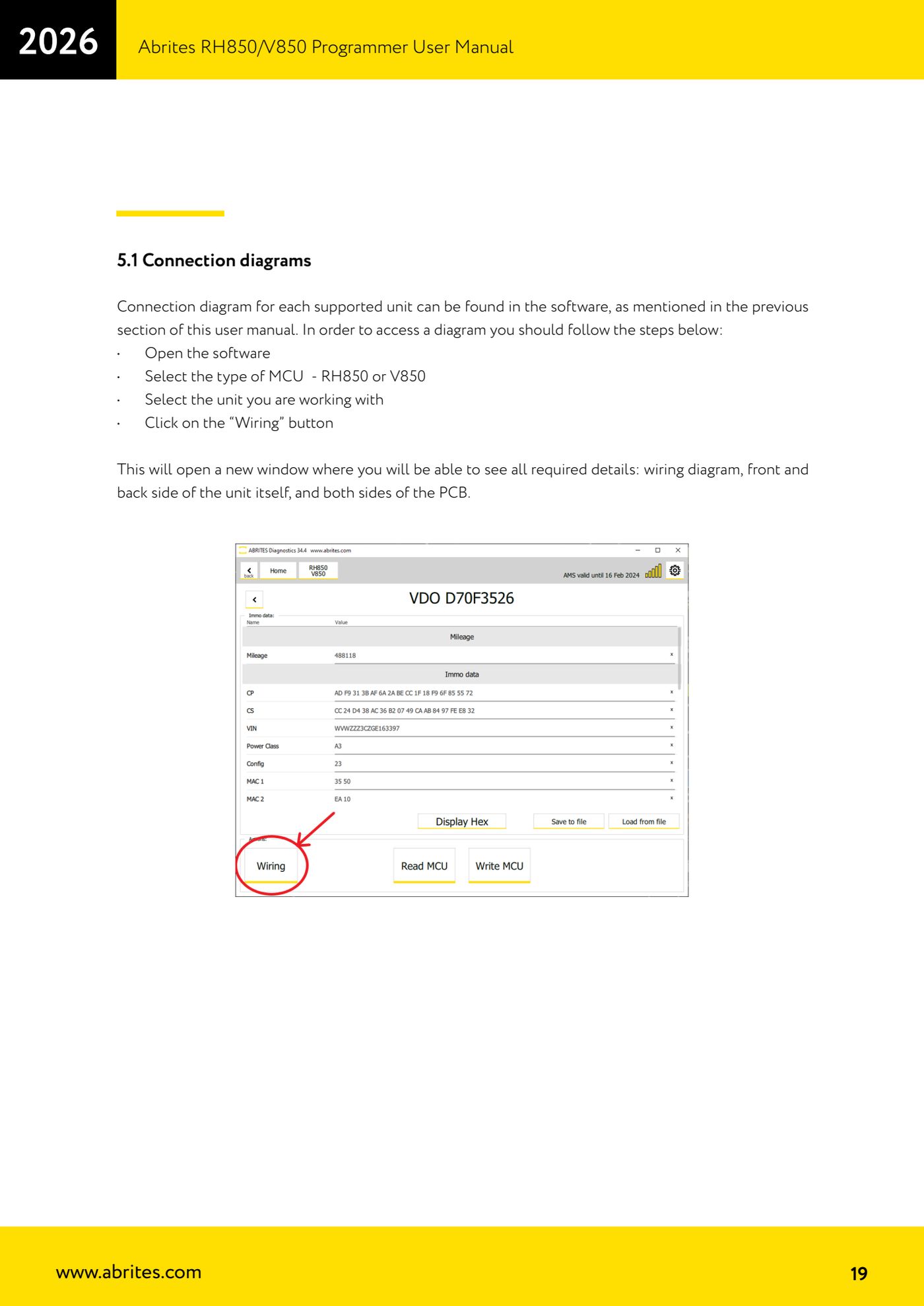
- Open the RH850/V850 programmer software from the Abrites Quick Start Menu.
- Select the MCU type you're working with: RH850 or V850.
- Select the unit you have to work on from the list (the list of supported units is dynamic and is updated constantly).
- Click the "Wiring" button: a new window opens with everything you need, namely the wiring diagram, the front and rear of the unit and both sides of the PCB.
- Strip the unit down and, where the diagram calls for it, carefully desolder the capacitors indicated, putting them aside to refit at the end of the job.
- Solder the CB501 cable wires to the PCB points following exactly the diagram shown in the "Wiring" window.
- Check the unit's revision (for example the instrument cluster revision) to be certain the wiring is the right one before carrying on.
- With a multimeter check continuity on the soldered points and the absence of any short to ground, particularly at the grey wire point.
- Connect the CB501 to the ZN085, check that ZN085 and AVDI are connected to the PC (directly or through a powered USB hub) and go ahead with the read by pressing "Read MCU".
- At the end of the job remove the CB501 wires and resolder the capacitors in their original positions, without shorting them, before refitting the unit to the vehicle.
Reference screenshots
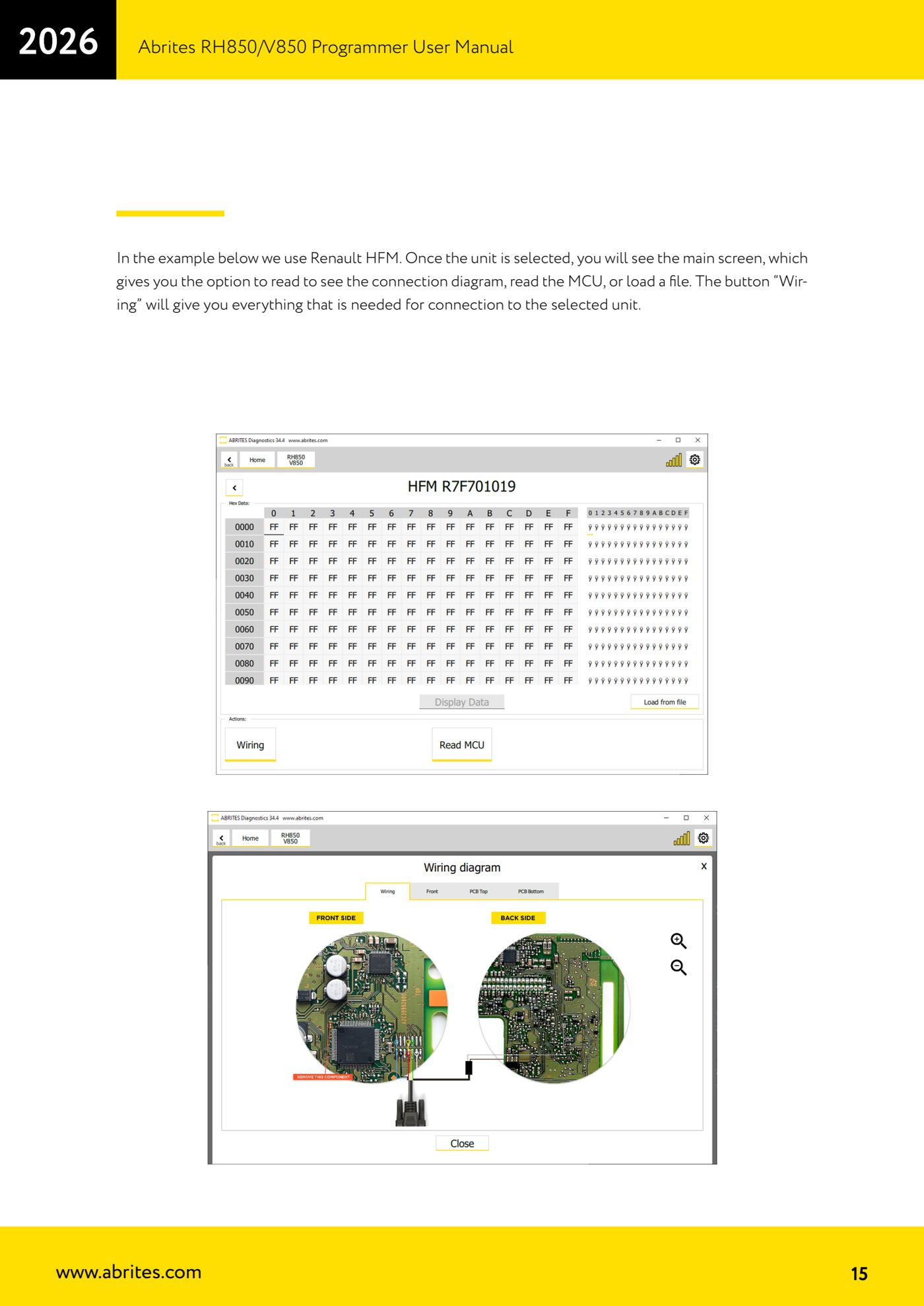
Source: Manuale Programmatore RH850/V850, cap. 5 e 5.1 (p.18-19) · ⏱ estimated time 30-60 min
← All Abrites guides Hardware catalogue
More guides Strumenti
- ABPROG ZN030: what's in the set, hooking it up to the AVDI and starting the Classic software
- Reading and writing SPI, I2C and Microwire EEPROMs with ABPROG and the ZN031/ZN035 adapter
- Erasing and reprogramming M35080VP / M35080V6 incremental EEPROMs with ABPROG
- Wiring an SPI EEPROM straight to the ABPROG DB25 without the ZN031 adapter
- Mercedes-Benz IR keys: reading the SSID, erasing and programming the NEC with ZN032 / ZN033
- Renewing used keys (HITAG/PCF) with the ZN046 adapter and ABPROG
- Solder points on key PCBs for the ZN046 and list of keys supported for renewal
- Reading the EWS3 dump on BMW E46/E39/E53 and others with the ZN055 adapter
- Reading the EEPROM on BMW F-Series FEM/BDC without desoldering, using the ZN057 extension
- Reading and writing NEC V850ES MCUs with the ZN078 adapter and ABPROG
- ABPROG DB25 pinout: building your own ZN046, ZN058, ZN078 and ZN086 adapters
- Reading the immobiliser from a Renault X95 BCM (and Audi BCM) with ABPROG and direct wiring