
Chip-Tools
BDC2/BDC3 spare key on the bench from NCF: reading the Secret Key from a working key
Strumenti
Interface Classic
Keys / Immo
Advanced
⏱ 30-60 min
8 steps
This solution lets you read the Secret Key straight out of a working key (Key ID, Secret Key and key information) and add a spare key on the latest-generation BDC2 and BDC3 vehicles, without reading anything from the immobiliser (BDC module).
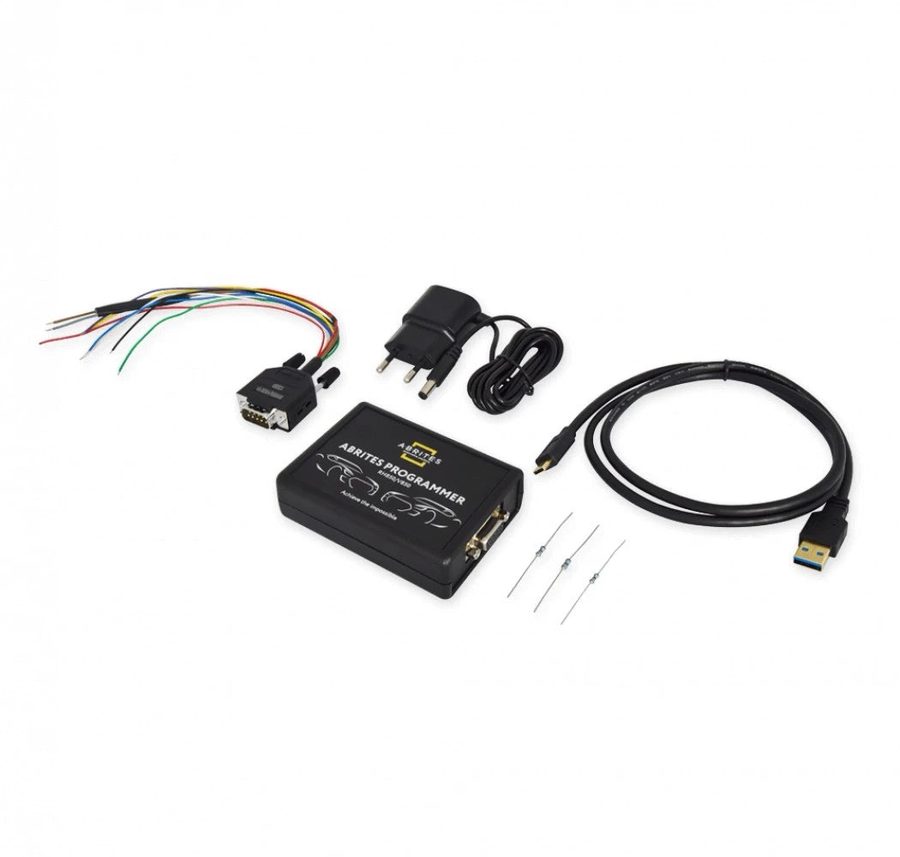
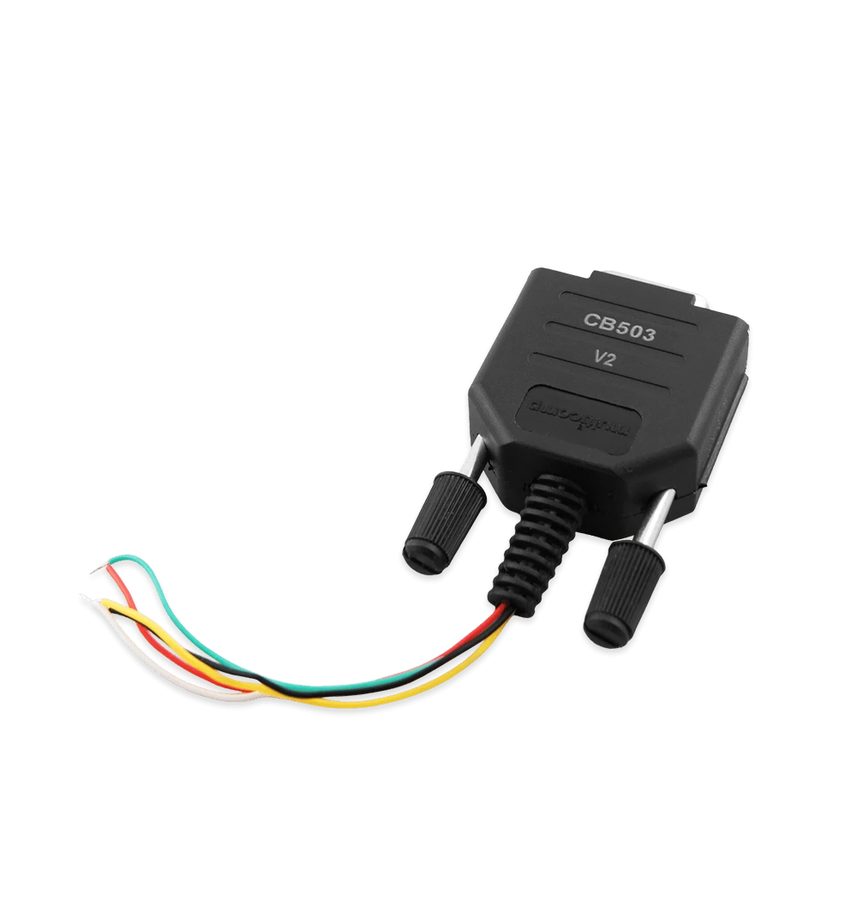
Procedure
- Open the ZN085 software and select the NCF menu, then the key type you're working on to bring up the connection points.
- Open the working key's shell and get to the PCB.
- Solder the CB503 cable to the key PCB as shown in the NCF menu of the ZN085 software.
- Read the NCF MCU to extract the immobiliser data, that is Key ID, Secret Key and the key information.
- Save the file with the extracted data before carrying on.
- Open the new key and connect the CB503 cable to its PCB at the same points shown by the software.
- Click "Make Key with ZN085" to write the extracted immobiliser data into the new key. Both new OEM keys and used keys are supported.
- Desolder the CB503, close the key back up and try it on the vehicle: the new key is already fully operational and no further programming over OBD is required.
Reference screenshots
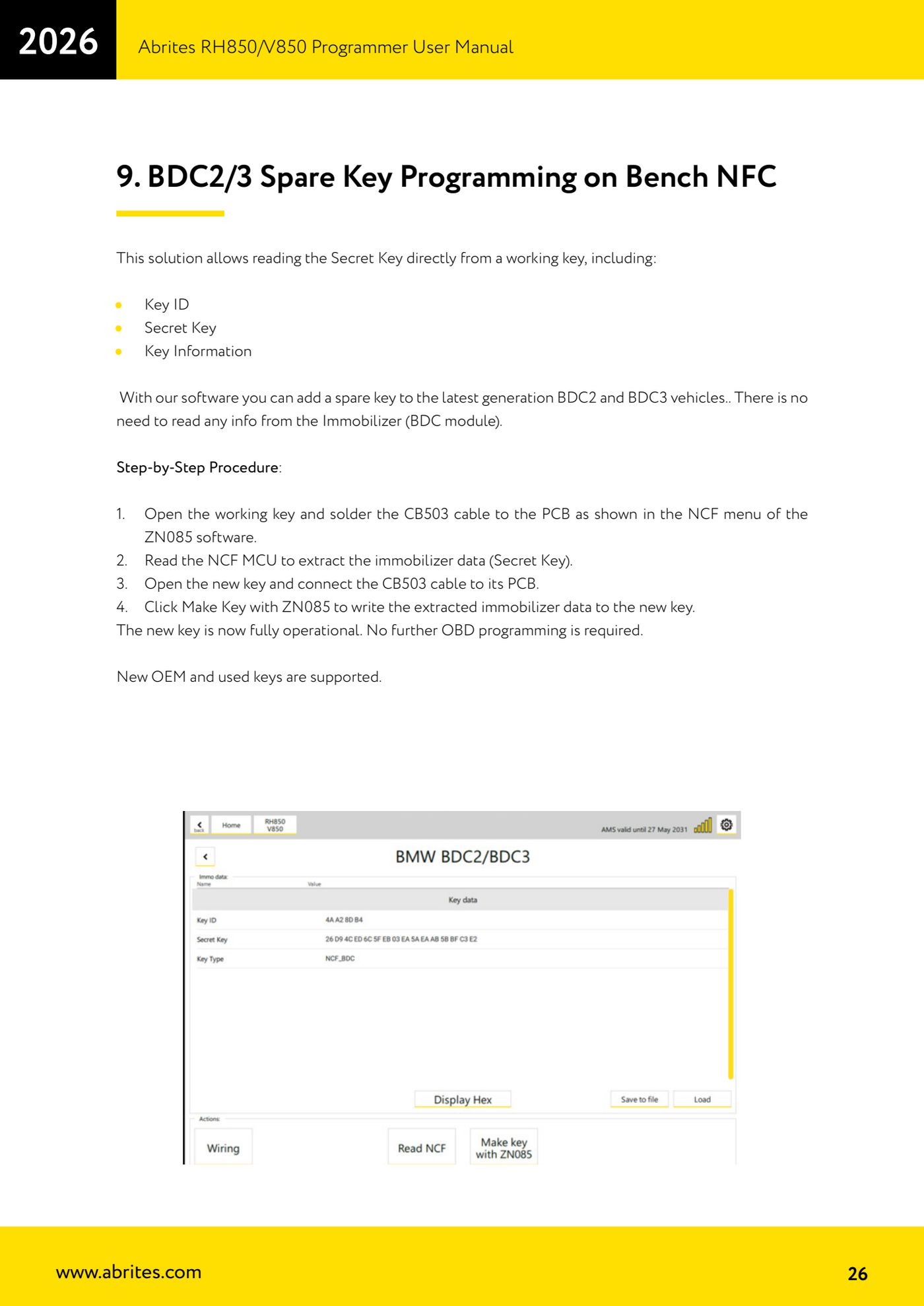
Source: Manuale Programmatore RH850/V850, cap. 9 (p.26) · ⏱ estimated time 30-60 min
← All Abrites guides Hardware catalogue
More guides Strumenti
- ABPROG ZN030: what's in the set, hooking it up to the AVDI and starting the Classic software
- Reading and writing SPI, I2C and Microwire EEPROMs with ABPROG and the ZN031/ZN035 adapter
- Erasing and reprogramming M35080VP / M35080V6 incremental EEPROMs with ABPROG
- Wiring an SPI EEPROM straight to the ABPROG DB25 without the ZN031 adapter
- Mercedes-Benz IR keys: reading the SSID, erasing and programming the NEC with ZN032 / ZN033
- Renewing used keys (HITAG/PCF) with the ZN046 adapter and ABPROG
- Solder points on key PCBs for the ZN046 and list of keys supported for renewal
- Reading the EWS3 dump on BMW E46/E39/E53 and others with the ZN055 adapter
- Reading the EEPROM on BMW F-Series FEM/BDC without desoldering, using the ZN057 extension
- Reading and writing NEC V850ES MCUs with the ZN078 adapter and ABPROG
- ABPROG DB25 pinout: building your own ZN046, ZN058, ZN078 and ZN086 adapters
- Reading the immobiliser from a Renault X95 BCM (and Audi BCM) with ABPROG and direct wiring