
Chip-Tools
AVDI: what is in the case and how to connect it correctly to the PC and the vehicle
Strumenti
Interface Classic
Hardware / Connections
Basic
⏱ 10 min
8 steps
The AVDI is the Abrites interface that turns a Windows PC into a diagnostic tool for cars, trucks, motorcycles, marine and recreational vehicles. This guide explains what is in the basic package and in what order to connect the cables the first time.
Required licences
- —

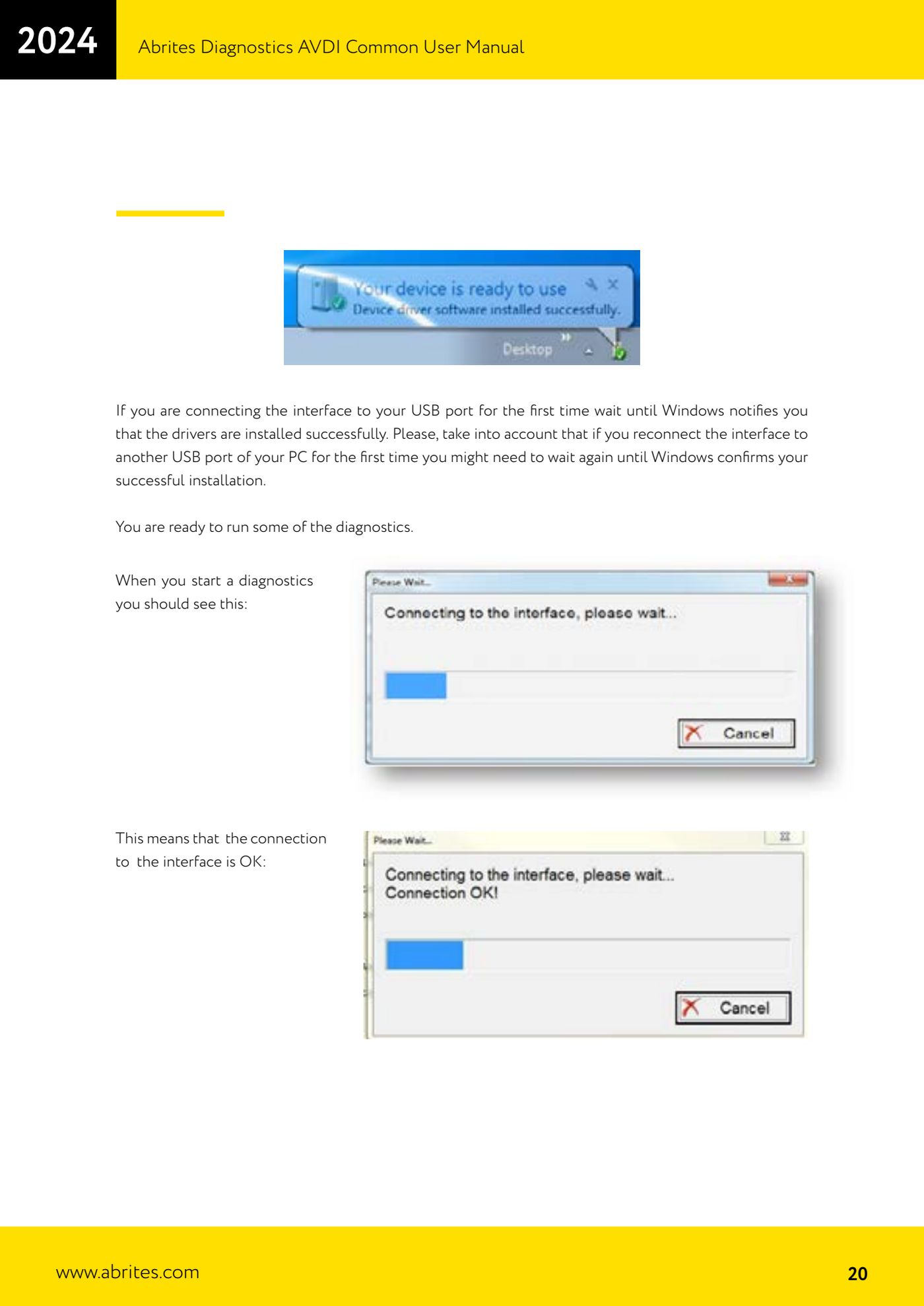
⚠ WarningOn the very first connection to a USB port, wait for Windows to confirm that the drivers have been installed. If you later move the AVDI to a different USB port on the PC, Windows will install the drivers again for that port and you have to wait for the confirmation again.
Procedure
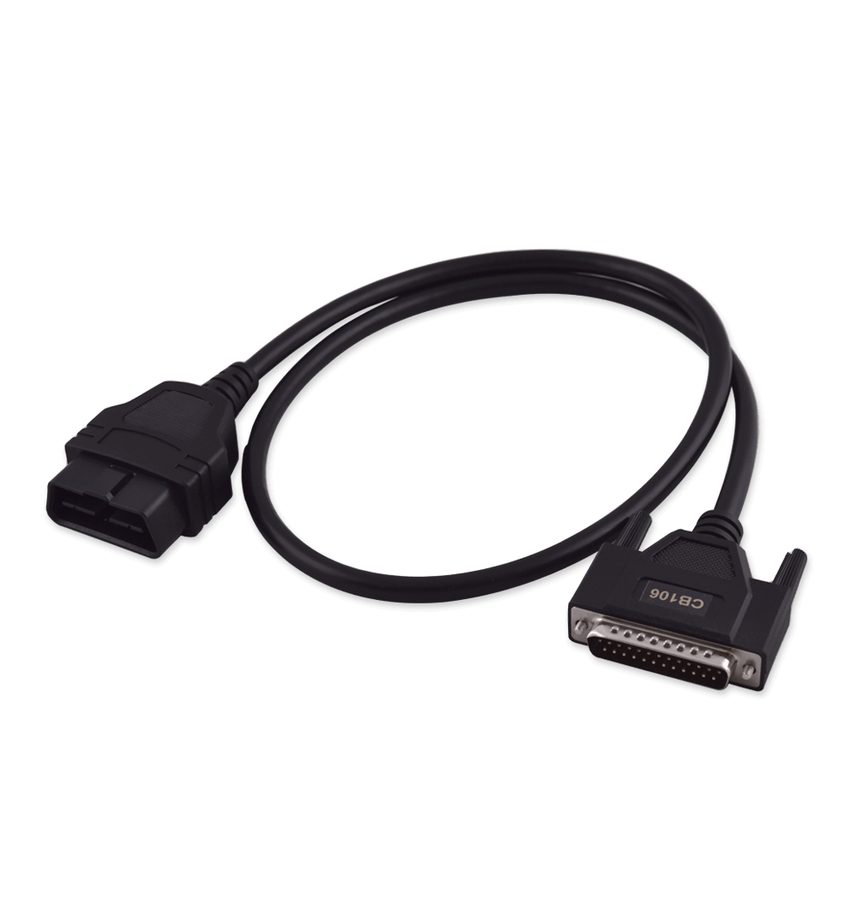
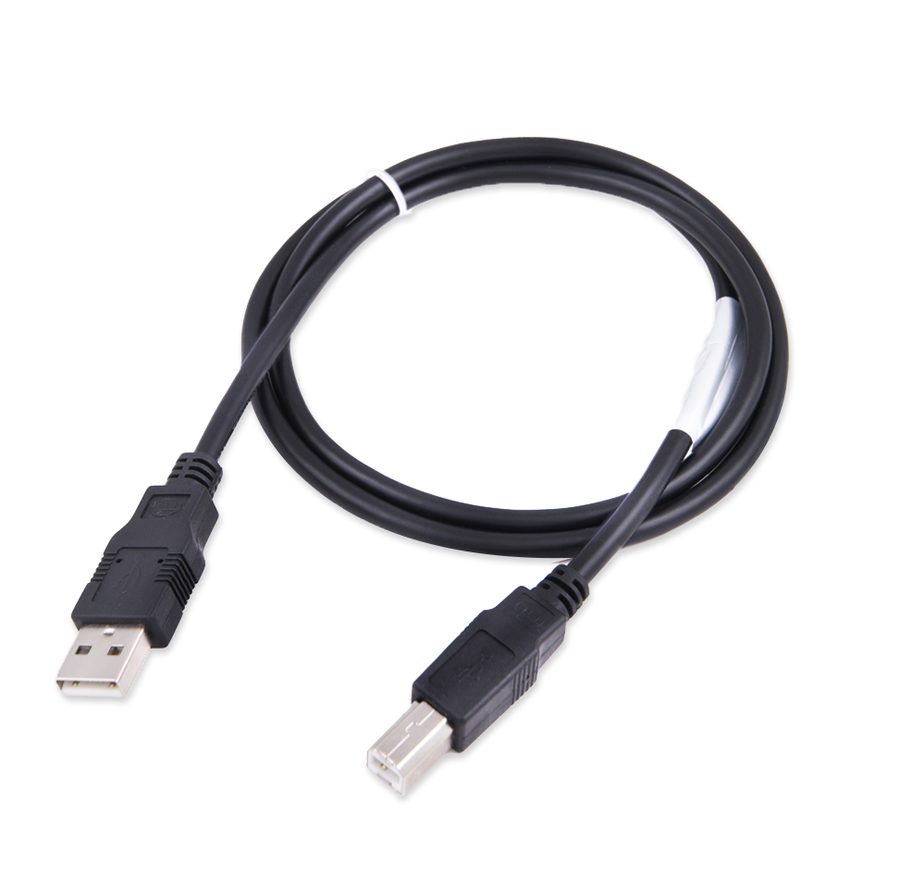
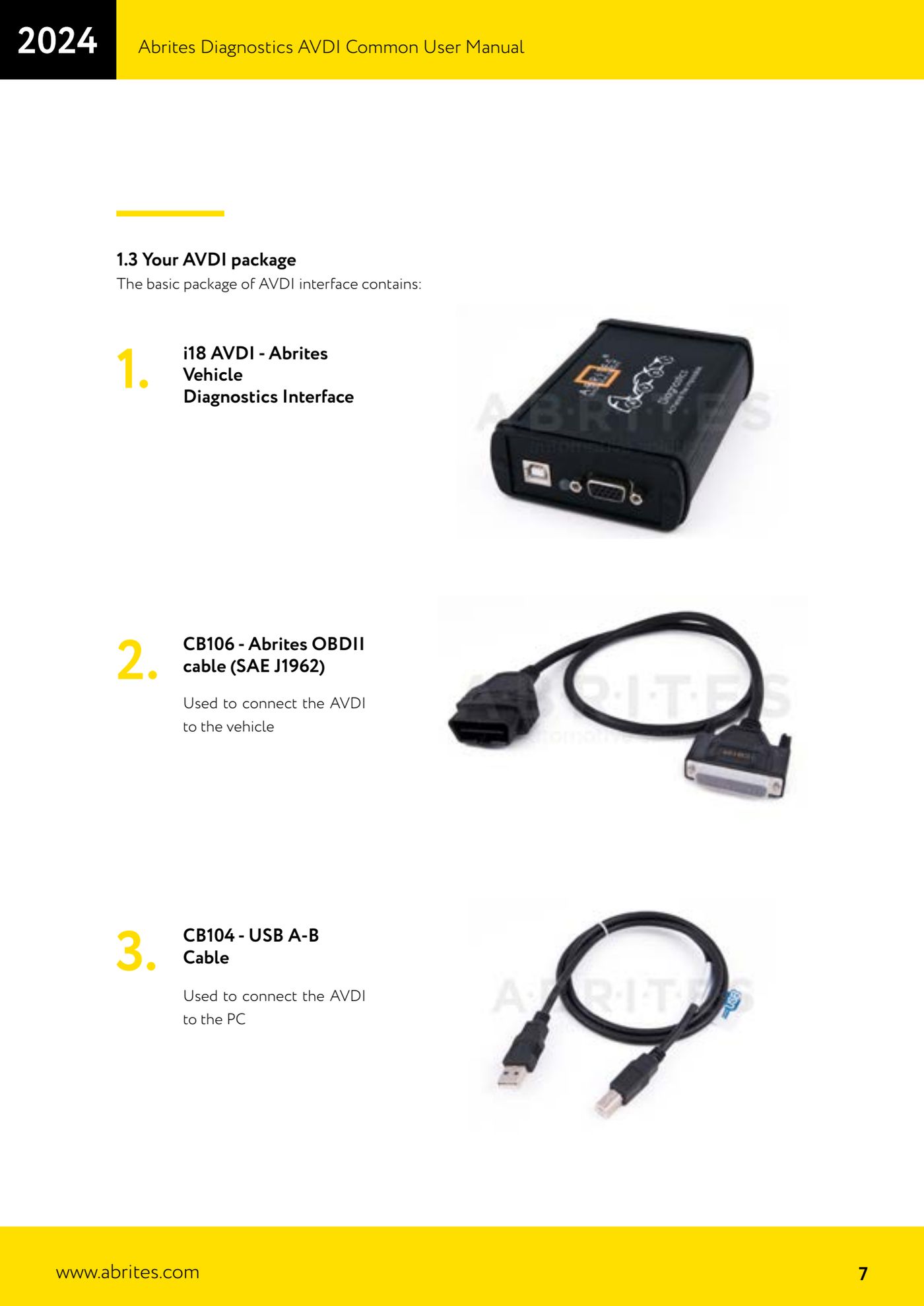
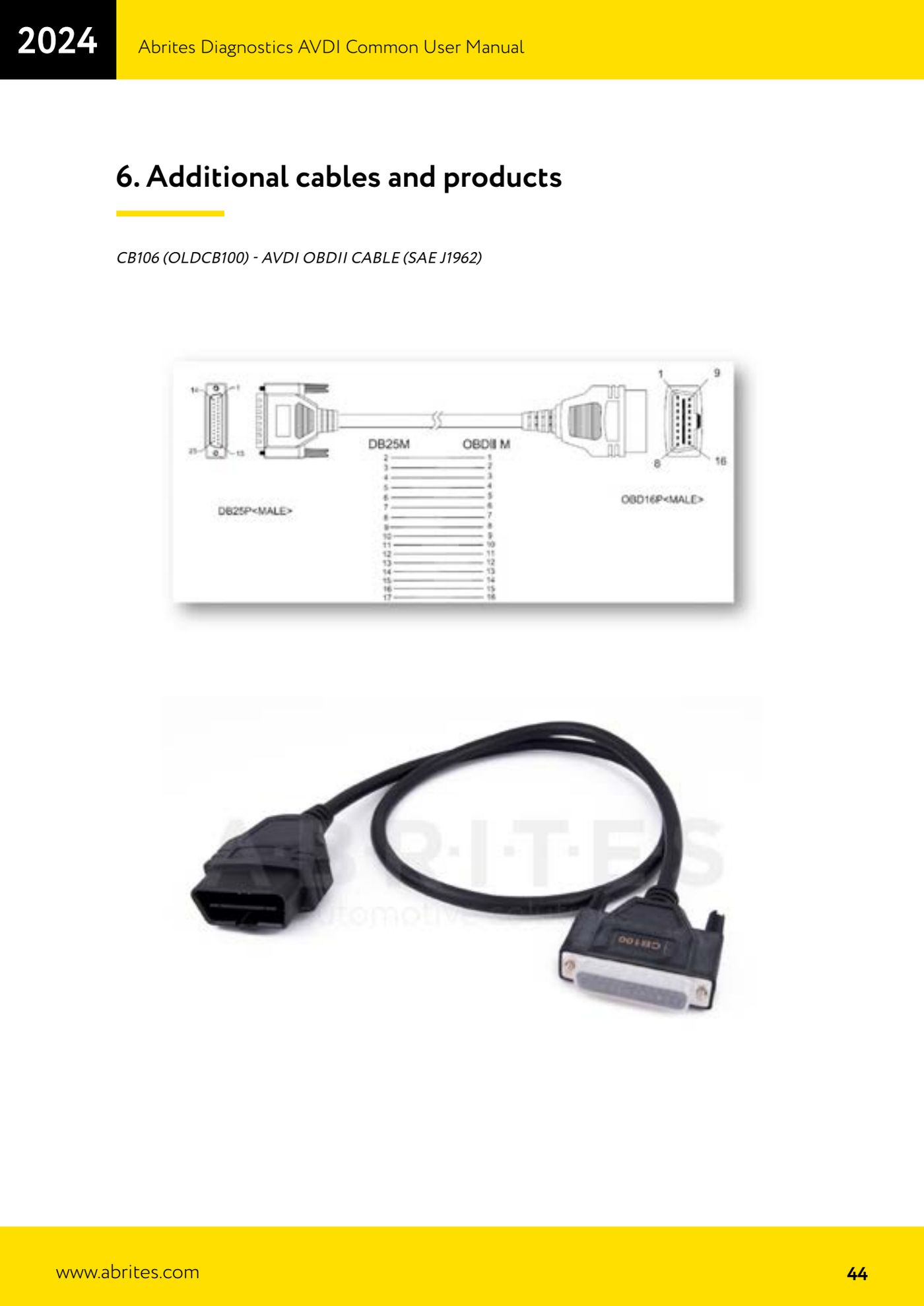
- Check the contents of the basic package: 1) AVDI i18 interface (Abrites Vehicle Diagnostics Interface), 2) CB106 cable - Abrites OBDII cable (SAE J1962) for connection to the vehicle, 3) CB104 cable - USB A-B for connection to the PC.
- Check your interface's identification number: it is in the form 17xxxx (or 16xxxx), where xxxx is a hexadecimal number between 0000 and FFFF. You need it to download the right software and to identify the device in the menus.
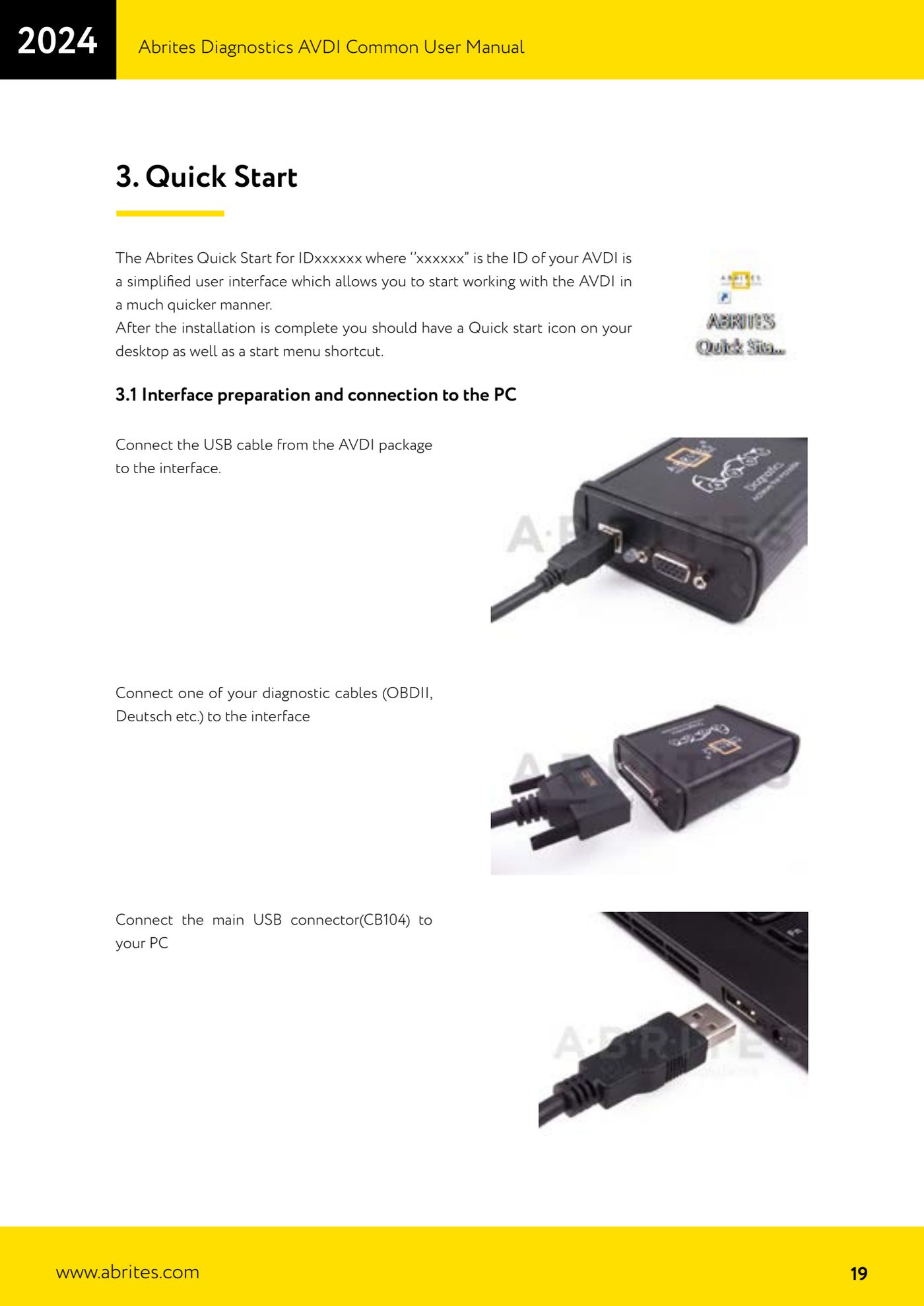
- Connect the CB104 USB cable to the USB connector on the AVDI interface.
- Connect one of the diagnostic cables to the DB25 side of the interface: CB106 OBDII (SAE J1962) for the standard diagnostic socket, or the Deutsch cable or another specific cable if you are working on heavy vehicles/machinery.
- Connect the other end of the CB104 cable to the PC's USB port.
- If this is the first time you have connected the interface to that USB port, wait for the Windows message confirming that the drivers have been installed correctly before starting any software.
- Check that the interface LED lights up: it is the first thing to check if the software then reports "Interface not connected".
- Only at this point plug the OBDII cable into the vehicle's diagnostic socket and start the Abrites diagnostic software.
Reference screenshots
Source: Manuale AVDI - manuale comune, parte 1 di 2, cap. 1.3 e 3.1 (p.7, 19-20, 44) · ⏱ estimated time 10 min
← All Abrites guides Hardware catalogue
More guides Strumenti
- ABPROG ZN030: what's in the set, hooking it up to the AVDI and starting the Classic software
- Reading and writing SPI, I2C and Microwire EEPROMs with ABPROG and the ZN031/ZN035 adapter
- Erasing and reprogramming M35080VP / M35080V6 incremental EEPROMs with ABPROG
- Wiring an SPI EEPROM straight to the ABPROG DB25 without the ZN031 adapter
- Mercedes-Benz IR keys: reading the SSID, erasing and programming the NEC with ZN032 / ZN033
- Renewing used keys (HITAG/PCF) with the ZN046 adapter and ABPROG
- Solder points on key PCBs for the ZN046 and list of keys supported for renewal
- Reading the EWS3 dump on BMW E46/E39/E53 and others with the ZN055 adapter
- Reading the EEPROM on BMW F-Series FEM/BDC without desoldering, using the ZN057 extension
- Reading and writing NEC V850ES MCUs with the ZN078 adapter and ABPROG
- ABPROG DB25 pinout: building your own ZN046, ZN058, ZN078 and ZN086 adapters
- Reading the immobiliser from a Renault X95 BCM (and Audi BCM) with ABPROG and direct wiring