
Chip-Tools
Spare key for Clio V, Captur II and New Zoe: direct CAN connections to UPC, HFM and BCM (UCH)
Renault/Dacia
Interface New
Keys / Immo
Advanced
⏱ 45-90 min
11 steps
Programming a spare key on the Clio V platform (Clio V, Captur II, New Zoe): as well as OBDII you need a direct connection to the car's internal CAN, which can be picked up at three different points (UPC, HFM or BCM/UCH). At least one working key is required.


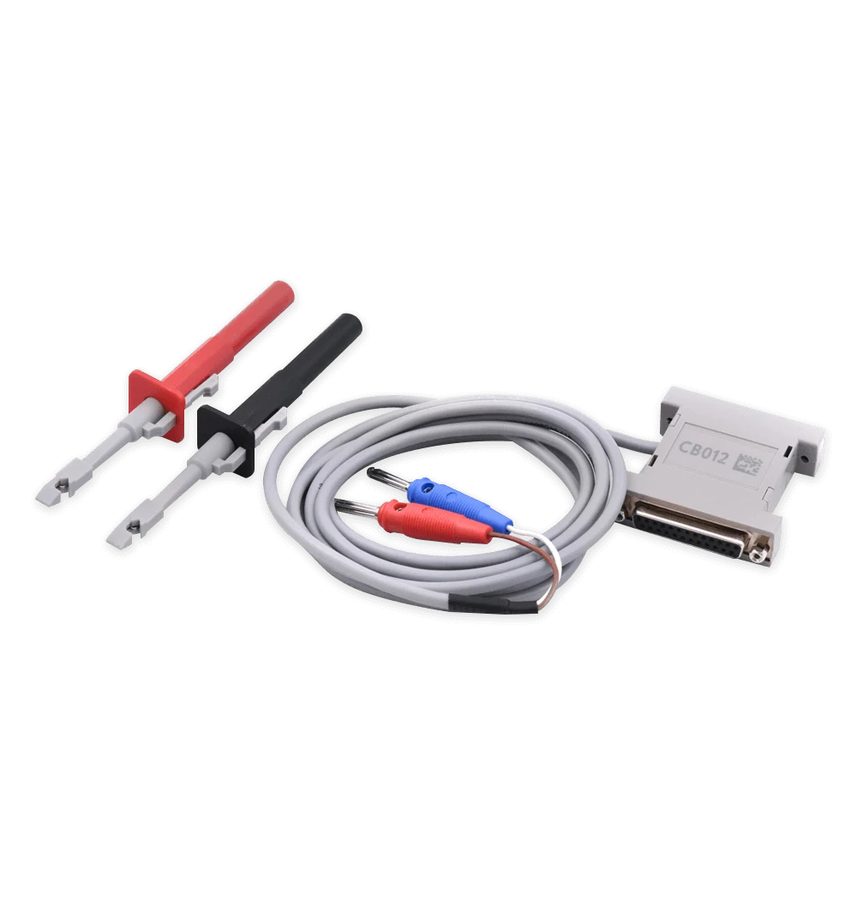
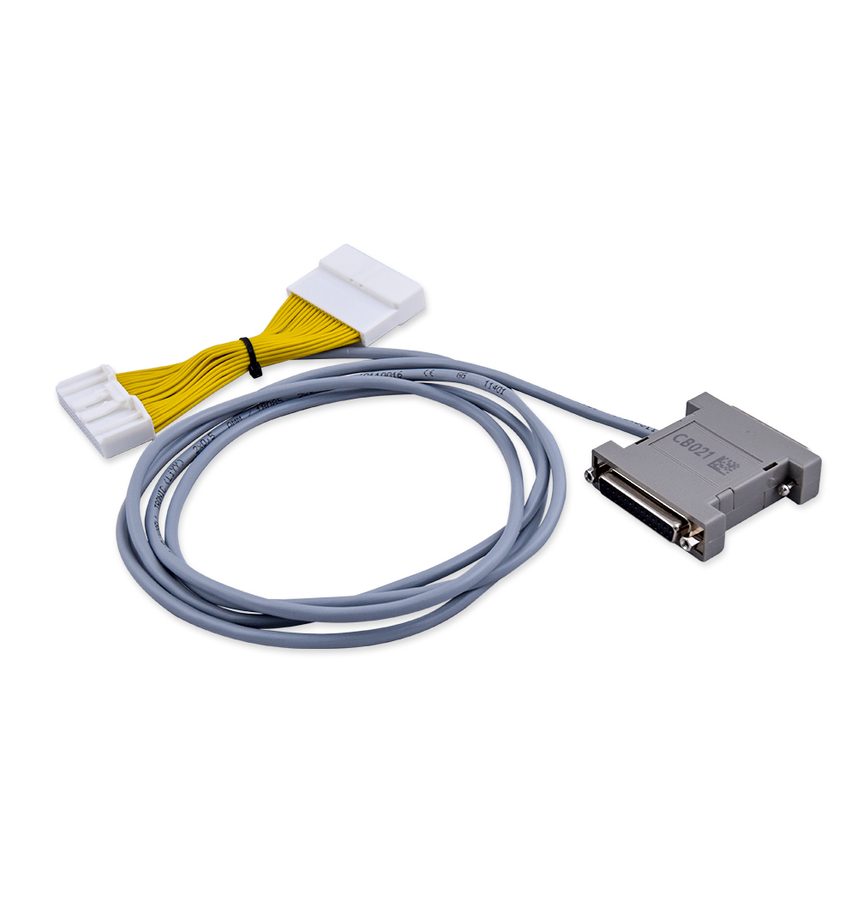
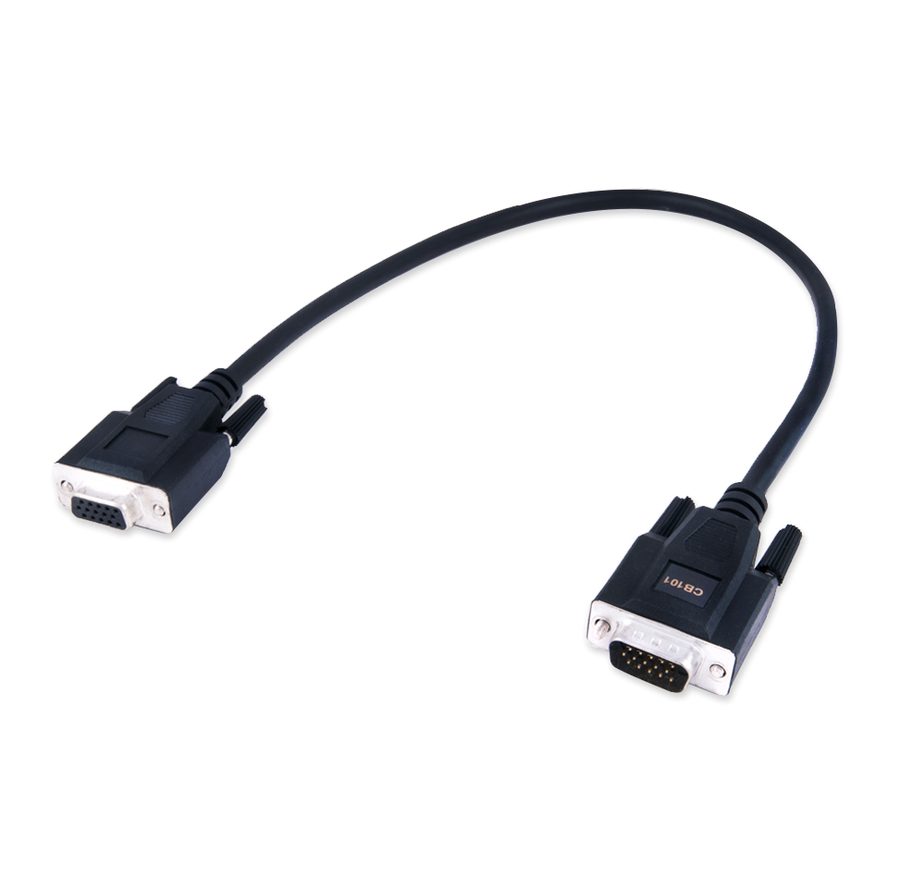
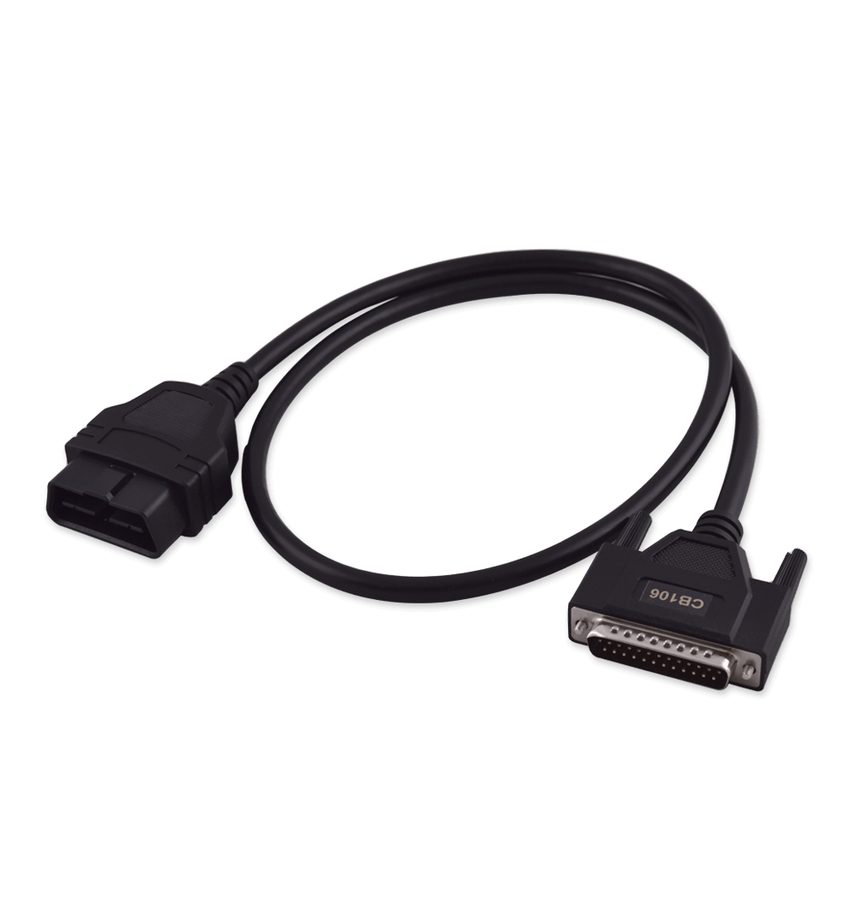
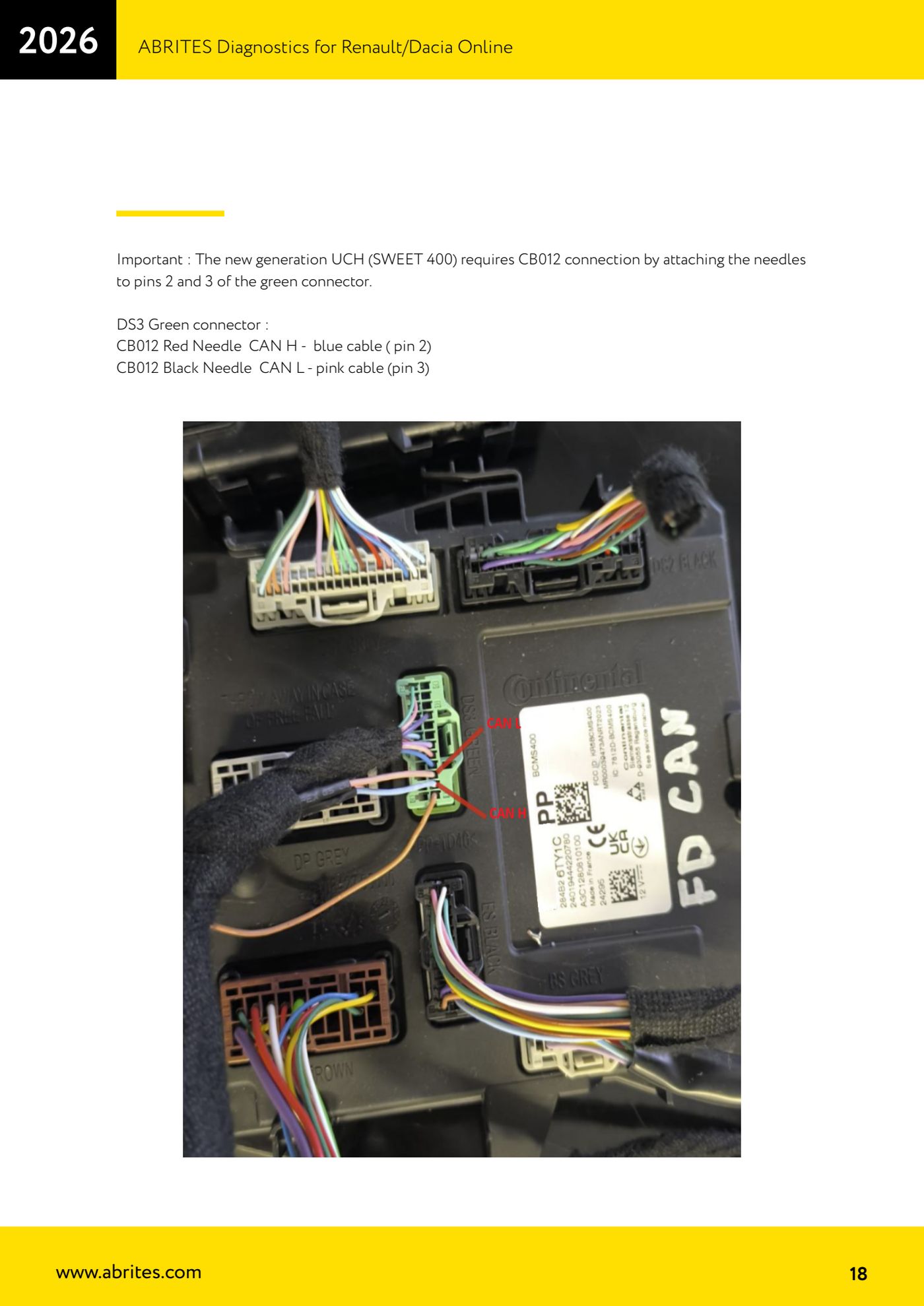
⚠ WarningThe procedure needs a working key: with no key at all you have to switch to the All Keys Lost procedure via RH850/V850. The new generation UCH (SWEET 400) does NOT hook onto the grey DS1 connector: it needs the CB012 with the needles on pins 2 and 3 of the green DS3 connector.
Procedure
- Check the model: the function covers Renault Clio V, Renault Captur II and Renault New Zoe. Make sure you have a working key for the vehicle.
- Set up the connection: the CB012 cable set goes between the AVDI interface and the CB101 or CB106 OBDII cable, to reach the car's internal CAN-BUS. Alternatively you can use the Renault-Nissan CB021 jumper cable for the same purpose.
- Pick one of the three connection points: UPC module, HFM module, or BCM (UCH).
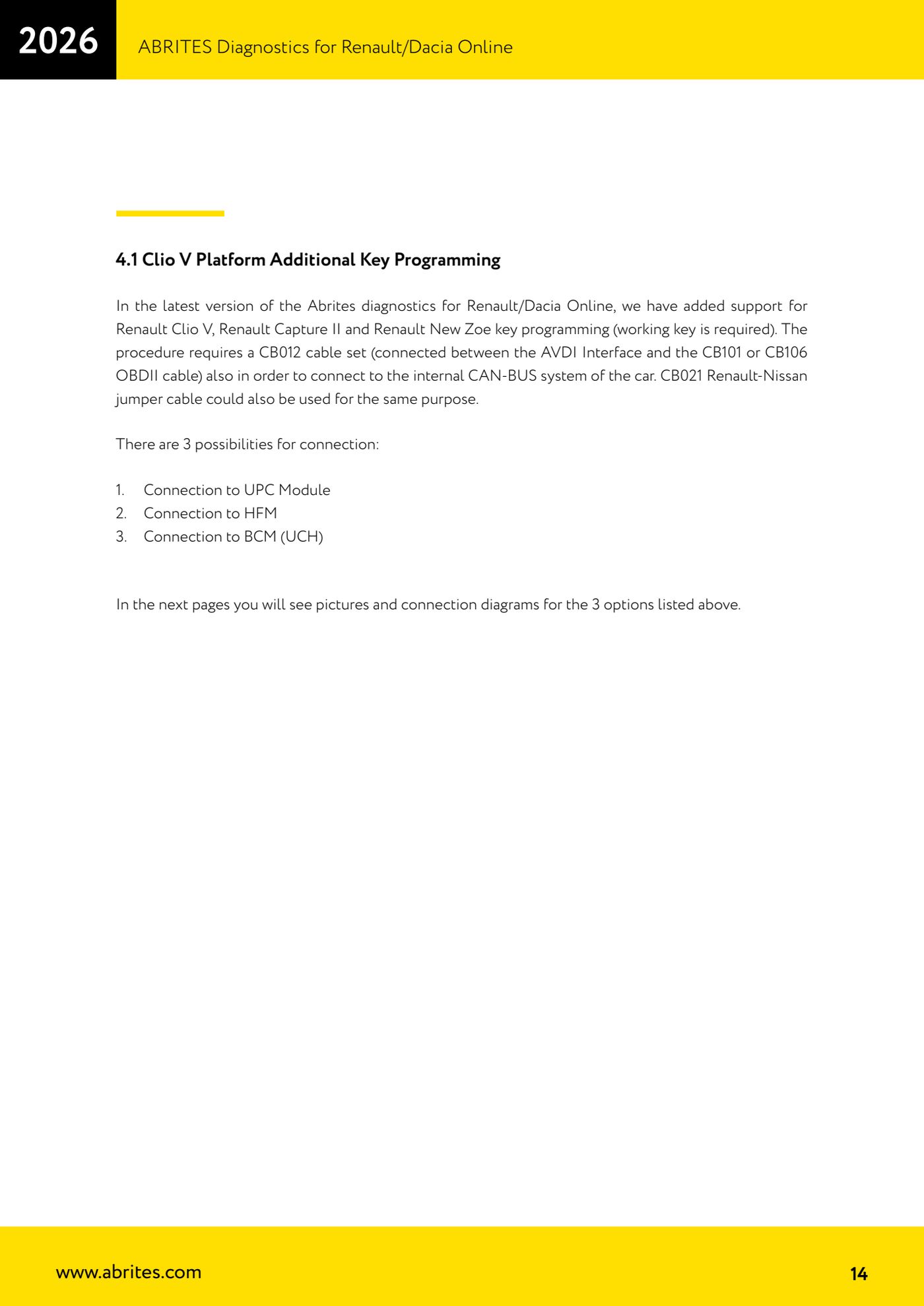
- Connection at the UPC (protection and switching unit, code 1337), connector CT1: CAN H on pin 17 (white wire), CAN L on pin 5 (green wire).
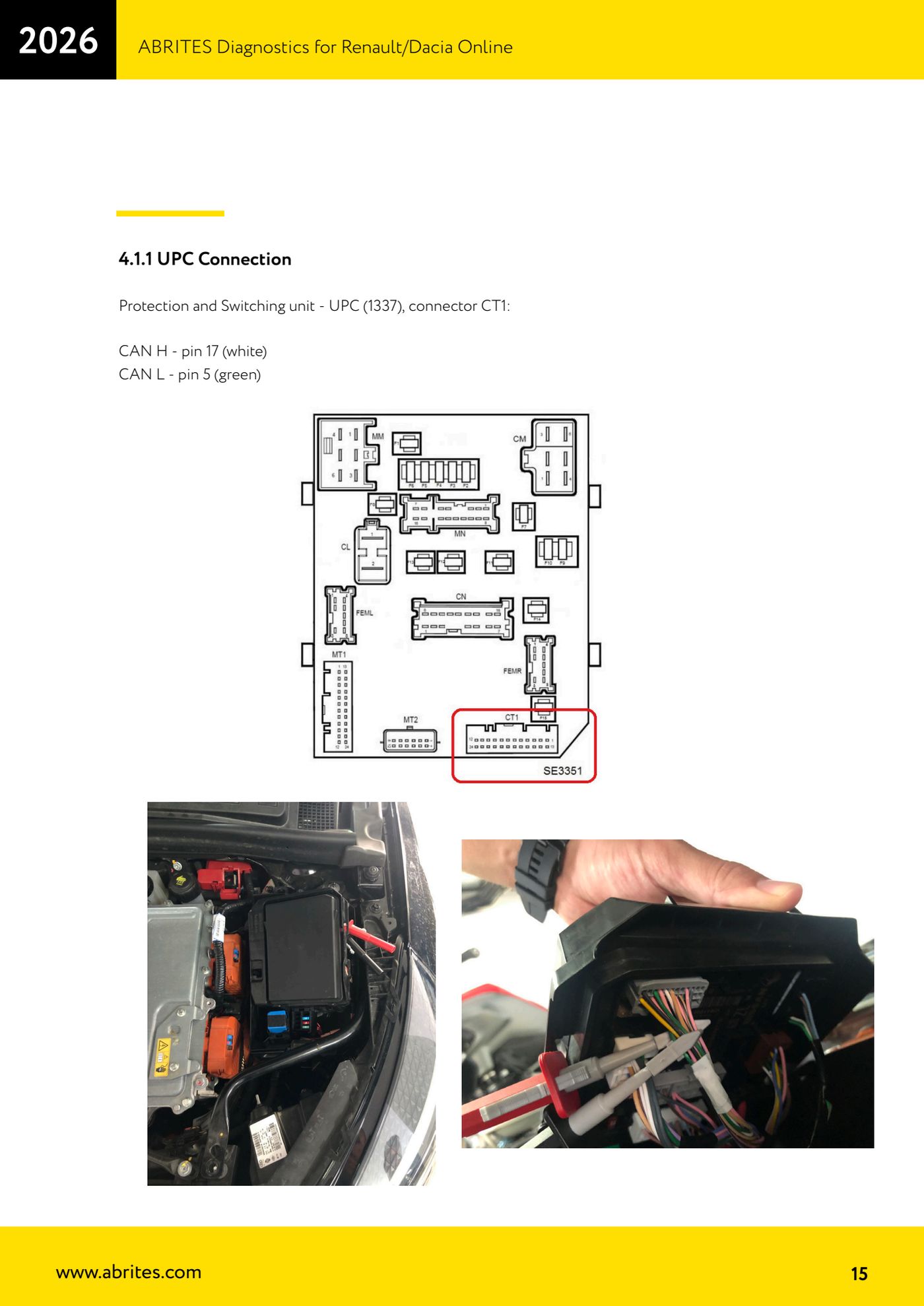
- Connection at the HFM (handsfree access module, code 2003, keyless versions only): CAN H on pin 6, CAN L on pin 7.
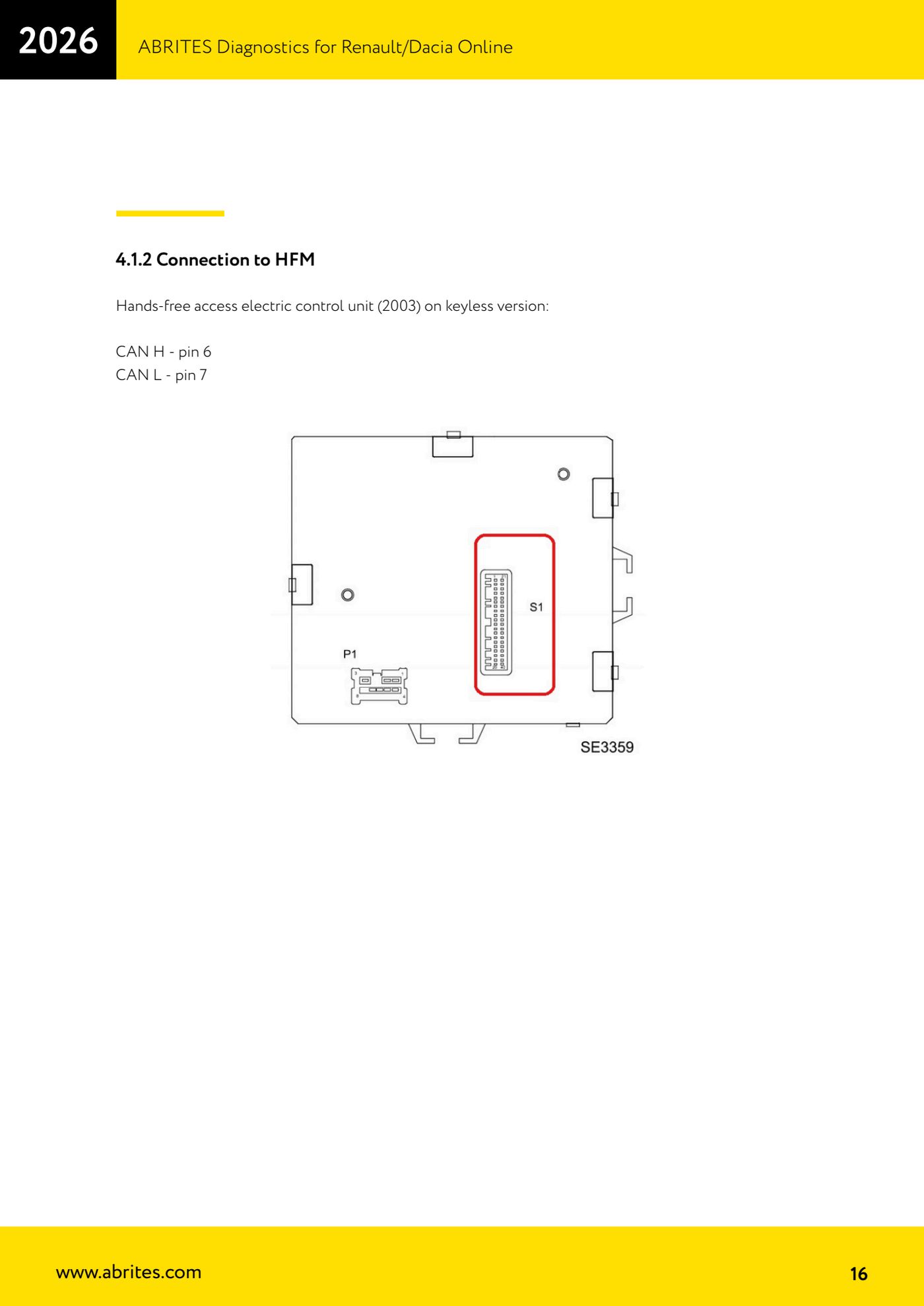
- Connection at the BCM (UCH): unplug the BCM (UCH) connector, plug one end of the CB021 onto that connector and the other end of the CB021 into the BCM (UCH) socket. On the grey DS1 connector: CAN H on pin 26 (white wire), CAN L on pin 27 (grey wire).
- If the vehicle has the new generation UCH (SWEET 400), use the CB012 on the green DS3 connector instead: CB012 red needle on CAN H, blue wire, pin 2; CB012 black needle on CAN L, pink wire, pin 3.
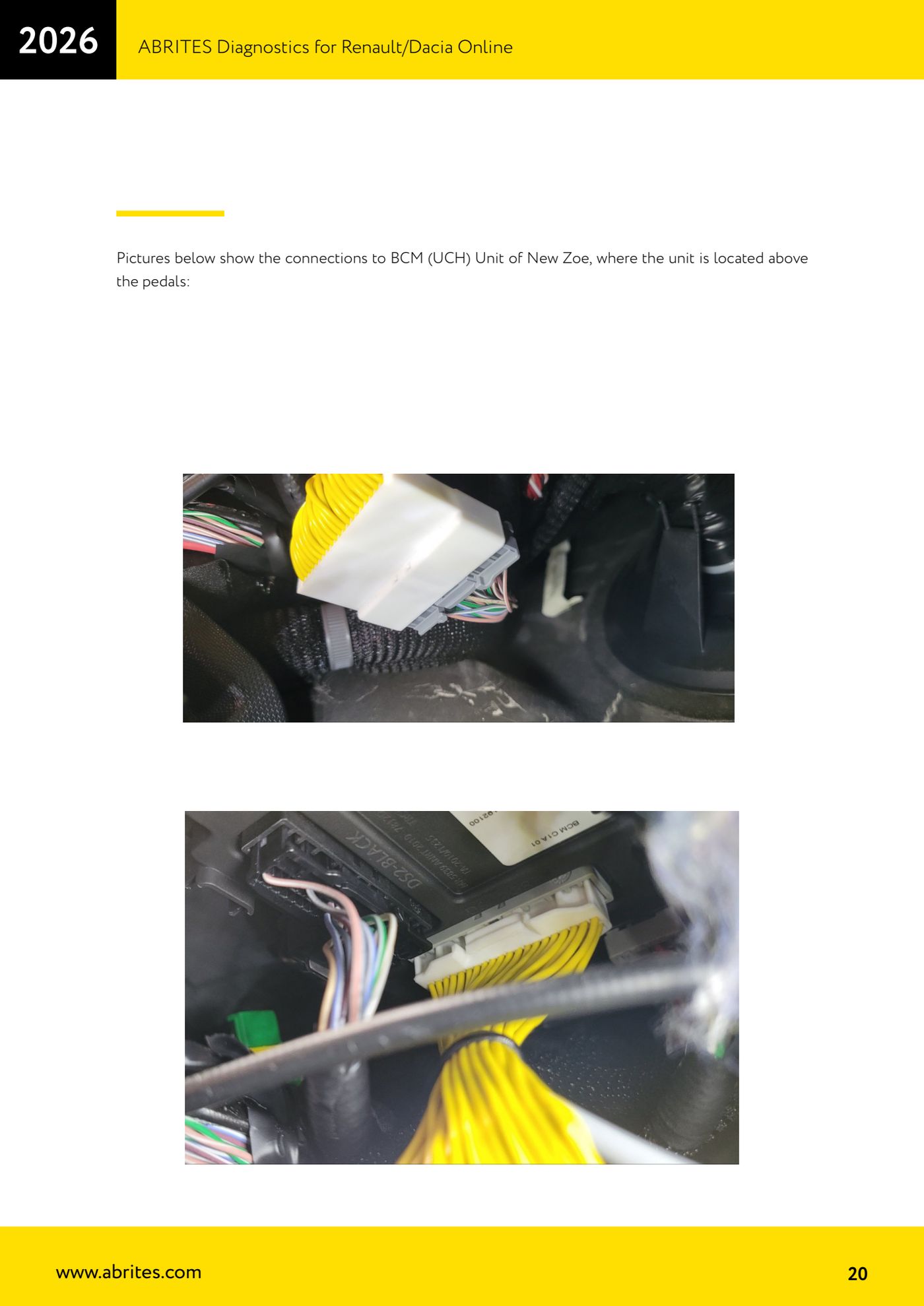
- To find the module physically: on the Clio V the BCM (UCH) sits on the left-hand side of the dash, near the steering wheel; on the New Zoe it sits above the pedal box.
- With the AVDI on the OBDII and the direct CAN hooked up, open the Renault/Dacia Online software, go into "Key Learning" and read the PIN CODE, saving it with right-click > "COPY".
- Connect the PROTAG, prepare the new key/card and complete the learning following the on-screen instructions.
- Remove the direct connections, refit the module's original connector and test every key (old and new) for starting.
Reference screenshots
Source: Manuale Renault/Dacia Online, cap. 4.1-4.1.3 (p.14-20) · ⏱ estimated time 45-90 min
← All Abrites guides Hardware catalogue
More guides Renault/Dacia
- Renault/Dacia: module scan, ECU identification and DTC read/clear with AVDI
- Renault/Dacia: live data (list and graph) and actuator tests
- Renault/Dacia: PIN reading and key/card learning - common procedure
- Renault X95 (Megane III, Scenic III, Fluence): learning virgin cards and already-working cards
- Renault X95 from 2011 with updated immobiliser software: cards via ABPROG
- Renault Clio IV: programming ABRITES key cards with PROTAG
- Renault: immobiliser PIN calculation from the key code and Clio PIN from EEPROM dump
- Renault/Dacia: editing dumps with "Dump Tool" and writing the VIN with "Change ID"
- Renault/Dacia: cluster mileage calibration and disabling the ABS synchronisation
- Renault: reading/writing configuration data, flash and IMMO erase on the supported engine ECUs
- Bosch EDC15C3 and EDC15C13 Renault: DB9 Female pinout for bench work
- Renault SID301, SIRIUS 32 and SIM32: DB9 Female pinout and ECU data for bench work