
Chip-Tools
Proxi Alignment: BCM configuration and module alignment on FCA vehicles (bench work included)
Fiat/FCA
Interface Classic
Coding / Adaptations
Advanced
⏱ 30-60 min
13 steps
Proxi alignment is the overall configuration of the BCM on FCA vehicles: it lets you replace modules connected to the BCM without trouble, configure vehicle behaviour, add or remove options and modules (retrofit) and align the configuration. It works both in the vehicle and on the bench, on cars and commercial vehicles. The modules involved are the BCM, IPC (instrument cluster), DSM (Display Screen Module), SDM (right and left sliding doors), CTM (Convergence Telematic Computer) and others.
Required licences
- —
Hardware / cables

⚠ WarningThe IPC also holds the Proxi configuration data: that is exactly what makes replacing and aligning a BCM possible. Use the IPC option when you are fitting a new BCM; the BCM option is the standard route. If you work with the BCM on the bench, the module cannot "see" the other modules: in that case you must use the "Use CAN and configuration from file" option, otherwise the configuration will be incomplete.
Procedure
- Connect the AVDI to the vehicle's OBDII socket, or directly to the BCM if you are working on the bench.
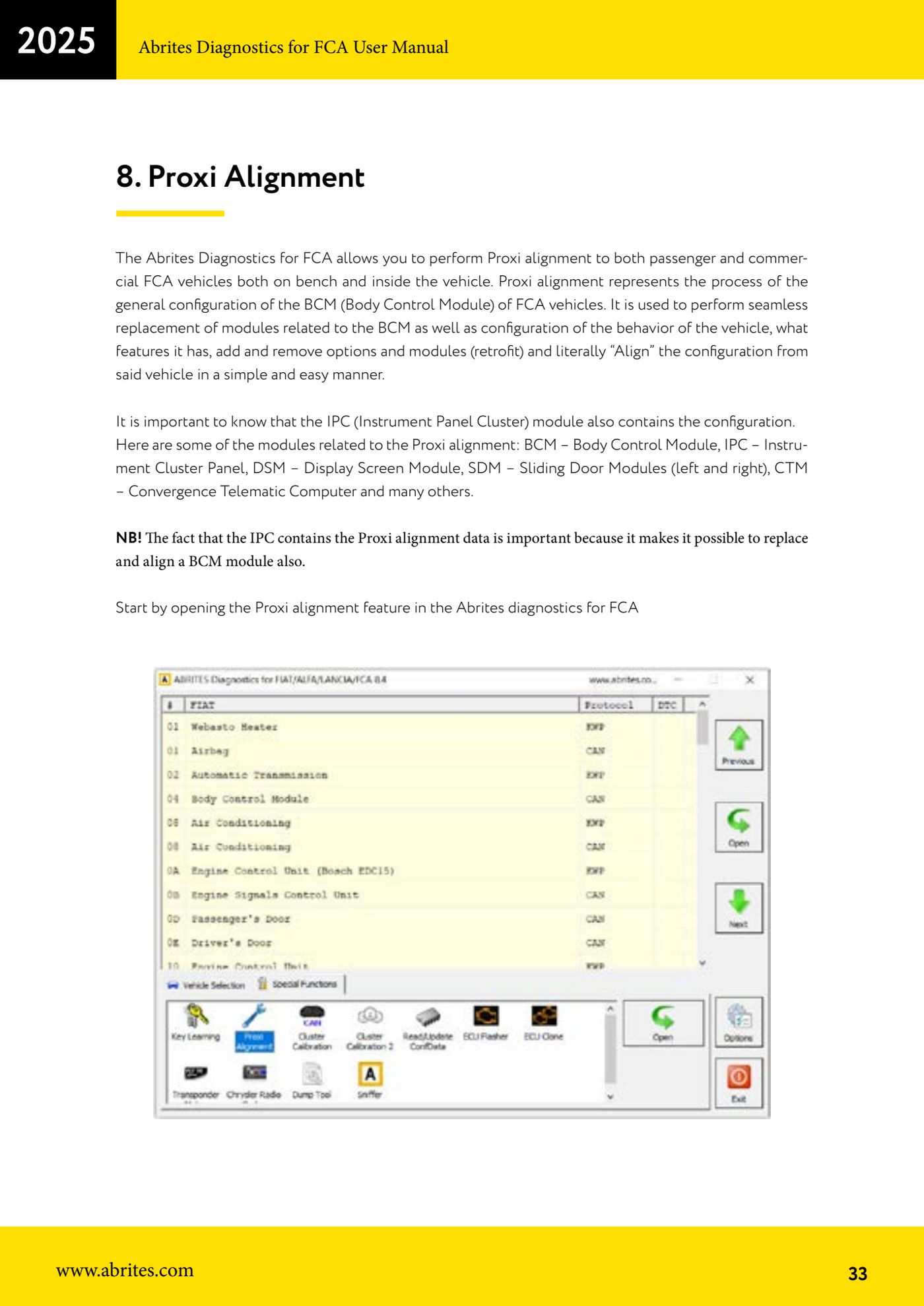
- Start the FCA software and open the "Proxi alignment" function.
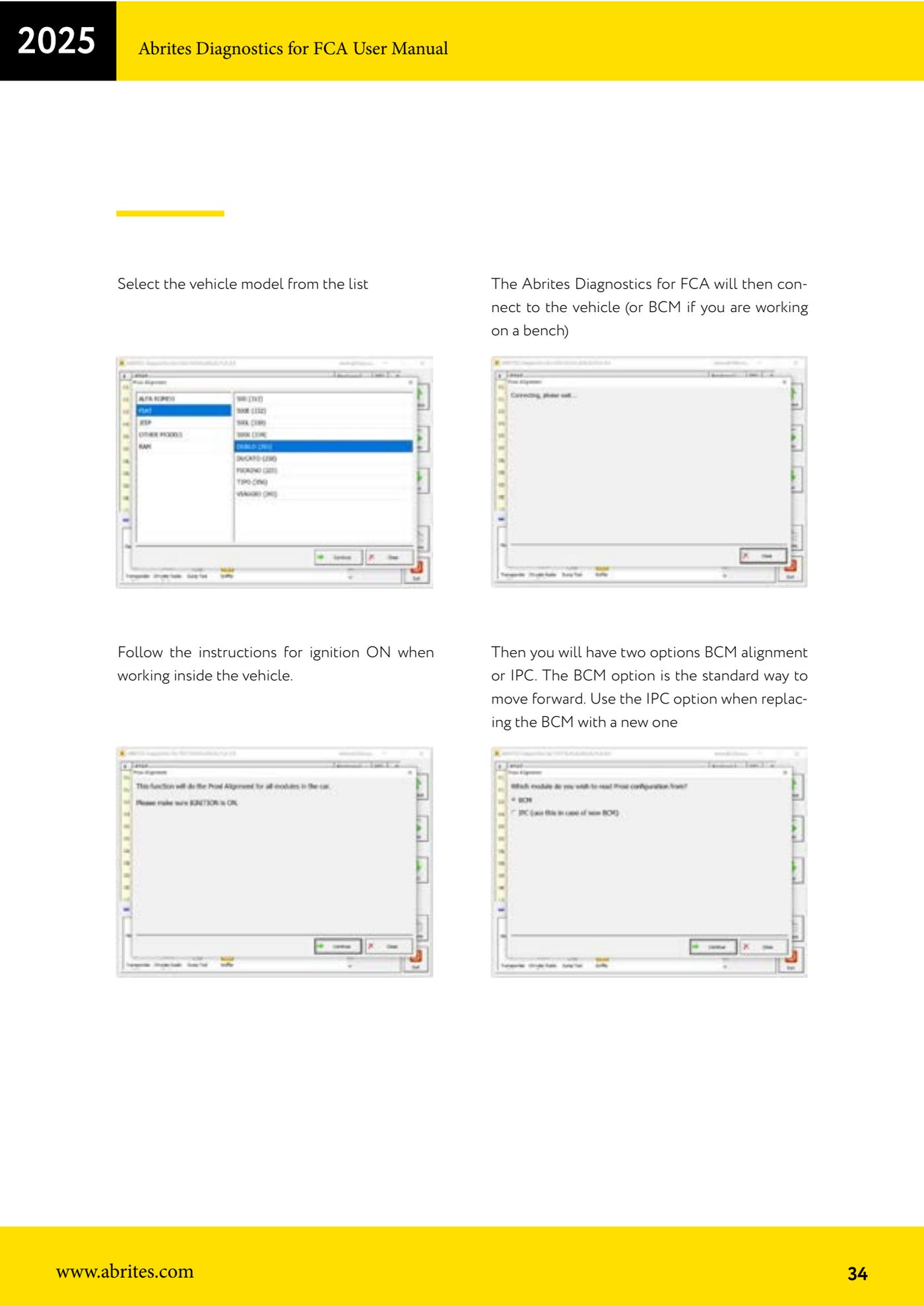
- Select the vehicle model from the list.
- If you are working in the vehicle, follow the on-screen instructions to switch the ignition ON; the software then connects to the vehicle (or straight to the BCM if you are on the bench).
- Choose between the two options: "BCM alignment" is the standard route; use the "IPC" option when you have to fit a new BCM, taking advantage of the configuration retained in the instrument cluster.
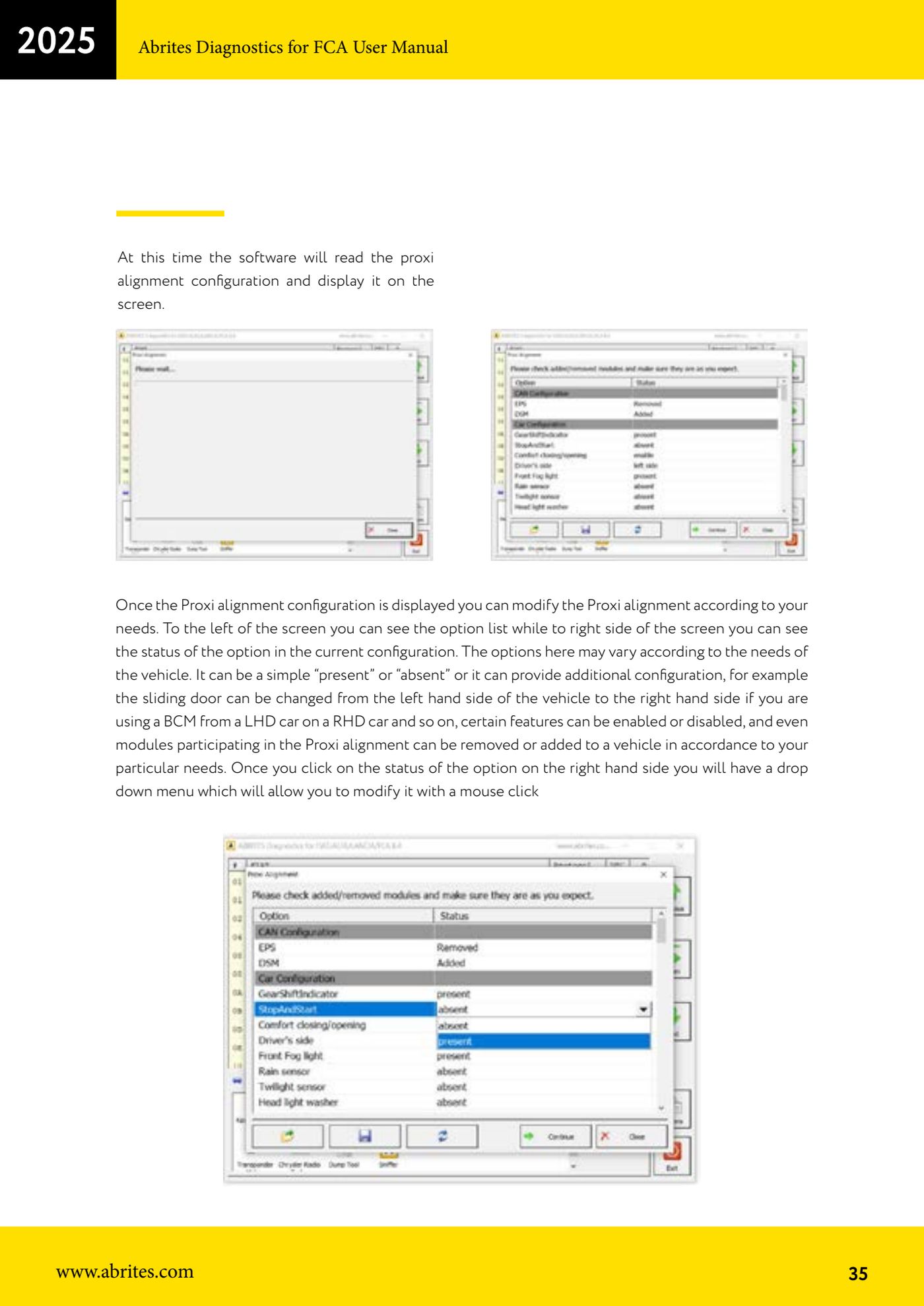
- Wait for the software to read the Proxi configuration and display it: the list of options on the left, the status of each option in the current configuration on the right.
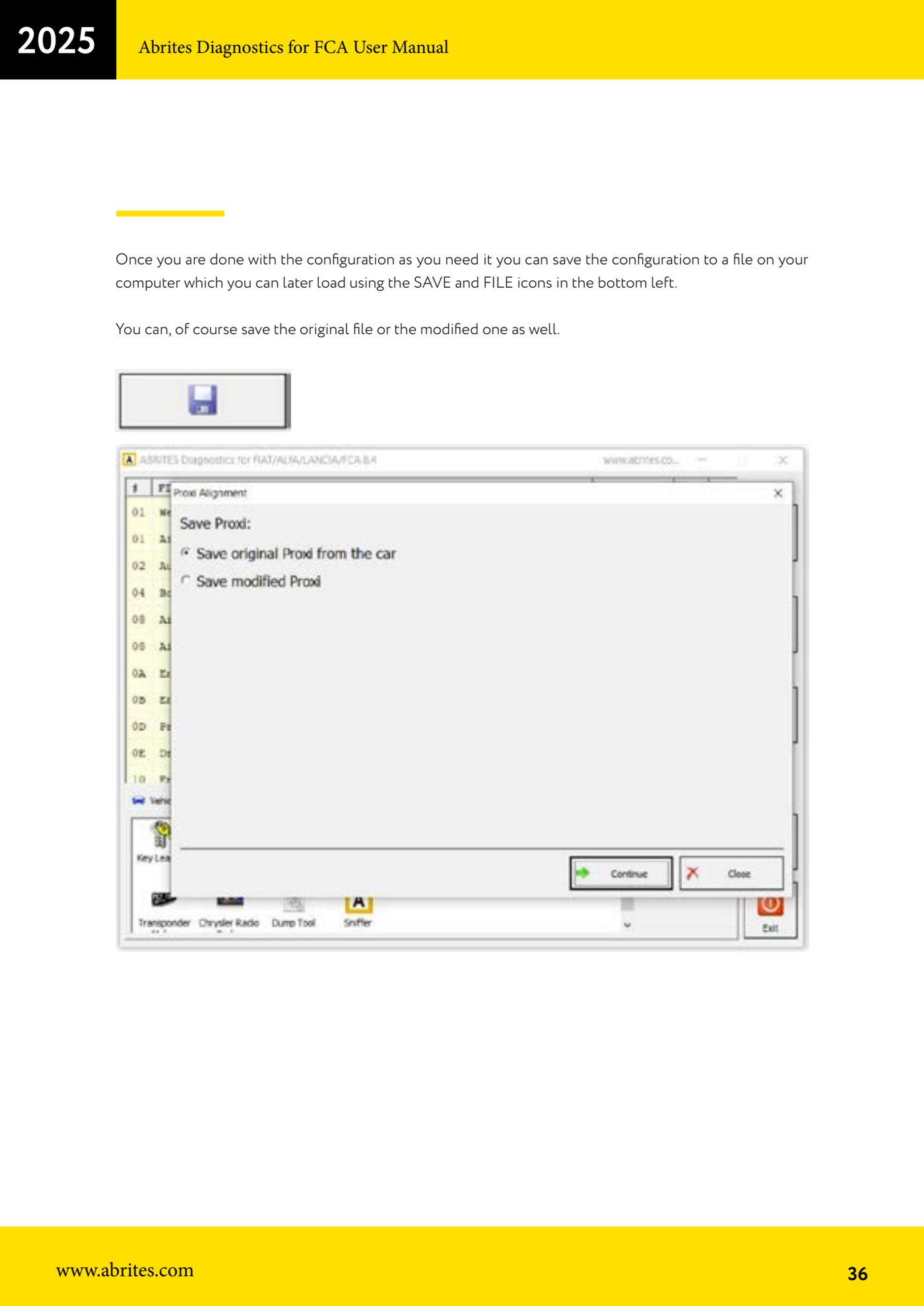
- Immediately save the original configuration to file using the SAVE and FILE icons at the bottom left: that is the backup to reload if anything goes wrong.
- Change the options by clicking on the status on the right: a drop-down menu opens that lets you change the value with a single click (for example "present"/"absent", or moving the sliding door from left to right if you are fitting an LHD BCM on an RHD vehicle). You can also add or remove modules that take part in the Proxi alignment.
- Save the modified configuration to file as well, so you can reload it later.
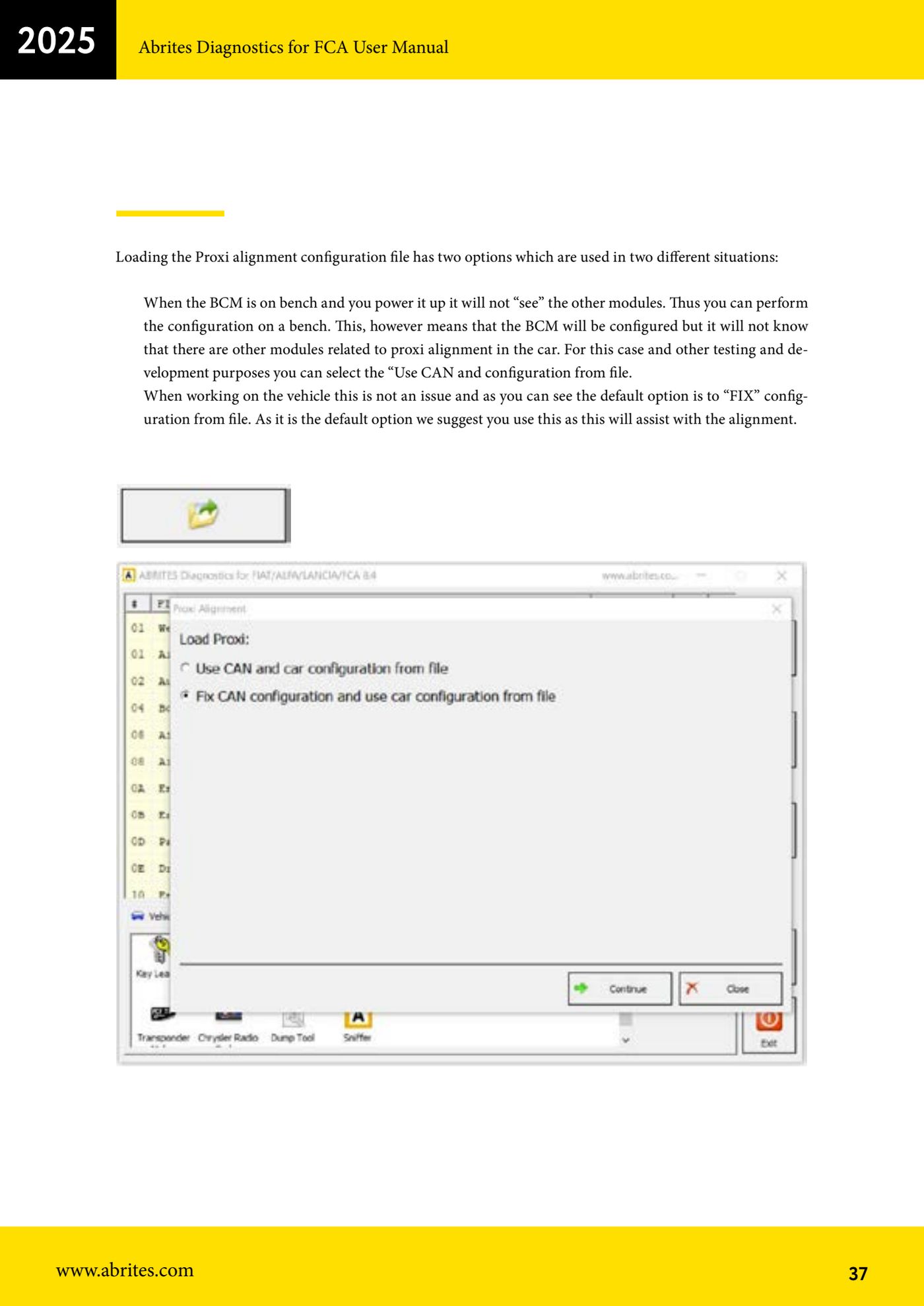
- When loading, pick the right option: in the vehicle leave the default "FIX configuration from file", which is the recommended one because it assists the alignment; with the BCM on the bench select "Use CAN and configuration from file".
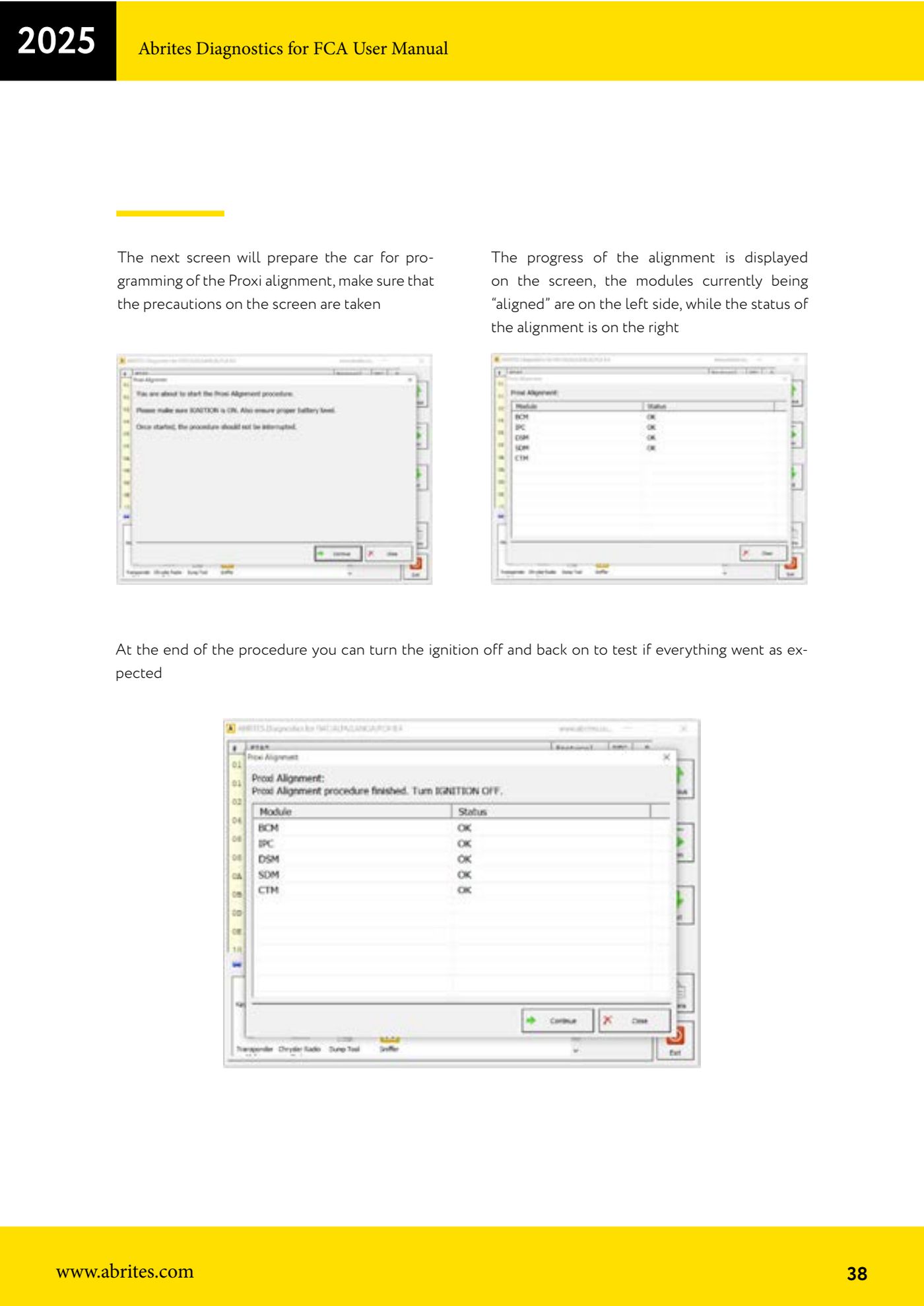
- On the next screen the software prepares the vehicle for Proxi alignment programming: observe the precautions shown on screen before continuing.
- Follow the progress of the procedure: on the left you see the modules being aligned, on the right the alignment status.
- When the procedure is finished, switch the ignition off and back on to confirm everything works as expected.
Reference screenshots
Source: Manuale FCA Fiat/Alfa Romeo/Lancia (interfaccia classica), cap. 8 (p.33-38) · ⏱ estimated time 30-60 min
← All Abrites guides Hardware catalogue
More guides Fiat/FCA
- Vehicle scan, module identification and reading/clearing DTC (Fiat, Alfa Romeo, Lancia, FCA)
- Reading live data (Data Display) and ECU identification on FCA vehicles
- Actuator tests on FCA control units (engine, BCM and other modules)
- BCM, RFH and Key Manager: reading the PIN, Component Protection data and Transponder Maker
- Key programming via OBD on FCA vehicles (with PIN from the RFH and Security Gateway bypass)
- Key programming on FCA keyless models from 2020 onwards in All Keys Lost (CB017 set + ZN051)
- Key programming on Fiat Ducato, Fiat 500L and Iveco Daily 2020+ (PIN from the BCM EEPROM with ABProg and ZN057)
- FCA instrument cluster calibration via OBDII ("Cluster Calibration" and "Cluster Calibration 2")
- ECU Flash Manager: reading and writing flash memory on Marelli and Bosch ECUs (IAW, MJD 6JF, ME7 boot mode)
- ECU Configuration Manager: reading/writing configuration and VIRGIN reset (EDC15, MJD 6JF/8F2, Marelli IAW, ME7)
- Module scan and DTC read/clear with FCA Online (Fiat, Alfa Romeo, Jeep, Lancia)
- Reading real-time parameters (Live Values) on FCA modules