
Chip-Tools
Key programming via OBD on FCA vehicles (with PIN from the RFH and Security Gateway bypass)
Fiat/FCA
Interface Classic
Keys / Immo
Medium
⏱ 30-60 min
9 steps
Key programming straight from the diagnostic socket on many FCA group models. The procedure is built around the PIN code: once you have the PIN you pick the model from the list and run "Key Learning" via OBD. On later models with an RFH module and Gateway the PIN has to be read by connecting to the internal CAN.
Required licences
- —


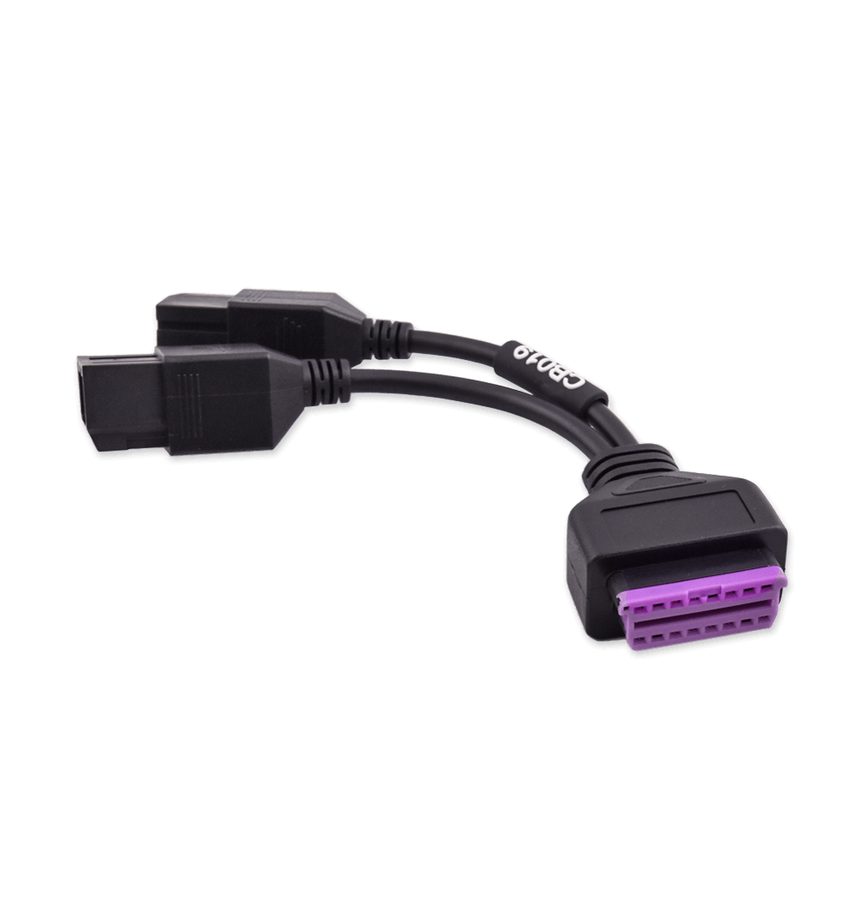
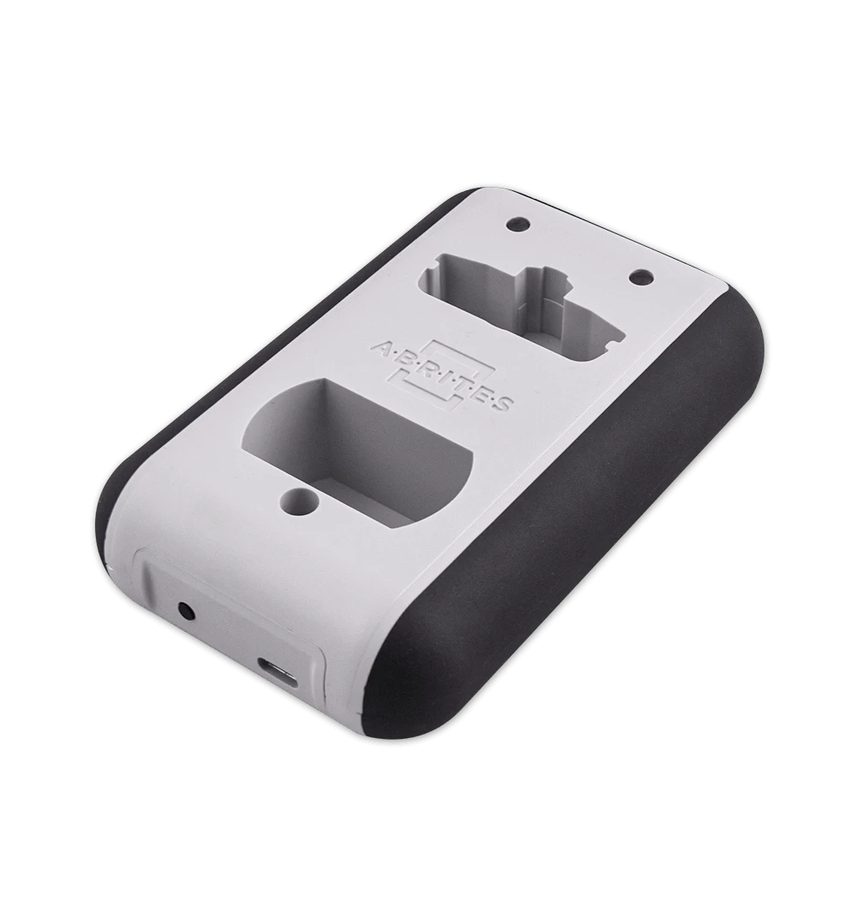
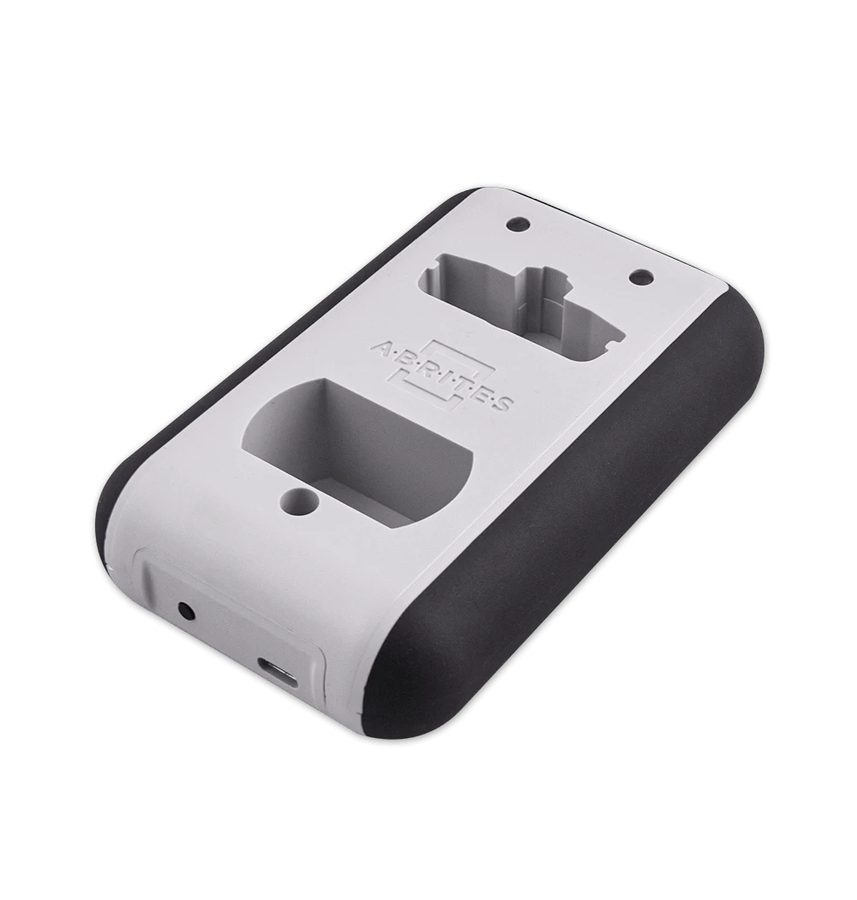
⚠ WarningSome recent FCA models are fitted with a "Cyber-Security" module, connected immediately after the OBDII socket, which only allows diagnostic manipulation from the original FCA software. If communication with the car will not start, the vehicle is very likely fitted with this security: you need direct CAN communication using the CB019 FCA Secure gateway cable or the ZN051 Distribution Box.
Procedure
- Connect the AVDI to the OBDII socket and turn the ignition to ON.
- Start the FCA software and check on abrites.com that the model is in the list of vehicles supported for key learning.
- Obtain the vehicle's PIN code using the BCM/RFH and Key Manager function.
- On 2017/2018 and later models with an RFH module and Gateway the PIN cannot be read via OBD: connect to the internal CAN using pin 6 (CAN H) and pin 14 (CAN L) of the AVDI interface, or work through the ZN051 Distribution Box.
- The best approach is to tap directly onto the CAN H and CAN L wires at the RFH module connector: locate the RFH module on the vehicle and needle-pierce the two CAN wires at its connector.
- If communication is still impossible because of the "Cyber-Security" gateway, fit the CB019 FCA Secure gateway cable between the OBDII socket and the AVDI, or work on direct CAN with the ZN051 Distribution Box.
- With the PIN in hand, open the "Key Learning" function and select the vehicle make and model in the selection window.
- Follow the on-screen instructions for the programming: insert the keys to be learned when prompted and wait for the procedure to complete.
- When finished, test every programmed key: engine start and remote control functions (lock/unlock).
Reference screenshots
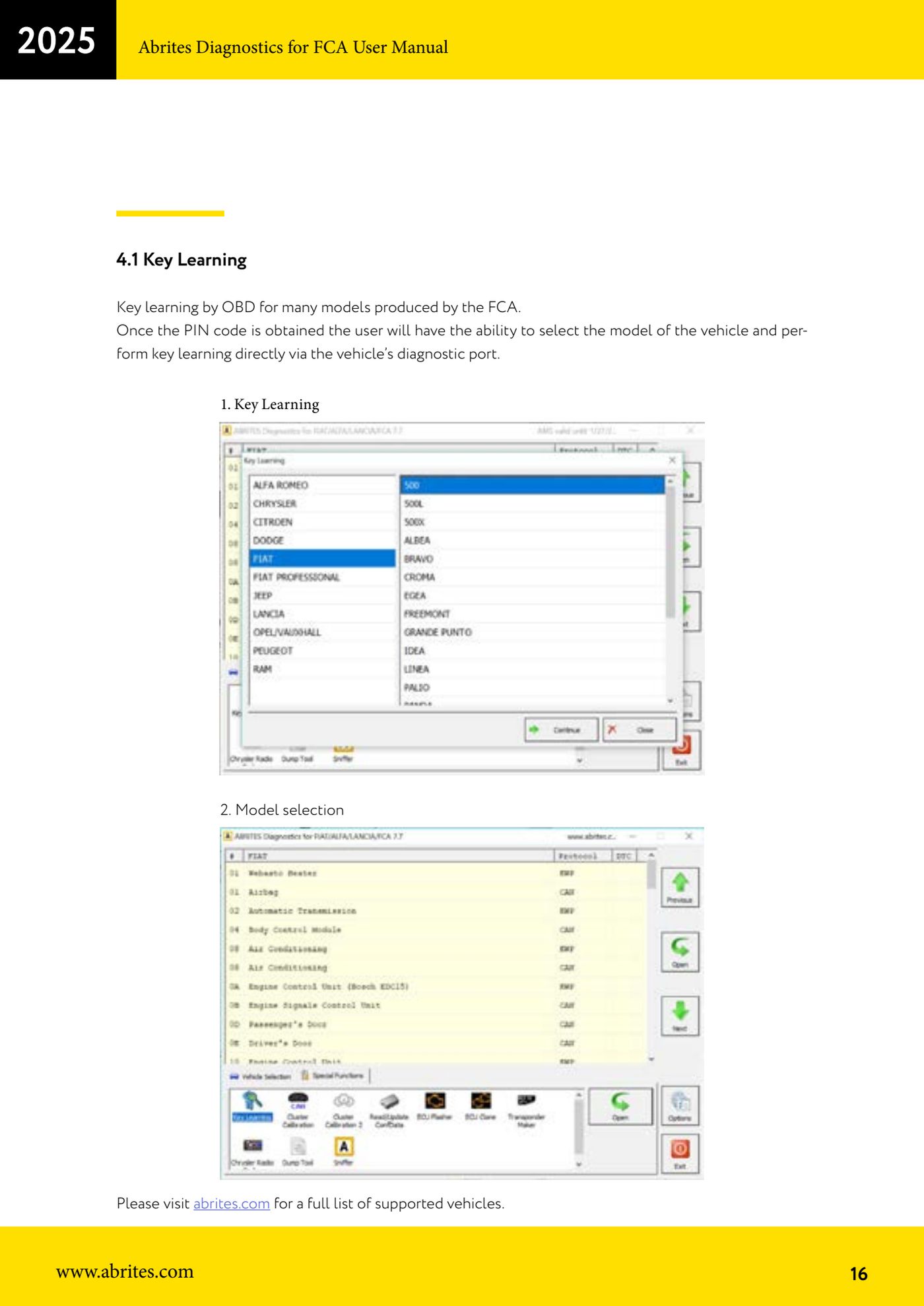
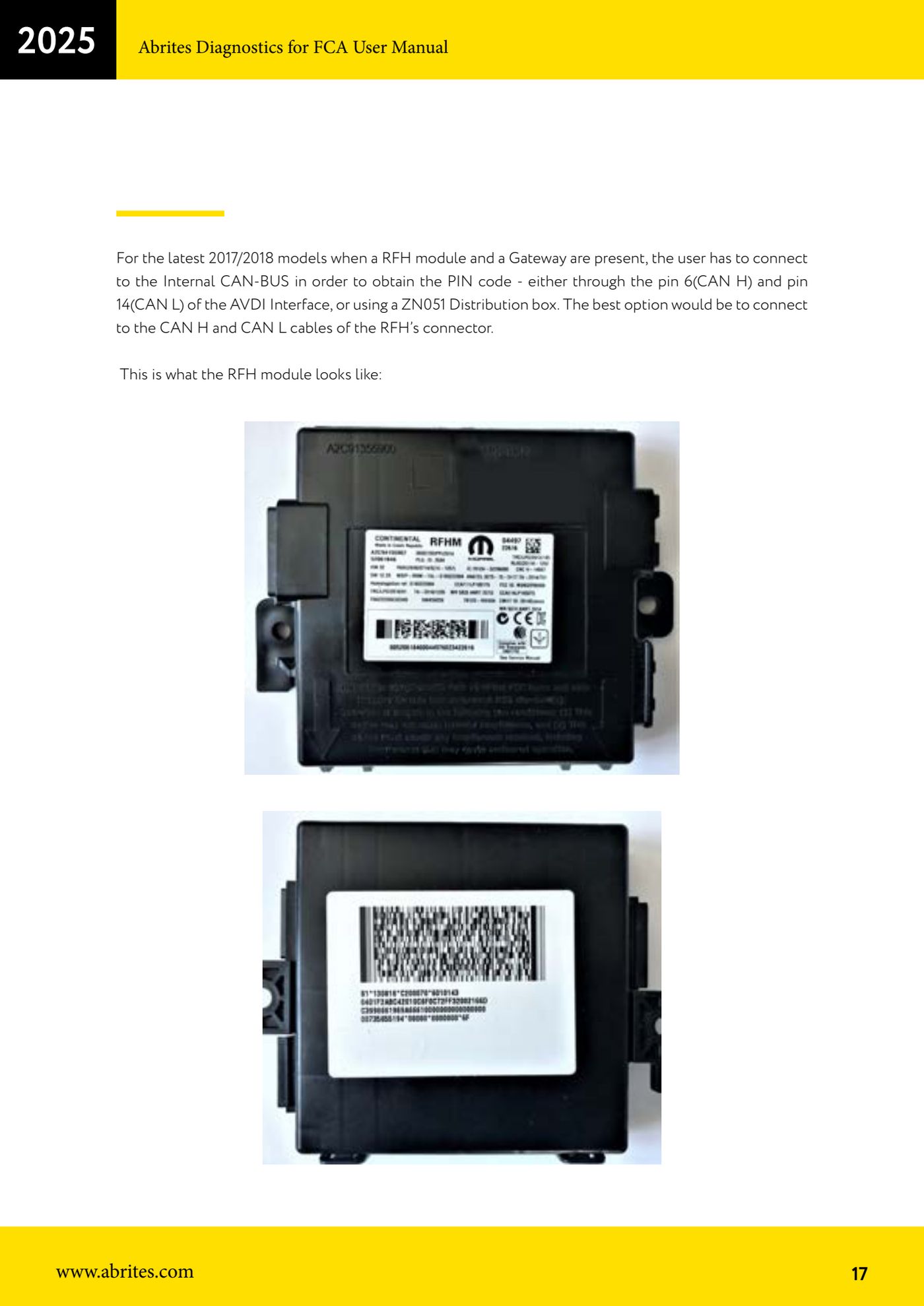
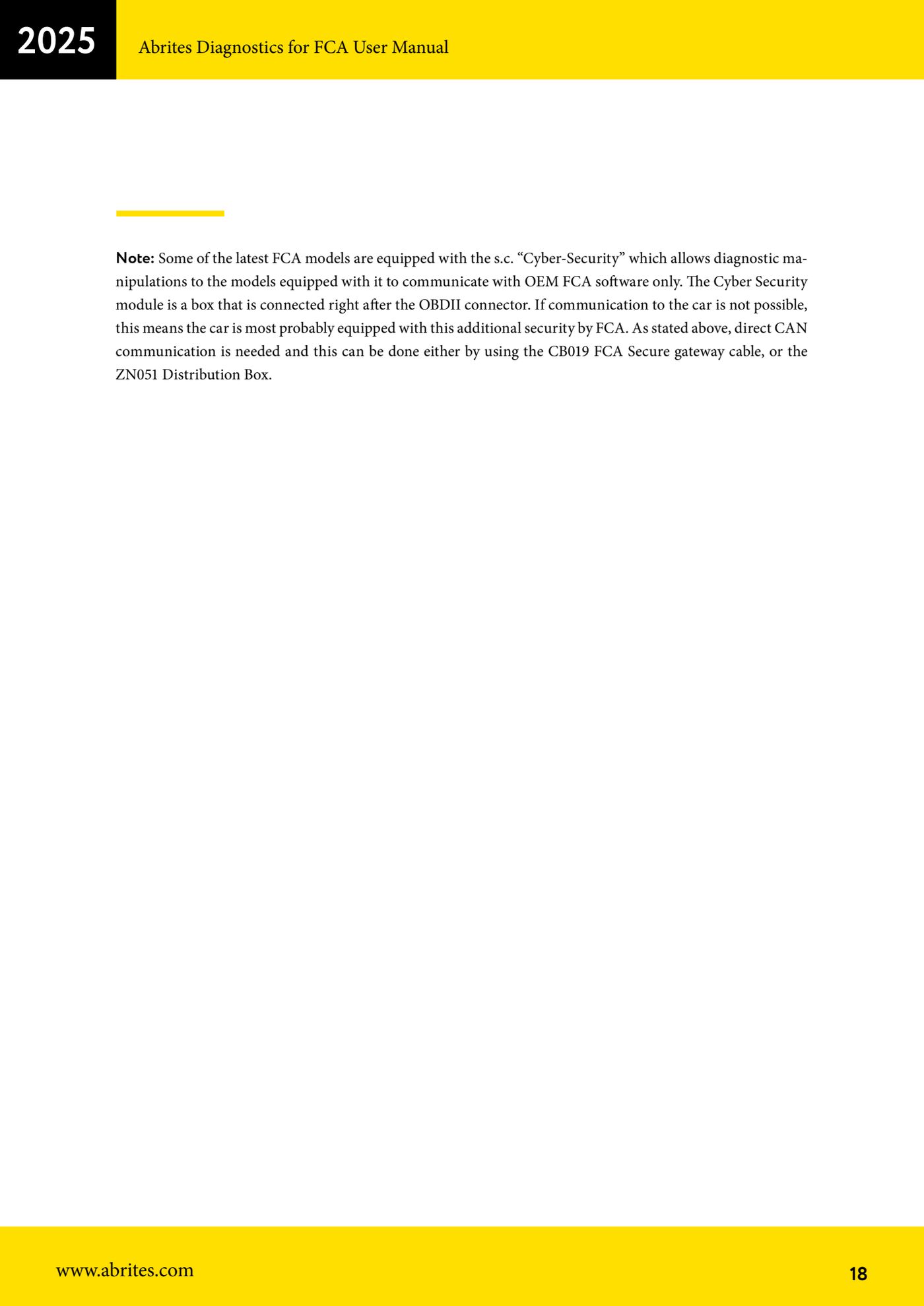
Source: Manuale FCA Fiat/Alfa Romeo/Lancia (interfaccia classica), cap. 4.1 (p.16-18) · ⏱ estimated time 30-60 min
← All Abrites guides Hardware catalogue
More guides Fiat/FCA
- Vehicle scan, module identification and reading/clearing DTC (Fiat, Alfa Romeo, Lancia, FCA)
- Reading live data (Data Display) and ECU identification on FCA vehicles
- Actuator tests on FCA control units (engine, BCM and other modules)
- BCM, RFH and Key Manager: reading the PIN, Component Protection data and Transponder Maker
- Key programming on FCA keyless models from 2020 onwards in All Keys Lost (CB017 set + ZN051)
- Key programming on Fiat Ducato, Fiat 500L and Iveco Daily 2020+ (PIN from the BCM EEPROM with ABProg and ZN057)
- FCA instrument cluster calibration via OBDII ("Cluster Calibration" and "Cluster Calibration 2")
- ECU Flash Manager: reading and writing flash memory on Marelli and Bosch ECUs (IAW, MJD 6JF, ME7 boot mode)
- ECU Configuration Manager: reading/writing configuration and VIRGIN reset (EDC15, MJD 6JF/8F2, Marelli IAW, ME7)
- Proxi Alignment: BCM configuration and module alignment on FCA vehicles (bench work included)
- Module scan and DTC read/clear with FCA Online (Fiat, Alfa Romeo, Jeep, Lancia)
- Reading real-time parameters (Live Values) on FCA modules