
Chip-Tools
Vehicle scan, module identification and reading/clearing DTC (Fiat, Alfa Romeo, Lancia, FCA)
Fiat/FCA
Interface Classic
Diagnostics
Basic
⏱ 10-30 min
8 steps
This is the core function of the Abrites FCA software: it finds the control units fitted to the vehicle, shows their identification data (manufacturer, hardware number, software number and version, ISO codes) and lets you read, analyse and clear fault codes. Use it as the first step of any diagnosis, before touching keys, odometer or configurations.
Required licences
- —
Hardware / cables

⚠ WarningOnly clear DTC once you have repaired the fault: wiping the codes without fixing the cause simply throws away the information you need for the diagnosis.
Procedure
- Connect the AVDI to the vehicle's OBDII socket and to the PC, then turn the ignition to ON.
- Start "Abrites Diagnostics for Fiat/Alfa/Lancia/FCA" from the "Quick start" menu of the Abrites suite: the main screen opens with the navigation, vehicle selection, scan and global DTC clearing buttons.
- Select the vehicle from the main screen, or run the general scan to have the software look for every control unit fitted.
- On the unit you are interested in, open the module identification function ("Module identification"): read the manufacturer, hardware number, software number, software version and ISO codes. Note the part number down if you need to order a replacement module.
- Open the fault code read on the selected unit: the software shows the code and the full fault description.
- Analyse the DTC, pin down the cause and repair the fault on the vehicle.
- Clear the fault codes from the individual unit, or use the global DTC clearing from the main screen to wipe every control unit in one go.
- Rescan with the ignition ON to check that the faults do not come back: any that reappear point to a fault that is still live.
Reference screenshots
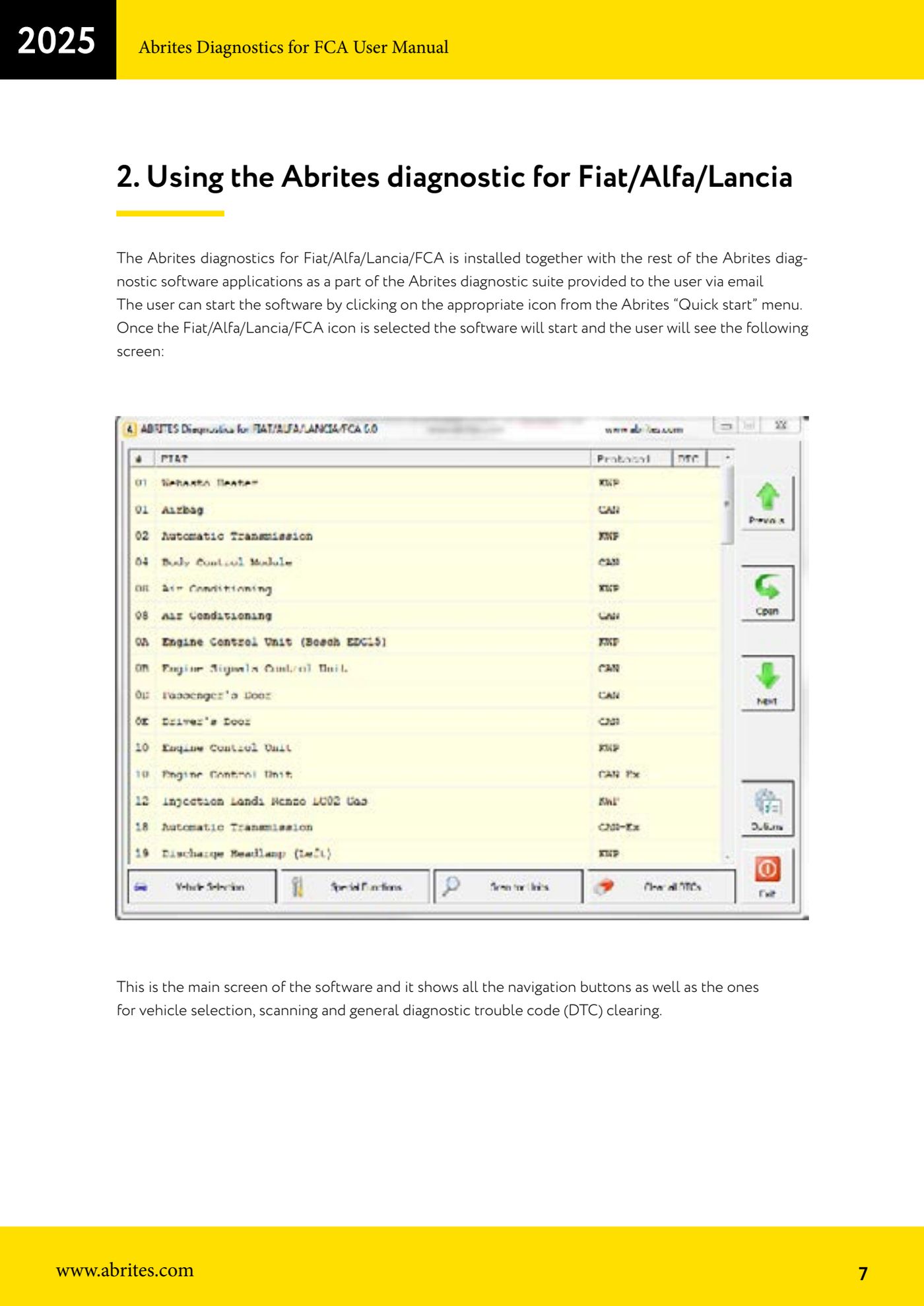
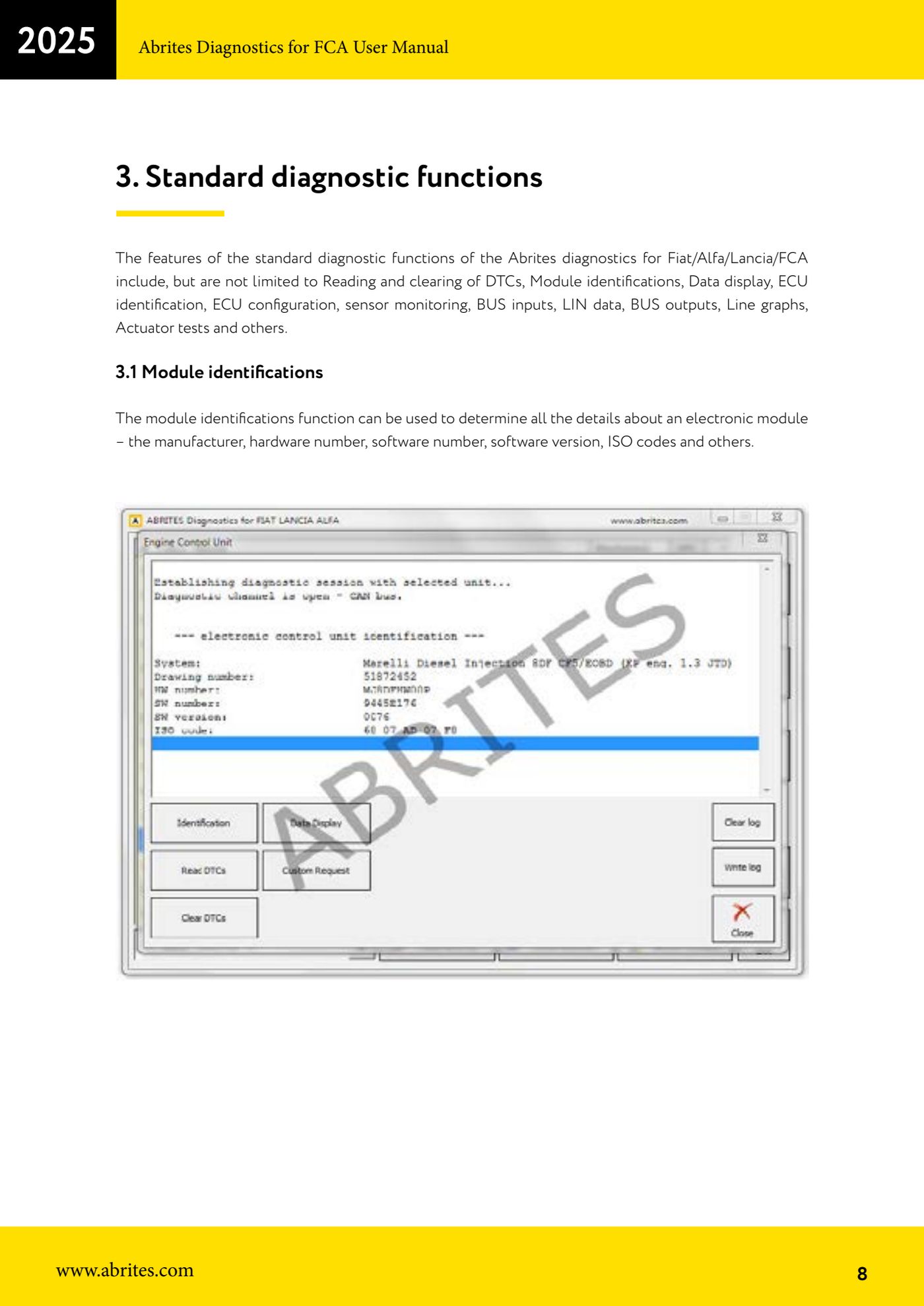
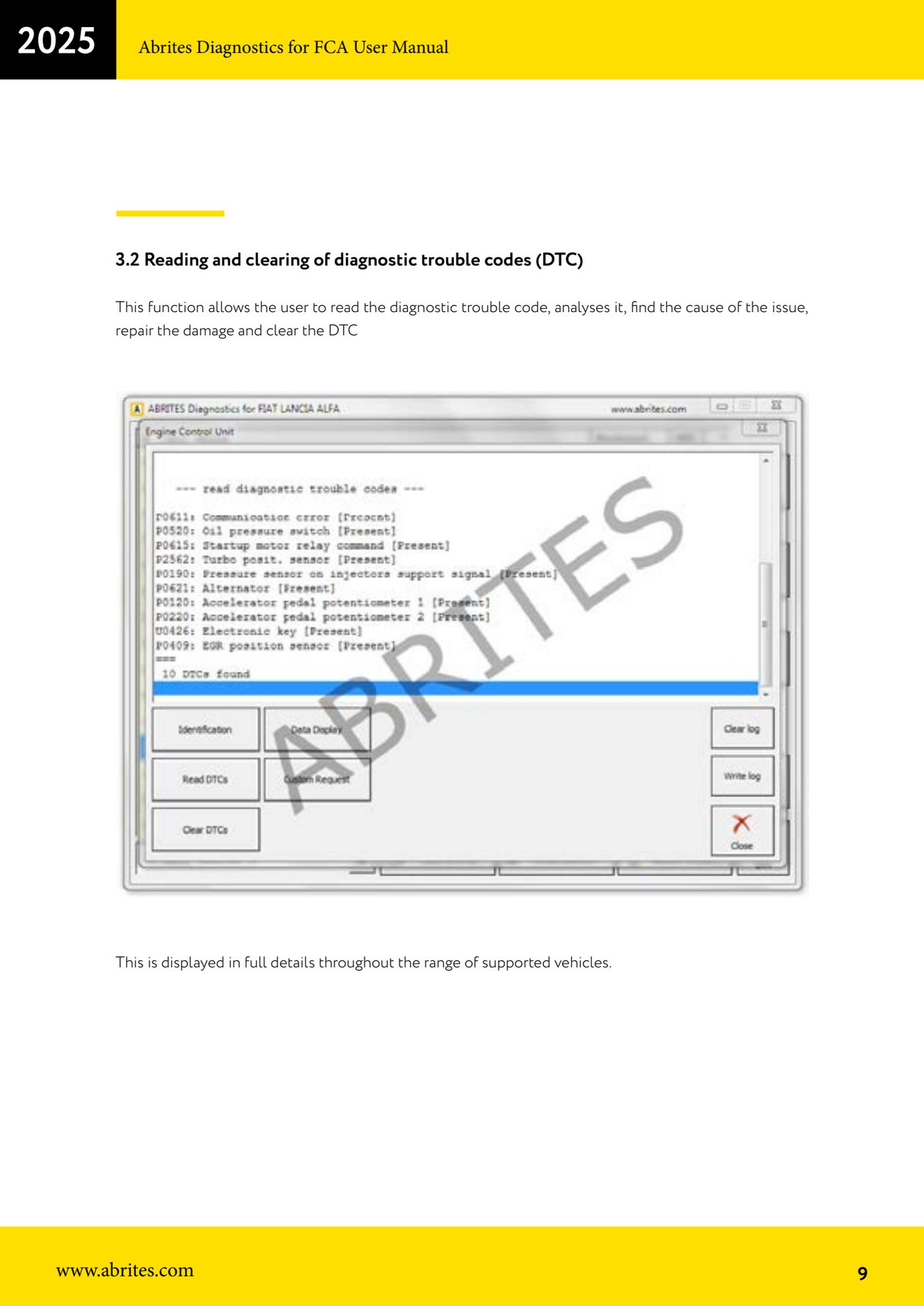
Source: Manuale FCA Fiat/Alfa Romeo/Lancia (interfaccia classica), cap. 2 e 3.1-3.2 (p.7-9) · ⏱ estimated time 10-30 min
← All Abrites guides Hardware catalogue
More guides Fiat/FCA
- Reading live data (Data Display) and ECU identification on FCA vehicles
- Actuator tests on FCA control units (engine, BCM and other modules)
- BCM, RFH and Key Manager: reading the PIN, Component Protection data and Transponder Maker
- Key programming via OBD on FCA vehicles (with PIN from the RFH and Security Gateway bypass)
- Key programming on FCA keyless models from 2020 onwards in All Keys Lost (CB017 set + ZN051)
- Key programming on Fiat Ducato, Fiat 500L and Iveco Daily 2020+ (PIN from the BCM EEPROM with ABProg and ZN057)
- FCA instrument cluster calibration via OBDII ("Cluster Calibration" and "Cluster Calibration 2")
- ECU Flash Manager: reading and writing flash memory on Marelli and Bosch ECUs (IAW, MJD 6JF, ME7 boot mode)
- ECU Configuration Manager: reading/writing configuration and VIRGIN reset (EDC15, MJD 6JF/8F2, Marelli IAW, ME7)
- Proxi Alignment: BCM configuration and module alignment on FCA vehicles (bench work included)
- Module scan and DTC read/clear with FCA Online (Fiat, Alfa Romeo, Jeep, Lancia)
- Reading real-time parameters (Live Values) on FCA modules