
Chip-Tools
Key programming on BCMs with RH850 MCU and Atmel keys (Fiat 500E, 500X, Alfa Romeo Tonale)
Fiat/FCA
Interface New
Keys / Immo
Advanced
⏱ varies
11 steps
Key programming procedure for FCA vehicles with a BCM based on the RH850 microcontroller and Atmel-type keys. It covers PIN reading and key programming, transponder preparation and key fob programming. The job starts with a bench read of the BCM using the ZN085 and finishes in the car with FCA Online.
Required licences
- —
Hardware / cables

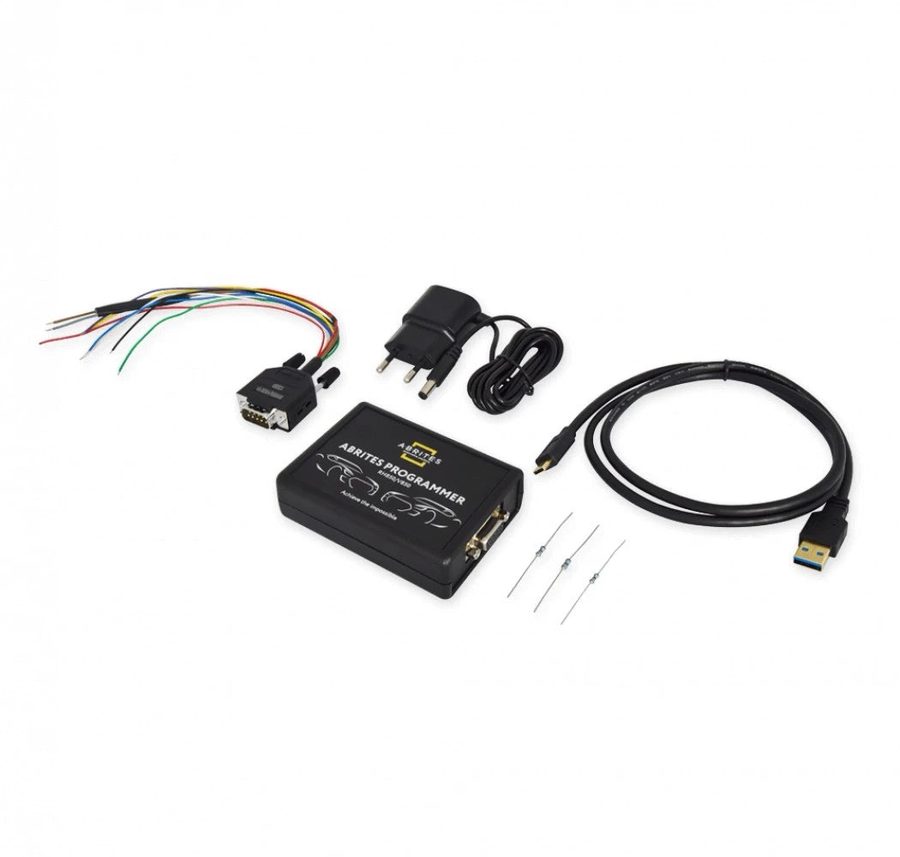
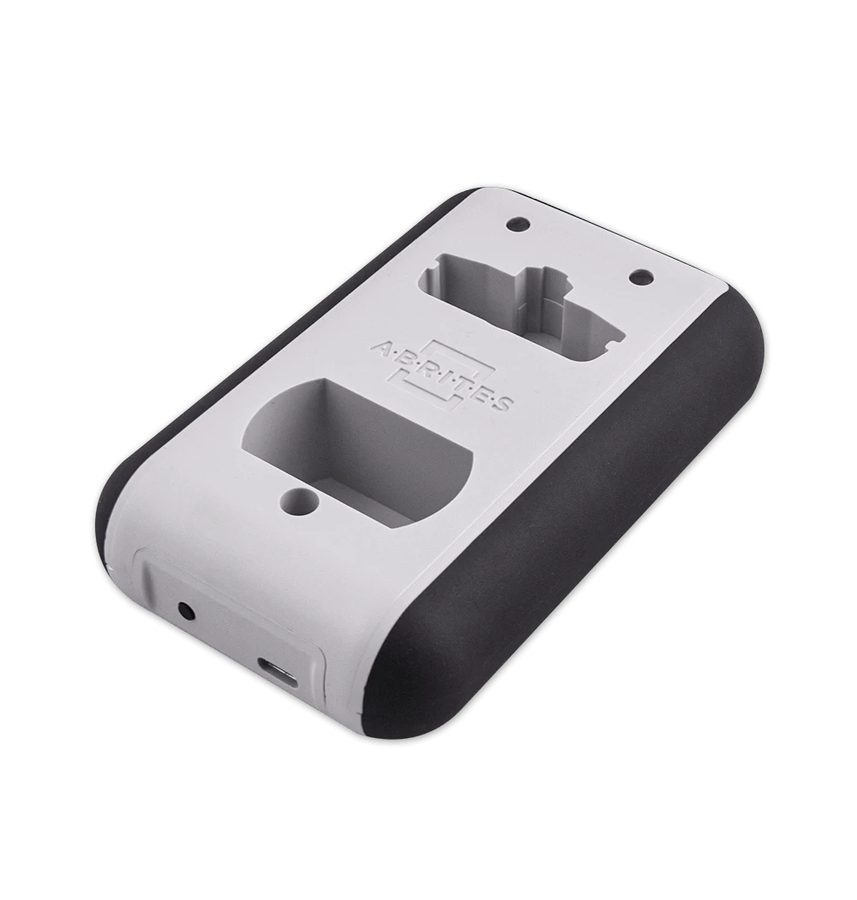
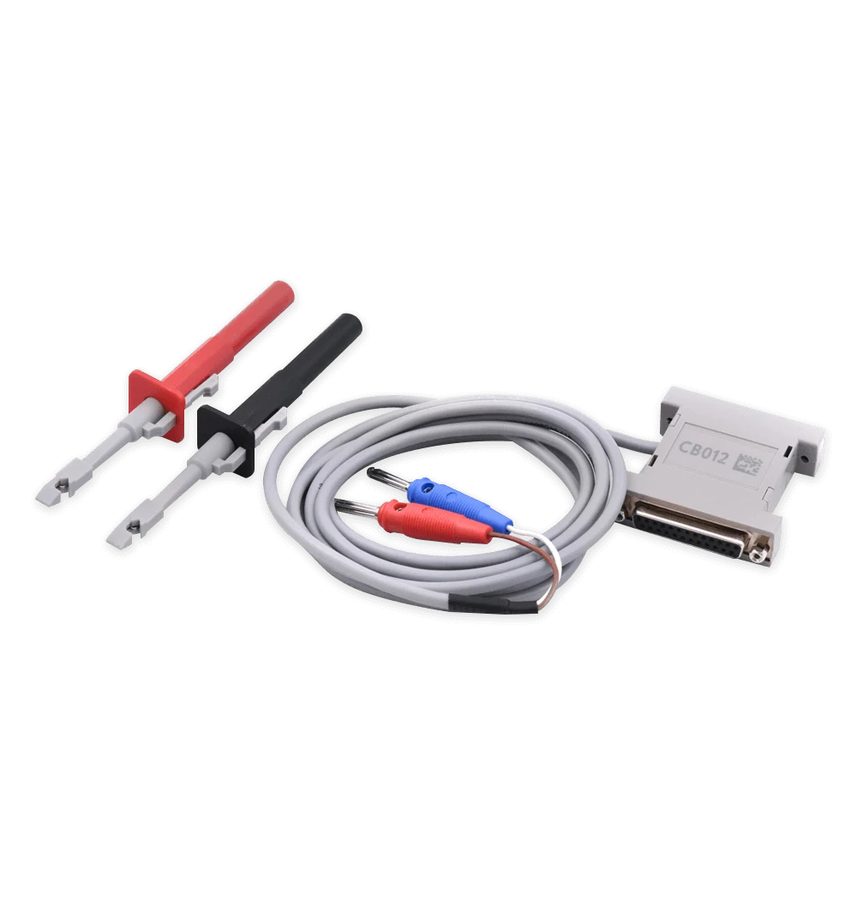
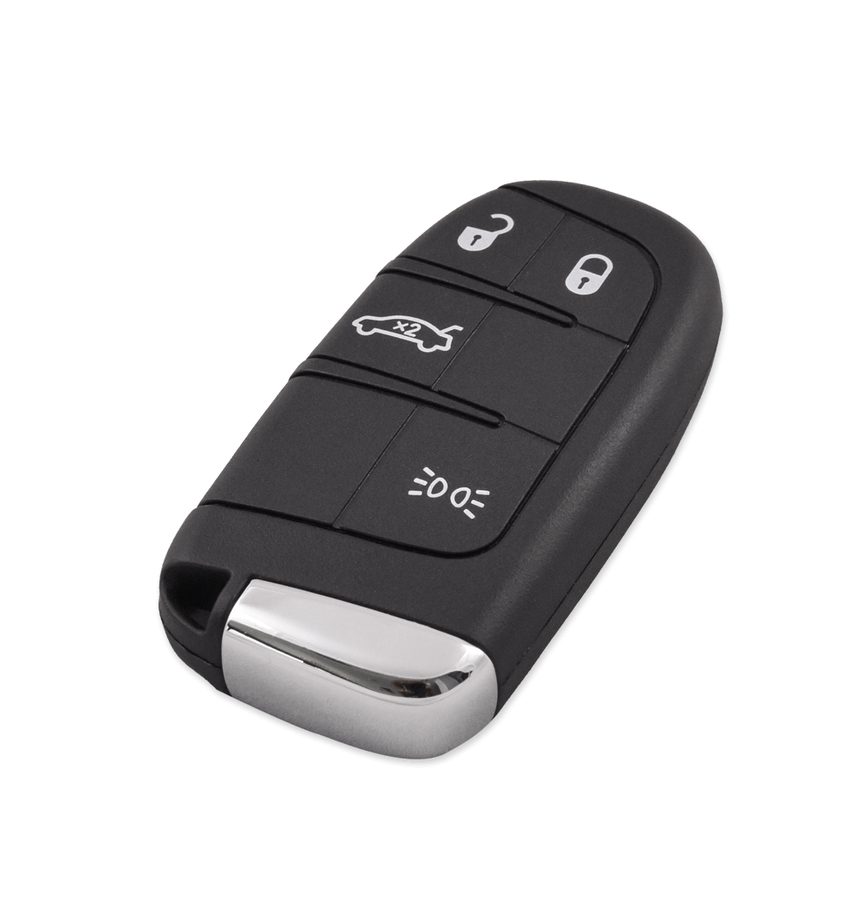
⚠ WarningThe connection has to be made on the internal CAN with the CB012 — the OBDII socket alone is not enough. Watch out for the "Disable Key Fobs" step: all keys not used in the procedure are disabled and only the ones present will keep working. Before "Enable Key Fobs" the key must already be prepared with the ZN003, or you must use a dealer key.
Procedure
- Remove the BCM from the vehicle and read it with the ZN085 ABRITES RH850/V850 programmer and its software, saving the dump.
- Refit the BCM to the vehicle and move over to the FCA Online software.
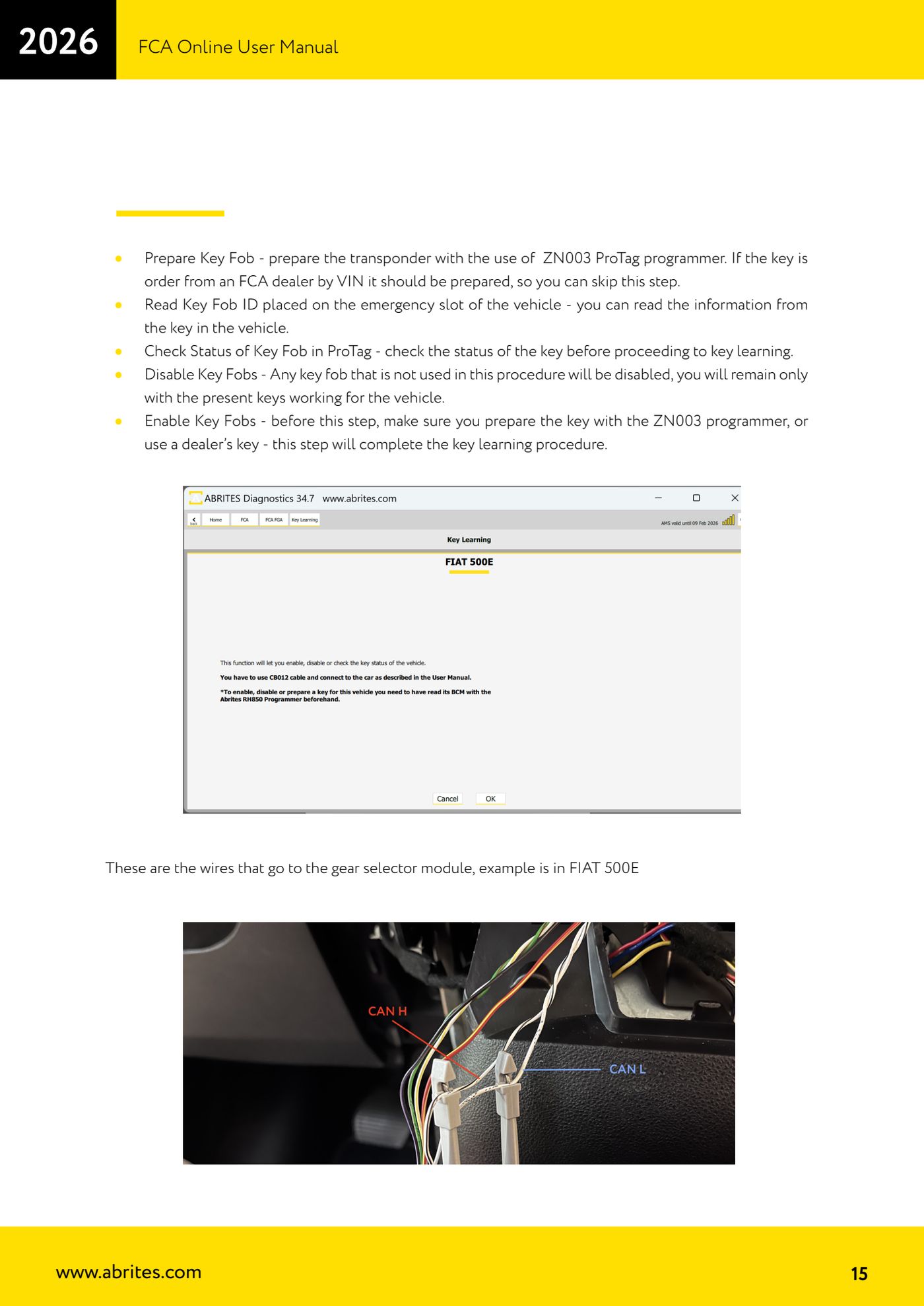
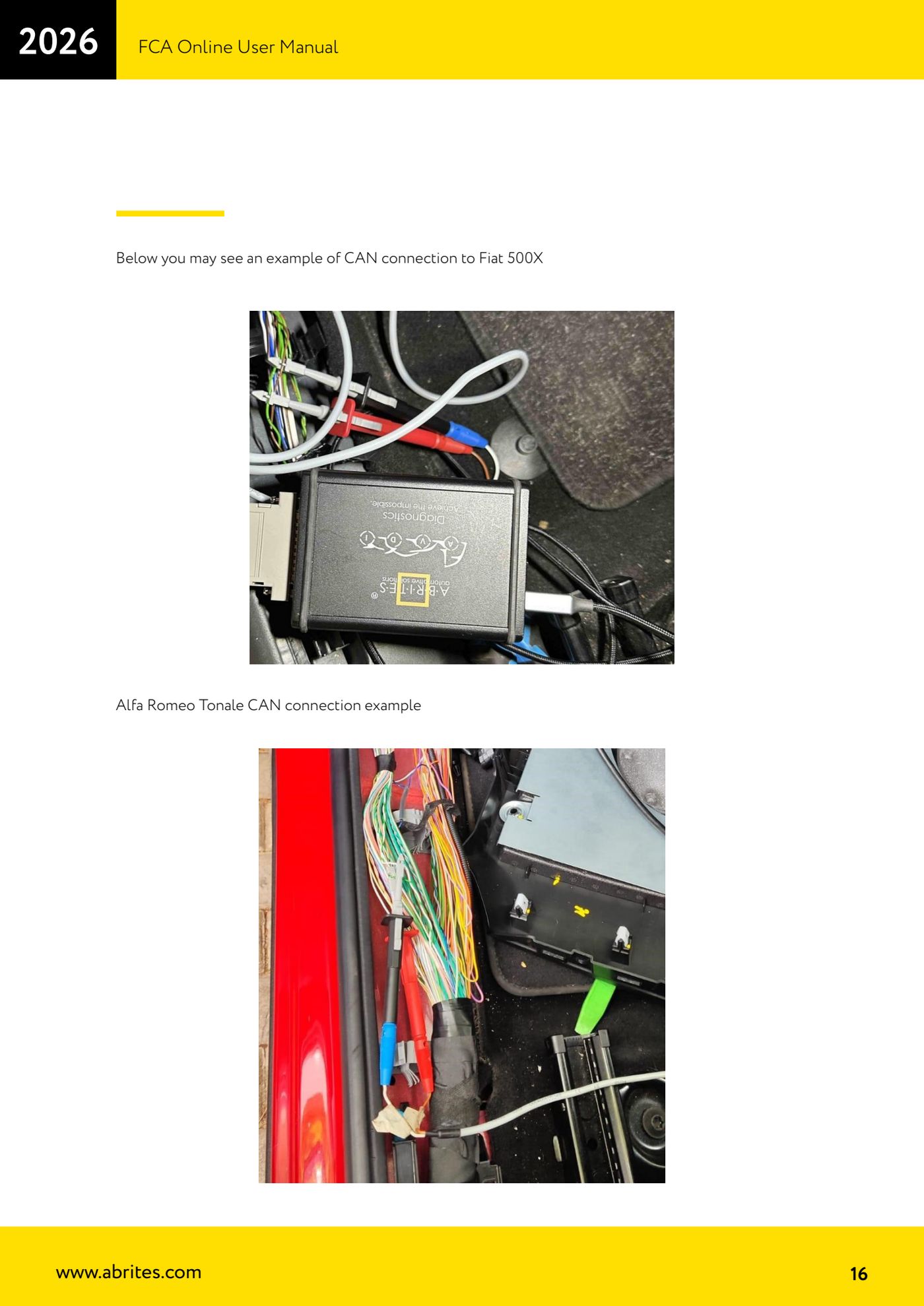
- Connect the CB012 - Direct CAN-BUS Connection Cable Set to the vehicle's internal CAN wires, the ones the BCM is also connected to (on the Fiat 500E you tap into the wires running to the gear selector module; connection examples for the Fiat 500X and Alfa Romeo Tonale are documented as well).
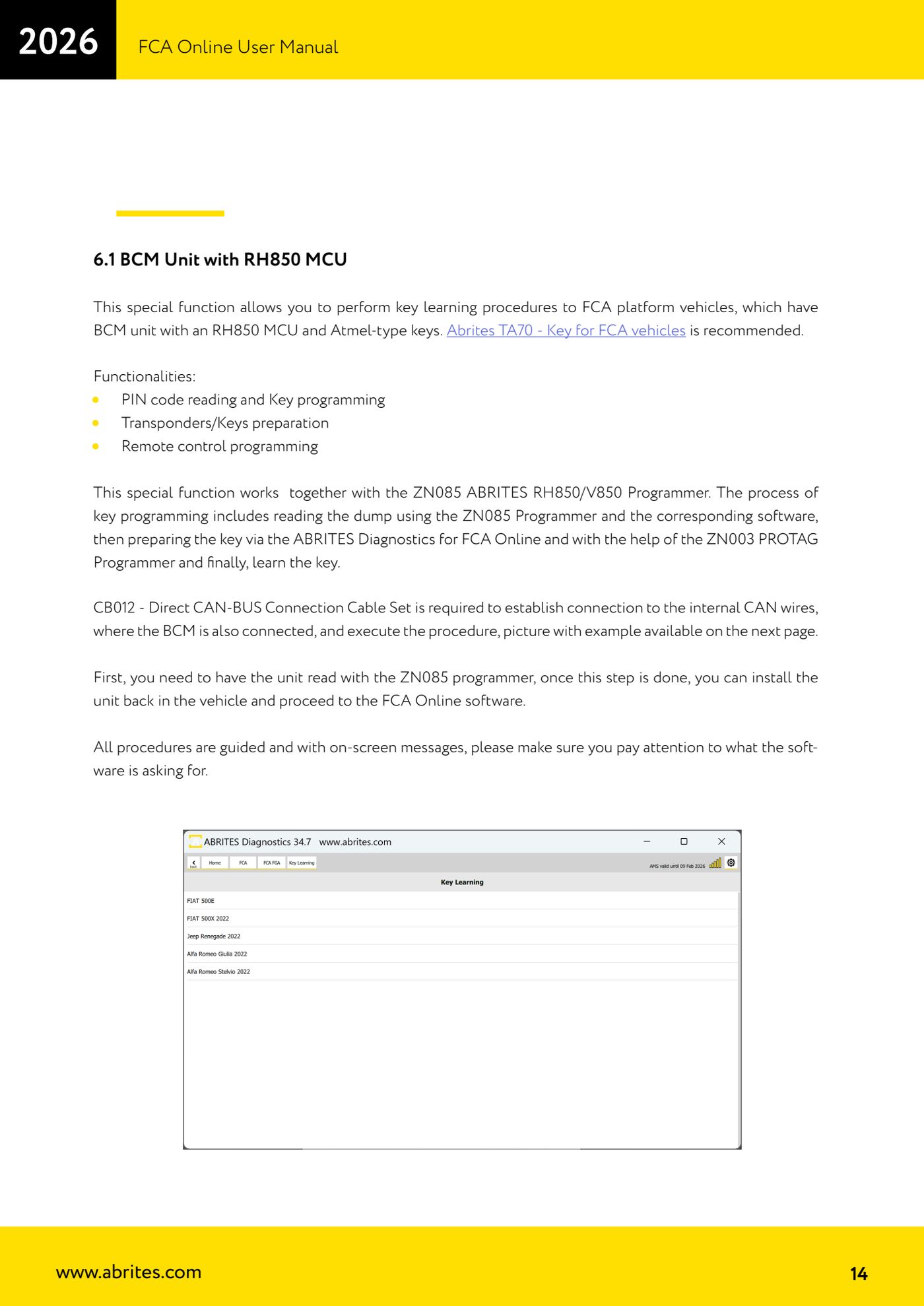
- Start "FCA Online" with the vehicle connected and externally powered, then open the "Key Learning" special function from the left-hand menu.
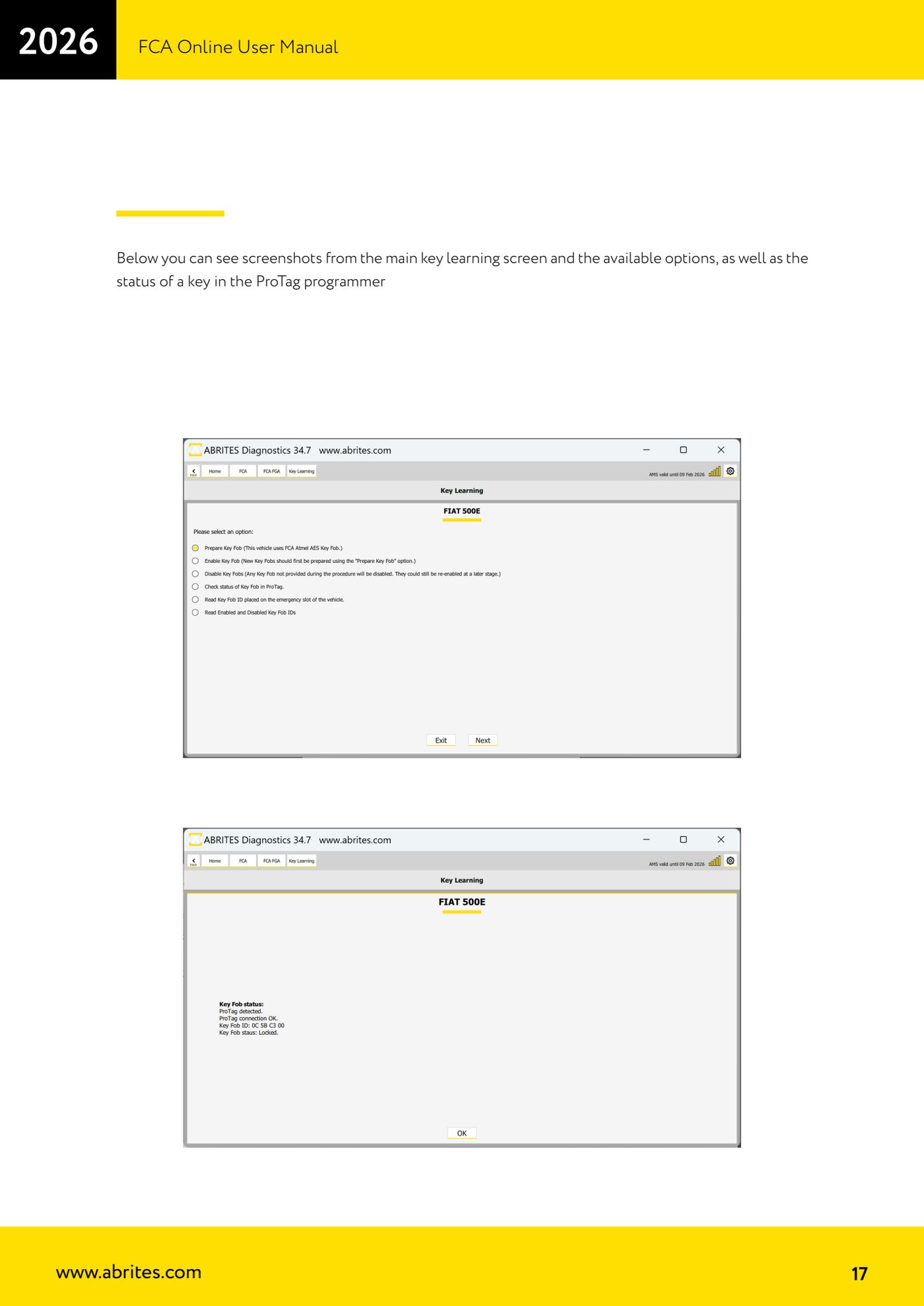
- If the key was not ordered from the FCA dealer by VIN, use "Prepare Key Fob" to prepare the transponder with the ZN003 ProTag programmer. If the key arrived already prepared from the dealer, skip this step.
- Use "Read Key Fob ID placed on the emergency slot of the vehicle" to read the details of the key placed in the vehicle's emergency slot.
- Use "Check Status of Key Fob in ProTag" to check the key's status in the ProTag before going ahead with learning.
- If you need to lock out keys that are not present, use "Disable Key Fobs": only the keys used in the procedure will stay operational.
- Complete the learning with "Enable Key Fobs", after making sure the key has been prepared with the ZN003 or that it is a dealer key.
- Follow the on-screen messages to the letter: the whole procedure is guided and the software asks for specific actions step by step.
- At the end of the job test every key: starting, transponder recognition and remote functions.
Reference screenshots
Source: Manuale FCA Online, cap. 6.1 (p.14-17) · ⏱ estimated time varies
← All Abrites guides Hardware catalogue
More guides Fiat/FCA
- Vehicle scan, module identification and reading/clearing DTC (Fiat, Alfa Romeo, Lancia, FCA)
- Reading live data (Data Display) and ECU identification on FCA vehicles
- Actuator tests on FCA control units (engine, BCM and other modules)
- BCM, RFH and Key Manager: reading the PIN, Component Protection data and Transponder Maker
- Key programming via OBD on FCA vehicles (with PIN from the RFH and Security Gateway bypass)
- Key programming on FCA keyless models from 2020 onwards in All Keys Lost (CB017 set + ZN051)
- Key programming on Fiat Ducato, Fiat 500L and Iveco Daily 2020+ (PIN from the BCM EEPROM with ABProg and ZN057)
- FCA instrument cluster calibration via OBDII ("Cluster Calibration" and "Cluster Calibration 2")
- ECU Flash Manager: reading and writing flash memory on Marelli and Bosch ECUs (IAW, MJD 6JF, ME7 boot mode)
- ECU Configuration Manager: reading/writing configuration and VIRGIN reset (EDC15, MJD 6JF/8F2, Marelli IAW, ME7)
- Proxi Alignment: BCM configuration and module alignment on FCA vehicles (bench work included)
- Module scan and DTC read/clear with FCA Online (Fiat, Alfa Romeo, Jeep, Lancia)