
Chip-Tools
Lettura CS su banco (PCR2.1, Simos 8.x/1x.xx, DCM6.2, TCU AL551/DL501/DQxxx)
VAG
Interfaccia Nuova
Chiavi / Immo
Avanzata
⏱ ~5 min per unità
5 passi
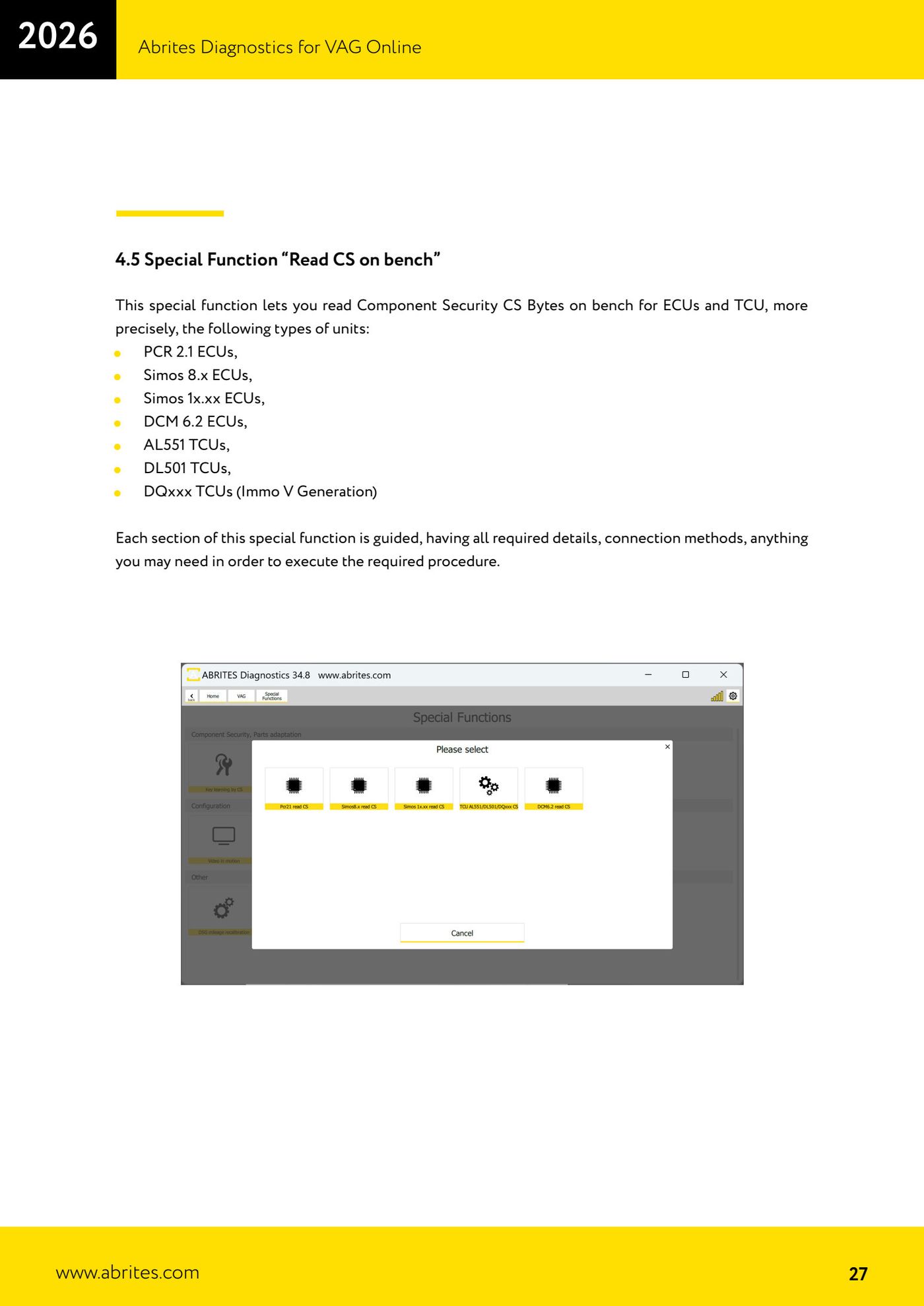
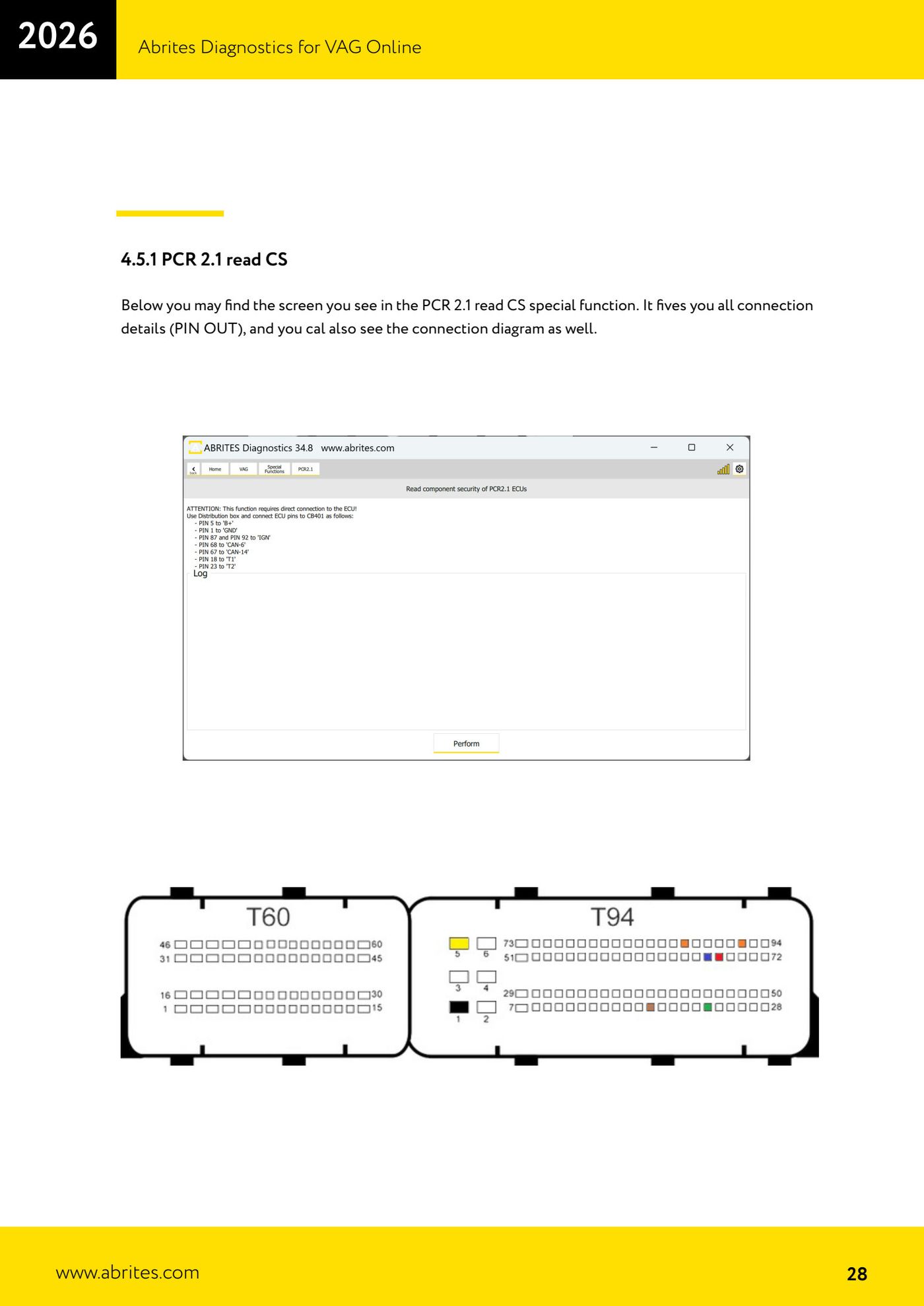
Legge i byte di Component Security (CS) su banco per ECU e TCU: PCR2.1, Simos 8.x, Simos 1x.xx (10.22/10.24/12.x/16.11/18.x), DCM6.2 e i TCU AL551/DL501/DQxxx. Serve per sostituzione centralina e casi chiavi perse. Ogni sezione è guidata con schema PIN OUT e diagramma di collegamento.
Licenze necessarie
- Licenza VAG (funzioni CS)
Hardware / cavi
 AVDI
AVDI ZN051 DS Box (v2.4 per DCM6.2)
- Cavi dedicati (CB401/CB403/CB032/CB403…)
- Alimentazione banco
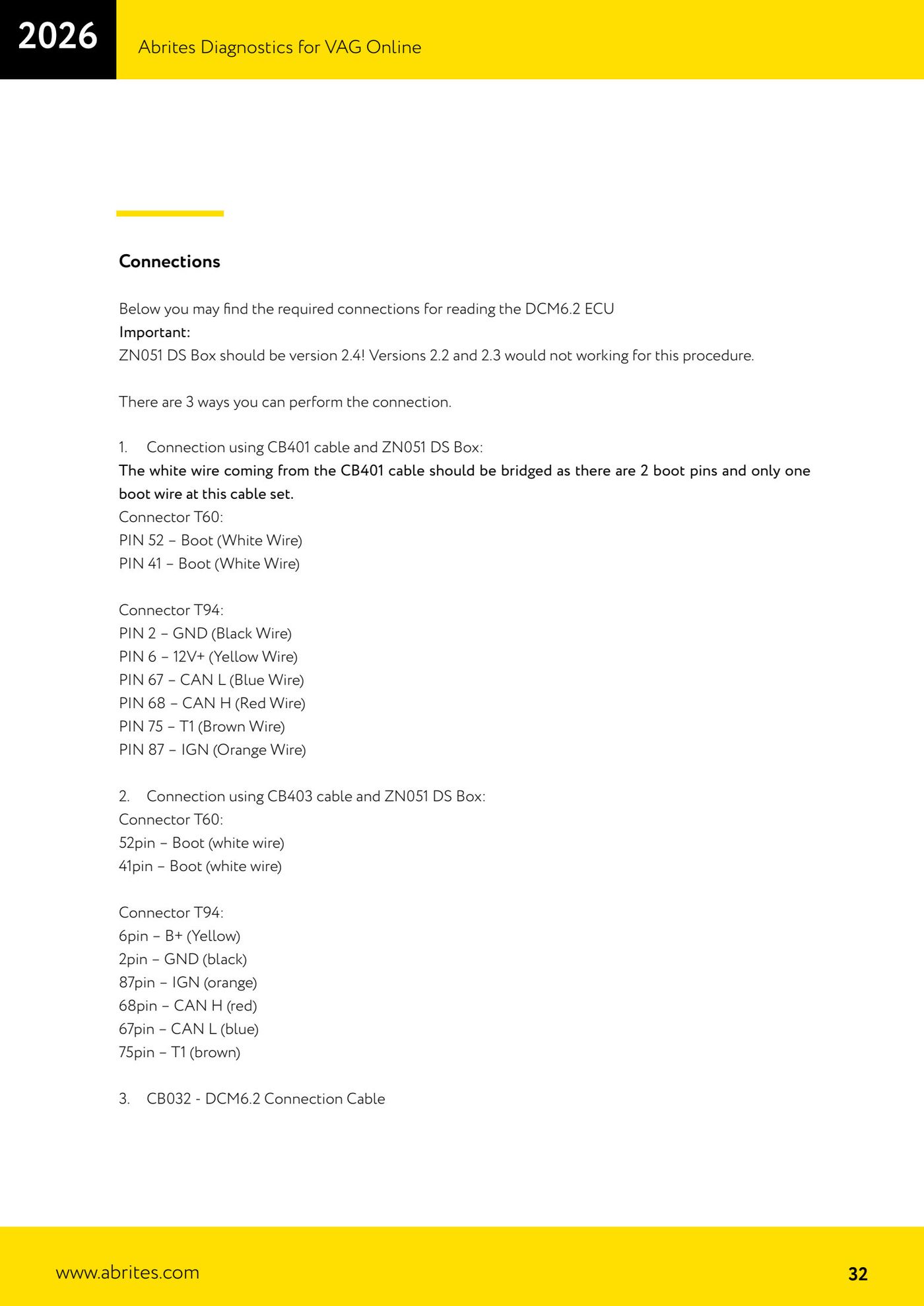
⚠ AttenzionePer DCM6.2 la ZN051 DS Box deve essere versione 2.4: le versioni 2.2 e 2.3 non funzionano. Sul cavo CB401 il filo bianco (Boot) va ponticellato ai due pin boot (T60 pin 52 e 41).
Procedura
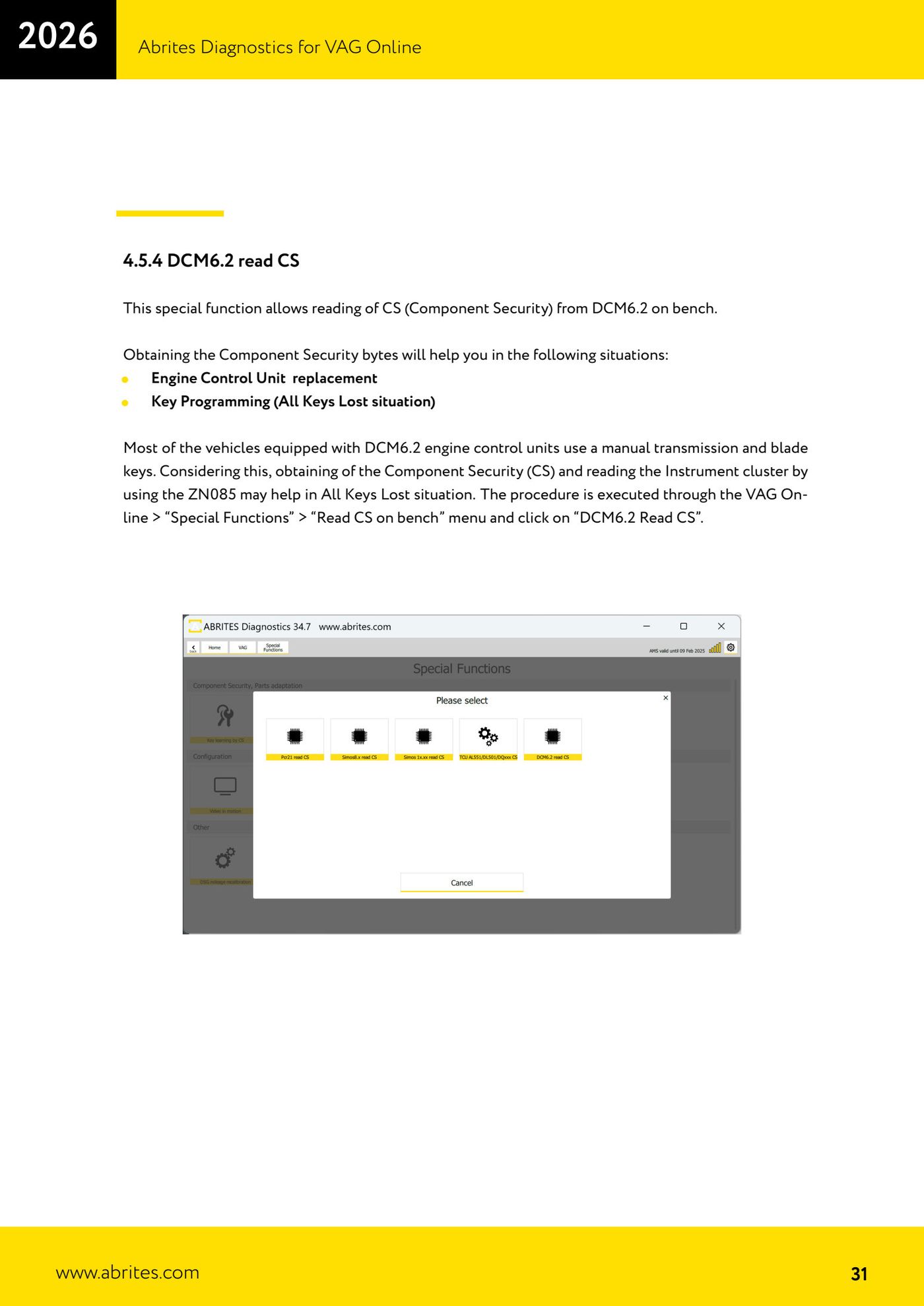
- Apri VAG Online → "Special Functions" → "Read CS on bench".
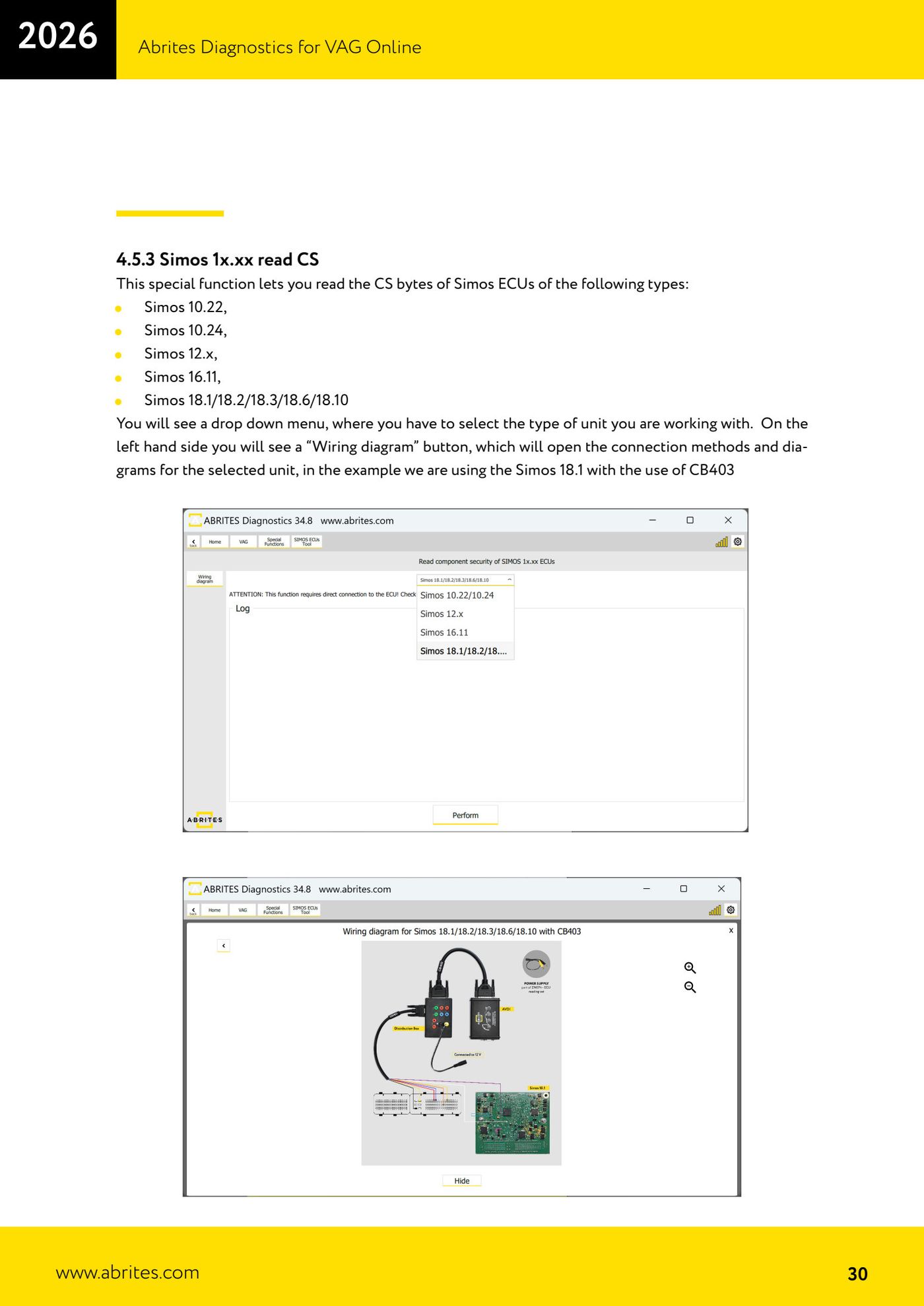
- Seleziona il tipo di unità (per Simos 1x.xx usa il menu a tendina; puoi aprire "Wiring diagram" per lo schema).
- Esegui il collegamento su banco seguendo il PIN OUT mostrato (usa il cavo/DS Box indicati per quella unità).
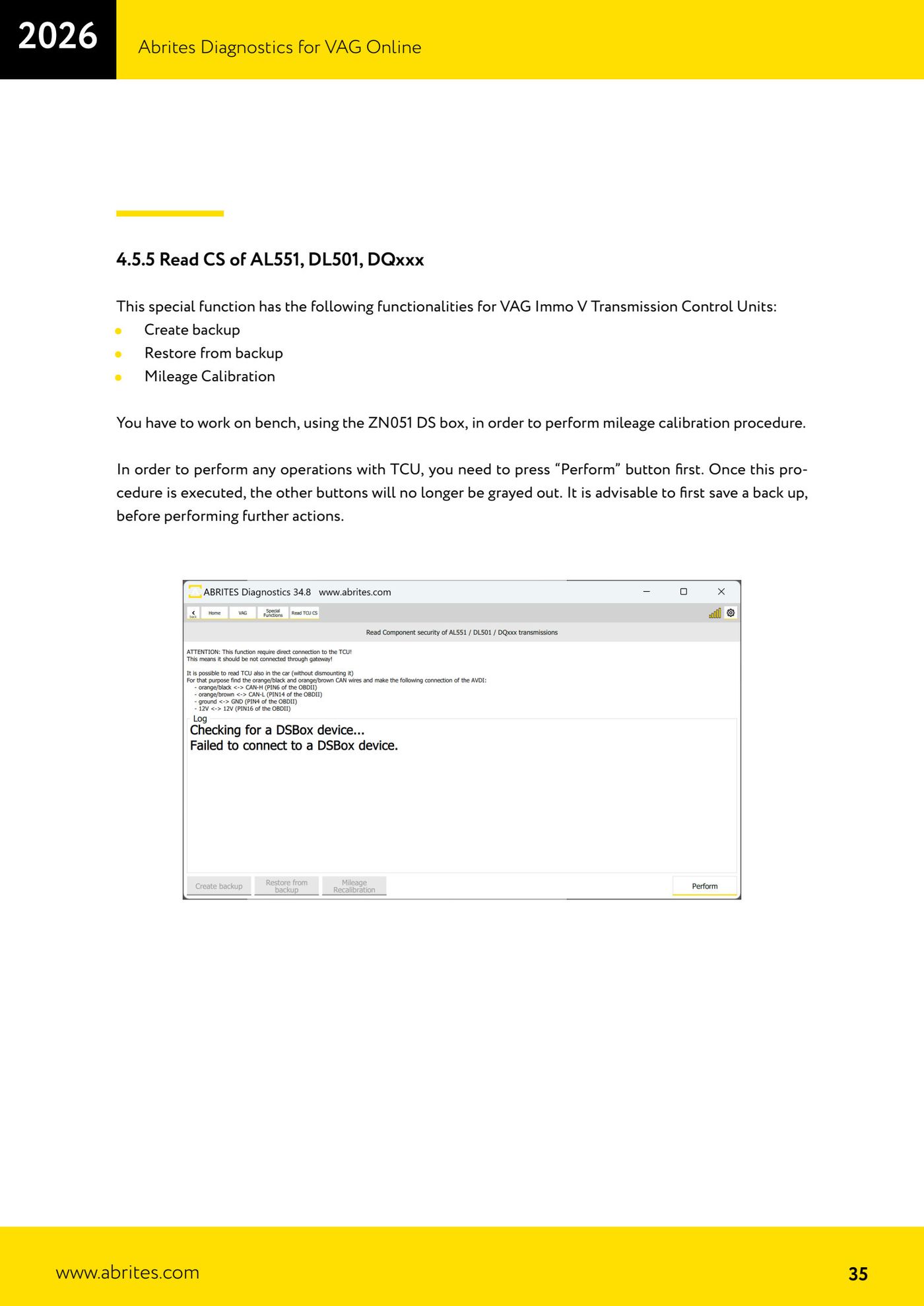
- Premi "Perform": la lettura richiede fino a ~5 minuti e alla fine mostra il CS.
- Per i TCU AL551/DL501/DQxxx puoi anche creare backup, ripristinare e fare la calibrazione km (premi prima "Perform" per abilitare i pulsanti; salva sempre un backup).
Schermate di riferimento
Fonte: Manuale VAG Online, cap. 4.5–4.5.5 (p.27–35) · ⏱ tempo indicativo ~5 min per unità
← Tutte le guide Abrites Catalogo hardware
Altre guide VAG
- Diagnosi generale e lettura/cancellazione errori (DTC)
- Basic settings — reset impostazioni di fabbrica (corpo farfallato, sterzo, frizione)
- Adattamenti — modifiche su richiesta del cliente
- Long coding — abilitare funzioni nascoste
- MMI Functions — abilita/disabilita funzioni infotainment
- Wireless CarPlay / Android Auto
- Video in motion
- Sblocco BCM2 con set ZN080 (senza saldature)
- Ricalibrazione chilometraggio DSG
- Intervalli di servizio (Service Intervals)
- Programmazione centraline con file .frf
- Dump Tool — estrazione dati immo da dump