
Chip-Tools
Engine ECM registration after Subaru key programming
Subaru
Interface New
Keys / Immo
Medium
⏱ 10-15 min
6 steps
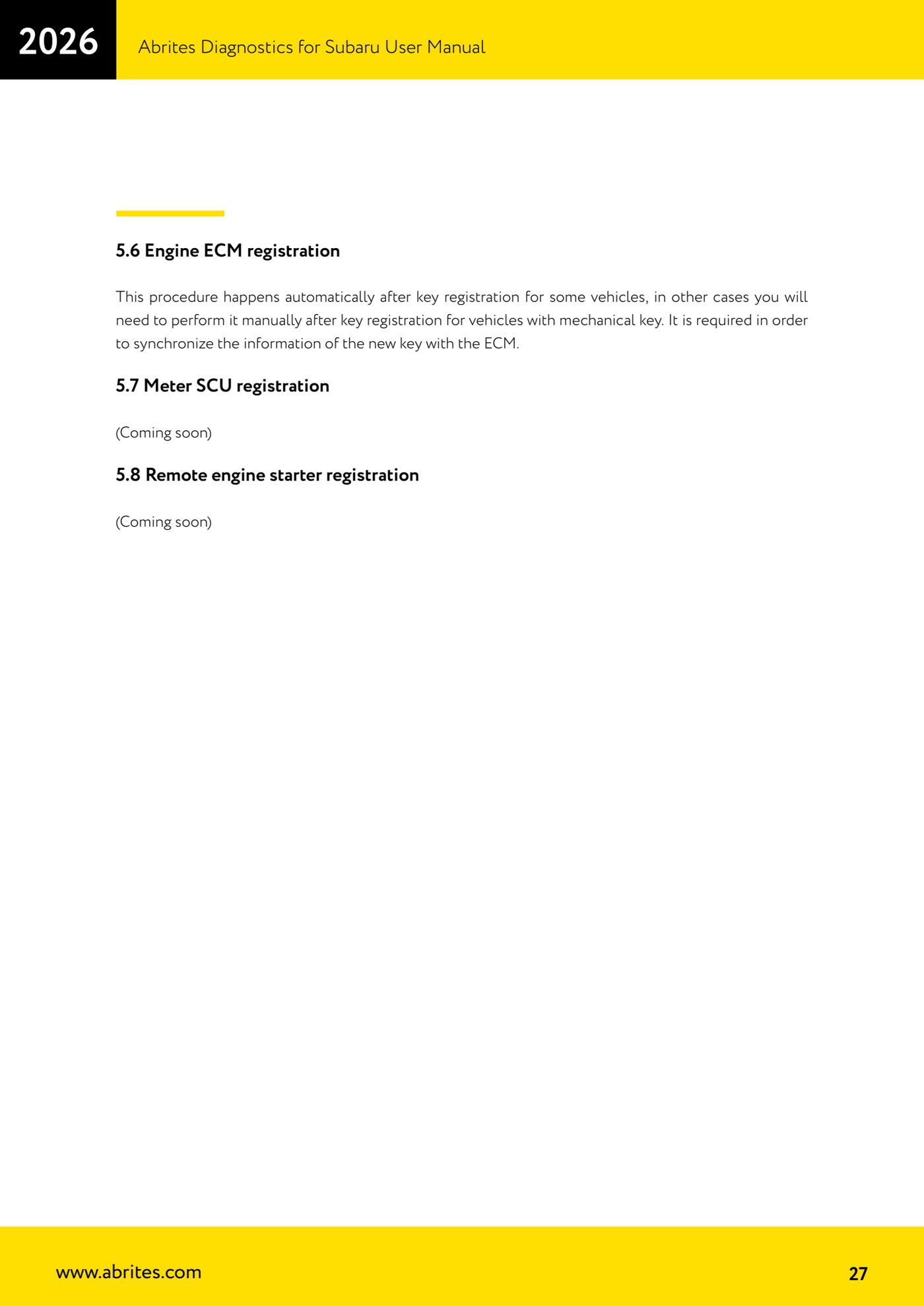
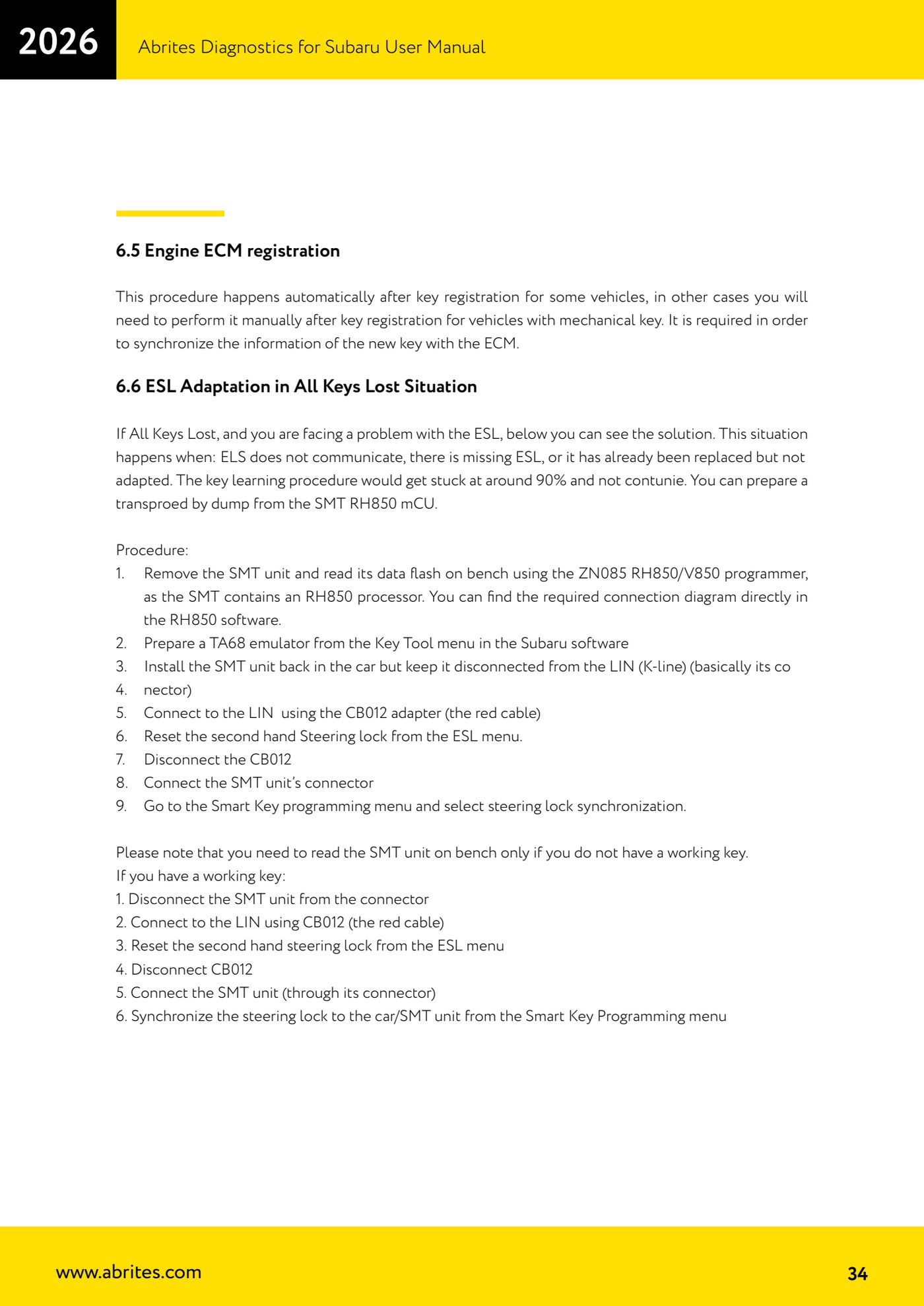
The closing step after every key programming: it syncs the new key's information with the engine control unit. On some vehicles it starts by itself, on others it has to be launched manually.
Required licences
- —
Hardware / cables

Procedure
- First complete the key registration procedure ("Key Registration") on the correct platform, Immobilizer or Smart Access System.
- Watch what the software does: on some vehicles the ECM registration starts automatically right after key programming; in that case let the procedure finish without interrupting it.
- If it does not start by itself, with the AVDI connected to the OBDII socket open the special function used for the keys and select "Engine ECM registration".
- Follow the on-screen messages through to completion: the function syncs the new key data with the ECM.
- In all keys lost situations on smart systems, after programming the software asks you to switch the ignition ON with each key: do this for every key before the ECM registration starts.
- Confirm the result by trying to start the engine with all the programmed keys.
Reference screenshots
Source: Manuale Abrites Diagnostics for Subaru, cap. 5.6 e 6.5 (p.27, 34) · ⏱ estimated time 10-15 min
← All Abrites guides Hardware catalogue
More guides Subaru
- Full Subaru module scan and DTC reading/clearing with the AVDI
- Reading real-time parameters (Live Data) from Subaru control units
- Registered key count and erasing all keys (Immobilizer and Smart Access System)
- Programming an additional key on a Subaru with a mechanical key (Immobilizer or BCM)
- Immobilizer Reset for all keys lost on Subaru with an Immobilizer unit
- All Keys Lost on Subaru with BCM using TA41 and PROTAG
- All Keys Lost on Subaru with BCM using the ZN066 adapter
- Programming an additional key on a Subaru with Smart Access System (smart key)
- All Keys Lost on Subaru smart key: Smart System Reset and reprogramming
- ESL (steering lock) adaptation in All Keys Lost on Subaru smart key with ZN085, TA68 and CB012
- Key Learning internal CAN: All Keys Lost on Subaru from 2023 via OBDII and internal CAN with the CB012 (Alarm OFF, Smart System Reset, Key Registration)
- Forced DPF regeneration on Subaru diesels over OBDII