
Chip-Tools
All Keys Lost on Subaru smart key: Smart System Reset and reprogramming
Subaru
Interface New
Keys / Immo
Advanced
⏱ 45-90 min
8 steps
Procedure for Subaru vehicles with the Smart Access System when there is no working smart key left: the smart system is reset and the new keys are registered straight afterwards.
Required licences
- —
Hardware / cables

⚠ WarningIf the procedure stalls around 90% during registration, the problem is almost always the electronic steering lock (ESL): ESL not communicating, missing, or replaced and not adapted. In that case the ESL adaptation procedure is required.
Procedure
- Connect the AVDI to the vehicle OBDII socket and start "Abrites Diagnostics for Subaru".
- Open the "Smart Access System" special function from the main screen.
- Select "Smart System Reset" and let the procedure complete: the reset prepares the vehicle for key registration.
- Once the reset is done, open "Key Registration" and register the keys by holding each one against the start button as shown on screen, respecting the 30 seconds for each action.
- When the software asks, switch the ignition ON with each programmed key.
- Let the ECM registration procedure start automatically; if it does not, launch it manually from the menu.
- Check the vehicle unlocks and starts with the programmed key: at that point the all keys lost situation is solved.
- If registration stalls around 90%, stop and go to the ESL adaptation procedure before trying again.
Reference screenshots
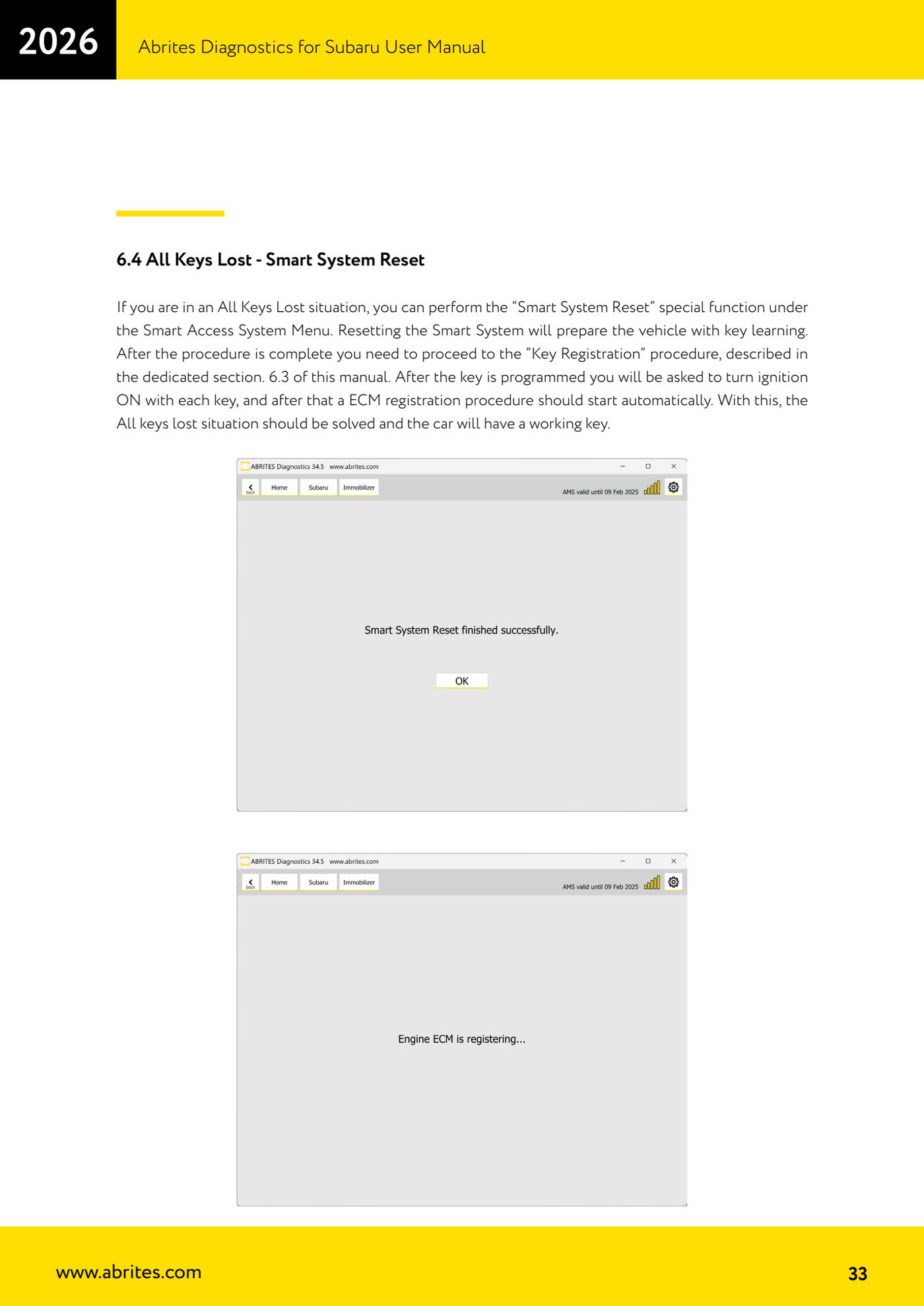
Source: Manuale Abrites Diagnostics for Subaru, cap. 6.4 (p.33) · ⏱ estimated time 45-90 min
← All Abrites guides Hardware catalogue
More guides Subaru
- Full Subaru module scan and DTC reading/clearing with the AVDI
- Reading real-time parameters (Live Data) from Subaru control units
- Registered key count and erasing all keys (Immobilizer and Smart Access System)
- Programming an additional key on a Subaru with a mechanical key (Immobilizer or BCM)
- Immobilizer Reset for all keys lost on Subaru with an Immobilizer unit
- All Keys Lost on Subaru with BCM using TA41 and PROTAG
- All Keys Lost on Subaru with BCM using the ZN066 adapter
- Engine ECM registration after Subaru key programming
- Programming an additional key on a Subaru with Smart Access System (smart key)
- ESL (steering lock) adaptation in All Keys Lost on Subaru smart key with ZN085, TA68 and CB012
- Key Learning internal CAN: All Keys Lost on Subaru from 2023 via OBDII and internal CAN with the CB012 (Alarm OFF, Smart System Reset, Key Registration)
- Forced DPF regeneration on Subaru diesels over OBDII