
Chip-Tools
ZN040 CAN adapter for Audi A6, A7 and A8: all keys lost and ELV reading
Strumenti
Interface Classic
Keys / Immo
Advanced
⏱ 30-60 min
7 steps
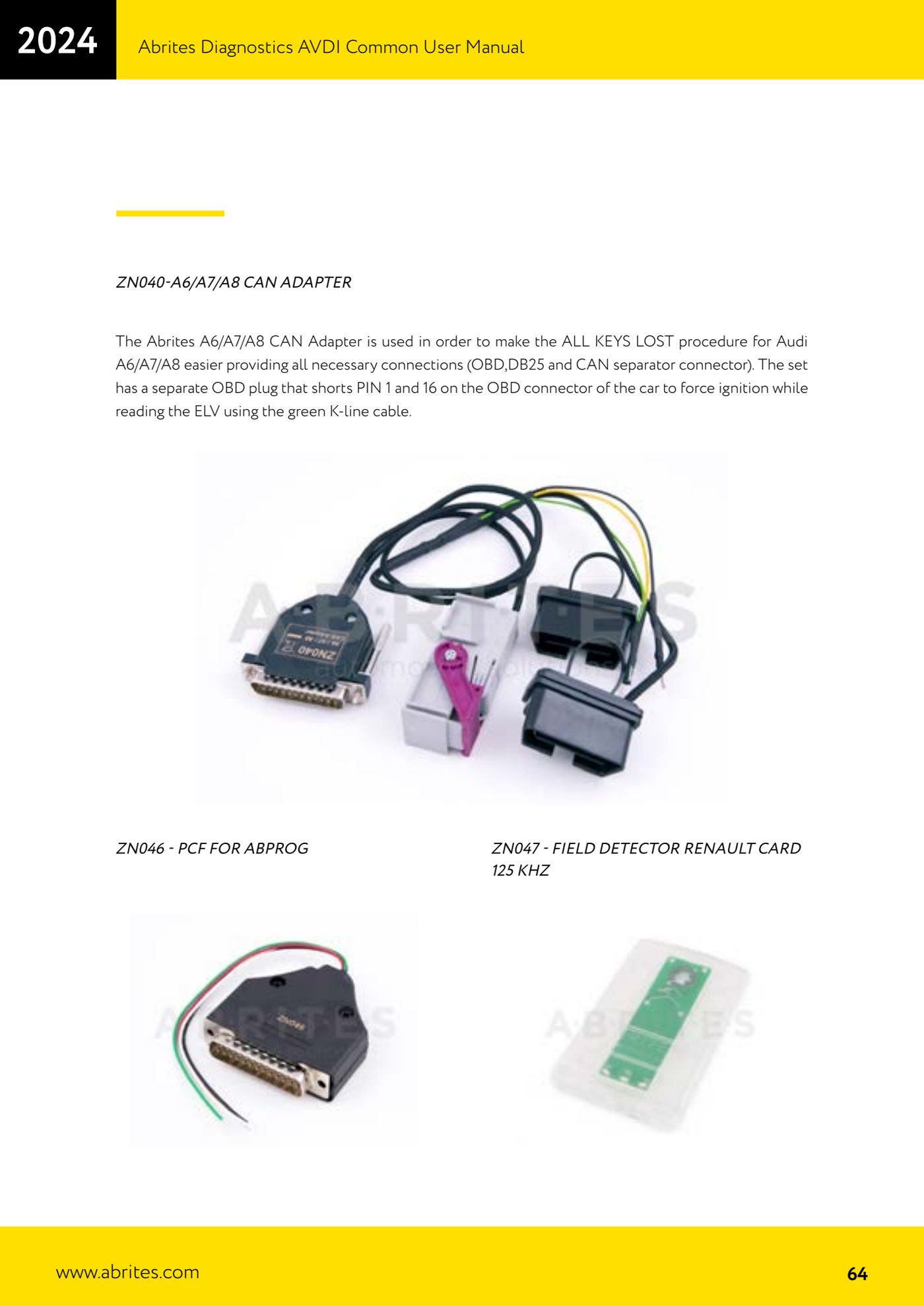
The ZN040 is the Abrites CAN adapter that makes the ALL KEYS LOST procedure on the Audi A6, A7 and A8 straightforward: it already carries every connection you need, namely OBD, DB25 and the CAN splitter connector.

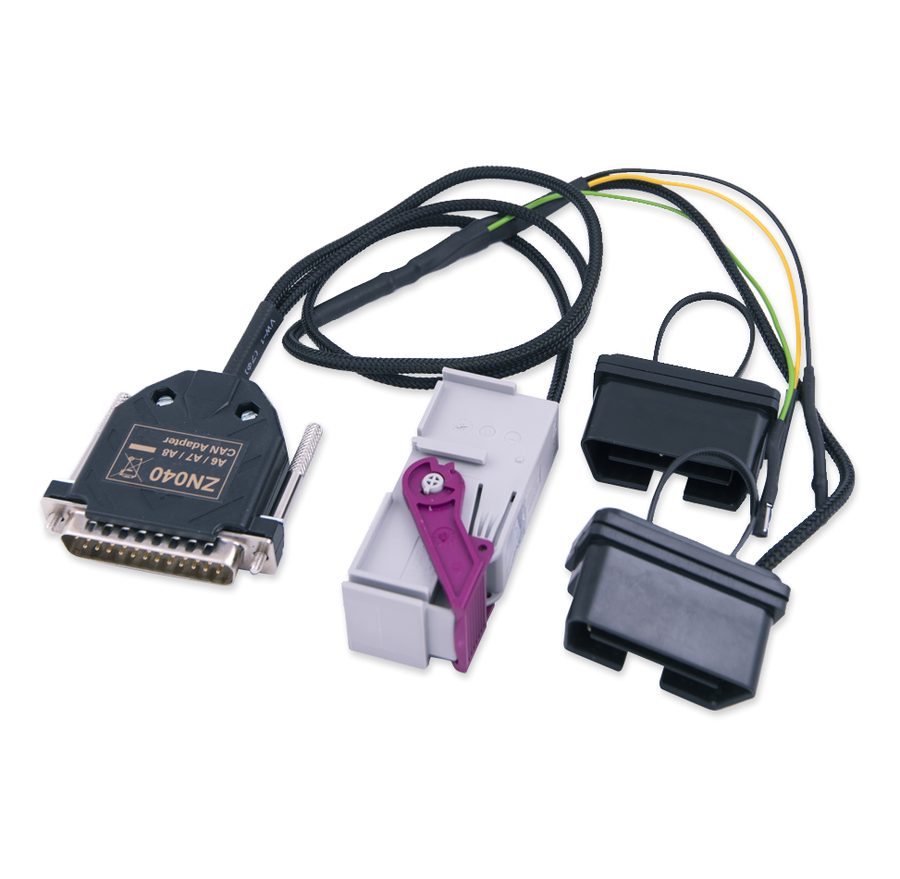
⚠ WarningThe set includes a separate OBD socket that bridges pins 1 and 16 of the vehicle OBD connector to force the ignition while the ELV is being read: use only that socket, do not improvise the bridge, and remember to remove it when the procedure is finished.
Procedure
- Confirm the vehicle is an Audi A6, A7 or A8 and that this is an all keys lost situation (ALL KEYS LOST).
- Connect the ZN040 between AVDI and vehicle using the CAN splitter connector, so the CAN line is isolated as the procedure requires.
- Connect the DB25 branch of the adapter to the AVDI.
- Fit the separate OBD socket from the set, the one that shorts pins 1 and 16, to force the ignition on while you read the ELV.
- Connect the green K-line wire of the adapter to the point specified for reading the ELV.
- Start the Abrites software for VAG and run the ALL KEYS LOST procedure, following the on-screen prompts.
- When the job is done remove the socket bridging pins 1 and 16, unplug the adapter and check the vehicle starts with the new key.
Reference screenshots
Source: Manuale AVDI - manuale comune, parte 2 di 2, cap. ZN040 A6/A7/A8 CAN adapter (p.64) · ⏱ estimated time 30-60 min
← All Abrites guides Hardware catalogue
More guides Strumenti
- ABPROG ZN030: what's in the set, hooking it up to the AVDI and starting the Classic software
- Reading and writing SPI, I2C and Microwire EEPROMs with ABPROG and the ZN031/ZN035 adapter
- Erasing and reprogramming M35080VP / M35080V6 incremental EEPROMs with ABPROG
- Wiring an SPI EEPROM straight to the ABPROG DB25 without the ZN031 adapter
- Mercedes-Benz IR keys: reading the SSID, erasing and programming the NEC with ZN032 / ZN033
- Renewing used keys (HITAG/PCF) with the ZN046 adapter and ABPROG
- Solder points on key PCBs for the ZN046 and list of keys supported for renewal
- Reading the EWS3 dump on BMW E46/E39/E53 and others with the ZN055 adapter
- Reading the EEPROM on BMW F-Series FEM/BDC without desoldering, using the ZN057 extension
- Reading and writing NEC V850ES MCUs with the ZN078 adapter and ABPROG
- ABPROG DB25 pinout: building your own ZN046, ZN058, ZN078 and ZN086 adapters
- Reading the immobiliser from a Renault X95 BCM (and Audi BCM) with ABPROG and direct wiring