
Chip-Tools
ZN003 PROTAG: starting the Tag Key Tool and getting the programmer detected
Strumenti
Interface Classic
Keys / Immo
Medium
⏱ 10-20 min
6 steps
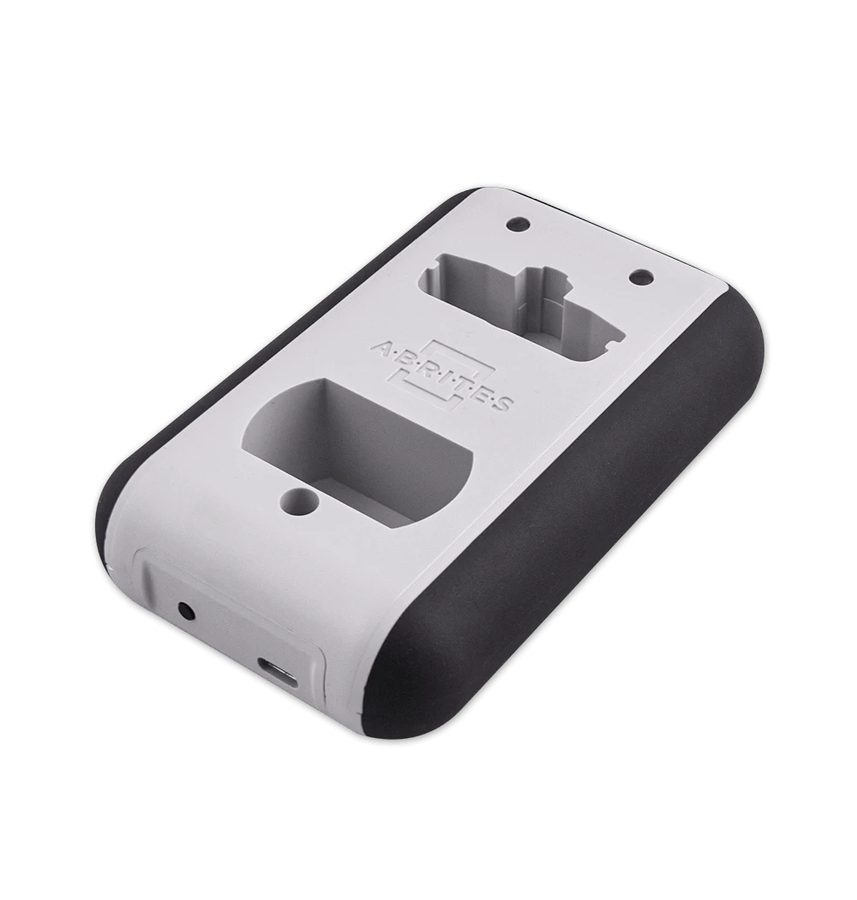
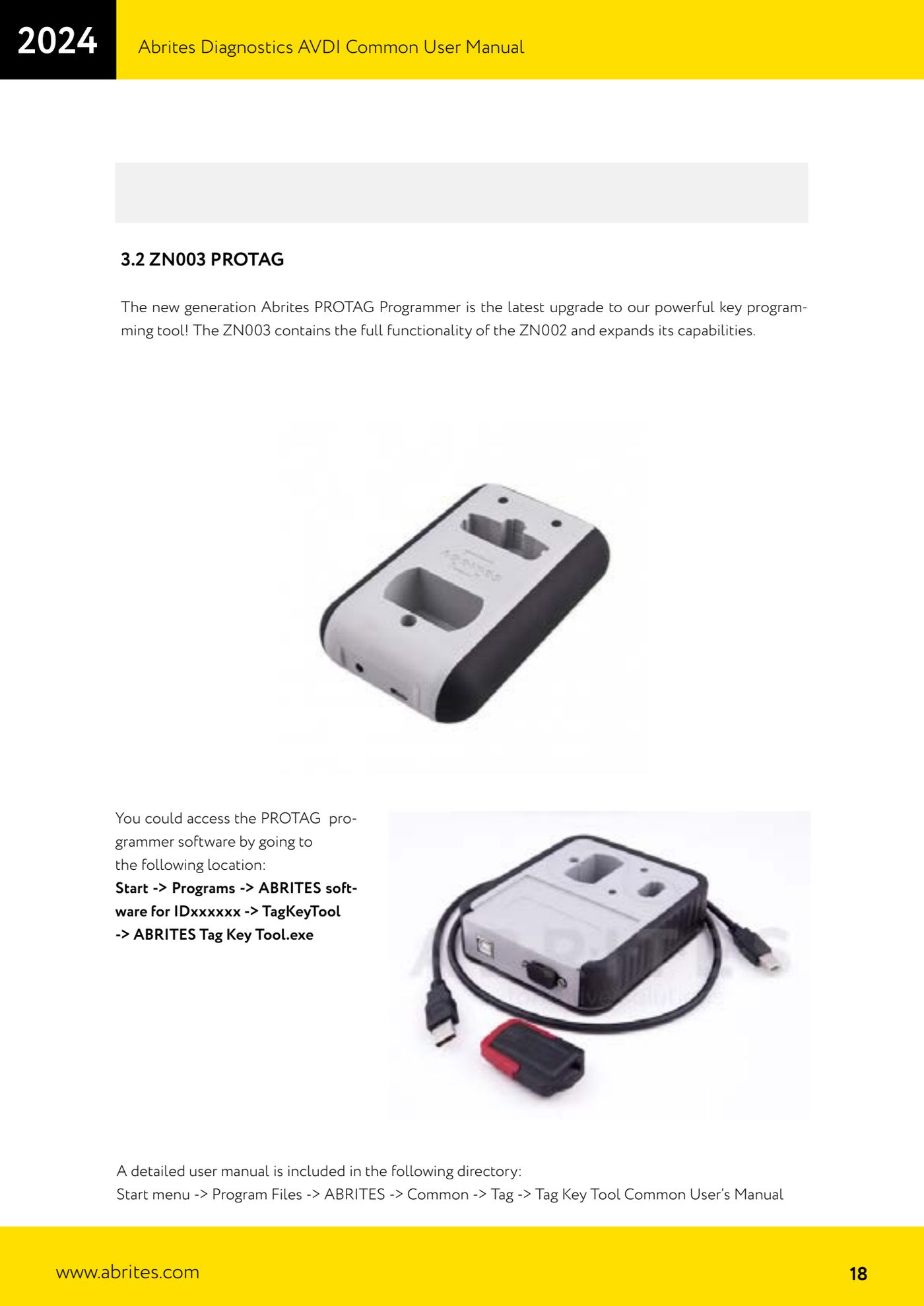
The PROTAG ZN003 is the new-generation Abrites key programmer: it includes every function of the ZN002 and adds more. It is used together with the AVDI through the ABRITES Tag Key Tool software.
Required licences
- —
Hardware / cables

Procedure
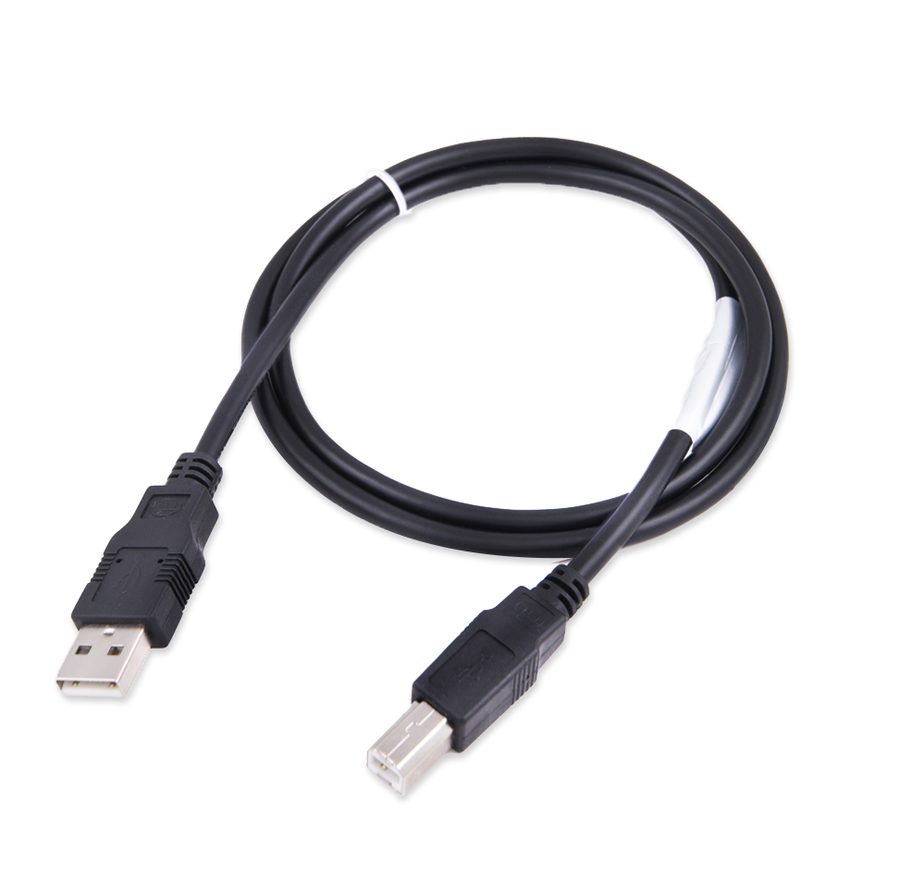
- Connect the PROTAG ZN003 to the PC with the USB cable (the PROTAG uses the same USB cable as the AVDI interface).
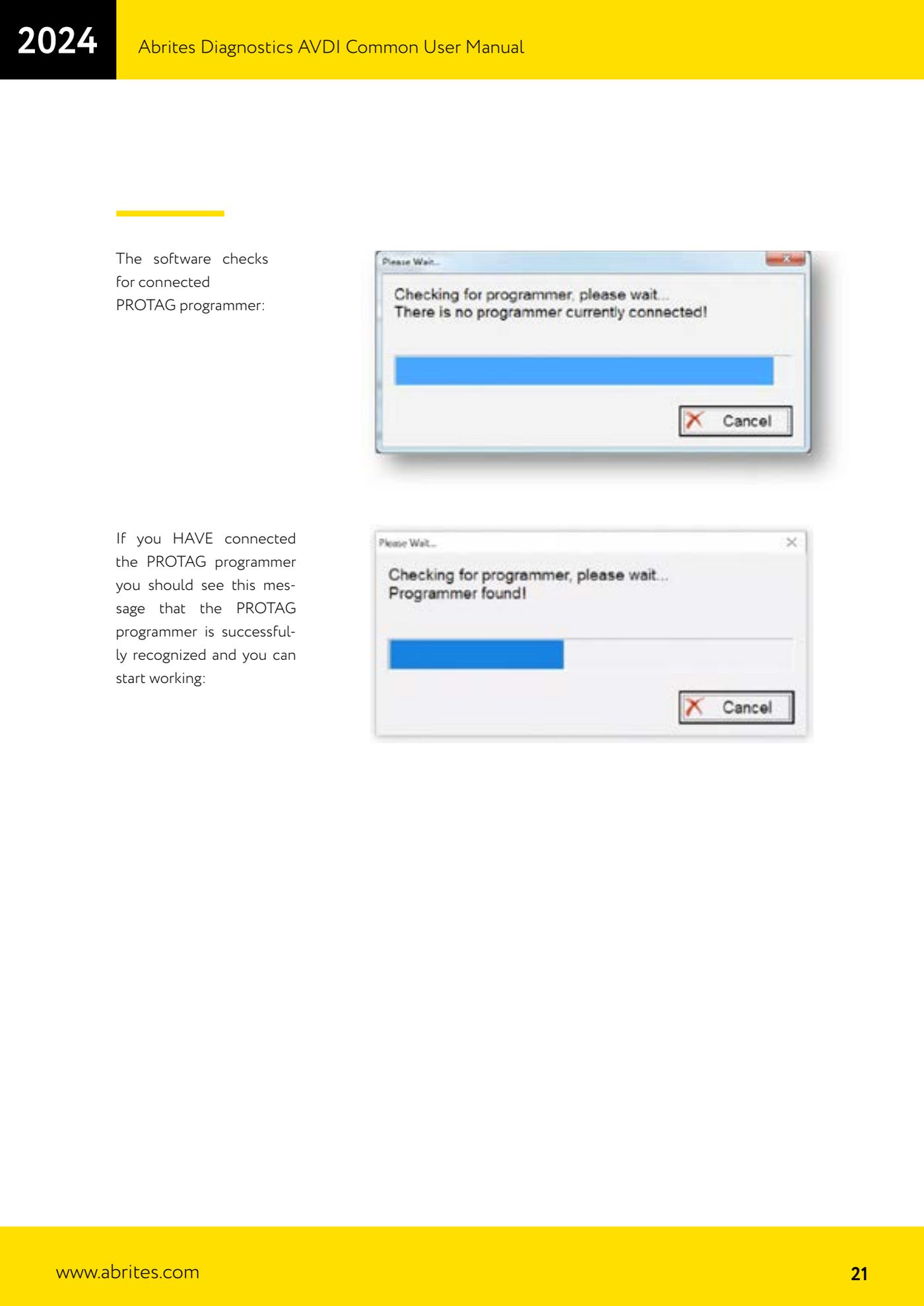
- Start the Abrites diagnostic software: on start-up the program automatically checks whether a PROTAG programmer is connected.
- Check that the message confirming the PROTAG was detected correctly appears: if it does, you can start working on keys. If it does not, check the USB cable and the drivers.
- To work directly on keys, start the dedicated software from: Start -> Programs -> "ABRITES software for IDxxxxxx" -> TagKeyTool -> "ABRITES Tag Key Tool.exe".
- Place the key/transponder in the PROTAG slot and run the operation the Tag Key Tool provides for that key type.
- For the procedures specific to each transponder type and make, see the dedicated manual installed under: Start -> Programs -> ABRITES -> Common -> Tag -> "Tag Key Tool Common User's Manual".
Reference screenshots
Source: Manuale AVDI - manuale comune, parte 1 di 2, cap. 3.2 (p.18, 21) · ⏱ estimated time 10-20 min
← All Abrites guides Hardware catalogue
More guides Strumenti
- ABPROG ZN030: what's in the set, hooking it up to the AVDI and starting the Classic software
- Reading and writing SPI, I2C and Microwire EEPROMs with ABPROG and the ZN031/ZN035 adapter
- Erasing and reprogramming M35080VP / M35080V6 incremental EEPROMs with ABPROG
- Wiring an SPI EEPROM straight to the ABPROG DB25 without the ZN031 adapter
- Mercedes-Benz IR keys: reading the SSID, erasing and programming the NEC with ZN032 / ZN033
- Renewing used keys (HITAG/PCF) with the ZN046 adapter and ABPROG
- Solder points on key PCBs for the ZN046 and list of keys supported for renewal
- Reading the EWS3 dump on BMW E46/E39/E53 and others with the ZN055 adapter
- Reading the EEPROM on BMW F-Series FEM/BDC without desoldering, using the ZN057 extension
- Reading and writing NEC V850ES MCUs with the ZN078 adapter and ABPROG
- ABPROG DB25 pinout: building your own ZN046, ZN058, ZN078 and ZN086 adapters
- Reading the immobiliser from a Renault X95 BCM (and Audi BCM) with ABPROG and direct wiring