
Chip-Tools
VIN Reader: reading mileage from the modules, checking for tampering and PDF/HTML/CSV reports
Strumenti
Interface Classic
Odometer
Basic
⏱ 15-30 min
8 steps
As well as the VINs, the VIN Reader App retrieves the odometer readings stored in the supported control units: it is the tool for spotting mileage rollback and for handing the customer a signed report of the check.
Required licences
- —
Hardware / cables
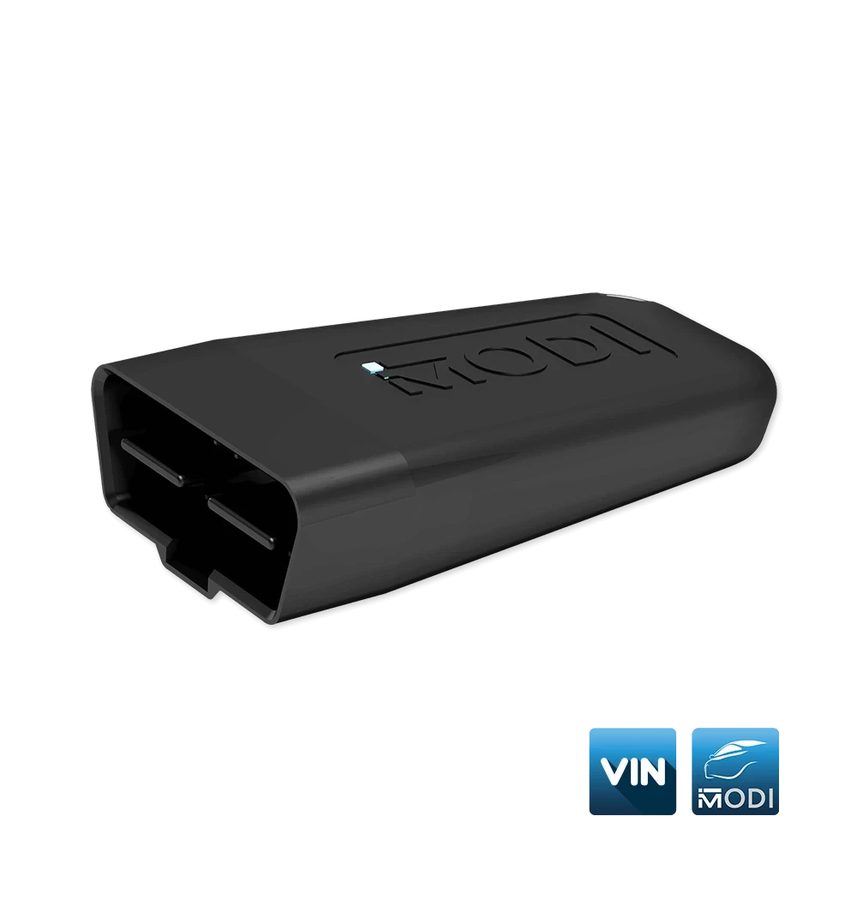 MODI (ESP32 v04)
- smartphone/tablet con VIN Reader App
⚠ WarningThe mileage figure is a calculated value resulting from data extraction and may differ from the real values. Not all makes and models store mileage in the control units: Abrites is not liable for the accuracy of the extracted mileage data.
Procedure
- Plug the MODI into the OBDII port, turn Bluetooth on and press "Connect" in the VIN Reader App.
- Go into "Settings" and choose what to scan: VIN only, odometer readings only, or both. Odometer reading is enabled by default.
- Still in "Settings", set the unit of measurement: odometer values are shown in kilometres by default, but you can switch to miles. From here you can also change the app language.
- Select the vehicle make and start the scan: the application first looks for the VIN numbers and then retrieves the odometer readings, where the data is available in the supported modules.
- Compare the values read from the different modules with each other and with the value shown on the instrument cluster: mismatched values, or lower values in a secondary module, are the classic sign of adjusted mileage.
- Also compare with the service book and the general condition of the vehicle before giving the customer a verdict.
- To document the check press "Send Report": before exporting you can fill in the empty fields with additional vehicle information.
- Choose the export format: PDF, HTML or CSV. The file is saved locally on the phone, from where you can send it to the customer.
Reference screenshots
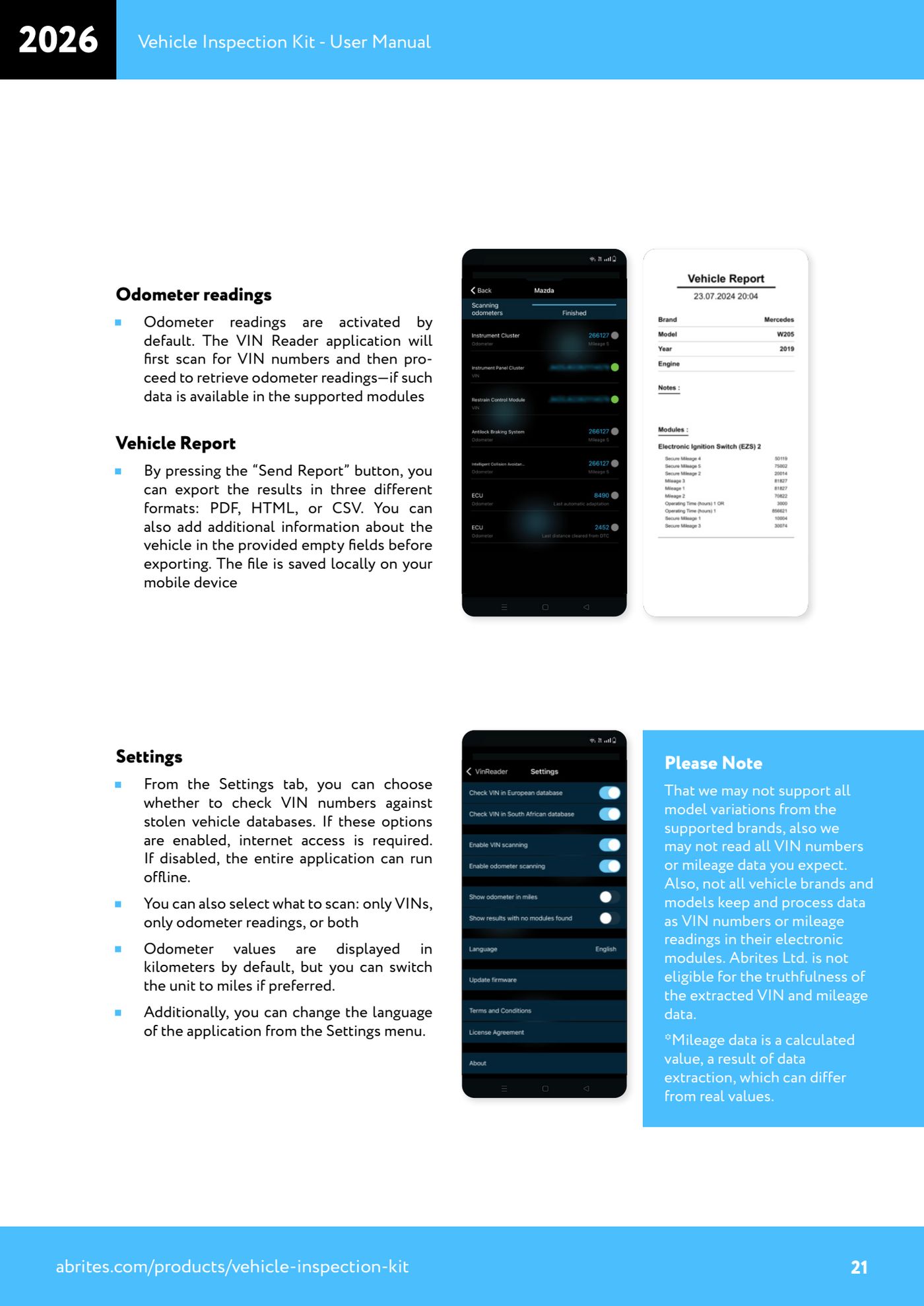
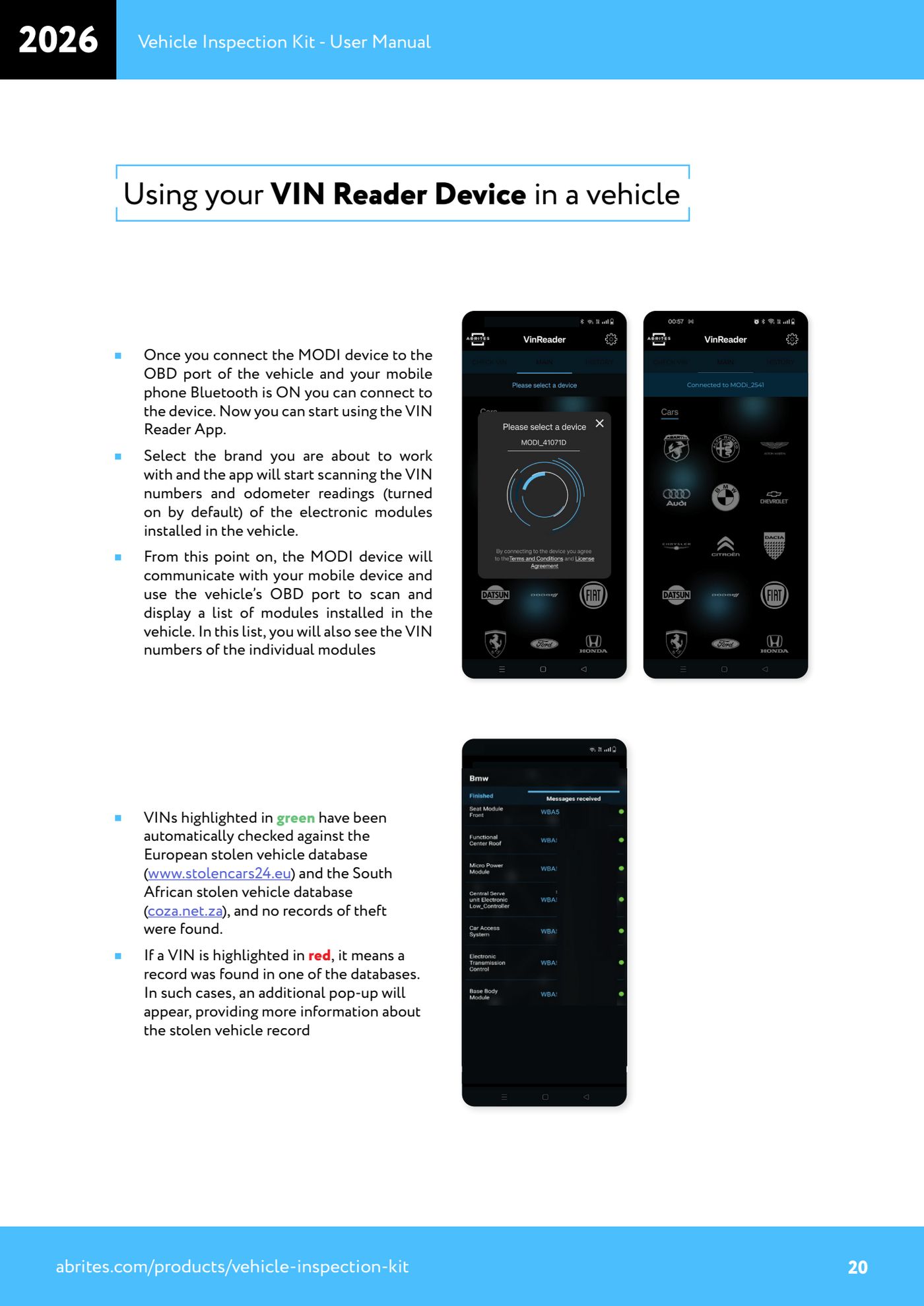
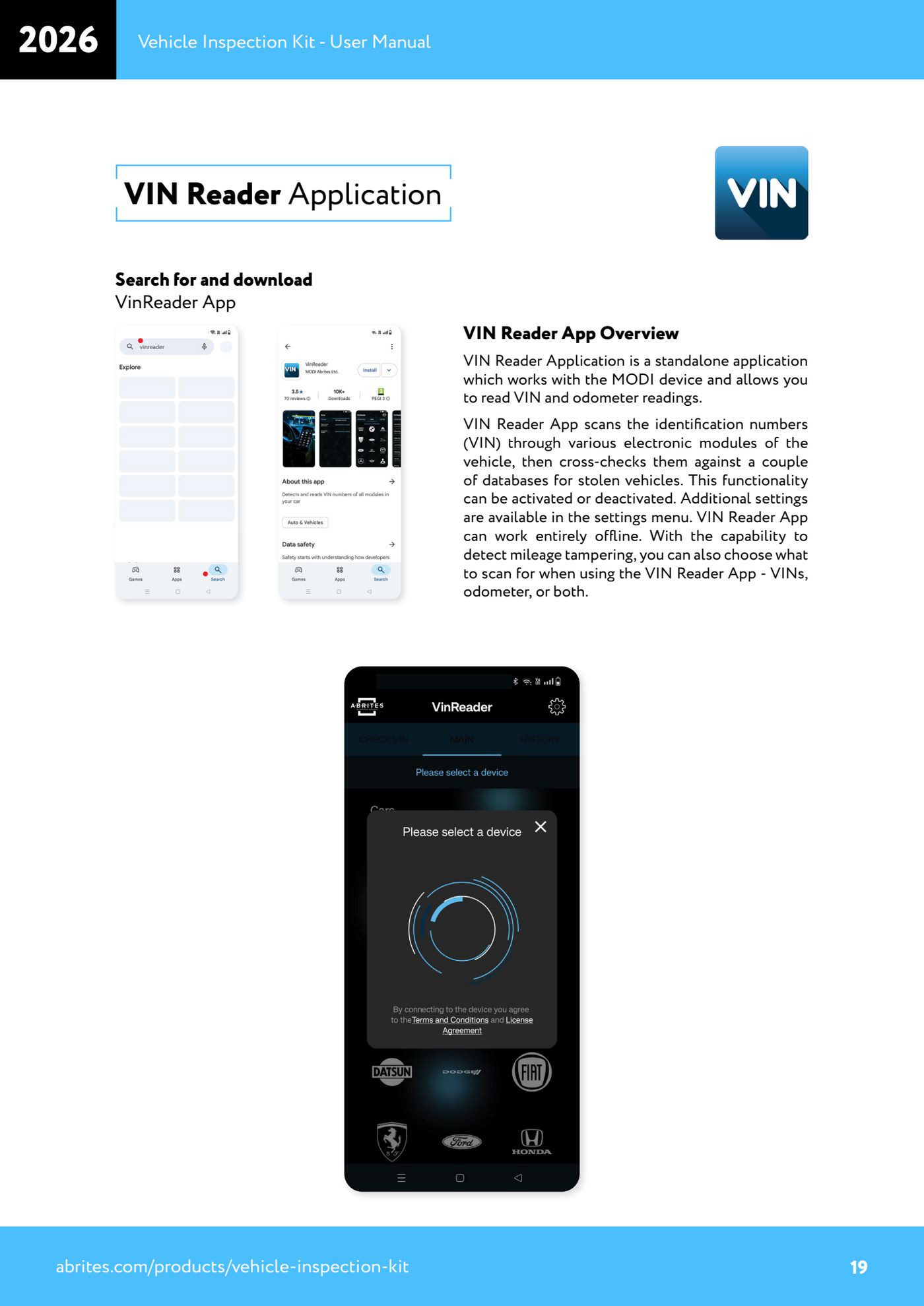
Source: Manuale Vehicle Inspection Kit, VIN Reader Application - Odometer readings, Vehicle Report, Settings (p.19-21) · ⏱ estimated time 15-30 min
← All Abrites guides Hardware catalogue
More guides Strumenti
- ABPROG ZN030: what's in the set, hooking it up to the AVDI and starting the Classic software
- Reading and writing SPI, I2C and Microwire EEPROMs with ABPROG and the ZN031/ZN035 adapter
- Erasing and reprogramming M35080VP / M35080V6 incremental EEPROMs with ABPROG
- Wiring an SPI EEPROM straight to the ABPROG DB25 without the ZN031 adapter
- Mercedes-Benz IR keys: reading the SSID, erasing and programming the NEC with ZN032 / ZN033
- Renewing used keys (HITAG/PCF) with the ZN046 adapter and ABPROG
- Solder points on key PCBs for the ZN046 and list of keys supported for renewal
- Reading the EWS3 dump on BMW E46/E39/E53 and others with the ZN055 adapter
- Reading the EEPROM on BMW F-Series FEM/BDC without desoldering, using the ZN057 extension
- Reading and writing NEC V850ES MCUs with the ZN078 adapter and ABPROG
- ABPROG DB25 pinout: building your own ZN046, ZN058, ZN078 and ZN086 adapters
- Reading the immobiliser from a Renault X95 BCM (and Audi BCM) with ABPROG and direct wiring