
Chip-Tools
VIN Reader App with MODI: reading VINs from the modules and checking stolen vehicle databases
Strumenti
Interface Classic
Diagnostics
Basic
⏱ 15-30 min
9 steps
VIN Reader is a standalone app that works with the MODI device and reads the chassis numbers stored in the vehicle's various electronic modules, cross-checking them against stolen vehicle databases. It is the tool for a quick check on a used car you are buying.
Required licences
- —
Hardware / cables
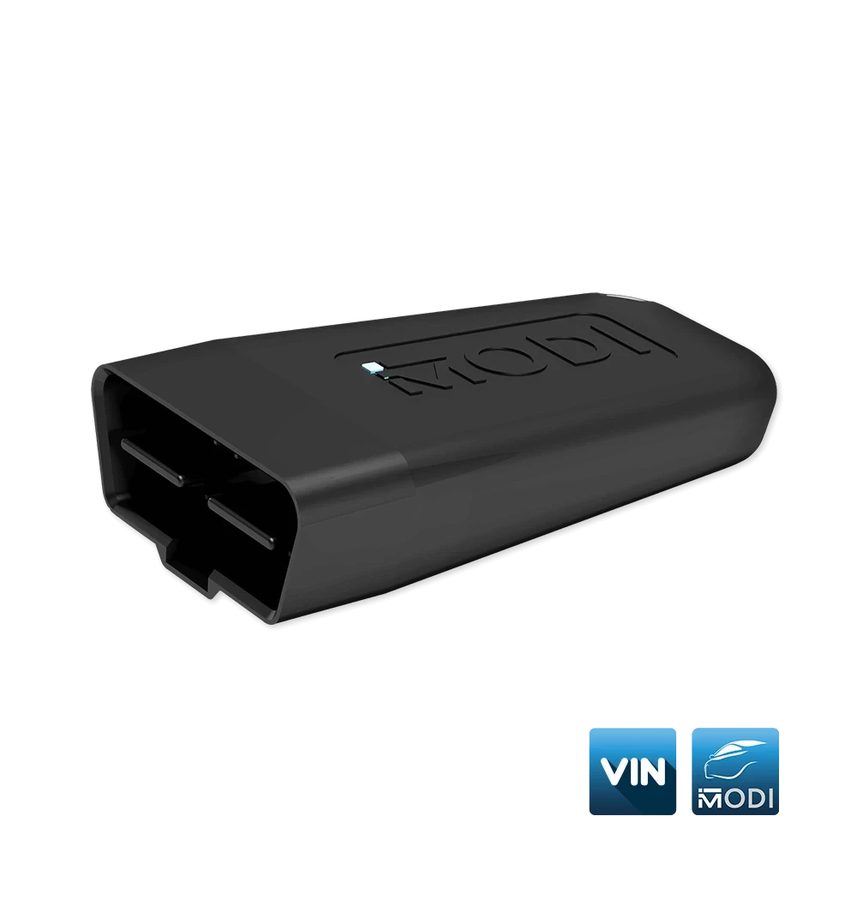 MODI
MODI- VinReader App
- smartphone/tablet Android o iOS
⚠ WarningNot every make and model stores the VIN in the electronic modules and not every variant is supported: you may not read all the VINs you expect. MODI Abrites does not guarantee the accuracy of the VIN data extracted. The database check requires an internet connection: if you turn it off, the app works entirely offline but without the stolen-vehicle check.
Procedure
- Download "VinReader App" from the Apple App Store or Google Play Store and install it. If you were using the MODI Mobile Diagnostics app, close it completely before opening VinReader.
- Plug the MODI into the vehicle's OBDII port (under the dash on the driver's side, near the glovebox or in the footwell) and check the LED is flashing.
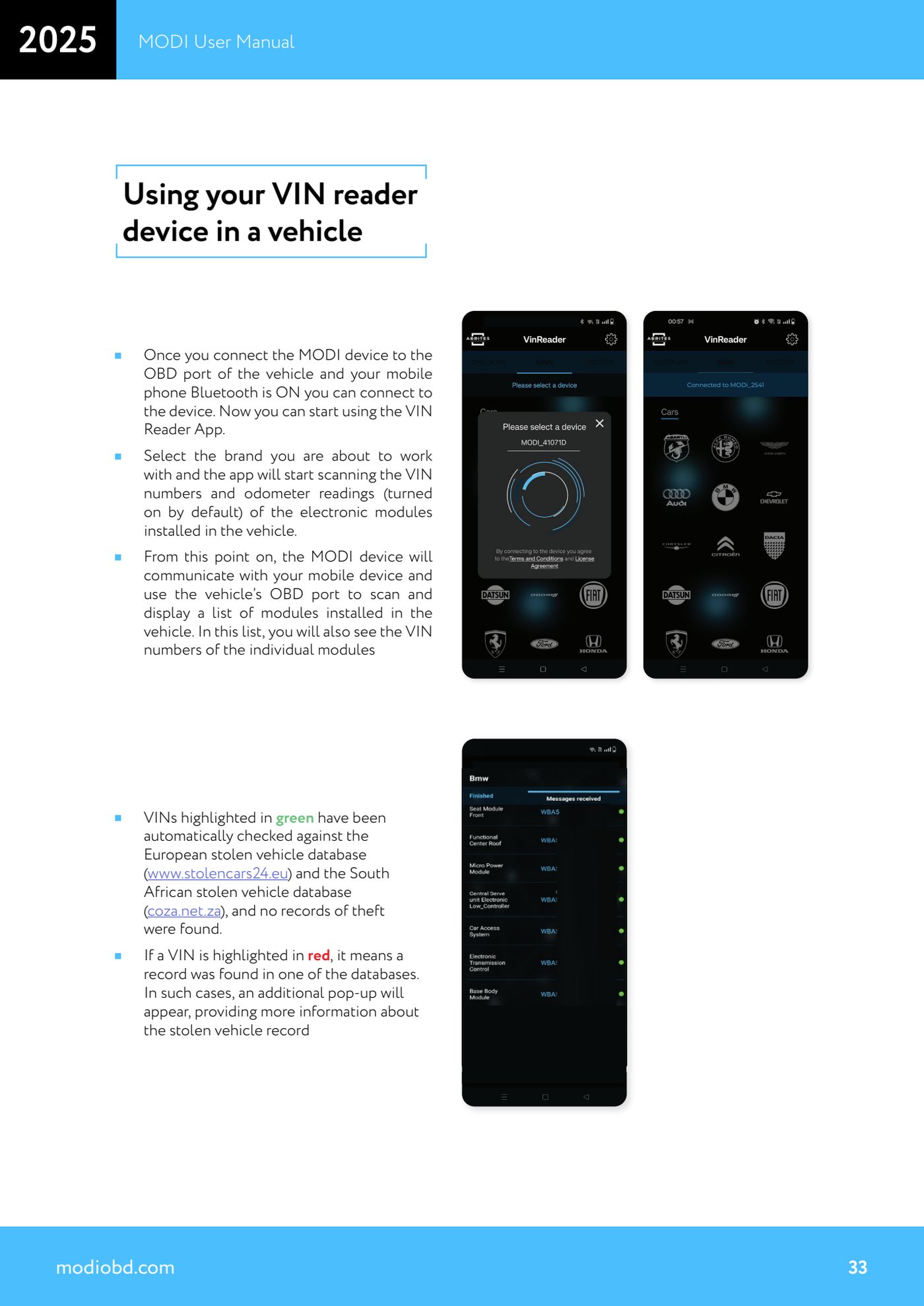
- Turn on Bluetooth on the phone/tablet, open VinReader and press "Connect" to pair the MODI device from the list (name like MODi_2541).
- Select the make you are working on: the app starts scanning for the VIN numbers and odometer readings in the electronic modules fitted (mileage readings are on by default).
- Wait for it to finish: the app uses the OBD port to list the modules fitted to the vehicle, showing next to each one the VIN read from that module.
- Compare the individual module VINs against each other and against the VIN on the plate and in the registration document: discrepancies between modules point to replaced units or units taken from other vehicles.
- Read the colours: a VIN highlighted in green has been automatically checked against the European stolen vehicle database (www.stolencars24.eu) and the South African one (coza.net.za) with no theft record found.
- If a VIN is highlighted in red it means a match was found in one of the two databases: an additional pop-up appears with more information on the theft report. Stop and dig into it before going ahead with the purchase or the job.
- In "Settings" you can enable or disable the VIN check against the stolen vehicle databases and choose what to scan: VINs only, odometer readings only, or both.
Reference screenshots
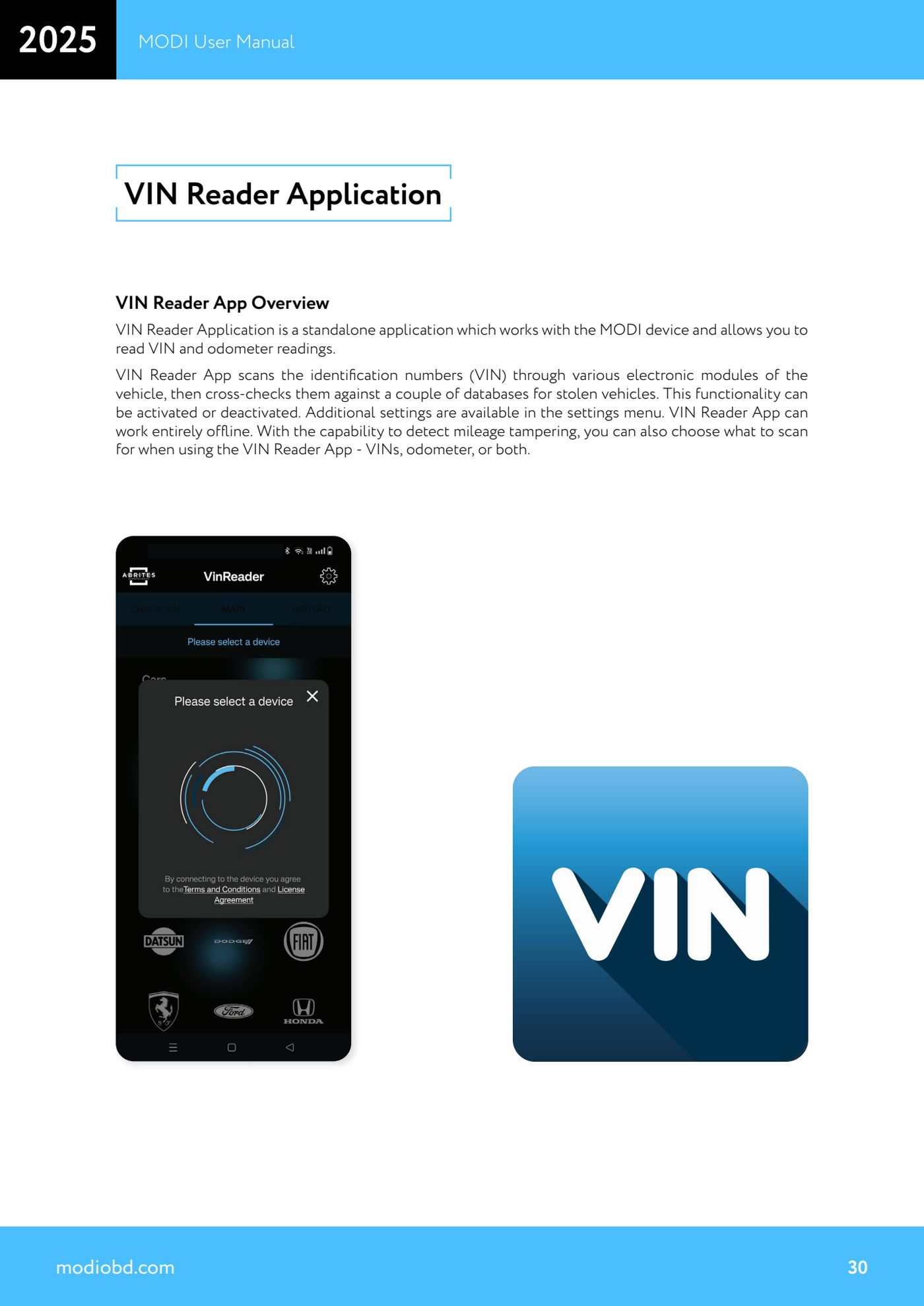
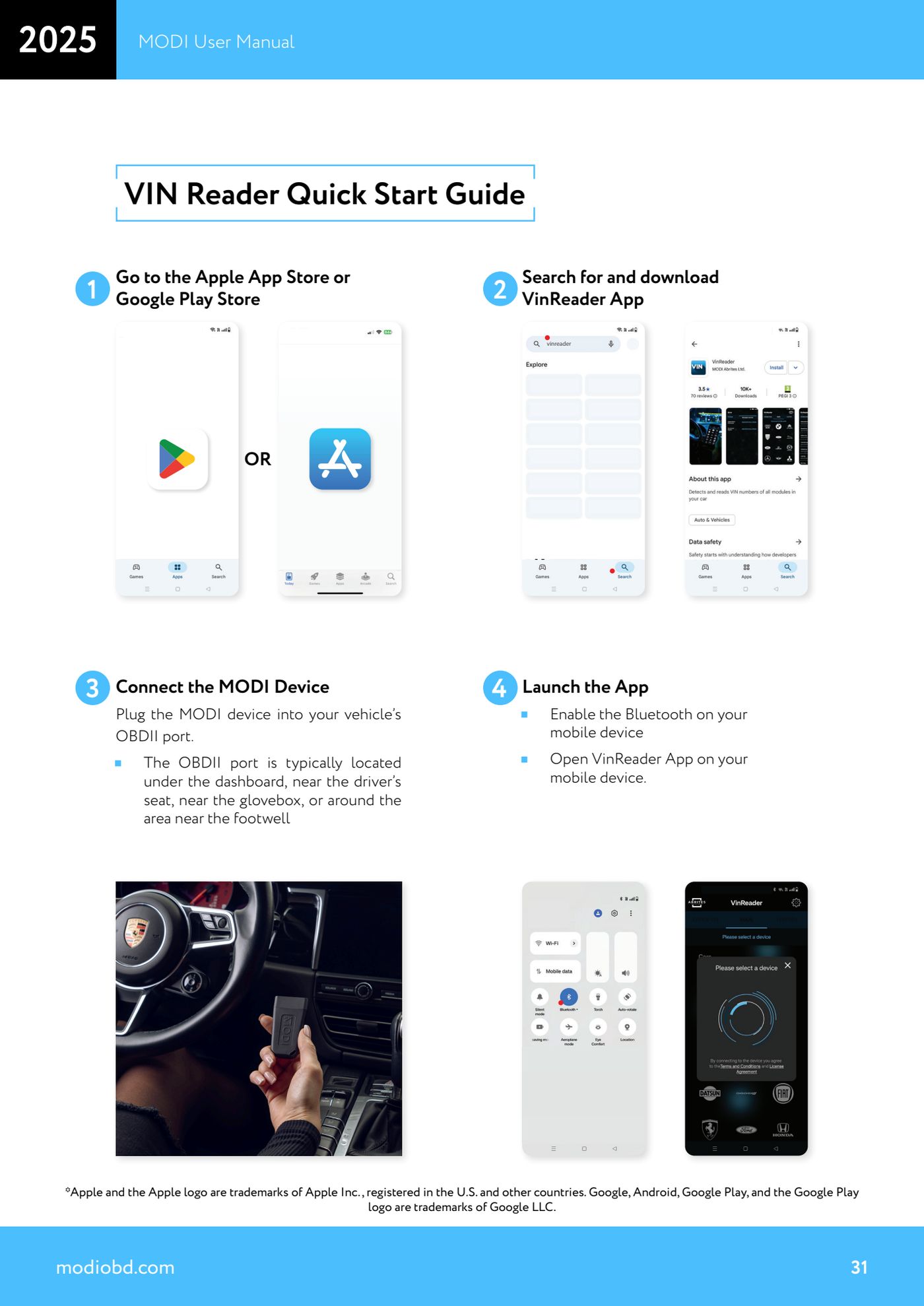
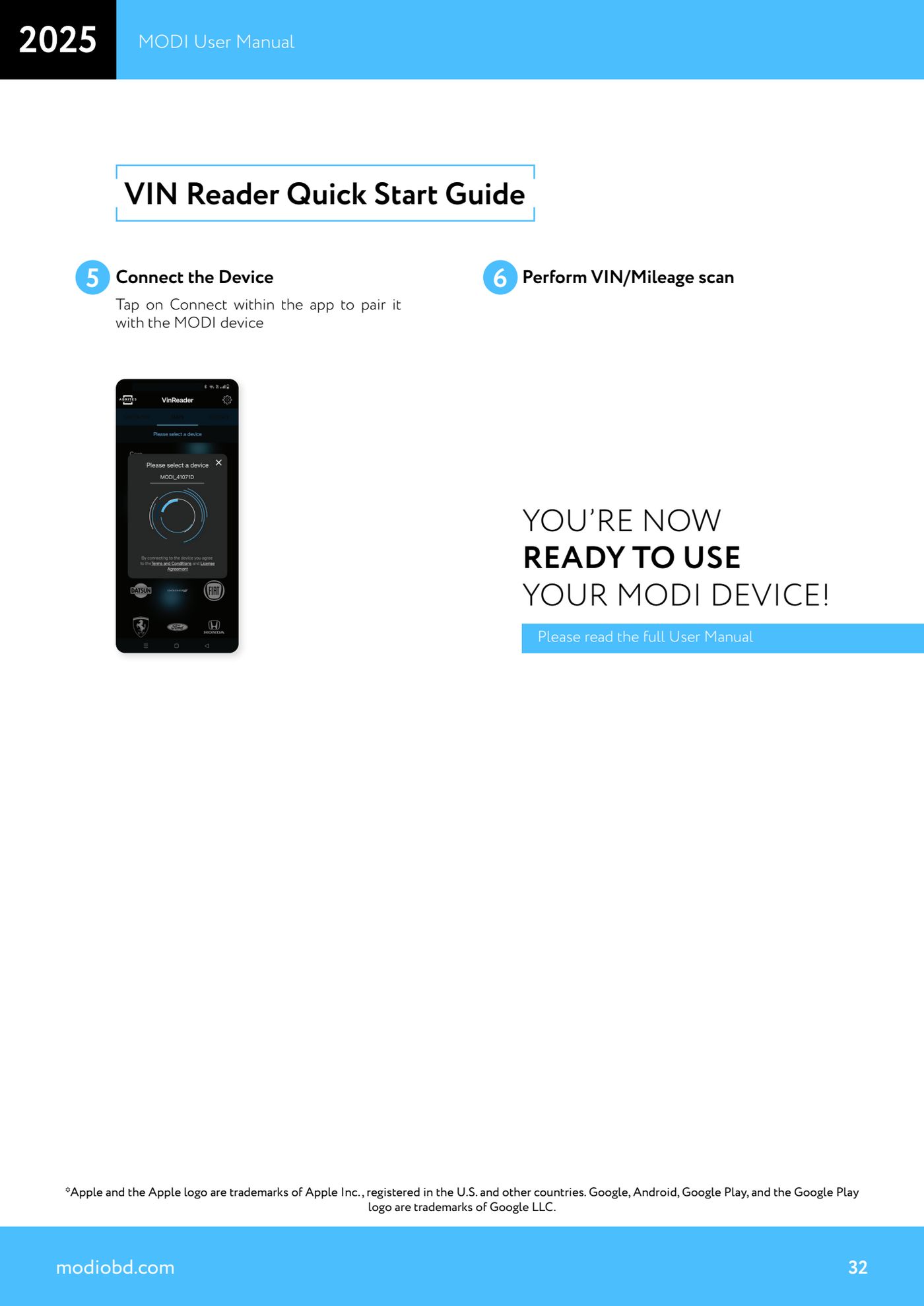
Source: Manuale MODI, "VIN Reader Application" e "Using your VIN reader device in a vehicle" (p.30-33) · ⏱ estimated time 15-30 min
← All Abrites guides Hardware catalogue
More guides Strumenti
- ABPROG ZN030: what's in the set, hooking it up to the AVDI and starting the Classic software
- Reading and writing SPI, I2C and Microwire EEPROMs with ABPROG and the ZN031/ZN035 adapter
- Erasing and reprogramming M35080VP / M35080V6 incremental EEPROMs with ABPROG
- Wiring an SPI EEPROM straight to the ABPROG DB25 without the ZN031 adapter
- Mercedes-Benz IR keys: reading the SSID, erasing and programming the NEC with ZN032 / ZN033
- Renewing used keys (HITAG/PCF) with the ZN046 adapter and ABPROG
- Solder points on key PCBs for the ZN046 and list of keys supported for renewal
- Reading the EWS3 dump on BMW E46/E39/E53 and others with the ZN055 adapter
- Reading the EEPROM on BMW F-Series FEM/BDC without desoldering, using the ZN057 extension
- Reading and writing NEC V850ES MCUs with the ZN078 adapter and ABPROG
- ABPROG DB25 pinout: building your own ZN046, ZN058, ZN078 and ZN086 adapters
- Reading the immobiliser from a Renault X95 BCM (and Audi BCM) with ABPROG and direct wiring