
Chip-Tools
Reading, erasing and writing SPI, I2C and Microwire EEPROMs with ABPROG (ZN031 / ZN035)
Strumenti
Interface Classic
Flashing / Programming
Medium
⏱ 15-30 min
12 steps
This is the ABPROG's bread-and-butter function: reading, erasing, programming and verifying the serial memories in automotive modules. You use it to save a dump before modifying it, to clone a module or to rewrite an EEPROM after the job.
Required licences
- —


⚠ WarningBefore erasing or programming any memory, read the original dump and save it to the PC with "Save": the "Erase" function wipes the chip content and without a backup the module is beyond recovery. Use "Verify" after every write to confirm the chip content matches what's in the hex editor.
Procedure
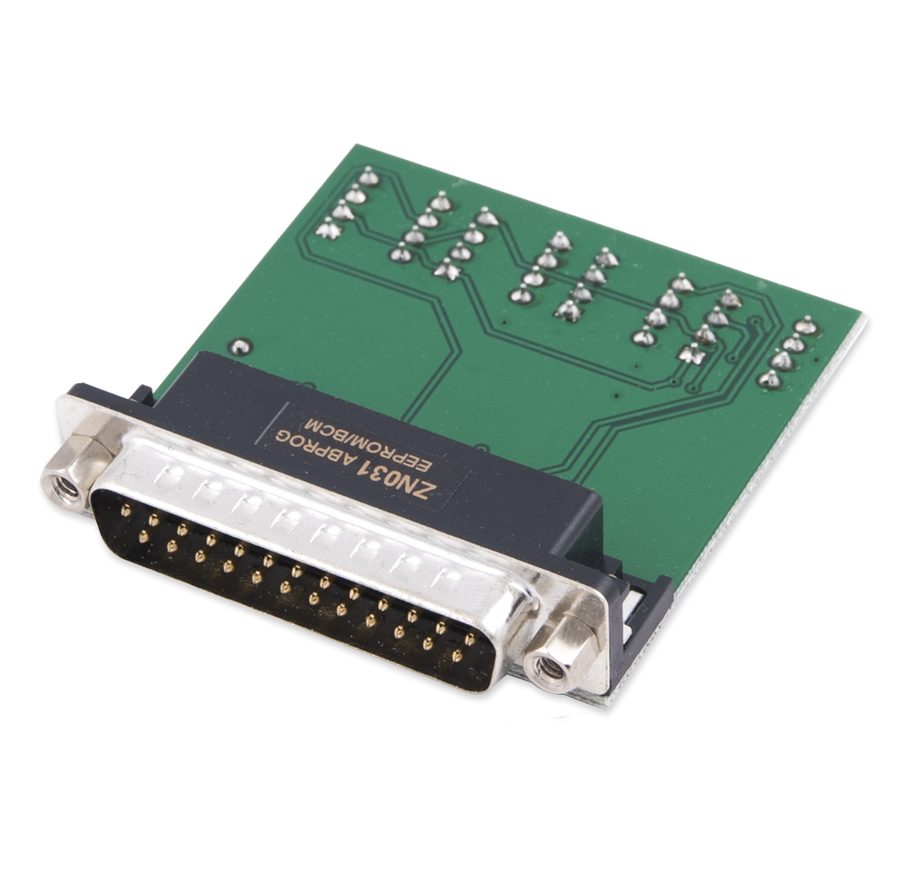
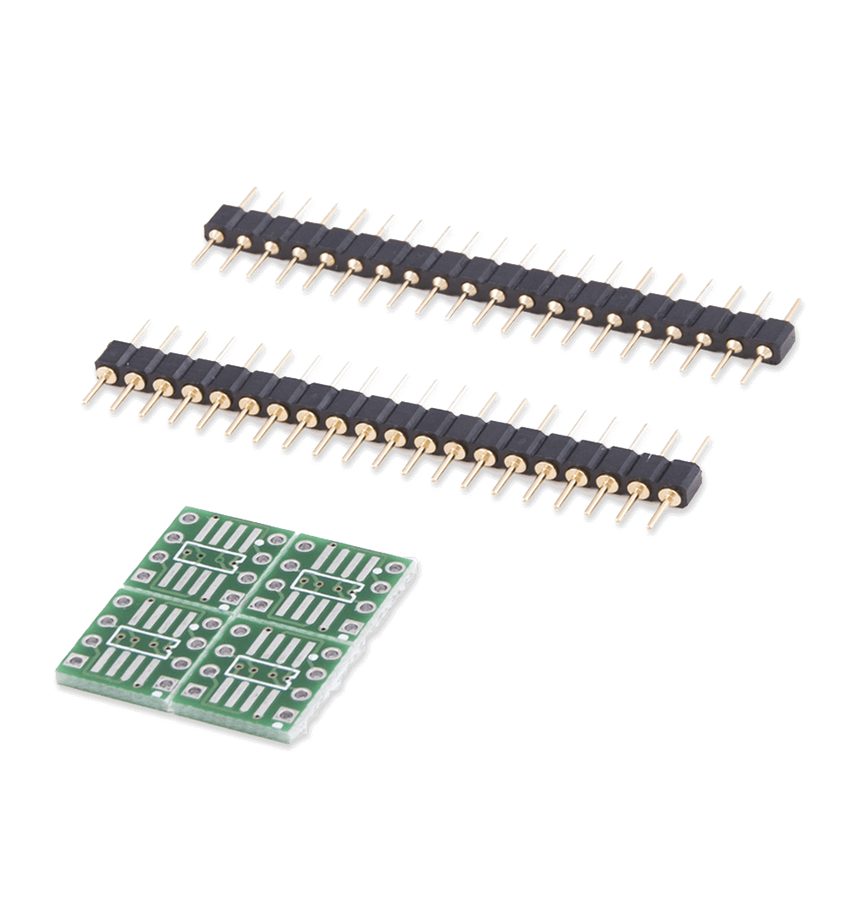
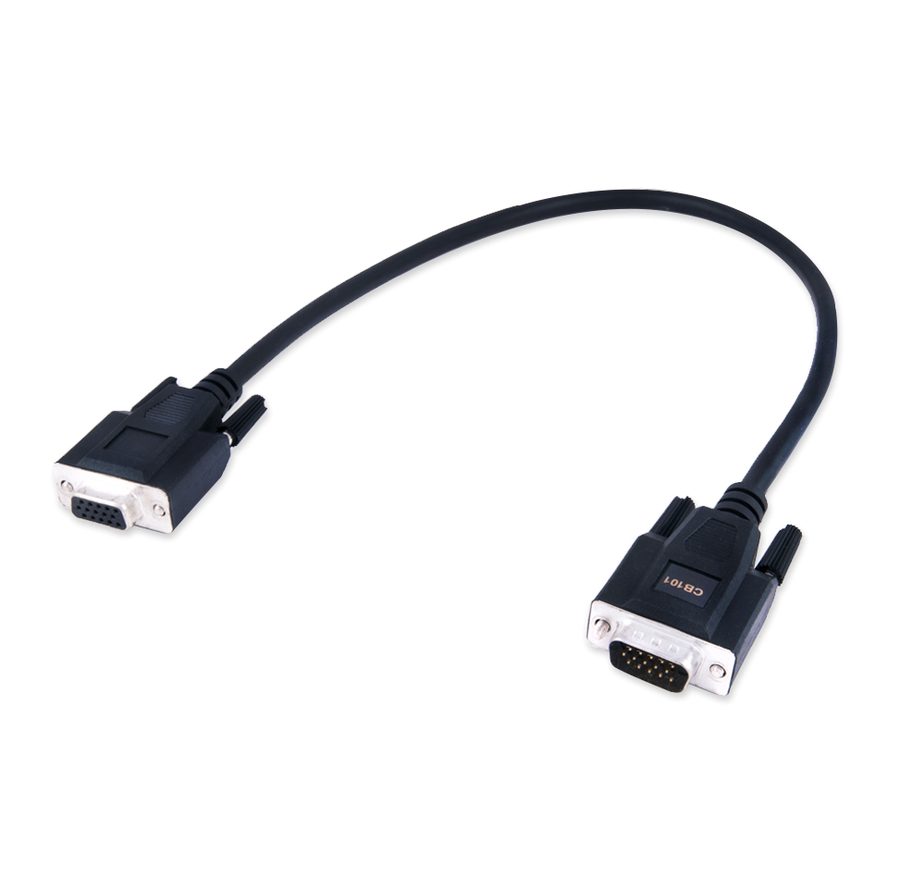
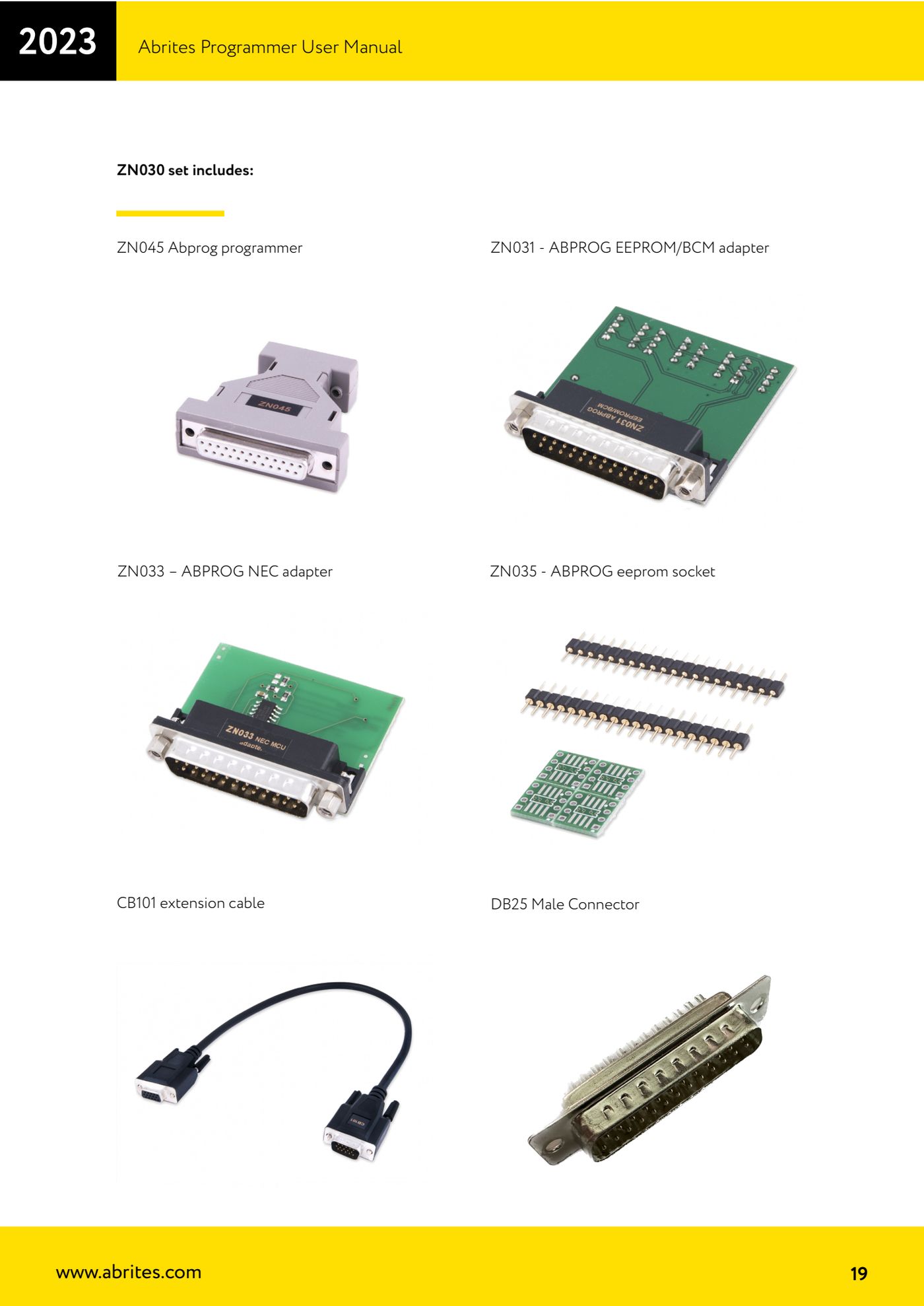
- Connect the ZN045 to the AVDI and the AVDI to the PC, then plug the right adapter into the DB25 on the ZN045: ZN031 (EEPROM/BCM) for memories still soldered to the board, ZN035 (EEPROM socket) for desoldered 8-pin memories.
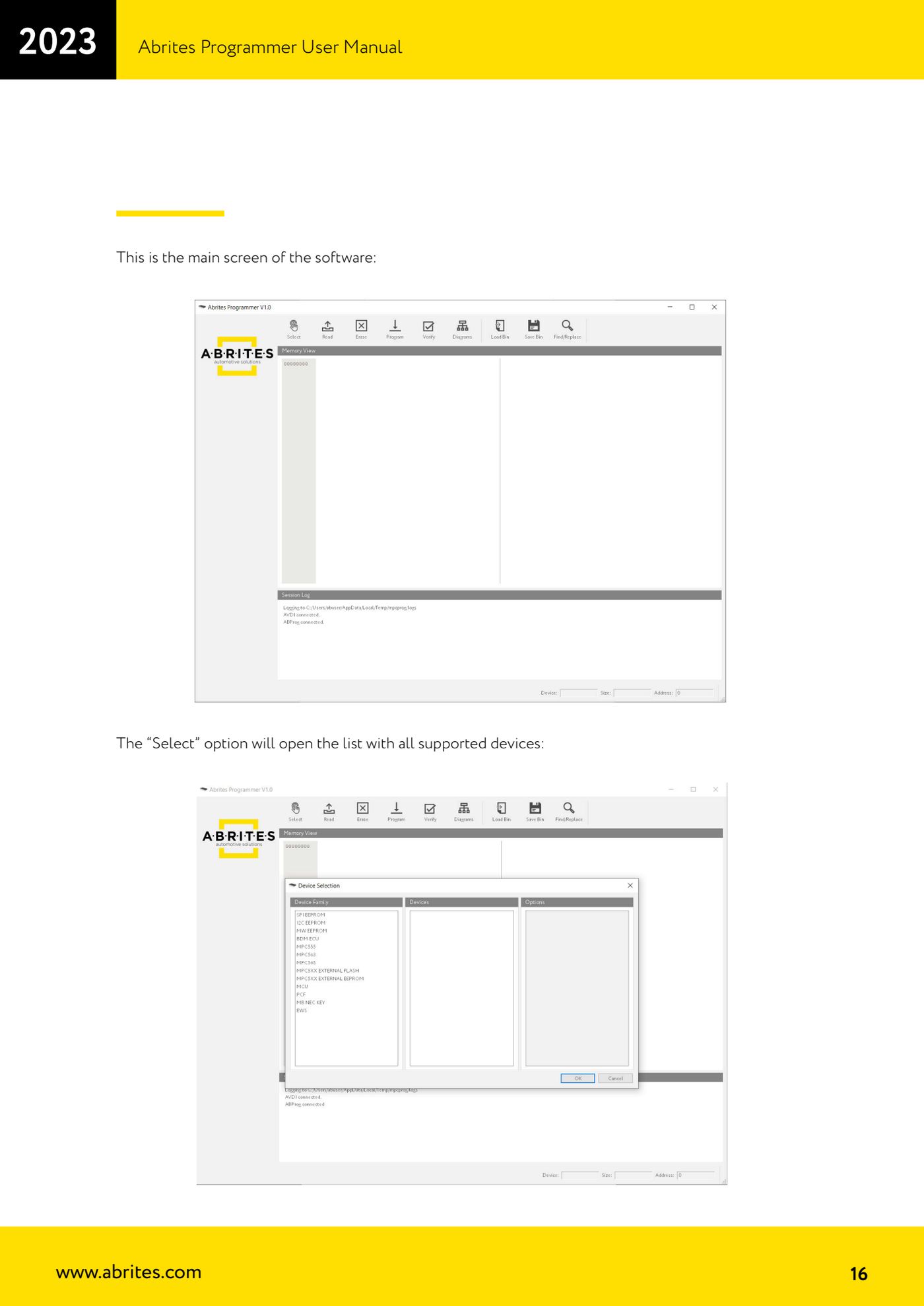
- Open "ABProg" > "Upgraded" to get to the programmer's main screen.
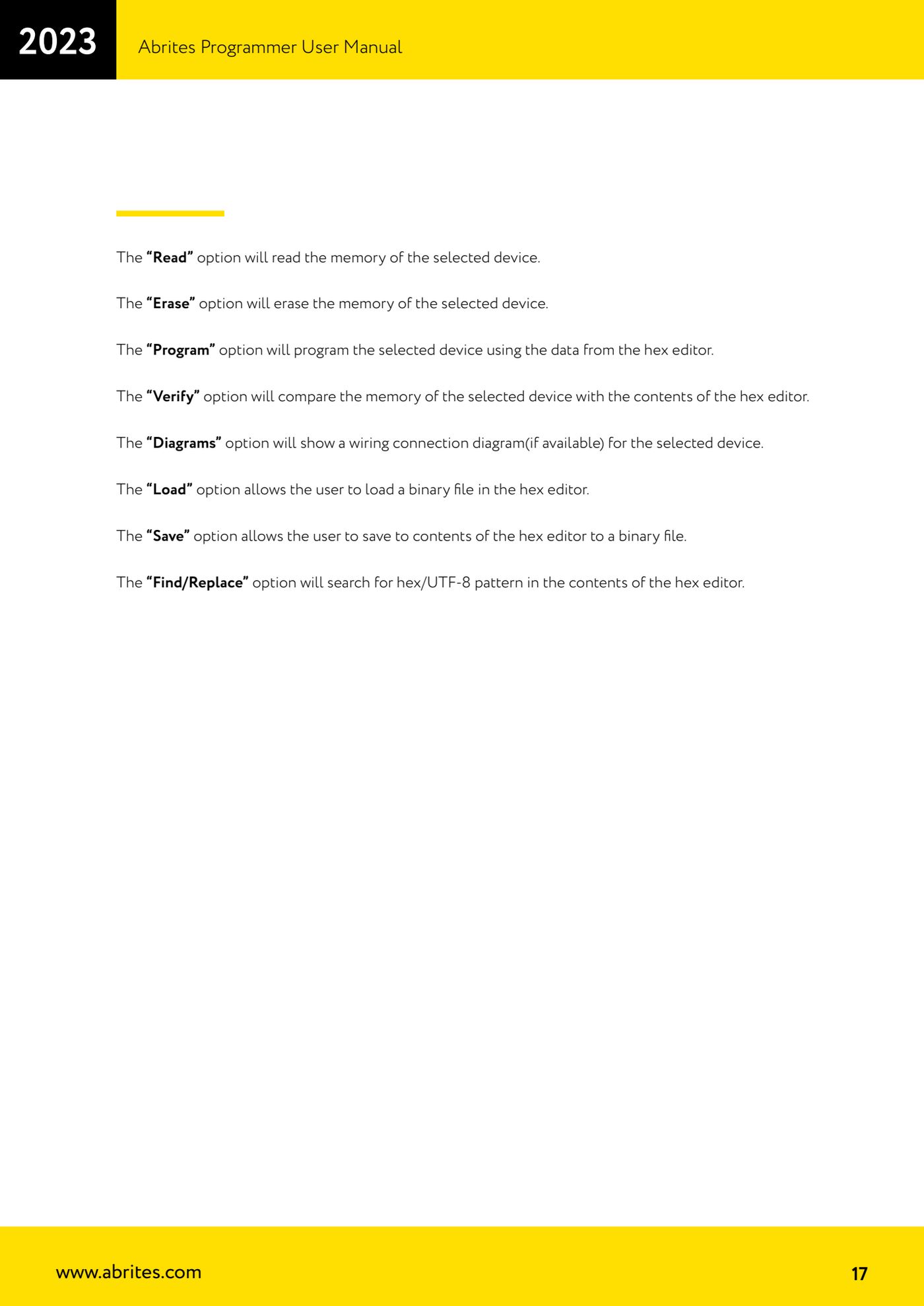
- Press "Select": the list of all supported devices opens. Pick the family and the exact chip you have in front of you.
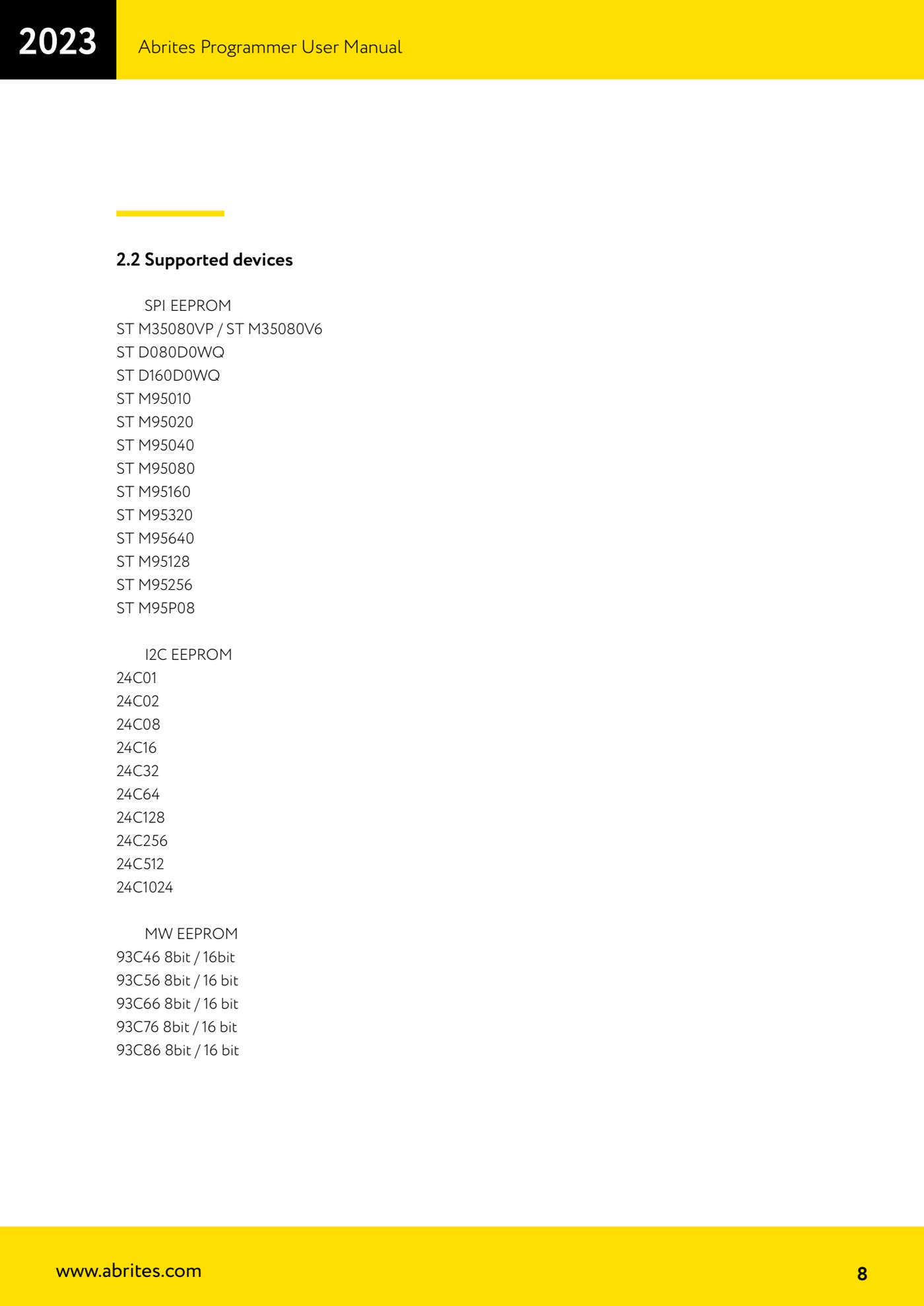
- For SPI EEPROM chips the software supports ST M35080VP / M35080V6, ST D080D0WQ, D160D0WQ, ST M95010, M95020, M95040, M95080, M95160, M95320, M95640, M95128, M95256 and M95P08.
- For I2C EEPROM chips, 24C01, 24C02, 24C08, 24C16, 24C32, 24C64, 24C128, 24C256, 24C512 and 24C1024 are supported.
- For Microwire, 93C46, 93C56, 93C66, 93C76 and 93C86 are supported, each in both 8-bit and 16-bit organisation: pick the wrong organisation and the dump comes out unreadable or byte-swapped, so check it on the module.
- Press "Diagrams": if a connection diagram exists for the selected device, the software shows it. Wire the adapter leads according to that diagram.
- Press "Read" to read the memory. The content appears in the hex editor.
- Press "Save" and save the original dump to the PC as a backup straight away, before you touch anything.
- If you need to load a ready file (a modified dump or the donor module's dump) use "Load" to bring it into the hex editor; with "Find/Replace" you can search for a hex or UTF-8 pattern within the editor content.
- If the chip requires it press "Erase" to wipe it, then "Program" to write the hex editor content to the chip.
- Finish with "Verify": the software compares the chip memory against the hex editor content and tells you whether the write went through.
Reference screenshots
Source: Manuale Abrites Programmer, cap. 2.2 e 2.5 (p.8, p.16-17, p.19) · ⏱ estimated time 15-30 min
← All Abrites guides Hardware catalogue
More guides Strumenti
- ABPROG ZN030: what's in the set, hooking it up to the AVDI and starting the Classic software
- Reading and writing SPI, I2C and Microwire EEPROMs with ABPROG and the ZN031/ZN035 adapter
- Erasing and reprogramming M35080VP / M35080V6 incremental EEPROMs with ABPROG
- Wiring an SPI EEPROM straight to the ABPROG DB25 without the ZN031 adapter
- Mercedes-Benz IR keys: reading the SSID, erasing and programming the NEC with ZN032 / ZN033
- Renewing used keys (HITAG/PCF) with the ZN046 adapter and ABPROG
- Solder points on key PCBs for the ZN046 and list of keys supported for renewal
- Reading the EWS3 dump on BMW E46/E39/E53 and others with the ZN055 adapter
- Reading the EEPROM on BMW F-Series FEM/BDC without desoldering, using the ZN057 extension
- Reading and writing NEC V850ES MCUs with the ZN078 adapter and ABPROG
- ABPROG DB25 pinout: building your own ZN046, ZN058, ZN078 and ZN086 adapters
- Reading the immobiliser from a Renault X95 BCM (and Audi BCM) with ABPROG and direct wiring