
Chip-Tools
Reading and writing the ECU in DIAG (OBDII): ECM maps, Flash and Data Flash
Strumenti
Interface Classic
Flashing / Programming
Medium
⏱ 20-60 min
9 steps
The ECU Programming Tool's "Diag" mode reads and writes the ECU over diagnostics, through the car's OBDII socket (or with a direct connection). It handles reading and writing ECM maps, internal/external Flash and Data Flash, with both a real read and a virtual read. It's always the first thing to try, before stripping the ECU out.
Required licences
- EP001
- EP005
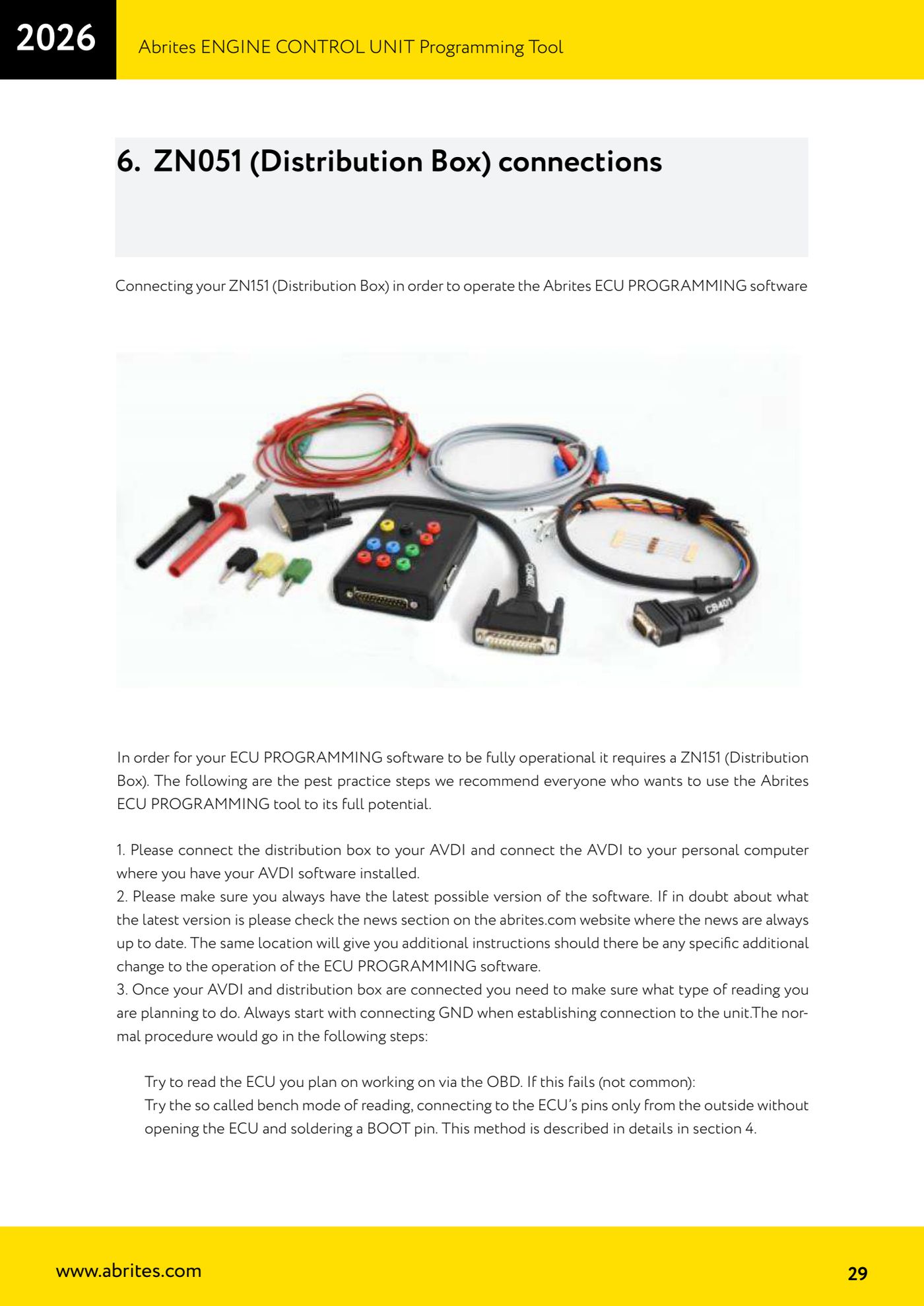
Hardware / cables

Procedure
- Connect the AVDI to the PC and to the vehicle's OBDII socket, then start the ECU Programming Tool.
- On the opening screen choose the "Diag" option.
- Select the make of car you want to work on from the list.
- Select the ECU make (Bosch, Continental/Siemens, Delphi, Kefico and the like, depending on the vehicle).
- Select the memory type you want to work on: ECM maps, Internal/External Flash or Data Flash.
- Press "Info" to interrogate the unit and confirm it answers and that the type detected is the right one before doing anything else.
- Press "Read" to read and save the file to the PC: always do it, even if your aim is to write, because it's your backup.
- Press "Write" only once you have the correct file to load; checksum correction is carried out during programming.
- If the OBDII read fails, don't force it: move to "Bench" mode with a direct connection to the ECU pins, and only as a last resort to "BSL" boot mode.
Reference screenshots
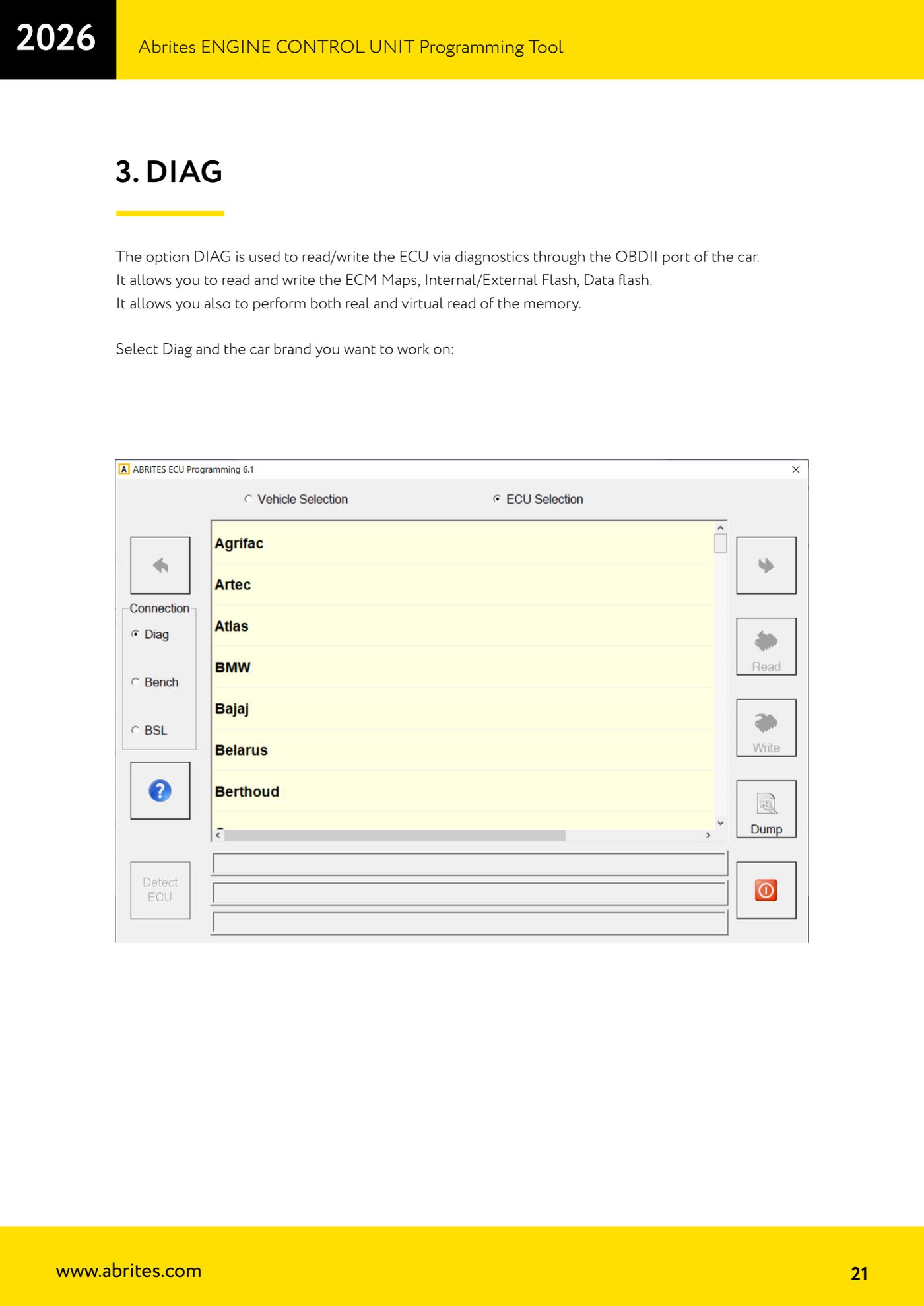
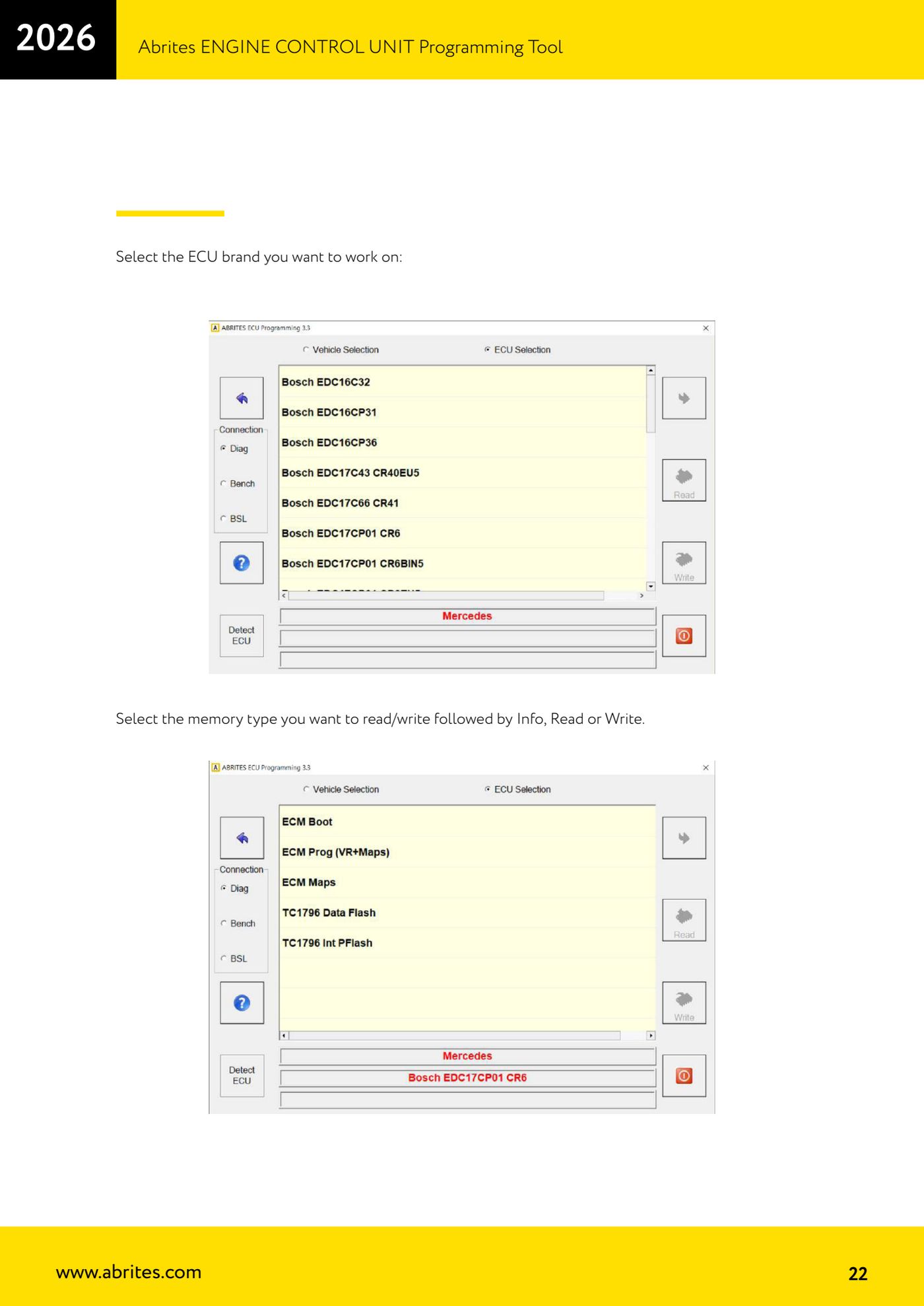
Source: Manuale ECU Programming Tool, parte 1 di 3, cap. 3 (p.21-22) · ⏱ estimated time 20-60 min
← All Abrites guides Hardware catalogue
More guides Strumenti
- ABPROG ZN030: what's in the set, hooking it up to the AVDI and starting the Classic software
- Reading and writing SPI, I2C and Microwire EEPROMs with ABPROG and the ZN031/ZN035 adapter
- Erasing and reprogramming M35080VP / M35080V6 incremental EEPROMs with ABPROG
- Wiring an SPI EEPROM straight to the ABPROG DB25 without the ZN031 adapter
- Mercedes-Benz IR keys: reading the SSID, erasing and programming the NEC with ZN032 / ZN033
- Renewing used keys (HITAG/PCF) with the ZN046 adapter and ABPROG
- Solder points on key PCBs for the ZN046 and list of keys supported for renewal
- Reading the EWS3 dump on BMW E46/E39/E53 and others with the ZN055 adapter
- Reading the EEPROM on BMW F-Series FEM/BDC without desoldering, using the ZN057 extension
- Reading and writing NEC V850ES MCUs with the ZN078 adapter and ABPROG
- ABPROG DB25 pinout: building your own ZN046, ZN058, ZN078 and ZN086 adapters
- Reading the immobiliser from a Renault X95 BCM (and Audi BCM) with ABPROG and direct wiring