
Chip-Tools
Odometer reading and vehicle report with MODI VIN Reader: mileage tampering checks and PDF/HTML/CSV export
Strumenti
Interface Classic
Odometer
Medium
⏱ 15-30 min
10 steps
Besides VINs, VinReader extracts the odometer readings from the modules that store them and lets you spot mileage tampering, exporting the lot as a report to hand the customer in PDF, HTML or CSV.
Required licences
- —
Hardware / cables
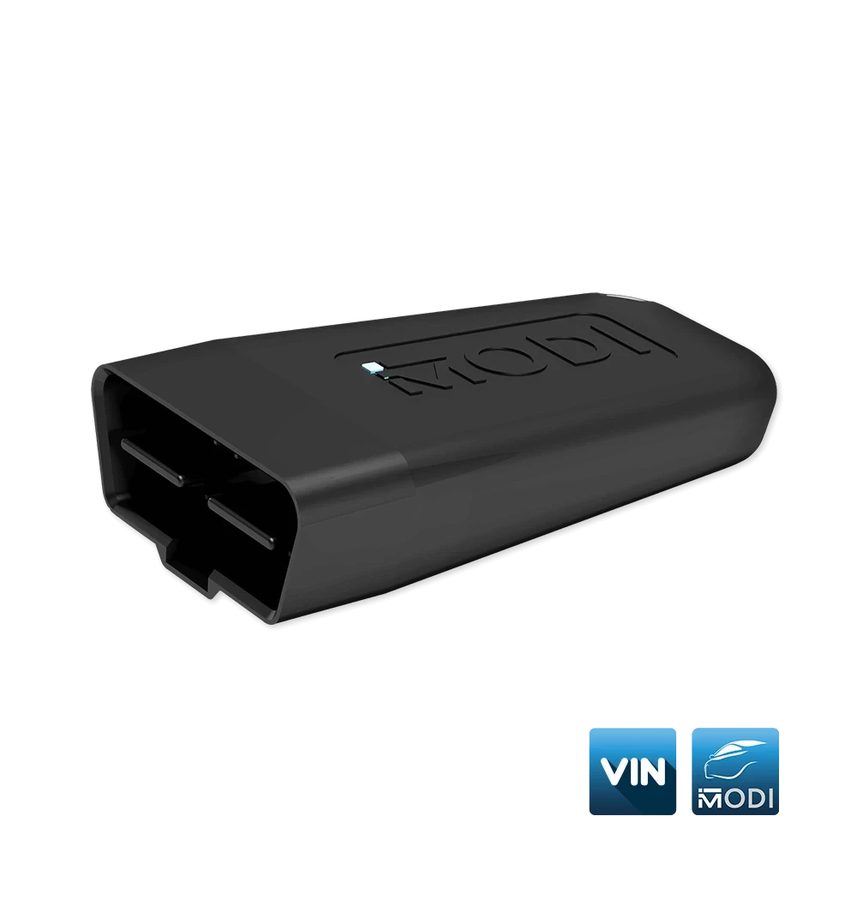 MODI
MODI- VinReader App
⚠ WarningThe mileage figure is a calculated value, the result of data extraction, and may differ from the real values. Not every make and model stores mileage readings in the electronic modules and not every variant is supported: MODI Abrites accepts no responsibility for the accuracy of the VIN and mileage data extracted.
Procedure
- Plug the MODI into the OBDII port, turn on Bluetooth and press "Connect" in the VinReader App to pair the device.
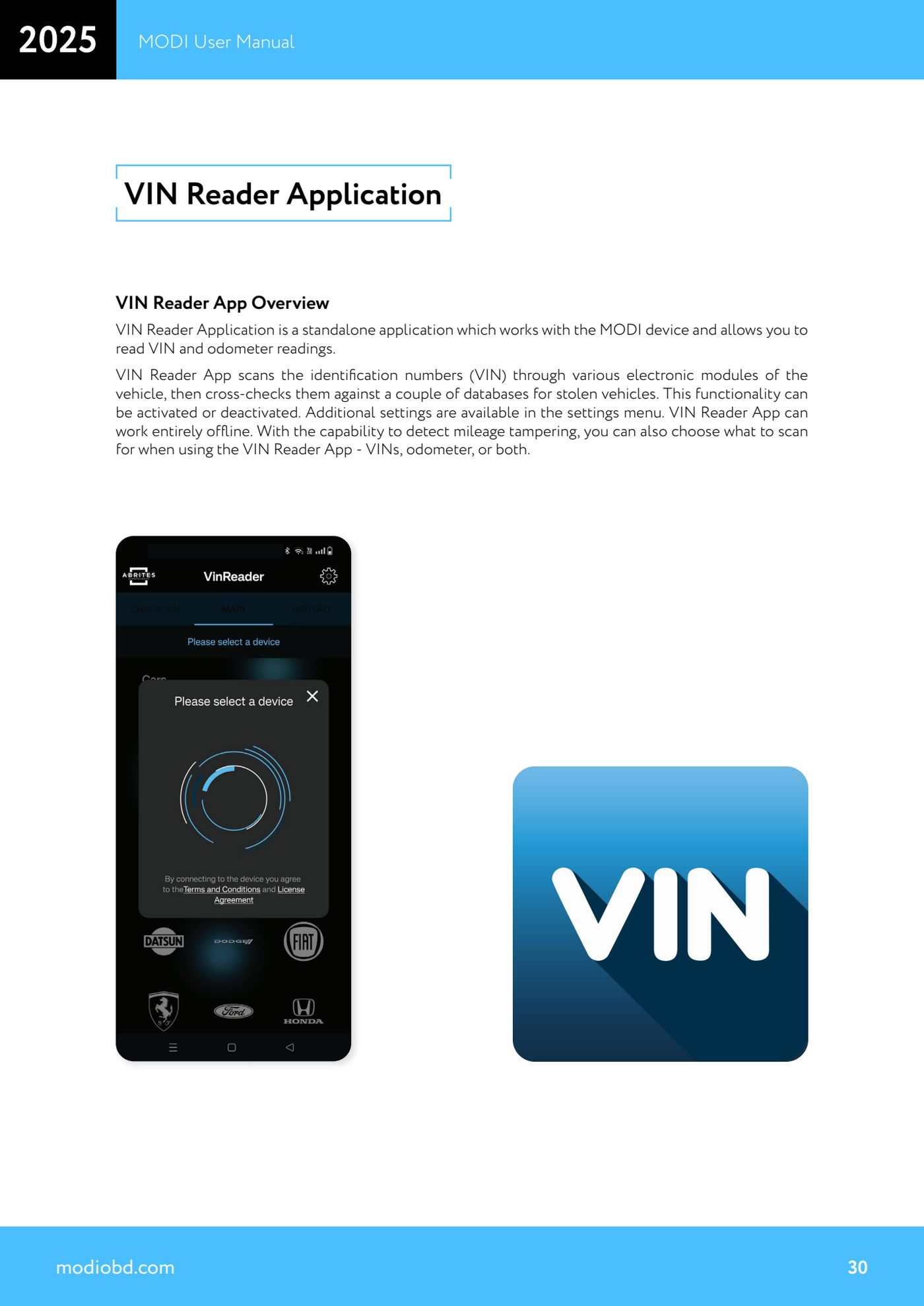
- Before scanning, open the "Settings" tab and check what is to be read: VIN only, odometer readings only, or both.
- Still in "Settings", set the unit of measure: odometer values are shown in kilometres by default, but you can switch to miles. The application language is also changed from here.
- If you do not need the stolen vehicle database check, turn it off: without those options the app works completely offline. With the check on, internet access is required.
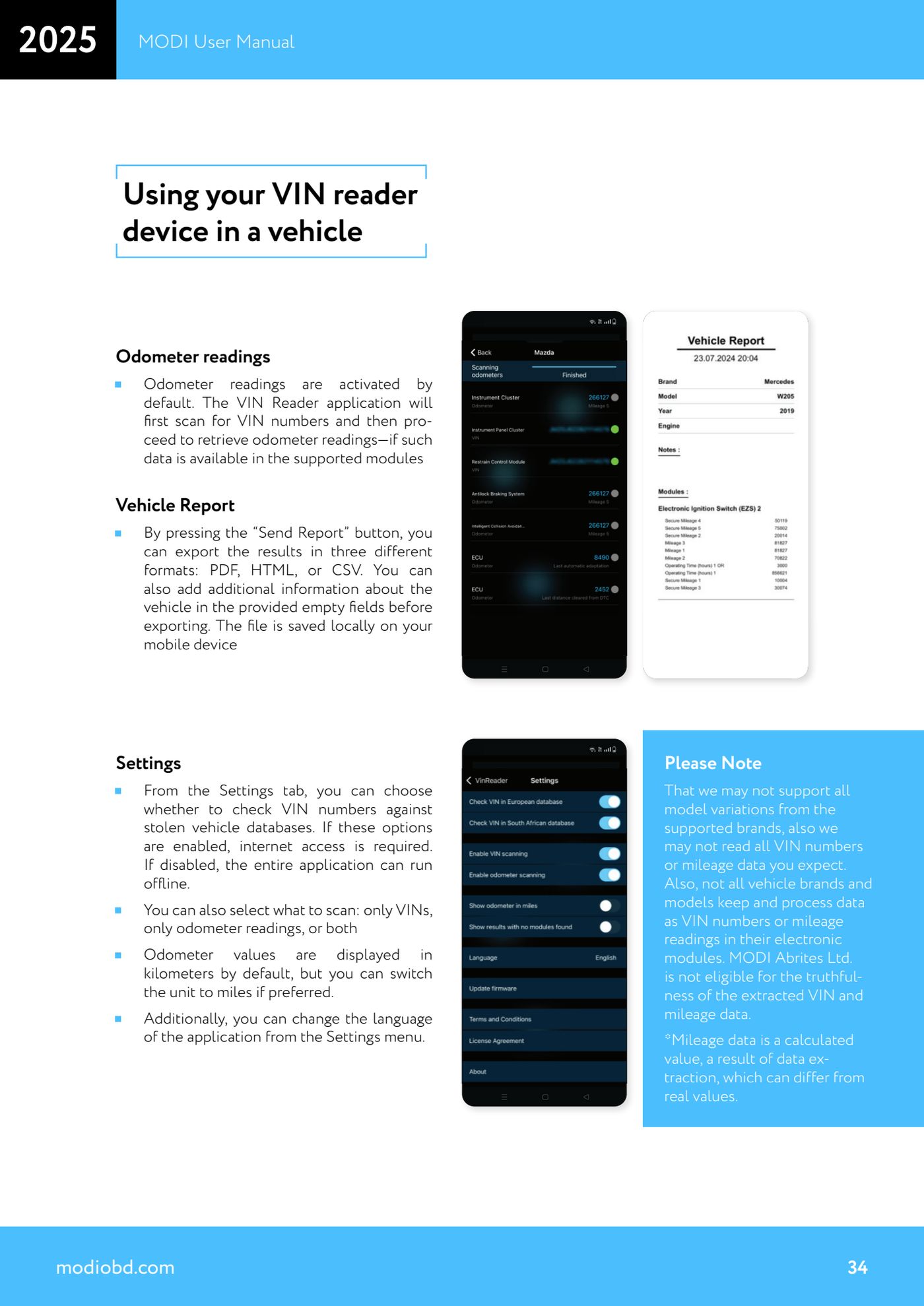
- Select the make and start the scan: the application looks for the VIN numbers first and then goes on to recover the odometer readings, where the data is available in supported modules.
- Compare the mileage readings recovered from the various modules against each other and against the value shown on the instrument cluster: inconsistent values between modules are the tell-tale sign of mileage tampering.
- To produce the document press "Send Report".
- Before exporting, fill in the available blank fields with the additional vehicle information (customer details, registration number, technician's notes).
- Choose the export format from PDF, HTML or CSV. The file is saved locally on the mobile device.
- File the document and hand it to the customer together with any health report generated with the MODI Mobile Diagnostics app.
Reference screenshots
Source: Manuale MODI, "Using your VIN reader device in a vehicle - Odometer readings, Vehicle Report, Settings" (p.30, 34) · ⏱ estimated time 15-30 min
← All Abrites guides Hardware catalogue
More guides Strumenti
- ABPROG ZN030: what's in the set, hooking it up to the AVDI and starting the Classic software
- Reading and writing SPI, I2C and Microwire EEPROMs with ABPROG and the ZN031/ZN035 adapter
- Erasing and reprogramming M35080VP / M35080V6 incremental EEPROMs with ABPROG
- Wiring an SPI EEPROM straight to the ABPROG DB25 without the ZN031 adapter
- Mercedes-Benz IR keys: reading the SSID, erasing and programming the NEC with ZN032 / ZN033
- Renewing used keys (HITAG/PCF) with the ZN046 adapter and ABPROG
- Solder points on key PCBs for the ZN046 and list of keys supported for renewal
- Reading the EWS3 dump on BMW E46/E39/E53 and others with the ZN055 adapter
- Reading the EEPROM on BMW F-Series FEM/BDC without desoldering, using the ZN057 extension
- Reading and writing NEC V850ES MCUs with the ZN078 adapter and ABPROG
- ABPROG DB25 pinout: building your own ZN046, ZN058, ZN078 and ZN086 adapters
- Reading the immobiliser from a Renault X95 BCM (and Audi BCM) with ABPROG and direct wiring