
Chip-Tools
MODI will not connect or the LED is dead: troubleshooting Bluetooth pairing and power problems
Strumenti
Interface Classic
Hardware / Connections
Basic
⏱ 10-20 min
10 steps
A checking sequence for when the phone or tablet does not detect the MODI device, cannot pair with it, or when the LED does not flash after plugging it into the OBDII port.
Required licences
- —
Hardware / cables
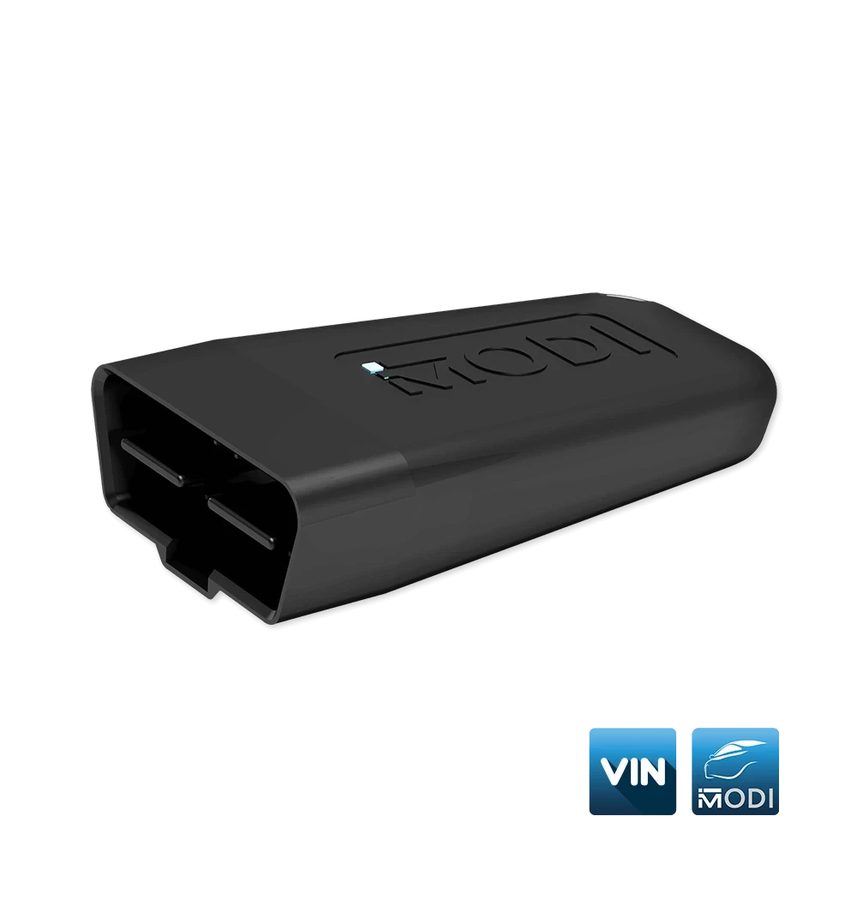 MODI
MODI- MODI Mobile Diagnostics App
- VinReader App
⚠ WarningDo not disassemble the OBDII device: any modification voids the warranty and the authorisation to use it. The device contains no user-serviceable parts; servicing is carried out by MODI Abrites only.
Procedure
- Check the power LED: with MODI plugged into the OBDII port the LED should flash. If it is flashing, the problem is on the Bluetooth or app side.
- Turn the phone/tablet's Bluetooth off and back on, then try "Connect" again.
- Close and reopen the application you used last, MODI Mobile Diagnostics or VinReader.
- If you are switching between the two apps, close the first one completely before opening the second: the two apps cannot hold the connection at the same time.
- Restart the phone or tablet: a simple restart fixes most connectivity problems.
- Check the internet connection: you need a stable line, switch to Wi-Fi if necessary.
- Turn the vehicle's ignition ON: on some vehicles the OBDII port only works with the ignition on.
- If you have a lot of paired Bluetooth devices, unpair them all and try pairing the MODI on its own.
- If the LED does not come on at all after plugging into the OBDII port, try the device on another vehicle to work out whether the problem is the MODI or the vehicle's port.
- If the problem persists, raise a report through the contact form: modiobd.com/contact-form/create. For the warranty (24 months on manufacturing defects), get the account verification documentation ready and pack the device securely with all its components.
Reference screenshots
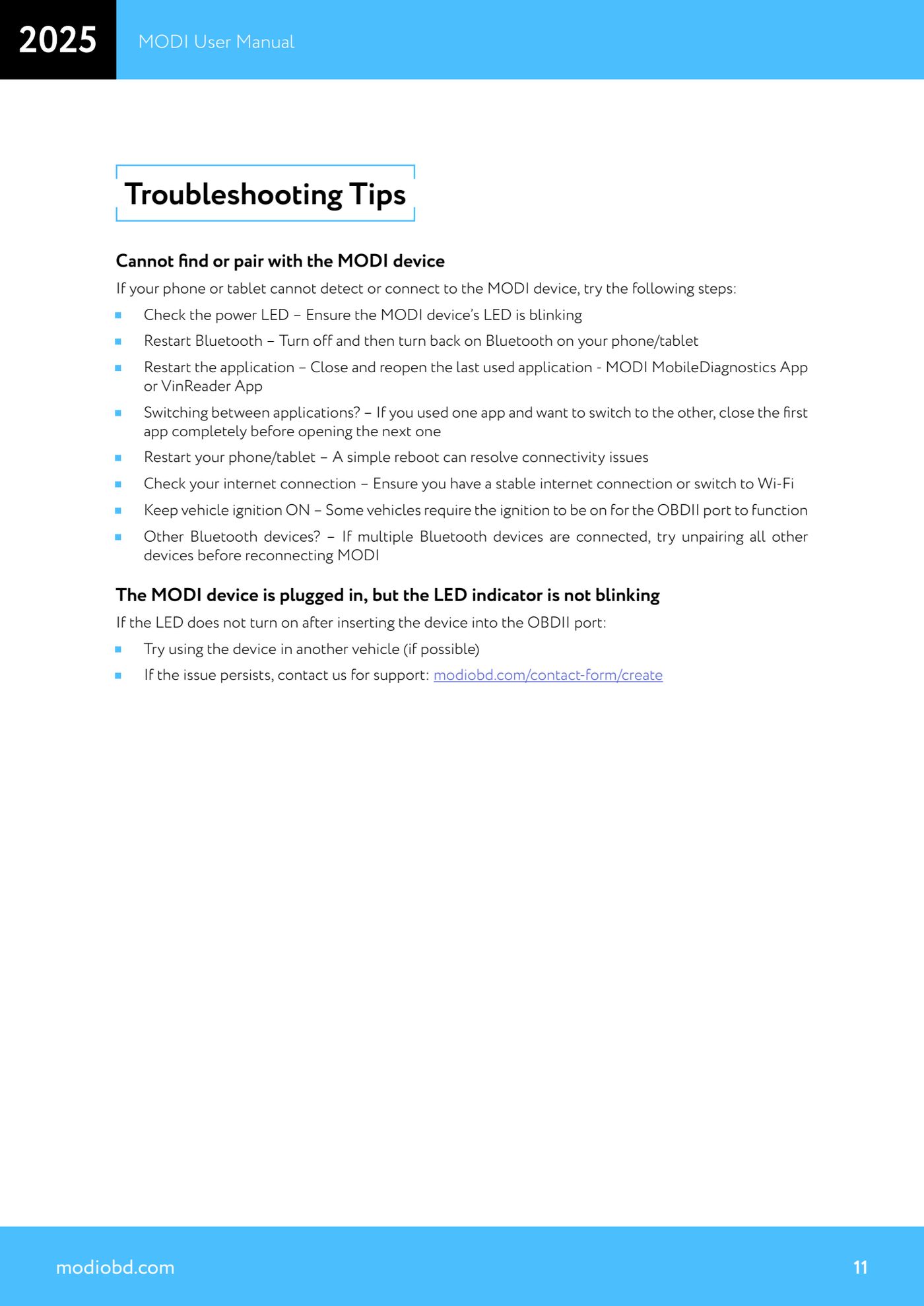
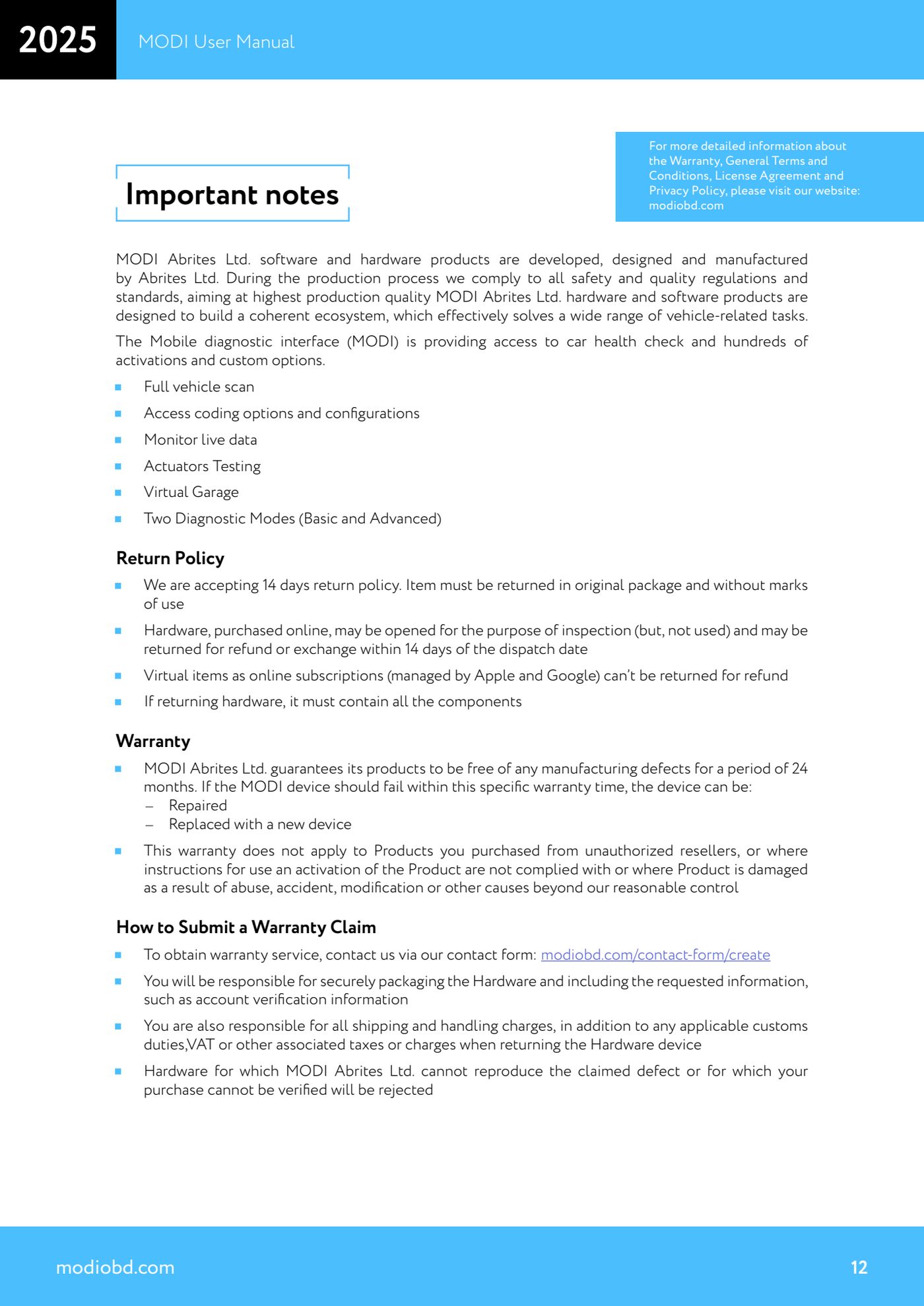
Source: Manuale MODI, "Troubleshooting Tips" e "Important notes / Warranty" (p.11-12) · ⏱ estimated time 10-20 min
← All Abrites guides Hardware catalogue
More guides Strumenti
- ABPROG ZN030: what's in the set, hooking it up to the AVDI and starting the Classic software
- Reading and writing SPI, I2C and Microwire EEPROMs with ABPROG and the ZN031/ZN035 adapter
- Erasing and reprogramming M35080VP / M35080V6 incremental EEPROMs with ABPROG
- Wiring an SPI EEPROM straight to the ABPROG DB25 without the ZN031 adapter
- Mercedes-Benz IR keys: reading the SSID, erasing and programming the NEC with ZN032 / ZN033
- Renewing used keys (HITAG/PCF) with the ZN046 adapter and ABPROG
- Solder points on key PCBs for the ZN046 and list of keys supported for renewal
- Reading the EWS3 dump on BMW E46/E39/E53 and others with the ZN055 adapter
- Reading the EEPROM on BMW F-Series FEM/BDC without desoldering, using the ZN057 extension
- Reading and writing NEC V850ES MCUs with the ZN078 adapter and ABPROG
- ABPROG DB25 pinout: building your own ZN046, ZN058, ZN078 and ZN086 adapters
- Reading the immobiliser from a Renault X95 BCM (and Audi BCM) with ABPROG and direct wiring