
Chip-Tools
MODI: vehicle Health Report and managing the Virtual Garage
Strumenti
Interface Classic
Service
Basic
⏱ 15-30 min
9 steps
The Health Report scans all the control units and produces a summary of the vehicle's condition with all the fault codes sorted by status and quantity: it is the document to hand the customer at check-in or on a used car. The Virtual Garage is the space where you keep vehicles, their reports and the reminders for service intervals.
Required licences
- —
Hardware / cables
⚠ WarningVirtual Garage vehicles are stored only locally on the phone: if you change phone, back up and then restore the garage, otherwise you lose the report history.
Procedure
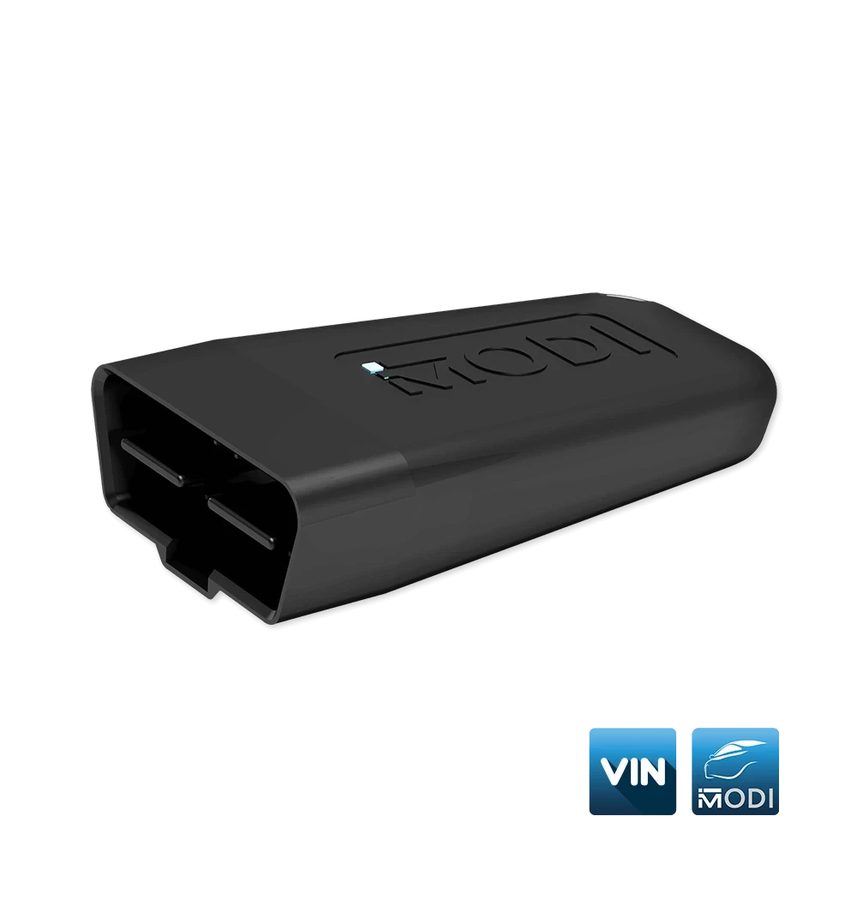
- Plug the MODI into the OBDII port, pair with "Connect" and select the vehicle make.
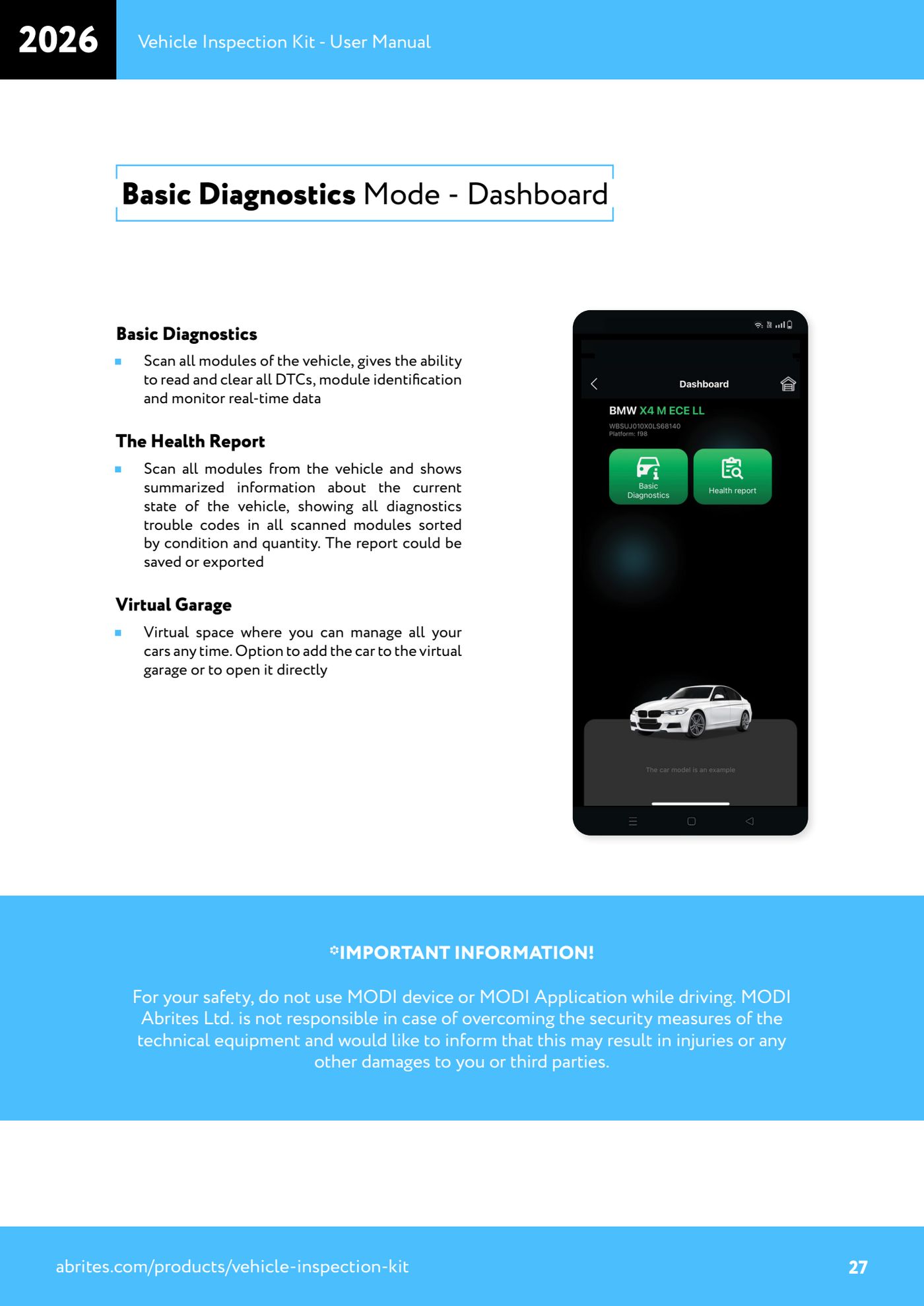
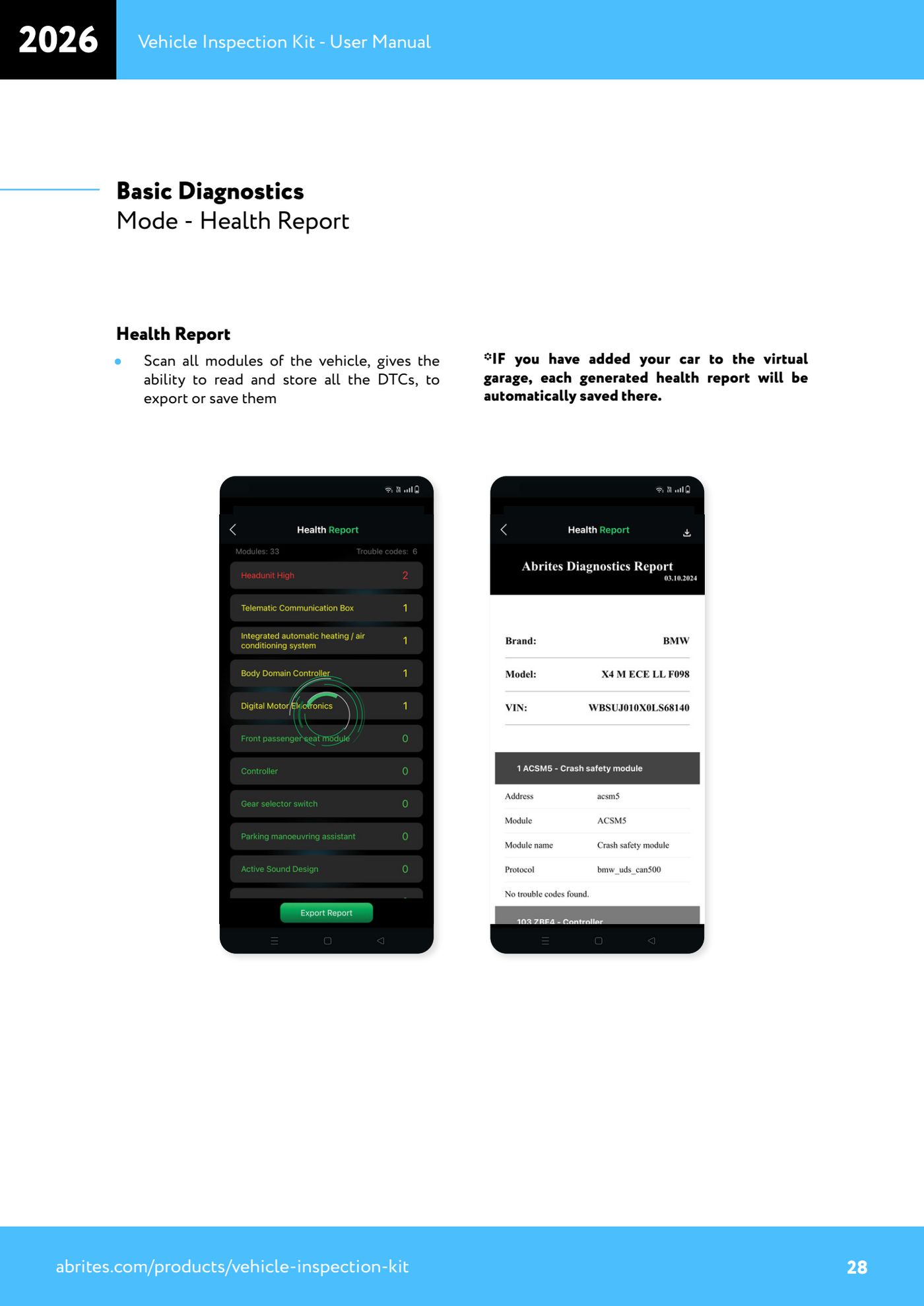
- From the dashboard (in both Basic and Advanced Diagnostics) choose "The Health Report": the app scans all the vehicle's modules.
- Wait for the scan to finish and read the summary: all the fault codes from the scanned control units are grouped by status and quantity.
- Save or export the report for the workshop's records or for the customer.
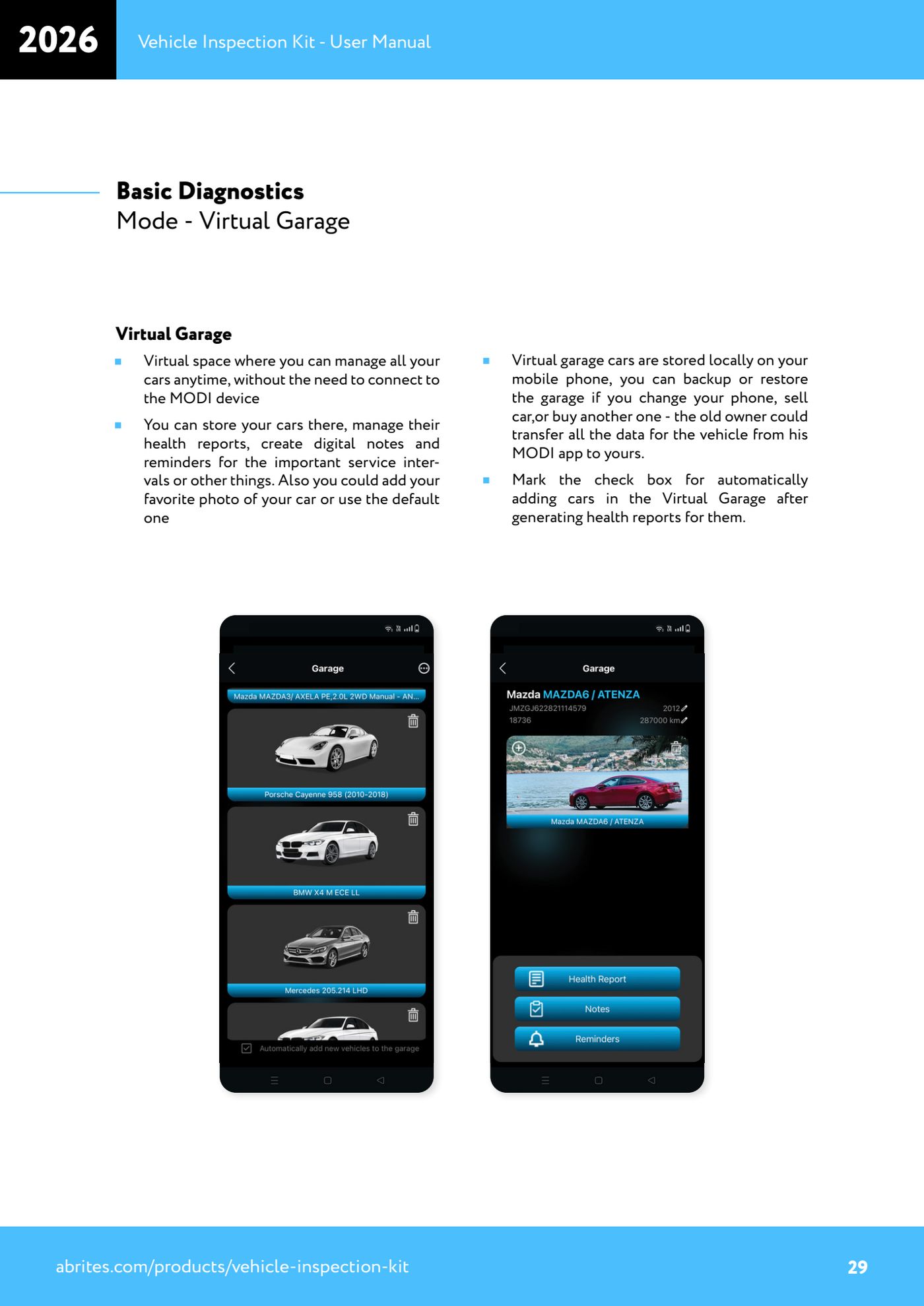
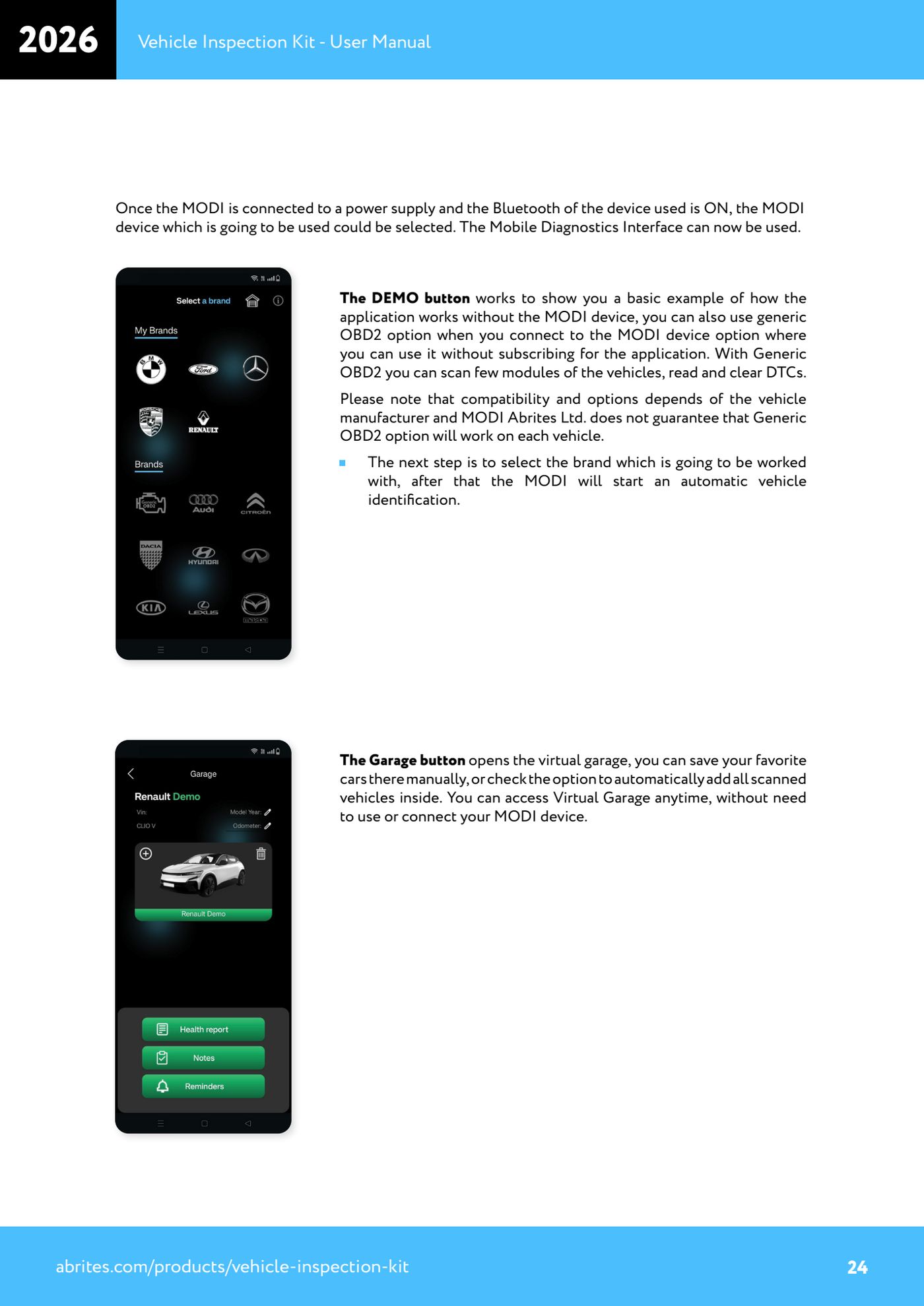
- To store the vehicle, open "Virtual Garage" from the "Garage" button: you can add the car manually or open it directly if it is already there.
- Tick the box for automatic addition of vehicles to the Virtual Garage after report generation: from then on every Health Report generated is saved automatically in the car's record.
- In the vehicle record you manage its Health Reports, create digital notes and reminders for important service intervals, and add a photo of the car in place of the default one.
- The Virtual Garage can be accessed at any time even without connecting the MODI: use it to compare reports over time on the same vehicle.
- When you change phone, or sell or buy a car, use the garage backup and restore functions: this way the previous owner can transfer all the vehicle data from their MODI app to yours.
Reference screenshots
Source: Manuale Vehicle Inspection Kit, Basic Diagnostics Mode - Health Report e Virtual Garage (p.24, 27-29) · ⏱ estimated time 15-30 min
← All Abrites guides Hardware catalogue
More guides Strumenti
- ABPROG ZN030: what's in the set, hooking it up to the AVDI and starting the Classic software
- Reading and writing SPI, I2C and Microwire EEPROMs with ABPROG and the ZN031/ZN035 adapter
- Erasing and reprogramming M35080VP / M35080V6 incremental EEPROMs with ABPROG
- Wiring an SPI EEPROM straight to the ABPROG DB25 without the ZN031 adapter
- Mercedes-Benz IR keys: reading the SSID, erasing and programming the NEC with ZN032 / ZN033
- Renewing used keys (HITAG/PCF) with the ZN046 adapter and ABPROG
- Solder points on key PCBs for the ZN046 and list of keys supported for renewal
- Reading the EWS3 dump on BMW E46/E39/E53 and others with the ZN055 adapter
- Reading the EEPROM on BMW F-Series FEM/BDC without desoldering, using the ZN057 extension
- Reading and writing NEC V850ES MCUs with the ZN078 adapter and ABPROG
- ABPROG DB25 pinout: building your own ZN046, ZN058, ZN078 and ZN086 adapters
- Reading the immobiliser from a Renault X95 BCM (and Audi BCM) with ABPROG and direct wiring