
Chip-Tools
MODI Health Report: full vehicle condition report, saving and exporting
Strumenti
Interface Classic
Diagnostics
Basic
⏱ 15-30 min
7 steps
The Health Report scans all the vehicle's modules and produces an overall condition summary with every fault code found, sorted by condition and quantity. It is the document to hand the customer at intake or after a job.
Required licences
- —
Hardware / cables
Procedure
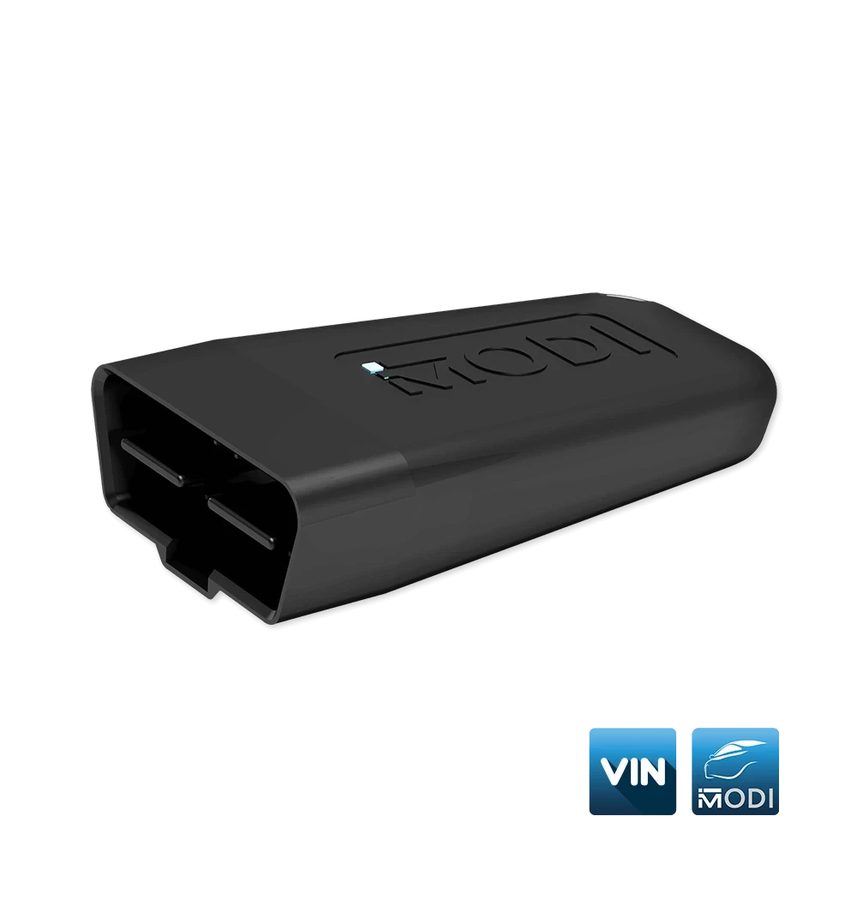
- Plug the MODI into the OBDII port, pair it over Bluetooth with "Connect" and select the vehicle make.
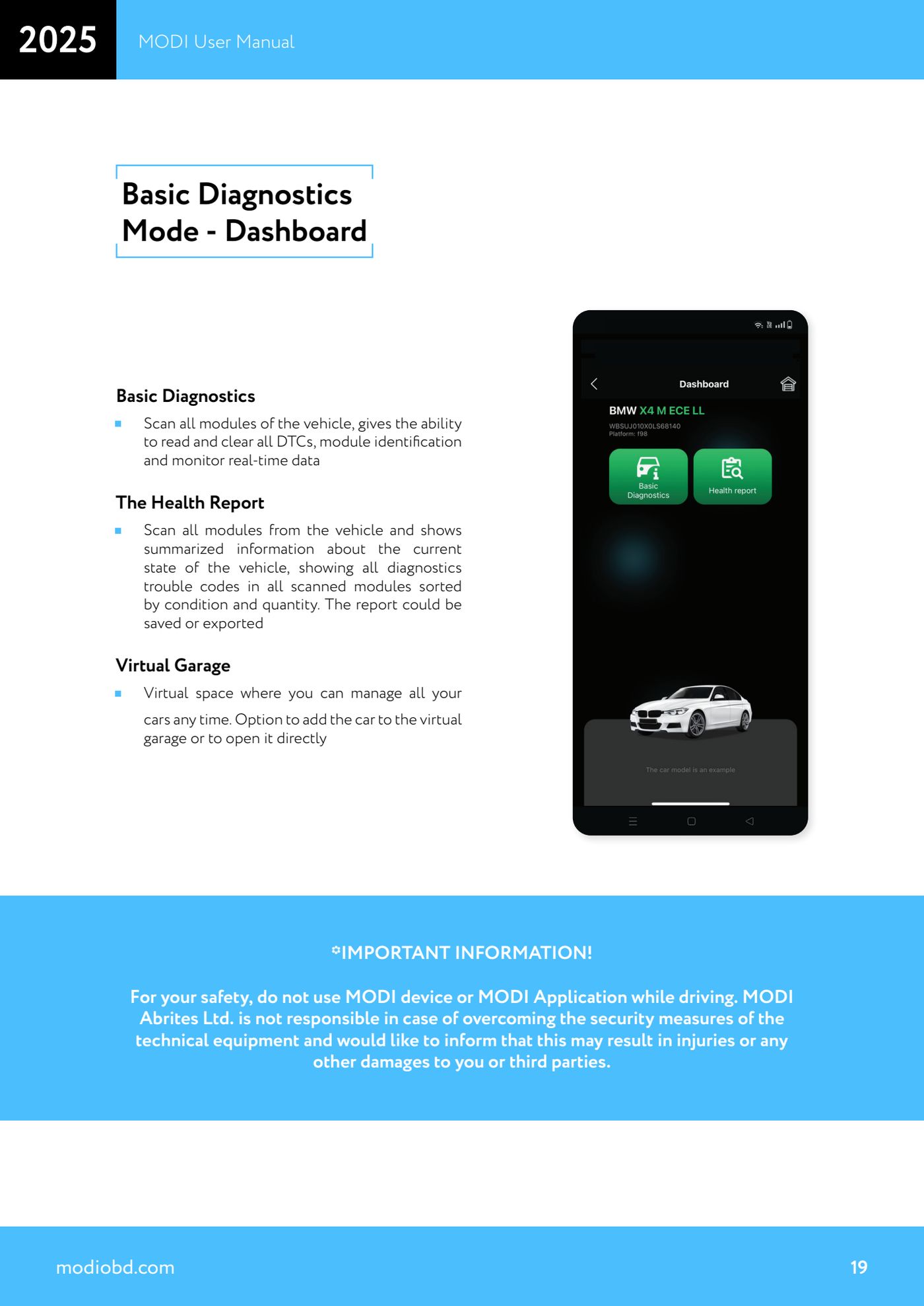
- From the dashboard (available in both Basic and Advanced Diagnostics Mode) start "The Health Report".
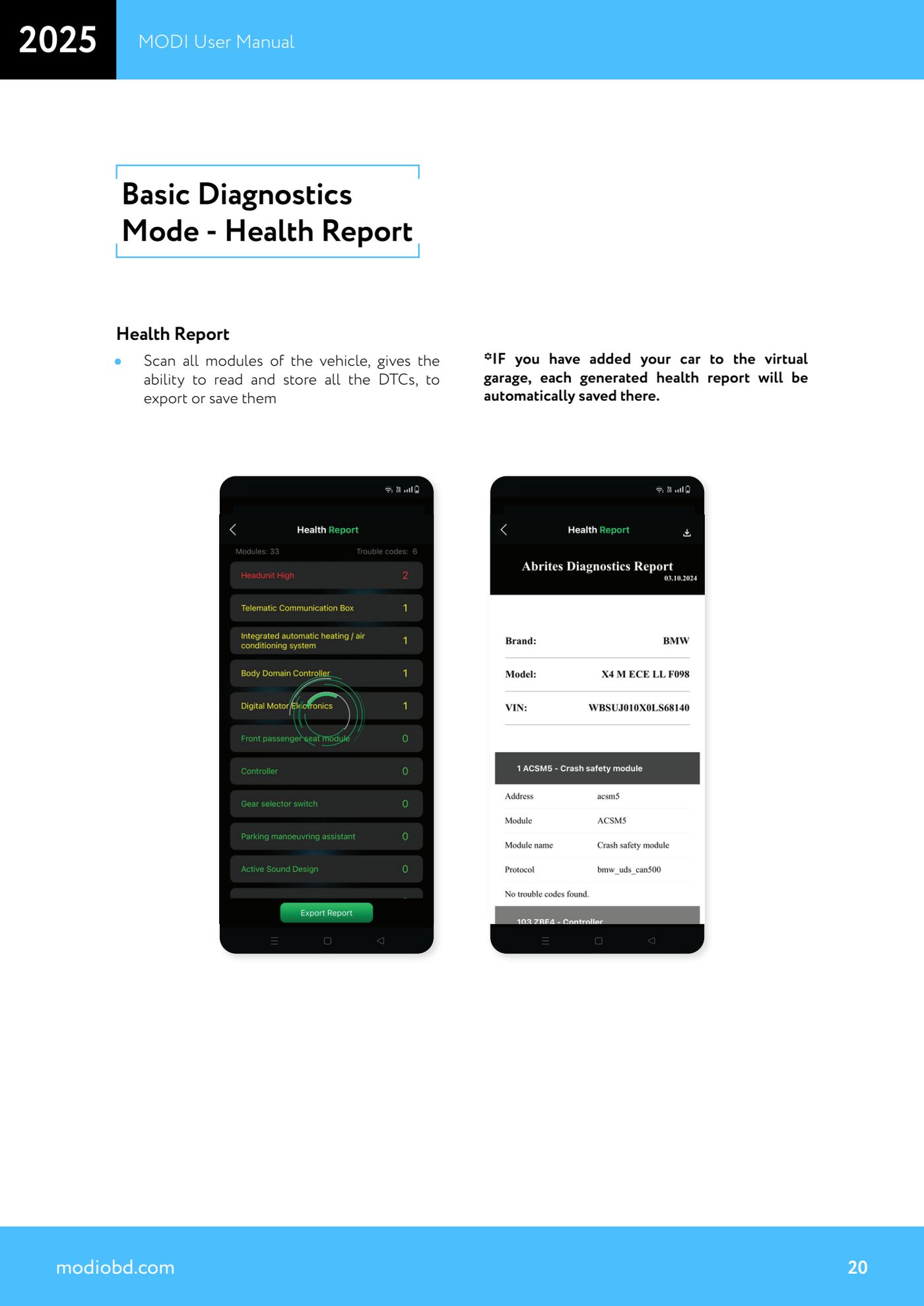
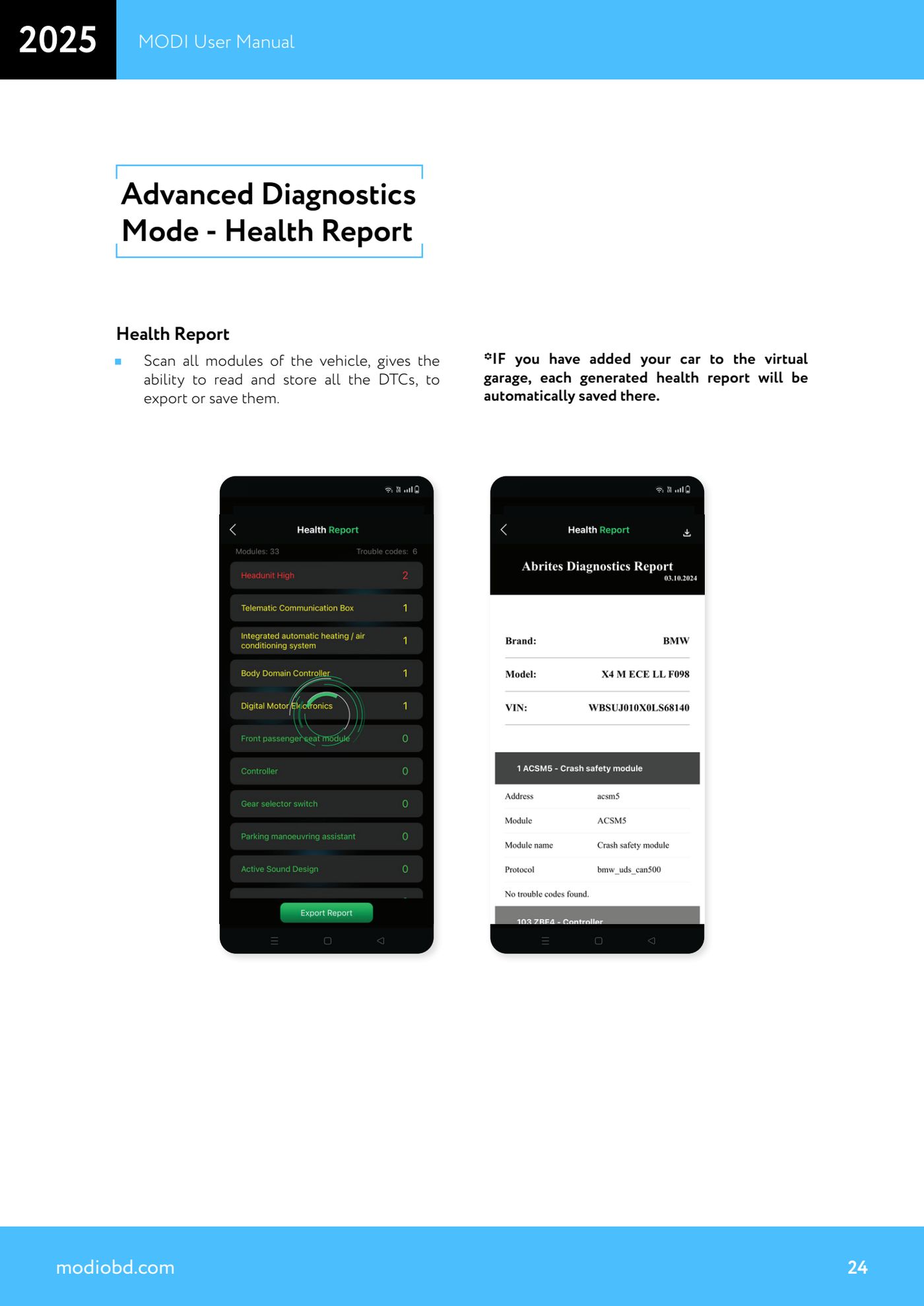
- Let the scan of all modules finish: the app collects and stores all the DTCs present.
- Go through the summary: the fault codes from every scanned module are shown sorted by condition and by quantity, so you can see immediately where the problem is concentrated.
- Save the report to the device or export it to hand over or attach to the job sheet.
- If you have already added the vehicle to the Virtual Garage, every health report generated is saved there automatically under that vehicle: handy for comparing the situation before and after the job.
- If you want vehicles added to the garage automatically, tick the box for automatic entry of vehicles into the Virtual Garage after a report is generated.
Reference screenshots
Source: Manuale MODI, "Basic/Advanced Diagnostics Mode - Health Report" (p.19-20, 23-24) · ⏱ estimated time 15-30 min
← All Abrites guides Hardware catalogue
More guides Strumenti
- ABPROG ZN030: what's in the set, hooking it up to the AVDI and starting the Classic software
- Reading and writing SPI, I2C and Microwire EEPROMs with ABPROG and the ZN031/ZN035 adapter
- Erasing and reprogramming M35080VP / M35080V6 incremental EEPROMs with ABPROG
- Wiring an SPI EEPROM straight to the ABPROG DB25 without the ZN031 adapter
- Mercedes-Benz IR keys: reading the SSID, erasing and programming the NEC with ZN032 / ZN033
- Renewing used keys (HITAG/PCF) with the ZN046 adapter and ABPROG
- Solder points on key PCBs for the ZN046 and list of keys supported for renewal
- Reading the EWS3 dump on BMW E46/E39/E53 and others with the ZN055 adapter
- Reading the EEPROM on BMW F-Series FEM/BDC without desoldering, using the ZN057 extension
- Reading and writing NEC V850ES MCUs with the ZN078 adapter and ABPROG
- ABPROG DB25 pinout: building your own ZN046, ZN058, ZN078 and ZN086 adapters
- Reading the immobiliser from a Renault X95 BCM (and Audi BCM) with ABPROG and direct wiring