
Chip-Tools
MODI: connecting to the OBDII port, power supply and Bluetooth pairing
Strumenti
Interface Classic
Hardware / Connections
Basic
⏱ 10 min
10 steps
The MODI is the mobile diagnostic hardware interface of the Vehicle Inspection Kit: it plugs into the vehicle's OBD2 port (cars, vans, trucks) and communicates with the phone over Bluetooth. It is the starting point for both the MODI Mobile Diagnostics app and the VIN Reader App.
Required licences
- —
Hardware / cables
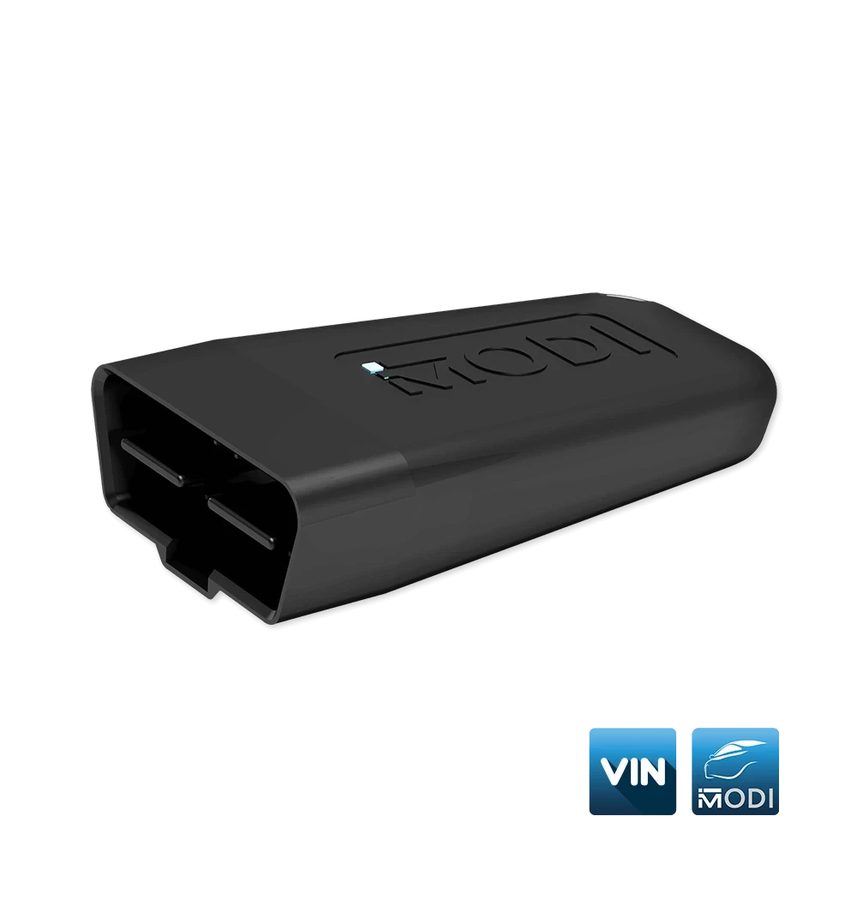 MODI (ESP32 v04)
- presa OBDII veicolo
- smartphone/tablet iOS, Android o HarmonyOS
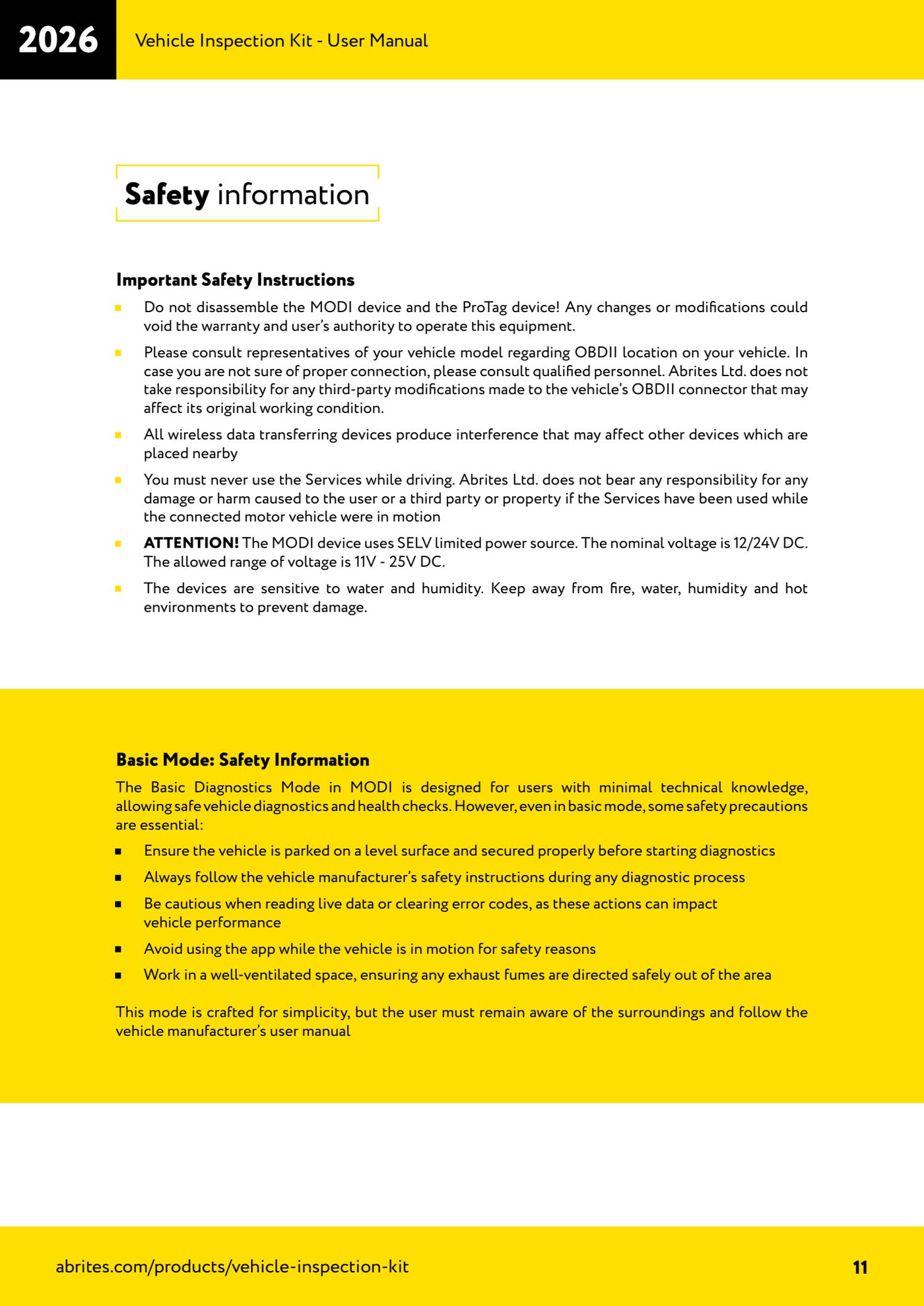
⚠ WarningThe MODI uses a limited SELV power source: nominal voltage 12/24V DC, permitted range 11V - 25V DC. Do not disassemble the device. If you are not sure about the location or condition of the vehicle's OBDII port, get help from qualified personnel: Abrites is not liable for third-party modifications to the vehicle's OBDII connector.
Procedure
- Locate the vehicle's OBDII port: normally under the dashboard near the driver's seat, near the glovebox or in the pedal box/footwell area.
- Plug the MODI into the OBDII port. The device is powered from the port: without power it cannot be found by the application.
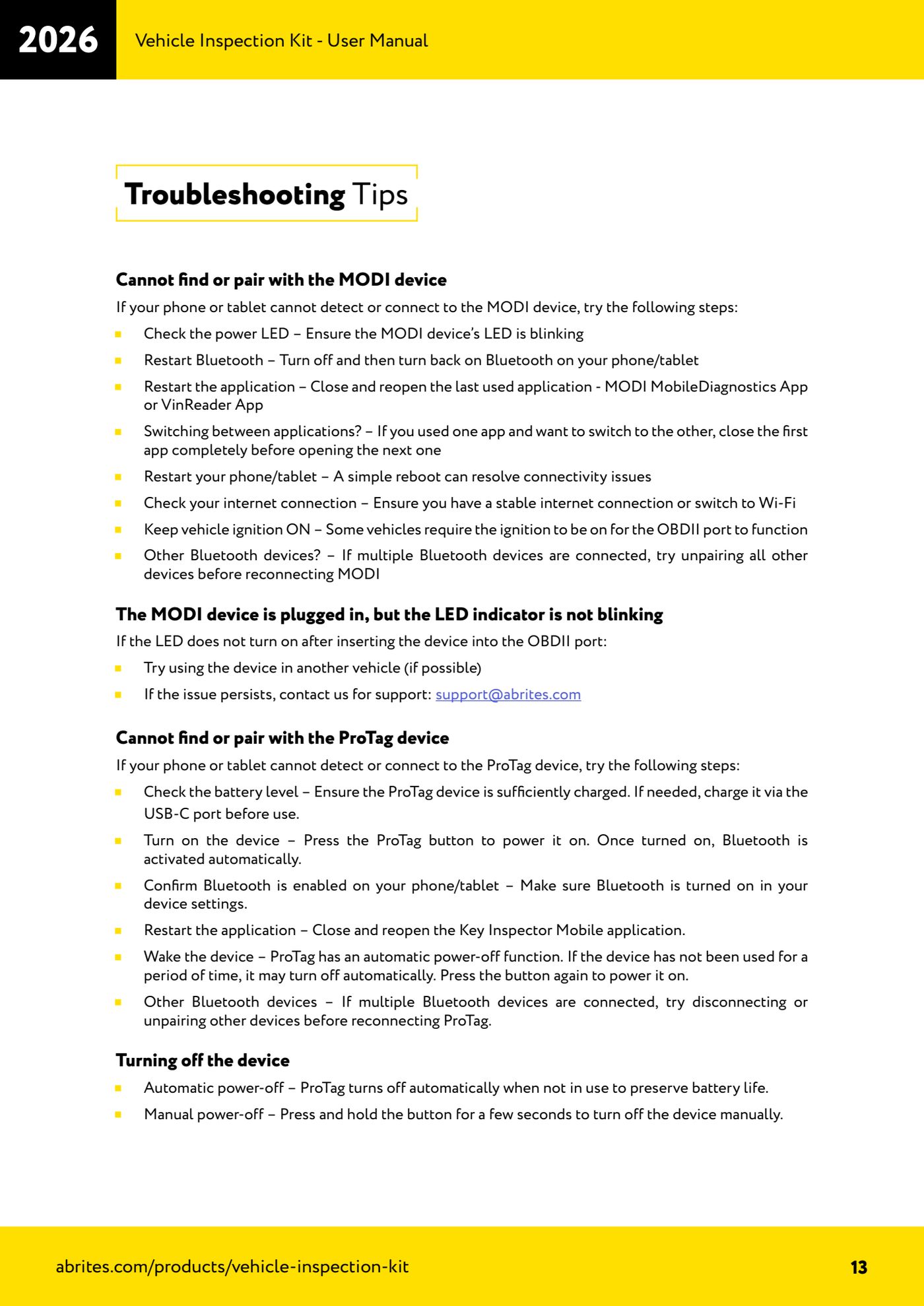
- Check that the MODI power LED is flashing. If it is not, try the device on another vehicle; if the problem persists, email support@abrites.com.
- If the vehicle requires it, turn the ignition to ON: on some cars the OBDII port is only live with the ignition on.
- On the phone turn Bluetooth on from Settings > Bluetooth > On. A stable internet connection is also needed for the online functions.
- Open the application you need (MODI Mobile Diagnostics or VIN Reader) and press "Connect": the device search starts automatically.
- From the list of devices found select your MODI (it appears with a name such as MODi_2541) and confirm the pairing.
- Use only one app at a time: if you have been working with the VIN Reader App and want to switch to MODI Mobile Diagnostics (or vice versa), fully close the first app before opening the second.
- If pairing fails, restart the phone's Bluetooth, restart the app, restart the phone and try unpairing the other paired Bluetooth devices before trying the MODI again.
- Never use the MODI or its apps with the vehicle moving: always work with the vehicle stationary, on a level surface and made safe, in a well-ventilated area.
Reference screenshots
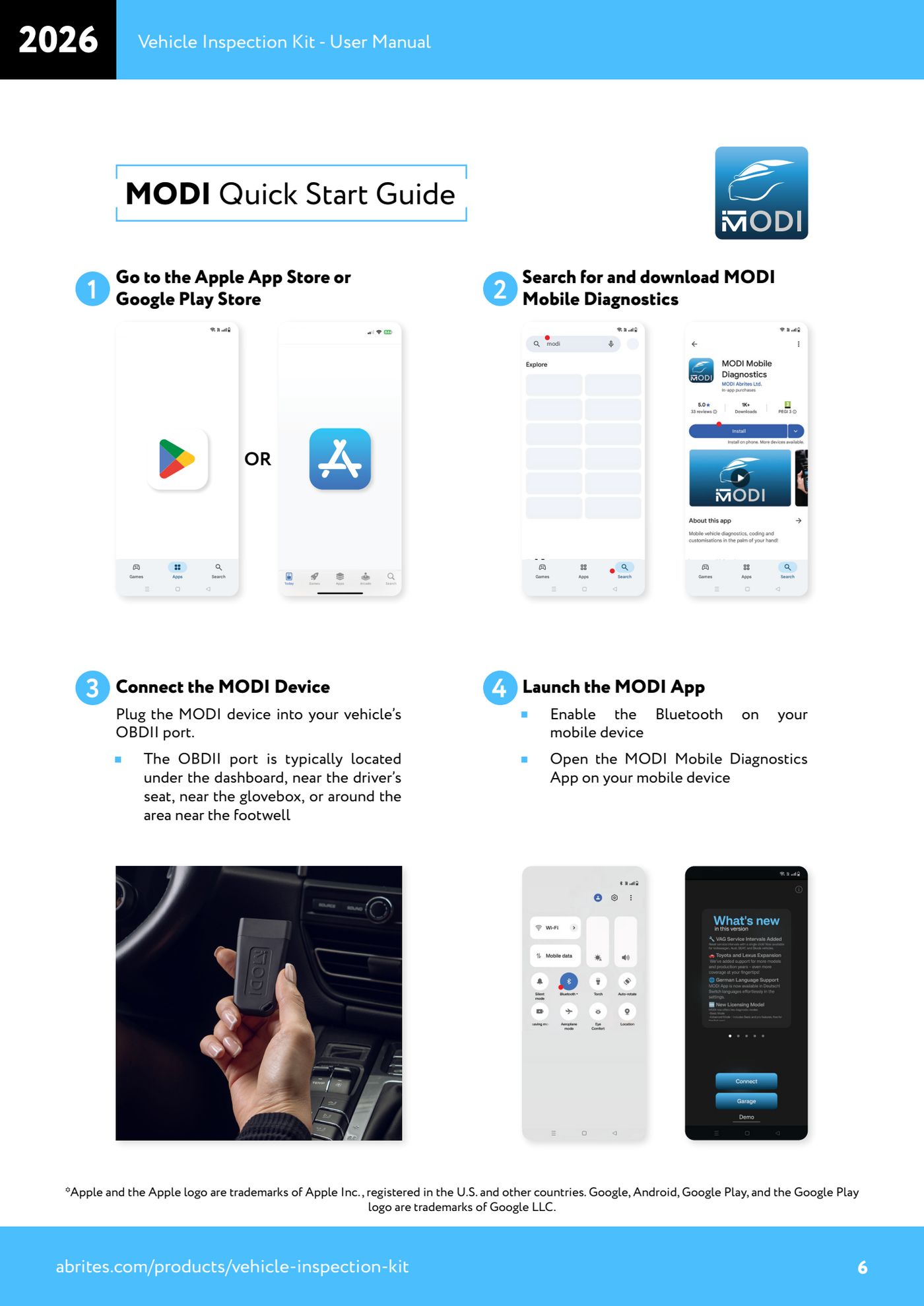
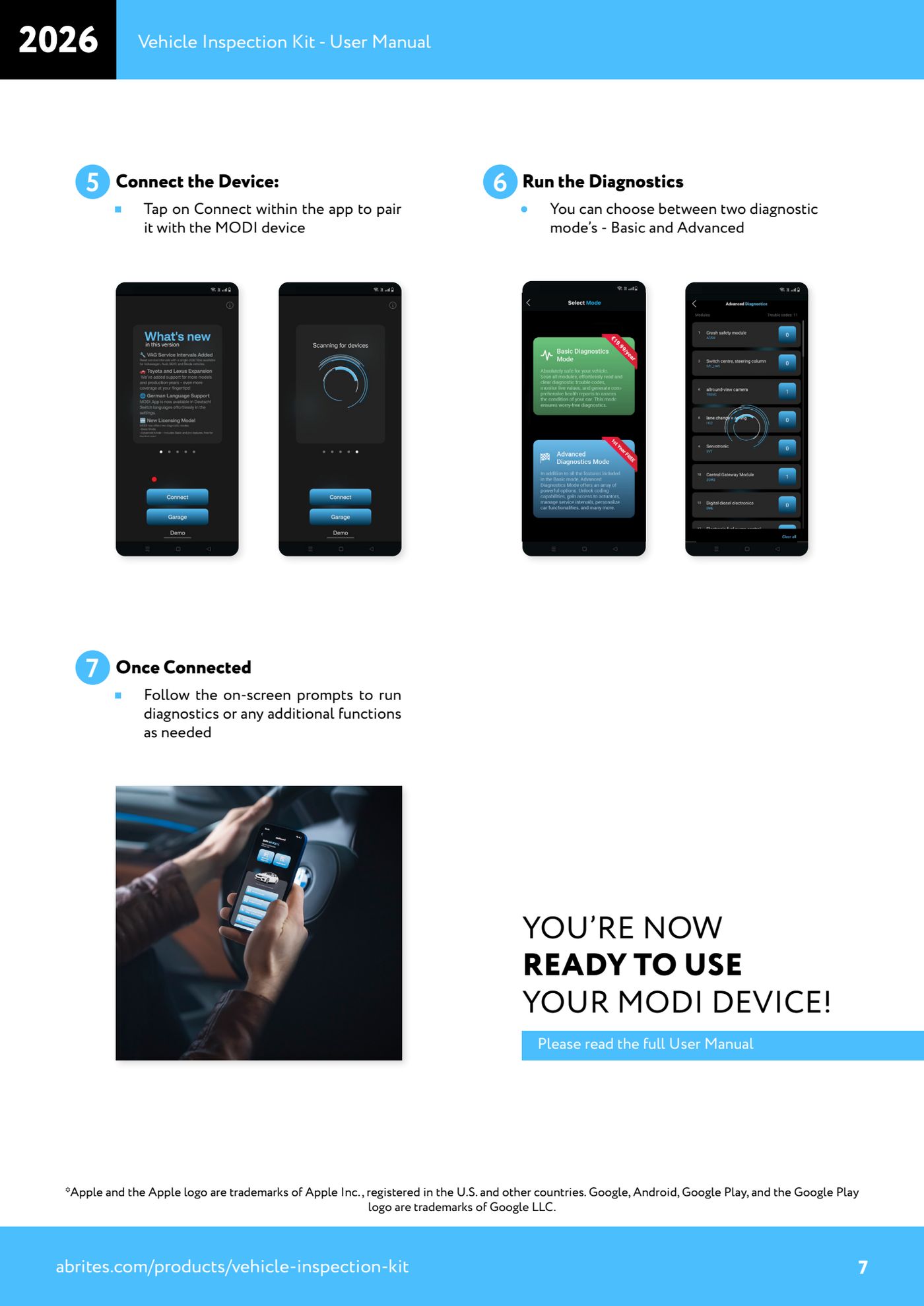
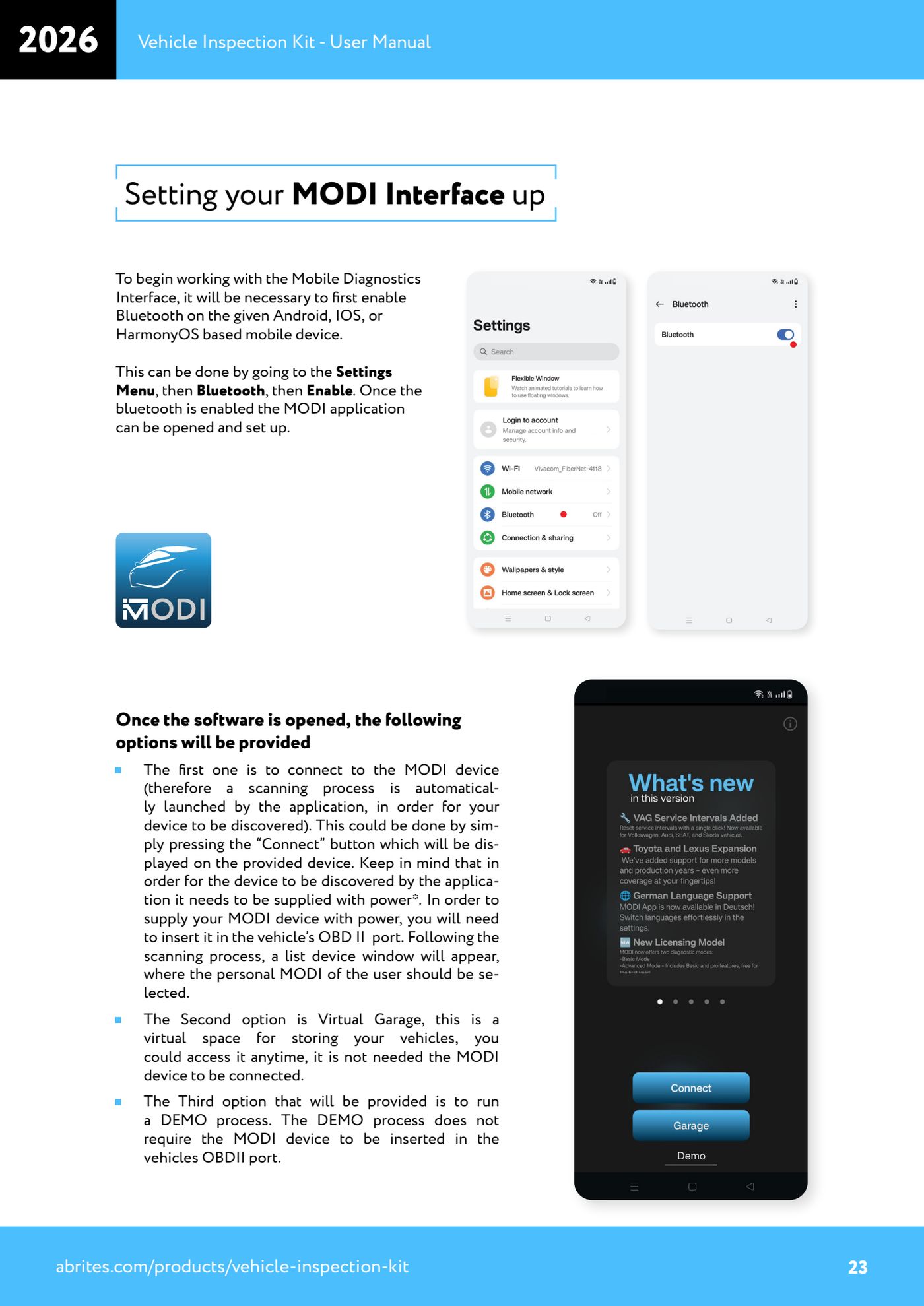
Source: Manuale Vehicle Inspection Kit, MODI Quick Start Guide (p.6-7), Setting your MODI Interface up (p.23), Safety information (p.11) e Troubleshooting Tips (p.13) · ⏱ estimated time 10 min
← All Abrites guides Hardware catalogue
More guides Strumenti
- ABPROG ZN030: what's in the set, hooking it up to the AVDI and starting the Classic software
- Reading and writing SPI, I2C and Microwire EEPROMs with ABPROG and the ZN031/ZN035 adapter
- Erasing and reprogramming M35080VP / M35080V6 incremental EEPROMs with ABPROG
- Wiring an SPI EEPROM straight to the ABPROG DB25 without the ZN031 adapter
- Mercedes-Benz IR keys: reading the SSID, erasing and programming the NEC with ZN032 / ZN033
- Renewing used keys (HITAG/PCF) with the ZN046 adapter and ABPROG
- Solder points on key PCBs for the ZN046 and list of keys supported for renewal
- Reading the EWS3 dump on BMW E46/E39/E53 and others with the ZN055 adapter
- Reading the EEPROM on BMW F-Series FEM/BDC without desoldering, using the ZN057 extension
- Reading and writing NEC V850ES MCUs with the ZN078 adapter and ABPROG
- ABPROG DB25 pinout: building your own ZN046, ZN058, ZN078 and ZN086 adapters
- Reading the immobiliser from a Renault X95 BCM (and Audi BCM) with ABPROG and direct wiring