
Chip-Tools
Installing the Abrites J2534 PassThru driver for AVDI (use with OEM software)
Strumenti
Interface Classic
Hardware / Connections
Basic
⏱ 15-20 min
7 steps
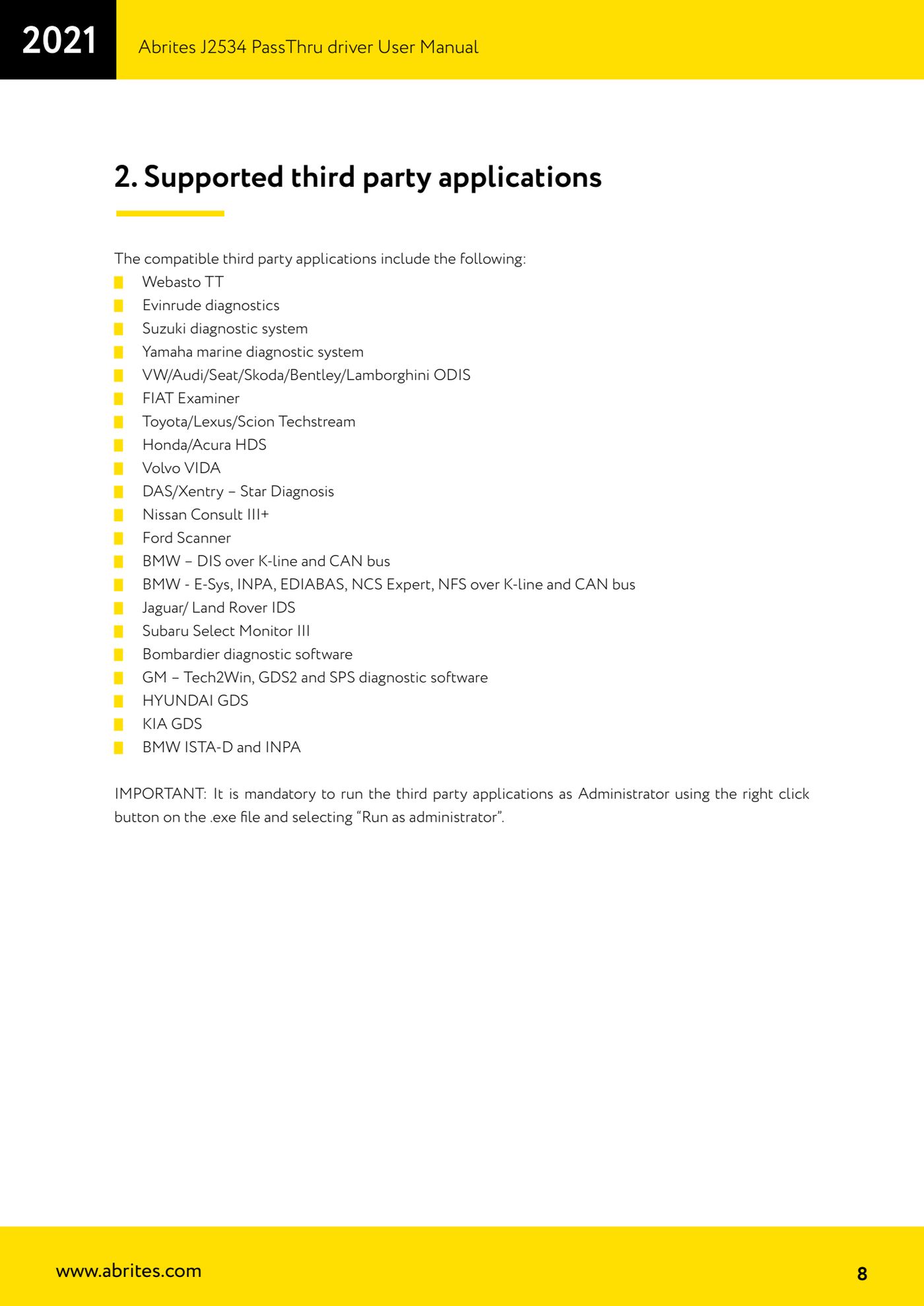
The Abrites J2534 PassThru driver turns the AVDI into a standard SAE J2534 interface, so you can use it as a diagnostic cable with the manufacturers' software (ODIS, Techstream, Xentry, ISTA-D, GDS, VIDA and so on) and not just with the Abrites software. It is the mandatory first step before any of the procedures described with third-party software.
Required licences
- —
Hardware / cables
 AVDI
AVDI- cavo USB in dotazione
- PC Windows
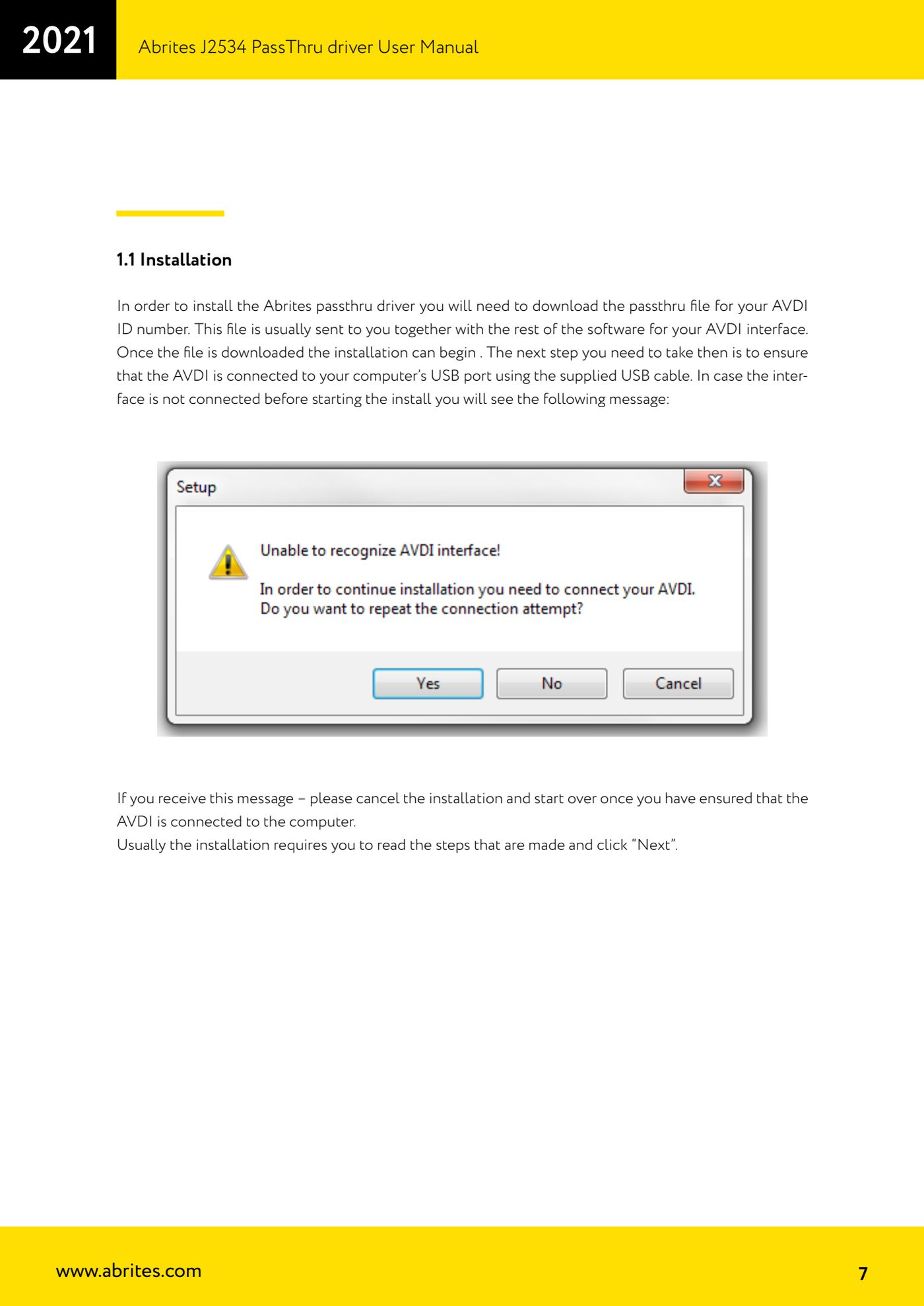
⚠ WarningBefore launching the installation the AVDI must already be connected to the PC's USB port with the supplied cable: if the interface is not connected the installer shows an error message, in which case cancel the installation and start again after connecting the AVDI. The installation file is tied to your interface's serial number (ID): only use the one that was sent to you for your AVDI.
Procedure
- Download the passthru file matching your AVDI's ID number: it is normally sent together with the rest of the interface software (the file is called "SetupInterface_xxxxxx_PASSTHRU.exe", where xxxxxx is your interface number).
- Connect the AVDI to the computer's USB port with the supplied USB cable and check that Windows recognises it.
- If the OEM software you want to use runs in a virtual machine, install the passthru driver inside the virtual machine, not on the host, and make sure the AVDI is connected to the VM.
- Run "SetupInterface_xxxxxx_PASSTHRU.exe" and continue by reading the steps and pressing "Next" until it is finished.
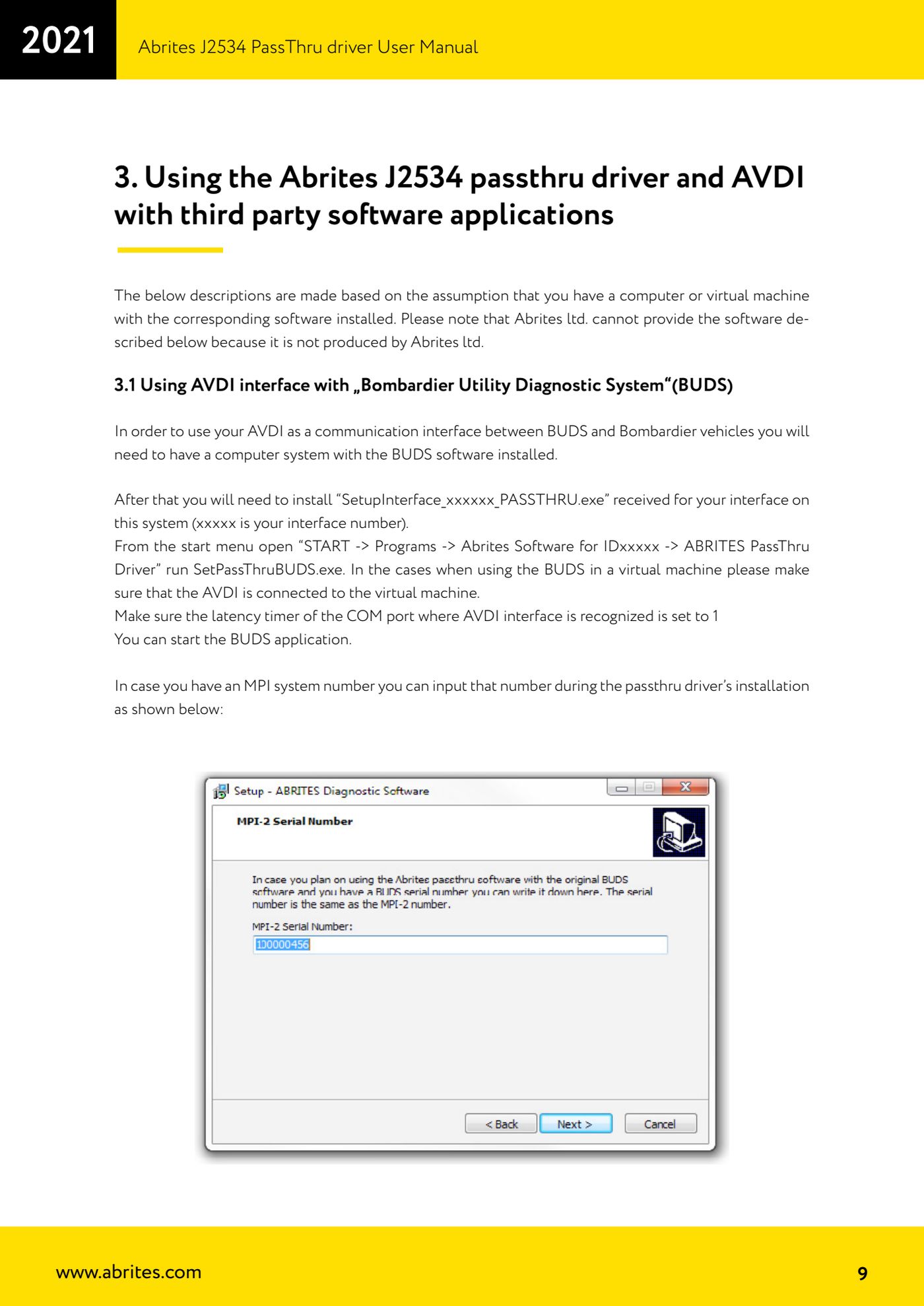
- Once the installation is complete you will find the support programs under "START -> Programs -> Abrites Software for IDxxxxx -> ABRITES PassThru Driver": here you have the dedicated installers for the individual software packages (BUDS, Subaru, Hyundai, DAS and so on) and the passthru configuration.
- Set the latency timer of the COM port on which the AVDI is recognised to 1 ms, as stated in the general AVDI manual: without this setting many applications will not communicate reliably.
- ALWAYS run the third-party application as administrator: right-click the .exe file and "Run as administrator". It is a mandatory requirement for all the software listed in the manual.
Reference screenshots
Source: Manuale Driver J2534 PassThru Abrites, cap. 1.1 e 2 (p.7-9) · ⏱ estimated time 15-20 min
← All Abrites guides Hardware catalogue
More guides Strumenti
- ABPROG ZN030: what's in the set, hooking it up to the AVDI and starting the Classic software
- Reading and writing SPI, I2C and Microwire EEPROMs with ABPROG and the ZN031/ZN035 adapter
- Erasing and reprogramming M35080VP / M35080V6 incremental EEPROMs with ABPROG
- Wiring an SPI EEPROM straight to the ABPROG DB25 without the ZN031 adapter
- Mercedes-Benz IR keys: reading the SSID, erasing and programming the NEC with ZN032 / ZN033
- Renewing used keys (HITAG/PCF) with the ZN046 adapter and ABPROG
- Solder points on key PCBs for the ZN046 and list of keys supported for renewal
- Reading the EWS3 dump on BMW E46/E39/E53 and others with the ZN055 adapter
- Reading the EEPROM on BMW F-Series FEM/BDC without desoldering, using the ZN057 extension
- Reading and writing NEC V850ES MCUs with the ZN078 adapter and ABPROG
- ABPROG DB25 pinout: building your own ZN046, ZN058, ZN078 and ZN086 adapters
- Reading the immobiliser from a Renault X95 BCM (and Audi BCM) with ABPROG and direct wiring