
Chip-Tools
First start-up of the Abrites software: Quick Start, AVDI and PROTAG recognition, model list
Strumenti
Interface Classic
Diagnostics
Basic
⏱ 10-20 min
8 steps
After installation you will find the "Abrites Quick Start for ID17xxxx" icon on the desktop: it is the simplified interface from which all the work starts. This guide explains what has to appear on screen for the AVDI to be genuinely ready and where to find the software and the manuals.
Required licences
- —
Hardware / cables

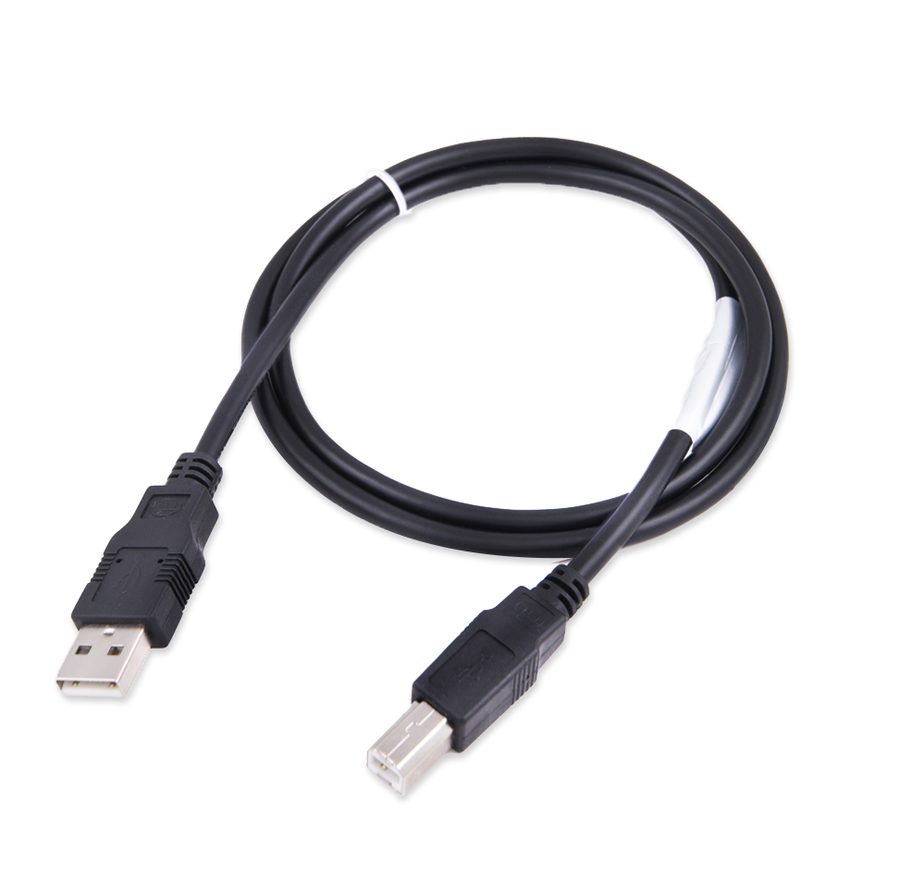
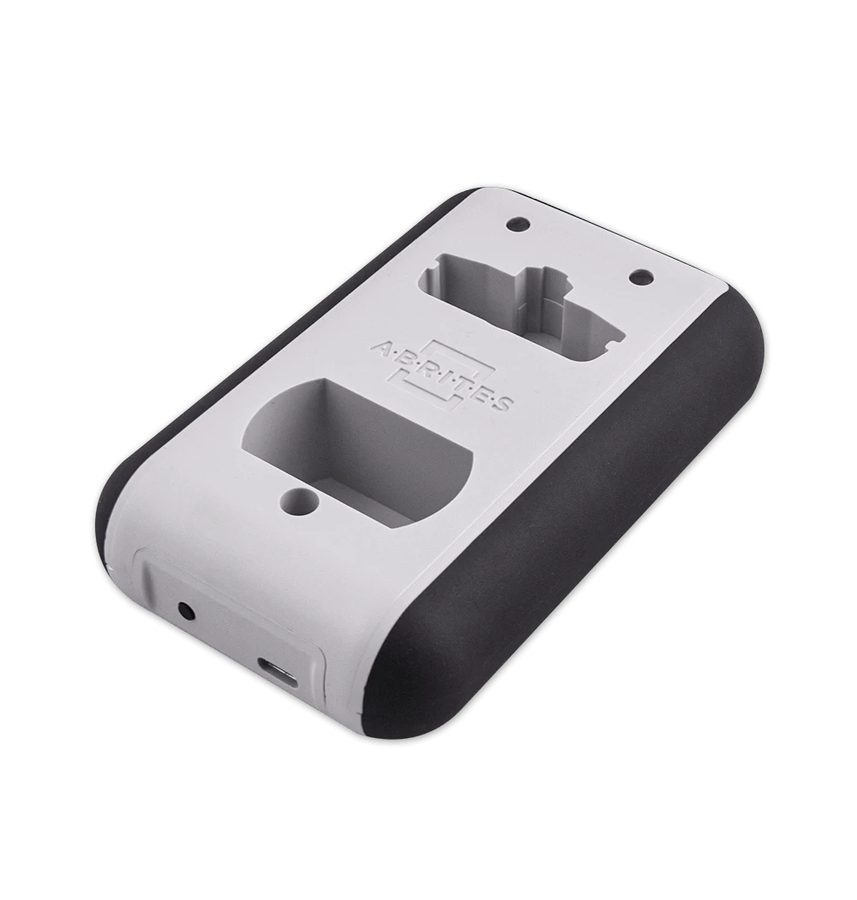
⚠ WarningWhen new updates are available the Abrites software must be started as administrator. If several components have to be downloaded, it has to be restarted a second time as administrator (right-click the "Abrites Quick Start" icon -> "Run as administrator"), otherwise the update will not complete.
Procedure
- Connect the AVDI to the PC and to the vehicle following the connection procedure, then run the "Abrites Quick Start for ID17xxxx" (or ID16xxxx) icon from the desktop, or the "ABRITES Quick Start.exe" file.
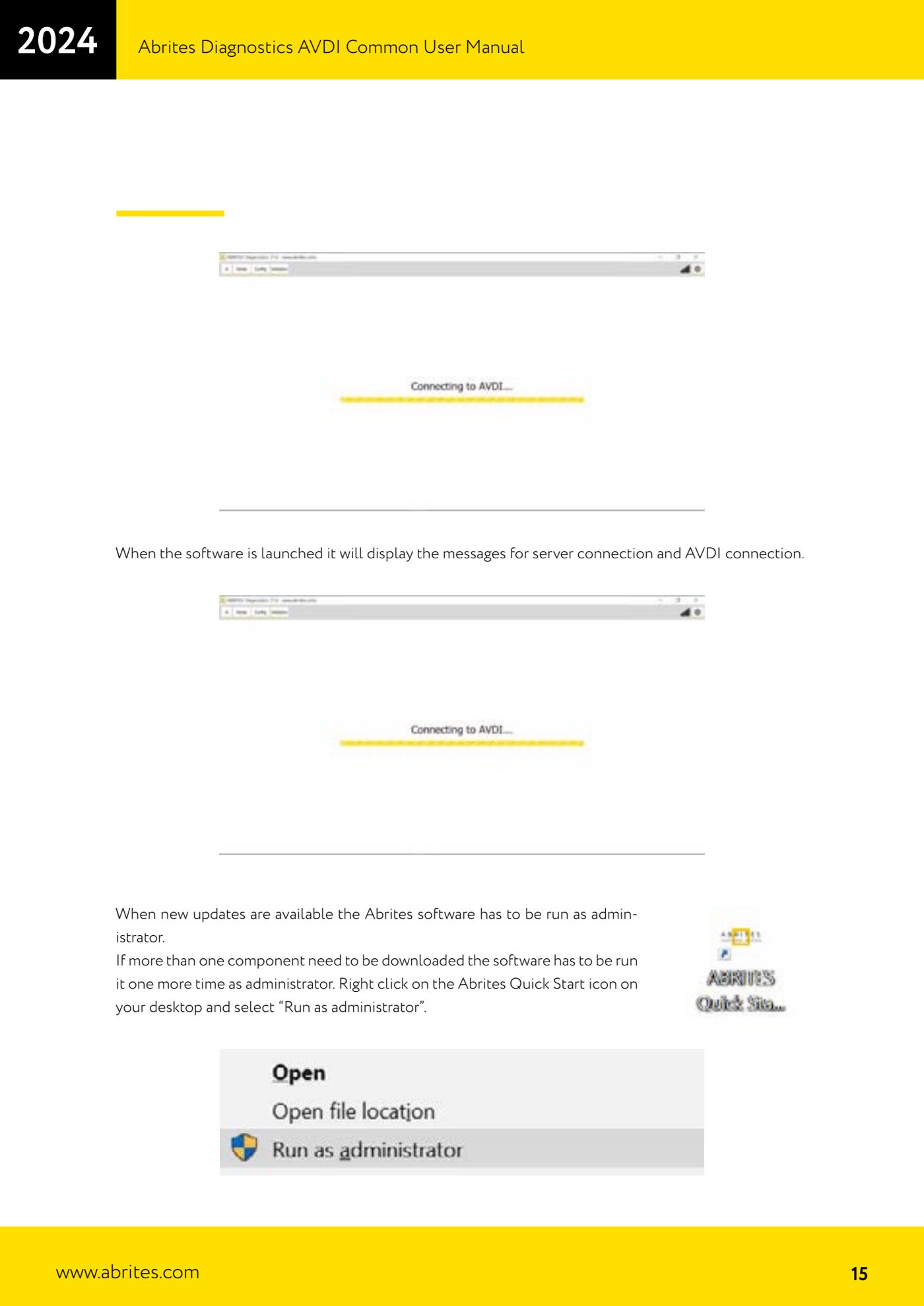
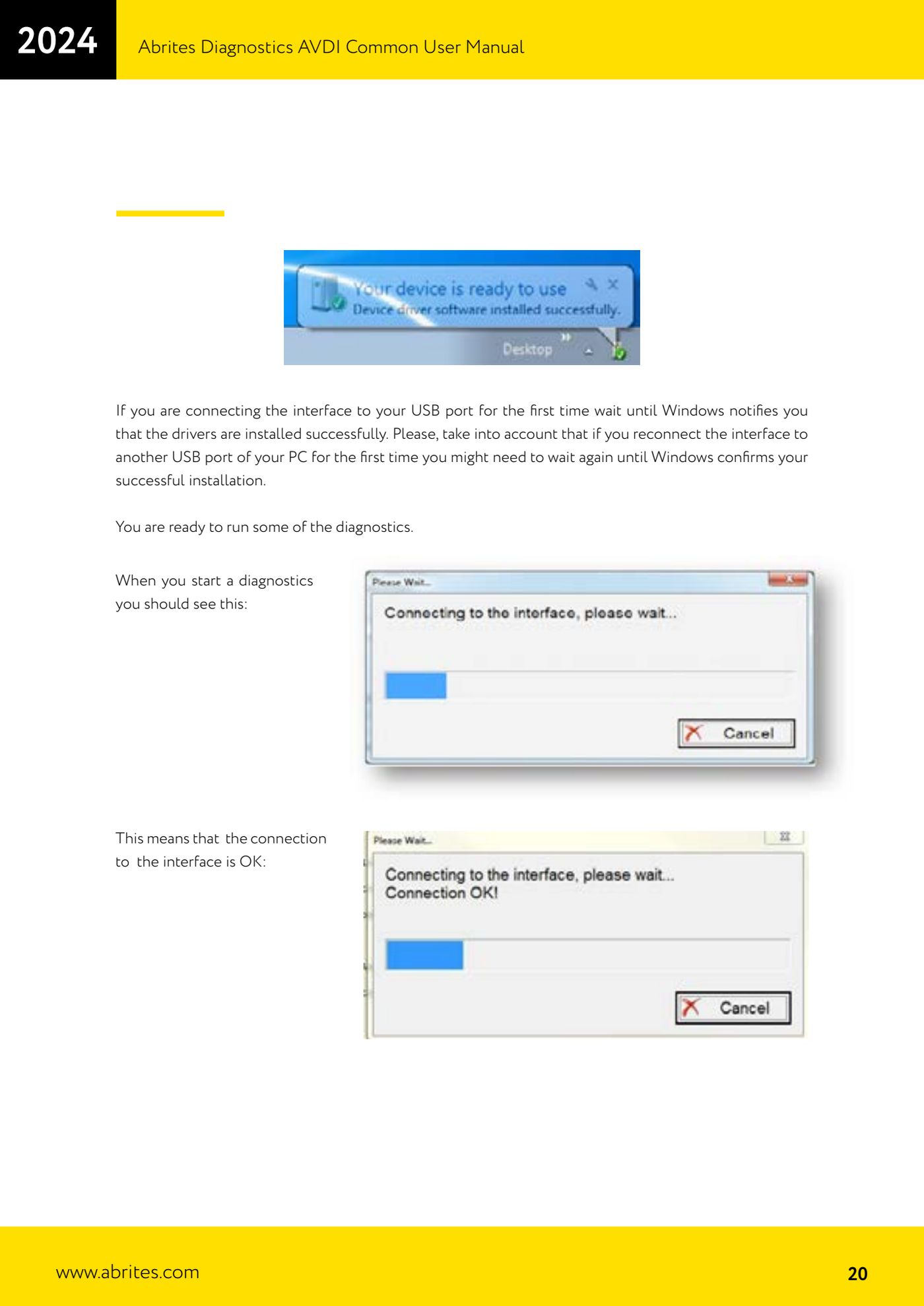
- At start-up the software shows the server connection and AVDI connection messages: if the connection to the interface is correct the interface recognition message appears.
- If updates are available, close everything and restart with right-click -> "Run as administrator". Repeat the start as administrator if the software reports that it has to download more than one component.
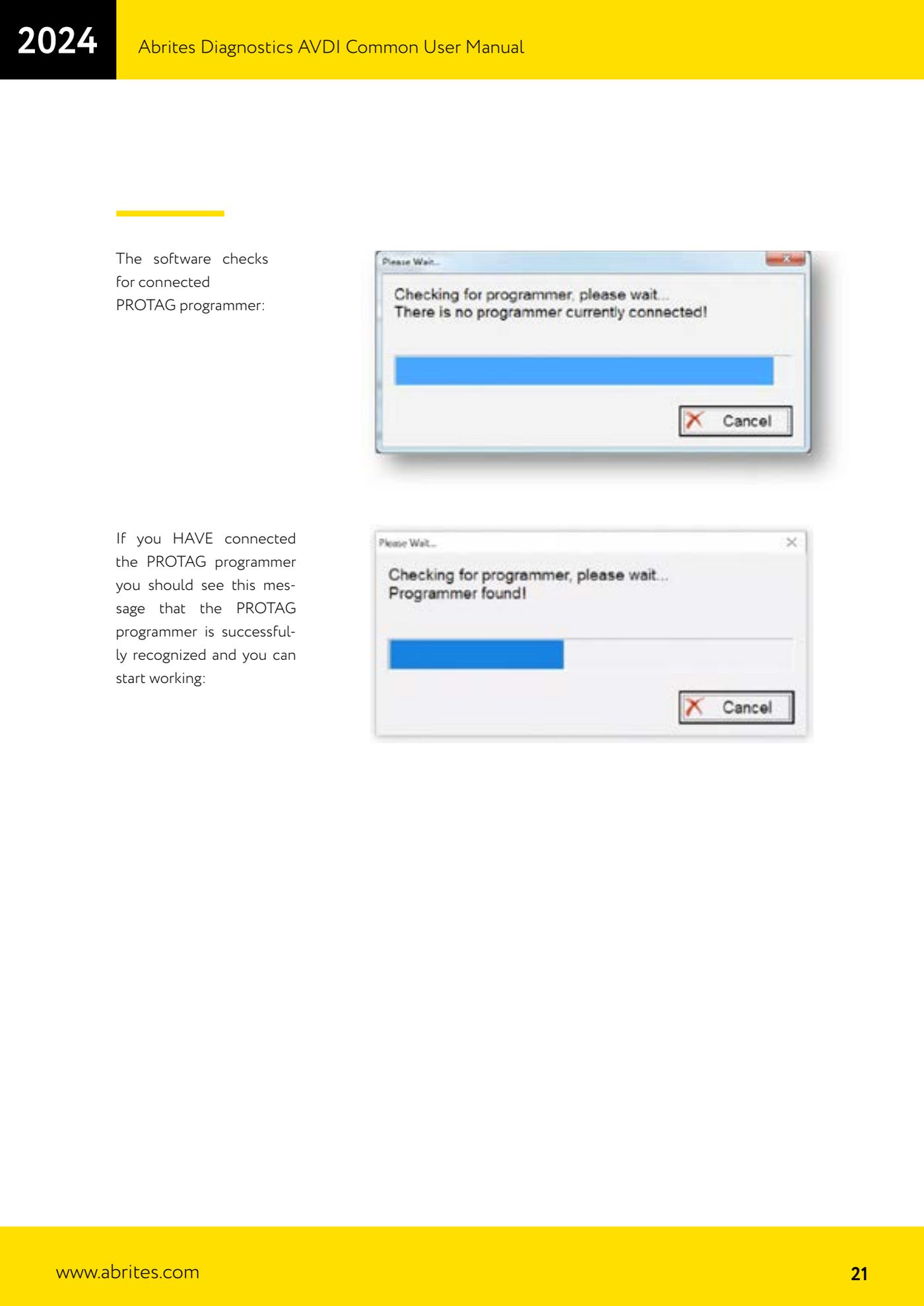
- The software also checks for a connected PROTAG programmer: if the PROTAG is connected the message confirming recognition appears and you can start working with keys.
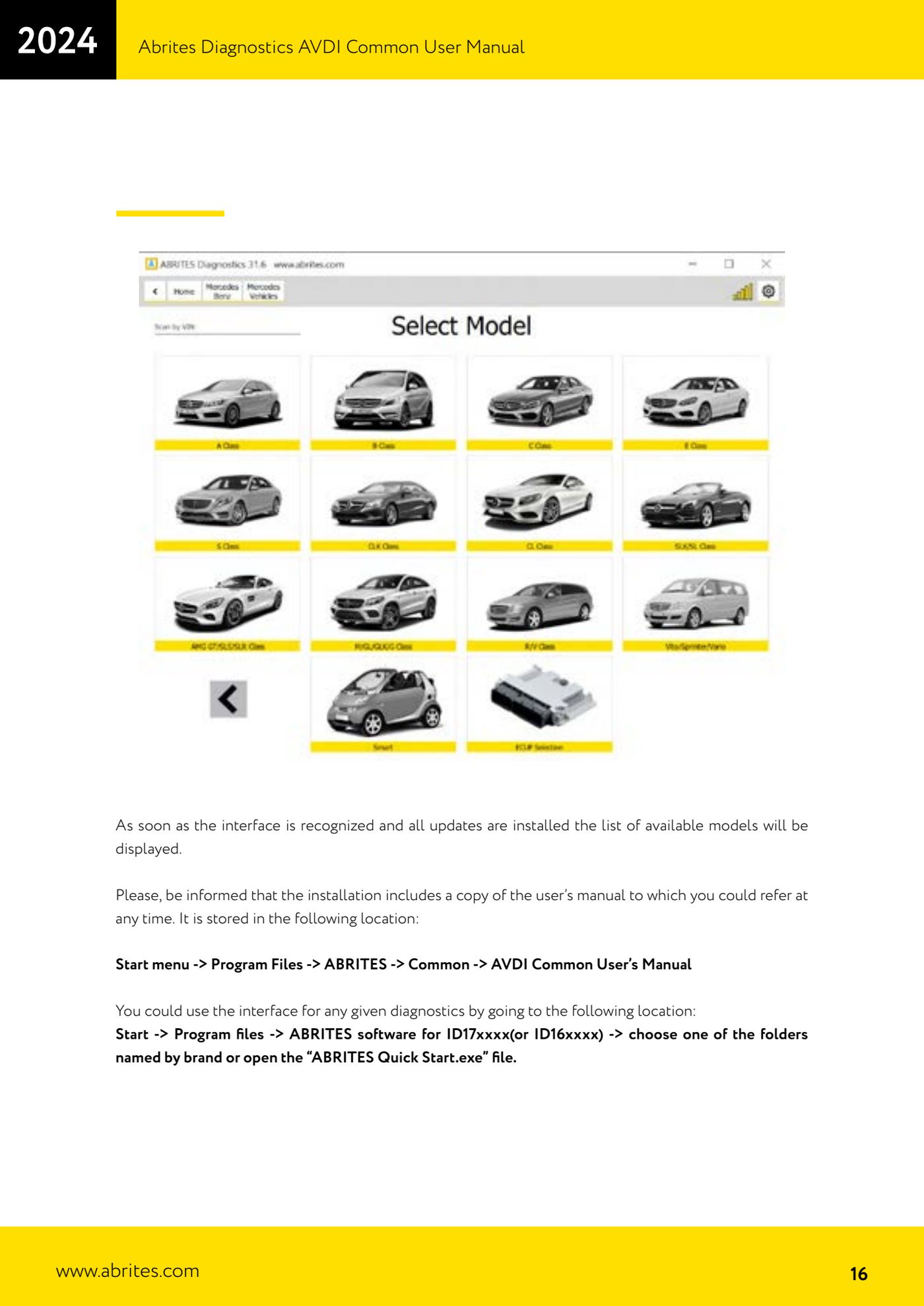
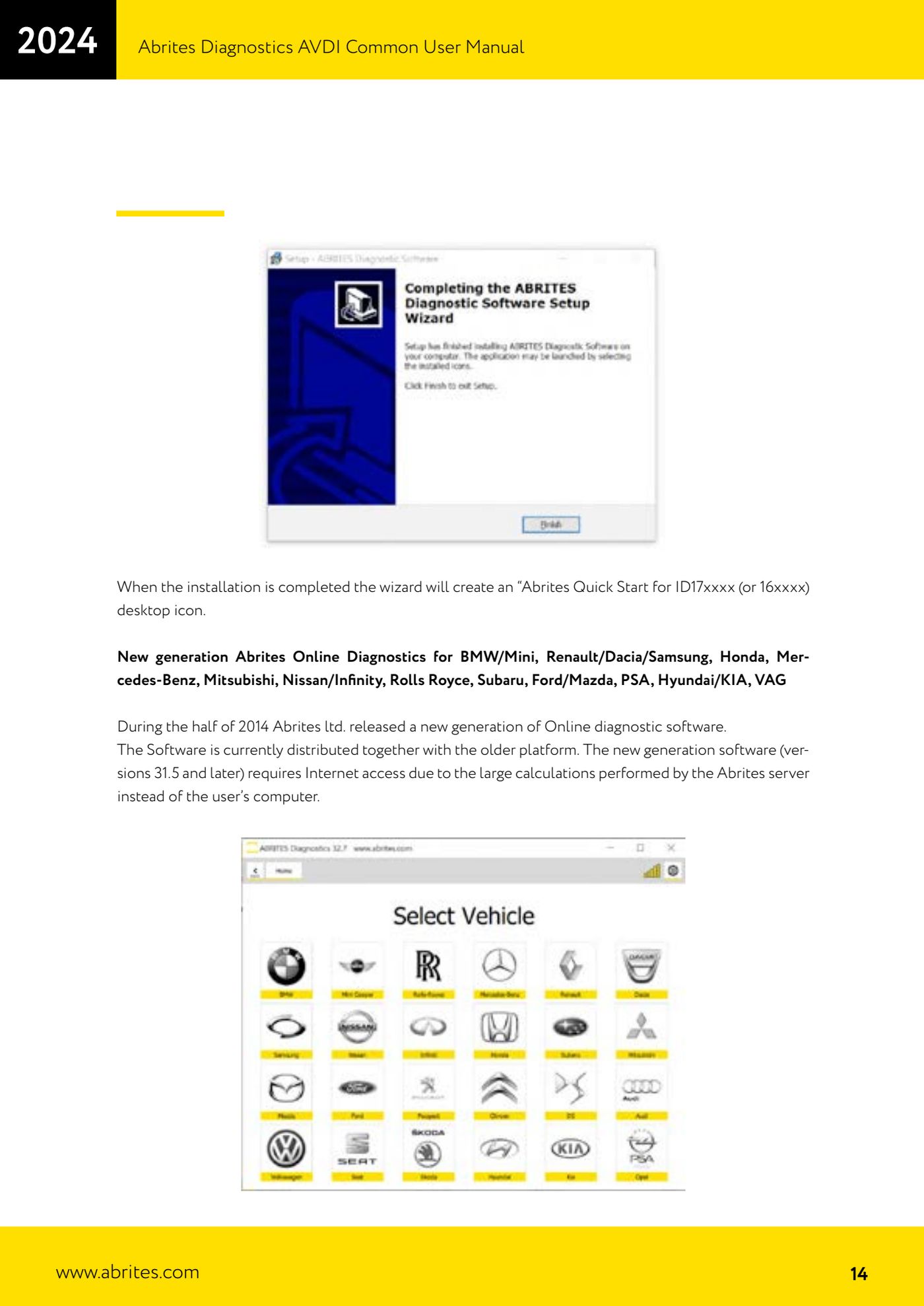
- When the interface is recognised and all the updates are installed the list of available models/makes appears: from here choose the vehicle you are going to work on.
- As an alternative to Quick Start you can launch an individual diagnostic application from: Start -> Programs -> "ABRITES software for ID17xxxx" (or ID16xxxx) -> folder for the make you want.
- Bear in mind that the new-generation Online versions (version 31.5 and later) for BMW/Mini, Renault/Dacia/Samsung, Honda, Mercedes-Benz, Mitsubishi, Nissan/Infiniti, Rolls Royce, Subaru, Ford/Mazda, PSA, Hyundai/KIA and VAG require internet access, because the heavy calculations are run on the Abrites server and not on your PC.
- To read the manual already installed on the PC go to: Start -> Programs -> ABRITES -> Common -> "AVDI Common User's Manual".
Reference screenshots
Source: Manuale AVDI - manuale comune, parte 1 di 2, cap. 2.1 e 3 (p.14-16, 20-21) · ⏱ estimated time 10-20 min
← All Abrites guides Hardware catalogue
More guides Strumenti
- ABPROG ZN030: what's in the set, hooking it up to the AVDI and starting the Classic software
- Reading and writing SPI, I2C and Microwire EEPROMs with ABPROG and the ZN031/ZN035 adapter
- Erasing and reprogramming M35080VP / M35080V6 incremental EEPROMs with ABPROG
- Wiring an SPI EEPROM straight to the ABPROG DB25 without the ZN031 adapter
- Mercedes-Benz IR keys: reading the SSID, erasing and programming the NEC with ZN032 / ZN033
- Renewing used keys (HITAG/PCF) with the ZN046 adapter and ABPROG
- Solder points on key PCBs for the ZN046 and list of keys supported for renewal
- Reading the EWS3 dump on BMW E46/E39/E53 and others with the ZN055 adapter
- Reading the EEPROM on BMW F-Series FEM/BDC without desoldering, using the ZN057 extension
- Reading and writing NEC V850ES MCUs with the ZN078 adapter and ABPROG
- ABPROG DB25 pinout: building your own ZN046, ZN058, ZN078 and ZN086 adapters
- Reading the immobiliser from a Renault X95 BCM (and Audi BCM) with ABPROG and direct wiring