
Chip-Tools
ESL/ELV and immo emulators: EM001 Mercedes, EM002/EM011/EM018 Renault, EM012 W204-W207-W212, EM003 VAG
Strumenti
Interface Classic
Keys / Immo
Advanced
⏱ 30-60 min
8 steps
Abrites emulators replace failed immobilizer components: electronic steering lock ESL/ELV on Mercedes and Renault, and immo parts on VAG. You use them when the original part is locked or beyond repair and the vehicle must no longer depend on it.

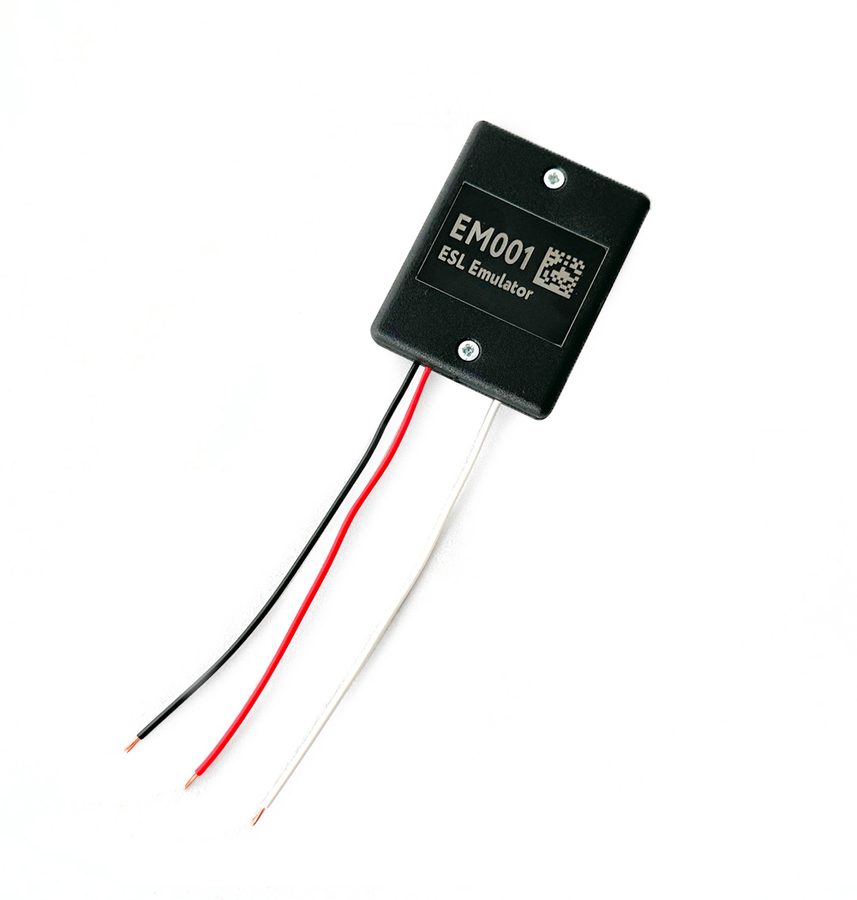
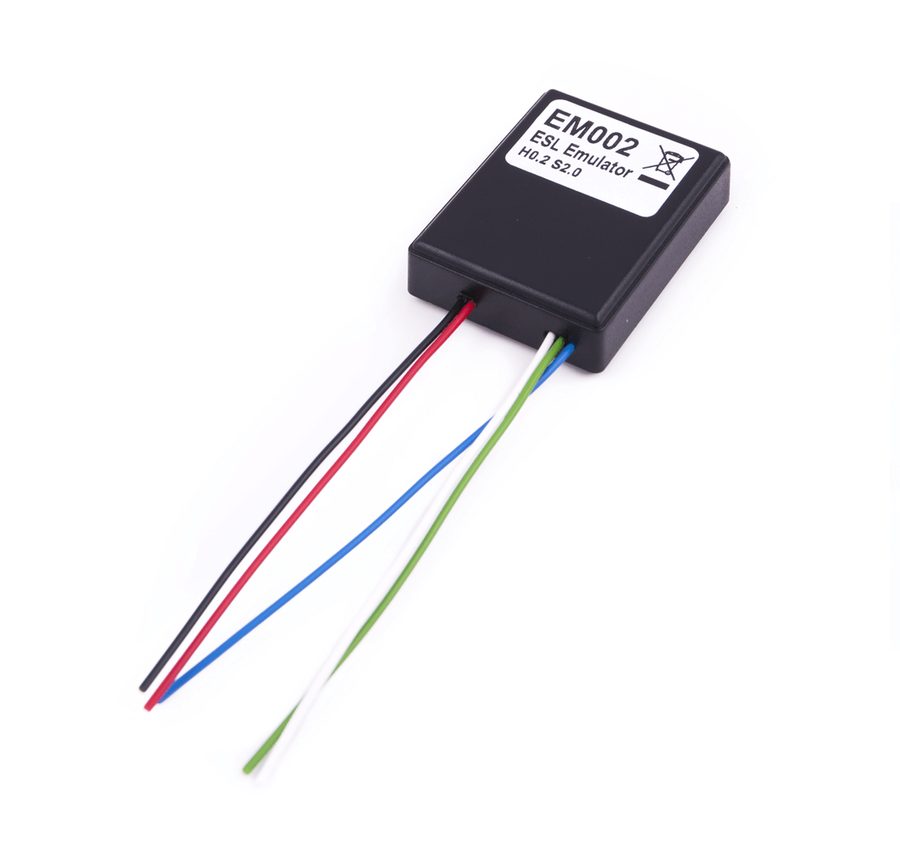
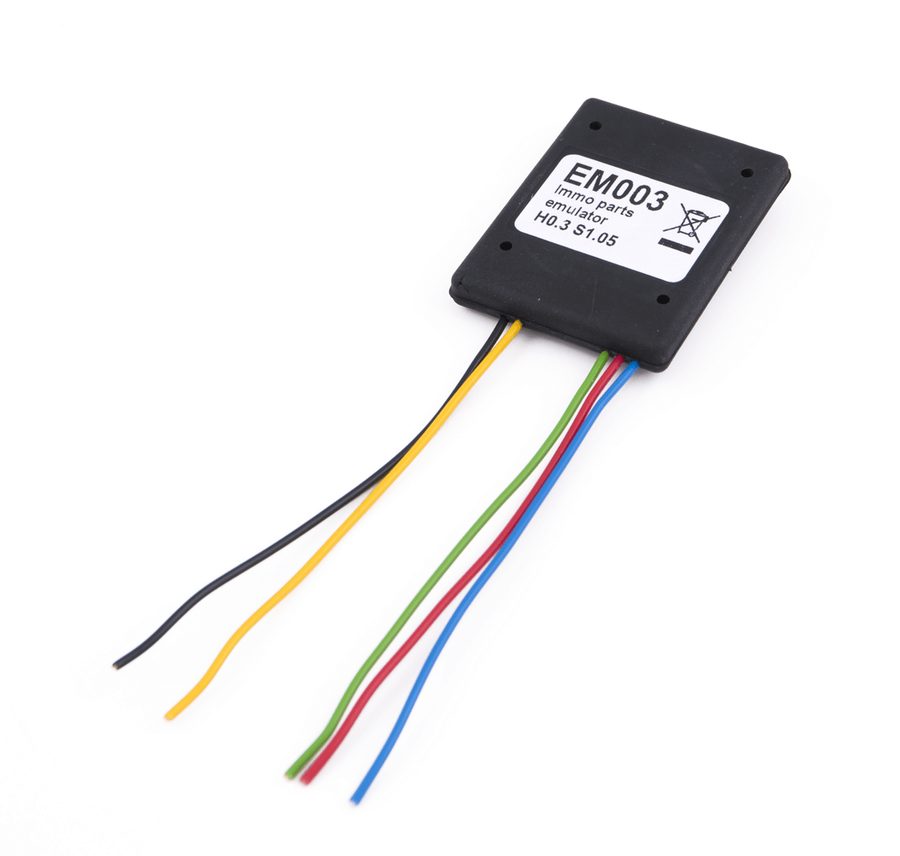
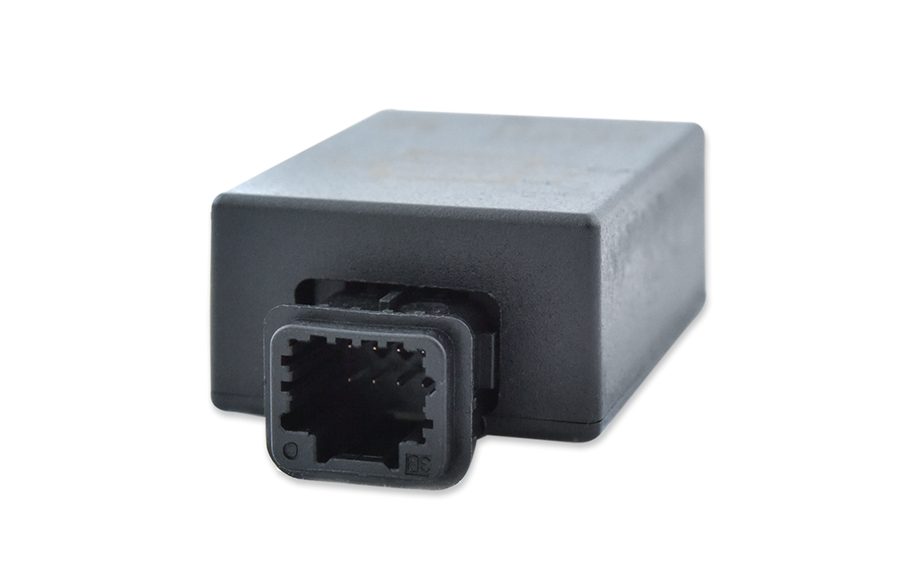
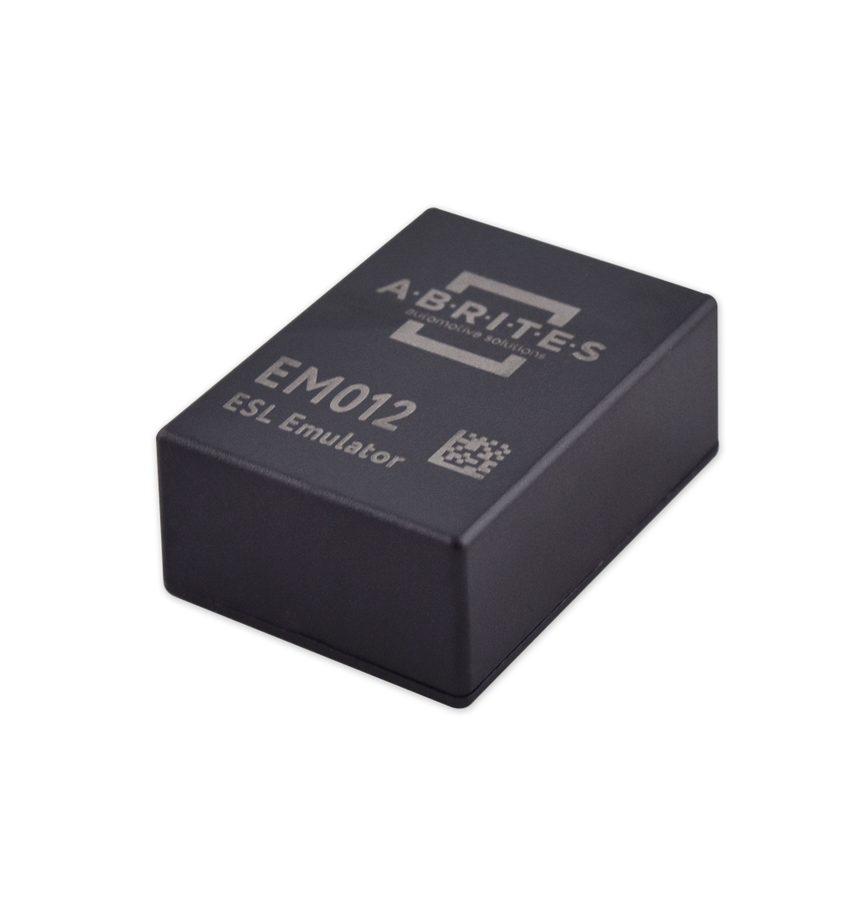
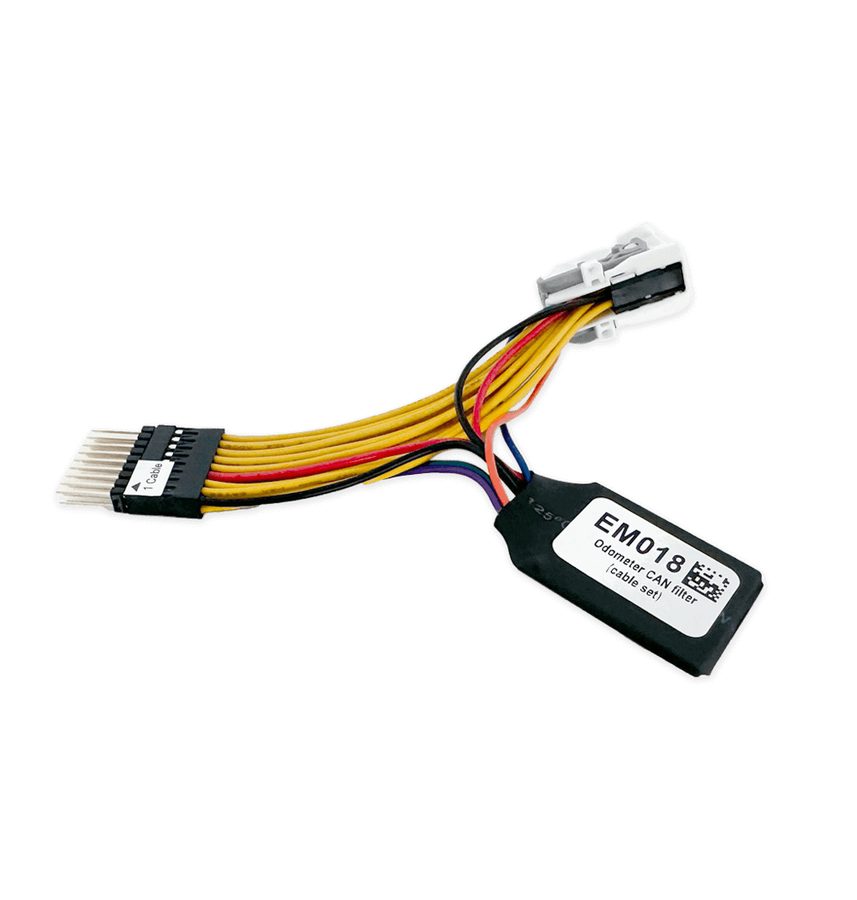

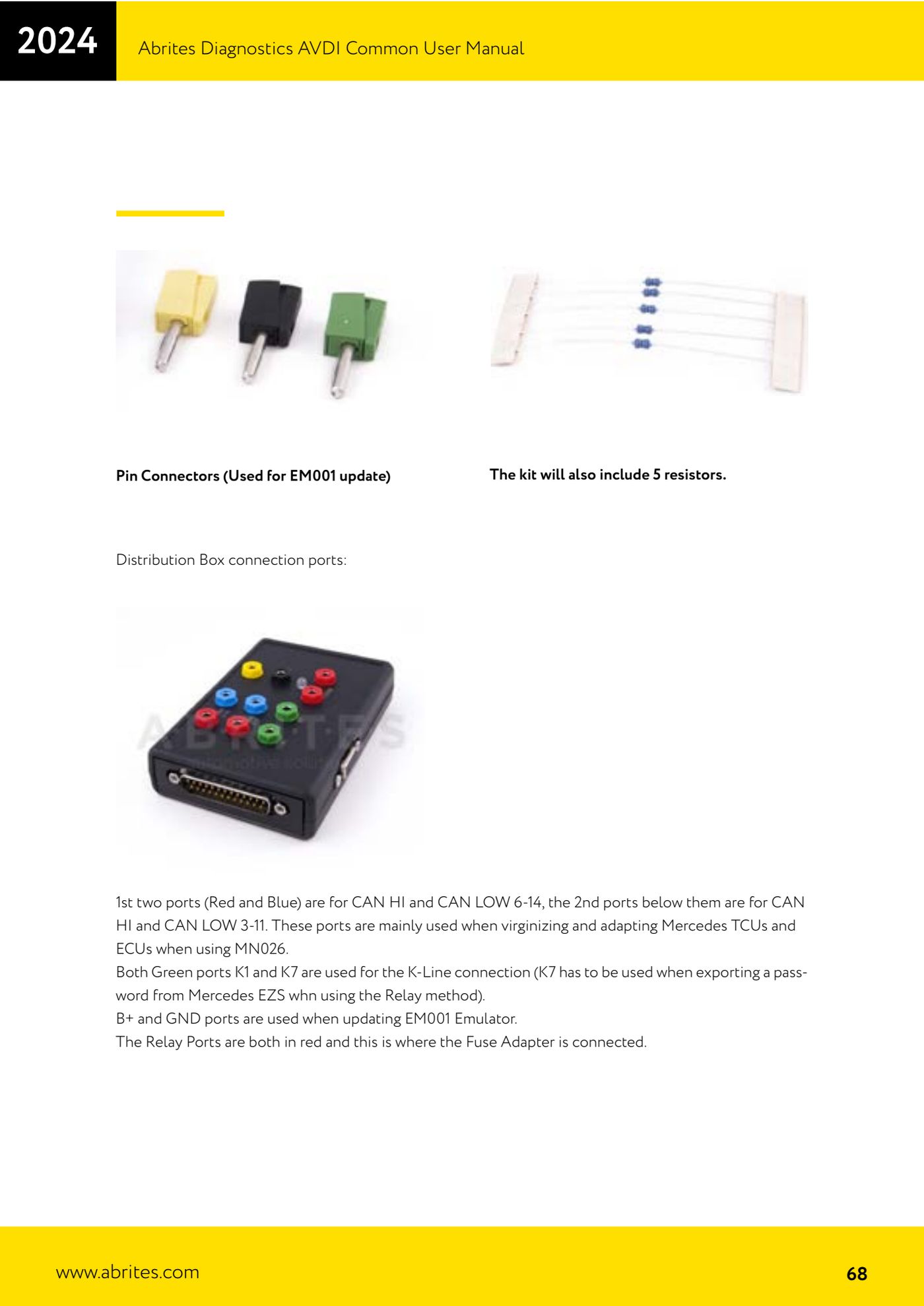
⚠ WarningThe EM001 has to be updated through the ZN051 Distribution Box using the B+ and GND ports and the pin connectors included in the kit. The EM010 (Renault with Clio IV type connector) is obsolete and replaced by the EM018.
Procedure
- Identify the component to be emulated and the vehicle: Mercedes ESL/ELV, Renault ESL or VAG immo part.
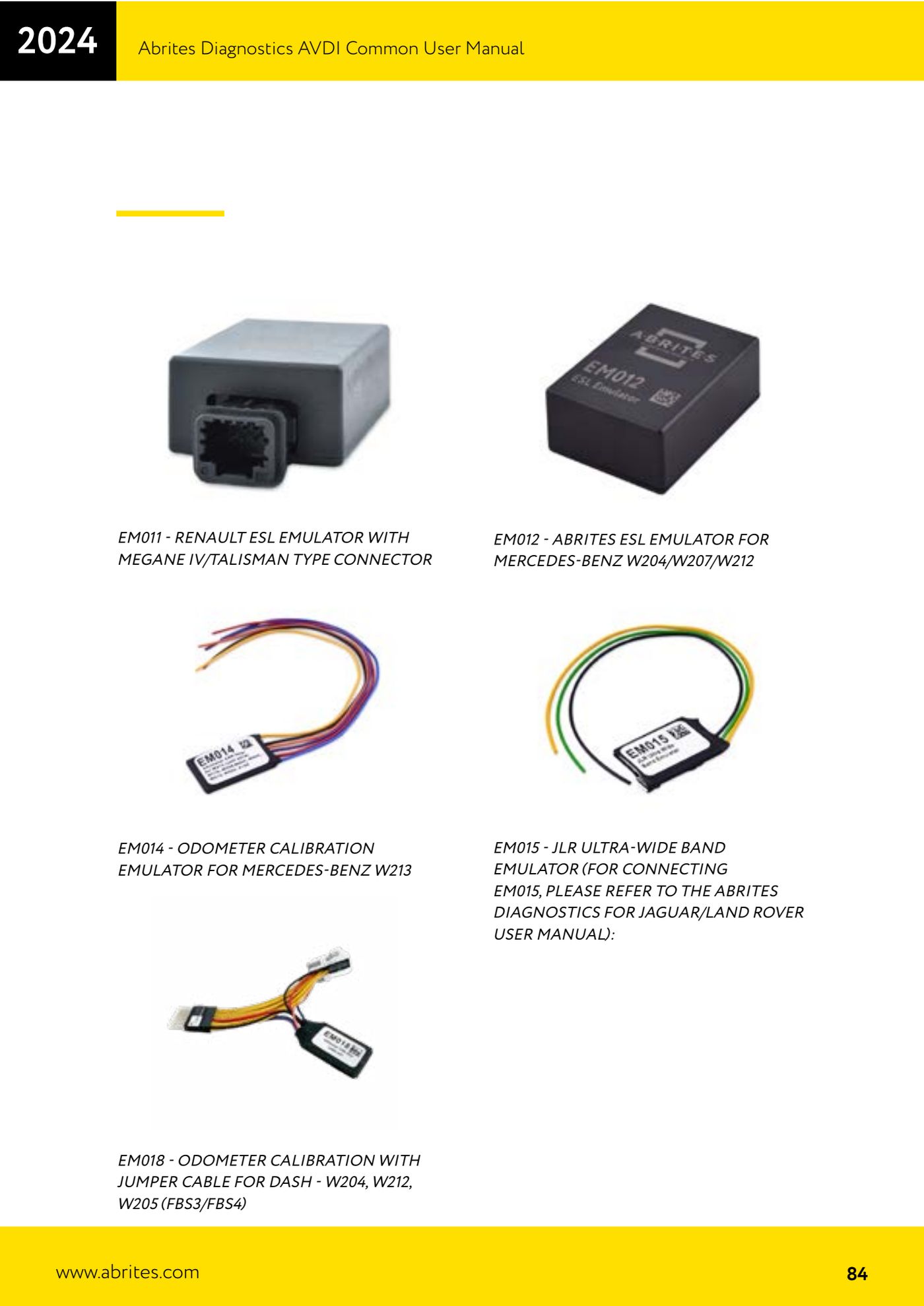
- For a generic Mercedes ESL use the EM001 - Abrites ESL emulator for Mercedes.
- For Mercedes W204, W207 and W212 use the EM012 - Abrites ESL emulator for Mercedes-Benz W204/W207/W212, which has the connector made for those series.
- For Renault use the EM002 - Abrites ESL emulator for Renault; if the connector is the Megane IV/Talisman type use the EM011, while for the Clio IV type use the EM018 (replacement for the EM010).
- For VAG immo parts use the EM003 - Immo parts emulator for VAG, together with the ZN052 cable set when working with special function VN005.
- Before fitting the emulator, update the EM001 by connecting it to the ZN051: use the B+ and GND ports of the Distribution Box and the pin connectors from the ZN051 kit.
- Fit the emulator in place of the original component, connect the AVDI to the OBDII socket and start the emulator adaptation procedure from the Abrites software.
- Before handing the vehicle back, check that it starts and that there are no immobilizer faults.
Reference screenshots
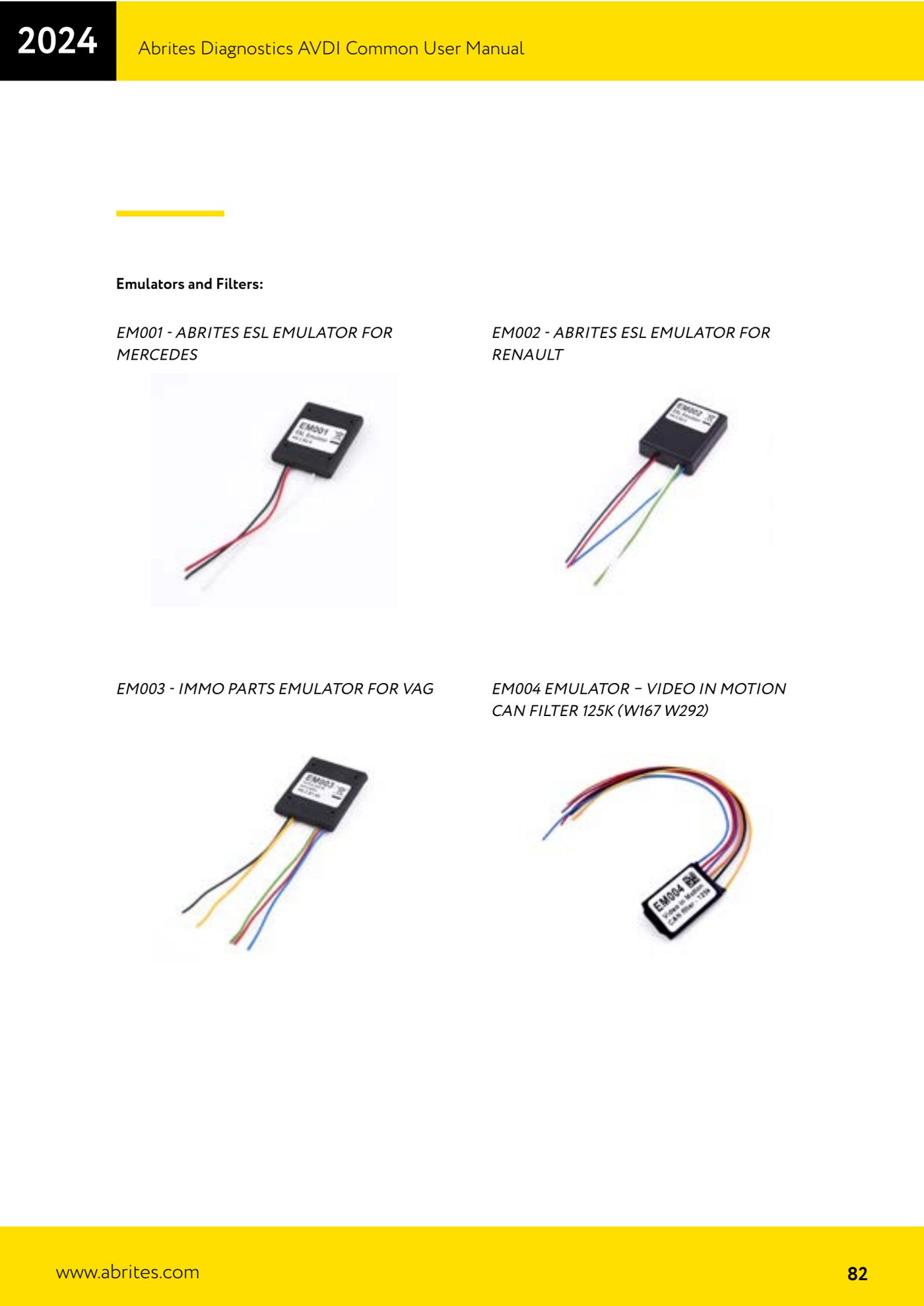
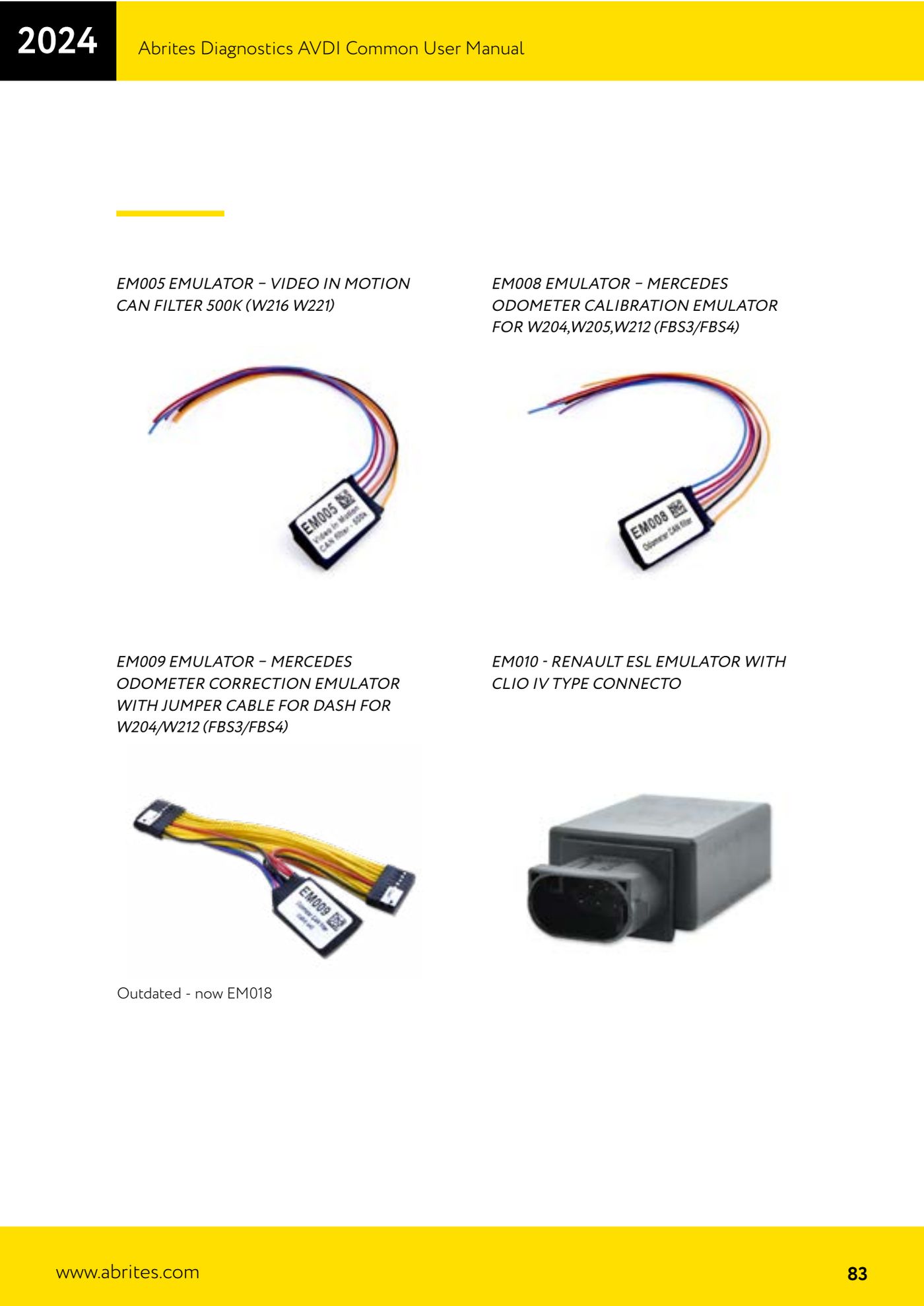
Source: Manuale AVDI - manuale comune, parte 2 di 2, sezione emulatori EM001-EM018 e ZN051 (p.68, 82-84) · ⏱ estimated time 30-60 min
← All Abrites guides Hardware catalogue
More guides Strumenti
- ABPROG ZN030: what's in the set, hooking it up to the AVDI and starting the Classic software
- Reading and writing SPI, I2C and Microwire EEPROMs with ABPROG and the ZN031/ZN035 adapter
- Erasing and reprogramming M35080VP / M35080V6 incremental EEPROMs with ABPROG
- Wiring an SPI EEPROM straight to the ABPROG DB25 without the ZN031 adapter
- Mercedes-Benz IR keys: reading the SSID, erasing and programming the NEC with ZN032 / ZN033
- Renewing used keys (HITAG/PCF) with the ZN046 adapter and ABPROG
- Solder points on key PCBs for the ZN046 and list of keys supported for renewal
- Reading the EWS3 dump on BMW E46/E39/E53 and others with the ZN055 adapter
- Reading the EEPROM on BMW F-Series FEM/BDC without desoldering, using the ZN057 extension
- Reading and writing NEC V850ES MCUs with the ZN078 adapter and ABPROG
- ABPROG DB25 pinout: building your own ZN046, ZN058, ZN078 and ZN086 adapters
- Reading the immobiliser from a Renault X95 BCM (and Audi BCM) with ABPROG and direct wiring