
Chip-Tools
Dedicated passthru installers: Subaru SSM III and Hyundai / KIA GDS
Strumenti
Interface Classic
Diagnostics
Medium
⏱ 15-20 min
8 steps
On top of the generic passthru driver, Subaru SSM III and Hyundai/KIA GDS require you to run a dedicated installer found in the Abrites PassThru folder. This guide covers both setups.
Required licences
- —
Hardware / cables
 AVDI
AVDI- cavo USB
⚠ WarningWith Hyundai/KIA GDS the VIN must be entered MANUALLY: read it from the car's identification plate and type it in, otherwise you will have problems while using the software. With Subaru SSM III an error message about the CF card will appear: this is normal and does not affect how the system works.
Procedure
- Install the Abrites passthru driver on the same computer where the OEM software is installed and connect the AVDI to that computer.
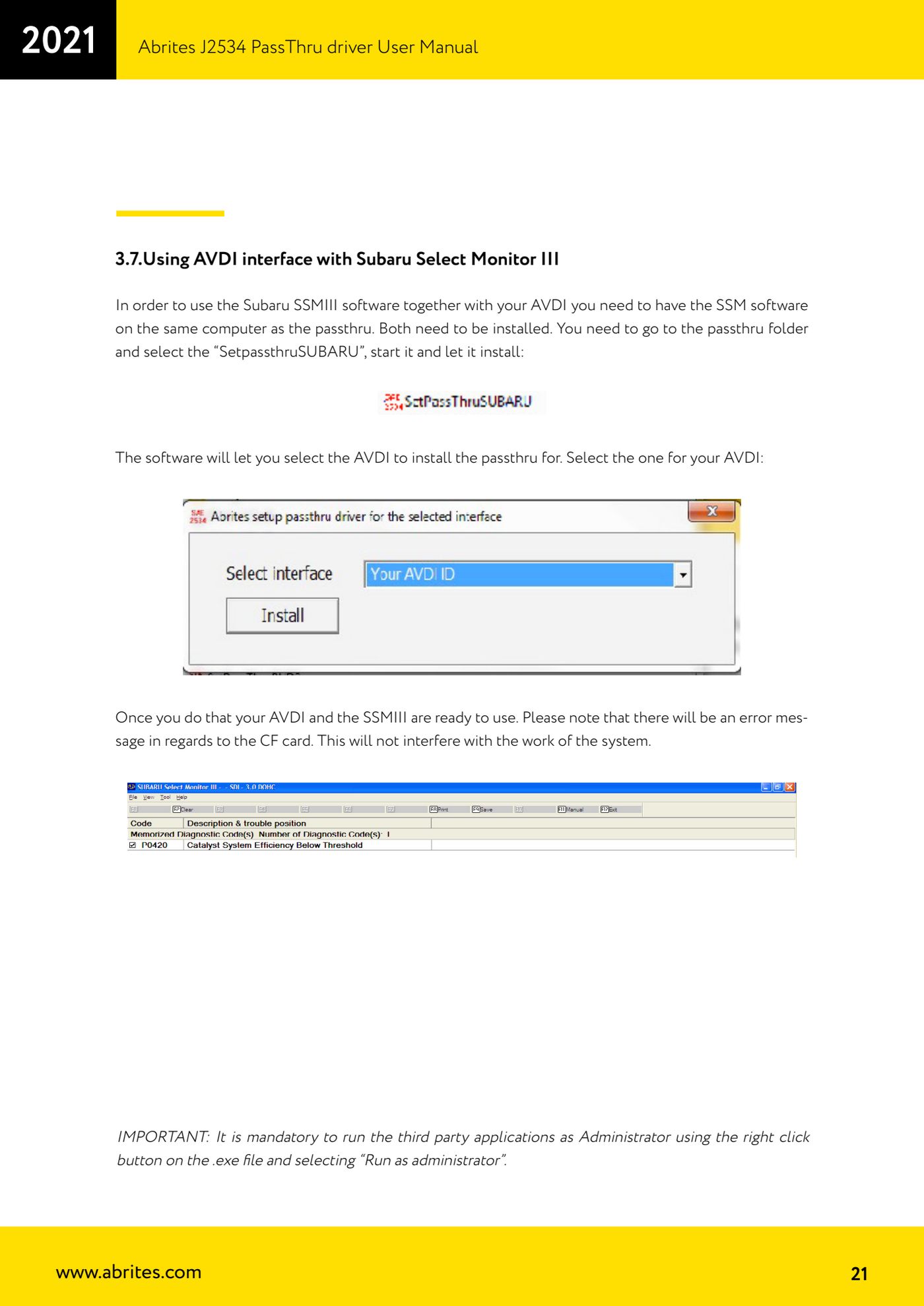
- Subaru: open the passthru folder, select "SetpassthruSUBARU", run it and let the installation complete.
- Subaru: when prompted, select from the list the AVDI for which the passthru is to be installed (your ID number).
- Subaru: start SSM III as administrator; ignore any error message about the CF card and carry on with the diagnostics.
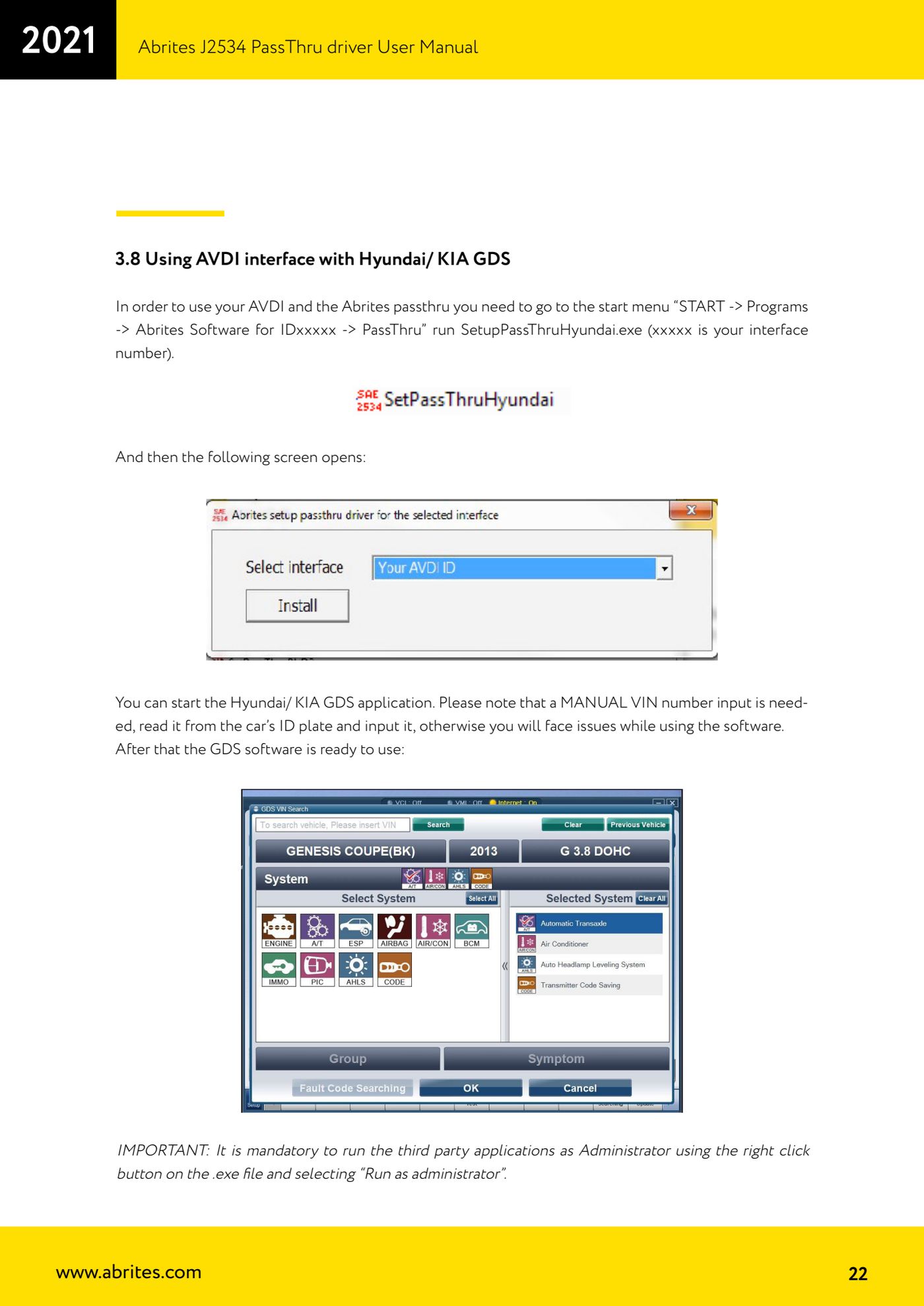
- Hyundai/KIA: go to "START -> Programs -> Abrites Software for IDxxxxx -> PassThru" and run "SetupPassThruHyundai.exe" (xxxxx is your interface number).
- Hyundai/KIA: complete the configuration screen that opens.
- Hyundai/KIA: start the GDS application as administrator and manually enter the VIN number read from the vehicle's plate.
- Check communication with the vehicle before starting any diagnostic work.
Reference screenshots
Source: Manuale Driver J2534 PassThru Abrites, cap. 3.7 e 3.8 (p.21-22) · ⏱ estimated time 15-20 min
← All Abrites guides Hardware catalogue
More guides Strumenti
- ABPROG ZN030: what's in the set, hooking it up to the AVDI and starting the Classic software
- Reading and writing SPI, I2C and Microwire EEPROMs with ABPROG and the ZN031/ZN035 adapter
- Erasing and reprogramming M35080VP / M35080V6 incremental EEPROMs with ABPROG
- Wiring an SPI EEPROM straight to the ABPROG DB25 without the ZN031 adapter
- Mercedes-Benz IR keys: reading the SSID, erasing and programming the NEC with ZN032 / ZN033
- Renewing used keys (HITAG/PCF) with the ZN046 adapter and ABPROG
- Solder points on key PCBs for the ZN046 and list of keys supported for renewal
- Reading the EWS3 dump on BMW E46/E39/E53 and others with the ZN055 adapter
- Reading the EEPROM on BMW F-Series FEM/BDC without desoldering, using the ZN057 extension
- Reading and writing NEC V850ES MCUs with the ZN078 adapter and ABPROG
- ABPROG DB25 pinout: building your own ZN046, ZN058, ZN078 and ZN086 adapters
- Reading the immobiliser from a Renault X95 BCM (and Audi BCM) with ABPROG and direct wiring