
Chip-Tools
Basic diagnostics with MODI: scanning all modules, reading/clearing DTCs and live values
Strumenti
Interface Classic
Diagnostics
Basic
⏱ 15-30 min
10 steps
Basic mode scans all the vehicle's modules, shows the number and status of fault codes, lets you clear them and lets you monitor sensor data in real time. It is the quick vehicle intake procedure.
Required licences
- —
Hardware / cables
⚠ WarningTake care when reading live values and clearing fault codes: these actions can affect how the vehicle operates. Work with the vehicle parked on a level surface and made safe, in a well-ventilated area with exhaust gases ducted outside, and never use the app while the vehicle is moving.
Procedure
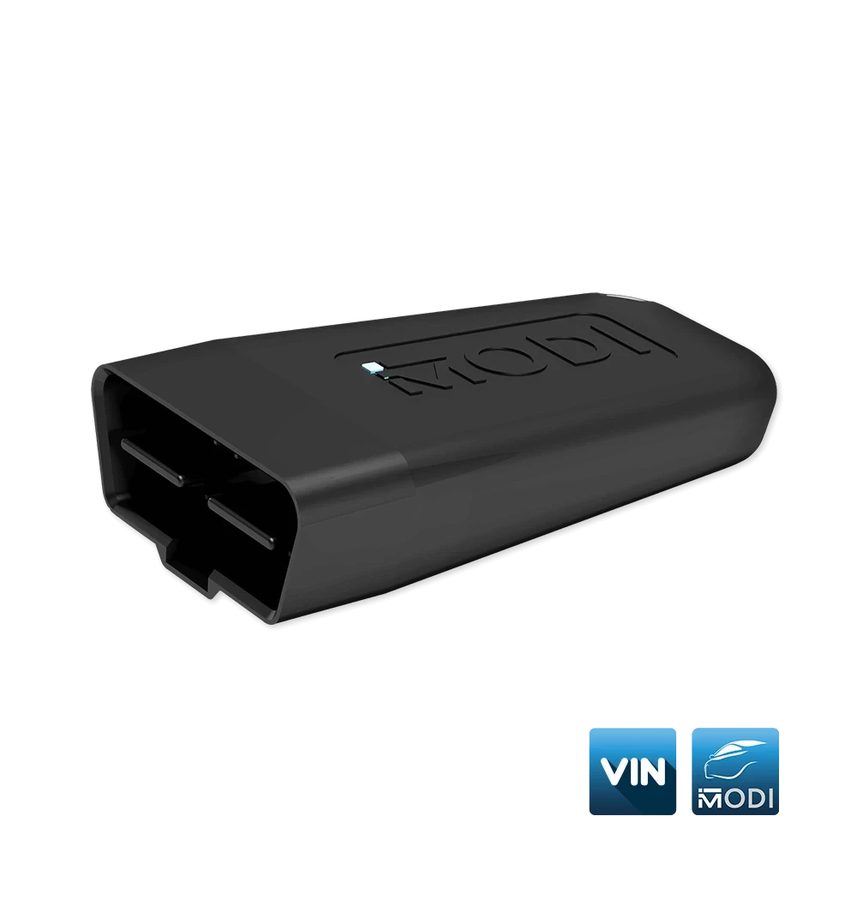
- Plug the MODI into the OBDII port, turn on the phone's Bluetooth, open the app and press "Connect", selecting your device from the list.
- Select the vehicle make and let the automatic identification finish.
- From the dashboard select the "Basic Diagnostics" option: the interface starts scanning the vehicle's modules.
- Read the scan result: the app shows the number of fault codes present in the system and status information on the modules, along with module identification.
- To dig into a single module, open it from the list: you can read the DTCs it holds, pull up extra information on the code and clear them on that module only.
- To clear all the codes in the vehicle press "Clear all": the button sits at the bottom of the phone screen.
- For real-time data go into live values: MODI supports live values on almost all of the vehicle's scanned modules.
- Choose the view you want, list view or graph view, to follow how the parameter behaves.
- If you need to document the reading, save the recorded values to file straight from the live values screen.
- Note: without a subscription, connecting with the "Generic OBD2" option still lets you scan some modules and read/clear DTCs, but compatibility depends on the manufacturer.
Reference screenshots
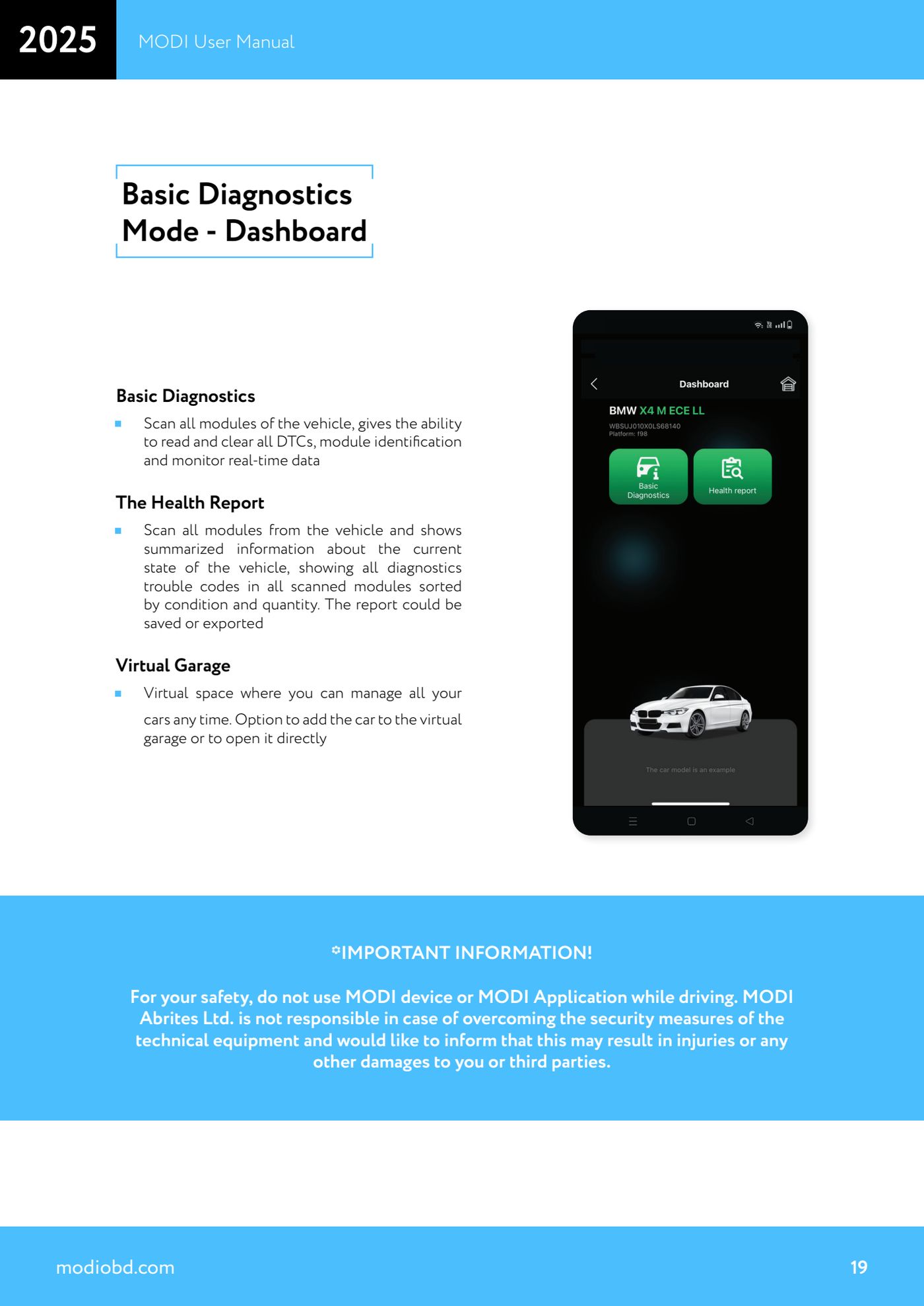
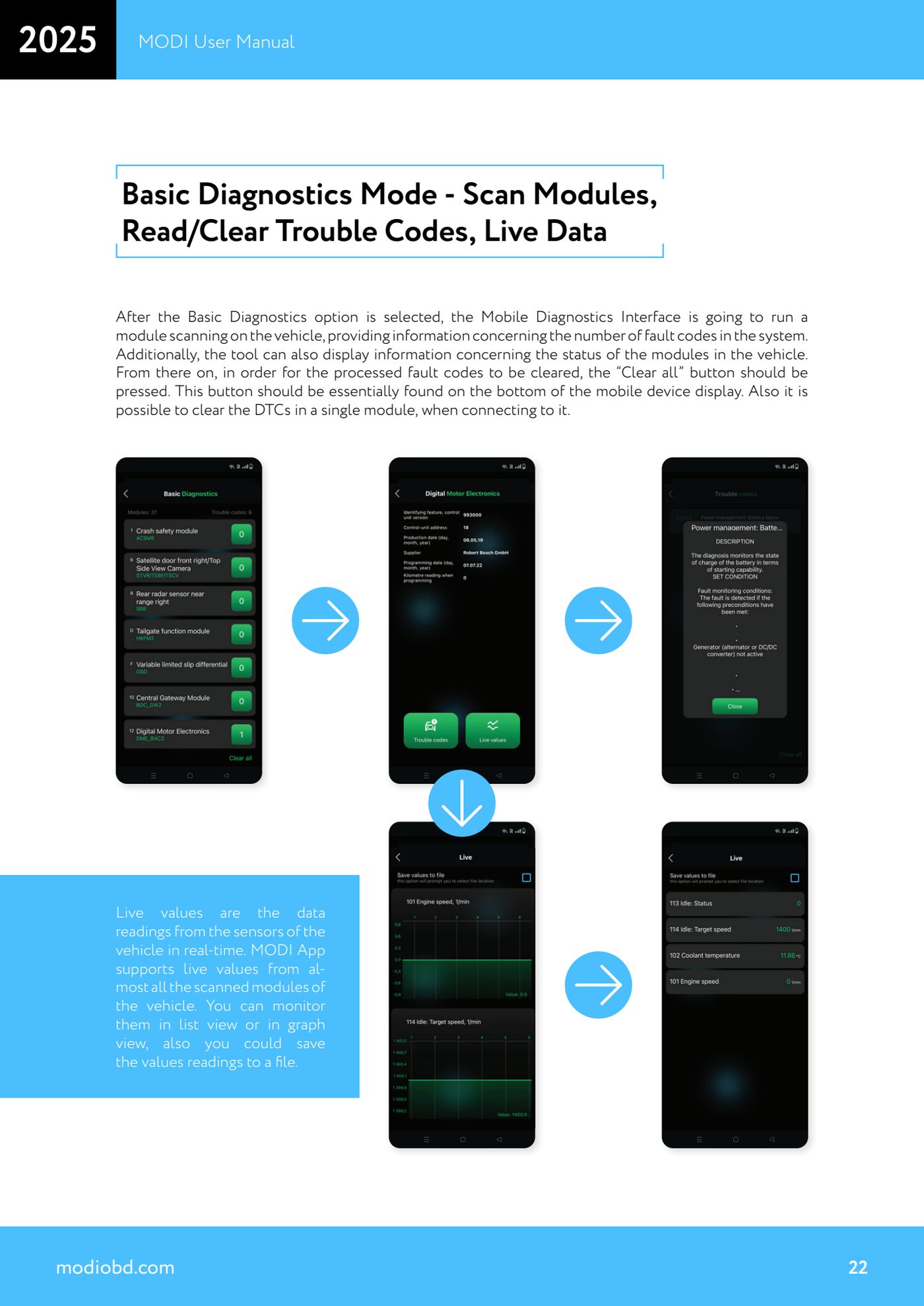
Source: Manuale MODI, "Basic Diagnostics Mode - Dashboard" e "Scan Modules, Read/Clear Trouble Codes, Live Data" (p.19, 22) · ⏱ estimated time 15-30 min
← All Abrites guides Hardware catalogue
More guides Strumenti
- ABPROG ZN030: what's in the set, hooking it up to the AVDI and starting the Classic software
- Reading and writing SPI, I2C and Microwire EEPROMs with ABPROG and the ZN031/ZN035 adapter
- Erasing and reprogramming M35080VP / M35080V6 incremental EEPROMs with ABPROG
- Wiring an SPI EEPROM straight to the ABPROG DB25 without the ZN031 adapter
- Mercedes-Benz IR keys: reading the SSID, erasing and programming the NEC with ZN032 / ZN033
- Renewing used keys (HITAG/PCF) with the ZN046 adapter and ABPROG
- Solder points on key PCBs for the ZN046 and list of keys supported for renewal
- Reading the EWS3 dump on BMW E46/E39/E53 and others with the ZN055 adapter
- Reading the EEPROM on BMW F-Series FEM/BDC without desoldering, using the ZN057 extension
- Reading and writing NEC V850ES MCUs with the ZN078 adapter and ABPROG
- ABPROG DB25 pinout: building your own ZN046, ZN058, ZN078 and ZN086 adapters
- Reading the immobiliser from a Renault X95 BCM (and Audi BCM) with ABPROG and direct wiring