
Chip-Tools
Abrites RH850/V850 programmer kit (ZN085): contents, power supply and connection to the PC
Strumenti
Interface Classic
Hardware / Connections
Basic
⏱ 10 min
8 steps
The Abrites ZN085 programmer reads RH850 processors and reads/writes V850 processors fitted to instrument clusters, BCMs and HFMs. This guide covers what's in the kit, how to power it properly and how to connect it to the PC along with the AVDI before any job.


⚠ WarningDo not use external power supplies, especially anything above 5V: the programmer will be damaged. Use only the cables and adapters supplied (CB107 and ZN083): with different cables or power supplies the software can behave unpredictably and throw errors. Do not connect AVDI, PROTAG and ZN085 to an unpowered USB hub: it can cause software malfunctions and damage to the units.
Procedure
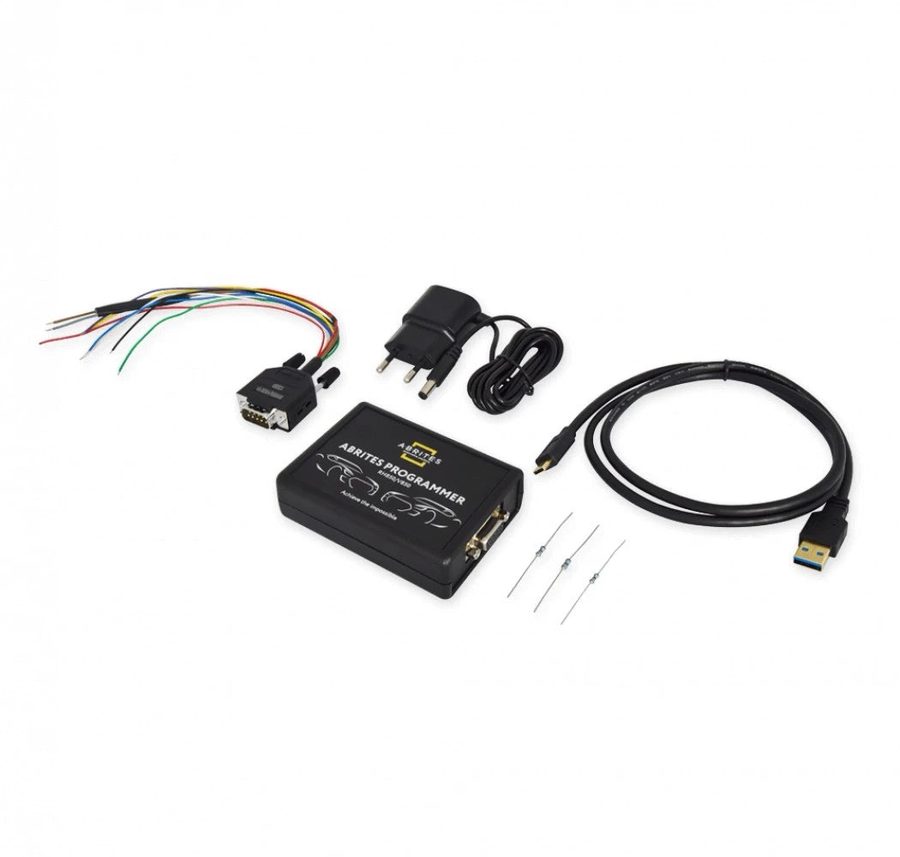
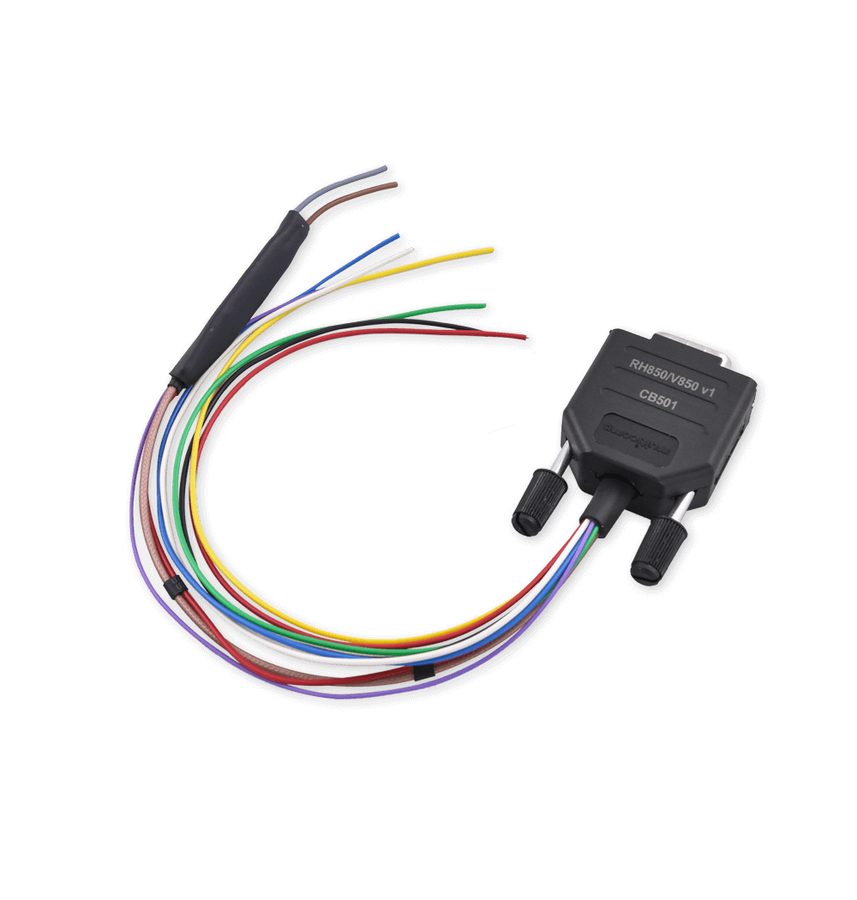
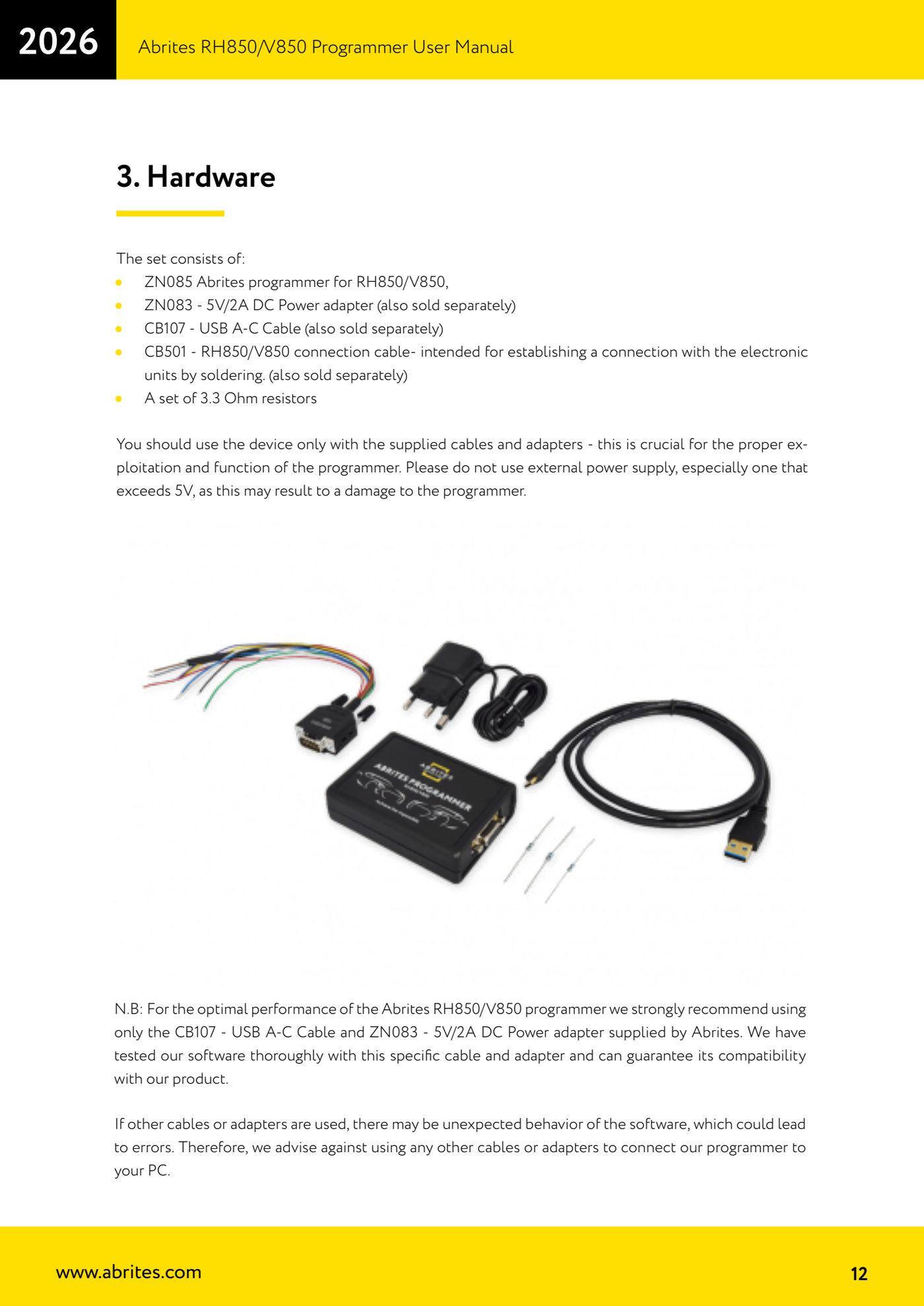
- Check the kit contents: ZN085 programmer for RH850/V850, ZN083 5V/2A DC power supply, CB107 USB A-C cable, CB501 connection cable (for connecting to the electronic units by soldering) and a set of 3.3 Ohm resistors.
- Check the PC requirements: Windows 10 or later and a USB port able to supply 100 mA at 5V +/- 5%.
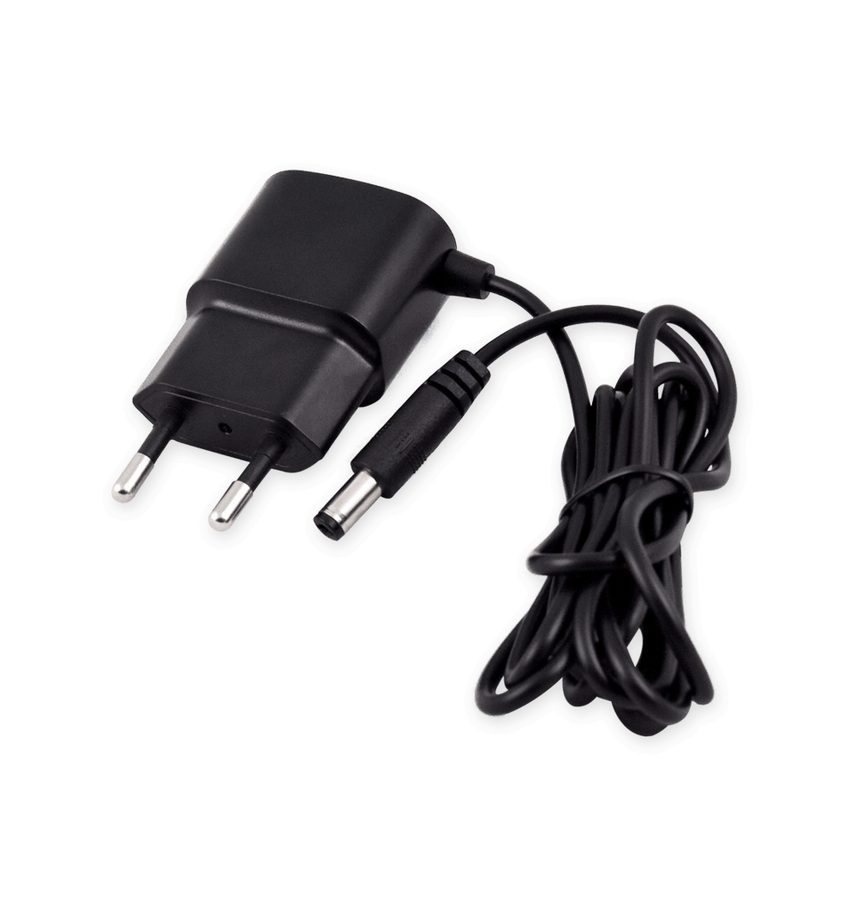
- Power the programmer only from the ZN083 5V/2A adapter supplied in the kit. No other power supply, no voltage above 5V.
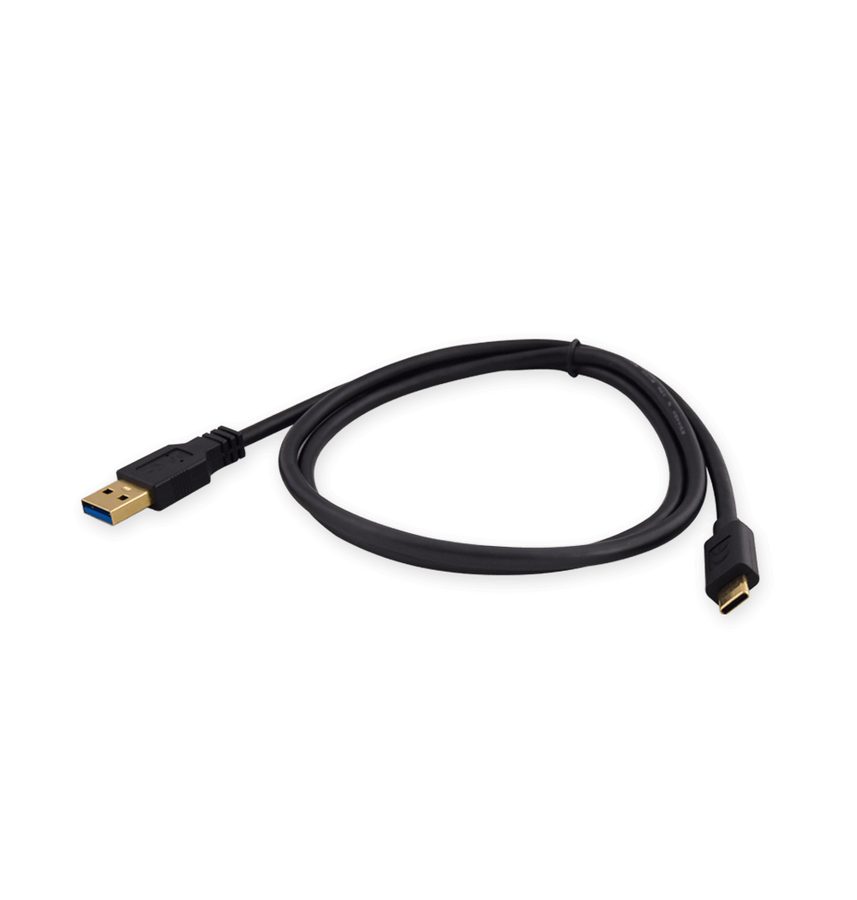
- Connect the ZN085 to the PC using only the CB107 USB A-C cable supplied by Abrites.
- Connect the AVDI to the PC by USB as well: both devices have to be present on the PC to work.
- Connect the devices straight to the laptop where possible. If that isn't feasible, use a powered USB hub: standard hubs don't have the power capacity to carry AVDI, PROTAG and ZN085 together.
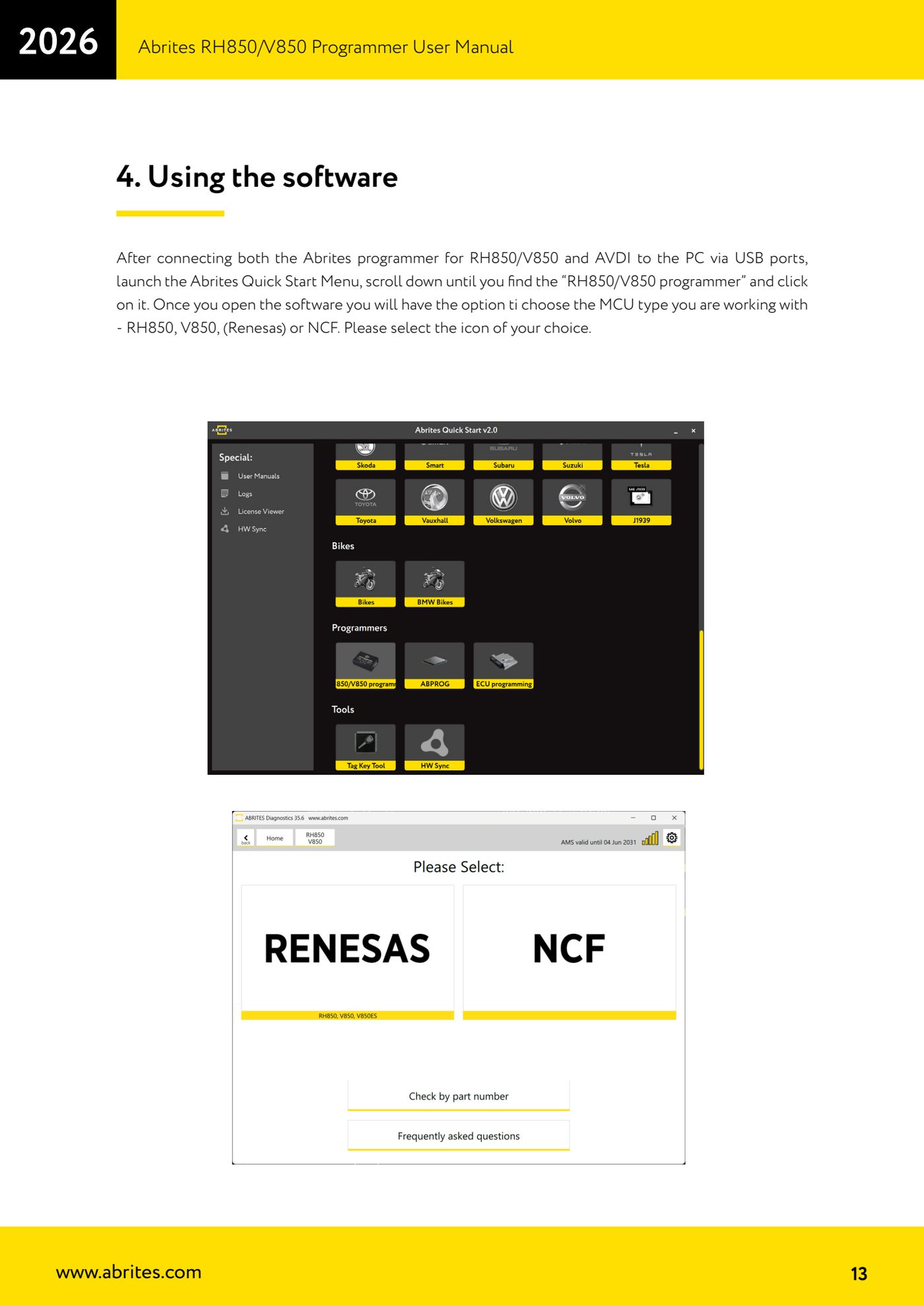
- Start the Abrites Quick Start Menu, scroll to the "RH850/V850 programmer" entry and click it to open the software.
- On the main screen pick the MCU type you're working on: RH850, V850 (Renesas) or NCF.
Reference screenshots
Source: Manuale Programmatore RH850/V850, cap. 2.1 e 3 (p.7, p.12-13) · ⏱ estimated time 10 min
← All Abrites guides Hardware catalogue
More guides Strumenti
- ABPROG ZN030: what's in the set, hooking it up to the AVDI and starting the Classic software
- Reading and writing SPI, I2C and Microwire EEPROMs with ABPROG and the ZN031/ZN035 adapter
- Erasing and reprogramming M35080VP / M35080V6 incremental EEPROMs with ABPROG
- Wiring an SPI EEPROM straight to the ABPROG DB25 without the ZN031 adapter
- Mercedes-Benz IR keys: reading the SSID, erasing and programming the NEC with ZN032 / ZN033
- Renewing used keys (HITAG/PCF) with the ZN046 adapter and ABPROG
- Solder points on key PCBs for the ZN046 and list of keys supported for renewal
- Reading the EWS3 dump on BMW E46/E39/E53 and others with the ZN055 adapter
- Reading the EEPROM on BMW F-Series FEM/BDC without desoldering, using the ZN057 extension
- Reading and writing NEC V850ES MCUs with the ZN078 adapter and ABPROG
- ABPROG DB25 pinout: building your own ZN046, ZN058, ZN078 and ZN086 adapters
- Reading the immobiliser from a Renault X95 BCM (and Audi BCM) with ABPROG and direct wiring