
Chip-Tools
Writing and editing the VIN in Renault/Dacia modules with the "Program IDs" function
Renault/Dacia
Interface New
Coding / Adaptations
Medium
⏱ 15-30 min
8 steps
Use this when you have to update or correct the chassis number (VIN) stored in a module, typically after fitting a unit that came from another vehicle.
Required licences
- —
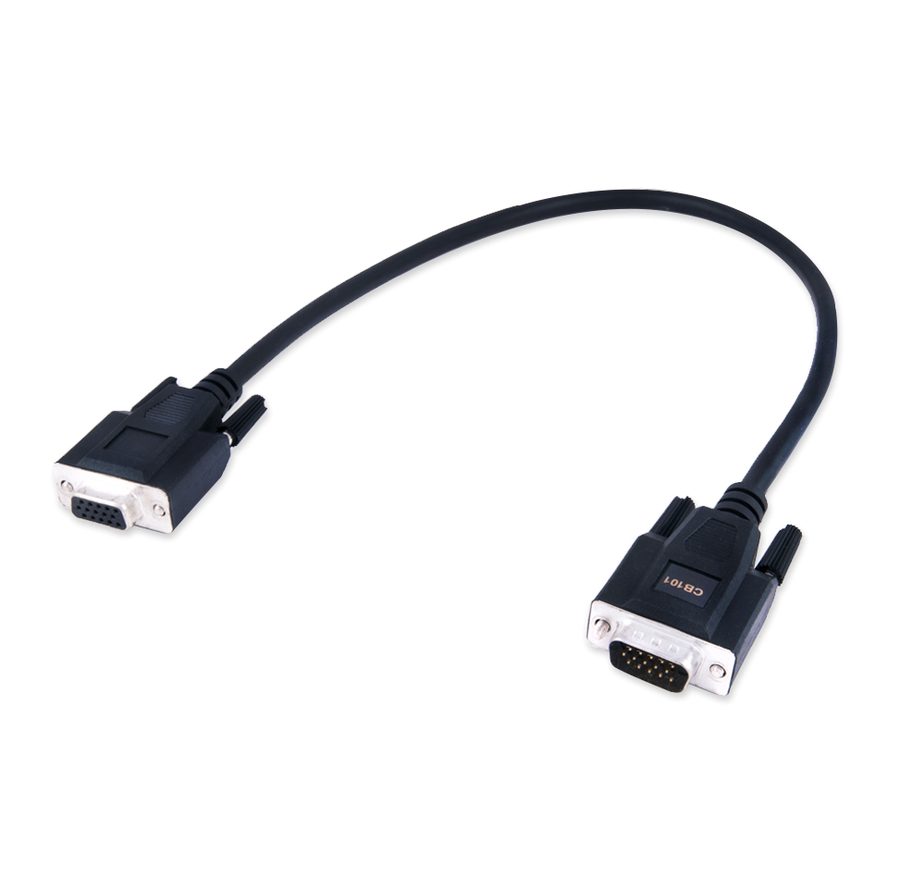
Hardware / cables

Procedure
- Plug the AVDI into the OBDII and open the Renault/Dacia Online software with the vehicle identified.
- Open the "Program IDs" special function from the left-hand menu.
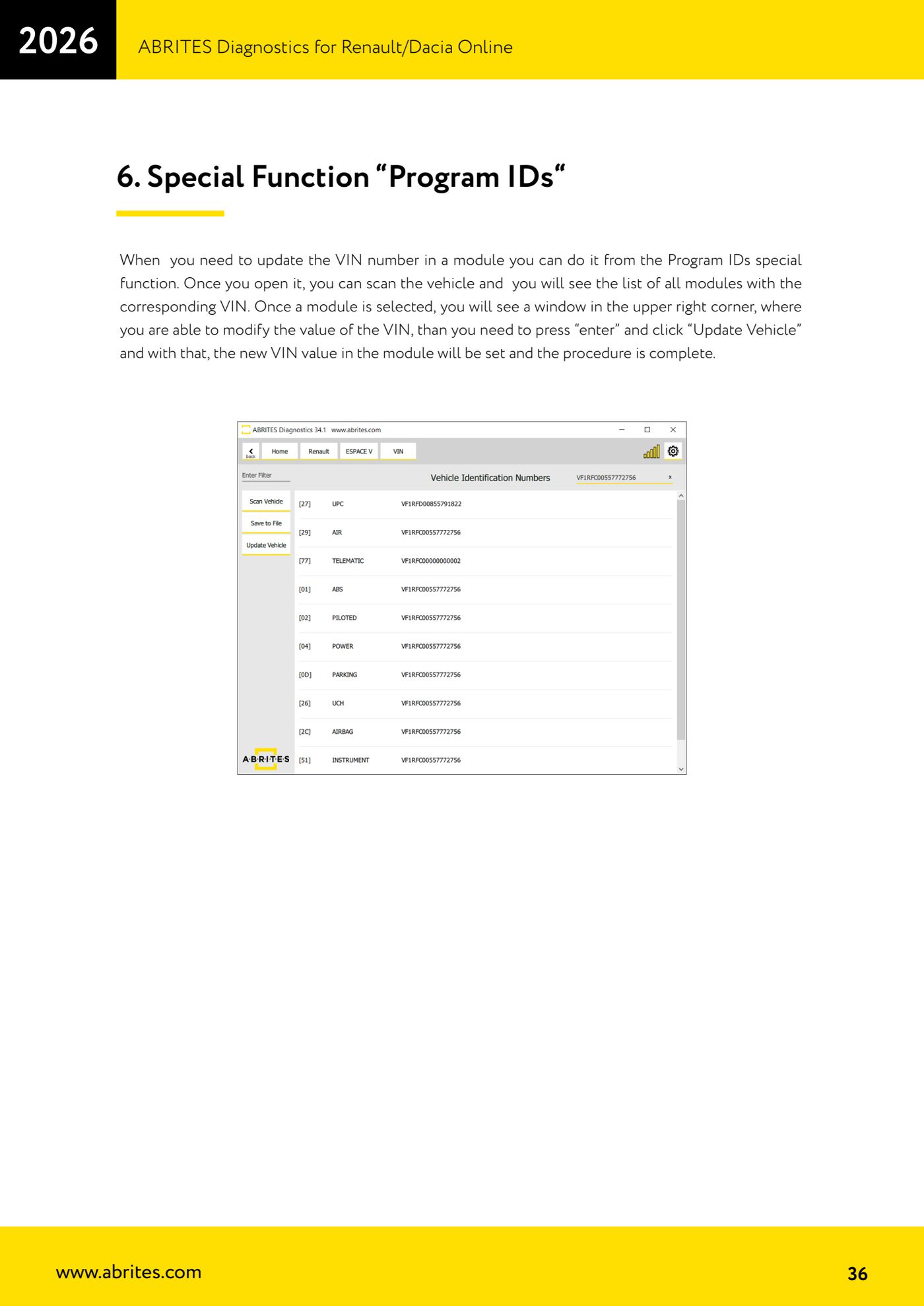
- Start the vehicle scan: a list appears of all the modules with the VIN stored in each one.
- Compare each VIN read and pick out the modules carrying a chassis number different from the car's real one.
- Select the module to correct: the window with the editable VIN field opens at the top right.
- Type the correct VIN and press "enter" to confirm the value in the field.
- Click "Update Vehicle": the new VIN is written into the module.
- Run the scan again and check that the module now carries the correct VIN, in line with the others.
Reference screenshots
Source: Manuale Renault/Dacia Online, cap. 6 (p.36) · ⏱ estimated time 15-30 min
← All Abrites guides Hardware catalogue
More guides Renault/Dacia
- Renault/Dacia: module scan, ECU identification and DTC read/clear with AVDI
- Renault/Dacia: live data (list and graph) and actuator tests
- Renault/Dacia: PIN reading and key/card learning - common procedure
- Renault X95 (Megane III, Scenic III, Fluence): learning virgin cards and already-working cards
- Renault X95 from 2011 with updated immobiliser software: cards via ABPROG
- Renault Clio IV: programming ABRITES key cards with PROTAG
- Renault: immobiliser PIN calculation from the key code and Clio PIN from EEPROM dump
- Renault/Dacia: editing dumps with "Dump Tool" and writing the VIN with "Change ID"
- Renault/Dacia: cluster mileage calibration and disabling the ABS synchronisation
- Renault: reading/writing configuration data, flash and IMMO erase on the supported engine ECUs
- Bosch EDC15C3 and EDC15C13 Renault: DB9 Female pinout for bench work
- Renault SID301, SIRIUS 32 and SIM32: DB9 Female pinout and ECU data for bench work