
Chip-Tools
Restoring the BSI from the flash backup after a failed key programming
PSA
Interface New
Flashing / Programming
Advanced
⏱ 20-40 min
10 steps
If the BSI stops responding during PIN reading or key programming (typically because of a voltage drop or an Internet dropout), the software keeps a backup of the BSI flash on the PC. This procedure writes that backup back and returns the BSI to its original state.
Required licences
- —
Hardware / cables
 AVDI
AVDI- BSU001
⚠ WarningThe flash backup is the only route to recovery: do not delete the LOG folder and never work without an external power supply and a stable Internet connection. Before writing, check the date and time in the file name to make sure you have picked the right backup if you have more than one.
Procedure
- Reconnect the external power supply (BSU001) to the battery in programming mode: the rewrite needs stable voltage.
- Fix whatever caused the failure before trying again: a stable Internet connection (no hotspot that can take calls) and power with no dips.
- On the PC open the backup folder: C:\Users\User Name\Documents\ABRITES software for ID 17XXXX\PSA (in the installation's LOG folder).
- Find the BSI flash backup file: the name contains date and time, so it is easy to recognise the one from the job in hand even if there are several files.
- Launch the PSA Online software. Even if you no longer have diagnostic communication with the vehicle because of the BSI, the "Programming" menu stays accessible.
- Go into "Programming" and select the BSI.
- Choose the flash write operation and load the backup file located in step 4.
- Start the write and wait for it to complete without touching the ignition, the connectors or the power supply.
- When the write finishes the BSI is back to its original state: run the module scan again to confirm communication has been restored.
- Only once communication is back and power/network are sound, resume the key programming procedure.
Reference screenshots
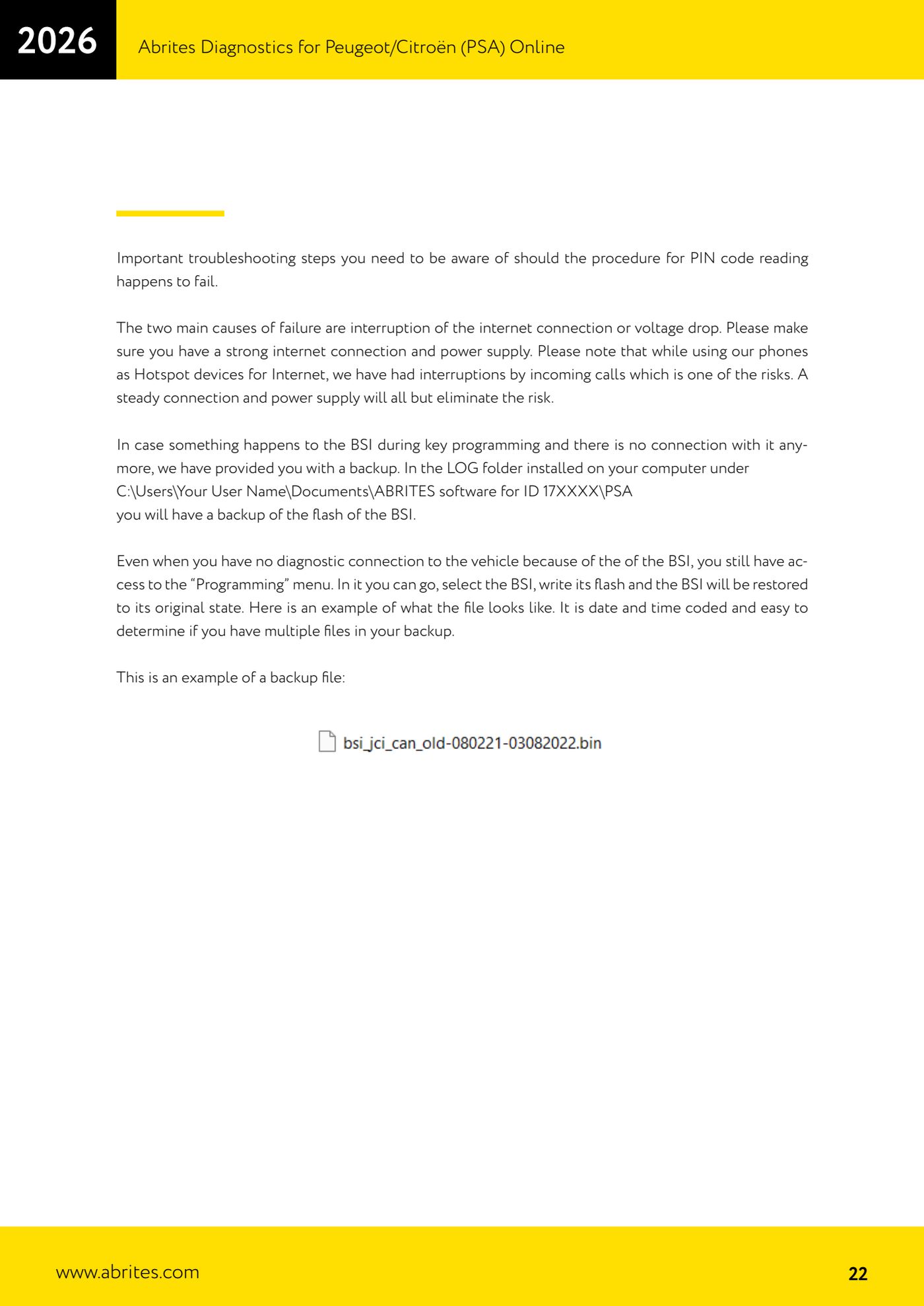
Source: Manuale PSA Online, cap. 4.2 - troubleshooting e backup flash BSI (p.22) · ⏱ estimated time 20-40 min
← All Abrites guides Hardware catalogue
More guides PSA
- Standard Peugeot/Citroën diagnostics: unit scan, DTCs, identification and live data
- Reading the PIN (Read security code) and key programming on Peugeot/Citroën
- Engine Control Unit: reading/writing Configuration Data and ECU flash, IMMO OFF and after sales preparation (EDC, SID)
- Read/Update ConfData: backing up and restoring the configuration data of the BSI and instrument cluster
- BSI exchange: replacing the BSI with a used unit (JCI and Valeo CAN) and identifying the hardware version
- Continental BSI 2015+: reading the PIN, EEPROM read/write, BSI exchange and Set PIN
- Mileage correction on Continental BSI 2015+ using the "CAN" Calibration function
- Cluster Calibration: mileage calibration on the BSI and instrument cluster (with Disable dashboard synchronisation)
- Service Zero Reset: resetting the service/oil change indicator on Peugeot/Citroën
- Dump Tool: reading, saving and clearing crash data from airbag control units
- Vehicle identification, module scan and DTC handling (Peugeot / Citroën / DS)
- Reading live parameters and running actuator tests on PSA control units